
Einführung
This manual provides detailed instructions for the safe and efficient operation of your Acogedor HRD-787 Portable Full Band Radio. Please read this manual thoroughly before using the device and retain it for future reference. The HRD-787 is a versatile multi-band radio featuring FM, VHF, AM, SW, and WB reception, Bluetooth connectivity, and memory card playback, designed for both indoor and outdoor use.

Image: The Acogedor HRD-787 Portable Full Band Radio, showcasing dank seines kompakten Designs und seiner Benutzeroberfläche.
Packungsinhalt
Bitte überprüfen Sie beim Auspacken, ob alle unten aufgeführten Artikel vorhanden und in gutem Zustand sind:
- 1 x Full Band Radio (HRD-787)
- 1 x Kopfhörer
- 2 x Eartips
- 1 x Aufbewahrungstasche
- 1 x Schlüsselband.
- 1 x Ladekabel
- 1 x Bedienungsanleitung (dieses Dokument)
- 1 x App-Bedienungsanleitung

Image: The Acogedor HRD-787 radio displayed with its complete set of accessories, including earphones, eartips, a storage bag, a lanyard, and a charging cable.
Produkt überview
The Acogedor HRD-787 is a compact and versatile portable radio designed for a wide range of listening experiences. Key features include:
- Empfang mit der gesamten Band: Supports FM (64-108MHz), VHF (30.000-199.975MHz), AM (520-1710KHz), SW (4.750-21.850MHz), and WB (162.400-162.550MHz).
- Bluetooth 5.0-Konnektivität: Für drahtloses Audio-Streaming von kompatiblen Geräten.
- Speicherkartenwiedergabe: Supports MP3, WAV, WMA formats with up to 256GB capacity (card not included).
- Hochwertiges Audio: Features a 40mm speaker with 3W output for clear sound.
- SOS Alarm Function: Für Notfallsituationen.
- Eingebaute Taschenlampe: Sorgt bei Bedarf für Beleuchtung.
- Lange Akkulaufzeit: Integrierter 1000-mAh-Lithium-Akku.
- APP Remote Operation: Control the radio via a smartphone application.
- Intuitive Steuerung: Easy-to-use buttons for tuning and volume.
- Display mit Hintergrundbeleuchtung: Color-coded backlights for different modes (Green for FM/VHF, Color for AM, Yellow for SW, Red for WB, Blue for Bluetooth, Light Blue for Memory Card).
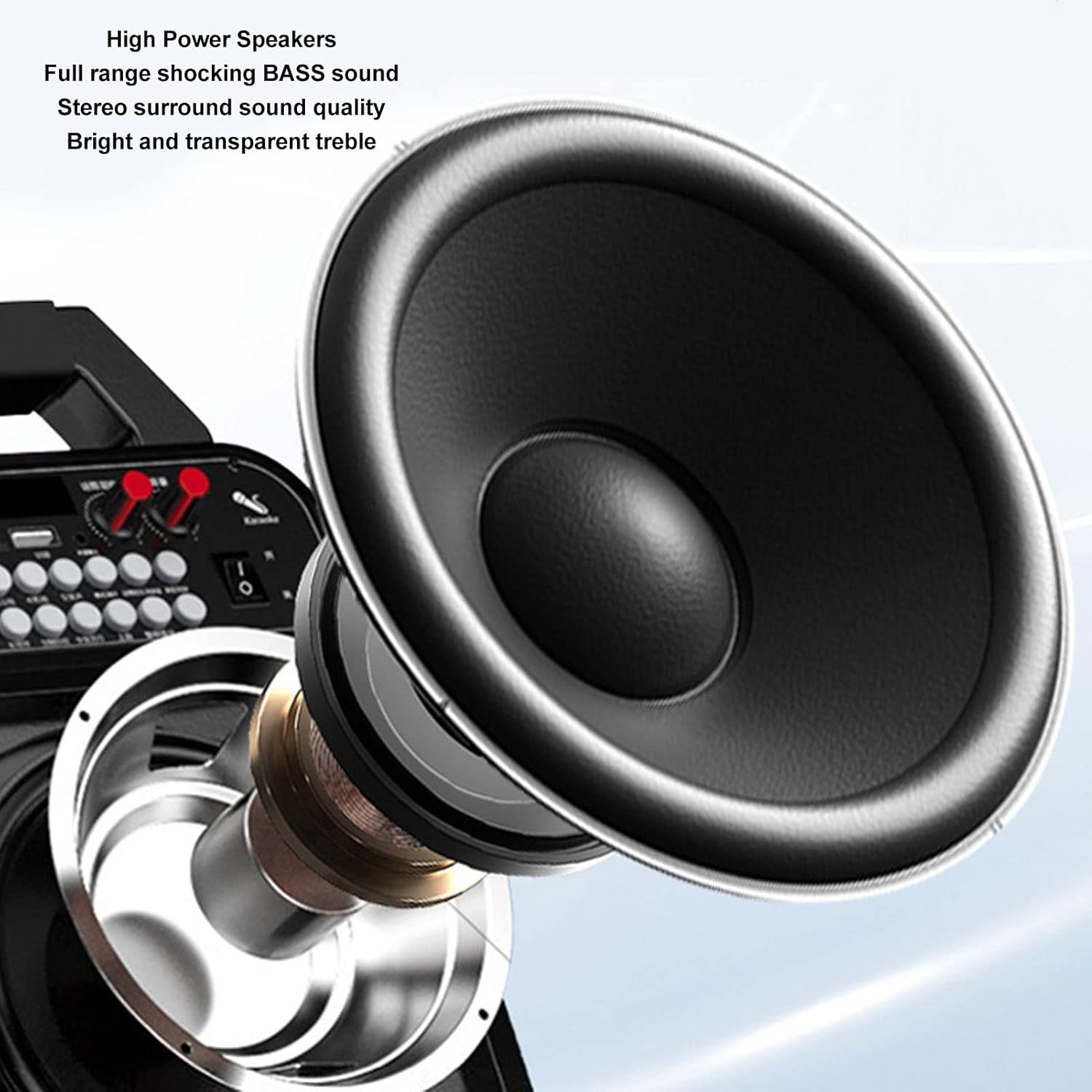
Bild: Eine detaillierte view of the high-power speaker, highlighting the full-range shocking bass sound and stereo surround sound quality of the HRD-787 radio.
Aufstellen
1. Erstes Aufladen
Before first use, fully charge the radio's built-in 1000mAh lithium battery. Connect the provided charging cable to the radio's charging port and a standard USB power adapter (not included). The charging indicator will show the charging status. A full charge typically takes a few hours.
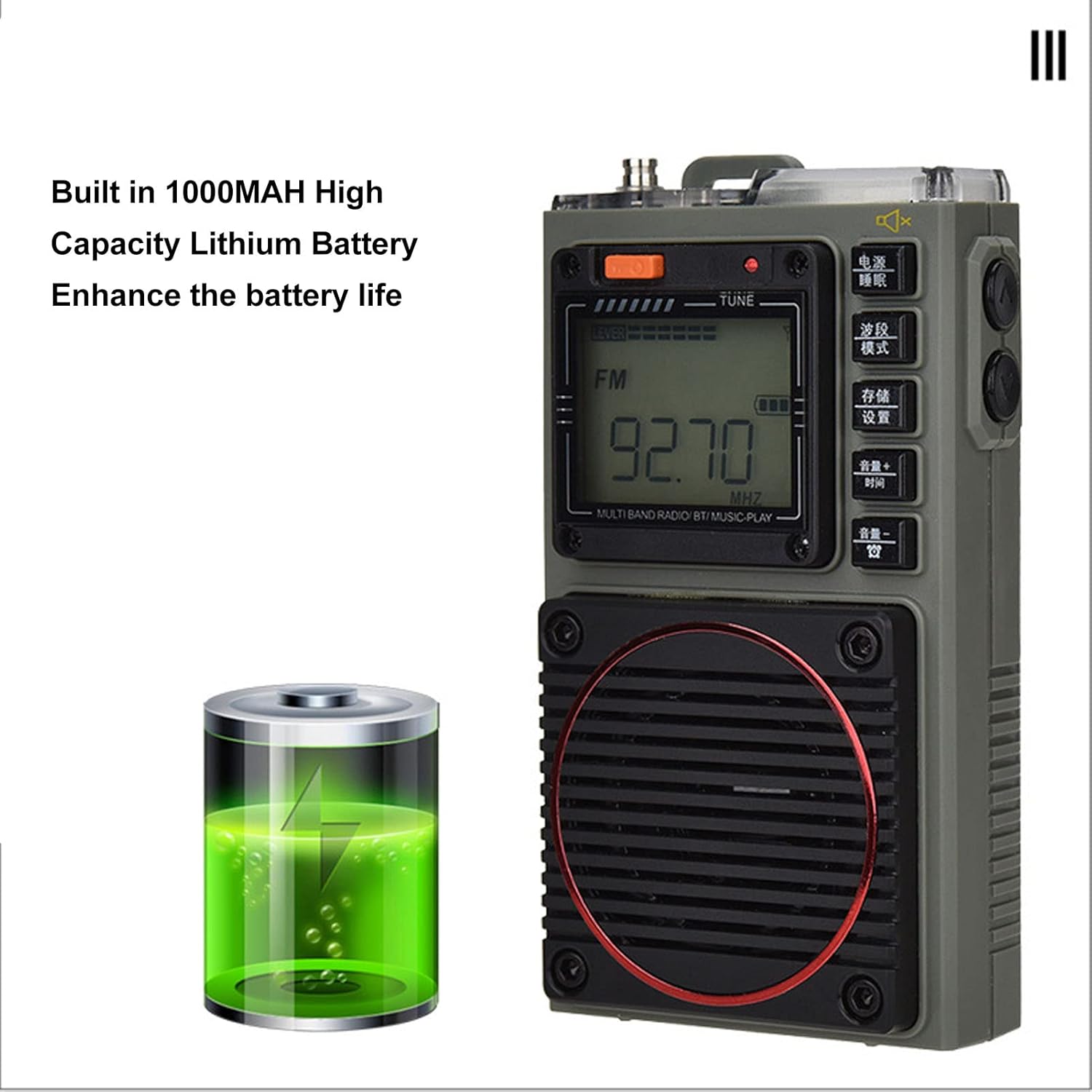
Image: The Acogedor HRD-787 radio is shown alongside a visual representation of its internal 1000mAh high-capacity lithium battery, emphasizing its long battery life.
2. Ein-/Ausschalten
Zum Einschalten des Radios die Taste gedrückt halten Leistung button (usually located on the top or side). To power off, press and hold the same button again.
3. Einlegen einer Speicherkarte (optional)
If you wish to use the memory card playback feature, insert a compatible memory card (up to 256GB, formatted to FAT32) into the designated slot. Ensure the card is inserted correctly until it clicks into place.
Bedienungsanleitung
1. Basic Key Operations

Bild: Eine detaillierte view of the Acogedor HRD-787 radio's control buttons, highlighting their clear labeling for easy operation of radio tuning and volume adjustments.
- Netzschalter: Halten Sie gedrückt, um das Radio ein- oder auszuschalten.
- BAND/MOD-Taste: Short press to cycle through radio bands (FM, VHF, AM, SW, WB) or switch to Bluetooth/Memory Card mode.
- MEMO/SET Button: Used for saving radio stations or accessing settings.
- VOL+/TIME Button: Short press to increase volume. Long press for time settings (if applicable).
- VOL-/LOCK Button: Short press to decrease volume. Long press to lock/unlock buttons.
- TUNE Knob/Buttons: Use the tuning knob or dedicated tuning buttons (if present) to adjust frequency.
2. Radioeinstellung
- Band auswählen: Drücken Sie die BAND/MOD. button to select your desired frequency band (FM, VHF, AM, SW, WB). The display backlight color will change accordingly.
- Automatischer Scan: Drücken Sie im Radiomodus lange auf MEMO/SET button to initiate an automatic scan for available stations. The radio will save found stations automatically.
- Manuelle Abstimmung: Verwenden Sie die MELODIE knob or the frequency adjustment buttons (if available) to manually tune to a specific frequency.
- Abrufen gespeicherter Stationen: Use the tuning buttons or a dedicated preset button (if available) to cycle through saved stations.
3. Bluetooth-Wiedergabe
- Bluetooth-Modus aktivieren: Drücken Sie die BAND/MOD. button until "BT" or "Bluetooth" appears on the display, and the backlight turns blue. The radio will enter pairing mode.
- Paarung: On your mobile device, enable Bluetooth and search for "HRD-787" (or similar device name). Select it to pair. A confirmation sound will indicate successful pairing.
- Wiedergabe: Once paired, you can play audio from your device through the radio's speaker. Use your device or the radio's volume controls.
4. Memory Card Playback

Image: The Acogedor HRD-787 radio's display shows a radio frequency, illustrating its capability for memory card playback of MP3, WAV, and WMA formats.
- Speicherkarte einlegen: Ensure a memory card with MP3, WAV, or WMA files is inserted into the slot.
- Enter Memory Card Mode: Drücken Sie die BAND/MOD. button until the display indicates memory card playback (e.g., "CARD" or a music icon), and the backlight turns light blue.
- Wiedergabesteuerung: Use the radio's playback controls (e.g., Play/Pause, Next/Previous Track buttons, if available) to manage your music.
5. SOS-Alarmfunktion
In an emergency, activate the SOS alarm by pressing and holding the dedicated SOS button (if present) or a combination of buttons as indicated on the device. This will emit a loud alarm sound and activate the flashlight for signaling.
6. Betrieb der Taschenlampe
To turn on the built-in flashlight, locate the flashlight button or switch (often on the side or top). Press it once to turn on, and again to turn off.
7. Earphone Output

Bild: Eine Nahaufnahme view of the Acogedor HRD-787 radio, highlighting the earphone output jack for private listening and the integrated flashlight.
For private listening, plug the included earphones into the 3.5mm earphone jack located on the side of the radio. The internal speaker will automatically mute when earphones are connected.
8. APP Remote Operation

Image: A smartphone screen shows the dedicated application for remote control of the Acogedor HRD-787 radio, allowing users to select stations and change modes wirelessly.
Download the official Acogedor HRD-787 control application from your smartphone's app store. Follow the instructions in the separate APP Instruction Manual to pair your radio with the app. This allows for remote control of station selection, mode switching, and other functions.
Wartung
- Reinigung: Use a soft, dry cloth to clean the radio's exterior. Do not use abrasive cleaners, solvents, or strong chemicals, as these can damage the finish.
- Lagerung: Bei längerer Nichtbenutzung sollte das Radio an einem kühlen, trockenen Ort, fern von direkter Sonneneinstrahlung und extremen Temperaturen aufbewahrt werden.
- Batteriepflege: To prolong battery life, avoid fully discharging the battery frequently. Recharge the radio regularly, even if not in active use, to maintain battery health.
- Wasserbeständigkeit: The HRD-787 is not waterproof. Avoid exposing it to rain, splashes, or high humidity.
Fehlerbehebung
| Problem | Mögliche Ursache | Lösung |
|---|---|---|
| Das Radio lässt sich nicht einschalten. | Batterie ist leer. | Laden Sie das Radio mit dem mitgelieferten USB-Kabel auf. |
| Schlechter Radioempfang. | Gebiet mit schwachem Signal; Antenne nicht ausgefahren. | Extend the telescopic antenna fully. Try moving to an open area or adjusting the radio's position. |
| Das Bluetooth-Gerät konnte nicht gekoppelt werden. | Radio not in pairing mode; device too far; Bluetooth off on device. | Ensure the radio is in Bluetooth mode (blue backlight). Keep devices within 10 meters. Check Bluetooth settings on your device. |
| Speicherkarte nicht erkannt. | Card inserted incorrectly; unsupported format; card capacity too large. | Reinsert the memory card correctly. Ensure it is formatted to FAT32 and contains MP3, WAV, or WMA files. Max capacity is 256GB. |
| Kein Ton aus Lautsprecher/Kopfhörern. | Volume too low; earphones not fully inserted; mute activated. | Increase volume. Ensure earphones are fully plugged in. Check if mute function is active. |
Technische Daten
| Besonderheit | Detail |
|---|---|
| Modell | HRD-787 |
| Material | ABS (Acrylnitril-Butadien-Styrol) |
| Frequency Band - FM | 64 bis 108 MHz |
| Frequency Band - VHF | 30.000 bis 199.975 MHz |
| Frequency Band - AM | 520-1710 kHz |
| Frequency Band - SW | 4.750 bis 21.850 MHz |
| Frequency Band - WB | 162.400 bis 162.550 MHz |
| Receiving Sensitivity - FM | ≤8 dB |
| Receiving Sensitivity - VHF | ≤8 dB |
| Receiving Sensitivity - AM | ≤86 dB |
| Receiving Sensitivity - SW | ≤40 dB |
| Statischer Strom | ≤70 uA |
| Maximaler Strom | ≤820 mA |
| Lautsprecher | Diameter: Approx. 40mm/1.57in, 4Ω, 3W |
| SNR - FM, VHF | ≥40 dB |
| SNR - AM | ≥30 dB |
| SNR - SW | ≥40 dB |
| Stored Radios | 396 |
| Bluetooth-Version | VER 5.0 |
| Bluetooth Reception Range | Bis zu 10 Meter (33 Fuß) in offenen Bereichen |
| Akku-Typ | Lithiumbatterie |
| Batteriekapazität | 1000 mAh |
| Memory Card Playback Format | MP3, WAV, WMA |
| Memory Card Max Capacity | 256 GB (nicht enthalten) |
| Besondere Merkmale | Built-In Flashlight, SOS Alarm, Portable, APP Remote Control |
Garantie und Support
Acogedor products are designed for reliability and performance. For information regarding warranty coverage, technical support, or service inquiries, please refer to the warranty card included with your product or visit the official Acogedor website. Please have your model number (HRD-787) and purchase details ready when contacting support.