
1. Einleitung
This manual provides essential instructions for setting up and operating your Luoran M4B MP3 Player. Please read this guide thoroughly to ensure proper use and to maximize your device's capabilities. The Luoran M4B is a portable media player designed for music, video, and app playback, featuring a 4.0-inch IPS display, Bluetooth, and Wi-Fi connectivity.
2. Packungsinhalt
Überprüfen Sie, ob alle Artikel in Ihrem Paket vorhanden sind:
- Luoran M4B MP3 Player
- USB-C-Kabel
- Benutzerhandbuch (dieses Dokument)
3. Gerät überview

Abbildung 3.1: Vorder- und Rückseite view of the Luoran M4B MP3 Player, highlighting its 4.0-inch IPS display and metal frame with tempered glass back.
3.1. Physische Tasten und Anschlüsse
- Netzschalter: Located on the side, used to turn the device on/off and wake/sleep the screen.
- Lautstärketasten (+/-): Befindet sich an der Seite und dient zur Einstellung der Lautstärke.
- USB-C-Anschluss: Befindet sich unten und dient zum Laden und zur Datenübertragung.
- 3.5mm Kopfhörerbuchse: Located at the bottom, for connecting wired headphones.
- Micro-SD-Kartensteckplatz: Located on the side, for expanding storage.
4. Erste Schritte
4.1. Aufladen des Geräts
Before first use, fully charge the MP3 player. Connect the provided USB-C cable to the device's USB-C port and the other end to a compatible USB power adapter (not included) or a computer's USB port. The charging indicator will show the charging status.
4.2. Ein-/Ausschalten
- So schalten Sie das Gerät ein: Halten Sie die Power-Taste gedrückt, bis der Bildschirm aufleuchtet.
- So schalten Sie das Gerät aus: Halten Sie die Ein-/Aus-Taste gedrückt und wählen Sie dann auf dem Bildschirm die Option „Ausschalten“ aus.
- Zum Schlafen/Aufwachen: Drücken Sie kurz den Ein-/Ausschalter, um den Bildschirm aus- oder einzuschalten.
5. Grundlegende Bedienung
5.1. Touchscreen-Navigation
The Luoran M4B features a full touchscreen for navigation. Swipe left, right, up, or down to browse menus and content. Tap icons to open applications or select options.
5.2. Verbinden mit Wi-Fi
To access online features and apps, connect your device to a Wi-Fi network:
- Gehe zu Einstellungen.
- Wählen Netzwerk & Internet.
- Einschalten W-lan.
- Wählen Sie das gewünschte WLAN-Netzwerk aus der Liste aus.
- Geben Sie gegebenenfalls das Passwort ein und tippen Sie auf Verbinden.
5.3. Verbindung über Bluetooth
Pair your MP3 player with Bluetooth headphones, speakers, or car stereos:
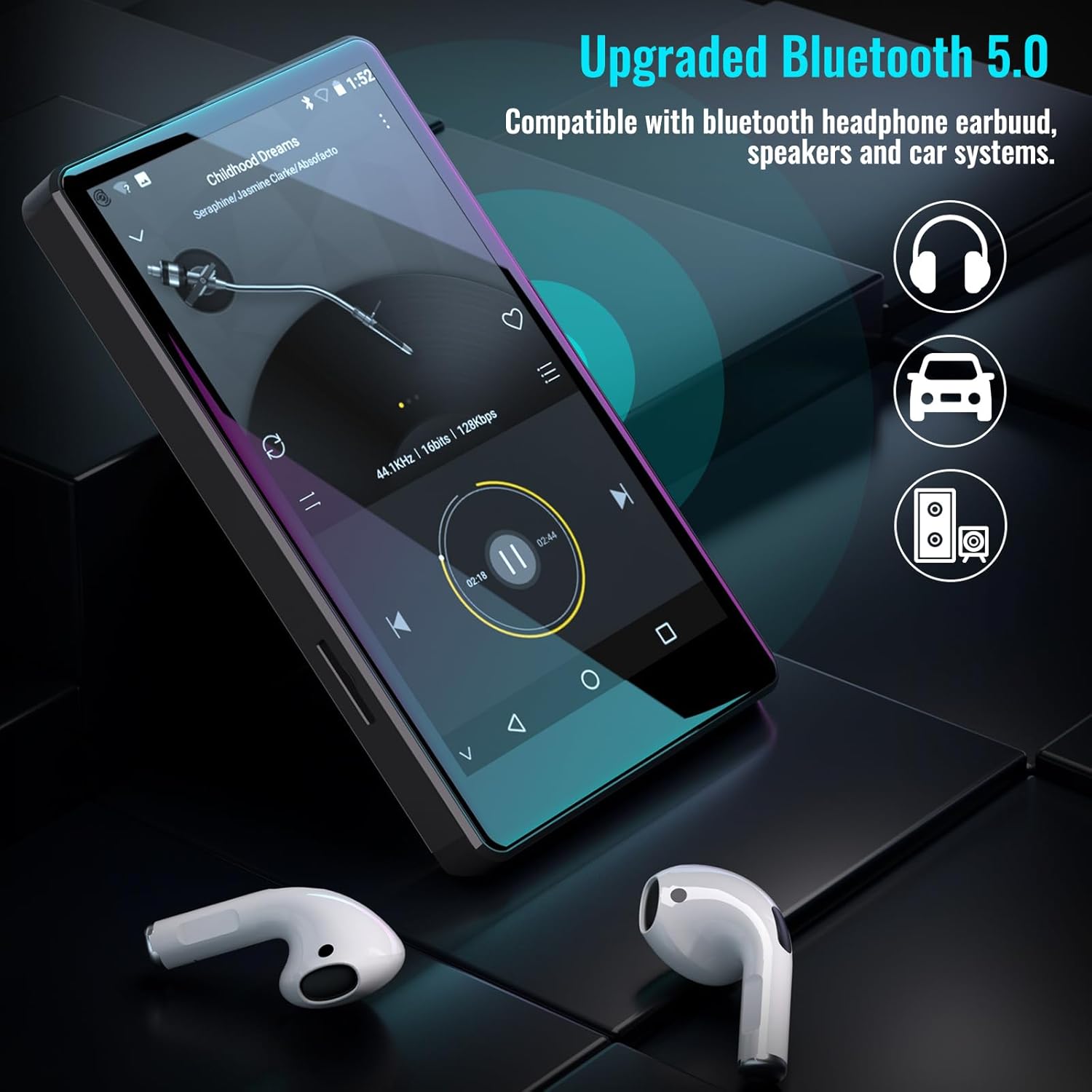
Figure 5.1: The Luoran M4B MP3 Player supports Bluetooth 5.0 for connecting to various audio devices.
- Gehe zu Einstellungen.
- Wählen Verbundene Geräte.
- Einschalten Bluetooth.
- Stellen Sie sicher, dass sich Ihr Bluetooth-Zubehör im Kopplungsmodus befindet.
- Wählen Sie das Zubehör aus der Liste der verfügbaren Geräte zum Koppeln aus.
6. Music and Media Playback
6.1. Supported Music Formats
The device supports a wide range of audio formats, including MP3, WAV, FLAC, APE, OGG, M4A, AAC, WMA, and MP2.
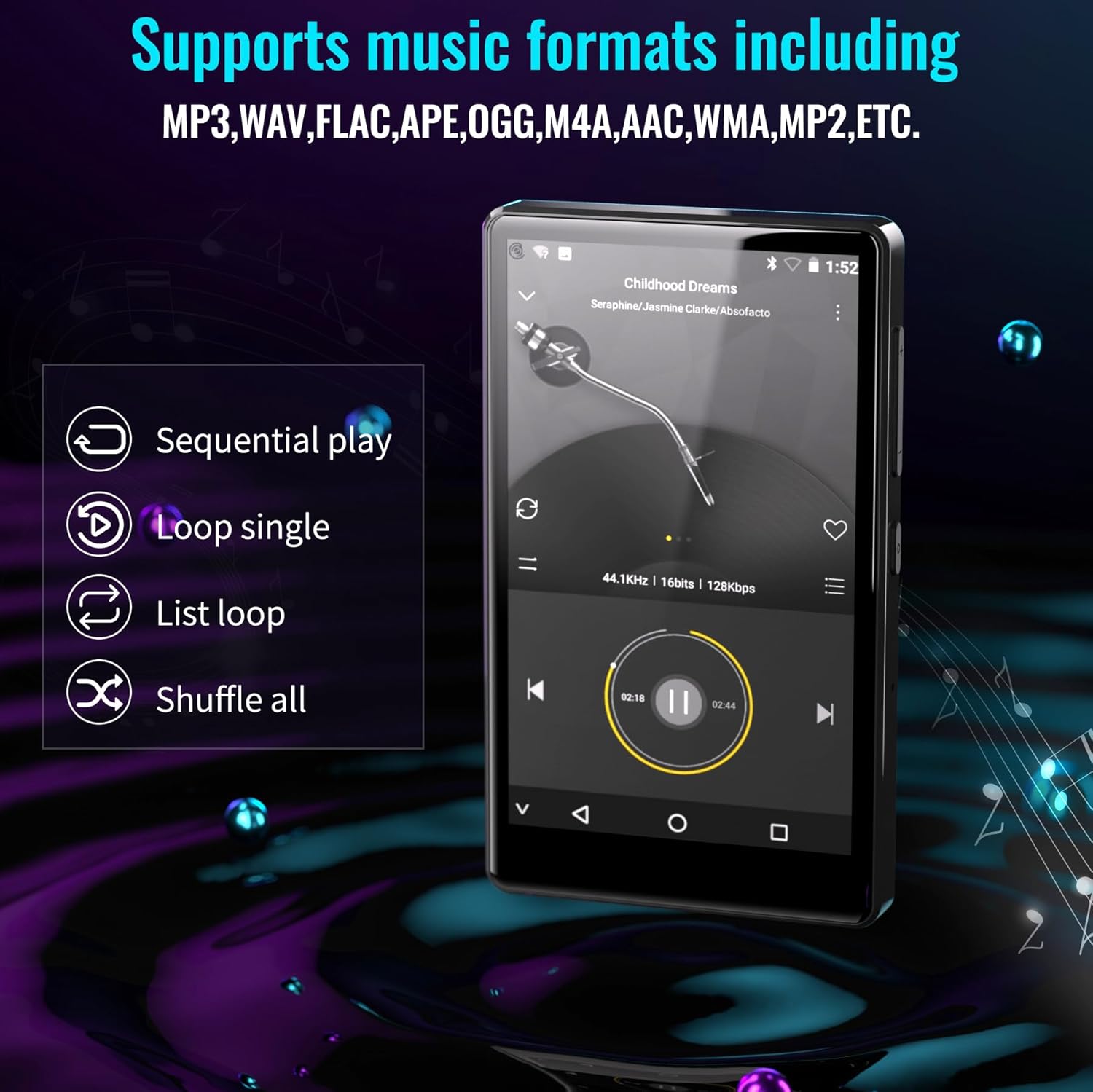
Figure 6.1: The MP3 player's interface showing various playback options and supported music formats.
6.2. Verwendung vorinstallierter Anwendungen
The Luoran M4B comes with several popular music and media applications pre-installed, such as Spotify, Spotify Kids, Amazon Music, Audible, and HiBy Music. Access these apps from the home screen to stream or play your content.
6.3. Erweiterbarer Speicher
The device has an internal storage capacity of 8GB. You can expand the storage up to 256GB using a Micro SD card (SDXC, SDHC compatible). Insert the Micro SD card into the dedicated slot on the side of the device.

Figure 6.2: Inserting a Micro SD card to expand the device's memory up to 256GB.
7. Zusätzliche Funktionen
7.1. Web Browser
A web browser is included for internet access. This browser can be removed if desired, offering a level of content control.

Figure 7.1: The option to uninstall the web browser for content management.
7.2. UKW-Radio
The device includes an FM radio function, allowing you to listen to local radio stations. It may also support recording FM broadcasts.

Figure 7.2: The FM Radio interface on the device.
7.3. Ebook Reader
An Ebook application is available for reading digital books directly on the device's screen.

Figure 7.3: The device's interface for audiobooks or ebooks.
8. Wartung
8.1. Reinigung
Verwenden Sie zum Reinigen des Geräts ein weiches, trockenes und fusselfreies Tuch. Vermeiden Sie die Verwendung von Scheuermitteln oder Lösungsmitteln.
8.2. Batteriepflege
To prolong battery life, avoid exposing the device to extreme temperatures. Charge the device regularly, but avoid leaving it fully charged or fully discharged for extended periods.
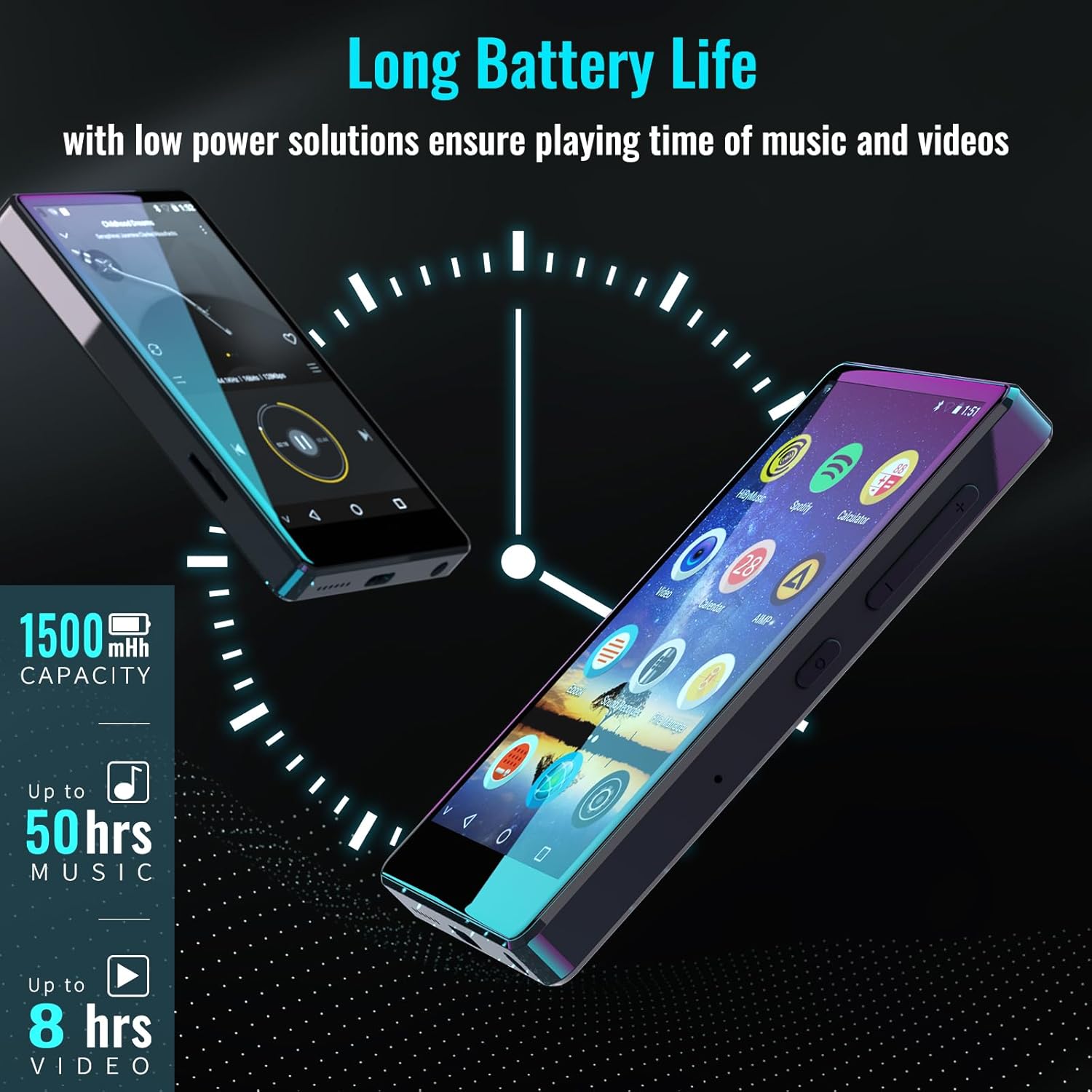
Figure 8.1: The device features a 1500mAh battery, providing up to 50 hours of music playback or 8 hours of video playback.
9. Fehlerbehebung
9.1. Gerät lässt sich nicht einschalten
- Stellen Sie sicher, dass das Gerät ausreichend geladen ist. Schließen Sie es für mindestens 30 Minuten an eine Stromquelle an.
- Um einen Neustart zu erzwingen, halten Sie den Netzschalter 10-15 Sekunden lang gedrückt.
9.2. Verbindung zu WLAN/Bluetooth nicht möglich
- Verify that Wi-Fi/Bluetooth is enabled in Settings.
- Ensure you are within range of the network/device.
- Check that the Wi-Fi password is correct.
- For Bluetooth, ensure the accessory is in pairing mode.
9.3. App Issues or Missing Apps
If you encounter issues with pre-installed applications or need to install/upgrade specific apps, please contact the Luoran Team for assistance. They can provide APK fileund Installationsschritte.
10. Spezifikationen
| Marke | Luoran |
| Modellname | M4B-C-BLK |
| Konnektivitätstechnologie | Bluetooth, Wi-Fi |
| Speicherkapazität | 8 GB (erweiterbar auf bis zu 256 GB über Micro-SD-Karte) |
| Bildschirmgröße | 4 Zoll |
| Kompatible Geräte | Kopfhörer, Lautsprecher |
| Unterstützte Medientypen | Speicherkarte |
| Display-Technologie | LED |
| Unterstützte Audiostandards | MP3, WAV, FLAC, APE, M4A, AAC, WMA, MP2, etc. |
| Durchschnittliche Batterielebensdauer | 50 Stunden (Musikwiedergabe) |
| Artikelabmessungen (T x B x H) | 0.4"T x 2.4"B x 4.2"H |
| UPC | 747783656344 |
11. Garantie und Support
The Luoran M4B MP3 Player comes with a 12 Monate Garantie. For technical support, warranty claims, or assistance with app installation/upgrades, please contact the Luoran Team directly. Contact information can typically be found on the manufacturer's webWebsite oder über Ihre Einkaufsplattform.