
1. Einleitung
Die MUBVIEW PK320-Y is an indoor security camera designed for monitoring various indoor environments, including nurseries, pet areas, and general home security. It features 2K resolution video, dual-band Wi-Fi connectivity (2.4GHz and 5GHz), two-way audio communication, advanced night vision, and motion detection with automatic tracking capabilities. This manual provides instructions for setting up, operating, and maintaining your camera.

Image 1.1: MUBVIEW PK320-Y Indoor Security Camera and its mobile application interface.
2. Packungsinhalt
Überprüfen Sie, ob alle Artikel im Paket vorhanden sind:
- 1x MUBVIEW PK320-Y Indoor Camera (with 5.9ft USB Cable)
- 1x Netzteil
- 1x Packung Schrauben
- 1x Produkthandbuch
- 1x Montagehalterung

Image 2.1: All components included in the MUBVIEW PK320-Y product package.
3. Produktüberschreitungview
Die MUBVIEW PK320-Y camera features a compact dome design with a lens for video capture, integrated microphone and speaker for two-way audio, and indicators for status. It supports flexible placement options including surface, wall, and ceiling mounting.

Image 3.1: Key features and physical attributes of the MUBVIEW PK320-Y camera.

Image 3.2: Flexible placement options for the MUBVIEW PK320-Y camera.
4. Einrichtung
Follow these steps for initial setup of your MUBVIEW PK320-Y camera:
- Laden Sie das MUB herunterVIEW App: Suchen nach "MUBVIEW" in your smartphone's app store (compatible with Android phones) and install the application.
- Einschalten: Connect the camera to a power outlet using the provided USB cable and power adapter.
- Mit WLAN verbinden: Öffnen Sie die MUBVIEW app and follow the on-screen instructions to connect the camera to your home Wi-Fi network. The camera supports both 2.4GHz and 5GHz Wi-Fi bands for a stable connection.
Ensure your Wi-Fi network is active and you have the correct password. The setup process is designed to be quick and straightforward.
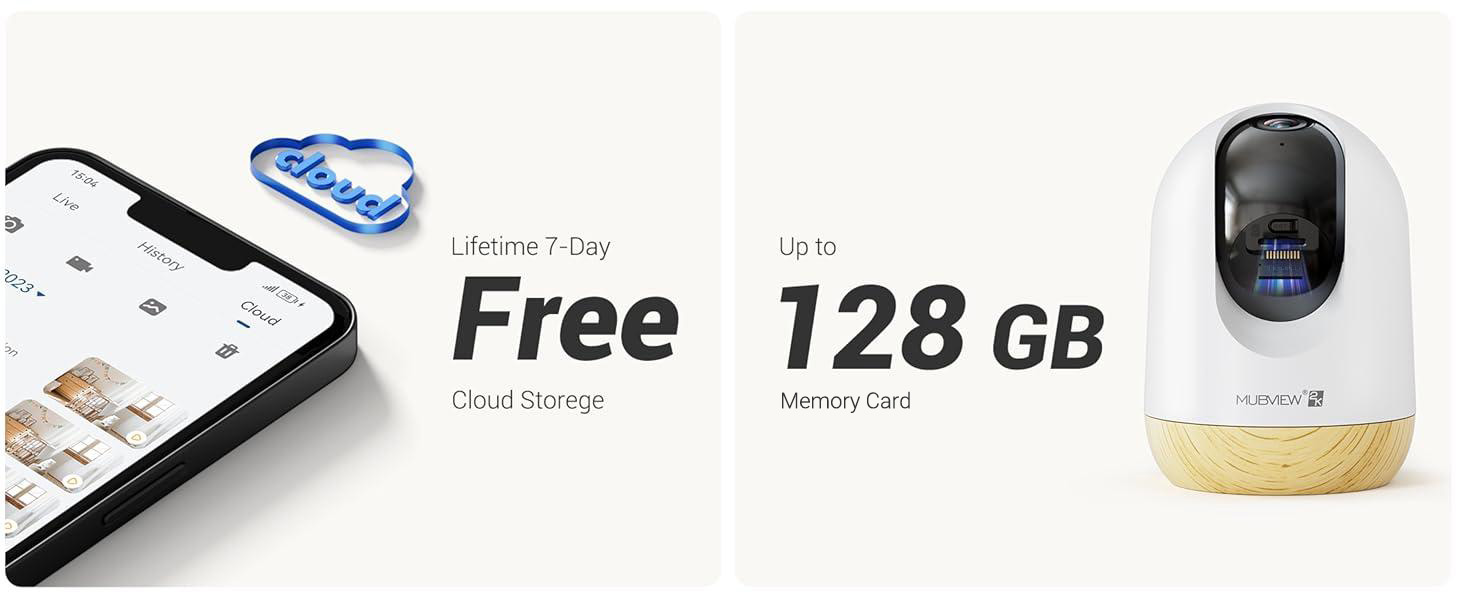
Image 4.1: Visual guide for the quick setup process.

Image 4.2: The camera supports both 2.4GHz and 5GHz dual-band Wi-Fi for enhanced connectivity.
5. Bedienungsanleitung
5.1 App-Steuerung
Die MUBVIEW camera is primarily controlled through its dedicated mobile application. The app allows you to view lebe footage, access recorded events, adjust settings, and manage multiple cameras.

Image 5.1: Controlling camera functions via the mobile application.
5.2 Live View und Monitoring
Access the live feed from your camera anytime, anywhere through the MUBVIEW app. The camera provides 24/7 monitoring with 2K Ultra HD resolution.

Image 5.2: Continuous monitoring of your environment.

Image 5.3: Remote monitoring allows for flexibility and peace of mind.
5.3 Zwei-Wege-Audio
The integrated microphone and speaker enable two-way communication. You can listen to the camera's environment and speak through the camera from your phone.

Image 5.4: Utilizing the two-way audio feature for communication.
5.4 Schwenk-Neige-Steuerung
The camera offers a 355-degree horizontal pan and an 80-degree vertical tilt, allowing you to adjust the viewing angle remotely via the app to cover a wide area.

Image 5.5: Adjusting the camera's view to cover different areas.
5.5 Bewegungserkennung und automatische Verfolgung
The camera detects motion and can automatically track moving objects within its field of view. You will receive alerts on your phone when motion is detected.
- Bewegungswarnungen: The camera audibly alerts you when motion is detected.
- Automatische Verfolgung: Automatically follows moving subjects, ensuring they remain in the frame.
- Aktivitätszonen: Configure specific areas for motion detection to reduce false alerts.
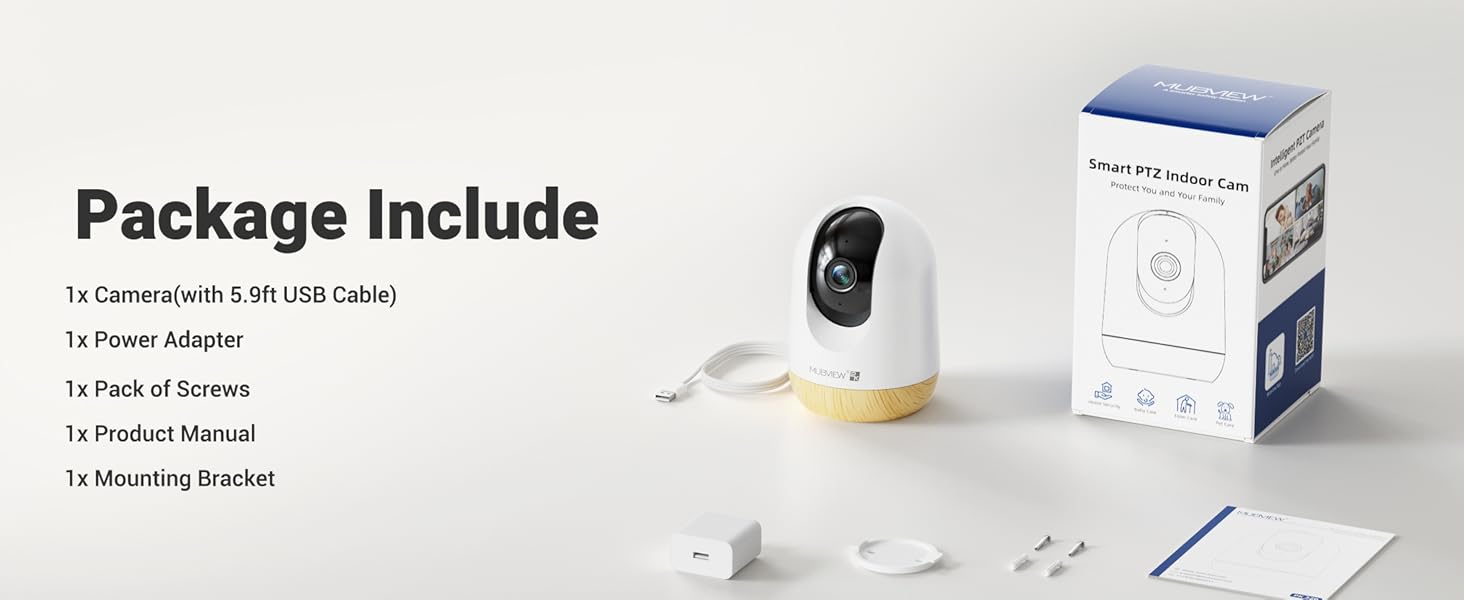
Abbildung 5.6: Bewegungserkennung in Aktion.
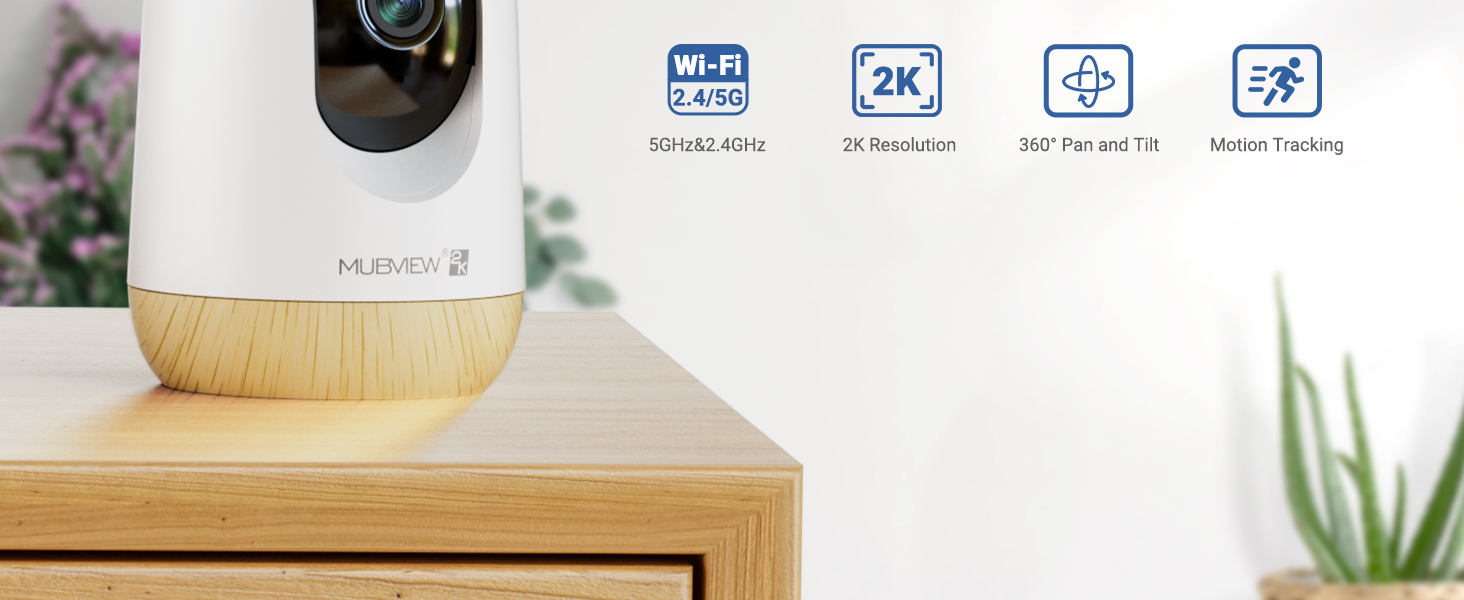
Image 5.7: The camera's auto-tracking feature following a moving subject.

Image 5.8: Configuring activity zones for targeted motion detection.
5.6 Nachtsicht
The camera is equipped with advanced night vision technology, providing clear 2K clarity even in low-light or dark conditions up to 33 feet.

Image 5.9: Clear night vision capabilities in a dark environment.
5.7 Remote Access and Multi-Camera View
Access your camera's live feed from anywhere with an internet connection. The app also supports viewmehrere Kameras gleichzeitig verwenden.

Image 5.10: Remote access to your camera feed.
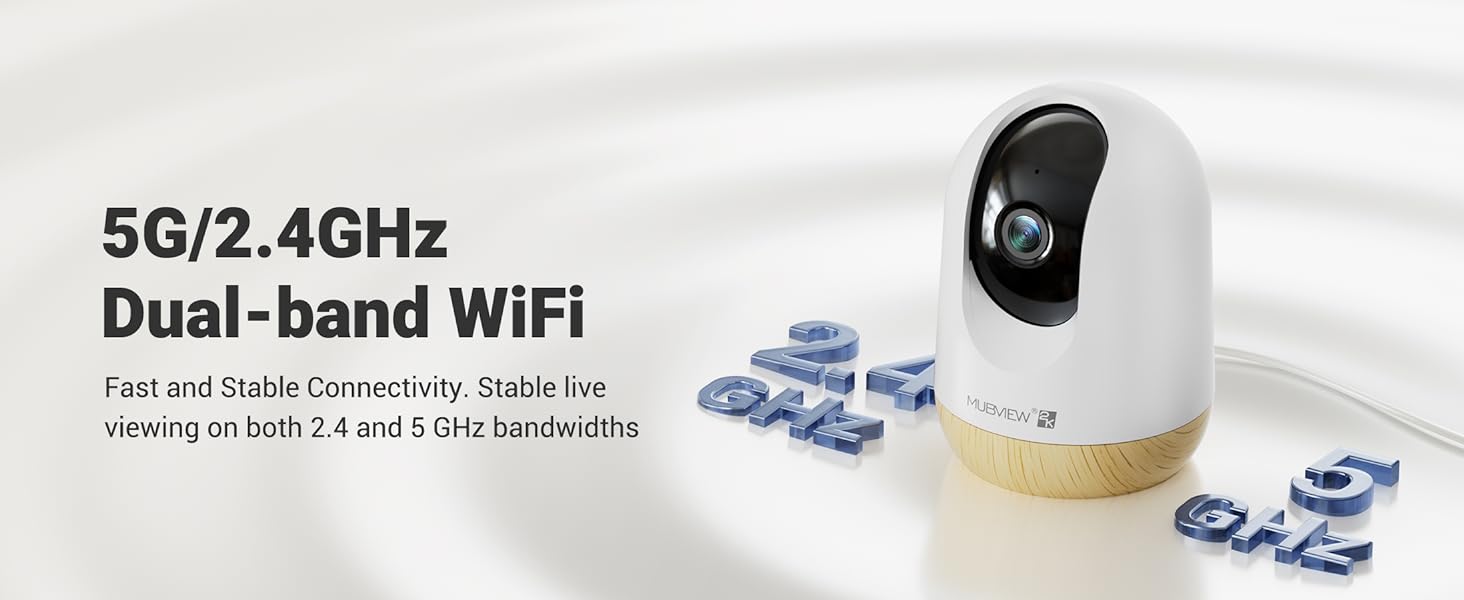
Image 5.11: Simultaneous viewEinbindung mehrerer Kamerabilder.
5.8 Videowiedergabe und -freigabe
Review aufgenommenes footage through the app's playback feature. You can also share camera access with family members or other authorized users.
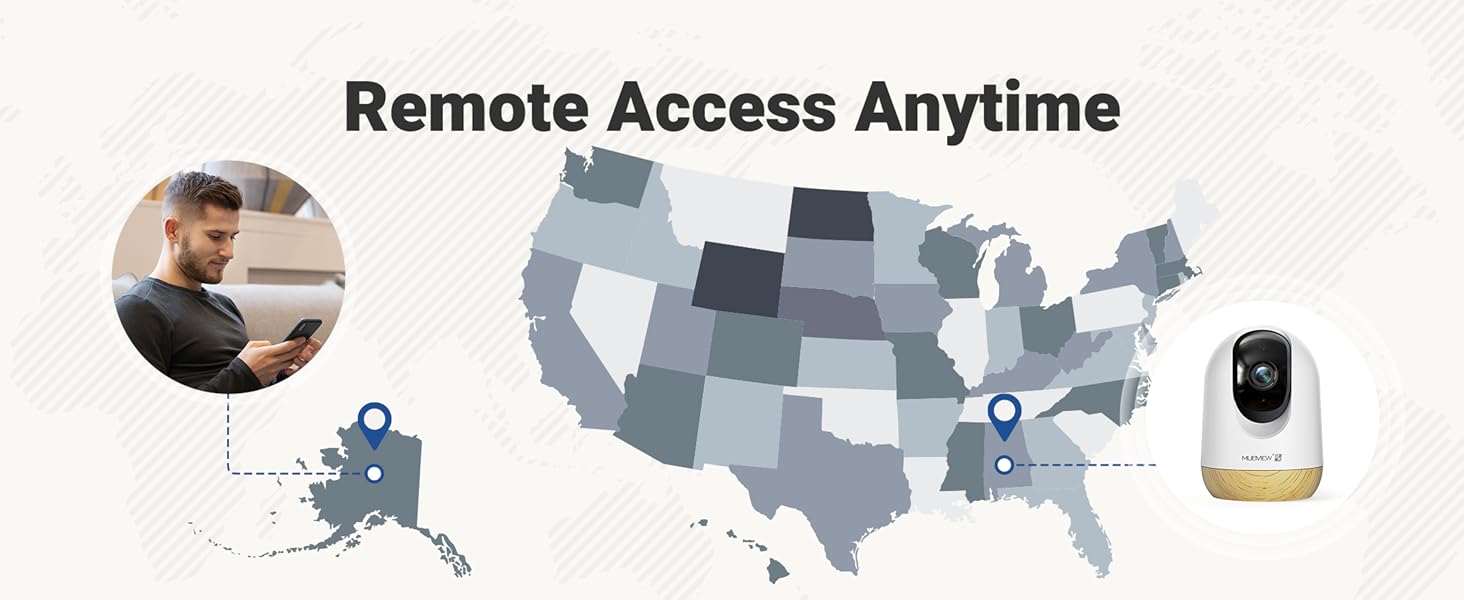
Image 5.12: Accessing and reviewing recorded video footage.

Abbildung 5.13: Gemeinsamer Kamerazugriff für mehrere Benutzer.
6. Speicheroptionen
Die MUBVIEW PK320-Y camera offers flexible storage solutions for your video recordings:
- SD-Kartenspeicher: Supports local storage via an SD card (not included) with a capacity of up to 128GB.
- Cloud-Speicher: Includes a lifetime 7-day loop recording cloud storage service without requiring a subscription.

Image 6.1: Available storage options for video recordings.
7. Wartung
Um eine optimale Leistung und Langlebigkeit Ihres MUB zu gewährleistenVIEW PK320-Y camera, follow these maintenance guidelines:
- Reinigung: Reinigen Sie Objektiv und Gehäuse der Kamera vorsichtig mit einem weichen, trockenen Tuch. Vermeiden Sie die Verwendung von scharfen Chemikalien oder scheuernden Materialien.
- Platzierung: Stellen Sie sicher, dass die Kamera an einem stabilen Ort aufgestellt ist, fern von direkter Sonneneinstrahlung, Wärmequellen und übermäßiger Feuchtigkeit.
- Belüftung: Do not obstruct the camera's ventilation openings to prevent overheating.
- Firmware-Updates: Überprüfen Sie regelmäßig das MUB.VIEW App für verfügbare Firmware-Updates, um sicherzustellen, dass Ihre Kamera über die neuesten Funktionen und Sicherheitsverbesserungen verfügt.
8. Fehlerbehebung
Sollten Sie Probleme mit Ihrem MUB habenVIEW PK320-Y camera, refer to the following common troubleshooting steps:
- Kamera stellt keine Verbindung zum WLAN her:
- Ensure your Wi-Fi network is operational and you have entered the correct password.
- Verify that the camera is within range of your Wi-Fi router.
- Confirm your router supports both 2.4GHz and 5GHz bands, and try connecting to the other band if one fails.
- Starten Sie Ihren Router und die Kamera neu.
- Kein Leben View oder Aufnahme:
- Überprüfen Sie Ihre Internetverbindung.
- Stellen Sie sicher, dass die Kamera eingeschaltet ist.
- If using an SD card, ensure it is correctly inserted and formatted within the app.
- Probleme mit der Zwei-Wege-Audioübertragung:
- Überprüfen Sie die Lautstärkeeinstellungen an Ihrem Telefon und in der App.
- Stellen Sie sicher, dass sich keine Hindernisse vor dem Mikrofon oder Lautsprecher der Kamera befinden.
- Bewegungserkennung funktioniert nicht:
- Überprüfen Sie, ob die Bewegungserkennung in den App-Einstellungen aktiviert ist.
- Passen Sie gegebenenfalls die Empfindlichkeitseinstellungen an.
- Ensure activity zones are correctly configured.
- Kamera reagiert nicht:
- Trennen Sie die Kamera von der Stromversorgung, warten Sie 10 Sekunden und schließen Sie sie wieder an, um einen Neustart durchzuführen.
- Locate the reset button (usually a small pinhole) and press it for 5-10 seconds with a pin until you hear a prompt or see an indicator light change. This will restore factory settings.
For further assistance, please contact MUBVIEW Kundensupport.
9. Spezifikationen
| Besonderheit | Detail |
|---|---|
| Modellname | PK320-Y |
| Auflösung der Videoaufnahme | 3 MP (2K) |
| Konnektivitätstechnologie | Wi-Fi (2.4 GHz & 5 GHz Dualband) |
| Kompatible Geräte | Android-Telefone |
| Stromquelle | Kabelgebundenes Elektrogerät (220 Volt, 5 Watt) |
| Montagetyp | Surface Mount, Wall Mount, Ceiling Mount |
| Viewing-Winkel | 355 Grad (Schwenkung), 80 Grad (Neigung) |
| Nachtsichtbereich | 33 Fuß |
| Bildfrequenz | 15-20fps |
| Zwei-Wege-Audio | Ja |
| Bewegungserkennung | Yes, with Auto Tracking and Audio Alerts |
| Lokaler Speicher | Unterstützt SD-Karten bis zu 128 GB (nicht im Lieferumfang enthalten) |
| Cloud-Speicher | Lifetime 7-day loop recording (no subscription required) |
| Material | Acrylnitril-Butadien-Styrol (ABS) |
| Abmessungen (L x B x H) | 3 x 3 x 4.33 Zoll |
| Artikelgewicht | 10.9 Unzen |
10. Garantie und Support
MUBVIEW is committed to providing reliable products and customer satisfaction. For any questions or assistance, please refer to the following:
- Kundendienst: MUBVIEW offers US-based phone support for after-sales service. Contact information can be found within the MUBVIEW app or on the official MUBVIEW webWebsite.
- Technische Unterstützung: 24/7 professional technical support is available to assist with setup, operation, and troubleshooting.
- Cloud-Speicher: Enjoy lifetime 7-day loop recording cloud storage without a subscription.

Image 10.1: MUBVIEW's commitment to privacy and data security.
11. Sicherheitshinweise
Bitte lesen und befolgen Sie diese Sicherheitsrichtlinien, um Schäden am Produkt oder Verletzungen bei Ihnen selbst und anderen zu vermeiden:
- Stromversorgung: Use only the provided power adapter. Ensure the power source matches the camera's voltage-Anforderungen.
- Kabelmanagement: Route power cables safely to prevent tripping hazards and keep them out of reach of children and pets.
- Umfeld: This camera is designed for indoor use only. Do not expose it to water, extreme temperatures, or high humidity.
- Platzierung: Mount the camera securely according to the instructions. Avoid placing it in locations where it could fall or be easily knocked over.
- Reinigung: Trennen Sie vor der Reinigung die Stromversorgung.