
Einführung
Vielen Dank für Ihren Einkauf.asing the LONPOO LP-118W Portable CD Player Boombox. This device offers versatile audio playback options including CD, Bluetooth, FM radio, USB, and AUX input, along with a microphone port for karaoke. Designed for portability and ease of use, this manual provides essential information for safe and optimal operation. Please read this manual thoroughly before using the product and retain it for future reference.
Sicherheitshinweise
- Um Brände oder Stromschläge zu vermeiden, setzen Sie das Gerät weder Regen noch Feuchtigkeit aus.
- Öffnen Sie nicht das casing. Alle Wartungsarbeiten sind qualifiziertem Personal zu überlassen.
- Vermeiden Sie es, das Gerät in der Nähe von Wärmequellen wie Heizkörpern, Heizlüftern, Öfen oder anderen Geräten (einschließlich) aufzustellen. ampKonverter (Lüfter), die Wärme erzeugen.
- Schützen Sie das Netzkabel vor Beschädigungen oder Beschädigungen durch Fußgänger, insbesondere an den Steckern, Steckdosen und an der Stelle, an der es aus dem Gerät austritt.
- Verwenden Sie nur vom Hersteller angegebene Zusatzgeräte/Zubehör.
- Trennen Sie das Gerät bei Gewitter oder längerer Nichtbenutzung vom Stromnetz.
- Dispose of batteries responsibly. Do not expose batteries to excessive heat.
Packungsinhalt
Bitte überprüfen Sie, ob alle unten aufgeführten Artikel in Ihrem Paket enthalten sind:
- LONPOO LP-118W Portable CD Player Boombox
- Fernbedienung
- Netzkabel
- Bedienungsanleitung

Image: The LONPOO LP-118W boombox shown with its included remote control, AC power cable, and user manual, illustrating the complete package contents.
Produkt überview
Familiarize yourself with the main components and controls of your LP-118W boombox.
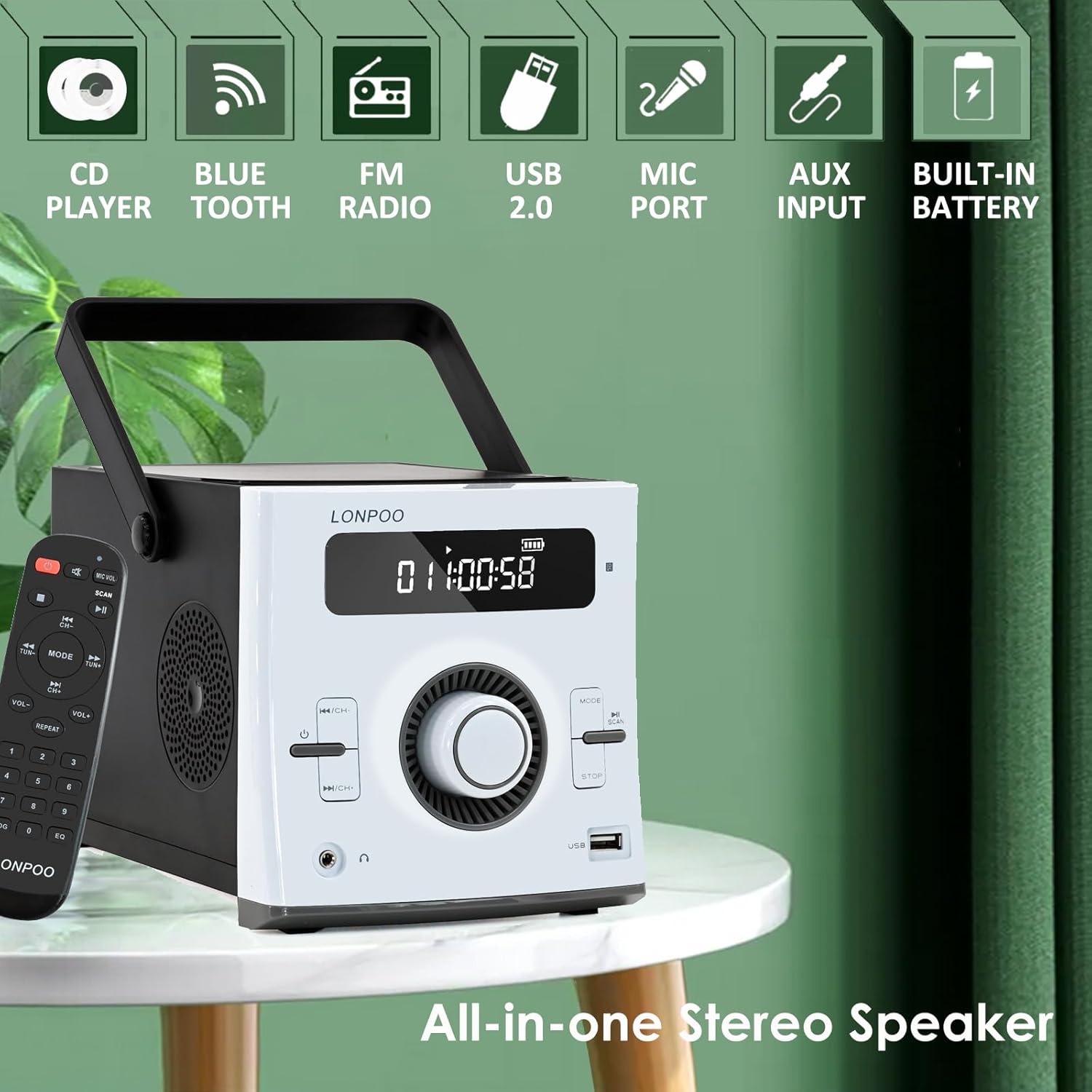
Bild: Vorderseite view of the LONPOO LP-118W boombox, highlighting its multi-functional capabilities including CD playback, Bluetooth connectivity, FM radio, USB port, microphone input, AUX input, and built-in rechargeable battery.
Bedienelemente auf der Vorderseite:
- LCD Anzeige: Shows track number, time, mode, volume, and battery status.
- Netzschalter: Schaltet das Gerät ein/aus.
- Modus-Taste: Schaltet zwischen CD-, Bluetooth-, FM-, USB- und AUX-Modus um.
- Wiedergabe-/Pause-Taste: Startet oder pausiert die Wiedergabe.
- Stopptaste: Stoppt die Wiedergabe.
- Skip/Search Buttons (Previous/Next): Navigiert durch Musiktitel oder Radiosender.
- Lautstärkeregler: Passt den Audioausgabepegel an.
- USB-Anschluss: Zur Wiedergabe von USB-Laufwerken.
- Kopfhörerausgang: 3.5-mm-Klinkenanschluss für ungestörtes Hören.
Anschlüsse auf der Rückseite:
- DC IN: Power input for AC adapter.
- AUX-IN: 3.5-mm-Eingang für externe Audiogeräte.
- MIC-Anschluss: 6.35mm input for a microphone (microphone not included).
- FM-Antenne: External wire antenna for FM reception.
Aufstellen
Stromversorgung des Geräts
The LP-118W can be powered by the included AC power cable or its internal rechargeable battery.
- Wechselstromversorgung: Connect the AC power cable to the DC IN port on the rear of the unit and plug the other end into a standard wall outlet.
- Batterieleistung: The unit has a built-in 2000mAh rechargeable battery. Ensure the battery is charged before portable use.
Anfängliche Batterieladung
For optimal performance, fully charge the battery before first use. Connect the unit to AC power; the battery indicator on the LCD display will show charging status. A full charge provides over 5 hours of continuous playback.
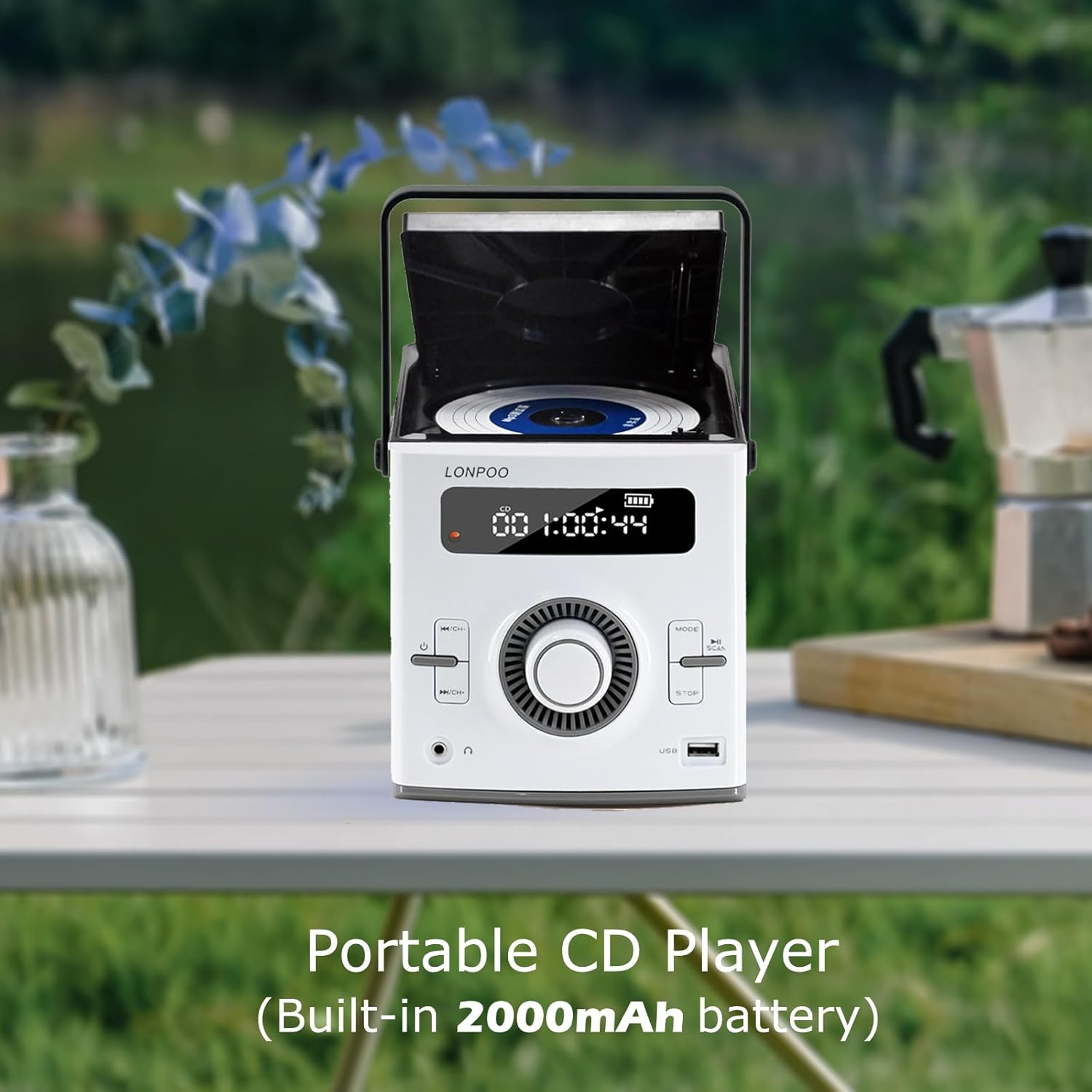
Image: The LONPOO LP-118W portable CD player with its top-loading CD compartment open, displaying the built-in 2000mAh battery capacity on the screen, indicating its portable nature.
FM-Antennenkonfiguration
For best FM radio reception, fully extend the wire antenna located at the rear of the unit. Position it for optimal signal strength.
Bedienungsanleitung
Allgemeine Bedienung
- Drücken Sie die Leistung Taste, um das Gerät einzuschalten.
- Drehen Sie den Lautstärkeregler um die Lautstärke anzupassen.
- Drücken Sie die Modus Durch wiederholtes Drücken der Taste können die verfügbaren Eingangsquellen durchgeschaltet werden: CD, Bluetooth, FM, USB, AUX.
CD-Wiedergabe
- Öffnen Sie die Klappe des CD-Fachs.
- Legen Sie eine CD mit der beschrifteten Seite nach oben ein.
- Close the CD compartment door securely.
- Drücken Sie die Modus Drücken Sie die Taste so lange, bis „CD“ im Display erscheint.
- Die CD-Wiedergabe startet automatisch. Falls nicht, drücken Sie die Taste Abspielen/Pause Taste.
- Verwenden Sie die Überspringen/Suchen Schaltflächen zum Navigieren in den Tracks.
Bluetooth-Modus

Image: A person relaxing on a couch, using a smartphone to wirelessly connect to the LONPOO LP-118W boombox via Bluetooth, demonstrating its stable and fast connection for streaming music.
- Drücken Sie die Modus button until "BT" (Bluetooth) appears on the display. The unit will enter pairing mode.
- On your Bluetooth-enabled device (e.g., smartphone, tablet), search for available devices and select "LP-118W".
- Sobald die Kopplung hergestellt ist, können Sie Audio von Ihrem Gerät über die Boombox abspielen.
UKW-Radio
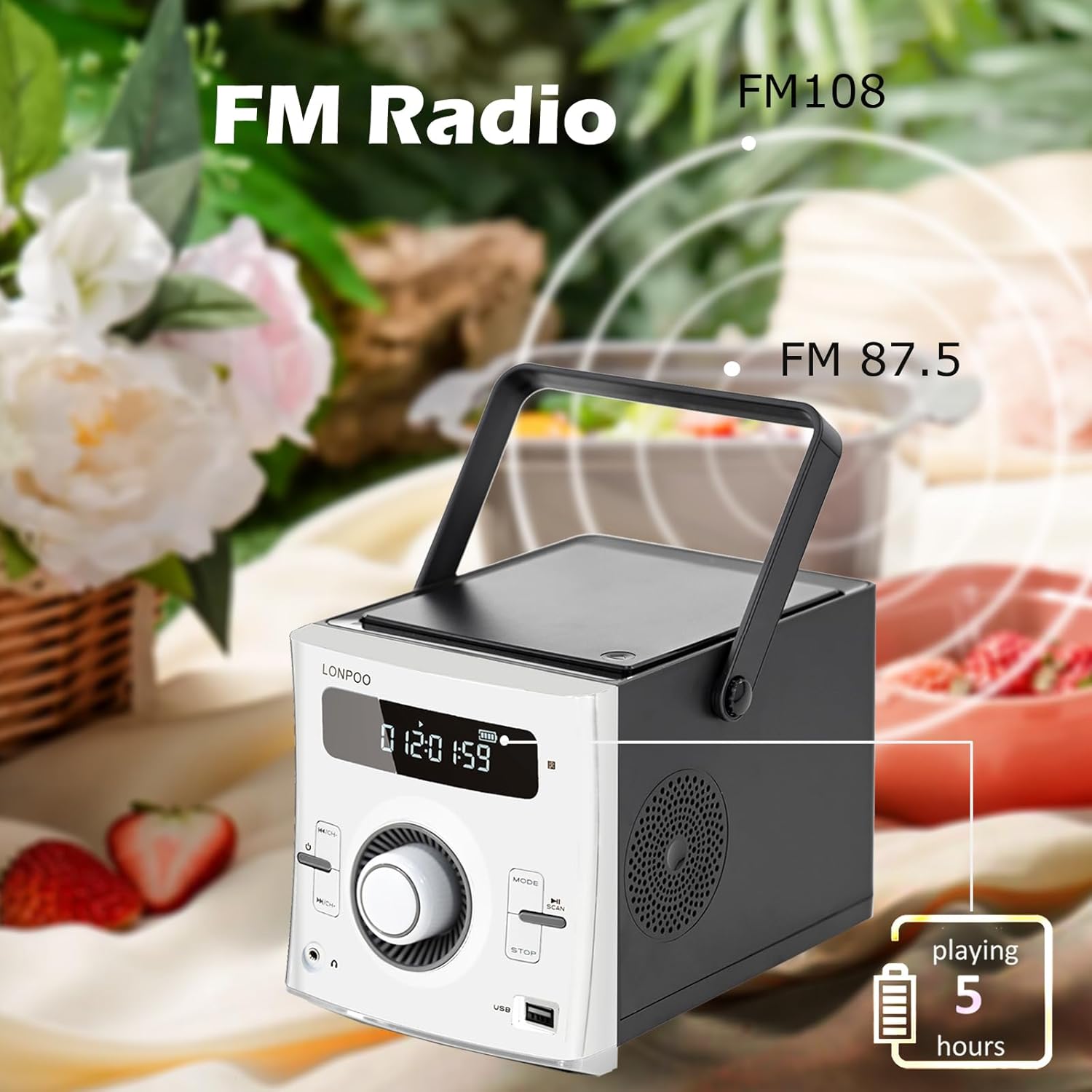
Image: The LONPOO LP-118W boombox positioned outdoors, illustrating its FM radio capability with a frequency range from FM 87.5 to FM 108, and indicating over 5 hours of playback on battery.
- Drücken Sie die Modus Drücken Sie die Taste so lange, bis „FM“ im Display erscheint.
- Halten Sie die Abspielen/Pause Taste zum automatischen Scannen und Speichern verfügbarer FM-Sender.
- Verwenden Sie die Überspringen/Suchen Tasten zum Durchschalten der gespeicherten Sender.
USB-Wiedergabe
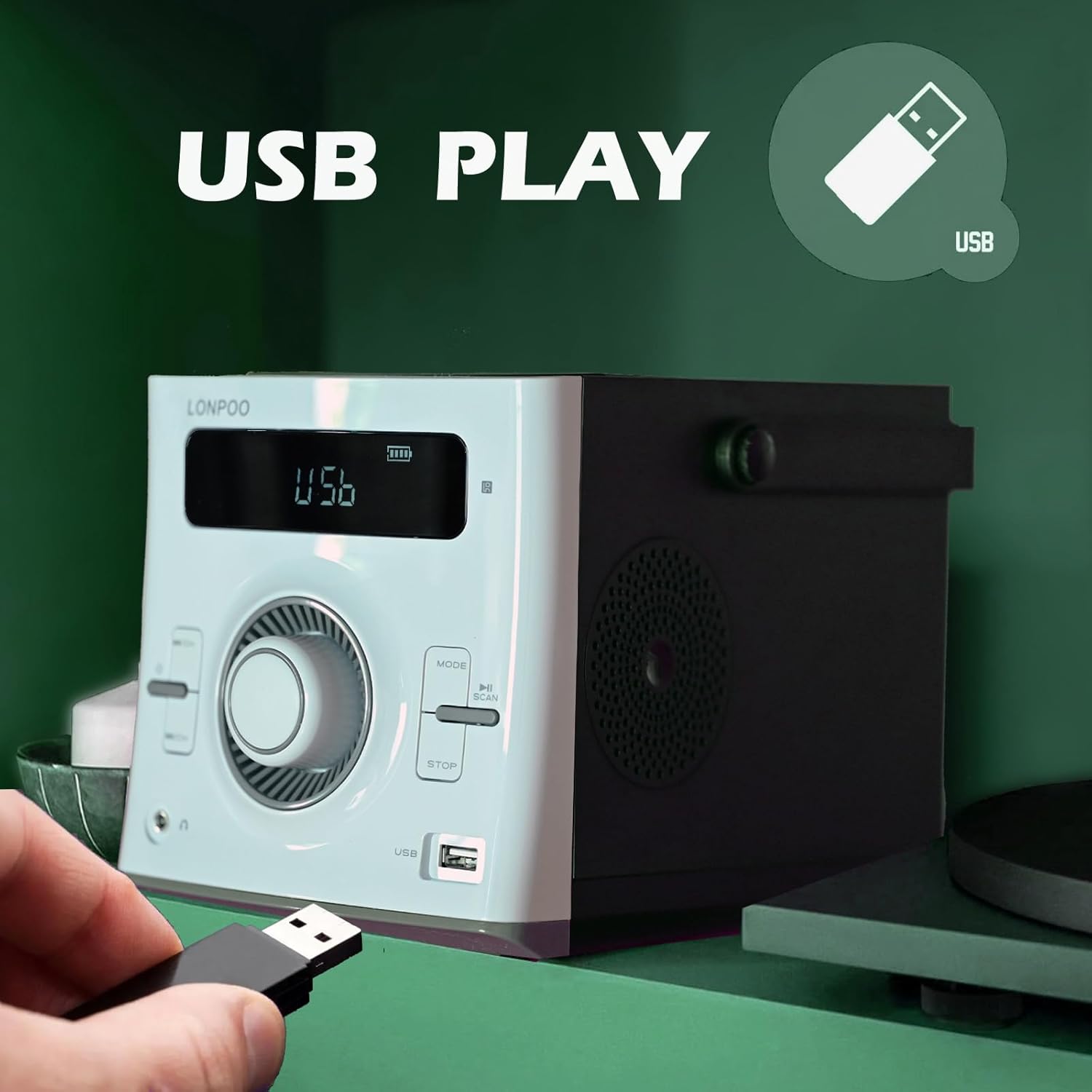
Image: A hand inserting a USB flash drive into the dedicated USB port on the front of the LONPOO LP-118W boombox, demonstrating its USB playback functionality.
- Stecken Sie einen USB-Stick mit MP3-Audiodateien ein. files in den USB-Port.
- Drücken Sie die Modus Drücken Sie die Taste so lange, bis „USB“ im Display erscheint.
- Playback will start automatically. Use the Abspielen/Pause Und Überspringen/Suchen Tasten zur Steuerung der Wiedergabe.
AUX-Eingang
- Connect an external audio device (e.g., smartphone, MP3 player) to the AUX IN port on the rear of the unit using a 3.5mm audio cable (not included).
- Drücken Sie die Modus Drücken Sie die Taste so lange, bis „AUX“ im Display erscheint.
- Steuern Sie die Wiedergabe über Ihr externes Audiogerät.
Mikrofon verwenden
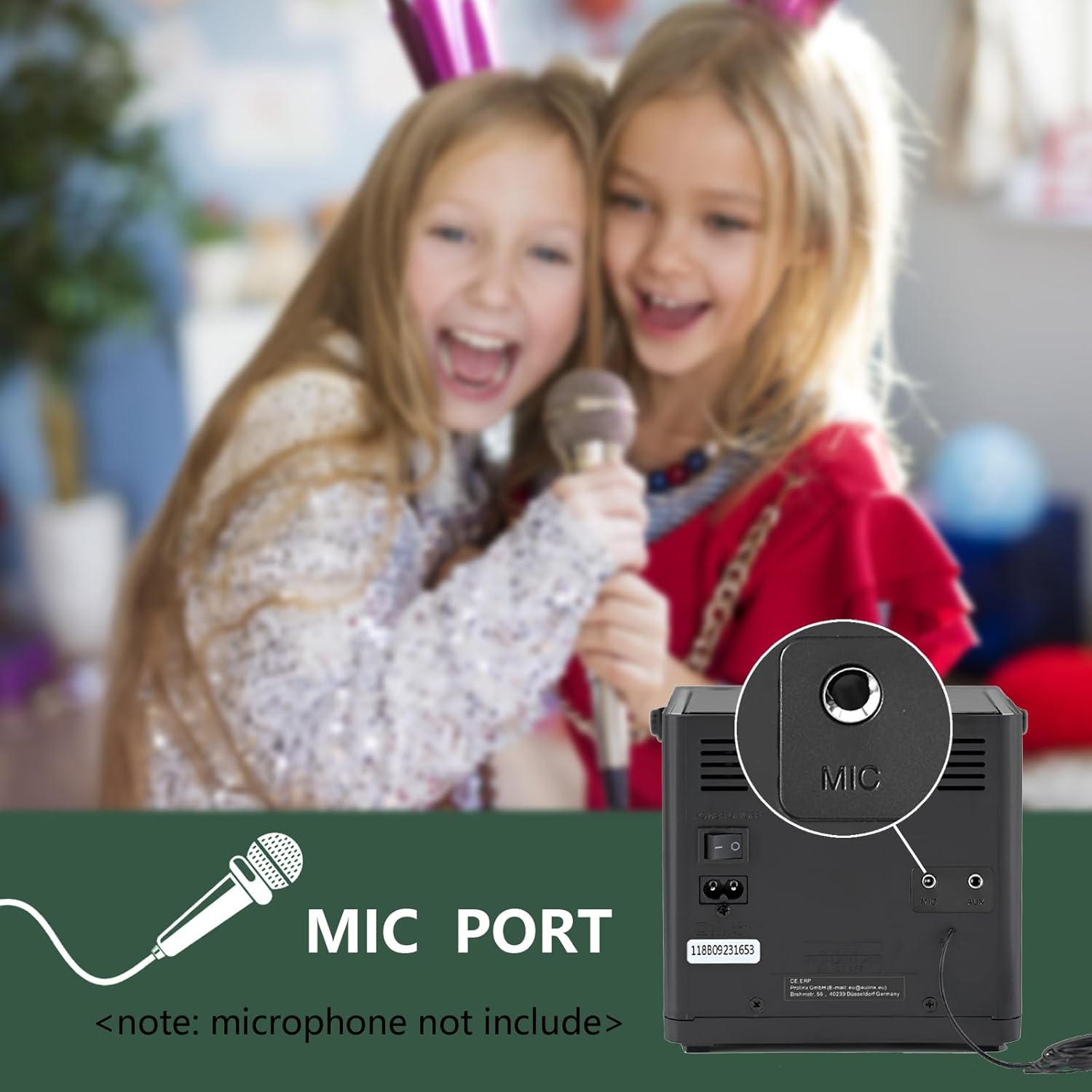
Bild: Eine Nahaufnahme view of the microphone port located on the rear panel of the LONPOO LP-118W boombox, with a note indicating that the microphone is not included. Children are visible in the background, suggesting karaoke use.
- Connect a 6.35mm microphone (not included) to the MIC Port on the rear of the unit.
- Adjust the microphone volume using the dedicated control on the microphone itself, if available, or the main volume knob on the boombox.
Fernbedienung
The included remote control allows for convenient operation from a distance. Functions include power, mode selection, volume adjustment, track navigation, play/pause, stop, and EQ settings.
Wartung
- Reinigung: Reinigen Sie die Außenseite des Geräts mit einem weichen, trockenen Tuch. Verwenden Sie keine Scheuermittel oder Lösungsmittel.
- CD-Linsenpflege: Sollten Probleme bei der CD-Wiedergabe auftreten, verwenden Sie einen handelsüblichen CD-Linsenreiniger.
- Lagerung: Bei längerer Nichtbenutzung sollte das Gerät an einem kühlen, trockenen Ort, geschützt vor direkter Sonneneinstrahlung und extremen Temperaturen, aufbewahrt werden.
- Batteriepflege: To prolong battery life, avoid fully discharging the battery frequently. Charge the unit regularly, even if not in use.
Fehlerbehebung
| Problem | Mögliche Ursache | Lösung |
|---|---|---|
| Gerät lässt sich nicht einschalten. | No power, discharged battery, faulty power cable. | Ensure AC cable is securely connected. Charge the battery. Try a different power outlet. |
| Kein Ton. | Volume too low, incorrect mode, headphone connected. | Lautstärke erhöhen. Korrekten Eingangsmodus auswählen. Kopfhörer abziehen. |
| Die CD springt oder spielt nicht ab. | Dirty or scratched CD, dirty CD lens, unit moved during playback. | Clean or replace CD. Use a CD lens cleaner. Place unit on a stable surface. |
| Das Bluetooth-Gerät lässt sich nicht koppeln. | Unit not in pairing mode, device too far, interference. | Ensure boombox is in BT mode. Move device closer. Restart both devices. |
| Schlechter UKW-Empfang. | Antenne nicht ausgefahren, schwaches Signal. | Fully extend and adjust the wire antenna. Try repositioning the unit. |
| USB-Wiedergabe funktioniert nicht. | Nicht unterstützt file format, corrupted USB drive, incorrect mode. | Sicherstellen files are MP3. Try a different USB drive. Select USB mode. |
Technische Daten
Image: The LONPOO LP-118W boombox with its dimensions (5.9 inches width, 8.5 inches depth, 5.9 inches height) and weight (3.9 lbs / 1.77 kg) clearly labeled, providing a visual reference for its compact size.
| Besonderheit | Detail |
|---|---|
| Modellnummer | LP-118W |
| Marke | LONPOO |
| Leistungsabgabe | 20 Watts (10W x 2 RMS) |
| Konnektivitätstechnologie | Bluetooth, USB, AUX (3.5 mm), FM-Radio |
| Unterstützte Medien | CD, CD-R/RW, MP3 (via USB) |
| Stromquelle | AC Power, Built-in Rechargeable Battery (2000mAh) |
| Akkulaufzeit | Up to 5+ hours (approx.) |
| Abmessungen (L x B x H) | 21 x 20 x 15 cm (8.5 x 5.9 x 5.9 Zoll) |
| Artikelgewicht | 1.77 kg |
| Kompatible Geräte | Laptop, Smartphone, MP3 Players |
| Besondere Merkmale | Microphone Port, Remote Control, LCD Display, Programmable CD Memory (20 tracks) |
Garantie und Support
LONPOO products are designed for reliability and performance. This product comes with a standard manufacturer's warranty. Please refer to the warranty card included in your package for specific terms and conditions, including the warranty period and coverage details.
For technical support, troubleshooting assistance, or warranty claims, please contact LONPOO customer service through the retailer where you purchased the product or visit the official LONPOO webWebsite für Kontaktinformationen.
Please have your model number (LP-118W) and proof of purchase ready when contacting support.