
1. Einleitung
Welcome to the user manual for your Kadimendium 360 Degree Car Camera System. This manual provides essential information for the proper installation, operation, and maintenance of your new panoramic surround view camera system. Please read these instructions carefully before installation and use to ensure optimal performance and longevity of the product.
2. Produktüberschreitungview
The Kadimendium 360 Degree Car Camera System is designed to enhance driving safety by providing a comprehensive panoramic view around your vehicle. It integrates four high-resolution cameras (front, rear, left, and right) to create a seamless 360-degree perspective, effectively reducing blind spots.
Hauptmerkmale:
- 360-Grad-Surround View: Four cameras provide a complete panoramic view, aiding in parking and maneuvering.
- AHD High Resolution (1080P): Delivers clear and detailed footage.
- Sternenlicht-Nachtsicht: Ensures optimal visibility in low-light and dark environments.
- IP68 Wasserdichtes Design: Fully sealed gel technology prevents water ingress and fogging, ensuring durability.
- Exceptional Low Light Performance: High sensitivity and signal-to-noise ratio for clear images in challenging light conditions.
- Kompatibilität: Designed for use with Android Auto Radio and Android navigators equipped with 360 surround view Software.
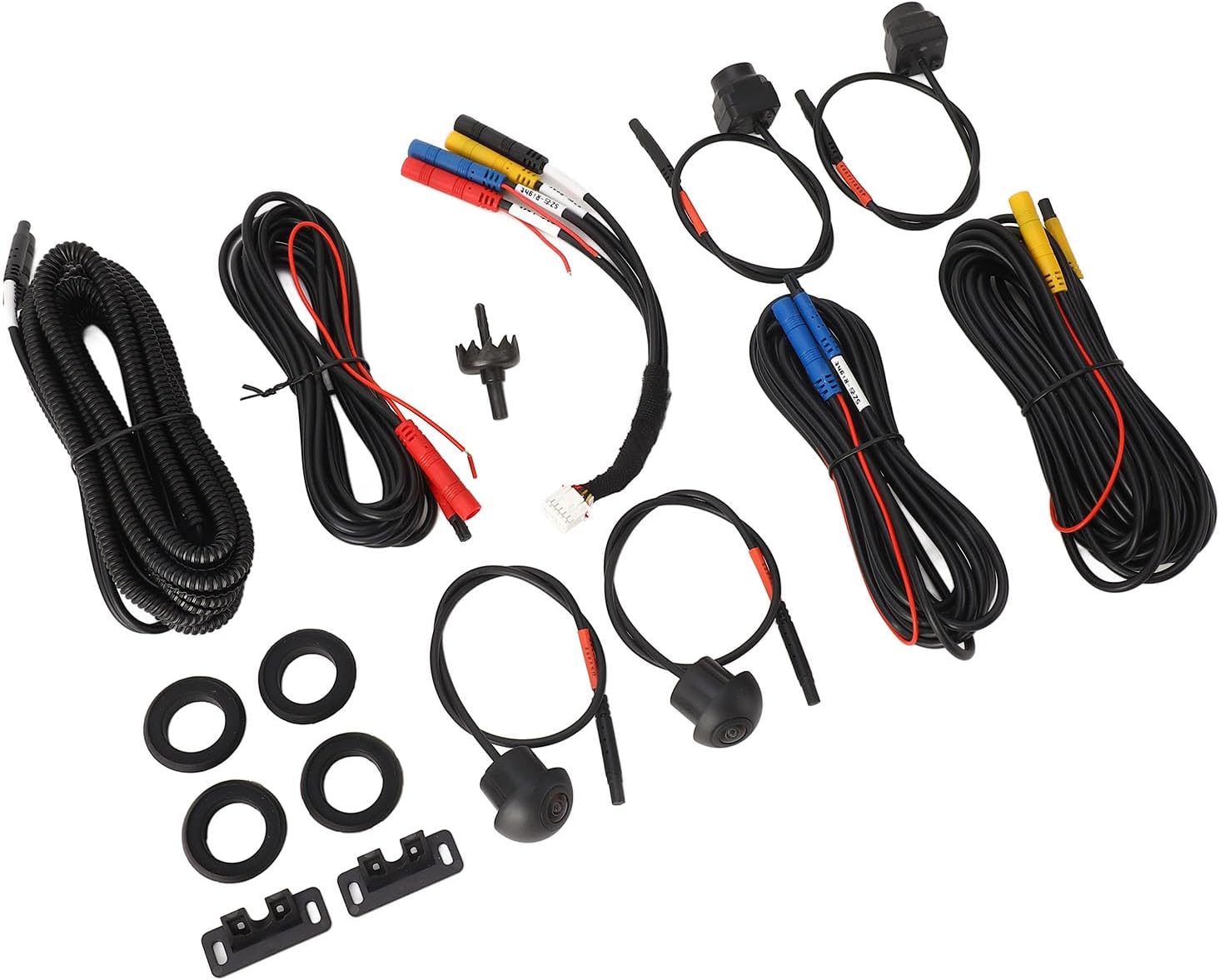
Bild 2.1: Überview of the Kadimendium 360 Degree Car Camera System components. This image displays the various cameras, wiring harnesses, and mounting accessories included in the system.
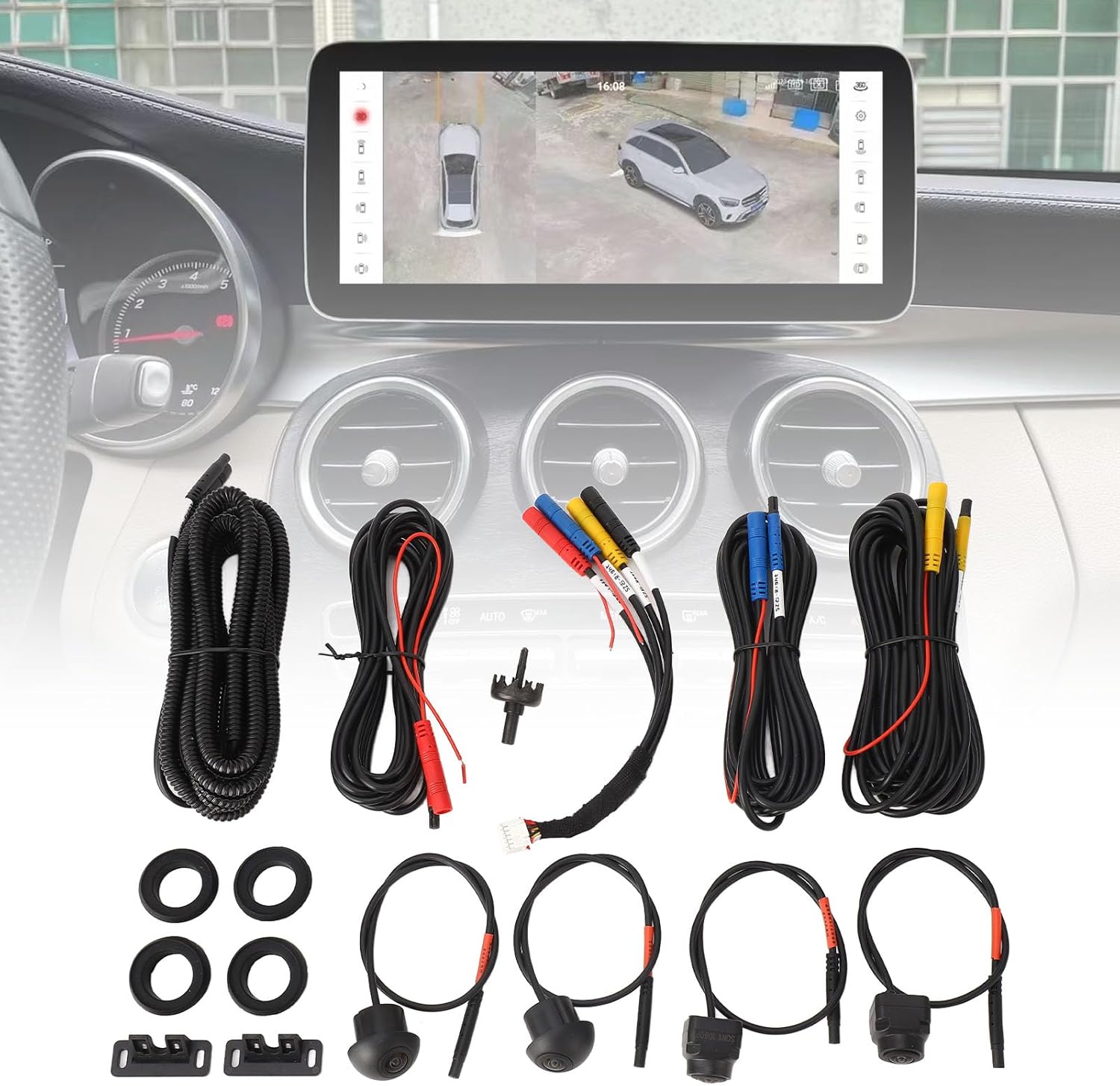
Bild 2.2: Nahaufnahme view of two cameras from the Kadimendium 360 Degree Car Camera System, highlighting their compact design.
3. Packungsinhalt
Bitte überprüfen Sie, ob alle unten aufgeführten Artikel in Ihrem Paket enthalten sind. Sollten Komponenten fehlen oder beschädigt sein, kontaktieren Sie bitte unseren Kundenservice.
- 4 x Camera (Front, Rear, Left, Right)
- 4 x Gummiauflage
- 4 x Verlängerungskabel
- 1 x Car Machine Special Line (Main Wiring Harness)
- 1 x Lochöffner
- 2 x Montagesockel

Image 3.1: All components included in the Kadimendium 360 Degree Car Camera System package.
4. Spezifikationen
| Besonderheit | Detail |
|---|---|
| Artikeltyp | 360 Car Camera System |
| Material | Metall + ABS |
| Kameratyp | Sternenlicht-Nachtsicht |
| Wasserdichtigkeit | IP68 |
| Betroffene Modelle | For Android navigator with 360 surround view software, For Android Auto Radio Night Vision 7 |
| Installationstyp | Ersatzteilmarkt |
| Bandtage | 12 Volt |
| Optische Sensorik | CMOS |
| Objektivtyp | Fester Weitwinkel |
| Echter Winkel von View | 360 Grad |
| Steckertyp | Cinch |
| Größe des optischen Sensors | 1/3 Zoll |
| Bereich View | 360 Grad |
| Artikelgewicht | 1 Pfund |
| Modellnummer | Kadimendiumq0cbvx9oyt-12 |
5. Einrichtung und Installation
The Kadimendium 360 Car Camera System is designed for straightforward installation. It is compatible with Android Auto Radio and Android navigators that support 360 surround view Software.
Installationsorte:
- Frontkamera: Typically installed on the front grill bumper.
- Side Cameras: Installed on the bottom of the left and right reversing mirrors.
- Rückfahrkamera: Installed in the trunk area.
Allgemeine Installationsschritte:
- Vorbereitung: Ensure your vehicle's power is off. Identify the optimal mounting locations for each camera.
- Montage der Kameras: Use the provided hole opener (if necessary) and mounting bases to securely attach each camera to its designated location. Ensure the cameras are oriented correctly for their respective views (front, rear, left, right).
- Verdrahtung: Connect each camera to its corresponding extension cord. Route the extension cords and the main car machine special line through the vehicle's interior to your Android Auto Radio or navigator. The system is designed for direct plug-in to the original car port, minimizing complex wiring.
- Connection to Head Unit: Connect the main wiring harness to your compatible Android Auto Radio or navigator. Ensure all connections are secure.
- Testen: After installation, turn on your vehicle and the head unit. Verify that all four camera views are displayed correctly and that the 360-degree surround view software is functioning as expected.
Notiz: Professional installation is recommended if you are unfamiliar with automotive electrical systems or vehicle modifications.
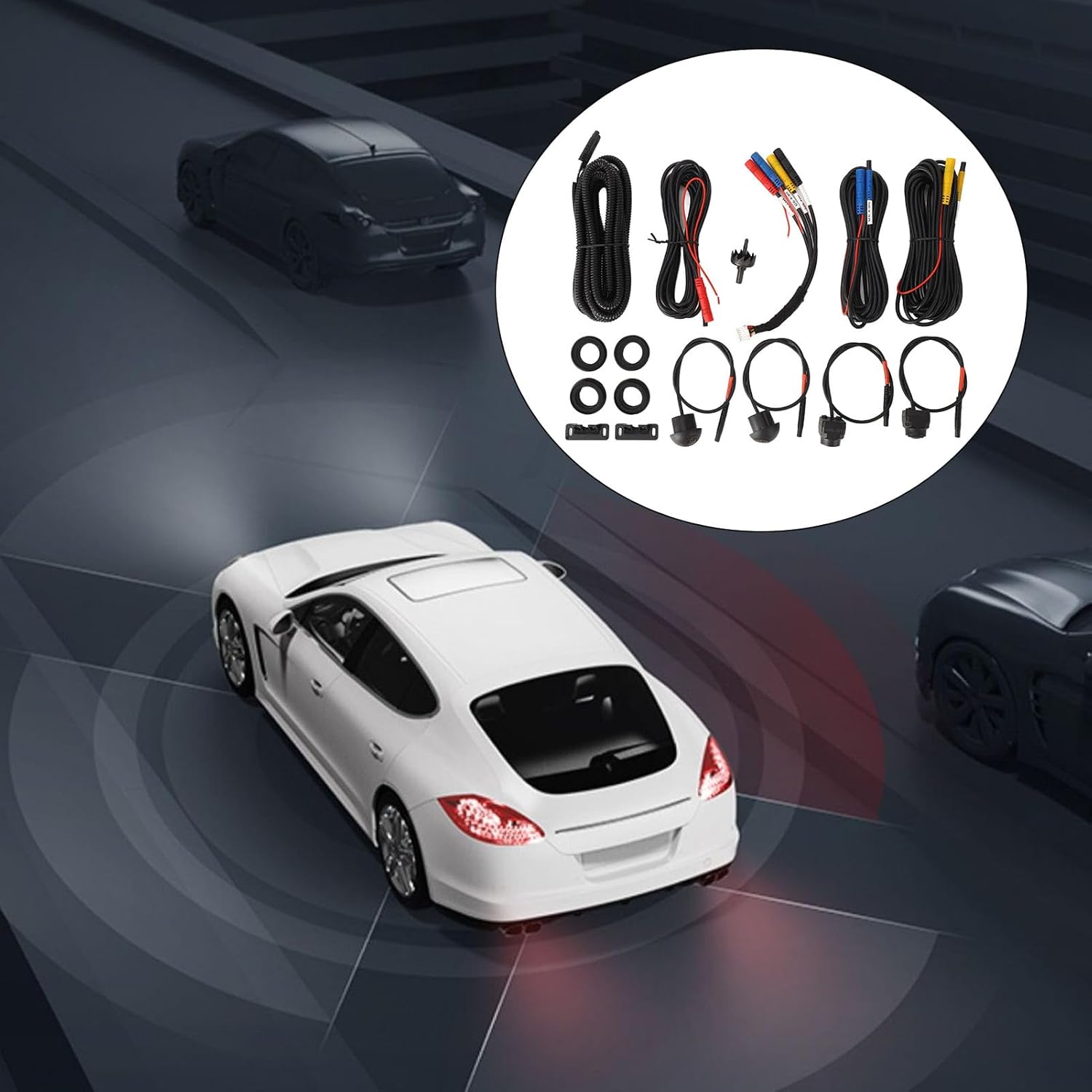
Image 5.1: Illustrative image showing the camera system components in context with a vehicle, suggesting installation points.
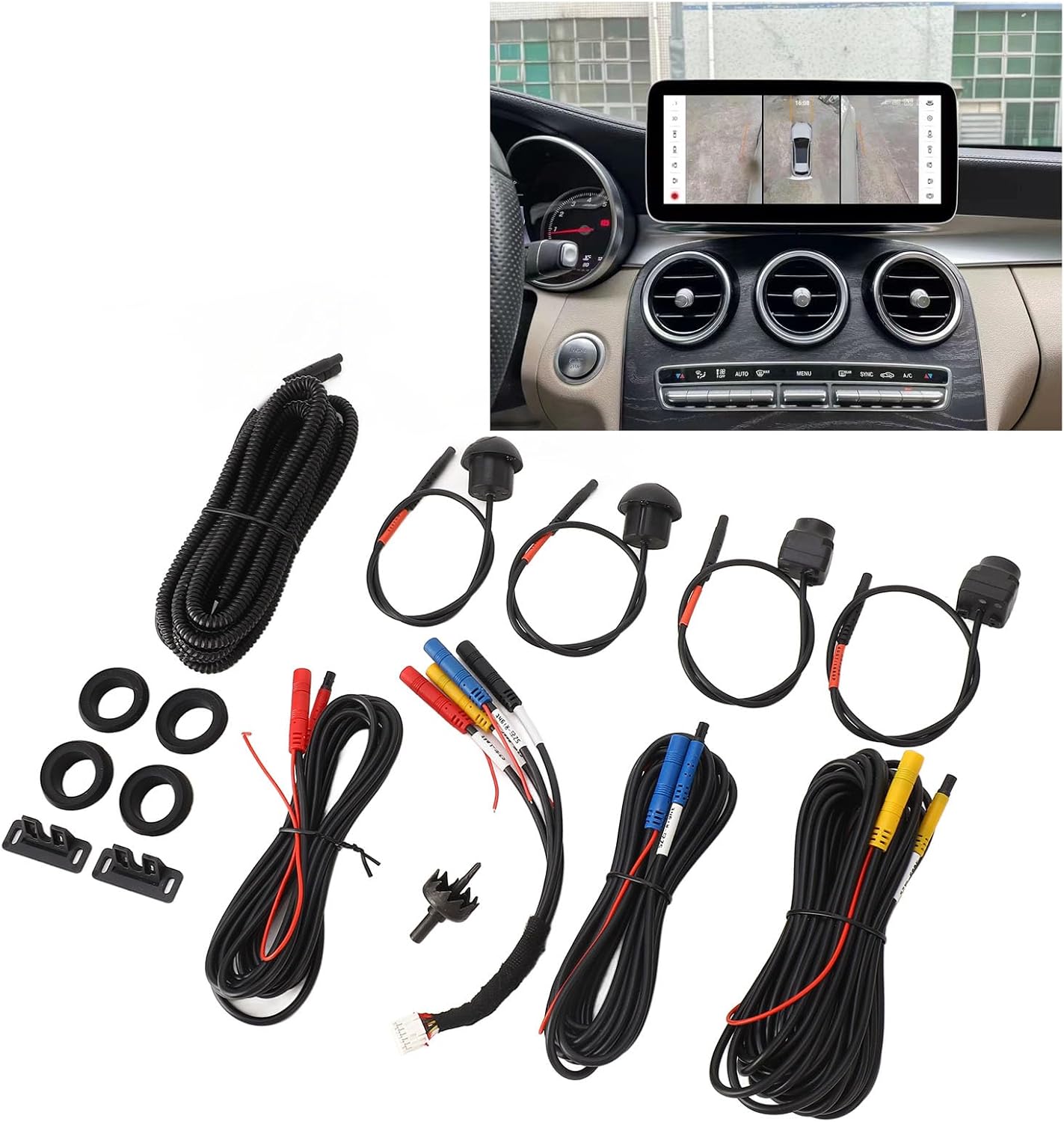
Image 5.2: The camera system components displayed alongside an in-car monitor showing the 360-degree view, indicating the final setup.
6. Bedienungsanleitung
Once properly installed and connected to a compatible Android Auto Radio or navigator with 360 surround view software, the system will provide real-time panoramic views.
Viewing-Modi:
- Automatische Aktivierung: The system typically activates automatically when the vehicle is put into reverse, displaying the rear view and a panoramic overhead view.
- Manuelle Auswahl: Depending on your Android head unit's software, you may be able to manually switch between front, rear, left, and right camera views, or a combined panoramic view. Refer to your head unit's manual for specific controls.
- Dynamische Richtlinien: The display may include dynamic parking guidelines that adjust with your steering wheel input, assisting with parking maneuvers.
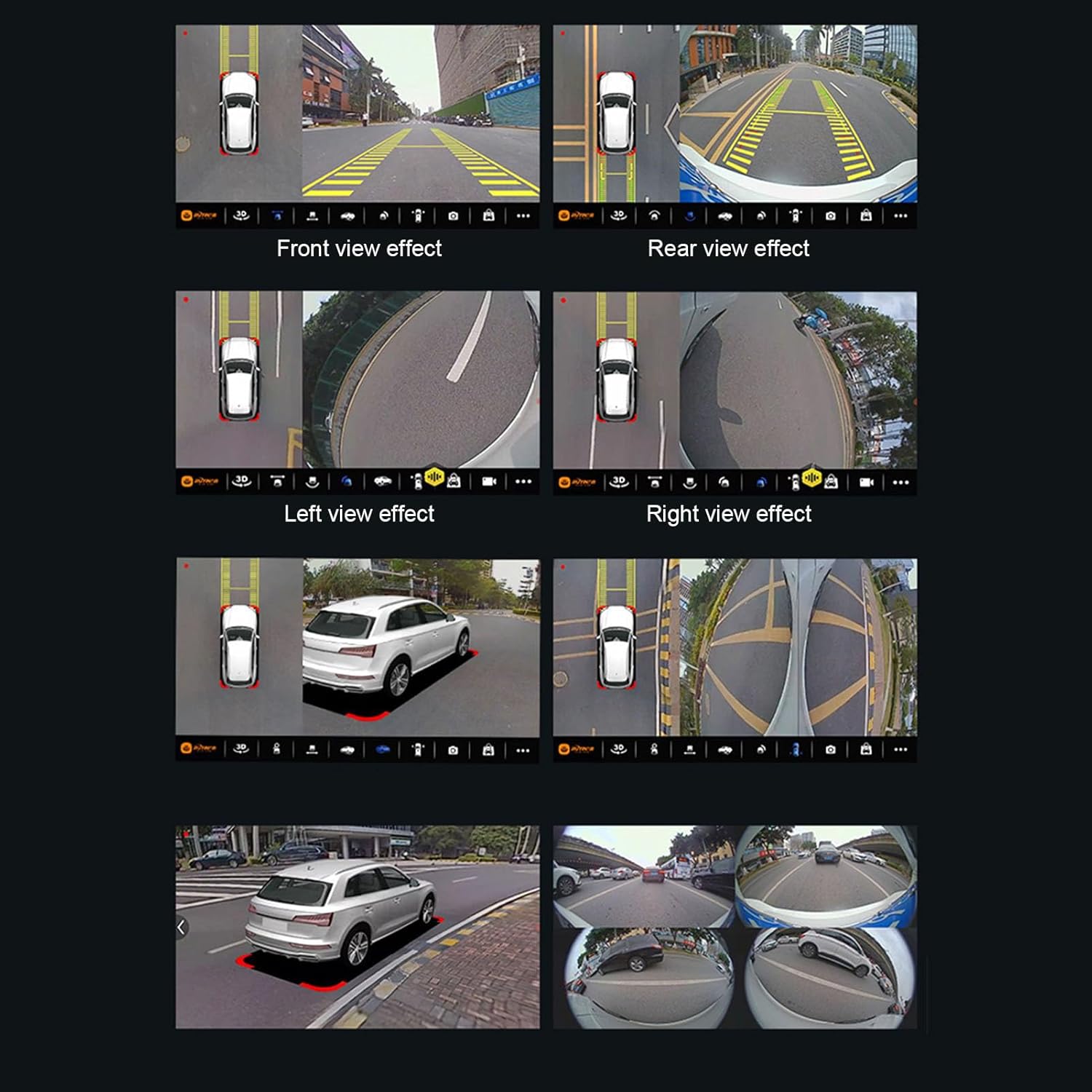
Abbildung 6.1: Beispielamples of the panoramic surround view display, showing front, rear, left, and right camera perspectives, as well as a combined overhead view.
7. Wartung
Regular maintenance ensures the optimal performance and longevity of your camera system.
- Reinigung des Kameraobjektivs: Reinigen Sie die Kameralinsen regelmäßig mit einem weichen Tuch.amp Tuch zum Entfernen von Schmutz, Staub oder Wasserflecken, die die Sicht behindern könnten viewVermeiden Sie scheuernde Reinigungsmittel.
- Verkabelungsprüfung: Occasionally check all wiring connections to ensure they are secure and free from damage.
- Wasserdichte Integrität: While the cameras are IP68 waterproof, avoid directing high-pressure water jets directly at the camera units during car washes.
8. Fehlerbehebung
If you encounter issues with your Kadimendium 360 Degree Car Camera System, please refer to the following common troubleshooting steps.
- Kein Bild/Schwarzer Bildschirm:
- Ensure all power and video connections are securely plugged into both the cameras and the head unit.
- Verify that your Android Auto Radio or navigator is powered on and functioning correctly.
- Check the settings on your head unit to ensure the camera input is selected or configured properly.
- Verzerrtes oder unscharfes Bild:
- Clean the camera lenses for any dirt, dust, or moisture.
- Check for any loose or damaged wiring that might be causing signal interference.
- Stellen Sie sicher, dass die Kamera fest montiert ist und nicht vibriert.
- Falsch View/Missing Camera Feed:
- Verify that each camera is connected to the correct input on the main wiring harness.
- Confirm that your Android head unit's 360 surround view software is properly calibrated and configured for four cameras.
- System wird nicht aktiviert:
- Ensure the trigger wire (e.g., reverse gear signal) is correctly connected to your head unit, if applicable.
- Consult your Android head unit's manual for camera activation settings.
If these steps do not resolve the issue, please contact Kadimendium customer support for further assistance.
9. Garantie und Support
For specific warranty information regarding your Kadimendium 360 Degree Car Camera System, please refer to the documentation provided at the time of purchase or contact your retailer.
If you require technical assistance, have questions about installation, or need to report a defective product, please reach out to Kadimendium customer support. Contact details are typically available on the product packaging or the seller's official webWebsite.
Rückgaberecht: This product typically comes with a 30-day return policy from the date of purchase. Please check with your retailer for exact terms and conditions.