
1. Einleitung
This manual provides detailed instructions for the MEETION MT-M915 USB Gaming Mouse with Backlight. Please read this guide thoroughly before using the product to ensure correct installation, optimal performance, and to understand its features. This mouse is designed for gaming and general computer use, offering reliable performance and a comfortable design.
2. Packungsinhalt
- MEETION MT-M915 USB Gaming Mouse
- Bedienungsanleitung (dieses Dokument)
3. Systemanforderungen
- Operating System: Windows XP, Linux
- Compatible Devices: Personal Computer, Laptop
- Verfügbarer USB-Port
4. Einrichtung
4.1 Anschließen der Maus
- Suchen Sie einen freien USB-Anschluss an Ihrem Computer oder Laptop.
- Plug the USB connector of the MEETION MT-M915 mouse into the USB port.
- The operating system will automatically detect and install the necessary drivers. This is a plug-and-play device, so no additional software installation is typically required.
- The mouse backlight will illuminate upon successful connection.
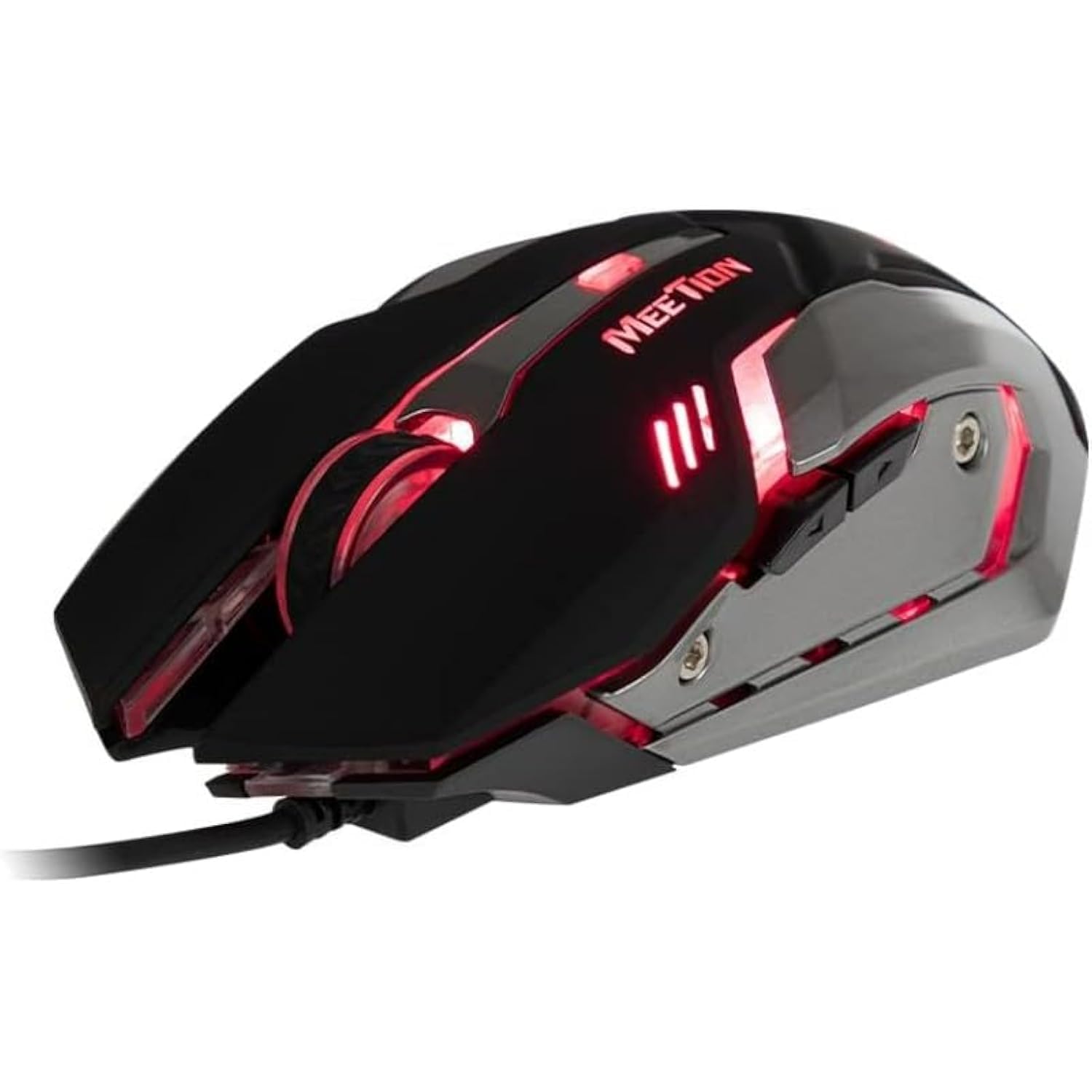
Abbildung 1: Seite view of the MEETION MT-M915 mouse with red backlight.
5. Bedienung der Maus
5.1 Grundfunktionen
- Links Klick: Primary action button, typically used for selecting items, opening files, or interacting with software.
- Rechtsklick: Secondary action button, typically used for opening context menus or accessing additional options.
- Scrollrad: Wird zum Durchblättern von Dokumenten verwendet und web Seiten. Es kann auch als mittlere Maustaste fungieren.
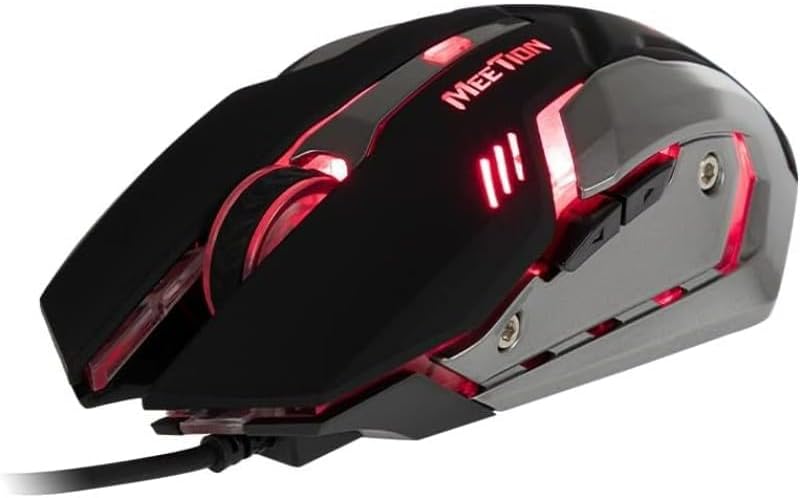
Abbildung 2: Draufsicht view of the MEETION MT-M915 mouse, showing button layout.
5.2 Betrieb der Hintergrundbeleuchtung
The MEETION MT-M915 mouse features an integrated backlight. The backlight activates automatically when the mouse is connected to a powered USB port. The color of the backlight may vary or cycle through different colors, as shown in Figure 3.

Abbildung 3: Seite view of the MEETION MT-M915 mouse with purple backlight.
5.3 Beidhändig bedienbares Design
The mouse is designed for ambidextrous use, meaning it can be comfortably used by both left-handed and right-handed individuals.
6. Wartung
6.1 Reinigung
- Trennen Sie die Maus vor der Reinigung von Ihrem Computer.
- Verwenden Sie ein weiches, trockenes Tuch, um die Oberfläche der Maus abzuwischen.
- Bei hartnäckigen Verschmutzungen leicht dampBefeuchten Sie das Tuch mit Wasser oder einer milden Reinigungslösung. Vermeiden Sie aggressive Chemikalien.
- Achten Sie darauf, dass keine Flüssigkeiten in den Mausbehälter gelangen.asing.
6.2 Speicherung
Bewahren Sie die Maus bei längerem Nichtgebrauch an einem kühlen, trockenen Ort fern von direkter Sonneneinstrahlung und extremen Temperaturen auf.
7. Fehlerbehebung
7.1 Maus reagiert nicht
- Stellen Sie sicher, dass das USB-Kabel fest an einen funktionierenden USB-Anschluss Ihres Computers angeschlossen ist.
- Versuchen Sie, die Maus an einen anderen USB-Anschluss anzuschließen.
- Starten Sie Ihren Computer neu.
- Test the mouse on another computer to determine if the issue is with the mouse or your computer's USB ports.
7.2 Hintergrundbeleuchtung funktioniert nicht
- Verify the mouse is properly connected to a powered USB port.
- If the mouse functions but the backlight does not, there might be an internal issue. Contact customer support if the mouse is still under warranty.
7.3 Unregelmäßige Cursorbewegung
- Stellen Sie sicher, dass der optische Sensor an der Unterseite der Maus sauber und frei von Staub und Schmutz ist.
- Verwenden Sie die Maus auf einer sauberen, ebenen Oberfläche. Vermeiden Sie stark reflektierende oder transparente Oberflächen.
- Versuchen Sie, Ihren Computer neu zu starten.
8. Spezifikationen
| Besonderheit | Detail |
|---|---|
| Marke | TREFFEN |
| Modellname | MT-M915 |
| Modellnummer des Herstellers | CE ELECTRON-559 |
| Konnektivitätstechnologie | USB |
| Bewegungserkennungstechnologie | Optisch |
| Handausrichtung | Beidhändig |
| Besondere Merkmale | Leicht |
| Empfohlene Verwendung für das Produkt | Spiele |
| Kompatible Geräte | Personalcomputer, Laptop |
| Betriebssystem | Linux, Windows XP |
| Artikelgewicht | 50 Gramm |
| Verpackungsabmessungen | 20.7 x 14.3 x 6.1 cm |
| Batterien im Lieferumfang enthalten | NEIN |
9. Garantie und Support
9.1 Garantieinformationen
This product is covered by a standard manufacturer's warranty. Please refer to the warranty card included with your purchase or contact your retailer for specific warranty terms and conditions.
9.2 Kundendienst
For technical assistance, troubleshooting, or warranty claims, please contact the retailer where you purchased the product or visit the official MEETION webSite für Supportressourcen.