
Andoer 1080P HD Mini Body Camera
Andoer 1080P HD Mini Body Camera User Manual
Model: B0CL9SCVVK
1. Einleitung
The Andoer 1080P HD Mini Body Camera is a compact and versatile recording device designed for various applications, including daily recording, service delivery, and personal security. It features high-definition video recording, a 180° rotatable lens, night vision capabilities, and WiFi connectivity for live viewing. This manual provides essential information for setting up, operating, and maintaining your device.

The Andoer 1080P HD Mini Body Camera offers a range of functionalities including high-definition video recording, photo capture, and mobile monitoring via WiFi. It supports various modes such as night vision and features a 180-degree rotatable lens for flexible recording.
2. Packungsinhalt
Bitte überprüfen Sie nach dem Auspacken den Packungsinhalt, um sicherzustellen, dass alle Artikel vorhanden sind:
- Andoer 1080P HD Mini Body Camera (Host)
- USB-Lade- / Datenkabel
- Bedienungsanleitung

This image illustrates the contents of the product package, including the main camera unit, a USB charging and data cable, the retail packaging, and the printed instruction manual.
3. Hauptmerkmale
- 1080P HD-Videoaufnahme: Nimmt klare und detaillierte Videoaufnahmen auftage.
- Audioaufnahme: Supports WAV format for audio capture.
- Um 180° drehbares Objektiv: Allows for flexible adjustment of the camera angle.
- Nachtsichtfunktion: Ermöglicht klare Aufnahmen bei schwachen Lichtverhältnissen.
- WiFi Verbindung: Connects to a smartphone app for live viewing und Kontrolle.
- Clip-On-Design: Easily attaches to clothing or bags for portable use.
- Große Speicherkapazität: Supports up to 256GB TF (Micro SD) card for ample Speicher.
- Lange Akkulaufzeit: Equipped with a 1400mAh lithium battery, providing 4-5 hours of recording.

The camera features a convenient clip-on design, allowing it to be easily attached to clothing like a collar or pocket, or to a backpack for hands-free recording.

With its 180-degree rotating lens and wide-angle view, the camera can function as a driving recorder, capturing a broad perspective of the road and surroundings.
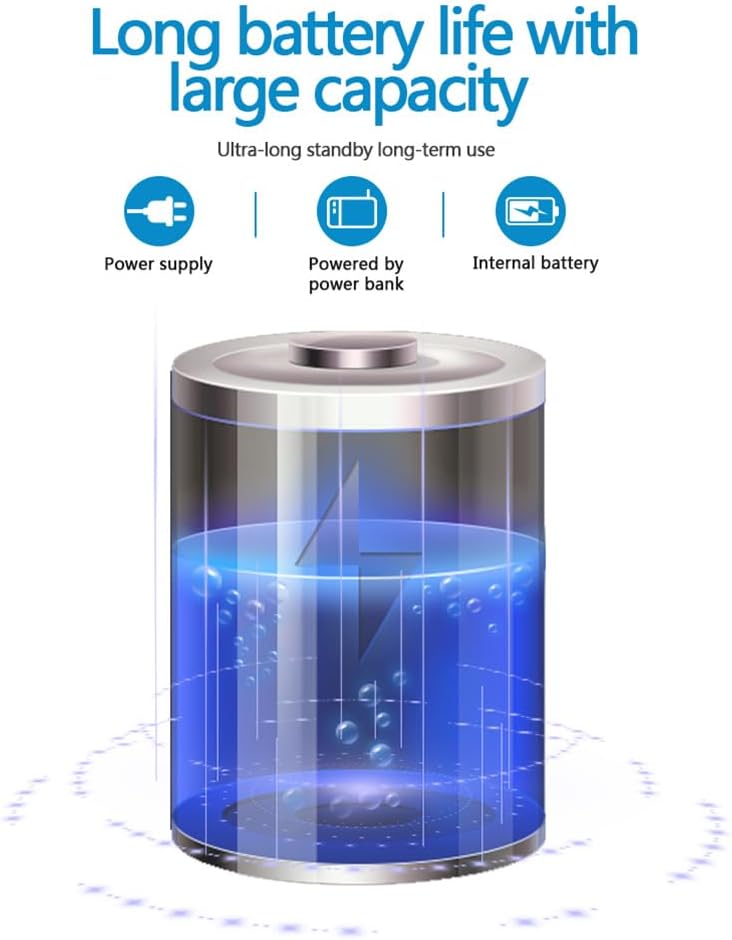
The camera is equipped with a 1400mAh lithium battery, providing extended recording time. It can be powered by an internal battery, an external power bank, or a direct power supply.
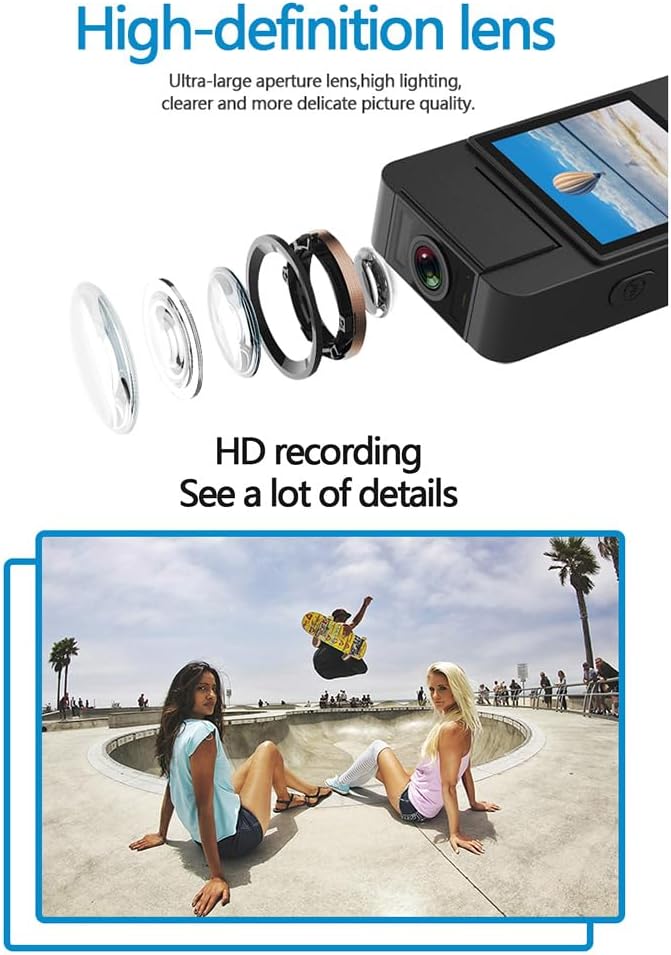
The camera features a high-definition lens with a large aperture, designed to capture clear, bright, and detailed images and videos.
4. Installationsanleitung
4.1 Aufladen des Geräts
Before first use, fully charge the camera. Connect the provided USB cable to the camera's Type-C port and the other end to a DC 5V power adapter or a computer's USB port. The charging indicator light will show the charging status and turn off when fully charged.
4.2 Einlegen einer Micro SD-Karte
The camera supports Micro SD (TF) cards up to 256GB. Insert the Micro SD card into the designated slot with the gold contacts facing down until it clicks into place. Ensure the camera is powered off before inserting or removing the card.
4.3 Erstes Einschalten
Press and hold the Power button for a few seconds until the indicator light turns on, indicating the device is powered on.
5. Bedienungsanleitung
5.1 Ein-/Ausschalten
- Einschalten: Halten Sie den Ein-/Ausschalter gedrückt, bis die Kontrollleuchte aufleuchtet.
- Ausschalten: Halten Sie den Ein-/Ausschalter gedrückt, bis die Kontrollleuchte erlischt.
5.2 Videoaufzeichnung
In standby mode, press the Video button once to start recording. The indicator light will flash to confirm recording is in progress. Press the Video button again to stop recording and save the file.
5.3 Audioaufnahme
In standby mode, press the Audio button once to start audio-only recording. The indicator light will flash. Press the Audio button again to stop recording and save the file.
5.4 Photo Function
In standby mode, press the Photo button once to capture a still image. The indicator light will flash briefly.

The camera is designed for simple operation, featuring dedicated buttons for one-click recording, switching between recording modes, and activating video mode.
5.5 Aktivierung der Nachtsicht
The camera features an automatic night vision function. It can be manually toggled on or off depending on the model variant. Refer to the on-screen menu or specific button for night vision control.
5.6 Einstellen des Linsenwinkels
The camera lens can be manually rotated 180 degrees to capture different perspectives without repositioning the entire device.
5.7 WiFi Live Viewing
Download the dedicated app on your smartphone. Power on the camera and activate its WiFi function. Connect your smartphone to the camera's WiFi network (SSID and password usually found on the device or in the manual). Open the app to view lebe footage, Steuerung der Aufzeichnung und Zugriffseinstellungen.
5.8 Wiedergabe
Aufgezeichnet files can be played back directly on the camera's screen (if available), or by connecting the camera to a computer via USB. Alternatively, remove the Micro SD card and insert it into a card reader to access files auf einem Computer.
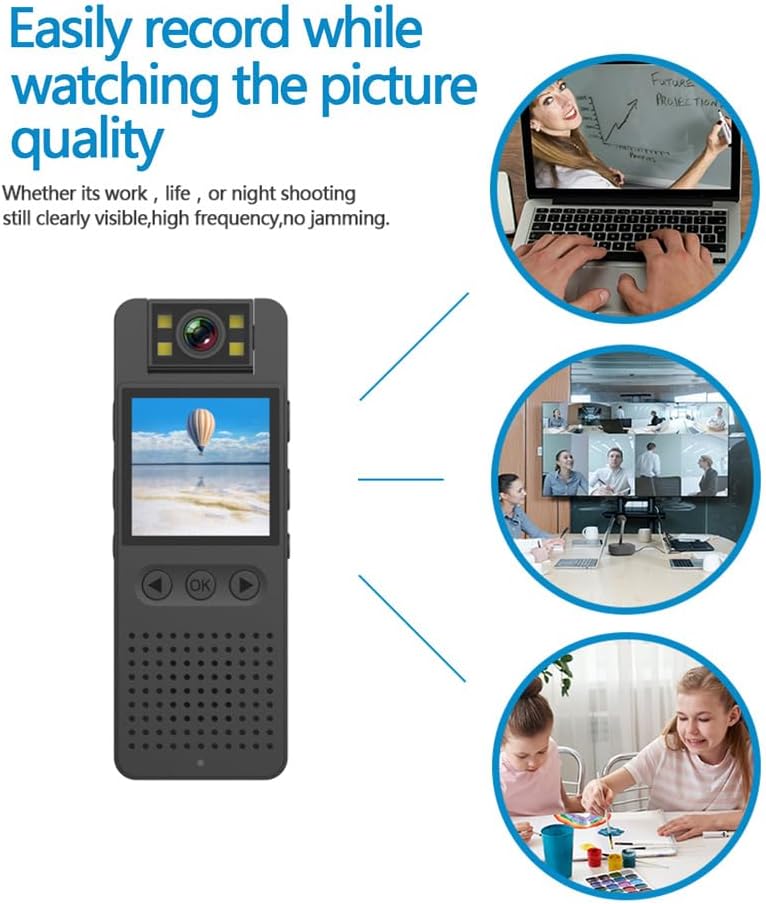
This image illustrates the camera's ability to record clearly in various environments, whether for work, leisure, or night shooting, maintaining high picture quality.
6. Pflege und Wartung
- Reinigung der Linse: Use a soft, lint-free cloth specifically designed for camera lenses to gently clean the lens. Avoid abrasive materials or harsh chemicals.
- Batteriepflege: Um die Akkulaufzeit zu verlängern, vermeiden Sie häufiges vollständiges Entladen des Akkus. Laden Sie das Gerät regelmäßig auf, auch wenn es längere Zeit nicht benutzt wird. Bewahren Sie es an einem kühlen, trockenen Ort auf.
- Lagerung: Store the camera in a dry environment, away from extreme temperatures, direct sunlight, and dust.
- Datensicherung: Regularly back up important recordings from the Micro SD card to a computer or external storage device to prevent data loss.
- Auswirkungen vermeiden: Schützen Sie das Gerät vor Stürzen und Stößen, da diese die internen Komponenten beschädigen können.
7. Fehlerbehebung
7.1 Gerät schaltet sich nicht ein
- Ensure the battery is sufficiently charged. Connect the camera to a power source and try again.
- Den Ein-/Ausschalter länger gedrückt halten (5-10 Sekunden).
7.2 Recording Issues (No Recording/Poor Quality)
- Check if a Micro SD card is properly inserted and has sufficient free space.
- Ensure the Micro SD card is formatted correctly (FAT32 recommended).
- Clean the camera lens if the image quality is blurry.
- Ensure adequate lighting for optimal video quality, or activate night vision in low-light conditions.
7.3 WiFi Connection Problems
- Make sure the camera's WiFi function is enabled.
- Stellen Sie sicher, dass sich Ihr Smartphone in Reichweite des WLAN-Signals der Kamera befindet.
- Vergewissern Sie sich, dass Sie das richtige WLAN-Passwort eingegeben haben.
- Starten Sie sowohl die Kamera als auch Ihr Smartphone neu und versuchen Sie dann erneut, eine Verbindung herzustellen.
7.4 Gerät friert ein oder reagiert nicht mehr
- Press and hold the Power button for an extended period (up to 15 seconds) to force a shutdown.
- If possible, use a small pin to press the reset button (if available on your model).
8. Technische Daten
| Videoauflösung | 1920 x 1080 Pixel |
| Videoformat | MOV |
| Videobildrate | 25 Bilder/s |
| Bildverhältnis | 16:9 |
| Aufnahmeformat | WAV |
| Fotoauflösung | 4608 x 3456 Pixel |
| Fotoformat | JPG |
| Batteriekapazität | 1400 mAh |
| Arbeitszeit | Approx. 290 minutes (4-5 hours) |
| Ladevolumentage | Gleichstrom 5 V |
| Speicherunterstützung | Up to 256GB TF card (Micro SD) |
| Schnittstellentyp | Typ C |
| Unterstützte Systeme | Windows, Mac OS, Linux |
| Konnektivitätstechnologie | USB, WLAN |
| Besondere Merkmale | Low Light, Night Vision |
| Wasserbeständigkeit | Nicht wasserfest |
| Objektivtyp | Zoom |
| Fokustyp | Manueller Fokus |
9. Garantieinformationen
Specific warranty details for the Andoer 1080P HD Mini Body Camera may vary by region and retailer. Please refer to the product packaging, the seller's website, or your purchase receipt for comprehensive warranty terms and conditions. It is recommended to retain your proof of purchase for any warranty claims.
10. Kundendienst
For technical assistance, product inquiries, or customer support, please contact the retailer from whom you purchased the device or visit the official Andoer website. When contacting support, please have your product model number (B0CL9SCVVK) and purchase details readily available to facilitate faster service.
Ask a question about this manual
Ask about setup, troubleshooting, compatibility, parts, safety, or missing instructions. Manuals+ will review the question and use this page’s manual context to help answer it.