
FUVISION 4G LTE Cellular Trail Camera 2.7K
FUVISION 4G LTE Cellular Trail Camera User Manual
Model: 4G LTE Cellular Trail Camera 2.7K
Einführung
Thank you for choosing the FUVISION 4G LTE Cellular Trail Camera. This manual provides detailed instructions for setting up, operating, and maintaining your camera to ensure optimal performance. This camera is designed for remote monitoring of wildlife, property, or other outdoor areas, offering high-resolution imaging and cellular connectivity for real-time alerts and viewing.
Lieferumfang
Carefully unpack all components and check for any damage. If any items are missing or damaged, please contact customer support.
- 1 x 4G LTE Cellular Trail Camera
- 1 x 5W Solar Power Panel
- 1 x Bracket for solar panel
- 1 x Detailed user manual (this document)
- Rechargeable Batteries (pre-installed or included separately)

Image: All components included in the package, laid out on a table.
Produkt überview
The FUVISION 4G LTE Cellular Trail Camera is a robust and versatile device designed for outdoor surveillance. It features a durable, camouflage-patterned casing, an integrated solar panel for continuous power, and advanced imaging capabilities.
Hauptmerkmale:
- 4G LTE-Konnektivität: Ermöglicht Fernzugriff viewing and direct app notifications without Wi-Fi.
- Hochauflösende Aufnahme: 2.7K Ultra HD video and 14MP photos for clear imaging.
- Nachtsicht: Enhanced low-light night vision for clear recordings in darkness.
- Hohe Auslösegeschwindigkeit: 0.2-second trigger speed to capture fast-moving subjects.
- Dual Activation: Triggered by PIR motion or via the mobile app.
- Nachhaltige Energie: 7800mAh battery with a 5W solar panel for extended operation.
- Langlebiges Design: Wasserdichtigkeitsklasse IP67 für den Einsatz im Freien.
- Speicheroptionen: Supports up to 128GB Micro SD cards (not included) and offers cloud storage.
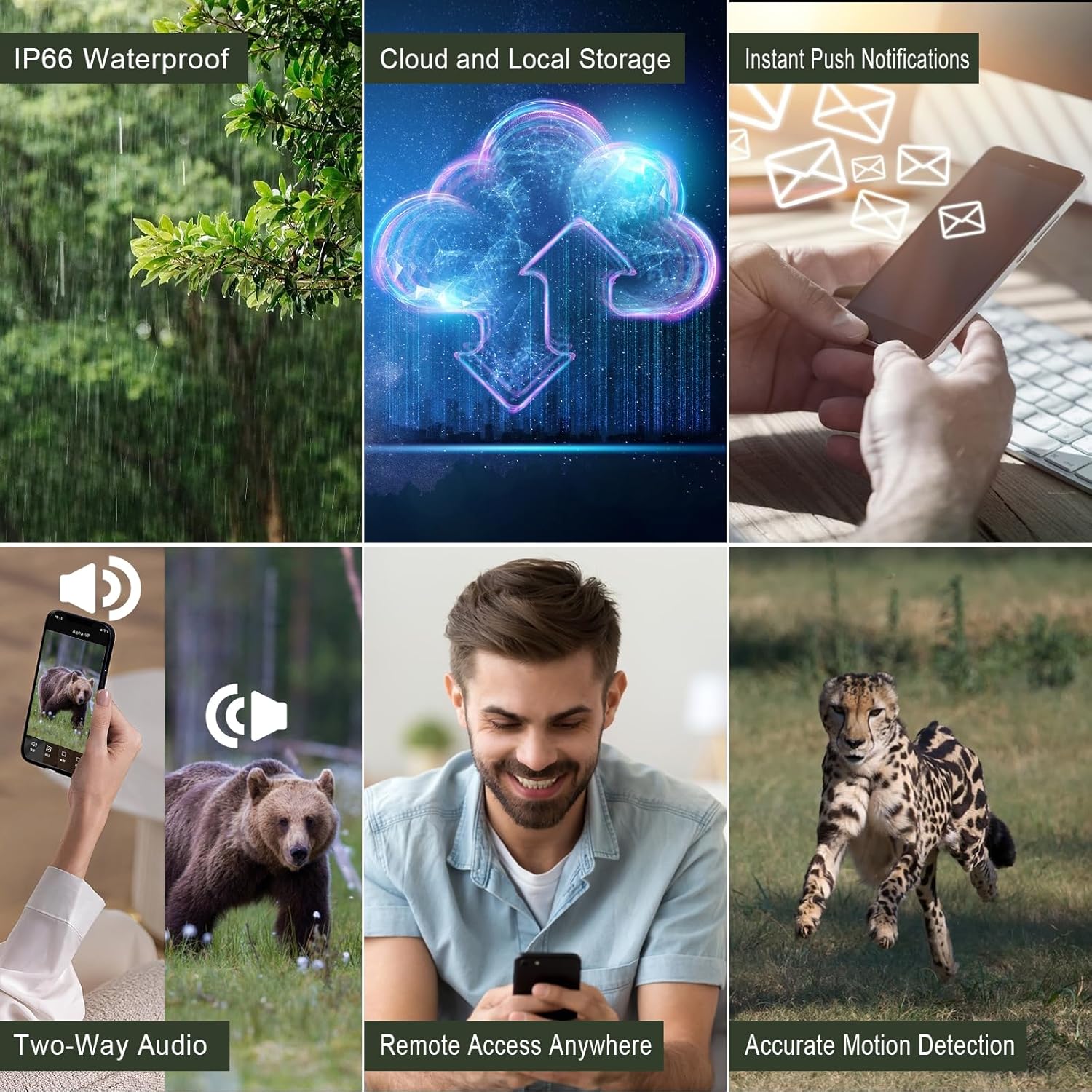
Image: Visual representation of the camera's key functionalities, including its robust design and connectivity features.
Installationshandbuch
Follow these steps for the initial setup of your FUVISION Trail Camera.
1. Auspacken und Komponentencheck
Refer to the 'What's in the Box' section to ensure all components are present.
2. Installation von Akku und SIM-Karte
- Open the camera's latch to access the battery compartment.
- Ensure the 7800mAh rechargeable batteries are correctly inserted.
- Insert the pre-installed SIM card into its designated slot. Note: This camera works with the pre-installed SIM card only.
- Close the compartment securely to maintain the IP67 waterproof seal.
Video: A demonstration of unboxing the camera, installing the antenna, opening the battery compartment, inserting the SIM card, and powering on the device. It also shows the initial app setup and connecting the solar panel.
3. App-Download und Kopplung
- Download the official FUVISION app from your smartphone's app store (iOS compatible).
- Open the app and follow the on-screen instructions to create an account and pair your camera.
- Scan the QR code on the camera or follow the app's discovery process.
- Once paired, you will receive a confirmation message.

Image: The trail camera in an outdoor setting, highlighting its 4G LTE connectivity and app control features for remote monitoring.
4. Anschluss des Solarmoduls
Connect the 5W solar panel to the camera's charging port. Mount the solar panel in a location that receives ample direct sunlight to ensure continuous charging of the internal battery.
Bedienungsanleitung
Your FUVISION Trail Camera offers flexible operation modes for various monitoring needs.
Aufnahmemodi:
- PIR Motion Trigger: The camera automatically captures photos or videos when motion is detected by the Passive Infrared (PIR) sensor.
- App-Aktivierung: Manually trigger photo or video capture, or initiate live streaming directly from the mobile app.

Image: The camera can be activated by motion detection or controlled remotely via the mobile application for real-time monitoring.
Viewing and Storage:
- Livestream: Access 2.7K live video feed through the app.
- Photo/Video Playback: View captured 14MP photos and 2.7K videos directly from the app.
- Lokaler Speicher: Recordings are saved to a Micro SD card (up to 128GB, not included).
- Cloud-Speicher: Utilize the 30-day free trial for cloud storage and playback functionality.
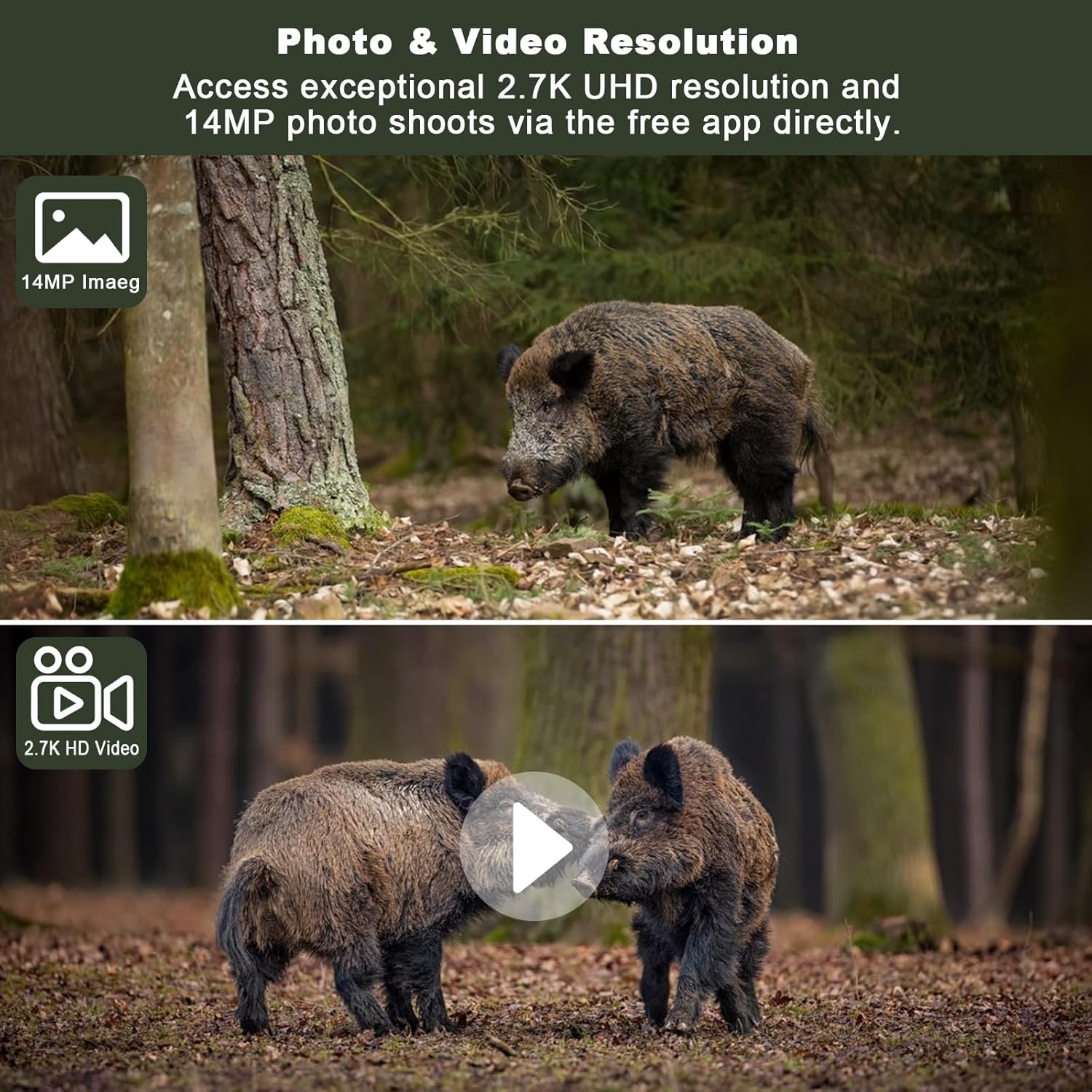
Bild: Examples of the high-resolution photo (14MP) and video (2.7K UHD) capabilities of the camera, showcasing detailed captures of wildlife.
Nachtsicht:
The camera is equipped with enhanced non-glow night vision, allowing it to capture clear images and videos in complete darkness without emitting visible light that could disturb wildlife.

Image: The camera's night vision captures clear images of animals in low-light conditions, making it difficult for them to detect the camera.
Wartung
Durch sachgemäße Wartung wird die Langlebigkeit und optimale Leistung Ihrer Wildkamera sichergestellt.
Reinigung:
- Wipe the camera lens and solar panel regularly with a soft, clean cloth to remove dust and debris.
- Keine Scheuer- oder Lösungsmittel verwenden.
Batteriemanagement:
The integrated 5W solar panel helps maintain the 7800mAh battery charge. For best results, ensure the solar panel is positioned to receive maximum sunlight. If the camera is stored for extended periods, fully charge the batteries before storage and recharge periodically.

Image: The camera's solar panel provides continuous power, ensuring extended operation in the field.
Lagerung:
Bewahren Sie die Kamera bei Nichtgebrauch an einem kühlen, trockenen Ort fern von direkter Sonneneinstrahlung und extremen Temperaturen auf.
Fehlerbehebung
Sollten Sie Probleme mit Ihrer Kamera haben, beachten Sie bitte die folgenden häufigen Probleme und Lösungen:
| Problem | Mögliche Ursache | Lösung |
|---|---|---|
| Kamera lässt sich nicht einschalten | Niedriger Batteriestand; Falscher Batterieeinbau | Charge batteries fully; Reinstall batteries correctly. |
| Kein zellulares Signal | Poor network coverage; SIM card issue | Relocate camera to an area with better signal; Contact SIM card provider if issues persist. |
| Es wurden keine Bilder/Videos aufgenommen | PIR sensitivity too low; SD card full/corrupted; Incorrect settings | Adjust PIR sensitivity in app; Format or replace SD card; Check camera settings in app. |
| App-Verbindungsprobleme | Network problem; App outdated | Check phone's internet connection; Update app to the latest version. |
| Solarpanel lädt nicht | Insufficient sunlight; Panel obstructed/dirty | Relocate panel to direct sunlight; Clean panel surface. |
Technische Daten
| Besonderheit | Detail |
|---|---|
| Modellname | 4G LTE Cellular Trail Camera 2.7K |
| Auflösung der Videoaufnahme | 2560 x 1440 (2.7K UHD) |
| Effektive Standbildauflösung | 14 Megapixel |
| Konnektivitätstechnologie | 4G LTE Mobilfunk |
| Stromquelle | Solarbetrieben (5-W-Solarpanel) |
| Batteriekapazität | 7800 mAh Lithium-Ionen |
| Auslösegeschwindigkeit | 0.2 Sekunden |
| Nachtsichtbereich | 20 Meter |
| Wasserbeständigkeit | IP67 |
| Maximal unterstützter Flash-Speicher | 128 GB (Micro-SD) |
| Viewing-Winkel | 120 Grad |
| Material | Acrylnitril-Butadien-Styrol (ABS) |
| Artikelgewicht | 1.92 Pfund |
Garantie und Support
FUVISION products are designed for reliability and performance. For warranty information and technical support, please refer to the contact details provided with your purchase or visit the official FUVISION webWebsite.
Für weitere Unterstützung können Sie sich auch an die folgende Stelle wenden: Benutzerhandbuch (PDF) online verfügbar.
Ask a question about this manual
Ask about setup, troubleshooting, compatibility, parts, safety, or missing instructions. Manuals+ will review the question and use this page’s manual context to help answer it.