
Einführung
Thank you for choosing the JSAUX 10000mAh Battery Pack. This device is designed to extend the playtime of your VR headset, such as the Oculus Quest 3, and provide portable power for other USB-C compatible devices. This manual will guide you through the setup, operation, maintenance, and troubleshooting of your new battery pack.
Sicherheitshinweise
- Do not expose the battery pack to extreme temperatures, direct sunlight, or fire.
- Zerlegen, modifizieren oder versuchen Sie nicht, das Gerät zu reparieren.
- Halten Sie das Gerät von Wasser und anderen Flüssigkeiten fern.
- Verwenden Sie zum Aufladen ausschließlich das mitgelieferte USB-C-Kabel oder ein zertifiziertes gleichwertiges Kabel.
- Außerhalb der Reichweite von Kindern aufbewahren.
- Dispose of the battery pack according to local regulations.

Bild: Intern view of the JSAUX battery pack, illustrating its multiple protection features including over-charge, over-voltage, over-power, and over-temperature protection.
Packungsinhalt
Überprüfen Sie, ob alle Artikel in Ihrem Paket vorhanden sind:
- JSAUX 10000mAh Battery Pack (x1)
- USB-C-Ladekabel (x1)
Produkteigenschaften
- Extended VR Playtime: Provides an additional 6-8 hours of VR gaming, depending on usage.
- Ergonomic Neck-Worn Design: Unique design for comfortable wear, reducing head-mounted weight and cable interference.
- Schnelles Laden: Supports up to 20W Power Delivery (PD) fast charging for efficient power delivery to your devices.
- Universelle USB-C-Kompatibilität: Works seamlessly with Meta Quest 3, Meta Quest 2, Pico 4, Pico 4 Pro, HTC Vive, PSVR 2, and other USB-C enabled phones, tablets, and laptops.
- Flexibel und langlebig: Constructed with skin-friendly, bendable, and twistable materials for enhanced comfort and longevity.
- Intelligenter Schutz: Built-in chip automatically detects optimal charging performance and protects against over-charge, over-voltage, over-power, and over-temperature.

Image: A user enjoying VR with the JSAUX 10000mAh battery pack, highlighting its capacity to extend playtime.

Image: The JSAUX battery pack shown alongside multiple USB-C devices, including VR headsets, phones, and handheld consoles, emphasizing its broad compatibility.
Aufstellen
- Laden Sie den Akkupack auf: Before first use, fully charge the JSAUX battery pack using the provided USB-C cable and a compatible power adapter (not included). Connect the cable to the Type-C1 (Input/Output) port on the battery pack. The indicator lights will show charging progress.
- Wear the Battery Pack: Gently bend the battery pack to fit comfortably around your neck. The flexible design allows for a custom fit.
- Connect to VR Headset: Use the provided USB-C cable to connect the Type-C2 (Output) port of the battery pack to your VR headset's charging port.
- Sichere Kabel: Ensure cables are routed safely to avoid entanglement during VR use.

Image: A user wearing the JSAUX battery pack, illustrating its adjustable and comfortable fit around the neck while using a VR headset.

Image: A visual comparison highlighting how the JSAUX neck-worn design reduces strain on the cervical spine compared to traditional head-mounted battery solutions.
Bedienungsanleitung
Laden des Akkus
- Connect the provided USB-C cable to the Type-C1 (Input/Output) port on the battery pack.
- Plug the other end of the cable into a USB power adapter (e.g., wall charger, computer USB port). For optimal charging speed, use a PD compatible charger.
- The indicator lights will illuminate to show the charging status.

Image: The JSAUX battery pack connected to a power source via its Type-C1 port, demonstrating the PD fast charging capability.
Verwendung als Powerbank
- Connect your device (VR headset, phone, etc.) to the Type-C2 (Output) port of the battery pack using a USB-C cable.
- The battery pack will automatically begin charging your device.
- Die Kontrollleuchten zeigen den verbleibenden Akkustand der Powerbank an.
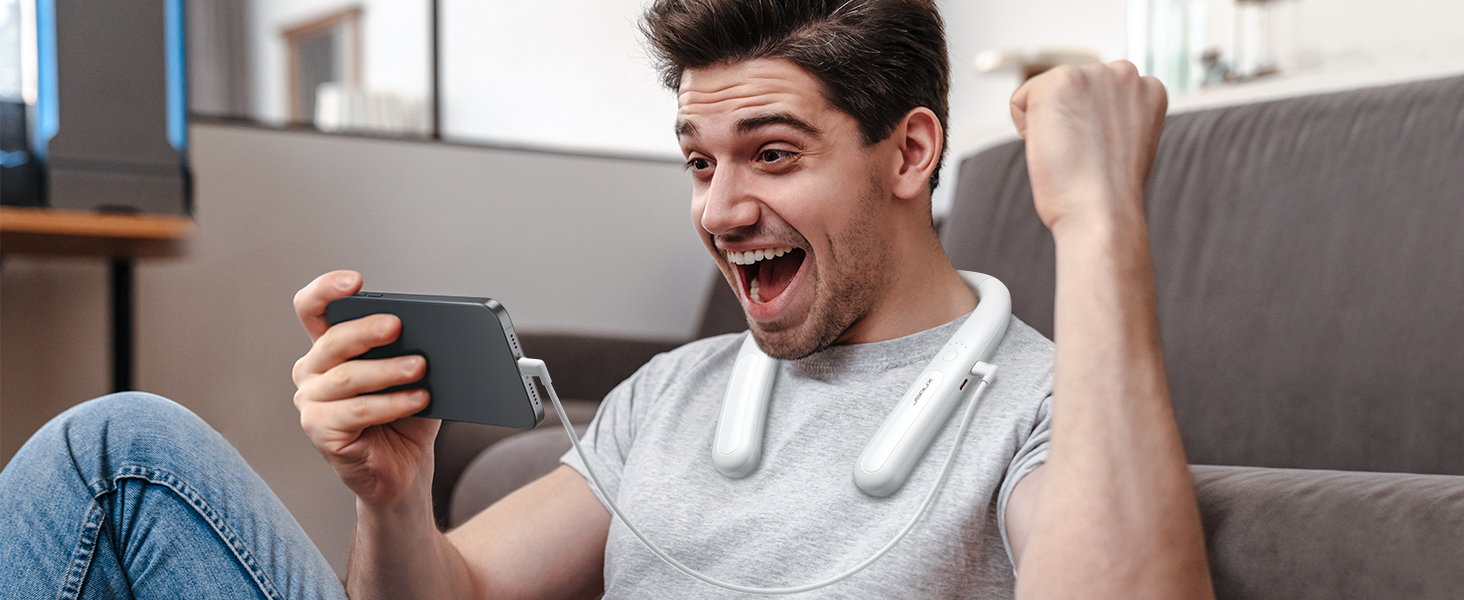
Image: The JSAUX battery pack connected to and charging a smartphone, demonstrating its versatility as a portable power bank.
Kontrollleuchten
The battery pack features indicator lights to display its charge status:
- Four Lights Solid: 100 % aufgeladen
- Three Lights Solid: >75 % geladen
- Two Lights Solid: >50 % geladen
- One Light Solid: >25 % geladen
- All Four Lights Flashing Simultaneously: Input/Output Anomaly (Error)
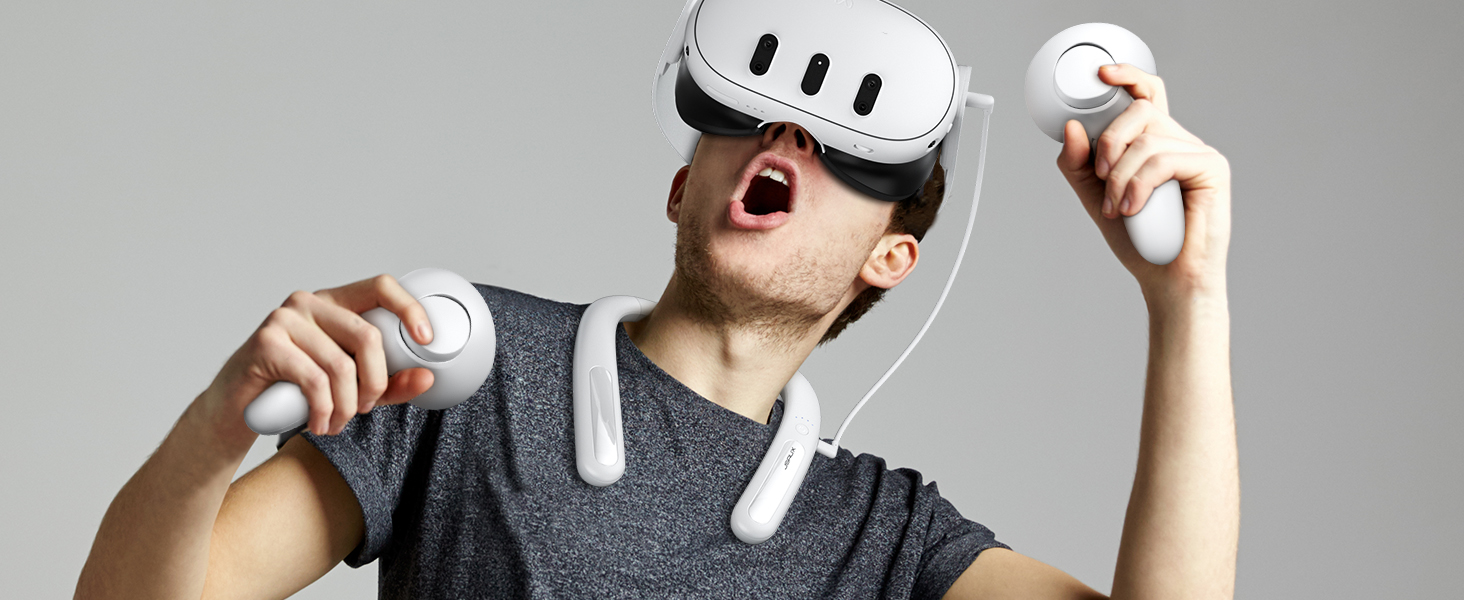
Bild: Detailliert view of the JSAUX battery pack's indicator lights, explaining what each light pattern signifies regarding battery level and potential anomalies.
Wartung
- Reinigung: Reinigen Sie das Gerät mit einem weichen, trockenen Tuch. Verwenden Sie keine scharfen Chemikalien oder Scheuermittel.
- Lagerung: Store the battery pack in a cool, dry place away from direct sunlight and extreme temperatures. For long-term storage, charge the battery to about 50-75% every three months to maintain battery health.
- Kabelpflege: Um Beschädigungen zu vermeiden, sollte das USB-C-Kabel nicht übermäßig gebogen oder verdreht werden.
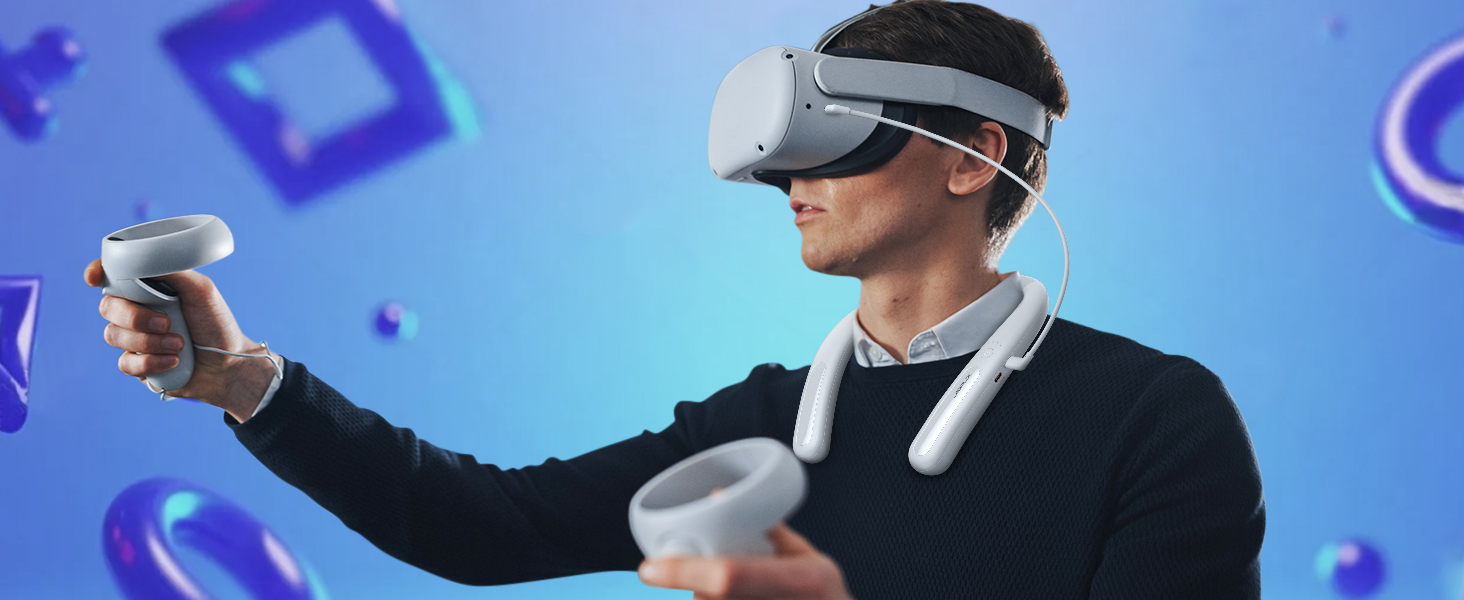
Image: The JSAUX battery pack shown in a flexible, twisted state, highlighting its durable and adaptable material for comfortable use and storage.
Fehlerbehebung
- Device not charging from battery pack:
- Stellen Sie sicher, dass der Akku ausreichend geladen ist.
- Verify the USB-C cable is securely connected to both the battery pack's Type-C2 (Output) port and your device.
- Try a different USB-C cable to rule out cable malfunction.
- Prüfen Sie, ob Ihr Gerät mit USB-C-Laden kompatibel ist.
- Akku lädt nicht:
- Ensure the USB-C cable is connected to the Type-C1 (Input/Output) port.
- Verify the power adapter is working and properly connected to a power source.
- Versuchen Sie es mit einem anderen USB-C-Kabel und Netzteil.
- If all four indicator lights are flashing, there might be an input anomaly. Disconnect and reconnect the charger.
- Reduced playtime extension:
- The actual playtime extension depends on the power consumption of the VR game or application. More demanding games consume more power.
- Stellen Sie vor der Verwendung sicher, dass der Akku vollständig aufgeladen ist.
- Over time, all rechargeable batteries experience some capacity degradation.
Technische Daten
| Modellnummer | PB2004A |
|---|---|
| Batteriekapazität | 10000 mAh |
| Batteriezusammensetzung | Lithium |
| Ausgang Wattage | 20 Watt (max.) |
| Steckertyp | USB Typ C |
| Gewicht | 137 Gramm |
| Hersteller | JSAUX |
| Ursprungsland | China |
Garantie und Support
JSAUX provides an 18-month worry-free period for this product. If you encounter any issues or have questions, please contact our 24/7 Kundenservice. We are committed to resolving your concerns within 24 hours.
For support, please visit the official JSAUX webBesuchen Sie unsere Website oder kontaktieren Sie uns über Ihre Einkaufsplattform.
Produktvideo
Video: Ein überview of the JSAUX 10000mAh Battery Pack, demonstrating its features, ergonomic design, and compatibility with VR headsets and other USB-C devices.