
Einführung
The EDYELL V1 Wireless Earbuds offer a high-quality audio experience with advanced features designed for comfort and convenience. These half-in-ear headphones feature 13mm drivers for rich sound, Bluetooth 5.3 for stable connectivity, and extended battery life. This manual provides detailed instructions for setup, operation, maintenance, and troubleshooting to ensure optimal performance of your earbuds.
Lieferumfang
Upon opening your EDYELL V1 Wireless Earbuds package, you will find the following components:
- 1 pair of EDYELL V1 Earbuds
- 1 Earbud Charging Case
- 1 Typ-C-Ladekabel
- 1 User's Manual (this document)
- 1 Warranty Card / 1 Earphone storage bag

Image: The EDYELL V1 Wireless Earbuds, their charging case, and the included protective storage bag.
Video: Ein überview of the EDYELL V1 Wireless Earbuds, demonstrating unboxing and key features.
Aufstellen
Erstladung
Before first use, ensure the charging case and earbuds are fully charged. Connect the provided Type-C charging cable to the charging port on the case and plug the other end into a USB power source. The LED display on the case will indicate the charging status and battery percentage. A full charge is recommended for optimal battery performance.
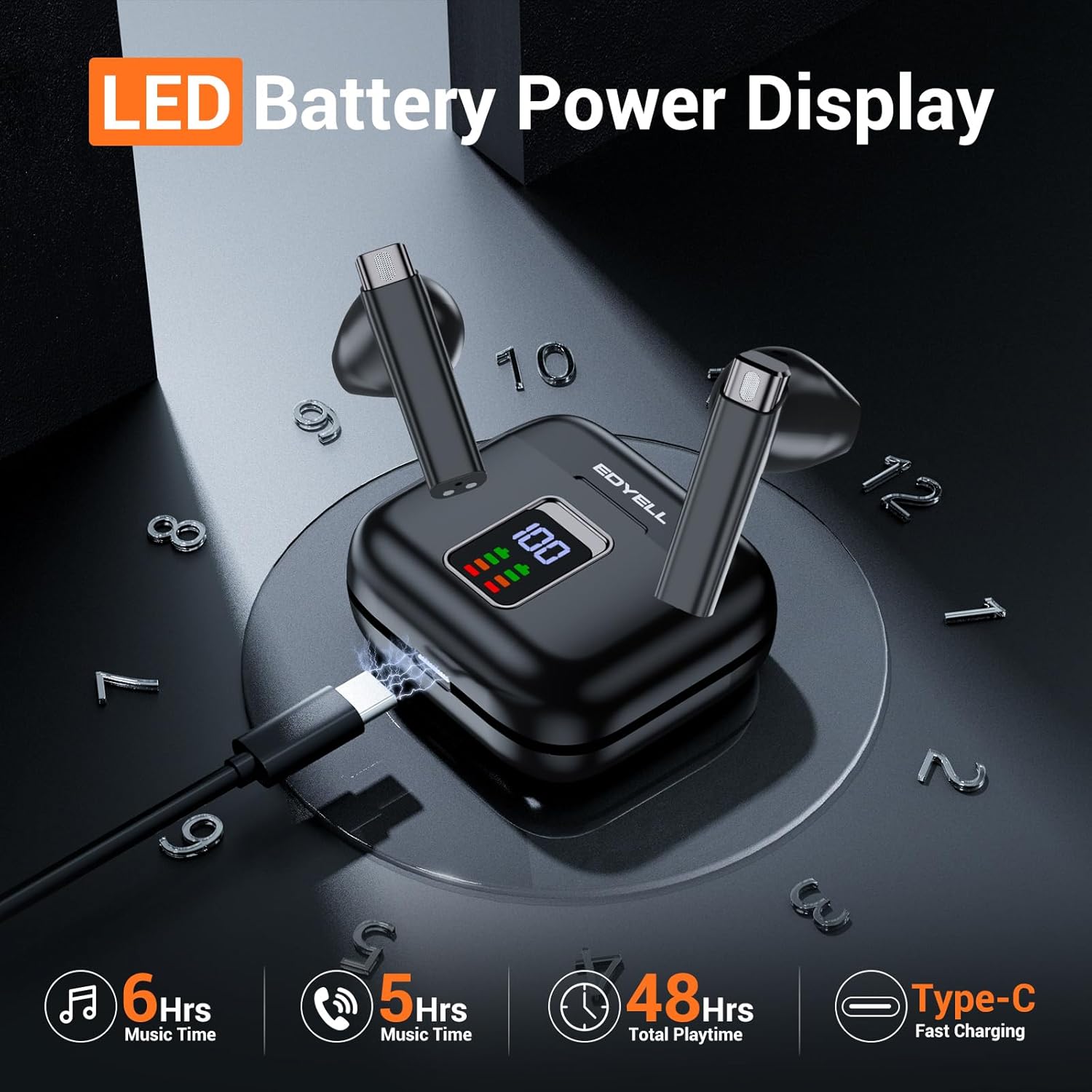
Image: The EDYELL V1 charging case connected via a Type-C cable, displaying its battery level on the LED screen.
Bluetooth-Kopplung
- Einschalten: Öffnen Sie das Ladecase. Die Ohrhörer schalten sich automatisch ein und wechseln in den Kopplungsmodus.
- Bluetooth aktivieren: Aktivieren Sie Bluetooth auf Ihrem Gerät (Smartphone, Tablet, Computer).
- Gerät auswählen: In your device's Bluetooth settings, look for "V1" in the list of available devices and select it to connect.
- Bestätigung: Once connected, you will hear an audio prompt from the earbuds, and "V1" will show as "Connected" on your device.
The earbuds support one-step pairing and will automatically reconnect to the last paired device when removed from the case, provided Bluetooth is enabled on the device.
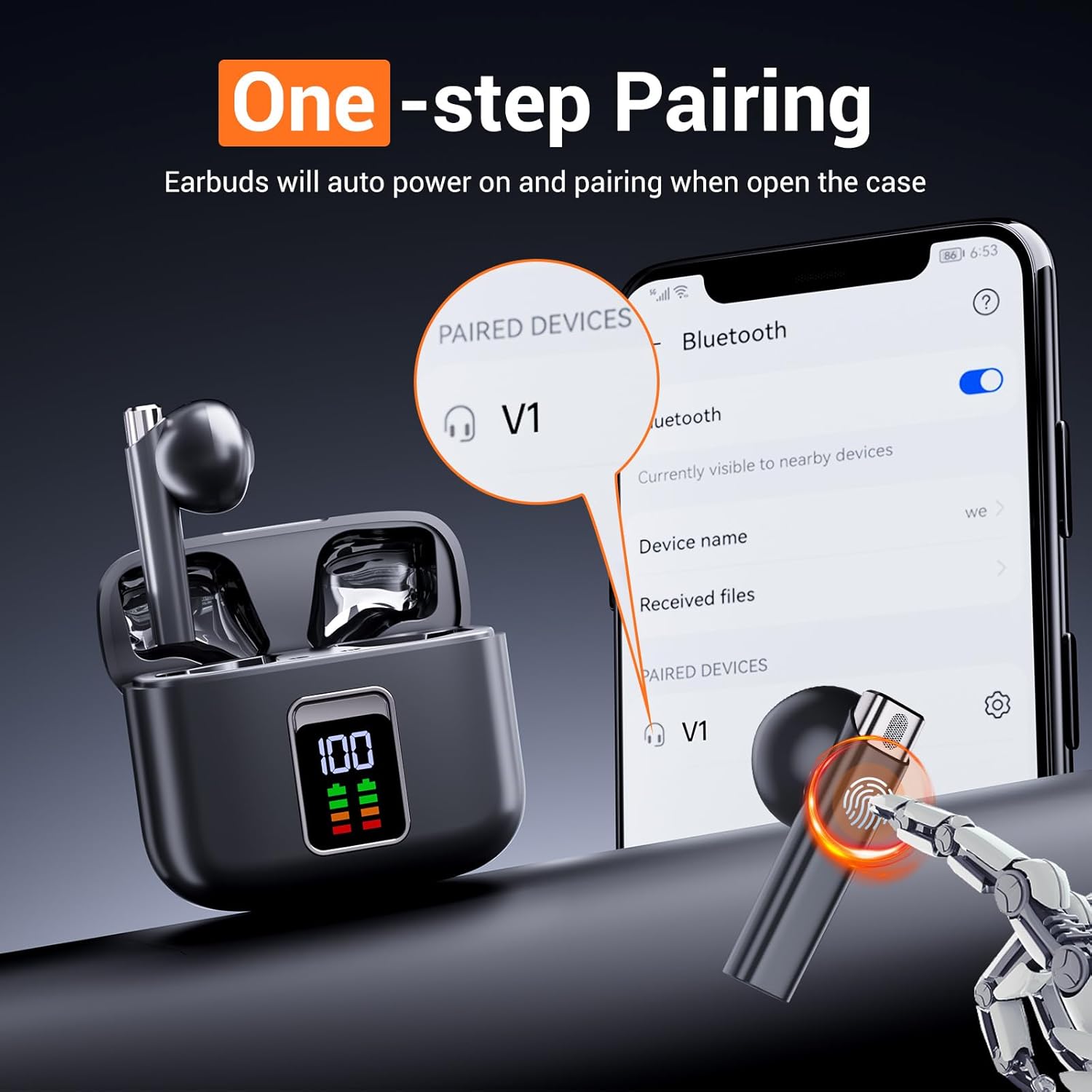
Image: A visual representation of the one-step pairing process, showing the earbuds and a phone's Bluetooth menu.

Image: Illustration highlighting the Type-C charging interface and the automatic quick pairing feature of the earbuds.
Bedienungsanleitung
Touch-Bedienelemente
The EDYELL V1 earbuds feature intuitive touch controls on each earbud for managing audio playback, calls, and voice assistant activation.
| Aktion | Kontrolle |
|---|---|
| Abspielen/Pause | Tippen Sie einmal auf einen der Ohrhörer |
| Nächster Titel | Doppeltippen Sie auf den rechten Ohrhörer |
| Vorheriger Titel | Doppeltippen Sie auf den linken Ohrhörer |
| Anruf annehmen/beenden | Tippen Sie einmal auf einen der Ohrhörer |
| Anruf ablehnen | Halten Sie einen der Ohrhörer 2 Sekunden lang gedrückt |
| Sprachassistent aktivieren (Siri/Google Assistant) | Dreimaliges Tippen auf einen der Ohrhörer |

Image: Depiction of the touch control functionality and compatibility with voice assistants like Siri and Google Assistant.
Akkulaufzeit
The EDYELL V1 earbuds provide up to 6 hours of music time and 5 hours of talk time on a single charge. The charging case extends the total playtime to over 48 hours. The LED display on the charging case indicates the remaining battery percentage des Ladecase und des Ladestatus jedes Ohrhörers.

Image: A visual emphasizing the extended 48-hour total playtime provided by the earbuds and their charging case.

Bild: Detailliert view of the charging case's dual LED display and battery life metrics for music, talk, and total playtime.
Wartung
Reinigung
To maintain optimal sound quality and hygiene, regularly clean your earbuds and charging case. Use a soft, dry, lint-free cloth to wipe down the surfaces. For the earbud grilles, gently use a cotton swab or a soft brush to remove any earwax or debris. Avoid using abrasive materials or harsh chemicals.
Lagerung
Bewahren Sie die Ohrhörer bei Nichtgebrauch im Ladecase auf, um sie vor Staub, Kratzern und Beschädigungen zu schützen. Lagern Sie Case und Ohrhörer an einem kühlen, trockenen Ort, fern von extremen Temperaturen und direkter Sonneneinstrahlung.
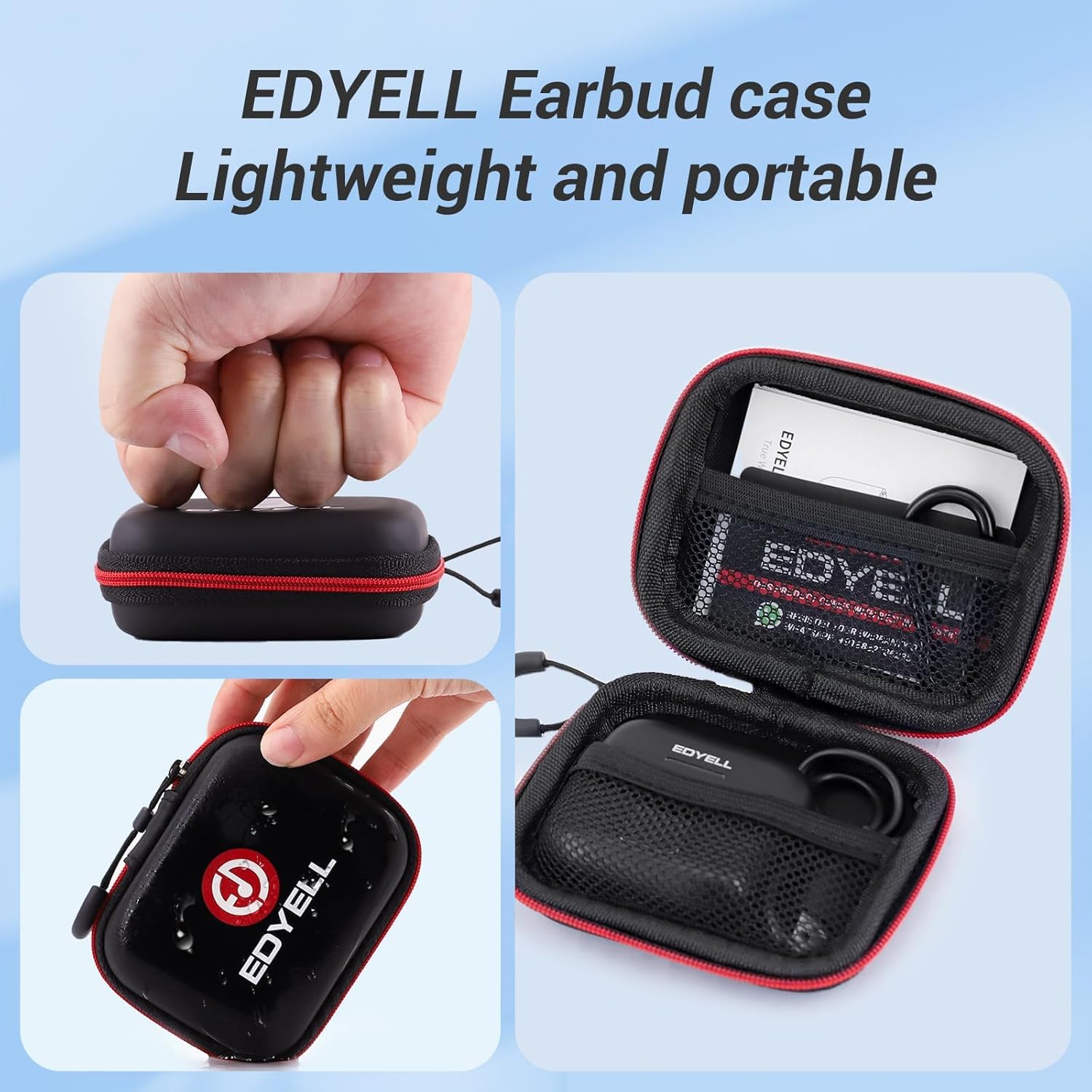
Image: The compact and portable EDYELL earbud case, demonstrating its ease of carrying and protective features.

Image: The versatile EDYELL earbud case, suitable for protecting various small gadgets and designed for easy portability.
Wasserbeständigkeit
The EDYELL V1 earbuds feature IPX7 splash and sweat resistance. This means they are protected against immersion in water up to 1 meter for up to 30 minutes. However, they are not designed for swimming or prolonged submersion. Ensure the earbuds are dry before placing them back in the charging case to prevent damage.
Image: Visual representation of the earbuds' IPX7 splash and sweat resistance.
Fehlerbehebung
If you encounter any issues with your EDYELL V1 Wireless Earbuds, please refer to the following common solutions:
| Problem | Mögliche Lösung |
|---|---|
| Ohrhörer verbinden sich nicht/koppeln nicht |
|
| Nur ein Ohrhörer funktioniert |
|
| Geringe Lautstärke oder schlechte Klangqualität |
|
| Ladeetui lädt nicht |
|
Technische Daten
| Besonderheit | Detail |
|---|---|
| Modellname | V1 |
| Konnektivitätstechnologie | Kabellos (Bluetooth 5.3) |
| Größe des Audiotreibers | 13 mm dynamischer Treiber |
| Akkulaufzeit (Ohrhörer) | Up to 6 hours (Music), 5 hours (Talk) |
| Gesamtspielzeit (mit Hülle) | 48+ Stunden |
| Ladeanschluss | Typ C |
| Wasserbeständigkeit | IPX7 (Spritzwasser- und schweißbeständig) |
| Form der Hörmuschel | Semi-in-Ear |
| Kontrollmethode | Touch-Steuerung, Sprachsteuerung |
| Frequenzbereich | 20 Hz – 20,000 Hz |
| Lärmschutz | Geräuschisolierung (ENC für Anrufe) |
| Ohrhörergewicht | 3.7 g (ein Ohrhörer) |
| Material | EVA Hard Shell (case) |

Image: The lightweight and ergonomic design of the EDYELL V1 earbuds, emphasizing comfort for extended wear.
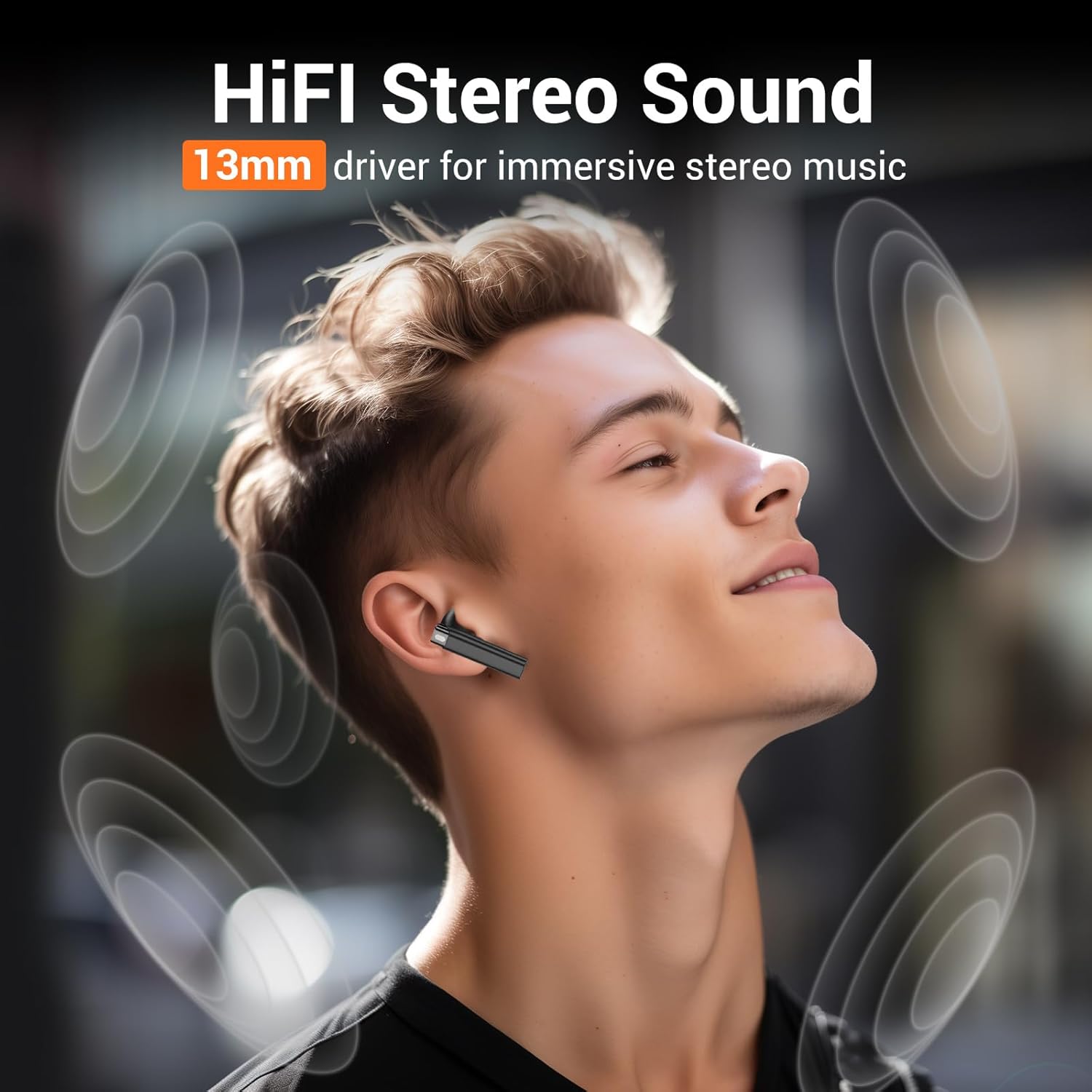
Image: The 13mm drivers of the EDYELL V1 earbuds providing HiFi stereo sound for an immersive audio experience.

Image: An illustration detailing the benefits of Bluetooth 5.3 technology in the earbuds, including faster speed, more stable connection, and lower latency.

Image: Explanation of the Quad Mic with ENC (Environmental Noise Cancellation) technology for clear call quality.

Bild: Eine explodierte view of the earbud highlighting the 13mm drivers responsible for clear sound.
Garantie und Support
EDYELL V1 Wireless Earbuds come with a 6-month EDYELL India Warranty. For any quality problems or warranty claims, please contact EDYELL customer services via Amazon. Our dedicated customer service team is ready to assist you with any inquiries or issues you may have.
For further assistance, please refer to the contact information provided on the included Warranty Card.