
1. Einleitung
The PNI PMR R70 PRO is a portable PMR446 radio designed for reliable communication. This device operates on the 446 MHz frequency band, offering 16 channels and 99 PC programmable channels. It features 50 CTCSS tones and 166 DCS tones for enhanced privacy and interference reduction. With an IP67 rating, the radio is protected against dust and water immersion, making it suitable for various environments. No license is required for operation in most European Union countries.
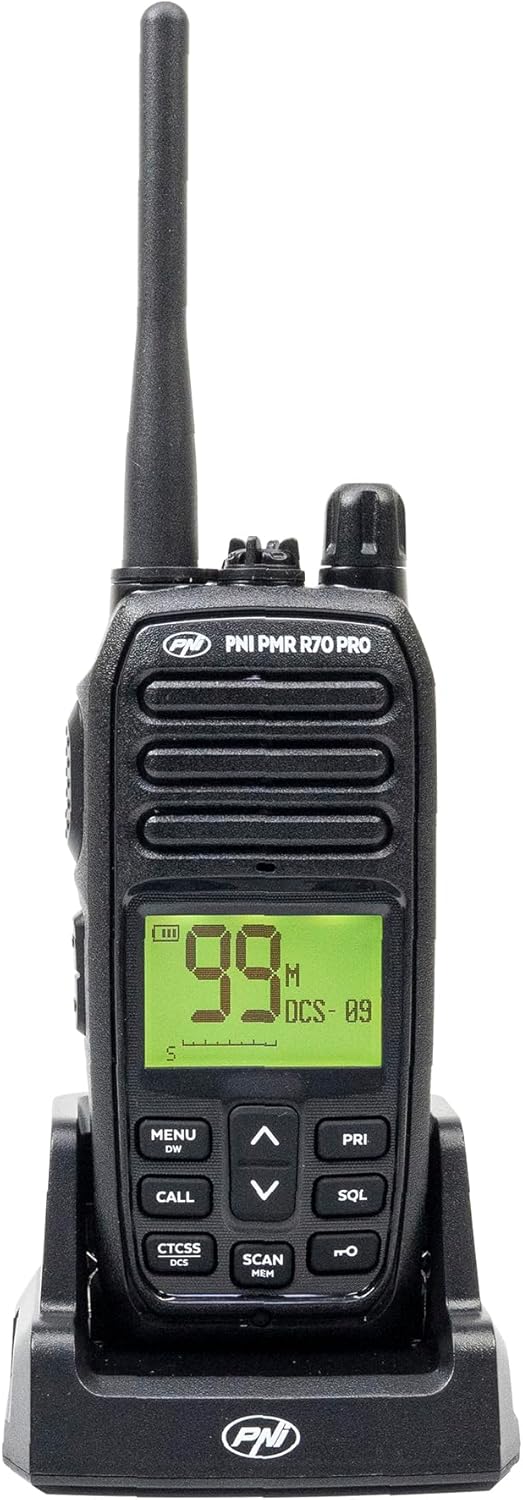
Bild 1.1: Vorderseite view of the PNI PMR R70 PRO portable radio, showing the display and control buttons.
2. Packungsinhalt
Bitte überprüfen Sie, ob alle unten aufgeführten Artikel in Ihrem Paket enthalten sind:
- PNI PMR R70 PRO Radio Unit
- Antenne
- 1800 mAh Akku
- Desktop-Ladegerät
- Gürtelclip
- Benutzerhandbuch
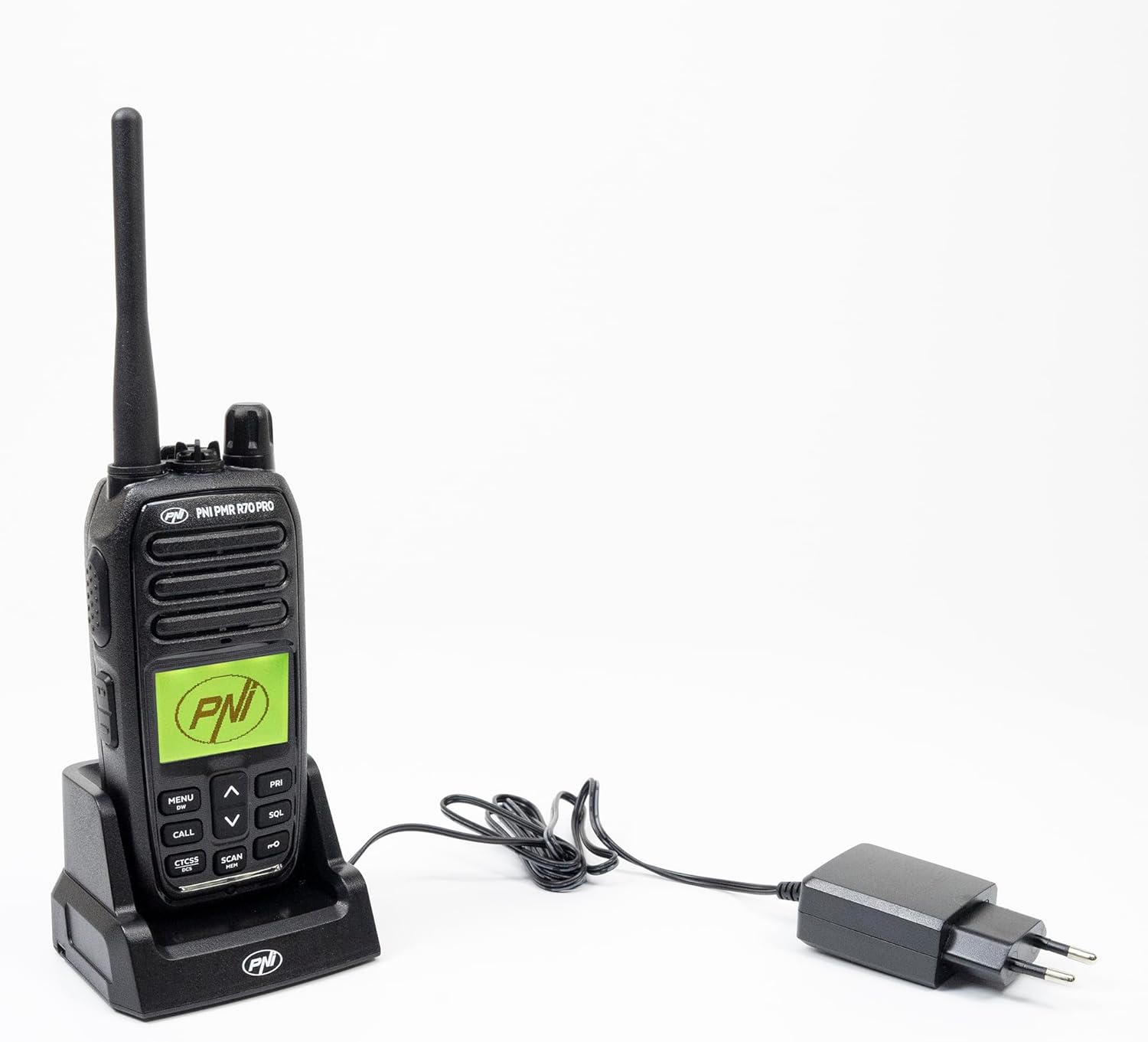
Image 2.1: All components included in the PNI PMR R70 PRO package: radio, antenna, battery, desktop charger, and belt clip.
3. Einrichtung
3.1 Einlegen der Batterie
- Stellen Sie sicher, dass das Radio ausgeschaltet ist.
- Suchen Sie die Abdeckung des Batteriefachs auf der Rückseite des Radios.
- Unscrew the retaining screw and carefully remove the cover.
- Insert the 1800 mAh battery into the compartment, ensuring the contacts align correctly.
- Bringen Sie die Batteriefachabdeckung wieder an und sichern Sie sie mit der Schraube.

Bild 3.1: Hinten view of the PNI PMR R70 PRO radio with the battery compartment open, showing the battery and its connection.
3.2 Laden des Akkus
- Schließen Sie das Tischladegerät an eine Steckdose an.
- Place the radio unit into the charging cradle. Ensure the charging contacts on the radio align with those on the charger.
- Die Ladeanzeigeleuchte am Ladegerät leuchtet auf, typischerweise rot während des Ladevorgangs und grün bei vollständigem Ladezustand.
- Eine vollständige Ladung dauert in der Regel mehrere Stunden. Laden Sie den Akku nicht über.
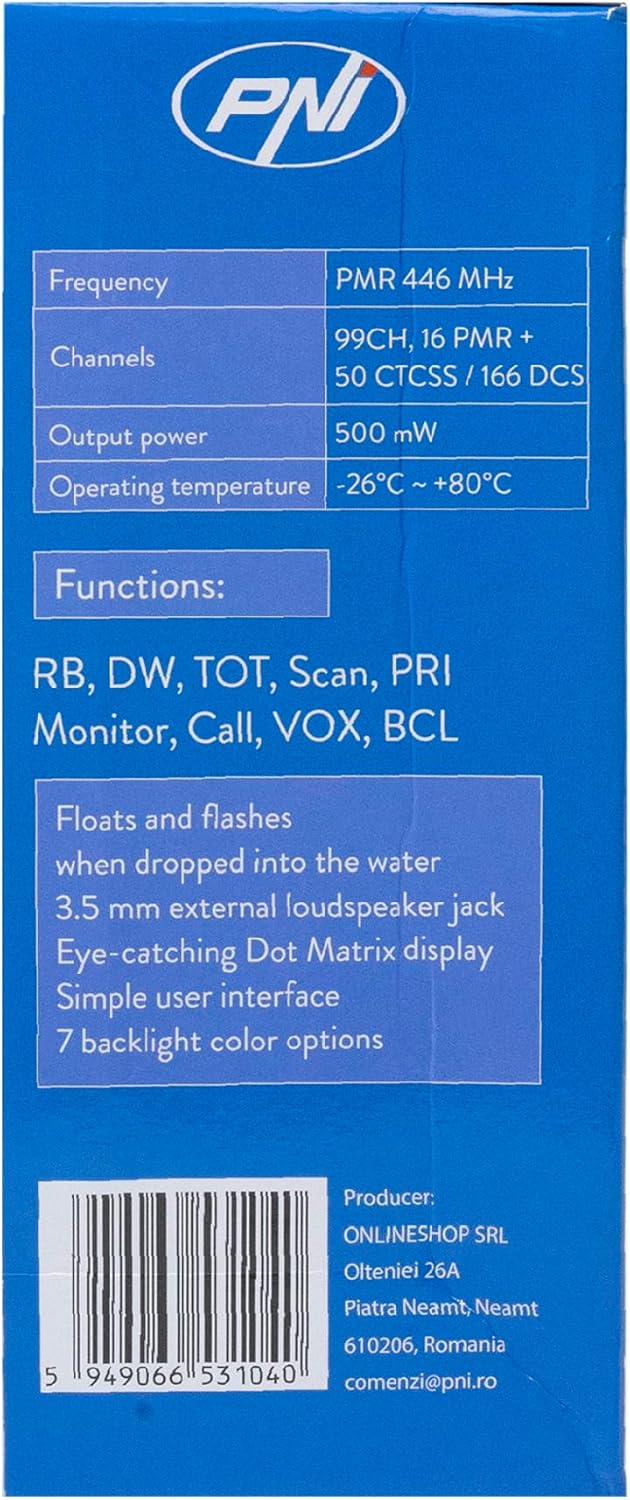
Image 3.2: The PNI PMR R70 PRO radio placed in its desktop charging cradle, connected to a power adapter.
4. Bedienungsanleitung
4.1 Ein-/Ausschalten
Zum Einschalten des Radios drehen Sie den Ein-/Ausschalter/Lautstärkeregler im Uhrzeigersinn, bis Sie ein Klicken hören. Zum Ausschalten drehen Sie den Regler gegen den Uhrzeigersinn, bis er einrastet.
4.2 Lautstärkeregelung
Drehen Sie den Ein-/Ausschalter/Lautstärkeregler im Uhrzeigersinn, um die Lautstärke zu erhöhen, und gegen den Uhrzeigersinn, um sie zu verringern.
4.3 Kanalauswahl
Verwenden Sie die AUF (^) und runter (v) arrow buttons on the front panel to select one of the 16 available channels. The selected channel number will be displayed on the screen.
4.4 Senden und Empfangen
- Zum Senden: Press and hold the Push-To-Talk (PTT) button located on the side of the radio. Speak clearly into the microphone. Release the PTT button to stop transmitting.
- Zum Empfangen: Stellen Sie sicher, dass die PTT-Taste nicht gedrückt ist. Das Funkgerät empfängt automatisch Signale auf dem ausgewählten Kanal.
4.5 Sonderfunktionen
- CTCSS/DCS-Töne: The radio supports 50 CTCSS (Continuous Tone-Coded Squelch System) and 166 DCS (Digitally Coded Squelch) tones. These tones help filter out unwanted conversations on the same channel. Refer to the full user guide for programming instructions.
- Scan-Funktion: Activate the scan function to monitor all active channels. The radio will stop on an active channel until the transmission ends.
- Dual Watch (DW): This feature allows the radio to monitor two channels simultaneously.
- Roger Piep: An audible tone emitted when the PTT button is released, signaling the end of your transmission.
- Tastensperre: Verhindert versehentliche Änderungen der Einstellungen.
- PC Programmable Channels: The radio supports 99 PC programmable channels. This requires a specific programming cable (PNI - PSR70) and software.

Image 4.1: The PNI PMR R70 PRO radio connected to a laptop via a programming cable for channel and feature customization.
5. Wartung
5.1 Reinigung
Wischen Sie das Radio mit einem weichen, damp Mit einem Tuch abwischen. Keine scharfen Chemikalien oder Scheuermittel verwenden. Stellen Sie sicher, dass das Radio vor Gebrauch oder Aufladen trocken ist.
5.2 Wasserdichtigkeit (IP67)
The PNI PMR R70 PRO is rated IP67, meaning it is fully protected against dust ingress and can withstand immersion in water up to 1 meter for 30 minutes. While robust, avoid unnecessary exposure to water and ensure all covers (e.g., battery cover, accessory port cover) are securely closed before exposing the radio to water.

Image 5.1: The PNI PMR R70 PRO radio with water droplets, illustrating its IP67 water resistance feature.
6. Fehlerbehebung
If you encounter issues with your PNI PMR R70 PRO radio, consider the following common troubleshooting steps:
- Kein Strom: Stellen Sie sicher, dass der Akku korrekt eingesetzt und vollständig geladen ist. Prüfen Sie, ob der Ein-/Ausschalter bzw. der Lautstärkeregler eingeschaltet ist.
- Senden oder Empfangen nicht möglich: Verify that you are on the correct channel. Check if the PTT button is functioning. Ensure the antenna is securely attached.
- Schlechte Audioqualität: Adjust the volume. Ensure the microphone and speaker are not obstructed. Move to an area with fewer obstructions for better signal.
- Kurze Reichweite: Obstacles like buildings and terrain can significantly reduce range. Operate in open areas for maximum range. Ensure the battery is fully charged.
- Tastatur reagiert nicht: Check if the keypad lock feature is activated. Deactivate it if necessary.
For persistent issues, consult the comprehensive user guide or contact customer support.
7. Spezifikationen
| Besonderheit | Spezifikation |
|---|---|
| Marke | PNI |
| Modellnummer | PNI-R70-PRO |
| Frequenzbereich | 446.00625 ~ 446.19375 MHz |
| Anzahl der Kanäle | 16 (PMR), 99 PC Programmable |
| Ausgangsleistung | 0.5 Watt |
| CTCSS-Töne | 50 |
| DCS Tones | 166 |
| Internationale Schutzbewertung | IP67 (Dustproof, Submersible up to 1m for 30 min) |
| Batterie | 1800 mAh (im Lieferumfang enthalten) |
| Durchschnittliche Akkulaufzeit | 18 Stunden |
| Bandtage | 7.4 Volt (DC) |
| Maximale Reichweite | Up to 10 Kilometers (open space) |
| Betriebstemperatur | -26°C ~ +80°C |
| Produktabmessungen (T x B x H) | 6 cm (Breite) x 13 cm (Länge) x 4 cm (Höhe) |
| Artikelgewicht | 225 Gramm |
| Besondere Merkmale | Digital Display, Rechargeable, Roger Beep, Submersible, Keypad Lock |
8. Garantie und Support
8.1 Garantieinformationen
The PNI PMR R70 PRO radio comes with a 2 Jahr Garantie Diese Garantie gilt ab Kaufdatum und deckt Herstellungsfehler bei normalem Gebrauch ab. Bitte bewahren Sie Ihren Kaufbeleg für Garantieansprüche auf.
8.2 Kundendienst
For technical assistance, troubleshooting, or warranty service, please contact your retailer or the manufacturer's customer support. Refer to the contact information provided in your purchase documentation.