
IMIKI SF1
IMIKI SF1 Smartwatch – Benutzerhandbuch
Modell: SF1
1. Einleitung
The IMIKI SF1 Smart Watch is a sophisticated wearable device designed to enhance your daily life with advanced health monitoring, smart connectivity, and a durable, stylish design. Featuring a vibrant AMOLED display and a comfortable magnetic strap, the SF1 offers a seamless user experience for tracking fitness, managing calls, and staying informed.
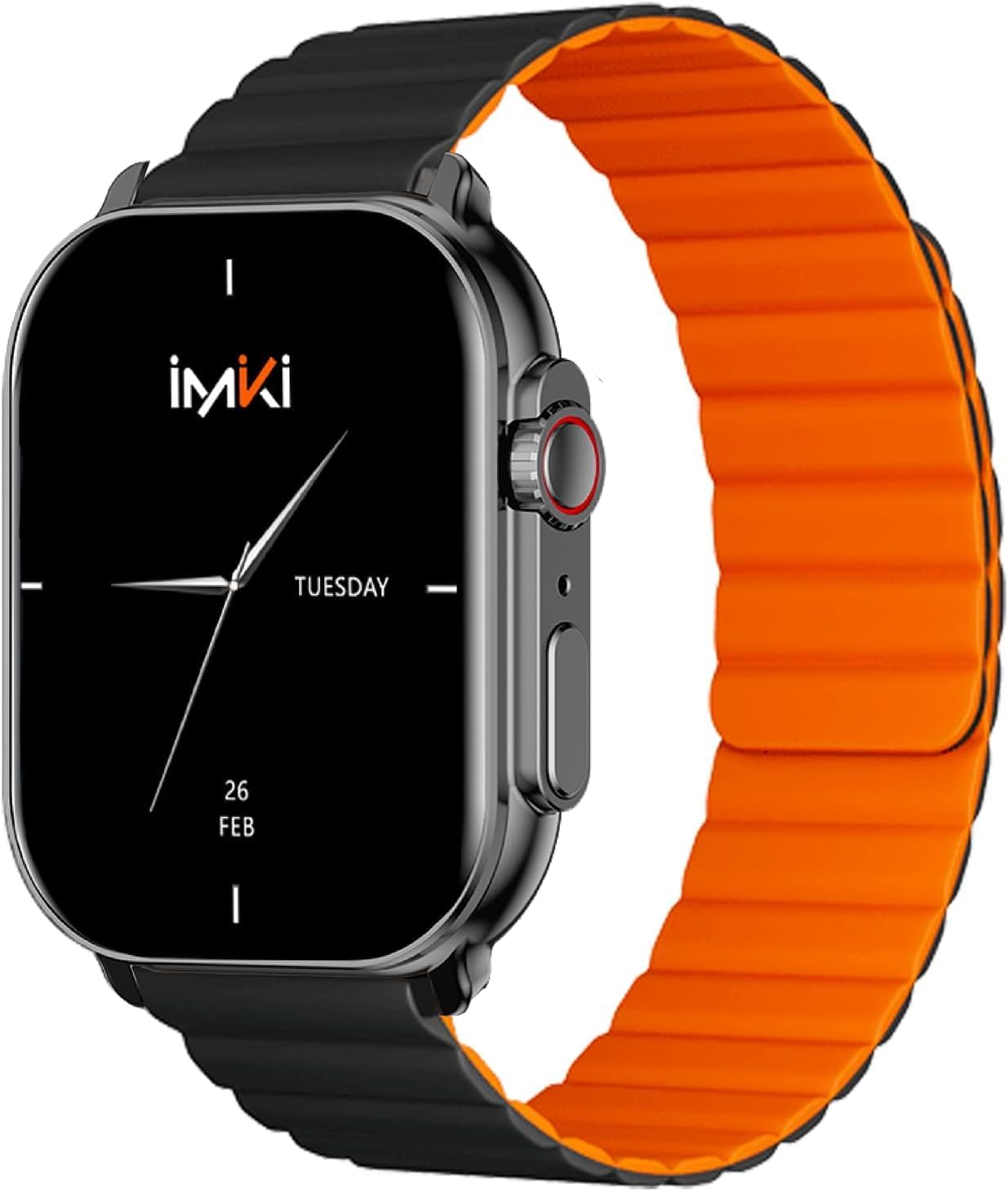
Image: The IMIKI SF1 Smart Watch, showcasing its sleek design and magnetic strap.
2. Lieferumfang
- IMIKI SF1 Smart Watch (with magnetic strap)
- Ladekabel
- Bedienungsanleitung
3. Einrichtung
3.1 Aufladen des Geräts
Before first use, fully charge your IMIKI SF1 Smart Watch. Connect the magnetic charging cable to the charging points on the back of the watch and plug the USB end into a compatible power adapter (5V/1A recommended). A full charge typically takes approximately 2 hours.
3.2 Herunterladen der Begleit-App
To unlock the full functionality of your IMIKI SF1, download the official companion app on your smartphone. Suchen nach "IMIKI" in the Apple App Store (for iOS devices) or Google Play Store (for Android devices).
3.3 Koppeln mit Ihrem Smartphone
- Stellen Sie sicher, dass Bluetooth auf Ihrem Smartphone aktiviert ist.
- Open the IMIKI companion app.
- Follow the on-screen instructions within the app to search for and connect to your SF1 Smart Watch. The watch will typically appear as "IMIKI SF1" in the list of available devices.
- Bestätigen Sie die Kopplungsanfrage gegebenenfalls sowohl auf Ihrer Uhr als auch auf Ihrem Smartphone.
3.4 Adjusting the Magnetic Strap
The IMIKI SF1 features a convenient magnetic silicone strap. To adjust, simply wrap the strap around your wrist and allow the magnetic ends to secure themselves for a comfortable and snug fit. Ensure the watch is not too tight or too loose for accurate health monitoring.

Image: The magnetic strap of the IMIKI SF1 Smart Watch, illustrating its adjustable and secure design.
4. Bedienungsanleitung
4.1 Grundlegende Navigation
- Touch-Screen: Wischen Sie nach oben, unten, links oder rechts, um durch Menüs und Benachrichtigungen zu navigieren. Tippen Sie, um Elemente auszuwählen.
- Mechanical Feedback Crown: Rotate the crown to scroll through lists, adjust volume, or change brightness. Press the crown to return to the home screen or confirm selections.

Abbildung: Seite view of the IMIKI SF1 Smart Watch, highlighting the mechanical feedback crown for navigation.
4.2 Smartphone Connection and Calls
The IMIKI SF1 supports Bluetooth 5.3 for stable and efficient connection to your smartphone. You can manage calls directly from your watch, including answering, rejecting, and making calls, even with hands-free functionality. The adaptive noise cancellation feature helps ensure clear audio during calls.
4.3 Customizing Dials and Features
Utilize the companion app to customize your watch faces and access various functions. The app allows you to personalize the display to suit your style and preferences.
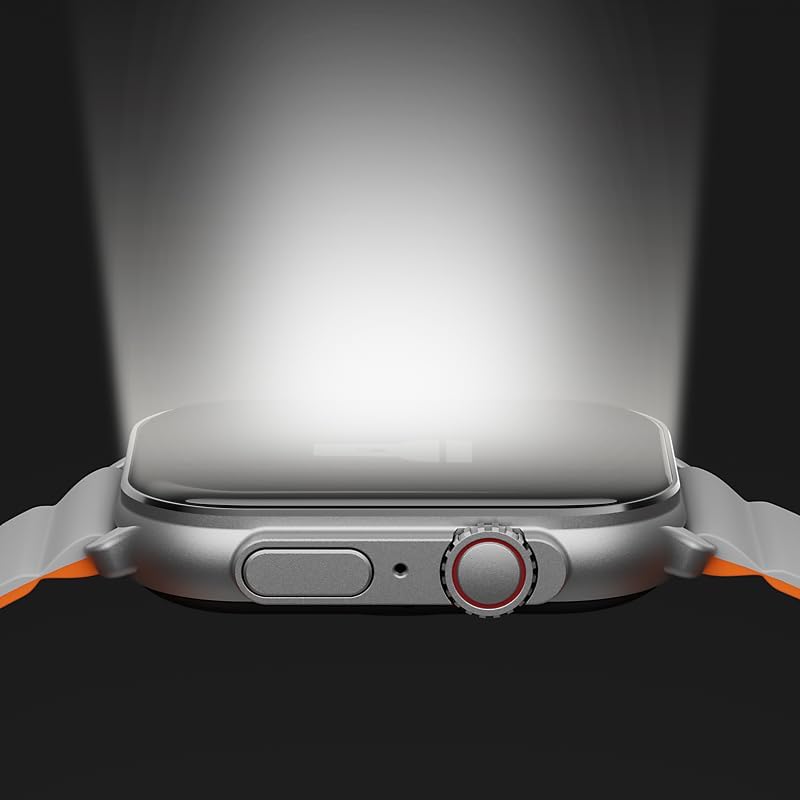
Image: The IMIKI SF1 Smart Watch display, illustrating various app icons and data screens for daily activities, heart rate, and stress monitoring.
5. Gesundheits- und Fitnessüberwachung
The IMIKI SF1 is equipped with an optical sensor for comprehensive health tracking. It supports 105 training modes to accurately record your exercise statistics. Key health features include:
- Herzfrequenzmessung: Überwacht kontinuierlich Ihre Herzfrequenz den ganzen Tag über.
- Messung der Blutsauerstoffsättigung (SpO2): Measures the oxygen levels in your blood.
- Aktivitätsverfolgung: Erfasst Schritte, Distanz, Kalorienverbrauch und aktive Minuten.
- Schlafüberwachung: Analyzes sleep patterns to help you understand your sleep quality.

Image: The back of the IMIKI SF1 Smart Watch, showing the optical sensors used for heart rate and blood oxygen measurement.
6. Wasserbeständigkeit
The IMIKI SF1 Smart Watch has an Wasserdichtigkeit gemäß IP68, meaning it is resistant to dust and can withstand immersion in water up to 1.5 meters for 30 minutes. This makes it suitable for daily use, including hand washing, rain, and shallow water activities. Avoid hot water, steam, or prolonged immersion in deep water.
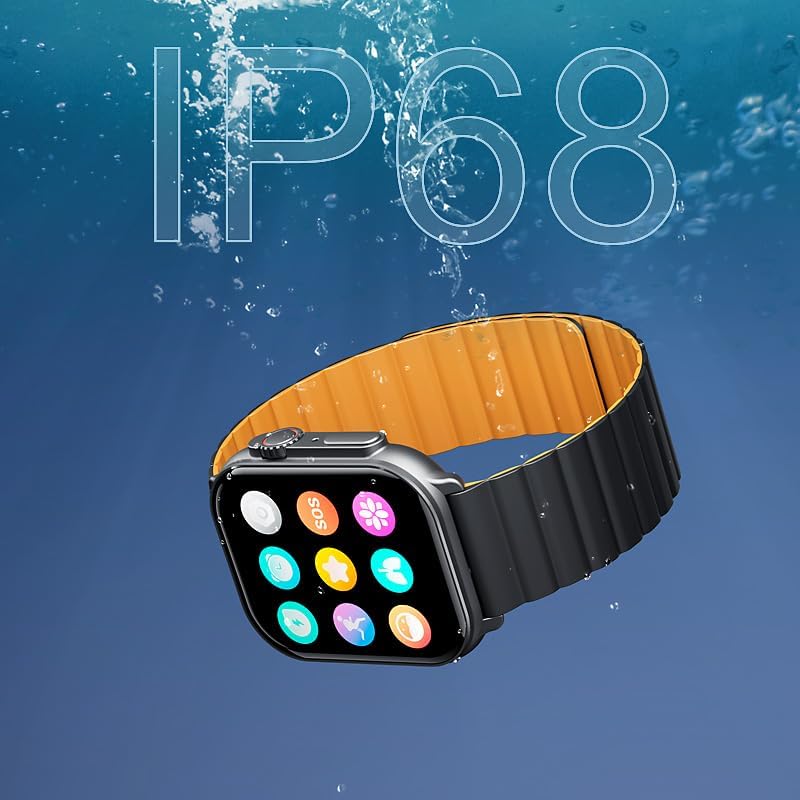
Image: The IMIKI SF1 Smart Watch submerged in water, illustrating its IP68 water resistance rating.
7. Akkulaufzeit
The IMIKI SF1 is equipped with a 280mAh battery, offering impressive autonomy:
- Typische Verwendung: Bis zu 15 Tage Akkulaufzeit.
- Intensive Nutzung: Bis zu 7 Tage Akkulaufzeit.
The device fully charges in approximately 2 hours.
8. Wartung
- Reinigung: Reinigen Sie das Uhrendisplay und das Armband regelmäßig mit einem weichen, trockenen Tuch. Bei hartnäckigem Schmutz kann ein leicht trocknendes Tuch hilfreich sein.amp Man kann ein Tuch verwenden und es anschließend trocknen lassen.
- Ladekontakte: Um einen effizienten Ladevorgang zu gewährleisten, stellen Sie sicher, dass die Ladekontakte auf der Rückseite der Uhr sauber und frei von Verunreinigungen sind.
- Lagerung: Bei längerer Nichtbenutzung sollte die Uhr an einem kühlen, trockenen Ort aufbewahrt werden.
- Vermeiden Sie Chemikalien: Verwenden Sie zur Reinigung der Uhr keine aggressiven Chemikalien, Lösungsmittel oder starke Reinigungsmittel, da diese die Oberfläche oder die inneren Bauteile beschädigen können.
9. Fehlerbehebung
- Uhr schaltet sich nicht ein: Ensure the watch is fully charged. If it still doesn't turn on, try pressing and holding the crown button for 10-15 seconds to force a restart.
- Kopplung mit Smartphone nicht möglich:
- Stellen Sie sicher, dass Bluetooth auf Ihrem Telefon und Ihrer Uhr aktiviert ist.
- Stellen Sie sicher, dass sich die Uhr in Bluetooth-Reichweite Ihres Telefons befindet.
- Starten Sie sowohl die Uhr als auch Ihr Telefon neu.
- Löschen Sie gegebenenfalls den Bluetooth-Cache Ihres Telefons und versuchen Sie es erneut mit der Kopplung.
- Ungenaue Gesundheitswerte: Ensure the watch is worn snugly on your wrist, not too loose or too tight. Clean the optical sensor on the back of the watch.
- Kurze Akkulaufzeit: Reduce screen brightness, disable unnecessary notifications, or limit continuous health monitoring features to extend battery life.
10. Spezifikationen
| Besonderheit | Spezifikation |
|---|---|
| Modell | SF1 |
| Anzeige | 2.01 Inch AMOLED Display |
| Konnektivität | Bluetooth 5.3 |
| Batteriekapazität | 280mAh Lithium-Ionen |
| Typische Akkulaufzeit | Bis zu 15 Tage |
| Intensive Battery Life | Bis zu 7 Tage |
| Ladezeit | Ca. 2 Stunden |
| Wasserbeständigkeit | IP68 |
| Maße | 45.8 x 37 x 10.2 mm |
| Gewicht | 39.8 g |
| Unterstützte Sprachen | Englisch, Französisch, Deutsch, Italienisch, Spanisch |
11. Garantie und Support
The IMIKI SF1 Smart Watch comes with a standard manufacturer's warranty. For detailed warranty information, please refer to the warranty card included in your product packaging or visit the official IMIKI website. For technical support, troubleshooting assistance, or service inquiries, please contact IMIKI customer support through the contact information provided on the official webauf der Website oder innerhalb der zugehörigen App.
Ask a question about this manual
Ask about setup, troubleshooting, compatibility, parts, safety, or missing instructions. Manuals+ will review the question and use this page’s manual context to help answer it.