
Einführung
These Night Owl Add On Wired IP 4K HD Deterrence Cameras are designed to enhance your existing Night Owl security system. They provide 4K resolution video, two-way audio, and are suitable for both indoor and outdoor use. This manual provides essential instructions for installation, operation, and maintenance to ensure optimal performance and security.
Im Leistungsumfang enthalten
Bitte überprüfen Sie, ob alle Komponenten in Ihrem Paket vorhanden sind:
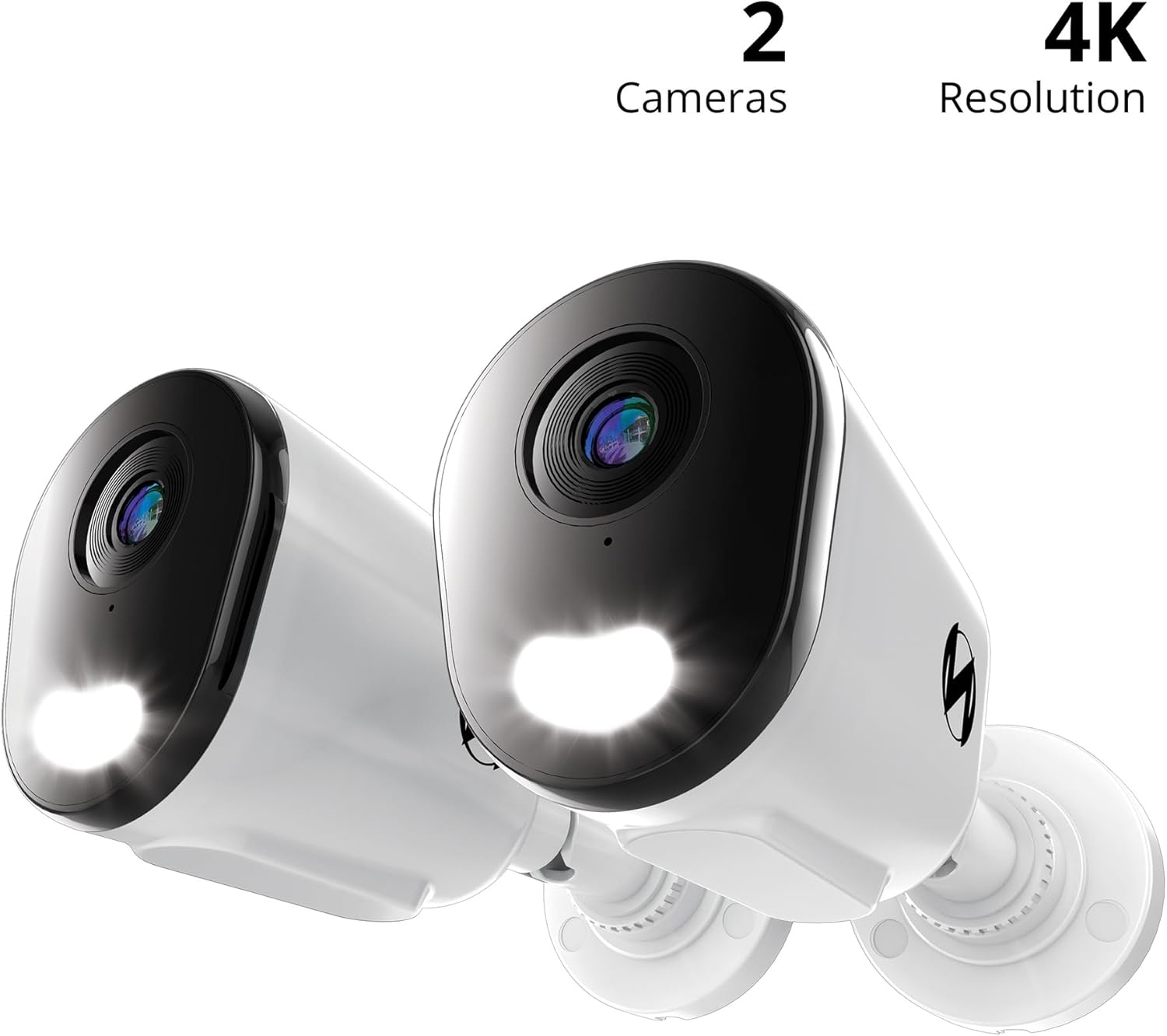
- 2 x Wired IP Deterrence Camera
- 2 x Waterproof Cable Cover
- 2 x Mounting Hardware and Screw Packet
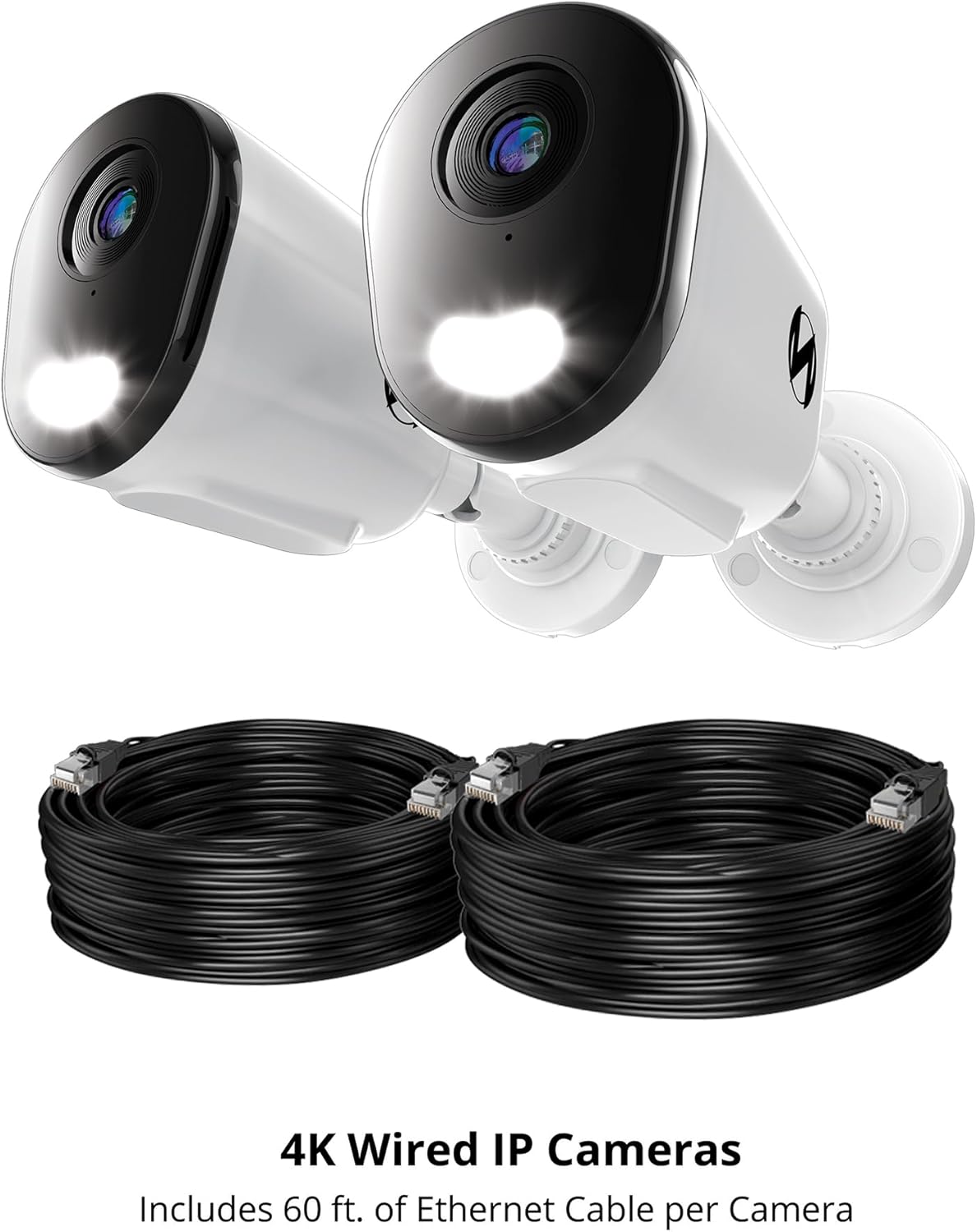
Note: Ethernet cables for Power over Ethernet (PoE) connectivity are sold separately and are required for operation.

This image features two Night Owl 4K Wired IP Cameras alongside two coiled Ethernet cables. The cameras are designed for Power over Ethernet (PoE) connectivity, simplifying installation by providing both power and data through a single cable.
Aufstellen
1. Überlegungen vor der Installation
- NVR-Kompatibilität: These cameras are add-on units and require a compatible Night Owl Network Video Recorder (NVR) for operation and recording. Refer to your NVR's manual for specific compatibility details.
- Kabelanforderungen: Each camera connects using a single Ethernet cable (Cat5e or higher, sold separately) for Power over Ethernet (PoE). Ensure you have sufficient cable length for your desired camera locations.
- Standort: Wählen Sie einen Standort, der die gewünschten Eigenschaften bietet. viewing angle and is within range of your NVR's Ethernet ports. Consider areas prone to activity for optimal deterrence.
2. Montage der Kamera
- Positionieren Sie die Kamera am gewünschten Ort.
- Use the included mounting hardware and screws to securely attach the camera to a wall or ceiling. Ensure the mounting surface is stable.
- Stellen Sie den Kamerawinkel so ein, dass der gewünschte Überwachungsbereich abgedeckt wird.
Eine detaillierte view of a single Night Owl 4K Wired IP Deterrence Camera, showcasing its lens, integrated spotlight, and mounting base. This camera features a durable housing suitable for various environments.
3. Connecting to the NVR
- Verbinden Sie ein Ende eines Ethernet-Kabels mit dem Ethernet-Anschluss der Kamera.
- Use the waterproof cable cover to protect the connection if installing outdoors.
- Connect the other end of the Ethernet cable to an available PoE port on your Night Owl NVR.
- Repeat for all cameras.

A Night Owl camera is shown mounted on a wall with its spotlight illuminated, indicating active deterrence. An inset image shows the camera connected via an Ethernet cable to a Network Video Recorder (NVR), which is sold separately.
4. Erstkonfiguration
Once connected, refer to your Night Owl NVR's instruction manual for specific steps on how to add and configure new IP cameras to your system. This typically involves scanning for new devices and assigning them to channels.
A compatibility chart detailing which Night Owl wired and Wi-Fi cameras are compatible with various Night Owl DVR and NVR series. Users should consult this chart to ensure their add-on cameras are compatible with their existing recording system.
Bedienungsanleitung
1. Leben View und Aufzeichnung
- Access the live video feed from your cameras through your Night Owl NVR or the Night Owl mobile application.
- All recordings are stored securely on your NVR's hard drive. Refer to your NVR manual for playback and backup procedures.
2. Zwei-Wege-Audio
The cameras feature two-way audio, allowing you to listen and speak through the camera using the Night Owl mobile app or NVR interface.
- To listen: Activate the audio monitoring function in the app or NVR.
- To speak: Use the microphone icon in the app or NVR interface to transmit your voice through the camera's speaker.

This image illustrates the two-way audio capability of the Night Owl camera. One person is at the door speaking, while another person is viewing and communicating through a mobile app, demonstrating remote interaction.
3. Deterrence Features
These cameras are equipped with active deterrence features:
- Integriertes Spotlight: The built-in spotlight can be activated manually or automatically upon motion detection to illuminate the area and deter intruders.
- Camera Siren: A powerful siren can be triggered remotely or automatically to alert and deter potential threats.
- Voreingestellte Sprachansagen: Configure custom voice messages to play automatically when motion is detected, providing an audible warning.
4. Intelligente Erkennung und Benachrichtigungen
- AI Human and Vehicle Detection: The cameras utilize advanced AI technology to accurately detect human and vehicle movement, minimizing false alarms from other sources.
- Mobile Benachrichtigungen: Receive instant notifications on your mobile device when human or vehicle activity is detected, allowing for a fast response.
5. Nachtsicht
The cameras provide clear surveillance both day and night:
- Full-Color Day Viewing: Enjoy vivid, high-resolution video during daylight hours.
- Vivid Night Vision: The cameras offer clear night vision up to 100 feet, ensuring continuous monitoring in low-light conditions.
Wartung
- Reinigung der Linse: Reinigen Sie das Kameraobjektiv regelmäßig mit einem weichen Tuch.amp cloth to remove dust, dirt, or smudges that may affect video clarity. Avoid abrasive cleaners.
- Verbindungen prüfen: Regularly inspect all cable connections, especially for outdoor installations, to ensure they are secure and free from damage. Ensure waterproof covers are properly sealed.
- Firmware-Updates: Check the Night Owl support website for any available firmware updates for your cameras or NVR. Keeping your system updated ensures optimal performance and security.
- Umweltschutz: While designed for outdoor use, extreme weather conditions can impact performance. Ensure cameras are securely mounted and protected from direct, prolonged exposure to severe elements where possible.
Fehlerbehebung
Kein Video-Feed
- Stellen Sie sicher, dass das Ethernet-Kabel sowohl mit der Kamera als auch mit dem PoE-Anschluss des NVR fest verbunden ist.
- Vergewissern Sie sich, dass der NVR eingeschaltet ist und ordnungsgemäß funktioniert.
- Check the NVR's camera management settings to ensure the camera is properly added and enabled.
- Try connecting the camera to a different PoE port on the NVR or using a different Ethernet cable.
Schlechte Videoqualität
- Reinigen Sie die Kameralinse, um Verunreinigungen oder Flecken zu entfernen.
- Stellen Sie sicher, dass die Kamera fest montiert ist und nicht vibriert.
- Check the video resolution settings on your NVR; ensure it is set to 4K.
- Verify network stability between the camera and NVR.
Audio Probleme
- Ensure two-way audio is enabled in the camera settings on your NVR or mobile app.
- Check microphone and speaker volume settings.
- Stellen Sie sicher, dass keine physischen Hindernisse das Mikrofon oder den Lautsprecher der Kamera blockieren.
Bewegungserkennung funktioniert nicht
- Verify that motion detection is enabled and configured correctly in your NVR's settings.
- Adjust the motion detection sensitivity and detection zones.
- Stellen Sie sicher, dass die Kameralinse sauber und frei von Verunreinigungen ist.
For further assistance, please refer to your NVR's manual or contact Night Owl customer support.
Technische Daten
| Besonderheit | Spezifikation |
|---|---|
| Modellnummer | CAM-FTN8-NEL-BU |
| Verwendung im Innen- und Außenbereich | Innenbereich, Außenbereich |
| Auflösung der Videoaufnahme | 4K |
| Konnektivitätstechnologie | Kabelgebunden (Power over Ethernet) |
| Besonderheit | 2-Way Audio, Deterrence Spotlight, Siren, AI Human/Vehicle Detection |
| Nachtsichtbereich | 100 Fuß |
| Abmessungen (L x B x H) | 3.85 x 3.14 x 3.11 Zoll |
| Item Weight (Per Camera) | 4.13 Pfund (1.88 kg) |
| UPC | 816522026523 |
Garantie und Support
Garantieinformationen
For detailed warranty information regarding your Night Owl Add On Wired IP 4K HD Deterrence Cameras, please refer to the warranty card included with your product packaging or visit the official Night Owl webWebsite.
Kundenservice
If you encounter any issues or require technical assistance, please contact Night Owl customer support:
- Online-Hilfe: Visit the Night Owl support webWebsite mit häufig gestellten Fragen, Anleitungen zur Fehlerbehebung und Software-Downloads.
- Kontakt: Refer to the Night Owl website for current contact methods, including phone and email support.