
iDPRT MT890
iDPRT MT890 Tragbarer drahtloser Drucker – Benutzerhandbuch
Your guide to setting up, operating, and maintaining your iDPRT MT890 Portable Wireless Printer.
1. Einleitung
The iDPRT MT890 is a portable, inkless thermal printer designed for convenient printing on the go. It utilizes advanced inkless technology, eliminating the need for ink cartridges or toner. This manual provides detailed instructions to help you get started and make the most of your device.
Zu den Hauptmerkmalen gehören:
- Advanced Inkless Technology: High-speed thermal printing without ink or toner.
- Innovative Built-in Roll Paper Design: Supports A4, US Letter, and A5 sizes, with a serrated tearing knife for custom lengths.
- Free "HerePrint" App: Offers extensive functions for creative printing experiences on mobile devices.
- Einfache Konnektivität: Supports Bluetooth for mobile devices (iOS, Android) and USB for laptops (Mac, Windows, Linux, Chrome OS).
- Kompakt und tragbar: Lightweight design (2.77 pounds) for easy transport in briefcases or backpacks.

Figure 1: The iDPRT MT890 Portable Wireless Printer in use, demonstrating its ability to print detailed images.
2. Lieferumfang
Upon unboxing your iDPRT MT890 printer, you should find the following items:
- iDPRT MT890 Portable Wireless Printer
- Thermal A4 Paper Roll (pre-installed or included separately)
- USB-C-Ladekabel
- Bedienungsanleitung
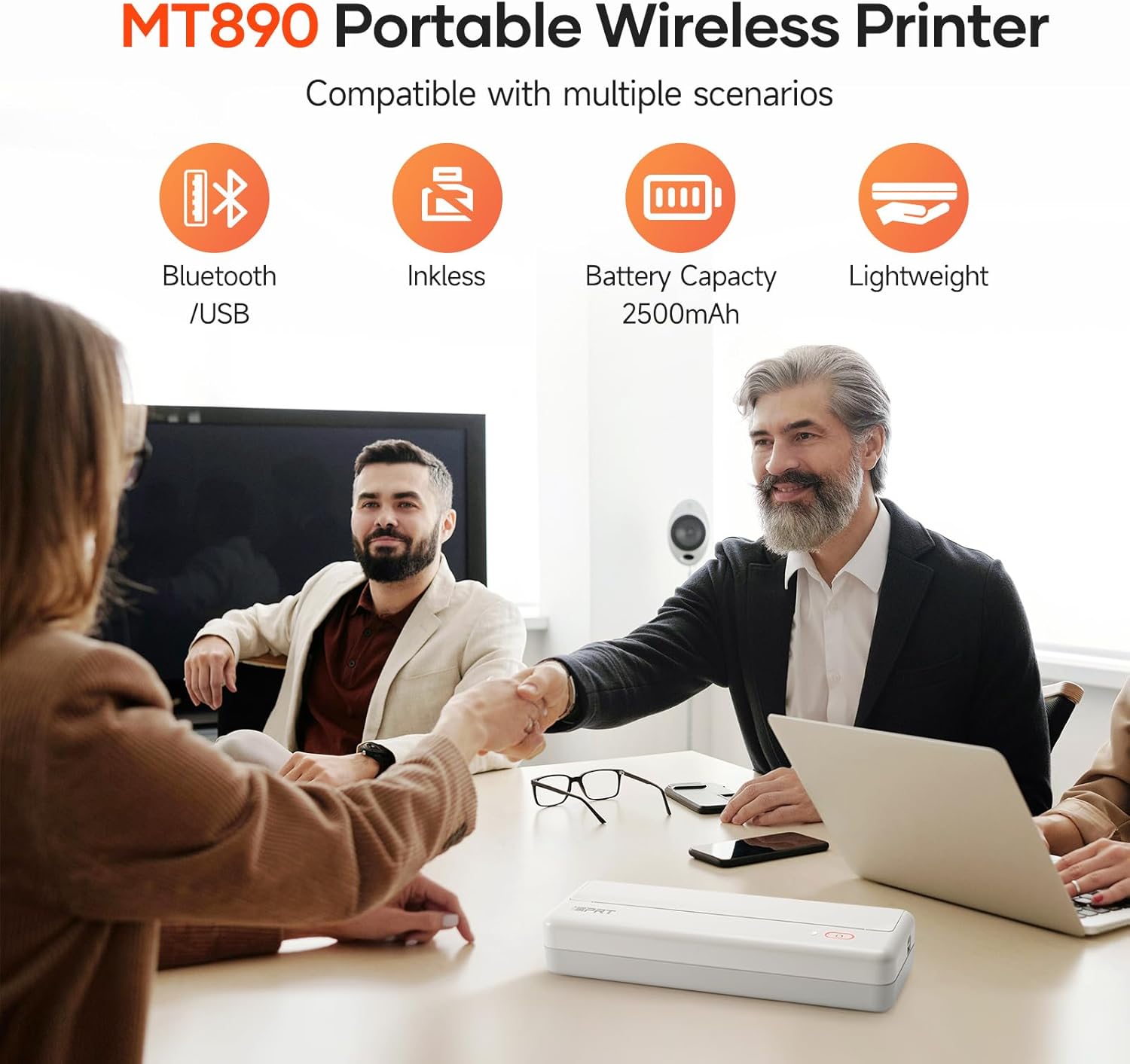
Figure 2: The iDPRT MT890 printer shown with a roll of thermal paper, indicating the paper type used by the device.
3. Produktüberschreitungview
The iDPRT MT890 printer features a minimalist design with essential controls. It is designed for ease of use and portability.
3.1 Physikalische Merkmale
- Netzschalter: Located on the top surface, used for turning the device on/off and initiating certain functions.
- Statusanzeigeleuchte: Provides visual feedback on power, battery, and connection status.
- Papierausgabefach: Where printed documents exit the printer.
- USB-C-Anschluss: For charging and wired connection to computers.
- Paper Release Latches: Located on the sides, used to open the printer for paper loading.

Figure 3: The compact dimensions of the iDPRT MT890 printer, highlighting its portability.
4. Einrichtung
4.1 Aufladen des Druckers
- Schließen Sie das mitgelieferte USB-C-Kabel an den Ladeanschluss des Druckers an.
- Plug the other end of the USB-C cable into a compatible USB power adapter or a computer's USB port.
- The status indicator light will show charging status (e.g., red for low battery, green for fully charged).
4.2 Einlegen von Thermopapier
- Locate the paper release latches on both sides of the printer.
- Press both latches simultaneously to open the printer cover.
- Legen Sie die Thermopapierrolle in den dafür vorgesehenen Schlitz ein und achten Sie darauf, dass die zu bedruckende Seite nach oben zeigt.
- Pull a small amount of paper out of the roll, extending it past the paper output slot.
- Schließen Sie die Druckerabdeckung fest, bis sie einrastet.

Figure 4: Illustrates the process of loading thermal paper into the iDPRT MT890 printer.
5. Bedienungsanleitung
5.1 Ein-/Ausschalten
- So schalten Sie das Gerät ein: Long press the power button until the status indicator light illuminates.
- So schalten Sie das Gerät aus: Long press the power button until the status indicator light turns off.
5.2 Verbindung mit Mobilgeräten (Bluetooth)
- Laden Sie die "HerePrint"-App aus dem App Store Ihres Geräts herunter. Hier herunterladen und drucken
- Ensure your iDPRT MT890 printer is powered on.
- Open the "HerePrint" app and follow the on-screen prompts to connect to your printer via Bluetooth. The app will guide you through the pairing process.
- Once connected, the app will display "Printer connected."
Video 1: Demonstrates the steps for connecting the iDPRT MT890 printer to a mobile device via Bluetooth using the HerePrint app.
5.3 Computeranschluss (USB)
- Download and install the appropriate MT890 driver from the official iDPRT webWebsite. iDPRT Driver Download
- Use the provided USB-C cable to connect the iDPRT MT890 printer to your computer.
- Open your document or file and select "iDPRT MT890" from the printer list to initiate printing.
Figure 5: The iDPRT MT890 printer connected to both a laptop via USB and a smartphone via Bluetooth, illustrating versatile connectivity options.
5.4 Dokumente drucken
- From the "HerePrint" app or your computer's print dialogue, select the document or image you wish to print.
- Adjust print settings such as density, copies, print size (A4, A5, 4-inch), and margins as needed.
- Confirm your selections and initiate the print job. The printer will quickly produce your document.
Video 2: A demonstration of the iDPRT MT890 Portable Wireless Printer in action, showcasing its printing speed and output quality.

Figure 6: The user interface of the HerePrint app, displaying options for printing pictures, documents, webpages, and accessing print history.
6. Media Handling
The iDPRT MT890 printer uses specialized thermal paper. It supports various sizes and offers flexibility for different printing needs.
- Unterstützte Größen: US Letter, A4, and A5. The innovative roll design allows for printing on any length as needed.
- Papiersorte: Only thermal paper is compatible. Regular A4 paper cannot be used.
- Tearing Knife: The printer includes a serrated tearing knife for easy and clean paper detachment.

Figure 7: The iDPRT MT890 printer demonstrating its compatibility with various thermal paper sizes.

Figure 8: A diagram illustrating the layered structure of high-quality thermal paper, emphasizing its durability and print quality.
7. Wartung
The iDPRT MT890 printer's inkless thermal technology significantly reduces maintenance requirements.
- No Ink/Toner Replacement: As an inkless printer, there is no need to replace ink cartridges or toner.
- Reinigung: Periodically wipe the exterior of the printer with a soft, dry cloth. Ensure no debris obstructs the paper path.
- Lagerung: Store the printer in a cool, dry place away from direct sunlight to preserve the thermal paper quality.

Figure 9: The iDPRT MT890 printer emphasizing its inkless operation, eliminating the need for ink or toner.
8. Fehlerbehebung
If you encounter issues with your iDPRT MT890 printer, consider the following common solutions:
- Drucker reagiert nicht: Ensure the printer is powered on and fully charged. Check the Bluetooth or USB connection.
- Schlechte Druckqualität: Verify that you are using compatible thermal paper. Adjust print density settings in the "HerePrint" app or printer driver.
- Papierstaus: Open the printer cover using the side latches and carefully remove any jammed paper. Ensure the paper roll is correctly installed.
- Verbindungsprobleme: For Bluetooth, ensure Bluetooth is enabled on your mobile device and the printer is within range. For USB, confirm the driver is installed correctly and the cable is securely connected.
- App-Probleme: Ensure the "HerePrint" app is updated to the latest version. Restart the app or your mobile device if necessary.
9. Spezifikationen
| Besonderheit | Spezifikation |
|---|---|
| Marke | iDPRT |
| Modellname | MT890 |
| Drucktechnologie | Thermal |
| Konnektivitätstechnologie | Bluetooth, USB |
| Druckerausgabe | Einfarbig |
| Maximale Druckgeschwindigkeit Monochrom | 35 ppm |
| Maximale Schwarzweiß-Druckauflösung | 9701 dpi |
| Unterstützte Medienformate | Letter (8.5 x 11 inches), A4, A5 |
| Druckertintentyp | Tintenlos |
| Artikelgewicht | 2.77 Pfund |
| Technische Daten | 12.4 x 4.8 x 2.7 inches (approximate, based on feature bullets) |
| Batterien | 1 A Batterien erforderlich (im Lieferumfang enthalten) |
10. Garantie und Support
For warranty information, technical support, or service inquiries, please refer to the documentation included with your product or visit the official iDPRT webWebsite. Bewahren Sie Ihren Kaufbeleg für Garantieansprüche auf.
Ask a question about this manual
Ask about setup, troubleshooting, compatibility, parts, safety, or missing instructions. Manuals+ will review the question and use this page’s manual context to help answer it.