
1. Einleitung
This manual provides comprehensive instructions for the safe and efficient use of your NEC VKT16XZG5 laptop. Please read this manual thoroughly before using the product and retain it for future reference. This laptop is equipped with Windows 11, an Intel Core i5-8th Generation processor, and solid-state drive (SSD) storage, designed for general computing tasks.
2. Sicherheitshinweise
Observe the following safety precautions to prevent damage to the laptop or injury to yourself.
- Setzen Sie den Laptop keinen extremen Temperaturen, direkter Sonneneinstrahlung oder hoher Luftfeuchtigkeit aus.
- Vermeiden Sie es, schwere Gegenstände auf den Laptop zu stellen.
- Halten Sie Flüssigkeiten vom Laptop fern, um Stromschläge oder Beschädigungen zu vermeiden.
- Use only the provided AC adapter or a compatible replacement.
- Versuchen Sie nicht, den Laptop selbst zu zerlegen oder zu reparieren. Wenden Sie sich an qualifiziertes Servicepersonal.
- Ensure proper ventilation to prevent overheating. Do not block air vents.
3. Packungsinhalt
Überprüfen Sie, ob alle Artikel im Paket vorhanden sind:
- NEC VKT16XZG5 Laptop
- Netzteil
- Security Zero License Card
- 64GB USB Recovery Storage
- Digital Recovery Manual (pre-saved on the laptop)

Image: 64GB USB Recovery Storage device. This USB drive contains essential recovery files for your laptop.

Image: ZERO Security software box. A license card for this security software is included.
4. Produktüberschreitungview
Familiarize yourself with the components of your NEC VKT16XZG5 laptop.
4.1 Nach oben View (Tastatur und Touchpad)

Bild: Oben view of the NEC VKT16XZG5 laptop. This image highlights the Japanese keyboard layout and the integrated touchpad for navigation.
- Tastatur: Standard Japanese layout for text input.
- Touchpad: Zur Cursorsteuerung und Gesteneingabe.
- Netzschalter: Located above the keyboard, typically on the right side.
4.2 Exterior Design and Durability
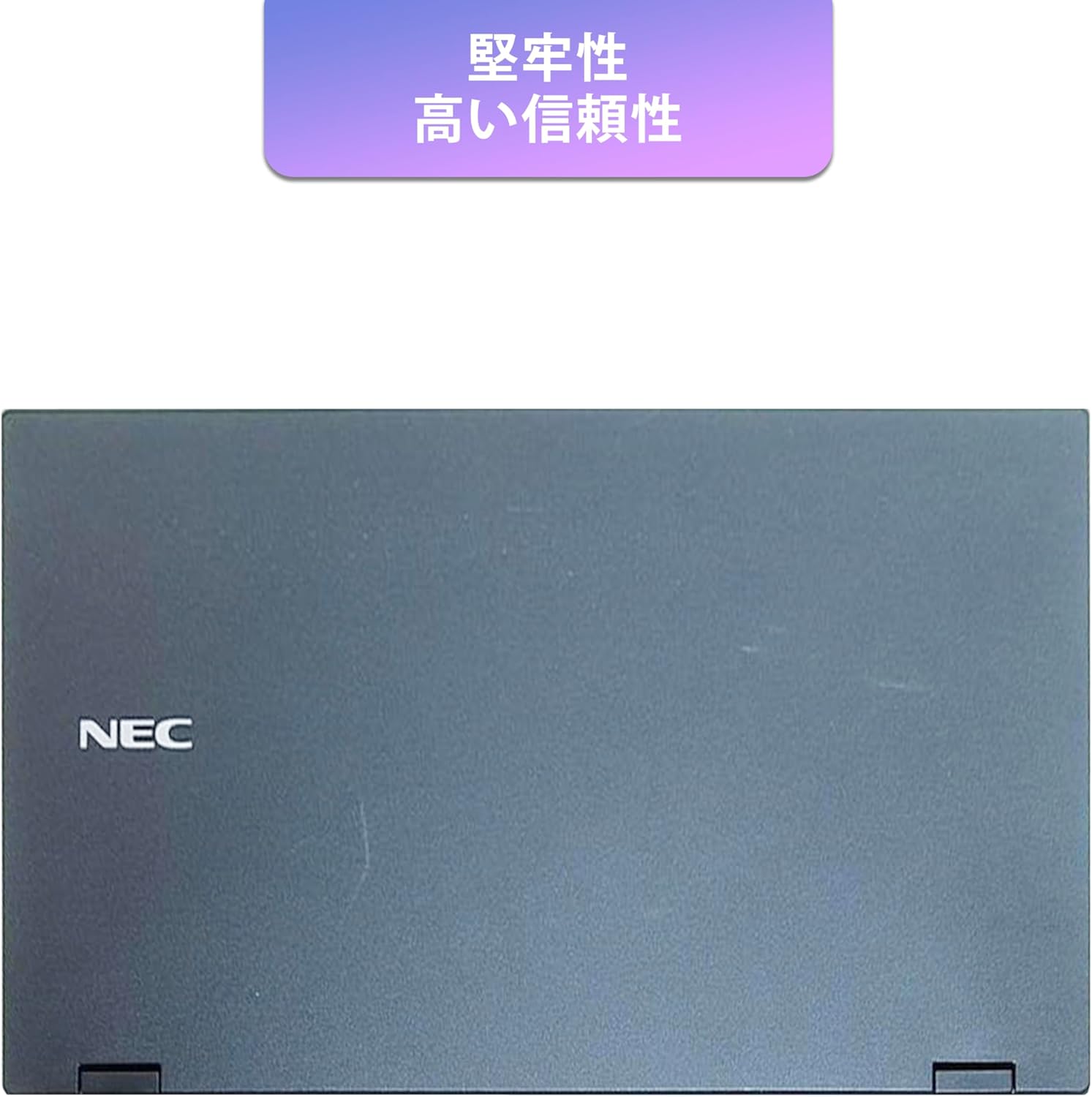
Image: Closed NEC VKT16XZG5 laptop, top casing. The design emphasizes durability and high reliability.
The laptop features a robust casing designed for durability and reliable performance.
4.3 Integrated Camera and Battery Life

Abbildung: Seite view of the open NEC VKT16XZG5 laptop. This view indicates the presence of an integrated camera and highlights the laptop's long battery life capability.
- Integrierte Kamera: Located at the top center of the display for video conferencing and other applications.
- Batterie: Designed for extended usage on a single charge.
4.4 Leistungsmerkmale

Abbildung: Seite view of the open NEC VKT16XZG5 laptop. This image emphasizes the Intel Core i5-8th Generation processor and the high-speed SSD for enhanced performance.
- CPU: Intel Core i5-8th Generation processor for efficient multitasking.
- SSD: High-speed Solid State Drive for faster boot times and application loading.
5. Einrichtung
Follow these steps for initial setup of your laptop:
- Auspacken: Nehmen Sie den Laptop und sämtliches Zubehör vorsichtig aus der Verpackung.
- Strom anschließen: Stecken Sie das Netzteil in den Stromanschluss des Laptops und anschließend in eine Wandsteckdose.
- Erstes Einschalten: Open the laptop lid and press the power button. The laptop will begin the Windows 11 setup process.
- Windows Setup: Follow the on-screen prompts to configure Windows 11, including language, region, network connection, and user account creation.
- WPS Office Activation: Your laptop comes with WPS Office pre-installed. Use the provided license card to activate the software upon first use.
- Security Software Installation: Install the included ZERO Security software using the license card for protection against malware.

Image: Laptop screen displaying information about the WPS Office 2 license card. This indicates that WPS Office is ready for use immediately after activation.
6. Bedienungsanleitung
This section covers basic operation of your NEC VKT16XZG5 laptop.
6.1 Ein-/Ausschalten
- Einschalten: Drücken Sie die Einschalttaste.
- Abschalten: Klicken Sie in Windows auf die Schaltfläche „Start“ und wählen Sie dann „Ein/Aus“ > „Herunterfahren“.
- Neustart: Klicken Sie auf die Schaltfläche „Start“ und wählen Sie dann „Ein/Aus“ > „Neustart“.
- Schlafen: Schließen Sie den Deckel oder drücken Sie die Starttaste und wählen Sie dann Ein/Aus > Ruhezustand.
6.2 Verwendung der Tastatur und des Touchpads
- Tastatur: Type text and use function keys (Fn) for special commands (e.g., volume, brightness).
- Touchpad: Move your finger across the surface to control the cursor. Tap to click, use two fingers to scroll.
6.3 Mit WLAN verbinden
- Klicken Sie auf das WLAN-Symbol in der Taskleiste.
- Wählen Sie das gewünschte Netzwerk aus der Liste aus.
- Geben Sie bei Aufforderung den Netzwerksicherheitsschlüssel (das Passwort) ein.
- Klicken Sie auf „Verbinden“.
6.4 Using the DVD-ROM Drive
- Press the eject button on the drive to open the tray.
- Place a DVD or CD onto the tray, ensuring it is seated correctly.
- Gently push the tray back into the laptop.
- The disc content should appear in File Forscher.
7. Wartung
Proper maintenance ensures the longevity and performance of your laptop.
- Reinigung: Verwenden Sie ein weiches, fusselfreies Tuch, um den Bildschirm und das Gehäuse zu reinigen. Bei hartnäckigen Flecken dampBefeuchten Sie das Tuch leicht mit Wasser oder Bildschirmreiniger. Vermeiden Sie aggressive Chemikalien.
- Batteriepflege: To maximize battery life, avoid fully discharging the battery frequently. Store the laptop in a cool, dry place if not used for extended periods.
- Software-Updates: Um die Stabilität und Sicherheit des Systems zu gewährleisten, sollten Sie regelmäßig nach Windows-Updates und Treiberaktualisierungen suchen und diese installieren.
- Recovery Function: Your laptop includes a recovery area and a 64GB USB recovery storage. In case of system issues, refer to the digital recovery manual saved on your laptop for instructions on how to restore the system.

Image: Laptop screen displaying information about the recovery area, large capacity USB storage for recovery, and the performance benefits of the high-speed SSD.
8. Fehlerbehebung
In diesem Abschnitt werden häufig auftretende Probleme behandelt.
| Problem | Mögliche Lösung |
|---|---|
| Der Laptop lässt sich nicht einschalten. | Ensure the AC adapter is securely connected to both the laptop and a working power outlet. Check if the power outlet is functional. Try charging the battery for a while before attempting to power on again. |
| Keine WLAN-Verbindung. | Check if Wi-Fi is enabled in Windows settings. Ensure your router is working correctly. Try restarting the laptop and the router. Verify the Wi-Fi password. |
| Der Laptop läuft langsam. | Close unnecessary applications. Check for background processes consuming high resources (Task Manager). Ensure Windows and drivers are up to date. Run a virus scan using the ZERO Security software. |
| Tastatur oder Touchpad reagieren nicht. | Restart the laptop. Check for any physical obstructions. Ensure drivers are updated. |
9. Spezifikationen
Detailed technical specifications for the NEC VKT16XZG5 laptop.
| Besonderheit | Spezifikation |
|---|---|
| Marke | NEC |
| Modellname | VKT16XZG5 |
| Bildschirmgröße | 15.6 Zoll |
| Anzeigetyp | LED |
| Maximale Bildschirmauflösung | 1366x768 Pixel |
| Festplattenkapazität | 256 GB (SSD) |
| CPU Modell | Intel Core i5-8th Generation |
| CPU-Geschwindigkeit | 1.6 GHz (Max 3.9 GHz) |
| Anzahl der Prozessoren | 4 |
| Installierte RAM-Speichergröße | 8 GB / 16 GB |
| RAM-Speichertechnologie | DDR4 |
| Betriebssystem | Windows 11 |
| Grafik-Coprozessor | Intel UHD-Grafik 620 |
| Optical Storage Device | DVD-ROM |
| Kabelloser Typ | Bluetooth, Wireless LAN |
| Kommunikationsschnittstelle | USB |
| Artikelabmessungen (LxBxH) | 37.6 x 25.4 x 2.5 cm |
| Tastaturbeschreibung | JP (Japanese) |
| Im Lieferumfang enthaltene Komponenten | AC Adapter, Security Zero License Card, 64GB USB Recovery Storage |
| Akku-Typ | Lithium-Ionen |
| Akku Wattstunden | 45 Wattstunden |
| Release Year/Model Year | 2019 |
10. Garantie und Support
Your NEC VKT16XZG5 laptop comes with a warranty to ensure your peace of mind.
- Garantiezeit: 6 months of free repair service from the date of purchase.
- Ersatzrichtlinie: If a repair is not possible, the product will be replaced with an equivalent item.
- For technical support or warranty claims, please refer to the contact information provided at the point of purchase or on the official NEC support webWebsite.