
Dosilkc DS-LBQ01
Dosilkc DS-LBQ01 2K Light Bulb Security Camera User Manual
Model: DS-LBQ01 | Brand: Dosilkc
Einführung
This manual provides detailed instructions for the installation, operation, maintenance, and troubleshooting of your Dosilkc DS-LBQ01 2K Light Bulb Security Camera. Please read this manual thoroughly before using the product to ensure proper function and safety.
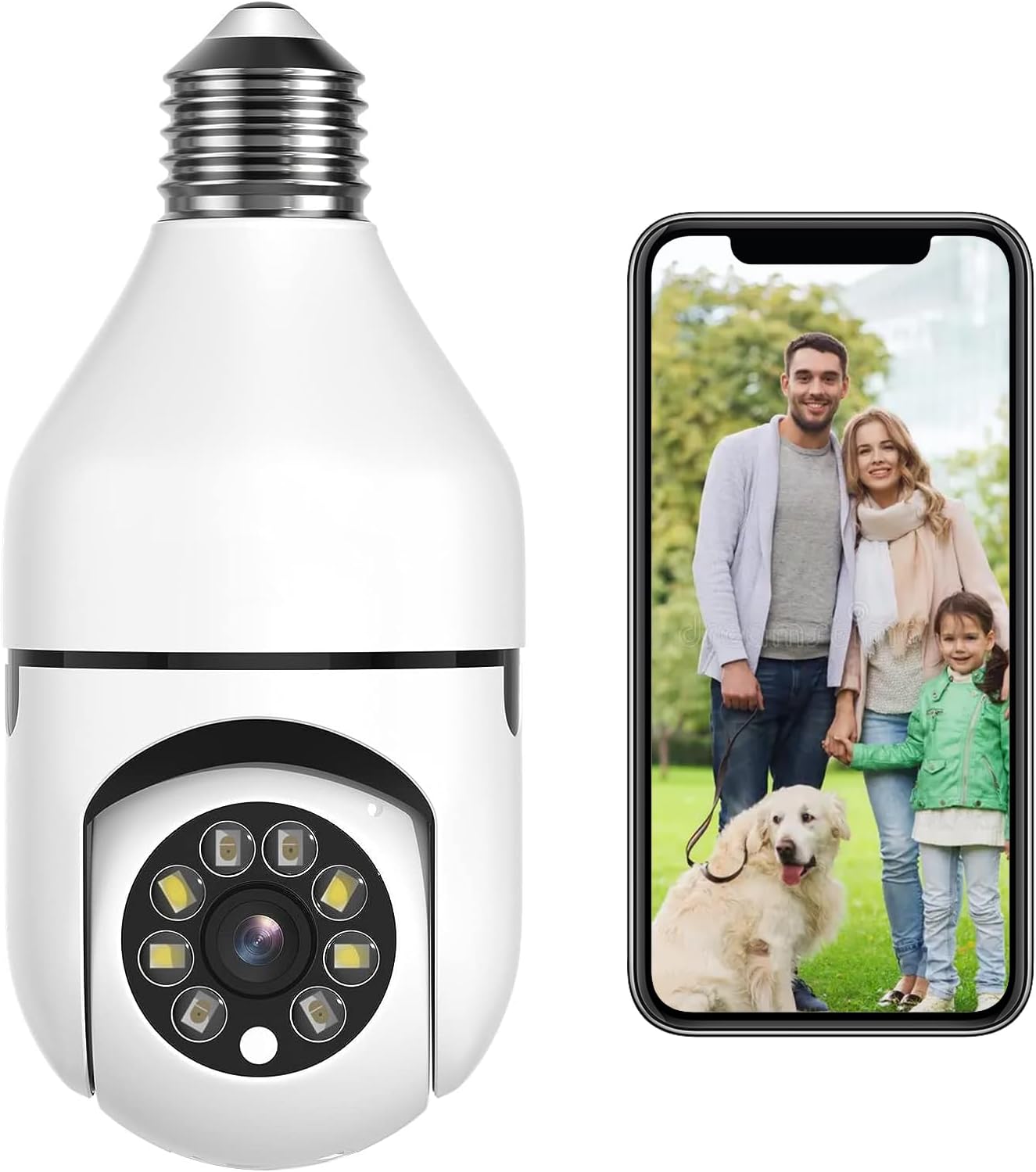
Image: The Dosilkc DS-LBQ01 2K Light Bulb Security Camera, shown next to a smartphone displaying a live feed of a family.
Setup und Installation
The Dosilkc DS-LBQ01 camera is designed for easy installation into a standard E27 light bulb socket. Ensure the power to the socket is turned off before installation.
- Ausschalten: Before beginning, ensure the power supply to the E27 light socket is completely turned off at the circuit breaker or switch.
- Kamera installieren: Carefully screw the Dosilkc DS-LBQ01 camera into the E27 light socket. Ensure it is securely fastened.
- Einschalten: Die Stromversorgung der Lampenfassung wird wiederhergestellt. Die Kamera startet nun ihren Startvorgang.
- Lade App herunter: Download the designated mobile application (refer to product packaging or included quick start guide for app name) from your device's app store (iOS/Android).
- Mit WLAN verbinden: Open the app and follow the on-screen instructions to connect the camera to your Wi-Fi network. The camera supports both 2.4GHz and 5GHz Wi-Fi bands.
- Anfangskonfiguration: Complete any initial setup steps within the app, such as setting a password and adjusting basic camera settings.

Image: Visual guide demonstrating the simple screw-in installation of the camera into an E27 light socket, with examples of its placement in home environments.
Bedienungsanleitung
1. Leben View und Fernzugriff
Once connected, access the live video feed from your camera anytime, anywhere via the mobile application on your iOS or Android smartphone.
2. Schwenken, Neigen und digitaler Zoom (PTZ)
The camera offers a 355° pan and 90° tilt capability. Use the controls within the mobile app to remotely adjust the camera's viewing angle. The camera also supports 4x digital zoom for closer inspection of details.

Image: Illustration of the camera's pan (355°) and tilt (90°) movement range, alongside a smartphone showing the wide coverage in a room.
3. Human Motion Detection and Tracking
The camera features advanced AI-powered human motion detection. When a person is detected, the camera can automatically track their movement within its field of view and send real-time alerts to your smartphone. This system is designed to filter out up to 95% of false alarms.

Image: Diagram illustrating the human detection process, from detection by the camera to email and app notifications on a smartphone.
4. Dual-Light Full Color Night Vision
The camera is equipped with dual-light technology, providing both infrared (IR) night vision and full-color night vision. In low-light conditions, the camera can automatically switch to full-color mode to capture more detailed and identifiable images.

Image: A side-by-side comparison demonstrating the difference between standard IR night vision and the enhanced full-color night vision feature.
5. Zwei-Wege-Audio
Utilize the built-in microphone and speaker for two-way communication. This allows you to listen to the camera's environment and speak through the camera using the mobile app.
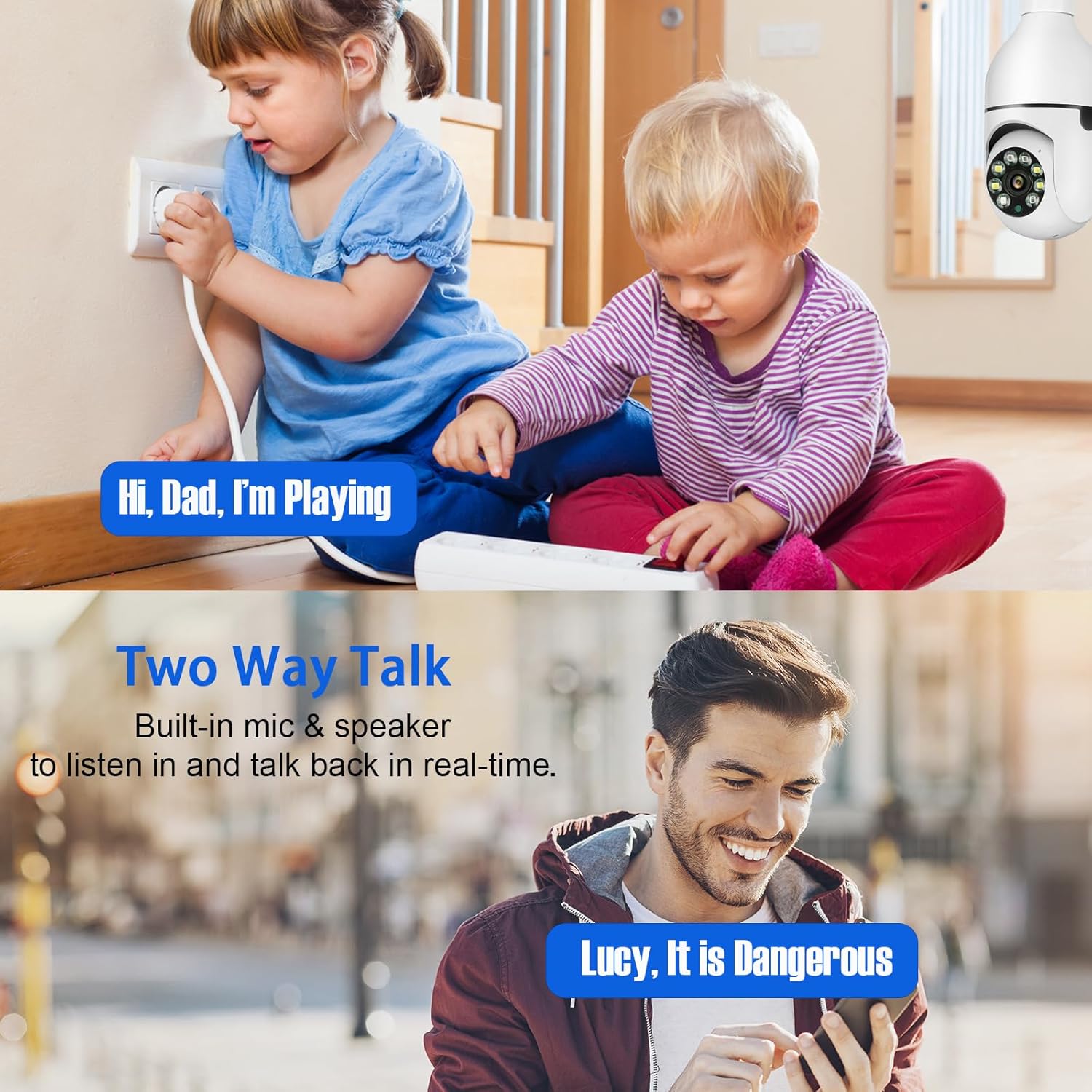
Image: Depiction of the two-way audio function, showing a child speaking near the camera and a parent responding via a smartphone.
6. Videoaufzeichnung und -speicherung
Die Kamera unterstützt kontinuierliche 24/7-Aufnahme. Footage can be stored locally on a Micro SD card (up to 256GB, not included) or via cloud storage services (subscription may be required). The camera is compatible with NVRs and third-party software using the Onvif protocol.

Image: Visual representation of the camera's dual-band Wi-Fi connectivity and dual storage options (Micro SD card and cloud), with examples of recorded video playback.
Wartung
- Reinigung: Gently wipe the camera lens and exterior with a soft, dry cloth. Avoid using harsh chemicals or abrasive materials.
- Firmware-Updates: Regularly check the mobile application for available firmware updates. Keeping the firmware updated ensures optimal performance and security.
- SD-Kartenverwaltung: If using a Micro SD card for local storage, it is recommended to periodically format the card through the camera's app settings to maintain performance and free up space. Note that deleting individual recordings directly from the SD card via the app may not be supported; reformatting is typically required to clear content.
Fehlerbehebung
| Ausgabe | Mögliche Ursache | Lösung |
|---|---|---|
| Kamera stellt keine Verbindung zum WLAN her | Incorrect Wi-Fi password, camera too far from router, router settings (e.g., firewall), weak Wi-Fi signal. |
|
| Keine Bewegungserkennungswarnungen | Motion detection sensitivity too low, detection zone not set, app notifications disabled. |
|
| Schlechte Videoqualität | Weak Wi-Fi signal, dirty lens, low bandwidth. |
|
| Camera loses connection after power outage | Network configuration reset, camera requires re-initialization. | In some cases, a power interruption may require the camera to be re-added to the app. If the camera does not automatically reconnect:
|
Technische Daten
| Modell | DS-LBQ01 |
| Auflösung | 2K (2304*1296), 3MP Effective Still Resolution |
| Konnektivität | WLAN (2.4 GHz/5 GHz) |
| Stromquelle | Corded Electric (110V-240V, E27 Socket) |
| Schwenk-/Neigebereich | Pan 355 °, Neigung 90 ° |
| Nachtsicht | IR Night Vision, Full Color Night Vision (Dual-Light) |
| Speicheroptionen | Micro-SD-Karte (bis zu 256 GB, nicht im Lieferumfang enthalten), Cloud-Speicher |
| Audio | Zwei-Wege-Audio (eingebautes Mikrofon und Lautsprecher) |
| Bewegungserkennung | Human Motion Detection & Tracking |
| Verwendung im Innen- und Außenbereich | Innenbereich |
| Abmessungen (L x B x H) | 6.1 x 2.8 x 2.8 Zoll (15.5 x 7.1 x 7.1 cm) |
| Gewicht | 7.8 Unzen (221 Gramm) |
| Im Lieferumfang enthaltene Komponenten | Light Bulb Camera, Light Socket, User Manual |
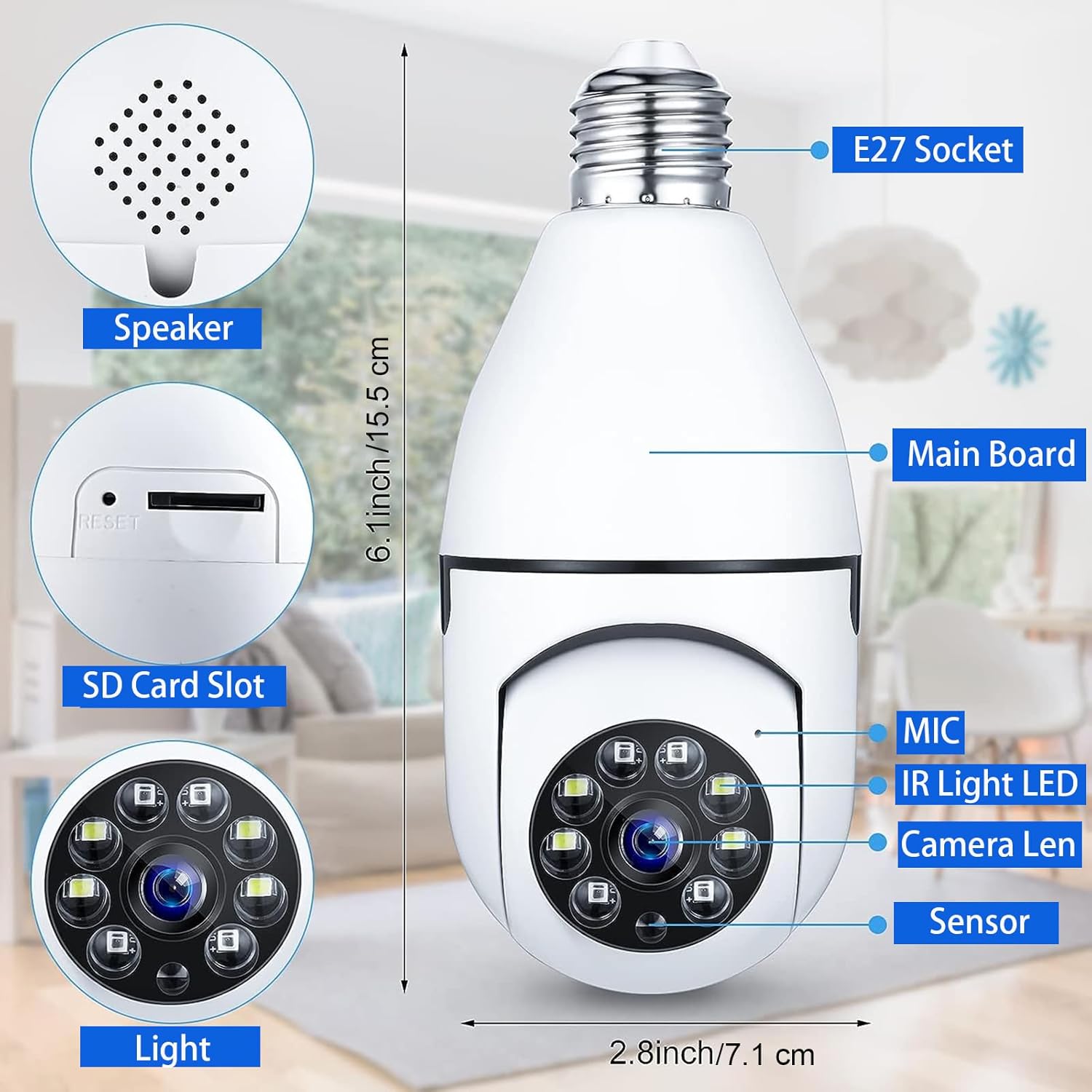
Bild: Eine explodierte view of the camera highlighting key components like the speaker, SD card slot, microphone, IR LEDs, camera lens, and sensor, along with its dimensions.
Garantie und Support
For warranty information and technical support, please refer to the documentation included with your product packaging or visit the official Dosilkc website. Contact details for customer service are typically provided in these resources.
Zugehörige Dokumente - DS-LBQ01
 |
EFPERFECT Limited Warranty Information Details the limited warranty coverage, remedies, exclusions, and service contact information for EFPERFECT products. |
 |
海康威视 9/80/81/70 系列 CVR 快速使用手册 本手册为海康威视 (HIKVISION) 9/80/81/70 系列单机 CVR存储设备提供安装、基本操作、配置和故障排除的快速入门指南。 |
 |
Personalized Fridge Magnet - Custom Photo & Text Decor High-quality personalized fridge magnet with custom photo and text engraving. Romantic refrigerator decoration, durable acrylic material, easy to use and maintain. Includes manufacturer details and quality assurance. |
 |
Installationsanleitung für die Peerless-AV DS-LEDTK-Serie Detaillierte Installationsanweisungen und Teileliste für das universelle Trim-Kit der Peerless-AV DS-LEDTK-Serie, das für dvLED-Videowände entwickelt wurde. |
 |
Teilnahmebedingungen: 3 Jahre erweiterter Epson Geräteschutz (CoverPlus Maintenance) – 2026 Offizielle Teilnahmebedingungen für die 3-jährige Garantieverlängerung (CoverPlus Maintenance) für ausgewählte Epson WorkForce und DS-Scanner. |
 |
Hikvision Network Camera Firmware V5.5.92 Release Note Release notes for Hikvision Network Camera Firmware version V5.5.92, including improved features, compatibility updates for NVRs and VMS software, and a list of supported camera models. |
Ask a question about this manual
Ask about setup, troubleshooting, compatibility, parts, safety, or missing instructions. Manuals+ will review the question and use this page’s manual context to help answer it.