
ToughTested TT-PBW-LED10
ToughTested Dual 10,000 mAh Solar Power Bank User Manual
Model: TT-PBW-LED10
Einführung
Thank you for choosing the ToughTested Dual 10,000 mAh Solar Power Portable Charger. This device is designed to provide reliable power on the go, featuring a high-capacity power bank, an integrated LED flashlight, and solar recharging capabilities. Its rugged, waterproof design makes it ideal for outdoor activities and emergency situations.
This manual provides essential information on setting up, operating, maintaining, and troubleshooting your power bank. Please read it thoroughly before use to ensure optimal performance and longevity of your device.
Lieferumfang
- ToughTested Dual 10,000 mAh Solar Power Bank (Model: TT-PBW-LED10)
- Heavy Duty USB-A to USB-C Fast Charge Cable
- Benutzerhandbuch (dieses Dokument)

The ToughTested power bank and its included heavy-duty USB-A to USB-C fast charge cable.
Produkt überview

Vorder- und Rückseite view of the ToughTested Dual 10,000 mAh Solar Power Bank, highlighting the solar panel on one side and the 18-LED flashlight panel on the other.
- 1. Ein- / Ausschalter: Activates the power bank and controls the flashlight modes.
- 2. LED-Anzeigen: Zeigt den Ladezustand des Akkus an.
- 3. Solarmodul: For emergency solar recharging.
- 4. USB-C Port (PD 18W): For fast charging the power bank and compatible devices.
- 5. USB-A Port (Quick Charge 3.0): Zum Aufladen anderer Geräte.
- 6. 18-LED Flashlight Panel: Provides bright illumination with multiple modes.
- 7. Integrated Carabiner Loop: For easy attachment and portability.
Einrichtung und erstmalige Verwendung
Aufladen der Powerbank
Before first use, fully charge your ToughTested power bank using the included USB-C cable and a wall adapter (not included). A full charge ensures optimal performance and battery longevity.
- Connect the USB-C end of the included cable to the USB-C port on the power bank.
- Connect the USB-A end of the cable to a compatible USB wall adapter or computer USB port.
- Die LED-Anzeigen leuchten auf, um den Ladefortschritt anzuzeigen. Alle vier LEDs leuchten dauerhaft, wenn der Akku vollständig geladen ist.
Notiz: While the solar panel provides emergency charging, it is significantly slower than wall charging and is intended for maintaining charge or emergency power in direct sunlight, not as a primary charging method.

The solar panel on the ToughTested power bank, designed for emergency recharging when conventional power sources are unavailable.
Bedienungsanleitung
Aufladen Ihrer Geräte
The power bank features both USB-C (Power Delivery) and USB-A (Quick Charge 3.0) ports for versatile device charging.
- Schließen Sie das Ladekabel Ihres Geräts an den entsprechenden Anschluss (USB-C oder USB-A) der Powerbank an.
- Verbinden Sie das andere Ende des Kabels mit Ihrem Gerät.
- Press the power button once to begin charging. The LED indicators will show the remaining battery level.
- Disconnect your device once charging is complete. The power bank will automatically turn off after a period of inactivity.

The two charging ports on the ToughTested power bank: a USB-C 18W Power Delivery port and a USB Quick Charge 3.0 port, offering versatile charging options.
Verwenden der LED-Taschenlampe
The integrated 18-LED flashlight offers multiple lighting modes for various situations.
- So schalten Sie die Taschenlampe ein: Drücken Sie den Netzschalter zweimal.
- Um durch die Modi zu schalten: Once the flashlight is on, single-press the power button to switch between:
- Steady (Full Brightness)
- SOS (Morse Code for distress)
- Strobe (Flashing light)
- So schalten Sie die Taschenlampe aus: Drücken Sie die Einschalttaste erneut zweimal.

The 18-LED light panel of the ToughTested power bank, providing 550 lumens of high-output illumination.
Wartung
- Reinigung: Reinigen Sie die Powerbank mit einem weichen, trockenen Tuch. Verwenden Sie keine scharfen Chemikalien oder Scheuermittel.
- Lagerung: Store the power bank in a cool, dry place away from direct sunlight and extreme temperatures. For long-term storage, ensure the battery is charged to at least 50% to preserve battery health.
- Wasserbeständigkeit: The device has an IP44 waterproof rating, meaning it is protected against solid objects larger than 1mm and splashing water from any direction. Do not submerge the device in water. Ensure all ports are dry before charging.
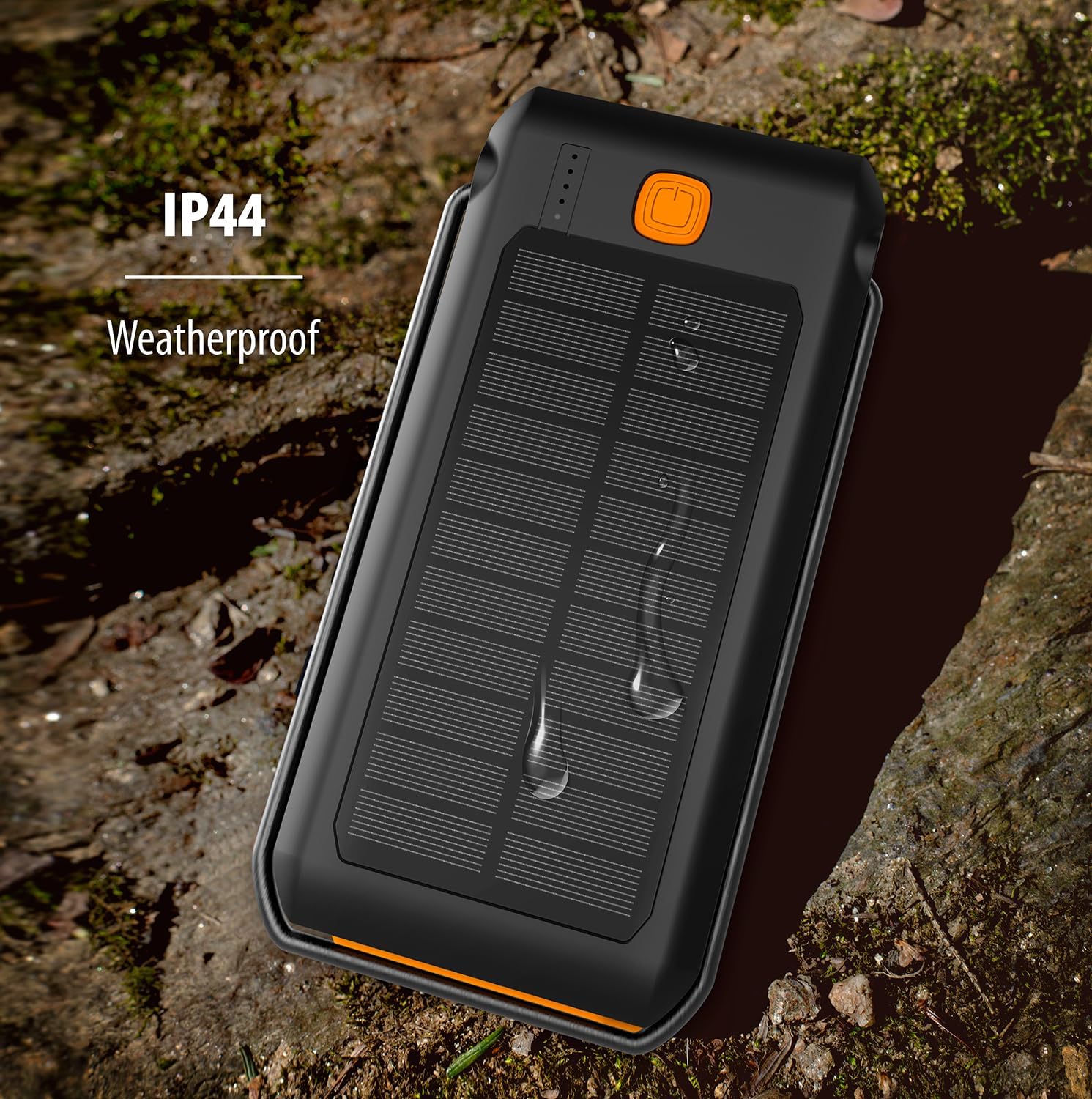
The ToughTested power bank demonstrating its IP44 weatherproof rating, indicating protection against splashing water.
Fehlerbehebung
| Problem | Mögliche Ursache | Lösung |
|---|---|---|
| Powerbank lädt nicht | Kabel nicht richtig angeschlossen; Kabel/Adapter defekt; Powerbank vollständig entladen. | Ensure cable is securely connected. Try a different cable or wall adapter. Allow a few minutes for the power bank to respond if fully discharged. |
| Gerät wird nicht über die Powerbank aufgeladen | Power bank low on charge; cable not connected properly; device not compatible; power bank in standby. | Recharge the power bank. Ensure cables are securely connected. Press the power button once to activate charging. Verify device compatibility. |
| Taschenlampe funktioniert nicht | Power bank low on charge; incorrect button press. | Recharge the power bank. Double-press the power button to turn on/off the flashlight. |
| Solarladung ist langsam | Solar charging is supplementary; insufficient direct sunlight. | Solar charging is designed for emergency use and is slower than wall charging. Ensure the solar panel is exposed to direct, strong sunlight. |
Technische Daten
| Besonderheit | Detail |
|---|---|
| Modellnummer | TT-PBW-LED10 |
| Batteriekapazität | 10,000 mAh (Lithium-Polymer) |
| Eingangsanschlüsse | USB-C (zum Laden der Powerbank) |
| Ausgangsanschlüsse | USB-C (18W Power Delivery), USB-A (Quick Charge 3.0) |
| Solarpanel-Ausgang | 275mA (for emergency/supplementary charging) |
| Taschenlampe | 18 LED, 550 Lumen, 3 Modes (Steady, SOS, Strobe) |
| Wasserdichtigkeit | IP44 (Geschützt gegen Spritzwasser) |
| Maße | 6.5 x 3.5 x 1 Zoll |
| Gewicht | 10.4 Unzen |
| Farbe | Schwarz / Orange |
Garantie und Support
The ToughTested Dual 10,000 mAh Solar Power Bank is backed by ToughTested's exclusive 5 Jahr Garantie. Diese Garantie deckt Material- und Verarbeitungsfehler bei normalem Gebrauch ab.
For warranty claims, technical support, or any inquiries regarding your product, please refer to the official ToughTested webDie aktuellsten Kontaktinformationen finden Sie auf der Website oder der Produktverpackung.
Ask a question about this manual
Ask about setup, troubleshooting, compatibility, parts, safety, or missing instructions. Manuals+ will review the question and use this page’s manual context to help answer it.