
Einführung
This manual provides detailed instructions for the safe and effective use of your Andoer 1080P Digital Camera. Please read this manual thoroughly before operating the device and retain it for future reference. This camera is designed to capture high-quality photos and videos, featuring a 56MP picture resolution and 1080P video recording capabilities. It includes an 8X digital zoom, AF auto-focus, and a 2.88-inch IPS screen for clear viewing.
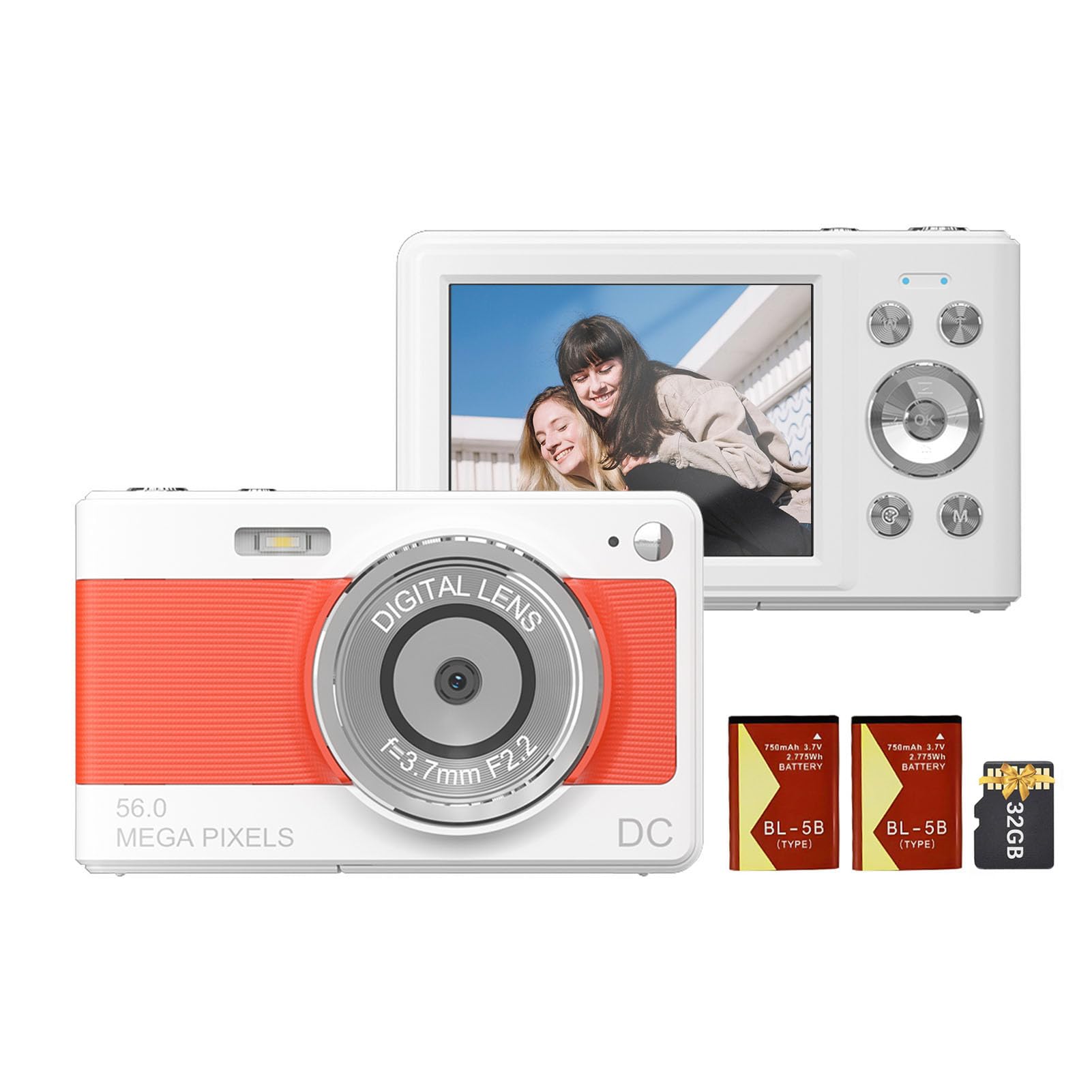
Front view of the Andoer 1080P Digital Camera, showcasing seine Linse und kompakte Bauweise.
Packungsinhalt
Überprüfen Sie, ob alle Artikel im Paket vorhanden sind:
- 1 x Andoer Digitalkamera
- 2 x Lithium-Batterien (3.7 V 750 mAh)
- 1 x USB-Ladekabel (Typ-C)
- 1 x Handschlaufe
- 1 x Tragetasche
- 1 x 32GB Speicherkarte
- 1 x Benutzerhandbuch (Englisch)
Aufstellen
1. Einbau und Aufladen der Batterie
The camera uses a rechargeable lithium battery. Two batteries are included to ensure extended usage.
- Locate the battery compartment on the bottom or side of the camera.
- Öffnen Sie die Abdeckung des Batteriefachs.
- Insert a fully charged battery, ensuring the correct polarity as indicated inside the compartment.
- Schließen Sie den Batteriefachdeckel fest.
- To charge the battery, connect the camera to a power source using the provided Type-C USB cable. The charging indicator light will illuminate.
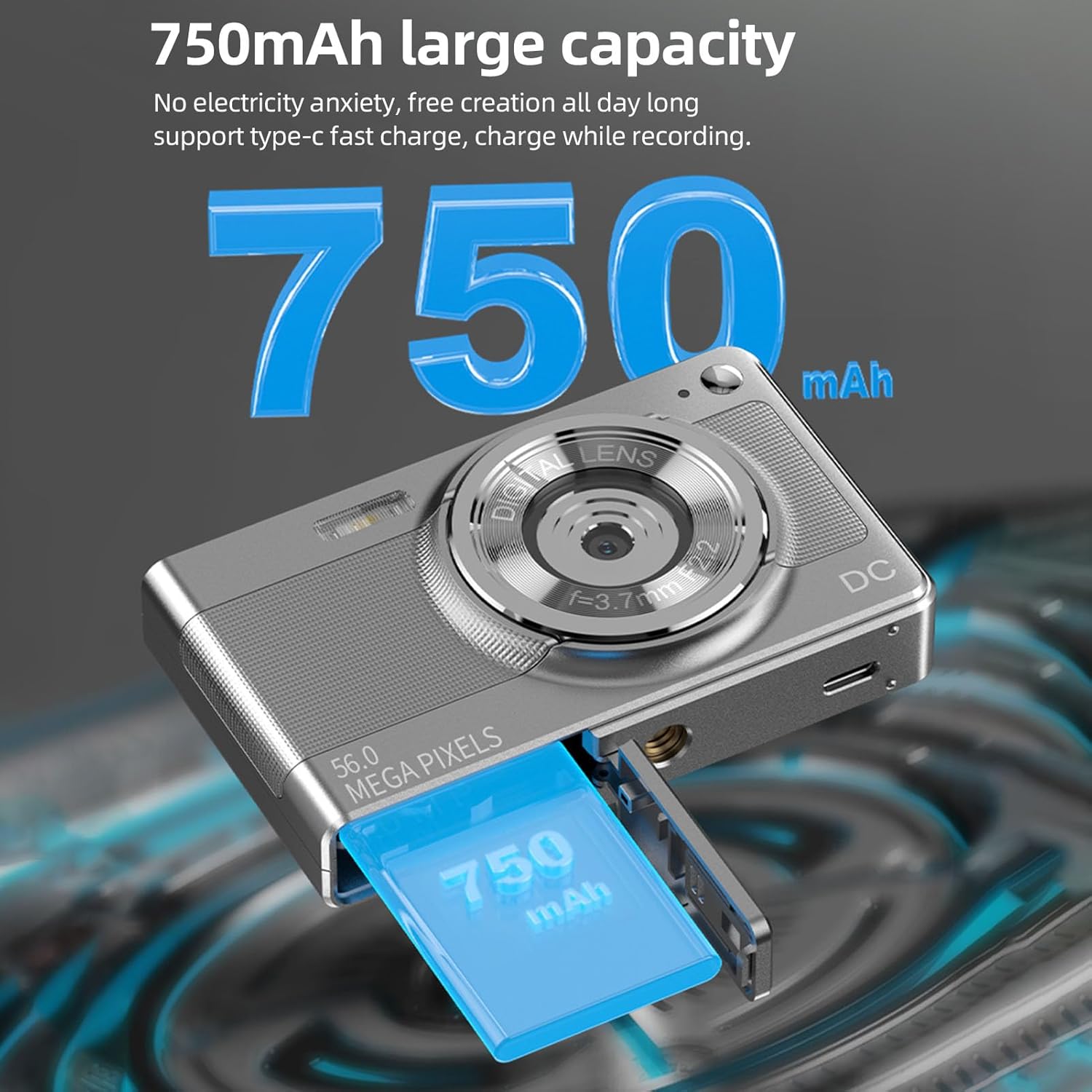
Illustration of the 750mAh battery and its insertion into the camera's battery compartment.
2. Installation der Speicherkarte
A 32GB memory card is included for immediate use. Ensure the camera is powered off before inserting or removing the memory card.
- Locate the memory card slot, typically on the side of the camera.
- Insert the 32GB memory card into the slot with the metal contacts facing the correct direction (refer to the diagram near the slot if available).
- Drücken Sie die Karte vorsichtig, bis sie einrastet.
- Zum Entfernen die Karte erneut hineindrücken, bis sie leicht herausspringt, dann herausziehen.
Bedienungsanleitung
1. Ein-/Ausschalten
- Zum Einschalten: Halten Sie die Ein-/Aus-Taste (normalerweise mit einem Sternchen gekennzeichnet) gedrückt. EIN/AUS or a power symbol) until the screen illuminates.
- Zum Ausschalten: Halten Sie den Netzschalter erneut gedrückt, bis sich der Bildschirm ausschaltet.
2. Fotos machen
The camera supports up to 56MP picture resolution.
- Schalten Sie die Kamera ein.
- Ensure the camera is in photo mode (indicated by an icon on the screen, typically a camera symbol).
- Nutzen Sie den 2.88-Zoll-IPS-Bildschirm, um Ihr Bild optimal zu gestalten.
- The camera features AF auto-focus. Allow the camera to focus on your subject.
- Press the shutter button halfway down to focus, then press it fully to capture the image.
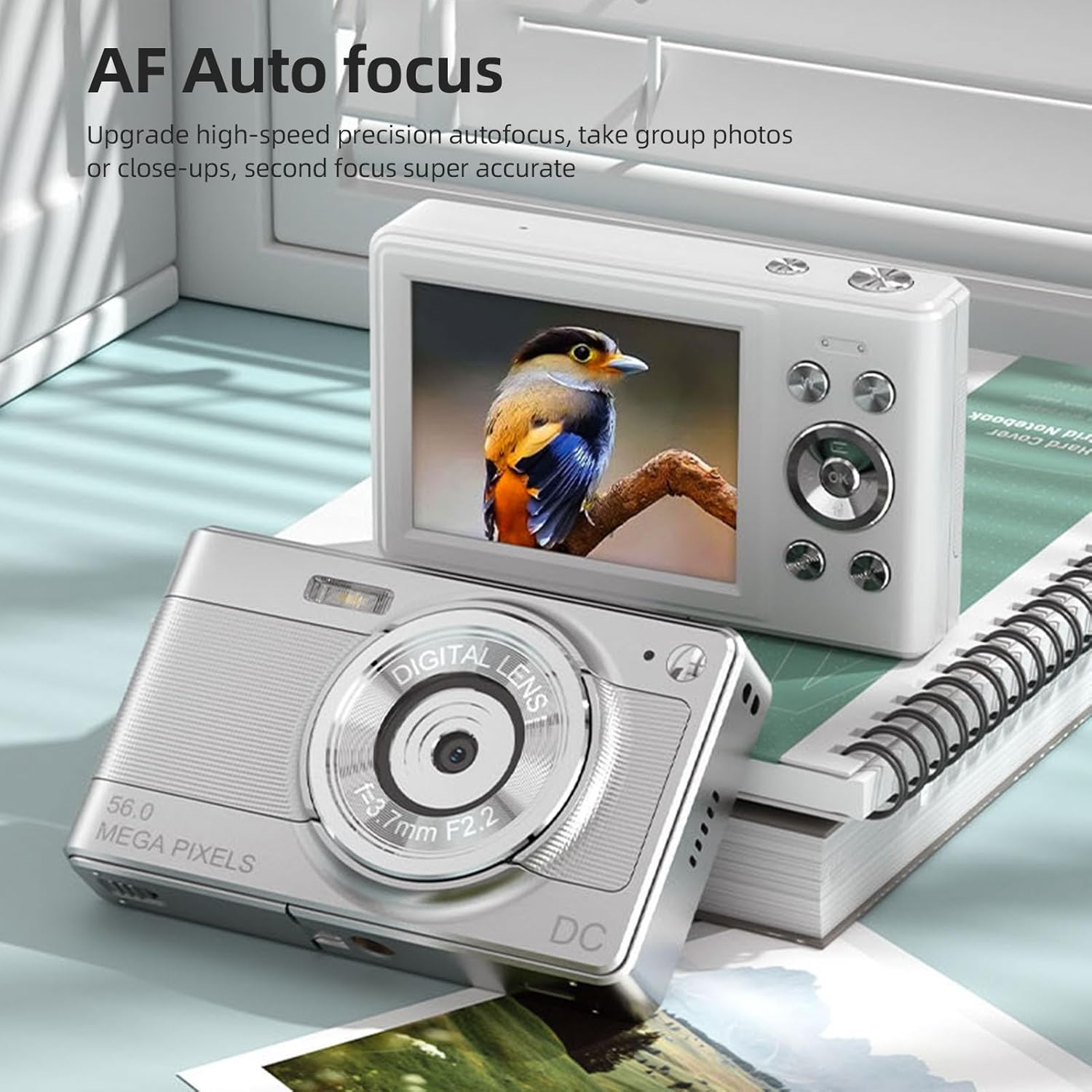
The camera's AF Auto Focus system ensures sharp images by automatically adjusting the lens.
3. Videos aufnehmen
Videos in 1080P-Auflösung aufnehmen.
- Schalten Sie die Kamera ein.
- Switch to video recording mode (indicated by a video camera icon).
- Press the shutter button to start recording. A red indicator or timer will appear on the screen.
- Drücken Sie den Auslöser erneut, um die Aufnahme zu stoppen.
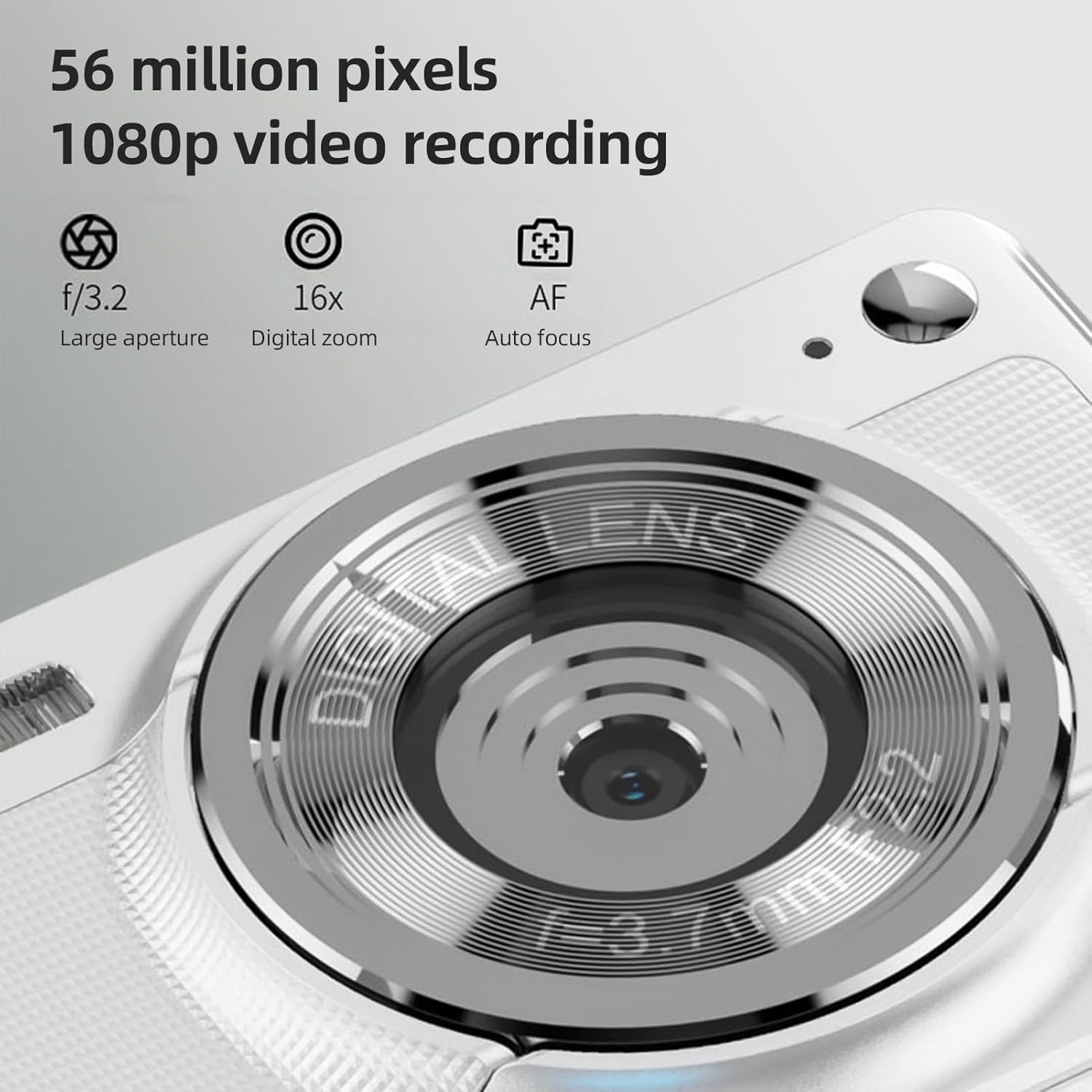
The camera is capable of capturing 56-megapixel photos and recording 1080p videos.
4. Digitalzoom
Die Kamera verfügt über einen 8-fachen digitalen Zoom.
- While in photo or video mode, use the zoom buttons (often marked with W for Wide and T for Telephoto, or +/- symbols) to zoom in or out.
- Note that digital zoom may reduce image quality compared to optical zoom.

Comparison showing the effect of 8X digital zoom versus no zoom mode.
5. Eingebauter Blitz
Use the built-in flash for low-light conditions.
- Die Blitzeinstellungen können Sie über das Kameramenü aufrufen.
- Select from options such as Auto Flash, Fill-in Flash, Red-eye Reduction, or Flash Off.
6. Weitere Funktionen
The camera includes several features to enhance your photography:
- Anti-Shake: Helps reduce blur caused by camera movement.
- Face Detect: Erkennt und fokussiert automatisch Gesichter im Bildausschnitt.
- Continuous Photography: Captures a series of photos rapidly.
- Selbstauslöser: Delays the shutter release by 2, 5, or 10 seconds.
- Farbeffekte: Apply various filters or color tones to your images.
7. Viewing und übertragen Files
Review your captured media and transfer them to other devices.
- Wiedergabe: Press the playback button (often indicated by a play icon) to view photos and videos on the 2.88-inch IPS screen. Use the navigation buttons to browse.
- File Transfer (OTG Method):
- Remove the memory card from the camera.
- Insert the memory card into a card reader.
- Connect the card reader to your mobile phone or computer using an OTG adapter or USB cable to export photos and videos.

The camera's memory card can be used with an OTG adapter or card reader for easy transfer of files to a mobile phone or computer.
Wartung
- Reinigung der Linse: Verwenden Sie ein weiches, fusselfreies Tuch, das speziell für Kameraobjektive entwickelt wurde. Vermeiden Sie es, das Objektiv mit den Fingern zu berühren.
- Reinigen des Bildschirms: Gently wipe the IPS screen with a microfiber cloth. Do not use harsh chemicals.
- Lagerung: When not in use, store the camera in the provided carrying bag in a cool, dry place away from direct sunlight and extreme temperatures.
- Batteriepflege: Do not expose batteries to high temperatures. If the camera will not be used for an extended period, remove the battery.
Fehlerbehebung
| Problem | Mögliche Ursache | Lösung |
|---|---|---|
| Die Kamera lässt sich nicht einschalten. | Die Batterie ist leer oder falsch eingesetzt. | Laden Sie den Akku auf. Achten Sie darauf, dass der Akku mit der richtigen Polarität eingelegt ist. |
| Es dürfen keine Fotos/Videos aufgenommen werden. | Die Speicherkarte ist voll, gesperrt oder nicht eingelegt. | Insert a memory card. Check if the memory card is locked. Delete unnecessary files oder ersetzen Sie die Karte. |
| Bilder sind verschwommen. | Verwacklungen, Motiv zu nah oder Linse verschmutzt. | Hold the camera steady. Ensure adequate lighting. Clean the lens. Use AF auto-focus. |
| Flash funktioniert nicht. | Der Blitz ist auf „Aus“ eingestellt oder der Akku ist schwach. | Überprüfen Sie die Blitzeinstellungen im Menü. Laden Sie den Akku auf. |
Technische Daten
- Bildsensor: CMOS-Sensor
- Anzeige: 2.88-Zoll-IPS-Bildschirm
- Bildauflösung: 56M, 48M, 36M, 30M, 24M, 20M, 16M, 12M, 8M, 5M, 3M
- Videoauflösung: 1080P, 720P
- Digitalzoom: 8X
- Autofokus: Yes (AF)
- Anti-Shake: Ja
- Face Detect: Ja
- Selbstauslöser: 2 sec / 5 sec / 10 sec / Off
- Belichtung: EV-3 zu EV+3
- Weißabgleich: Auto / Tageslicht / Bewölkt / Fluoreszierend / Glühlampenlicht
- Stromversorgung: Lithium battery (3.7V 750mAh)
- Artikelgröße: 9.8 * 6 * 2 cm / 3.9 * 2.4 * 0.8 Zoll
- Artikelgewicht: 110 g / 3.8 oz (einschließlich Batterie)
- Mitgelieferte Speicherkarte: 32 GB
- Sprachunterstützung: Chinese, Japanese, English, French, Spanish, Portuguese, German, Dutch, Italian, etc.
Garantie und Support
Specific warranty details are not provided in this manual. For warranty information, technical support, or service inquiries, please refer to the product packaging or contact Andoer customer service directly through their official webWebsite oder den Händler, bei dem das Produkt gekauft wurde.
Bewahren Sie Ihren Kaufbeleg als Kaufnachweis für eventuelle Garantieansprüche auf.