
1. Einleitung
The KKB G200 4G LTE Cellular Security Camera is designed for robust outdoor surveillance in locations without traditional Wi-Fi access. This solar-powered, wire-free camera offers 2K HD resolution, color night vision, two-way audio, and remote monitoring via a dedicated mobile application. Its integrated 4G LTE connectivity ensures continuous operation and real-time alerts, making it ideal for farms, construction sites, remote cabins, and other off-grid environments.
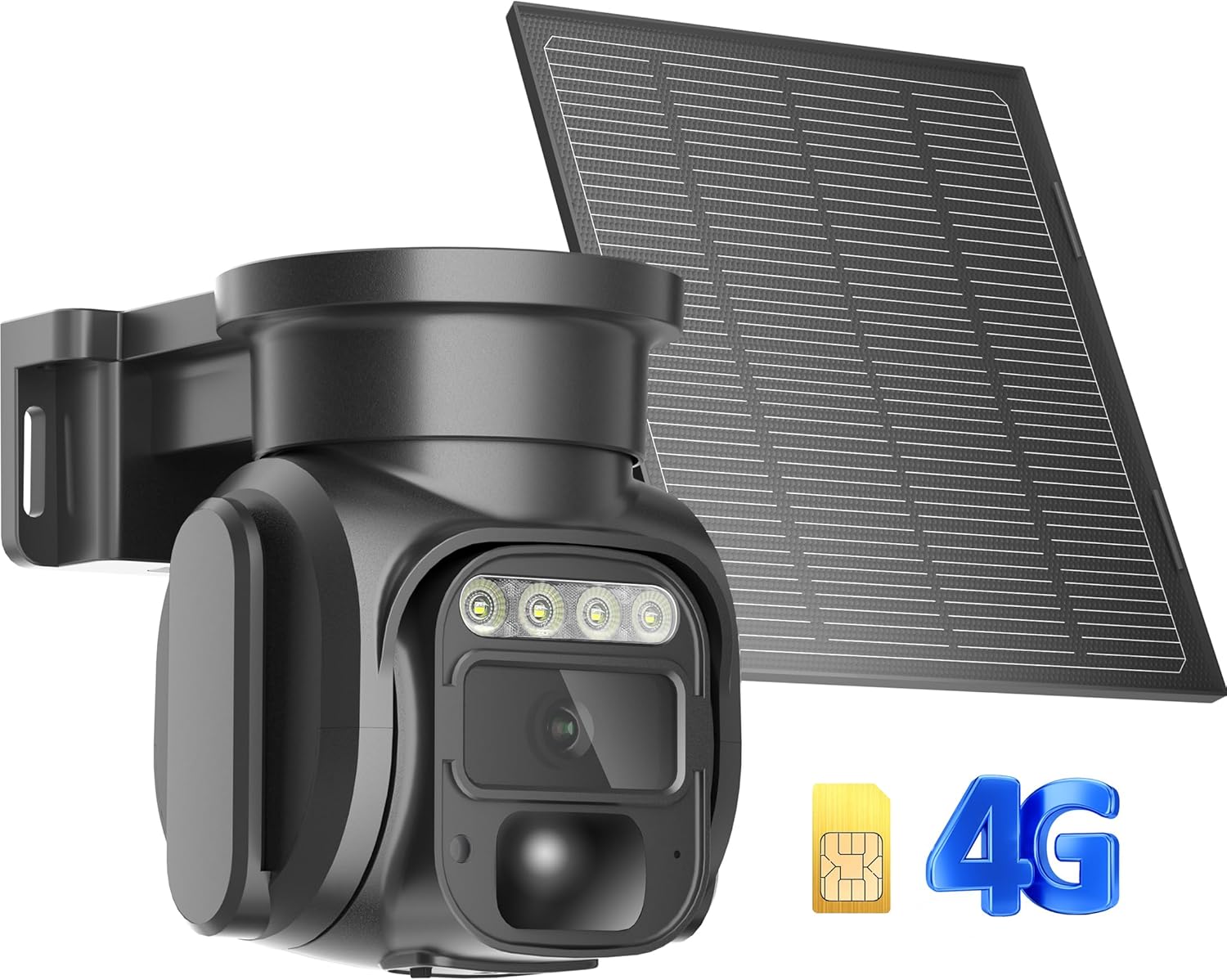
Figure 1: KKB G200 4G LTE Cellular Security Camera and Solar Panel.
2. Packungsinhalt
Überprüfen Sie, ob alle Artikel in Ihrem Paket vorhanden sind:
- 1 x KKB 4G LTE Security Camera
- 1 x 5W Solarpanel
- 1 x Built-in SIM Card (non-replaceable)
- 1 x Benutzerhandbuch
- Installation Accessories (screws, wall anchors, mounting bracket)
3. Hauptmerkmale
- 4G LTE-Konnektivität: Operates independently without Wi-Fi, connecting via a built-in SIM card to Verizon, T-Mobile, or AT&T networks.
- Solarbetrieben: Equipped with a 5W solar panel for continuous charging, ensuring wire-free and sustainable operation.
- 2K HD-Auflösung: Nimmt klare und detaillierte Videoaufnahmen auftage.
- Farbnachtsicht: Provides full-color night vision or infrared night vision for enhanced visibility in low-light conditions.
- Schwenk-Neige-Zoom (PTZ): Offers a 355° horizontal and 90° vertical rotation for comprehensive area coverage and 4x digital zoom.
- Intelligente Bewegungserkennung: Features a sensitive PIR motion sensor that sends instant alerts to your smartphone upon detecting human or animal movement.
- Zweiwege-Audio: Das eingebaute Mikrofon und der Lautsprecher ermöglichen die Echtzeitkommunikation mit Besuchern oder die Abschreckung von Eindringlingen.
- Fernzugriff: Monitor your property from anywhere using the iCam365 mobile application.
- Flexible Lagerung: Supports local storage via an SD card (up to 128GB, not included) and optional cloud storage.
- Wetterfestes Design: IP66 rated for outdoor use, capable of withstanding various weather conditions from -10°C to 55°C (14°F to 131°F).
4. Installationsanleitung
4.1 Erstaufladung
Before initial use, fully charge the camera for 12 hours using a standard 5V/1A or 5V/2A charger. Avoid using fast chargers, as this may damage the device or prevent proper functionality.
4.2 Installation der SIM-Karte und SD-Karte
The camera comes with a built-in, non-replaceable SIM card that automatically connects to the local 4G network. It does not support third-party SIM cards. If you wish to use local storage, insert a Micro SD card (up to 128GB, not included) into the designated slot.

Figure 2: SIM Card and optional Micro SD Card slot.
4.3 App herunterladen und Verbindung herstellen
- Laden Sie die iCam365 app from your smartphone's app store (Android or iOS).
- Erstellen Sie ein Konto und melden Sie sich an.
- Ensure the camera is powered on (check the power switch at the bottom of the camera).
- Follow the in-app instructions to add your device. The app will guide you through connecting the camera via Bluetooth.
- Once connected, you can name your device and configure initial settings.
4.4 Montage der Kamera und des Solarpanels
Use the provided installation accessories to securely mount the camera and solar panel. Choose a location that offers optimal sunlight exposure for the solar panel and a clear view for the camera. The solar panel can be angled to maximize sun absorption.

Abbildung 3: Bspample von Kamera- und Solarpanelinstallation.
5. Bedienungsanleitung
5.1 Fernüberwachung und Live-Überwachung View
Access the iCam365 app on your smartphone to view lebe footage from your camera anytime, anywhere, using 4G data. The app provides controls for pan, tilt, and digital zoom functions.
5.2 Bewegungserkennung und Benachrichtigungen
The integrated PIR motion sensor detects movement and sends immediate alert notifications to your phone. You can adjust the sensitivity settings within the iCam365 app to minimize false alarms.

Abbildung 4: Bewegungserkennungsalarm auf dem Smartphone.
5.3 Nachtsicht
The camera automatically switches to night vision mode in low-light conditions. You can choose between full-color night vision or infrared night vision for optimal clarity.

Figure 5: Night vision capabilities of the camera.
5.4 Zwei-Wege-Audio
Utilize the two-way audio feature through the app to speak and listen remotely. This allows for direct communication with individuals near the camera.
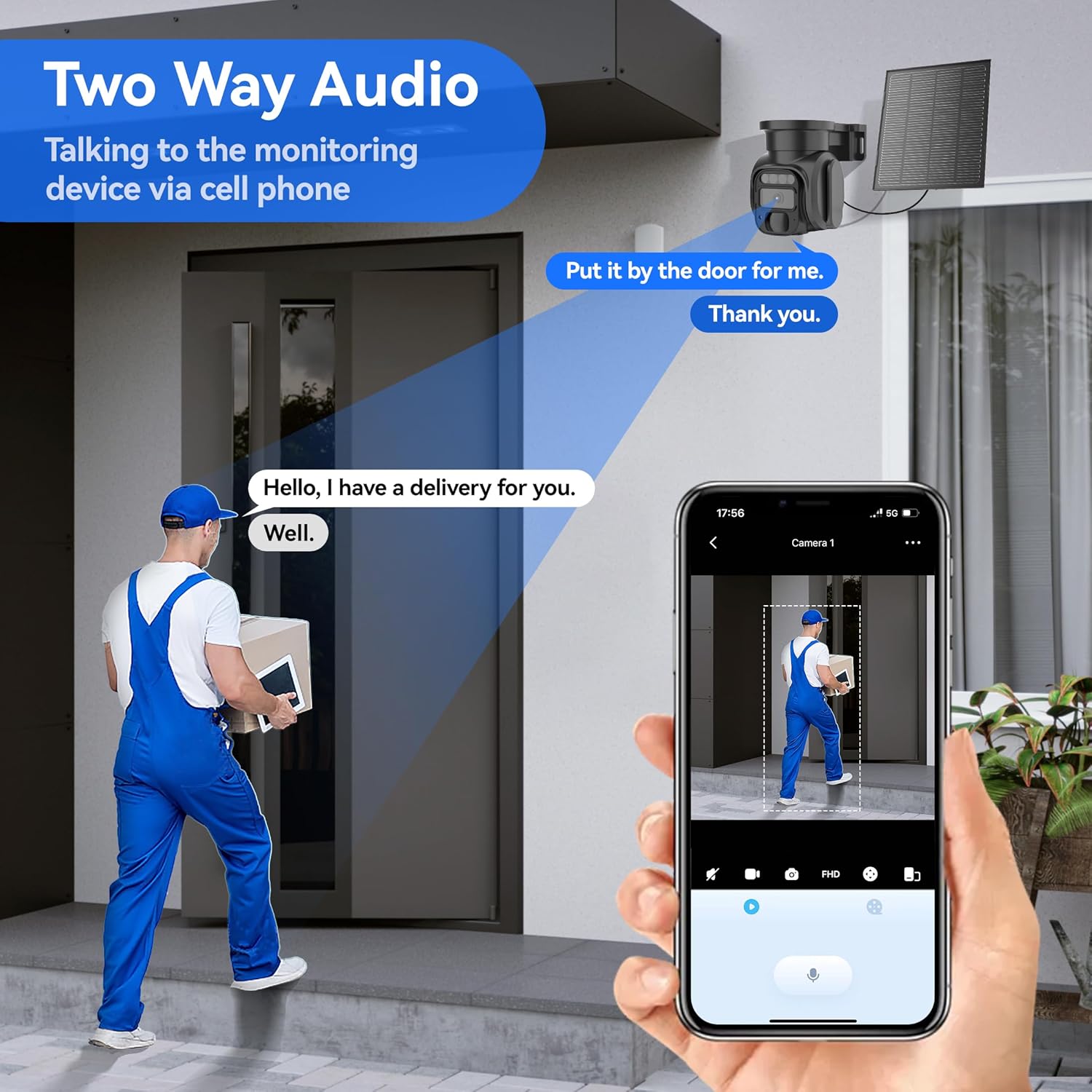
Abbildung 6: Zwei-Wege-Audiofunktion.
5.5 Videospeicher
Aufgenommen footage can be saved to a Micro SD card (not included) or uploaded to the optional cloud storage service. Review and manage recordings directly from the iCam365 app.
6. Informationen zum Datentarif
The KKB G200 camera operates exclusively with its pre-installed SIM card. It includes 300MB of free trial data for initial use. To continue service, you must subscribe to a data plan directly through the iCam365 app. Available plans include:
- 14.9 $/Monat
- $79.9/6 months
- 149.9 $/Jahr
These plans offer unlimited data usage during the subscription period. The camera does not support third-party SIM cards.

Figure 7: KKB Cellular Data Plan options.
7. Wartung
7.1 Ladetipps
Always use a standard 5V/1A or 5V/2A charger for charging the camera. Using fast chargers may cause damage to the device.
7.2 Witterungsbeständigkeit
The camera is IP66 waterproof, designed to operate effectively in various outdoor conditions. Its operating temperature range is from -10°C to 55°C (14°F to 131°F).
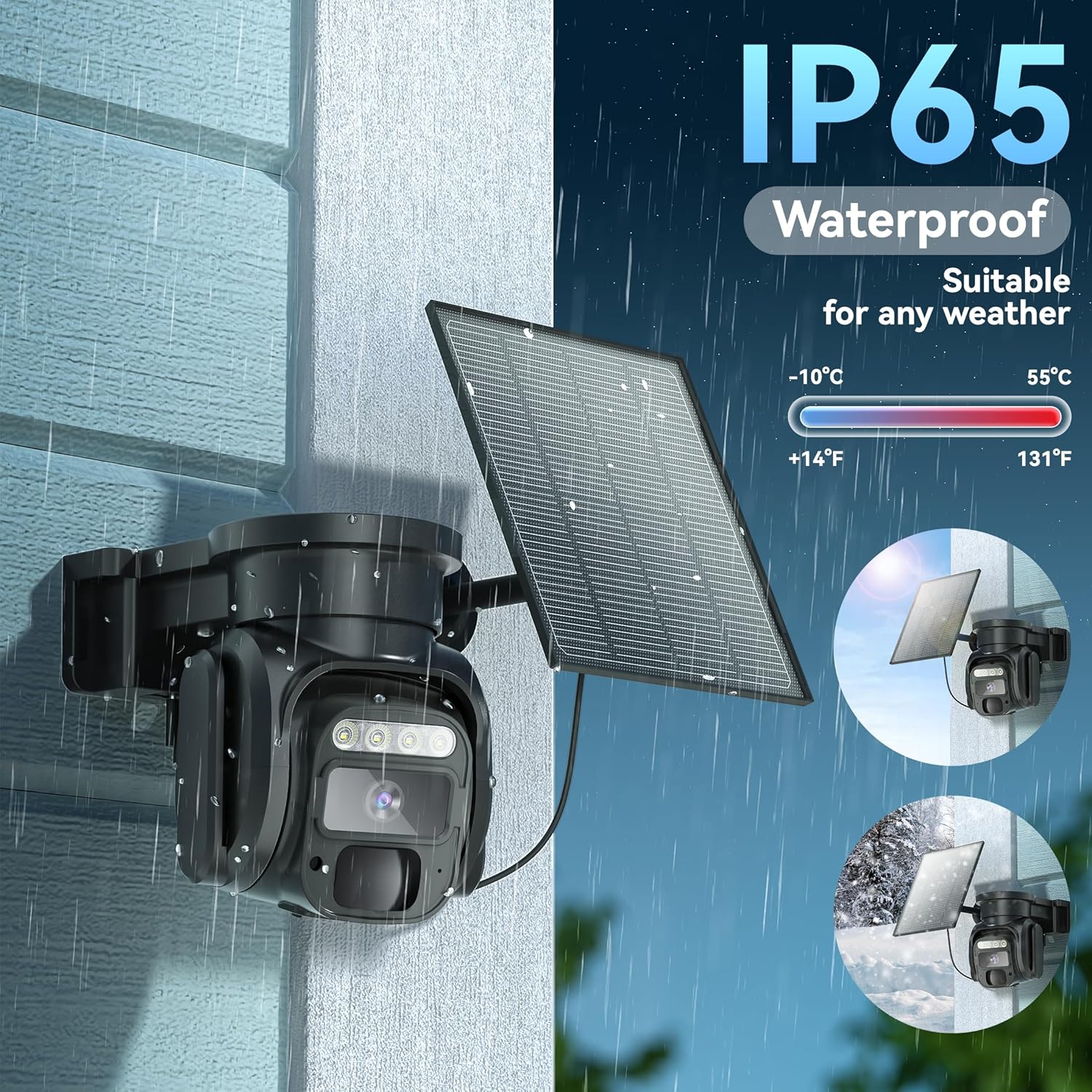
Figure 8: IP66 Waterproof rating for all-weather use.
7.3 Reinigung
Reinigen Sie das Kameraobjektiv und das Solarpanel regelmäßig mit einem weichen Tuch.amp cloth to ensure optimal performance and clear image capture. Avoid abrasive cleaners.
8. Fehlerbehebung
- Camera not turning on/dying at night: Ensure the solar panel is positioned to receive maximum direct sunlight throughout the day. Verify the initial 12-hour charge was completed. Check battery status in the app.
- Keine Netzwerkverbindung: Confirm the camera is powered on. Check the data plan status in the iCam365 app. Ensure the camera is in an area with adequate 4G LTE signal coverage.
- Keine Benachrichtigungen empfangen: Check notification settings within the iCam365 app and your smartphone's system settings. Ensure the camera has an active data plan.
- Schlechte Videoqualität: Ensure the camera lens is clean. Check the network signal strength. Adjust video resolution settings in the app if necessary.
- Probleme mit der Zwei-Wege-Audioübertragung: Check volume settings on your smartphone and within the app. Ensure there are no obstructions blocking the microphone or speaker on the camera.
9. Technische Daten
| Besonderheit | Spezifikation |
|---|---|
| Modellnummer | G200 |
| Konnektivitätstechnologie | Drahtlos (Mobilfunk 4G LTE) |
| Stromquelle | Solarbetrieben (5-W-Solarpanel) |
| Auflösung der Videoaufnahme | 2K |
| Nachtsicht | Farbnachtsicht, Infrarotnachtsicht |
| Schwenk-/Neigebereich | 355 ° Horizontal, 90 ° Vertikal |
| Digital Zoom | 4x |
| Bewegungserkennung | PIR-Bewegungssensor |
| Audio | Zwei-Wege-Audio (eingebautes Mikrofon und Lautsprecher) |
| Speicheroptionen | Micro-SD-Karte (bis zu 128 GB, nicht im Lieferumfang enthalten), Cloud-Speicher |
| App-Kompatibilität | iCam365 (Android, iOS) |
| Wasserbeständigkeit | IP66 |
| Betriebstemperatur | -10 °C bis 55 °C (14 °F bis 131 °F) |
| Batterien | 4 Lithium-Ionen-Akku (im Lieferumfang enthalten) |
| Maße | 3.7 x 5.9 x 5.6 Zoll |
| Artikelgewicht | 2.35 Pfund |
10. Garantie und Support
For any issues or questions, KKB offers multi-channel service including in-app online contact and email support. 7x24 hours professional technical support is available to assist you.

Figure 9: KKB Customer Support.