
Einführung
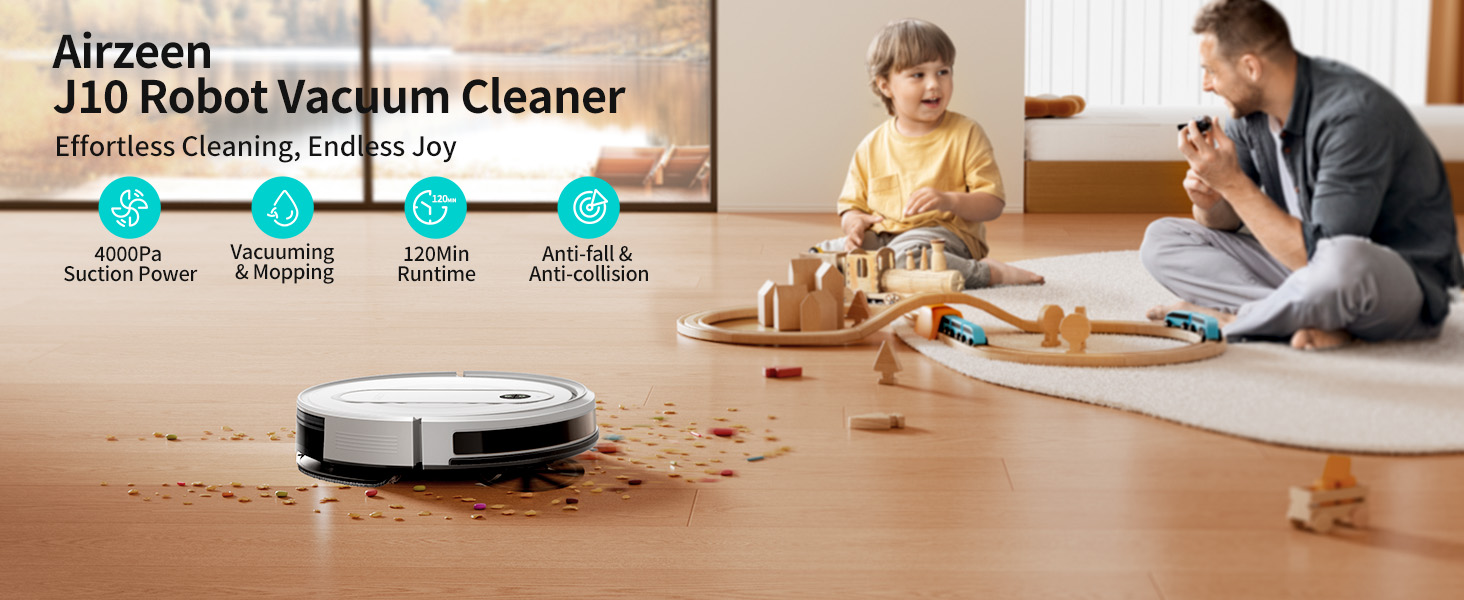
The Airzeen J10 Robot Vacuum and Mop is a versatile 3-in-1 cleaning solution designed to simplify your home maintenance. It combines sweeping, vacuuming, and mopping functionalities with powerful suction and intelligent navigation. This manual provides essential information for setting up, operating, and maintaining your device to ensure optimal performance.
Hauptmerkmale:
- 3-in-1-Funktionalität: Sweeps, vacuums, and mops for comprehensive cleaning.
- Starke Saugkraft: Up to 4000Pa for effective debris pickup on various surfaces.
- Long Battery Life & Auto Charging: 2600mAh battery provides up to 120 minutes of cleaning, with automatic return to dock.
- Intelligente Hindernisvermeidung: Advanced infrared anti-fall and collision sensors for uninterrupted cleaning.
- Carpet Power Boost: Erhöht automatisch die Saugkraft auf Teppichen.
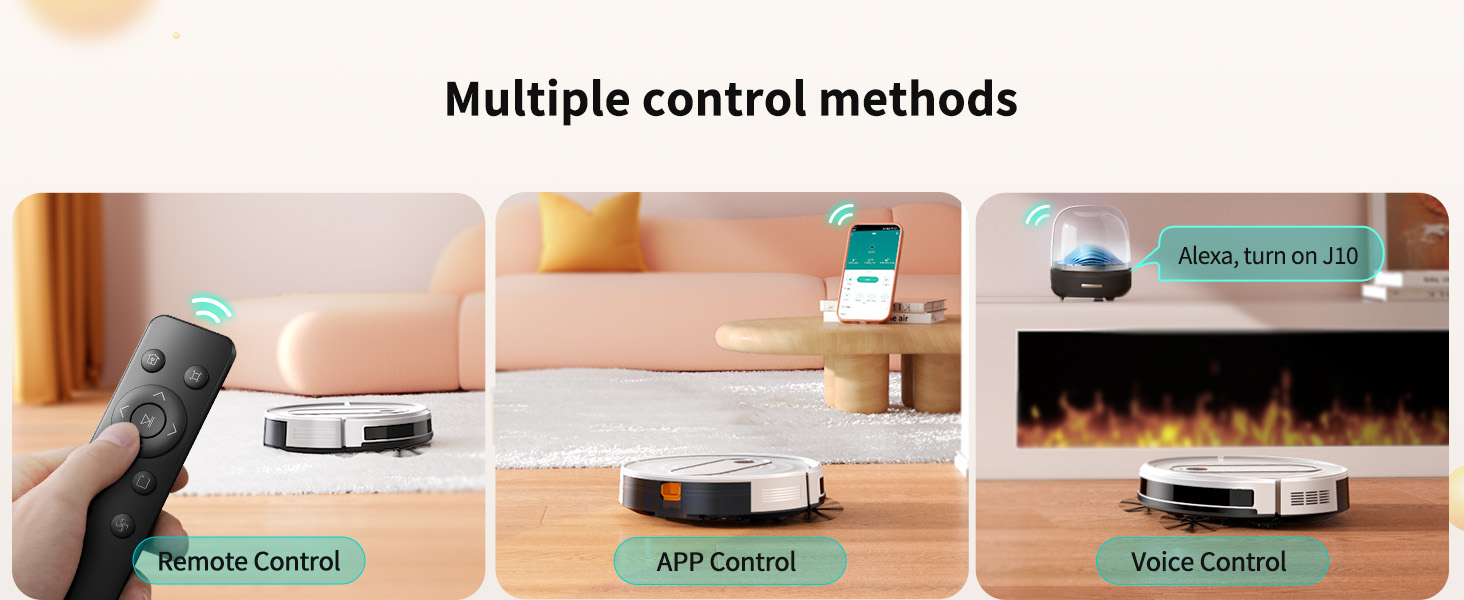
- Intelligente Steuerung: Compatible with APP, Alexa, and remote control.
Aufstellen
1. Auspacken und erste Inspektion:
Carefully remove all components from the packaging. Ensure all items listed in the 'What's Included' section are present.

2. Charging Dock Placement:
Place the charging dock against a wall in an open area, ensuring there are no obstacles within 1 meter (3 feet) to the front and 0.5 meters (1.5 feet) to the sides. Plug the adapter into the charging dock and a power outlet.
3. Erstladung:
Place the J10 robot vacuum onto the charging dock. Ensure the charging contacts on the robot align with those on the dock. The indicator lights will illuminate to show charging status. Fully charge the robot before its first use (approximately 4-5 hours).
4. Attaching Side Brushes:
Turn the robot over. Press the side brushes onto their respective posts until they click into place.
5. Installing Mop Cloth and Filling Water Tank:
Attach the mop cloth to the mop cloth holder using the Velcro strips. Open the water tank cap on the 2-in-1 dustbin & water tank, fill it with clean water (or a compatible cleaning solution), and securely close the cap. Insert the filled tank back into the robot.
6. Verbindung zur App herstellen:
For smart control features, download the 'HonySmart' app from your app store. Follow the in-app instructions to connect your J10 robot vacuum to your 2.4 GHz Wi-Fi network and Bluetooth.
Bedienungsanleitung
1. Reinigungsmodi:
The J10 offers various cleaning modes to suit different needs:
- Zickzack-Reinigung: Efficient, systematic cleaning pattern.
- Fleckenreinigung: Konzentriert sich auf einen bestimmten verschmutzten Bereich.
- Zufällige Reinigung: Covers the area randomly.
- Kantenreinigung: Reinigt entlang von Wänden und Möbelkanten.

2. Kontrollmethoden:
Control your J10 using the following methods:
- Fernbedienung: Use the included remote for basic commands and mode selection.
- Smartphone-App: The 'HonySmart' app allows for scheduled cleanings, mode switching, suction power adjustment, and water flow control.
- Sprachsteuerung: Integrate with Alexa for convenient voice commands.
3. Carpet Power Boost:
The J10 automatically detects carpets and increases its suction power for deeper cleaning. This feature ensures effective cleaning across different floor types.

4. Intelligent Obstacle Avoidance:
Equipped with infrared anti-fall and collision sensors, the J10 navigates around furniture, avoids stairs, and prevents falls.
5. Setting No-Go Zones:
Use the included 2-meter magnetic strip to create virtual boundaries, preventing the robot from entering specific areas.

6. Scheduled Cleaning:
Schedule cleaning times in advance using the smartphone app to maintain a tidy home effortlessly.

Wartung
1. Emptying Dustbin and Water Tank:
Regularly empty the 2-in-1 dustbin and water tank. Press the blue button on the side of the robot to remove the tank. Open the tank to dispose of collected debris and refill water as needed.
2. Cleaning Mop Cloth:
The mop cloth is attached with Velcro and is washable. Remove it after each mopping session and clean it thoroughly. Replace if worn.
3. Cleaning Main Brush and Side Brushes:
Periodically remove and clean the main brush and side brushes to prevent hair entanglement and maintain cleaning efficiency. Use the provided cleaning brush for this task.
4. Cleaning High-Efficiency Filter:
The high-efficiency filter should be cleaned regularly. Tap it gently to remove dust or rinse it with water if necessary (ensure it's completely dry before reinstallation).
Fehlerbehebung
Roboter steckt fest:
- Remove the 3 anti-collision protection cottons as instructed before first use.
- If not mopping or in a carpeted area, remove the mop cloth holder to prevent it from getting stuck.
- Clear the floor of narrow areas, wires, shoes, socks, and large garbage.
Main Wheels Smooth Operation:
- Keep the floor clear of wires, shoes, clean socks, plastic bags, and other large debris.
- Regularly clean the machine and rotating parts to prevent hair entanglement and foreign objects.
Avoiding Cabinets and Furniture:
- The robot has a height of 7.8 cm. If cabinet bottom height is exactly 7.8 cm, there is a risk of getting stuck.
- Set No-Go Zones using the magnetic strip for furniture under 7.8 cm or carpets/mats over 25mm to prevent the vacuum from entering these areas.
Technische Daten
| Marke | Airzeen |
| Modellname | J10 |
| Besonderheit | 360-Degree Swivel, Advanced Custom Cleaning, Anti-Collision, Anti-Fall |
| Farbe | Weiß |
| Technische Daten | 12 Zoll L x 12 Zoll B x 3 Zoll H |
| Im Lieferumfang enthaltene Komponenten | Docking Station, Instruction Guide, Remote Control, Water Tank |
| Filtertyp | Tuch |
| Akkulaufzeit | 120 Мinuten |
| Stromquelle | Batteriebetrieben |
| Kontrollmethode | App |
| Kompatible Geräte | Google Home |
| Formfaktor | Robotertechnik |
| Artikelgewicht | 8.71 Pfund |
| Oberflächenempfehlung | Hartböden, Teppiche |
Garantie und Support
The Airzeen J10 Robot Vacuum Cleaner comes with a 24 Monate Garantie. For any inquiries or assistance, please contact our 24/7 Professional Customer Service.