1. Einleitung
This manual provides essential information for the safe and efficient operation of your CRUA Smart TV 24" (60 cm), model 24F1D. Please read this manual thoroughly before using the television and retain it for future reference.
Your CRUA Smart TV features an integrated triple tuner (DVB-T2, DVB-C, DVB-S2), Android 11 certification for access to a wide range of applications, and voice control capabilities via Amazon Alexa or Google Assistant (requires a separate smart speaker).

Bild: Vorderseite view of the CRUA 24-inch Smart TV, highlighting its smart features and connectivity options.
2. Sicherheitshinweise
Beachten Sie stets die folgenden Sicherheitsvorkehrungen, um Stromschläge, Brände oder Verletzungen zu vermeiden:
- Setzen Sie den Fernseher weder Regen noch Feuchtigkeit aus.
- Öffnen Sie nicht den Fernseher.asing; alle Wartungsarbeiten sind qualifiziertem Personal zu überlassen.
- Sorgen Sie für ausreichende Belüftung rund um das Fernsehgerät.
- Halten Sie den Fernseher von direkter Sonneneinstrahlung, Wärmequellen und starken Magnetfeldern fern.
- Verwenden Sie ausschließlich das mit dem Fernseher gelieferte Netzkabel.
- Ziehen Sie bei Gewittern oder längerer Nichtbenutzung den Netzstecker des Fernsehers.
3. Einrichtung
3.1 Physische Installation
Your CRUA Smart TV can be placed on a flat surface using the included stand or mounted on a wall (wall mount sold separately).
- Standmontage: Carefully attach the two stand feet to the bottom of the TV using the provided screws. Ensure they are securely fastened.
- Wandmontage: The TV is compatible with VESA standard wall mounts. Refer to your wall mount's instructions for installation. Ensure the wall can support the TV's weight.

Image: The CRUA Smart TV mounted in a caravan, illustrating its compact size and versatility for various environments.

Bild: Rückseite view of the CRUA Smart TV, detailing the VESA mounting points for wall installation.
3.2 Stromanschluss
Connect the power cord to the TV's power input and then to a suitable electrical outlet (100-240V ~ 50/60Hz). For use in a mobile home or caravan, a power inverter may be required.
3.3 Ersteinrichtungsassistent
Upon first power-on, the TV will guide you through an initial setup process. This includes selecting your language, connecting to a Wi-Fi network, and scanning for available channels (DVB-T2, DVB-C, DVB-S2).
4. Bedienung des Fernsehers
4.1-Fernbedienung
Use the provided remote control to navigate menus, adjust volume, change channels, and access smart features. Familiarize yourself with the button layout for optimal use.
4.2 Smart TV Features and Applications
Your CRUA Smart TV runs on Android 11, providing access to the Google Play Store and a wide array of streaming services and applications. Popular apps like Prime Video, Netflix, YouTube, DAZN, and Twitch are readily available. Note that some streaming services may require separate subscriptions.
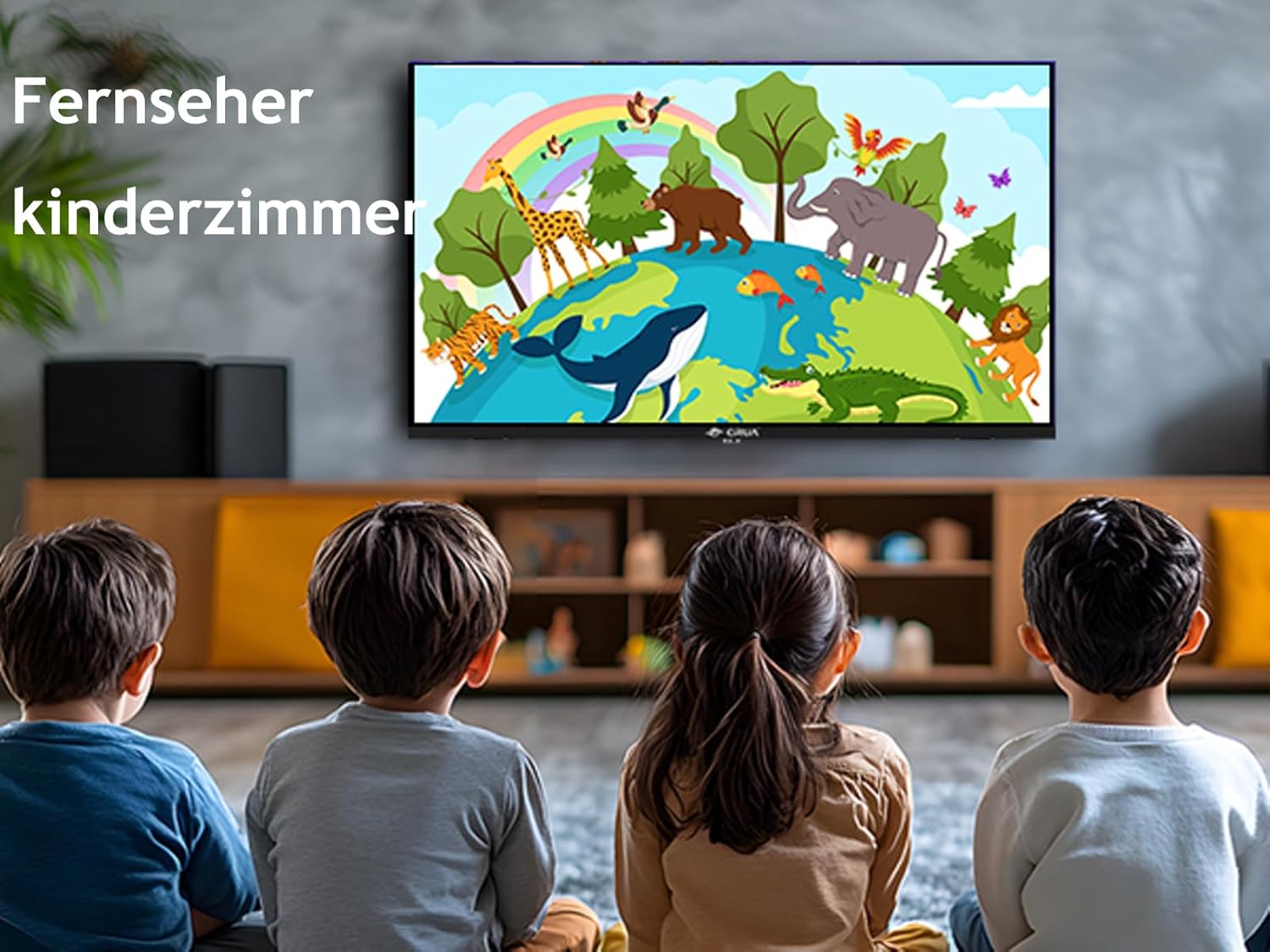
Image: The CRUA Smart TV in a child's room, displaying animated content, suitable for various family settings.
4.3 Sprachsteuerung
Control your Smart TV hands-free using Amazon Alexa or Google Assistant. Simply connect a compatible smart speaker (sold separately) and use voice commands to change channels, adjust volume, open applications, and more.
4.4 Eingangsauswahl
To switch between different input sources (e.g., HDMI for a game console, USB for media playback), use the 'Source' or 'Input' button on your remote control.
4.5 Bildschirmspiegelung und -übertragung
The TV supports screen mirroring and casting features, allowing you to display content from your smartphone or tablet directly onto the TV screen. This is ideal for sharing photos, videos, or playing mobile games on a larger display.

Image: A collage demonstrating the TV's capabilities for streaming, mirroring, and casting, showing various entertainment scenarios.

Image: A smartphone screen being cast to the CRUA Smart TV, demonstrating the ease of sharing media from mobile devices.
5. Konnektivität
The CRUA Smart TV offers a variety of connection ports for external devices:
- HDMI (x2): For connecting high-definition devices like game consoles, Blu-ray players, or set-top boxes. Supports CEC (Consumer Electronics Control) and ARC (Audio Return Channel).
- USB (x2): Zum Anschließen von USB-Speichergeräten zur Medienwiedergabe files (Fotos, Videos, Musik).
- RJ45 (Ethernet): Für eine kabelgebundene Internetverbindung.
- Optisch: Digital audio output for connecting to soundbars or home theater systems.
- Kopfhörer: 3.5-mm-Audiobuchse für Kopfhörer.
- CVBS/Audio In: Composite video and analog audio input for older devices.
- RF (x2): Antenna inputs for DVB-T2/C and DVB-S2 signals.
- CI-Steckplatz: Common Interface slot for conditional access modules (CAMs) to decrypt pay-TV channels.

Image: Detailed diagram of the CRUA Smart TV's connectivity ports, illustrating its extensive compatibility.
6. Wartung
6.1 Reinigung
Um den Bildschirm zu reinigen, wischen Sie ihn vorsichtig mit einem weichen, fusselfreien Tuch ab. Bei hartnäckigen Flecken leicht andrücken.ampen the cloth with water or a screen cleaner specifically designed for electronics. Do not spray liquids directly onto the screen.
To clean the TV casing) Verwenden Sie ein weiches, trockenes Tuch. Vermeiden Sie scheuernde Reinigungsmittel oder Lösungsmittel.
6.2 Softwareaktualisierungen
Your Smart TV may receive software updates periodically to improve performance and add new features. Ensure your TV is connected to the internet to receive these updates. You can usually check for updates in the TV's settings menu.
7. Fehlerbehebung
Sollten Sie Probleme mit Ihrem Fernseher haben, beachten Sie bitte die folgenden gängigen Lösungsansätze:
- Kein Strom: Prüfen Sie, ob das Netzkabel fest mit dem Fernseher und der Steckdose verbunden ist. Versuchen Sie es mit einer anderen Steckdose.
- Kein Bild/Ton: Stellen Sie sicher, dass die richtige Eingangsquelle ausgewählt ist. Überprüfen Sie alle Kabelverbindungen (HDMI, Antenne).
- Keine Wi-Fi-Verbindung: Verify your Wi-Fi router is on and working. Re-enter the Wi-Fi password in the TV's network settings.
- Fernbedienung funktioniert nicht: Tauschen Sie die Batterien aus. Stellen Sie sicher, dass sich keine Hindernisse zwischen der Fernbedienung und dem Infrarotsensor des Fernsehers befinden.
- Probleme mit der Bildqualität: Adjust picture settings (brightness, contrast, sharpness) in the TV menu. Ensure the input source is providing a good quality signal.
For persistent issues, consult the online support resources or contact CRUA customer service.
8. Spezifikationen
| Besonderheit | Spezifikation |
|---|---|
| Marke | CRUA |
| Modellnummer | 24F1D (CR2400) |
| Bildschirmgröße | 24 Zoll (60 cm) |
| Display-Technologie | LCD |
| Auflösung | 720p (1366 x 768 Pixel) |
| Bildwiederholrate | 60 Hz |
| Seitenverhältnis | 16:9 |
| Betriebssystem | Android 11 |
| Konnektivität | 2x HDMI (CEC+ARC), 2x USB, RJ45, Optical, Earphone, CVBS/Audio In, 2x RF, CI Slot |
| Leistungsaufnahme | 100-240 V ~ 50/60 Hz |
| Energieeffizienzklasse | E (19 kWh/1000h) |

Image: Dimensions of the CRUA 24-inch Smart TV.

Image: EU Energy Label for the CRUA Smart TV. For more details, visit the EPREL-Datenbank.
9. Garantie und Support
For warranty information, please refer to the documentation included with your purchase or contact your retailer. For technical support, visit the official CRUA website or contact their customer service department. Please have your model number (24F1D) and purchase details ready when seeking support.