
amazon basics AB-IBT-82ANC
Amazon Basics Pro Series Wireless Noise Cancelling ANC Over Ear Headphone
Model: AB-IBT-82ANC
Einführung
This manual provides detailed instructions for the setup, operation, maintenance, and troubleshooting of your Amazon Basics Pro Series Wireless Noise Cancelling ANC Over Ear Headphones. Please read this manual thoroughly before using the product to ensure proper function and longevity.

Image: The Amazon Basics Pro Series Wireless Noise Cancelling ANC Over Ear Headphone in black, showcasing sein elegantes Design.
Packungsinhalt
Überprüfen Sie, ob alle Artikel im Paket vorhanden sind:
- Amazon Basics Pro Series Wireless Noise Cancelling ANC Over Ear Headphone
- USB-Kabel Typ C.
- 3.5mm AUX Kabel
- Benutzerhandbuch (dieses Dokument)
Aufstellen
1. Erstes Aufladen
Before first use, fully charge the headphones. Connect the supplied USB Type-C charging cable to the headphone's charging port and the other end to a USB power source (e.g., computer USB port or wall adapter). The LED indicator will show charging status and turn off or change color when fully charged.
A full charge provides up to 74 hours of playback at 50% volume with ANC off, or 34 hours with ANC on.
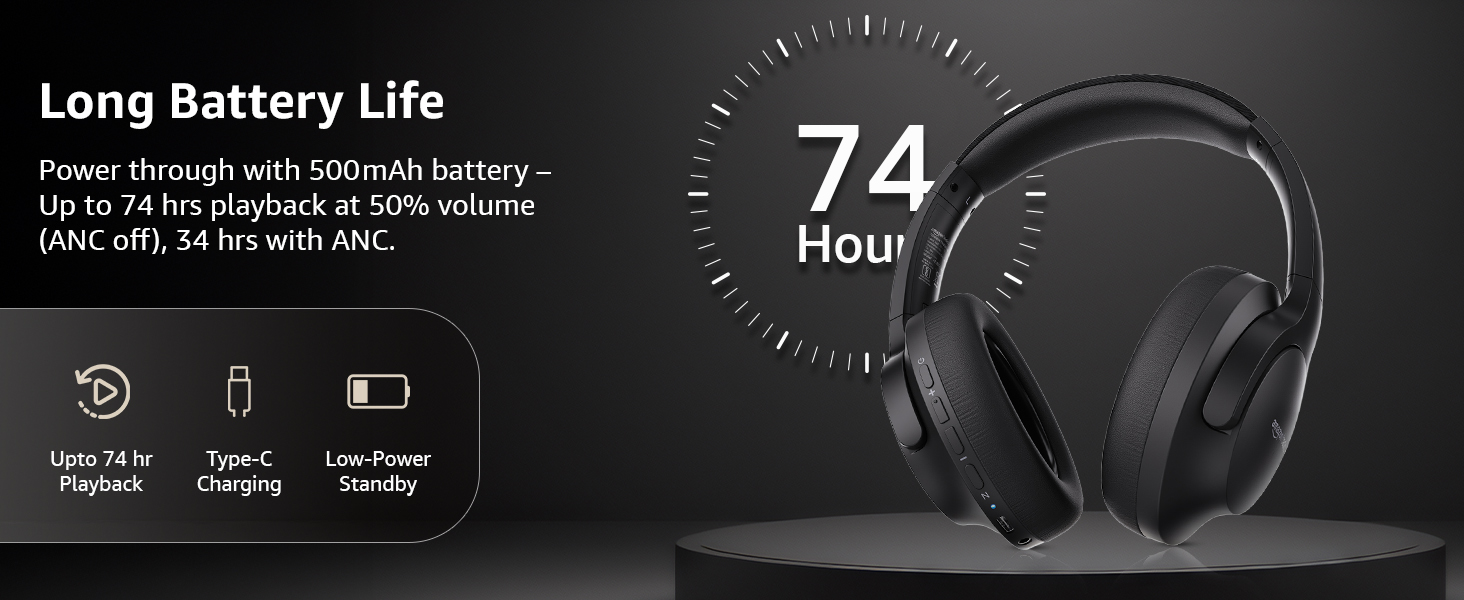
Image: An illustration highlighting the long battery life of the headphones, indicating up to 74 hours of playback.
2. Bluetooth-Kopplung
- Stellen Sie sicher, dass die Kopfhörer geladen und ausgeschaltet sind.
- Halten Sie die Einschalttaste gedrückt, bis die LED-Anzeige blau und rot blinkt und damit den Kopplungsmodus anzeigt.
- Aktivieren Sie auf Ihrem Gerät (Smartphone, Tablet, Laptop) Bluetooth und suchen Sie nach verfügbaren Geräten.
- Select "AB-IBT-82ANC" from the list of found devices.
- Sobald die Verbindung hergestellt ist, leuchtet die LED-Anzeige entweder durchgehend blau oder blinkt langsam.
The headphones support dual pairing, allowing connection to two devices simultaneously for seamless switching.

Image: The headphones shown connected to both a smartphone and a laptop, illustrating the multi-pairing capability.
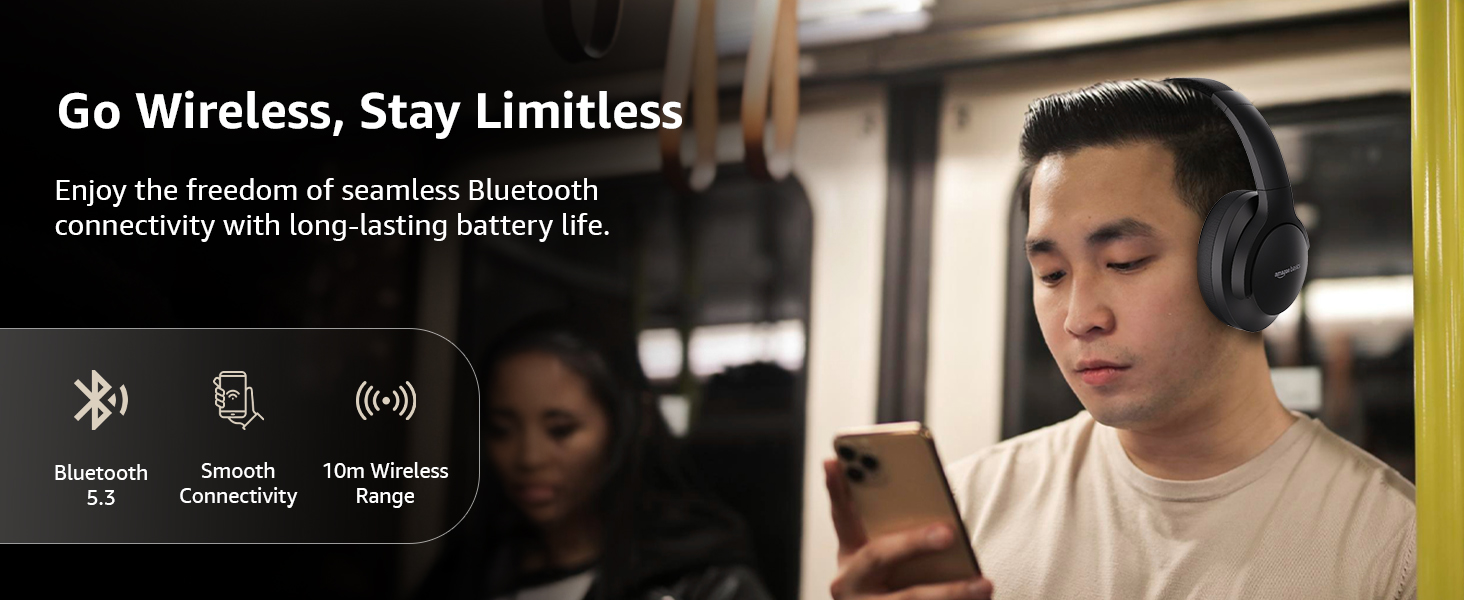
Image: A visual representation of the wireless capabilities, including Bluetooth 5.3 and a 10-meter wireless range.
3. Kabelverbindung (AUX-Modus)
For a wired connection, plug the 3.5mm AUX cable into the headphone's AUX port and the other end into your audio device's 3.5mm jack. This mode does not require battery power.
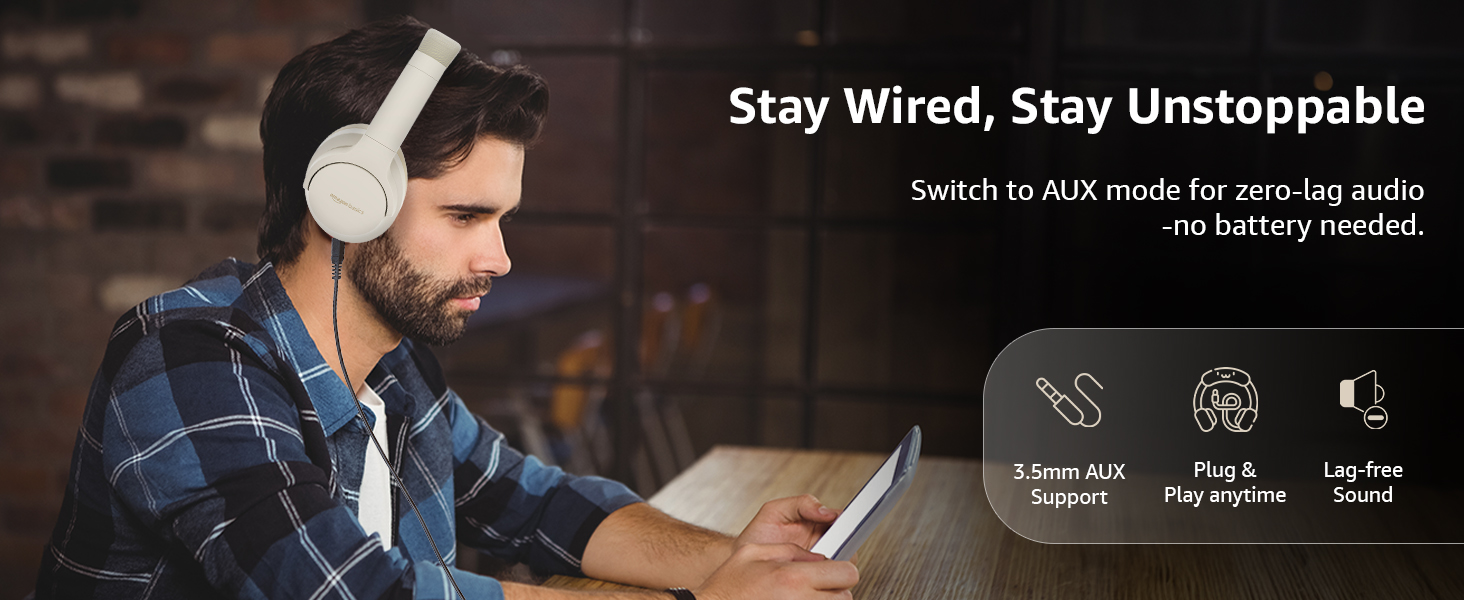
Image: A user demonstrating the wired AUX connection, emphasizing lag-free audio without needing battery power.
Bedienungsanleitung
1. Ein-/Ausschalten
- Einschalten: Halten Sie den Netzschalter etwa 3 Sekunden lang gedrückt.
- Ausschalten: Halten Sie den Netzschalter etwa 5 Sekunden lang gedrückt.
2. Accessible Controls
Die Kopfhörer verfügen über intuitive Bedienelemente an den Ohrmuscheln:
- Lauter/Nächster Titel: Kurz drücken für Lautstärke erhöhen, lang drücken für nächsten Titel.
- Lautstärke verringern/vorheriger Titel: Kurzes Drücken verringert die Lautstärke, langes Drücken springt zum vorherigen Titel.
- Wiedergabe/Pause/Anruf annehmen: Einmaliges Drücken der Multifunktionstaste.
- Anruf beenden: Während eines Anrufs die Multifunktionstaste einmal drücken.
- Anruf ablehnen: Bei einem eingehenden Anruf die Multifunktionstaste lange gedrückt halten.
- Sprachassistent aktivieren (Siri/Google Assistant): Drücken Sie die Multifunktionstaste zweimal.
- ANC Ein/Aus: Dedicated ANC button to toggle Active Noise Cancellation.
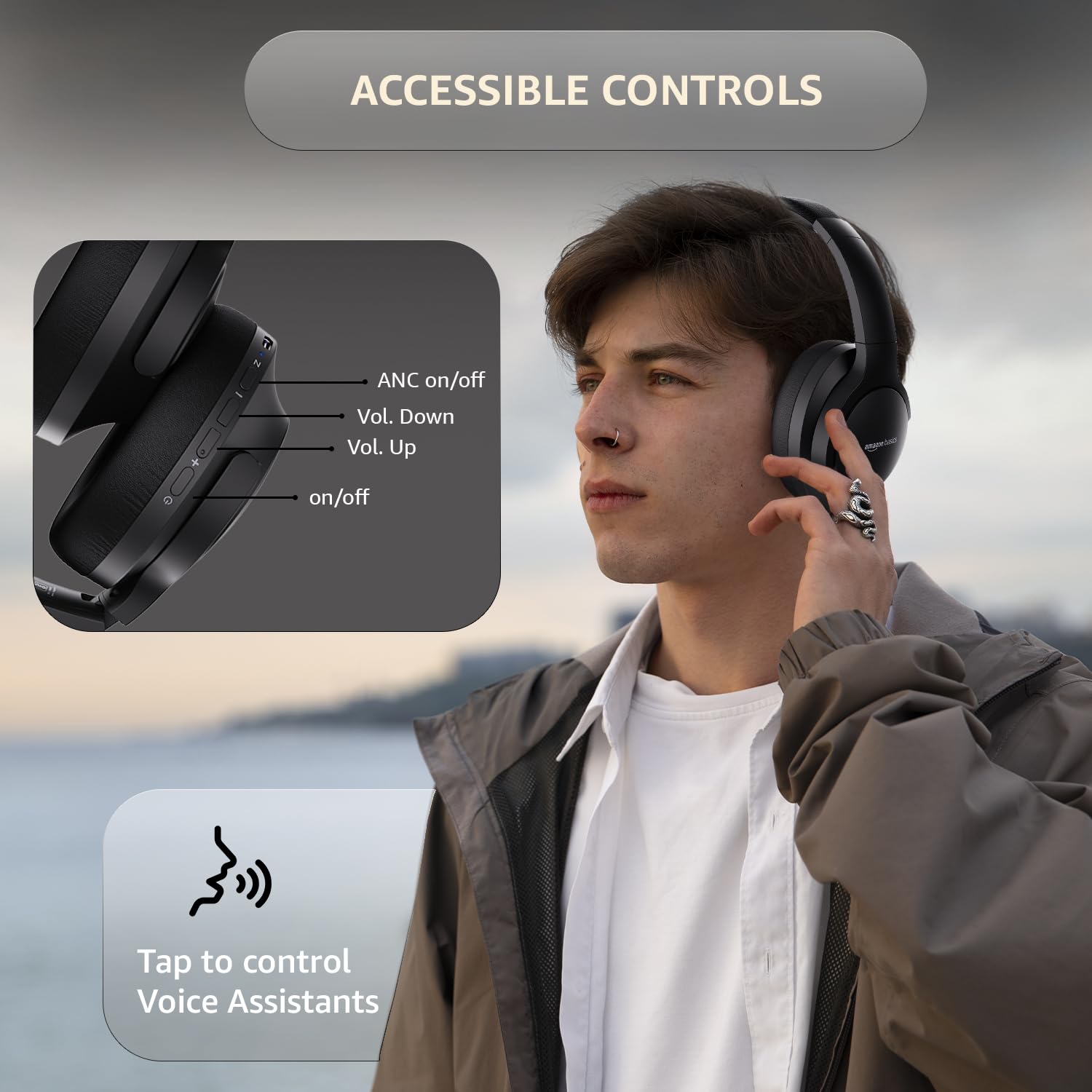
Image: A detailed diagram illustrating the location and function of the accessible controls on the headphone earcup.
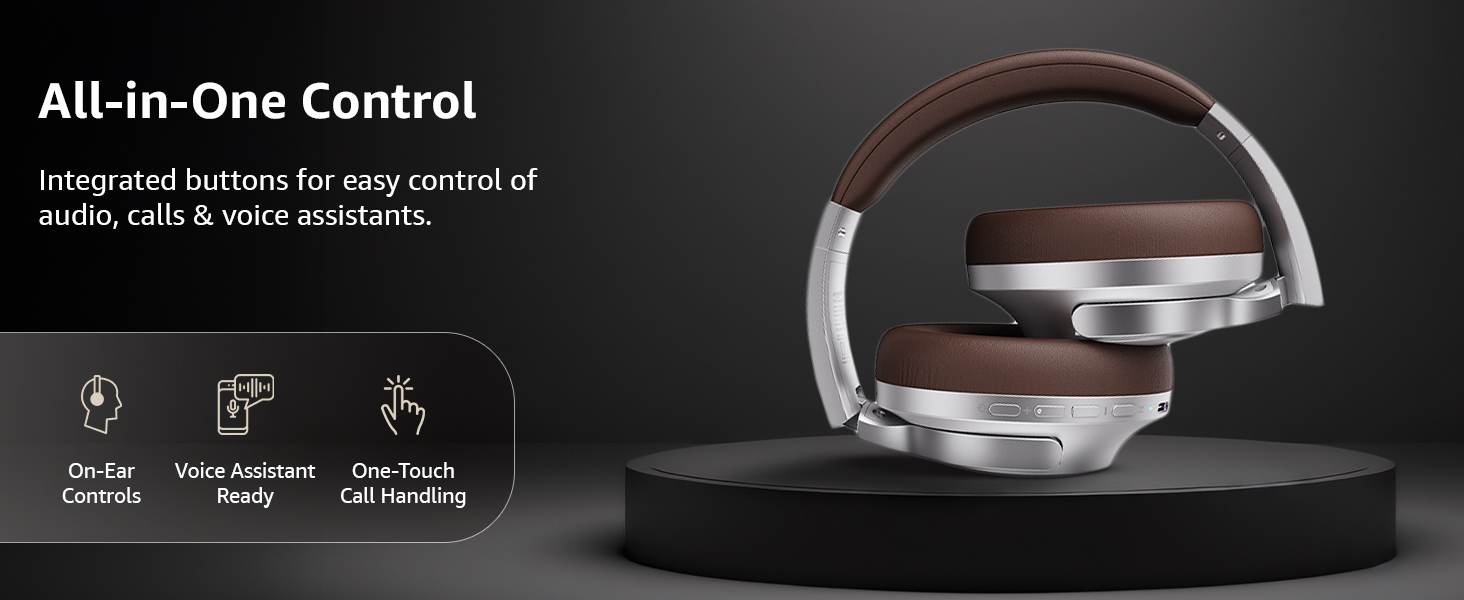
Bild: Ein überview of the integrated controls, highlighting ease of use for audio, calls, and voice assistants.
3. Aktive Geräuschunterdrückung (ANC)
The Active Noise Cancellation feature reduces ambient noise, providing a more immersive listening experience. Press the dedicated ANC button to activate or deactivate this feature. Note that ANC functionality may slightly reduce overall battery life.

Image: A person wearing the headphones in a public setting, illustrating the effectiveness of Active Noise Cancellation in reducing distractions.
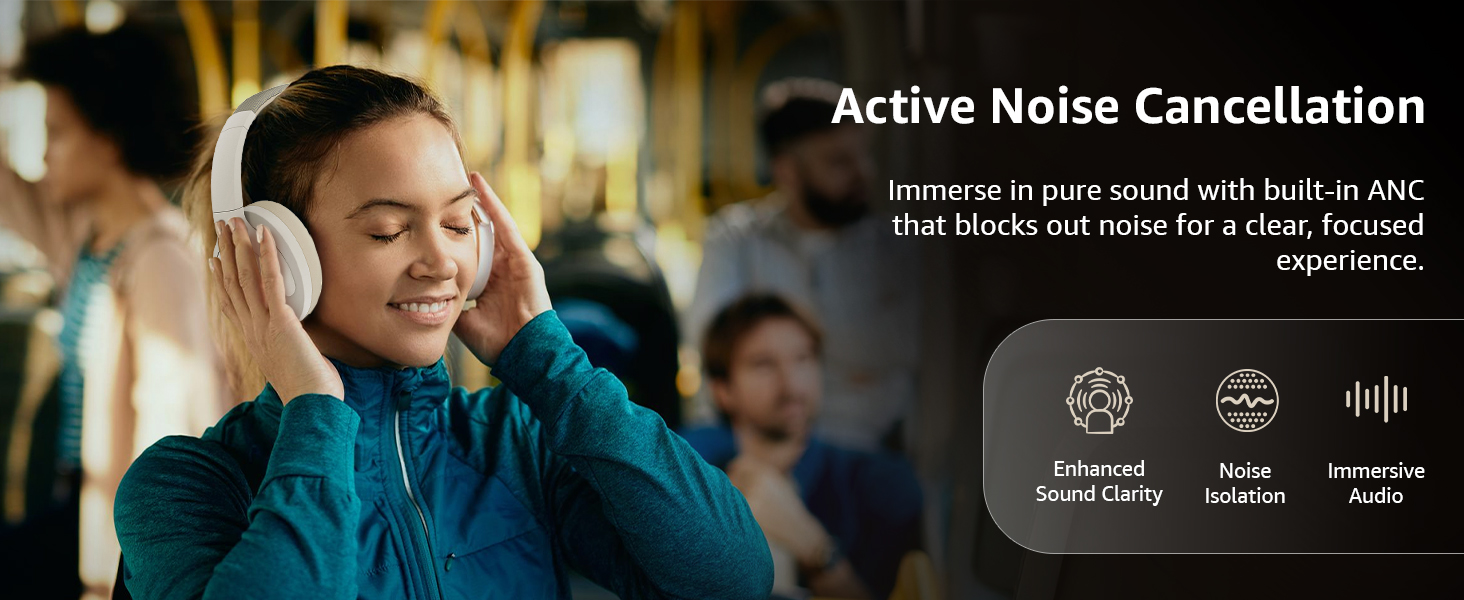
Image: A graphic emphasizing the benefits of Active Noise Cancellation, including enhanced sound clarity and immersive audio.
4. Audio Quality and Drivers
The headphones are equipped with 40mm drivers, designed to deliver rich bass, clear mids, and precise highs for a balanced audio experience.
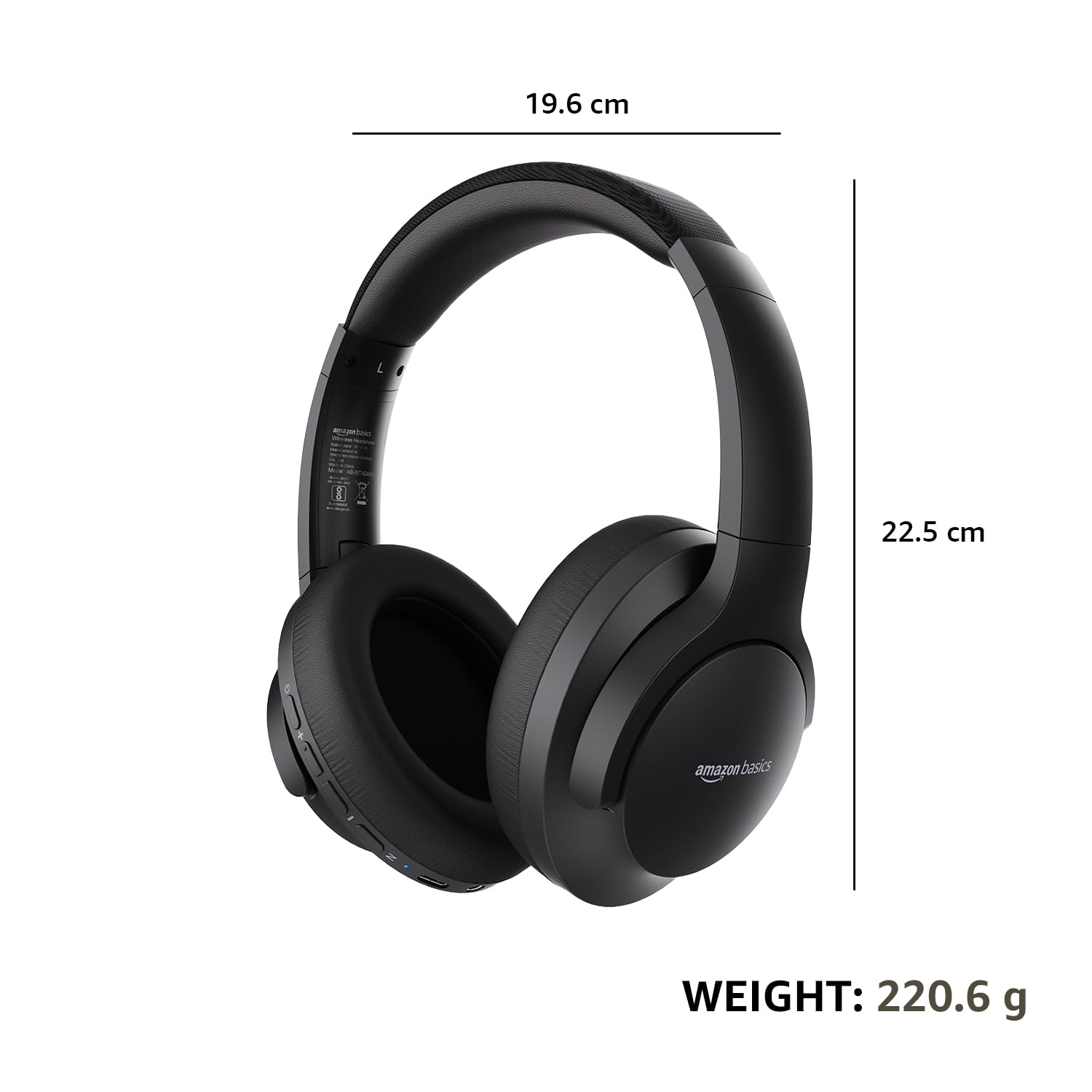
Bild: Eine explodierte view diagram illustrating the 40mm drivers, which are responsible for the headphone's sound output.
Wartung
1. Reinigung
- Reinigen Sie die Kopfhörer mit einem weichen, trockenen, fusselfreien Tuch.
- Verwenden Sie keine Scheuermittel, Lösungsmittel oder Sprühreiniger direkt auf den Kopfhörern.
- Clean the ear cushions gently with a damp Bei Bedarf mit einem Tuch abwischen und vor Gebrauch vollständig an der Luft trocknen lassen.
2. Speicherung
When not in use, store the headphones in a cool, dry place, away from direct sunlight and extreme temperatures. The headphones feature a sleek and foldable design for convenient storage and portability.
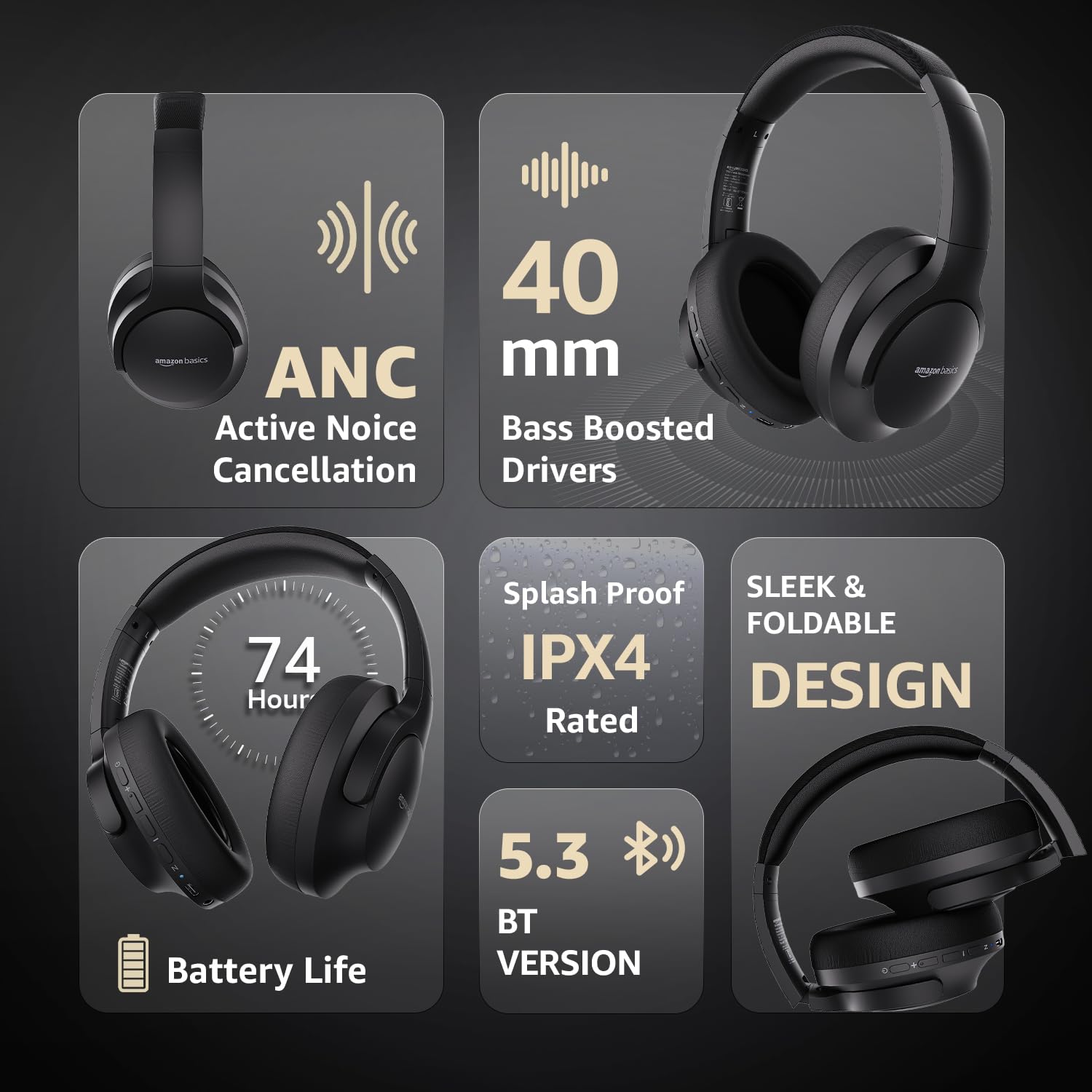
Image: An infographic highlighting key features, including the sleek and foldable design of the headphones for easy storage.
3. Batteriepflege
- Vermeiden Sie häufiges vollständiges Entladen des Akkus.
- Laden Sie die Kopfhörer regelmäßig auf, auch wenn Sie sie über längere Zeiträume nicht benutzen, um die Batterieleistung zu erhalten.
- Setzen Sie den Akku keinen hohen Temperaturen aus.
Fehlerbehebung
| Problem | Mögliche Ursache | Lösung |
|---|---|---|
| Die Kopfhörer lassen sich nicht einschalten. | Schwache Batterie. | Charge the headphones fully using the supplied USB Type-C cable. |
| Kopplung via Bluetooth nicht möglich. | Kopfhörer nicht im Kopplungsmodus; Bluetooth am Gerät ausgeschaltet; zu weit vom Gerät entfernt. | Ensure headphones are in pairing mode (flashing blue/red). Turn Bluetooth on your device. Move headphones closer to the device (within 10m). |
| Kein Ton. | Lautstärke zu niedrig; falsche Audioquelle; Kopfhörer nicht angeschlossen. | Increase volume on headphones and device. Verify correct audio output on device. Re-pair Bluetooth or check AUX cable connection. |
| Die ANC-Funktion ist nicht effektiv. | ANC nicht aktiviert; Umgebungsgeräusche zu hoch. | Drücken Sie die ANC-Taste, um die Funktion zu aktivieren. ANC ist am effektivsten gegen niederfrequente, konstante Geräusche. |
Technische Daten
| Besonderheit | Detail |
|---|---|
| Modellnummer | AB-IBT-82ANC |
| Konnektivitätstechnologie | Kabellos (Bluetooth 5.3), Kabelgebunden (3.5-mm-AUX-Anschluss) |
| Treibergröße | 40 mm |
| Batteriekapazität | 500 mAh Lithium-Polymer |
| Akkulaufzeit (ANC aus) | Bis zu 74 Stunden (bei 50 % Lautstärke) |
| Akkulaufzeit (ANC eingeschaltet) | Up to 34 hours (at 100% volume), 62 hours (at 50% volume) |
| Ladeanschluss | USB Typ C |
| Drahtlose Reichweite | Bis zu 10 Meter |
| Wasserbeständigkeit | IPX4 (Spritzwassergeschützt) |
| Abmessungen (Kopfhörer) | 19.61 x 22.5 x 8.72 cm |
| Gewicht (Kopfhörer) | 220.6 g |
| Material | Kunststoff, Polyurethan (PU) |
| Kompatible Geräte | Handys, Spielekonsolen, Laptops, Tablets |

Image: A visual representation of the headphone's dimensions and weight for reference.
Komfort und Design
The headphones are designed for extended wear with an over-ear fit, soft ear cushions, and an adjustable headband, ensuring comfort during long listening sessions.

Image: A person wearing the headphones, demonstrating the comfortable over-ear fit.
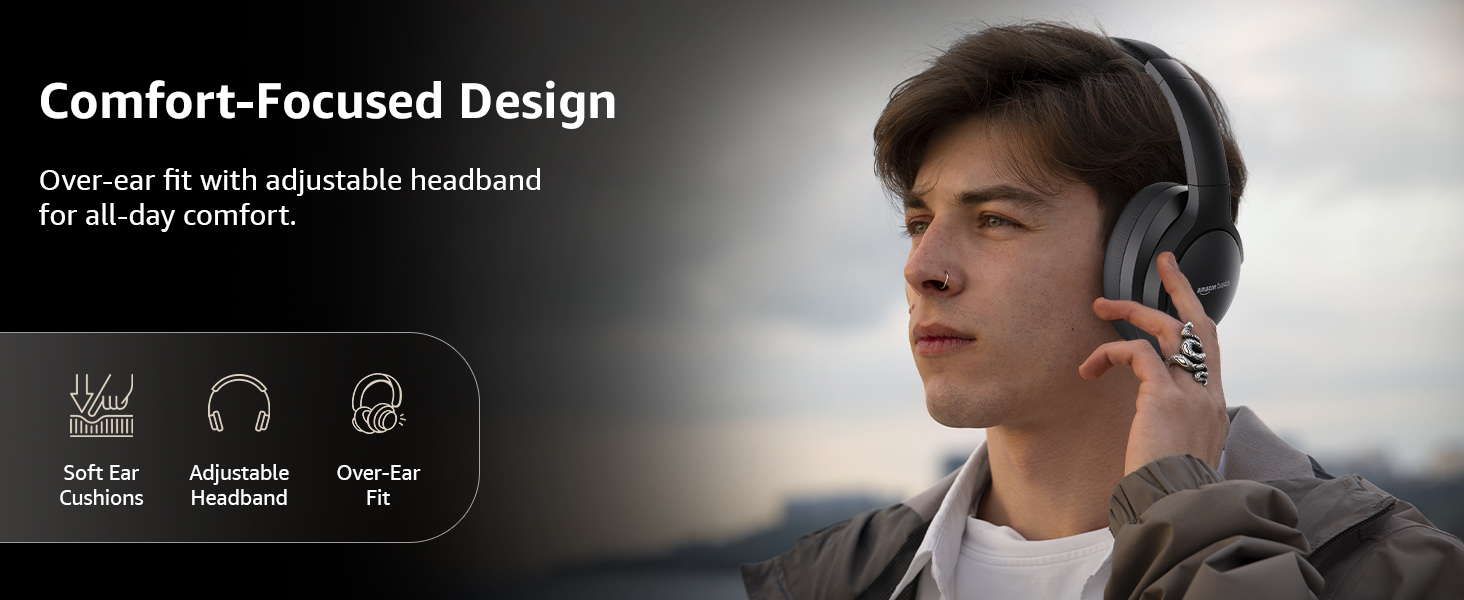
Image: A graphic detailing the comfort-focused design elements, including soft ear cushions and an adjustable headband.
Garantie und Support
Warranty information for your Amazon Basics Pro Series Wireless Noise Cancelling ANC Over Ear Headphones is typically provided with the product packaging or can be found on the Amazon Basics official website. For technical support or warranty claims, please refer to the contact information provided with your purchase or visit the Amazon Basics support page.
Bitte bewahren Sie Ihren Kaufbeleg für eventuelle Garantieanfragen auf.