
Eurannit ER521
Eurannit ER521 Black Ink Cartridge User Manual
Modell: ER521
Einführung
This manual provides essential instructions for the proper use and maintenance of your Eurannit ER521 72ml Quick Dry Solvent Black Ink Cartridge. This cartridge is designed for compatibility with 1-inch handheld inkjet printers, specifically models E15-1, E11-1, and E50. Please read these instructions carefully before use to ensure optimal performance and longevity of your ink cartridge.
The ER521 ink cartridge features a high capacity of 72ml, capable of printing approximately 3,000,000 characters at minimum print height. It offers smooth, high-density printing with vivid colors and strong adhesion, utilizing industrial-grade quick-drying solvent ink that is sturdy and waterproof. It is suitable for marking on various surfaces including metal, plastic, wood, fabric, glass, and leather.
Setup und Installation
Follow these steps to correctly install the ER521 ink cartridge into your compatible handheld inkjet printer.
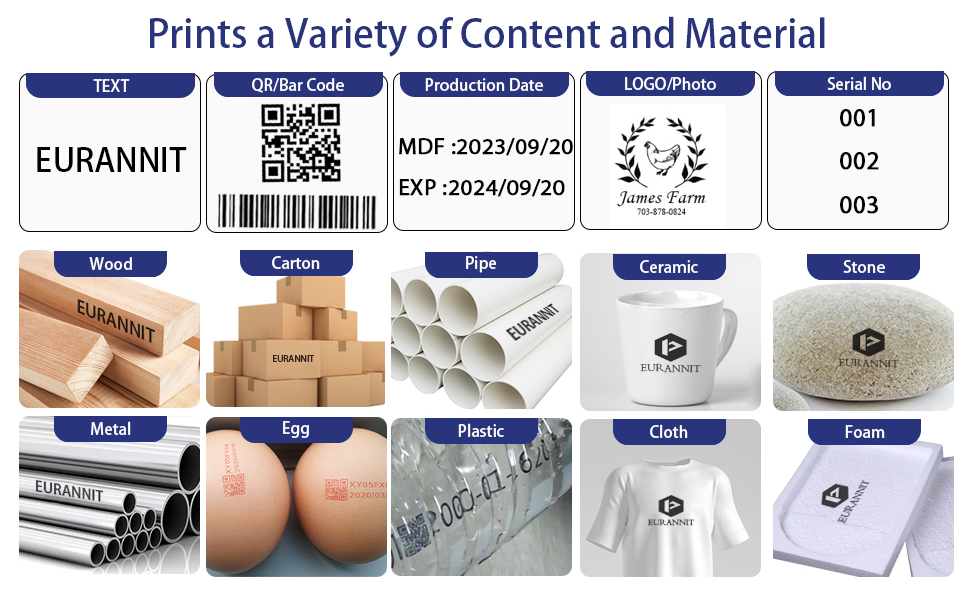
Figure 1: Ink Cartridge Installation Steps
- Schritt 1: Entfernen Sie die Patronenabdeckung.
- Schritt 2: Insert the cartridge into the machine at a 45-degree angle.
- Schritt 3: Push on the back of the cartridge to advance it forward.
- Schritt 4: Keep the nozzle felt with the shell. Close the cartridge slot cover.
Bedienungsanleitung
The Eurannit ER521 ink cartridge enables printing of various content types on a wide range of materials. Ensure your handheld printer is properly configured for the desired print job.
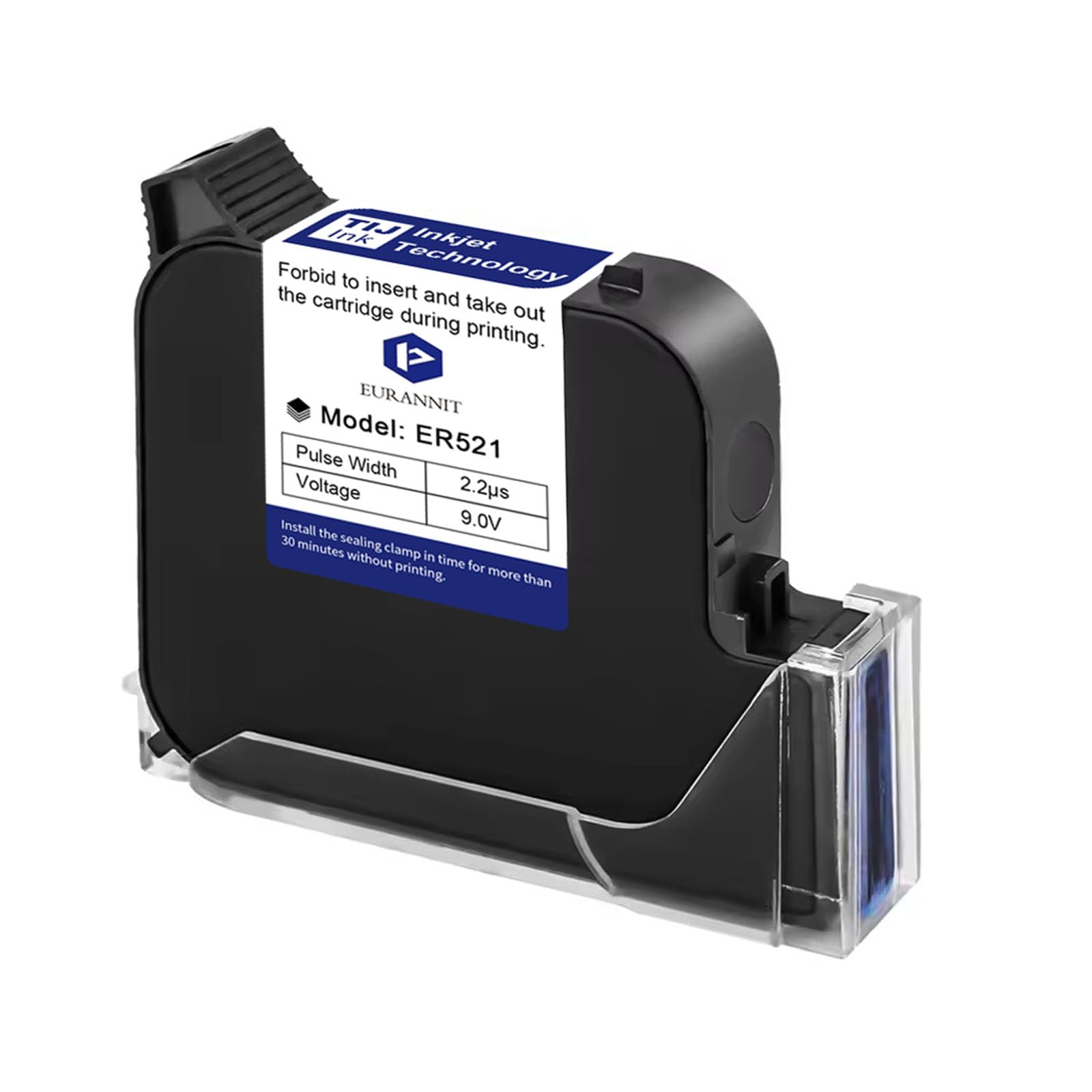
Figure 2: Printing Various Content Types
This image demonstrates the versatility of the Eurannit handheld inkjet printer with the ER521 cartridge, showing its ability to print text, dates, example barcodes (e.g., 0123456789), and QR codes on various surfaces.

Figure 3: Content and Material Compatibility
The ER521 cartridge supports printing text, QR/Bar codes (e.g., 1234567890), production dates, logos, and serial numbers. It is compatible with a wide array of materials including wood, carton, pipe, ceramic, stone, metal, eggshells, plastic, cloth, and foam.
Video 1: E55 Printer Demonstrating Printing on Various Surfaces
This video demonstrates the E55 printer, which uses compatible cartridges like the ER521, printing on various surfaces. It highlights the versatility and effectiveness of the quick-dry solvent ink on different materials.
Wartung
Proper maintenance ensures the longevity and consistent performance of your ER521 ink cartridge.
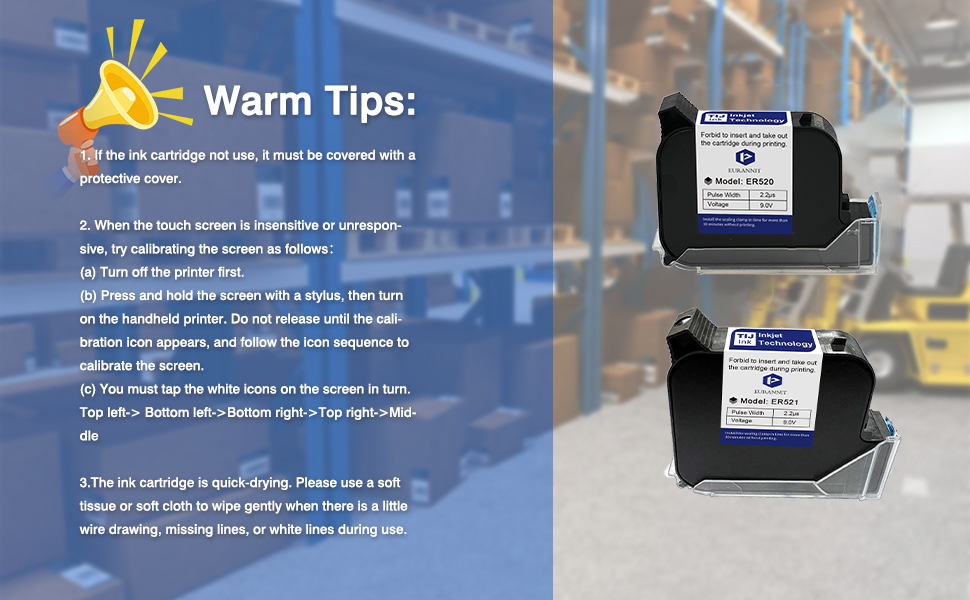
Figure 4: Cleaning a Clogging Ink Cartridge
- Schritt 1: Remove the cartridge clip and drop a small amount of diluent on the cartridge nozzle.
- Schritt 2: Press the cartridge nozzle with a dust-free cloth and shake it up and down, then wipe the nozzle.
- Schritt 3: Cover the clip back onto the cartridge.
Video 2: How to Clean a Clogging Ink Cartridge
This video provides a visual guide on how to clean a clogged ink cartridge, demonstrating the steps of applying diluent and wiping the nozzle to restore proper ink flow.
Fehlerbehebung
Refer to these tips if you encounter common issues with your ink cartridge or printer.
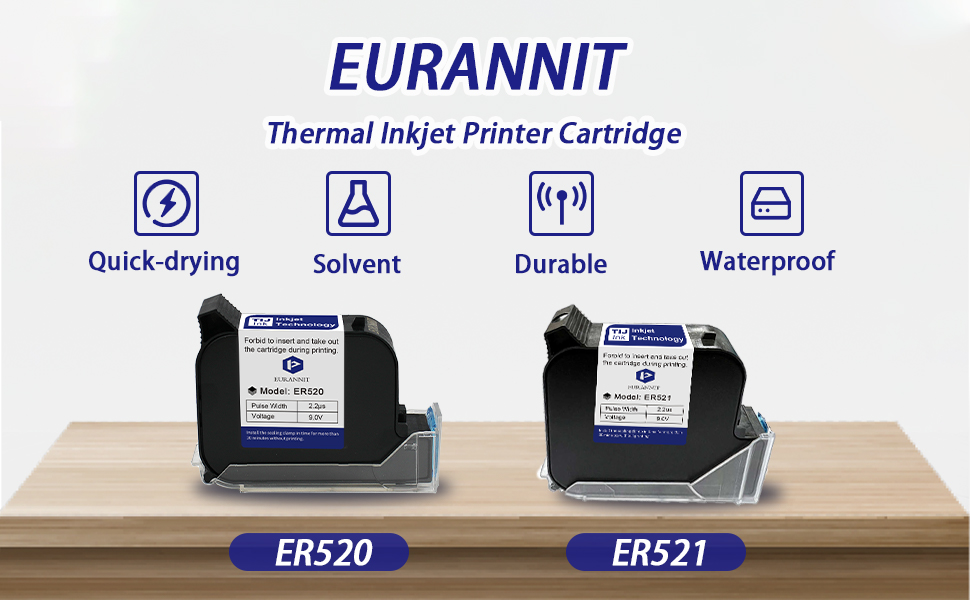
Abbildung 5: Wichtige Anwendungshinweise
- If the ink cartridge has not been used for more than 10 minutes, it must be covered with a protective cover.
- If the touch screen is insensitive or unresponsive, try calibrating the screen:
- Turn off the printer first.
- Press and hold the screen with a stylus, then turn on the handheld printer. Do not release until the calibration icon appears, and follow the icon sequence to calibrate the screen.
- You must tap the white icons on the screen in turn: Top left -> Bottom left -> Bottom right -> Top right -> Middle.
- The ink cartridge is quick-drying. Please use a soft tissue or soft cloth dampened with alcohol to wipe gently when there is a little wire drawing, missing lines, or white lines during use.
Technische Daten
| Besonderheit | Detail |
|---|---|
| Modell | ER521 |
| Tintenfarbe | Schwarz |
| Tintenkapazität | 72 ml |
| Druckhöhe | 2-25.4mm (1 inch) |
| Tintentyp | Quick Dry Solvent Ink |
| Anzahl der Zeichen | Approx. 3,000,000 (at minimum print height) |
| Kompatibilität | 1-inch handheld inkjet printers (E15-1, E11-1, E50) |
| Besondere Merkmale | Quick Dry, Waterproof, Strong Adhesion |
| Technische Daten | 1.78 x 7.11 x 8.89 cm; 168 g |

Figure 6: Available Nozzle Heights
The ER521 cartridge is designed for 25.4mm (1 inch) print height, ensuring broad compatibility with specified printers.
Unterstützung
For further assistance, technical support, or warranty inquiries, please contact the seller directly through the Amazon platform.

Figure 7: How to Contact Seller on Amazon
To contact the seller, navigate to the product page on Amazon, click on the seller's name (e.g., "EURANNIT Coding & Marking Solution"), and then select the "Ask a question" option to initiate a message.
Ask a question about this manual
Ask about setup, troubleshooting, compatibility, parts, safety, or missing instructions. Manuals+ will review the question and use this page’s manual context to help answer it.