
Einführung
This user manual provides essential information for the safe and effective use of your CJP-Geek UL 12V Power Adapter, model PSCJQ918WPR-248. This adapter is designed to provide a stable 12V power supply for compatible mini PCs and desk computers, including AWOW AK-41, AK34-J, NYi3, and Beelink T4 models. Please read this manual thoroughly before use and retain it for future reference.
Sicherheitshinweise
Um einen sicheren Betrieb zu gewährleisten und Schäden zu vermeiden, beachten Sie bitte die folgenden Sicherheitsvorkehrungen:
- Eingangslautstärketage: Stellen Sie sicher, dass die Spannung der Steckdosetage is within the specified range of 100-240V AC.
- Schutzfunktionen: The adapter includes built-in Over Voltage Protection, Over Current Protection, Short Circuit Protection, and Input Protection to safeguard your devices.
- Umgebungsbedingungen: Use the adapter in a dry environment. Avoid exposure to water, moisture, or high humidity.
- Belüftung: Do not cover the adapter during use, as this may lead to overheating.
- Physischer Schaden: Do not drop, disassemble, or attempt to repair the adapter. If damaged, discontinue use immediately.
- Kabelpflege: Do not place heavy objects on the power cord or subject it to excessive bending or pulling.
- Kinder: Bewahren Sie den Adapter außerhalb der Reichweite von Kindern auf.
Packungsinhalt
Prüfen Sie beim Öffnen der Verpackung, ob alle Artikel vorhanden sind:
- CJP-Geek UL 12V Power Adapter (Model: PSCJQ918WPR-248)
Produkt überview
Familiarize yourself with the components and features of your power adapter.

Abbildung 1: Hauptsächlich view of the CJP-Geek 12V Power Adapter, showing the adapter block with a 2-prong plug and the attached DC output cable with a round tip connector.
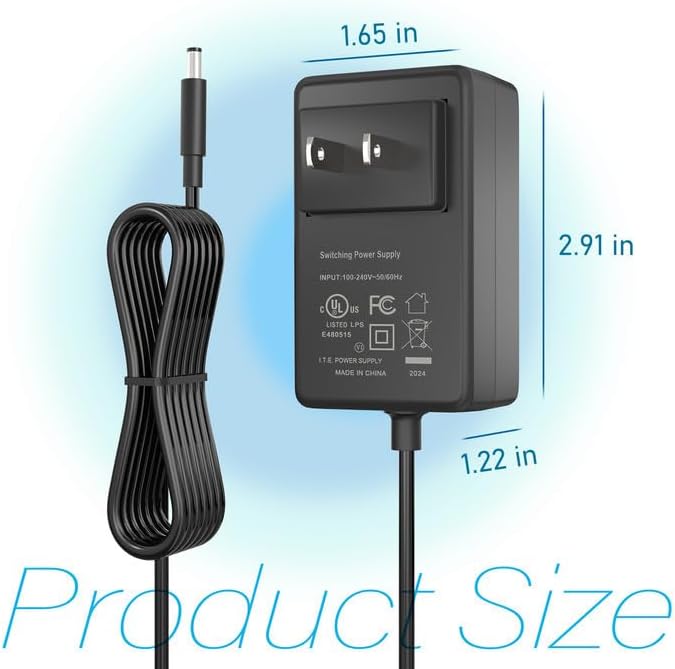
Abbildung 2: Product dimensions of the CJP-Geek 12V Power Adapter. The adapter block measures approximately 1.65 inches in width, 2.91 inches in height, and 1.22 inches in depth.

Abbildung 3: Diagram illustrating the multi-certification security features of the CJP-Geek 12V Power Adapter, including Over Temperature Protection, Overcharge Protection, Short Circuit Protection, Overvoltage Protection, Overcurrent Protection, and Overpower Protection.
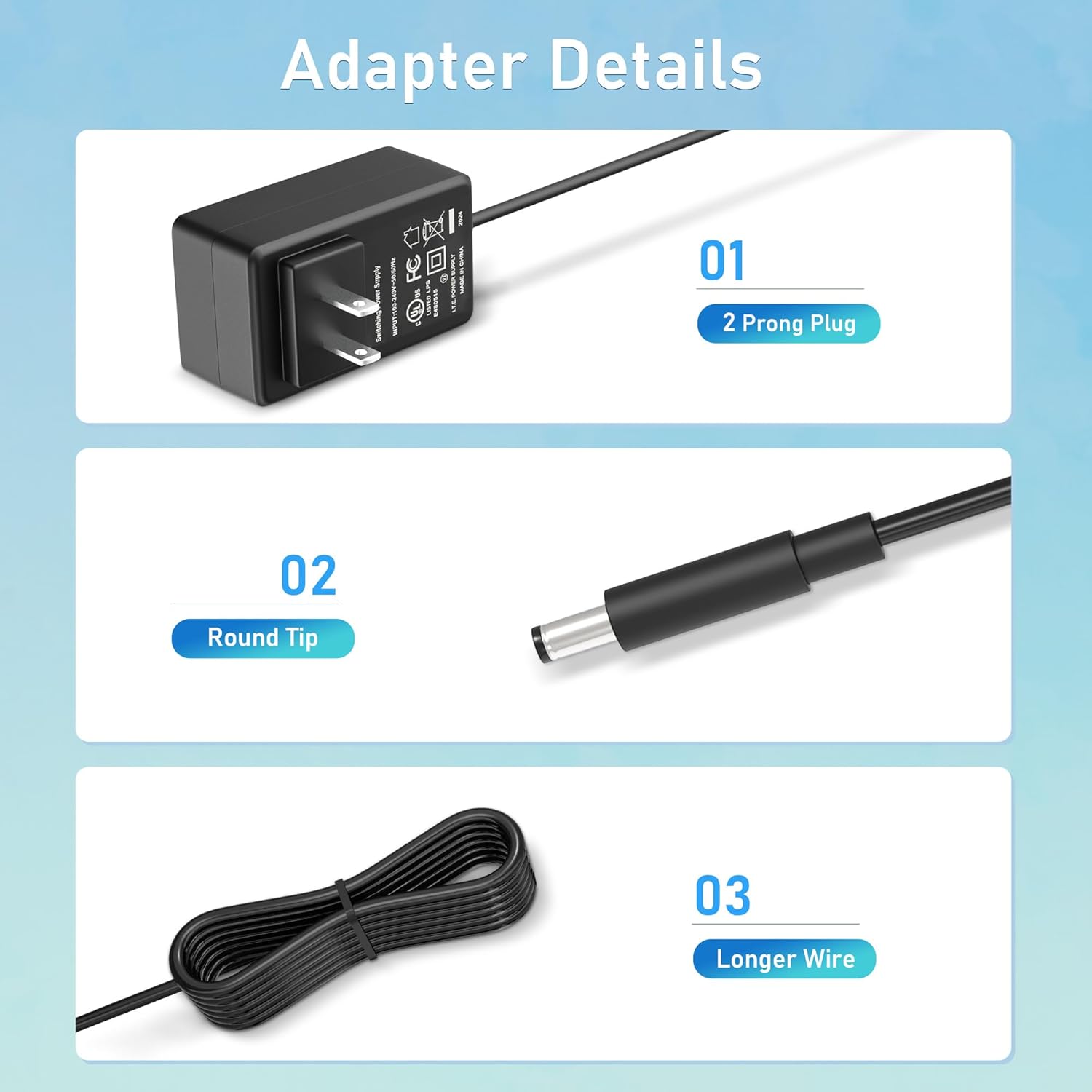
Abbildung 4: Detaillierte view of the adapter's key components: (01) a standard 2-prong plug for wall outlets, (02) a round tip DC connector for device input, and (03) a longer wire for extended reach.
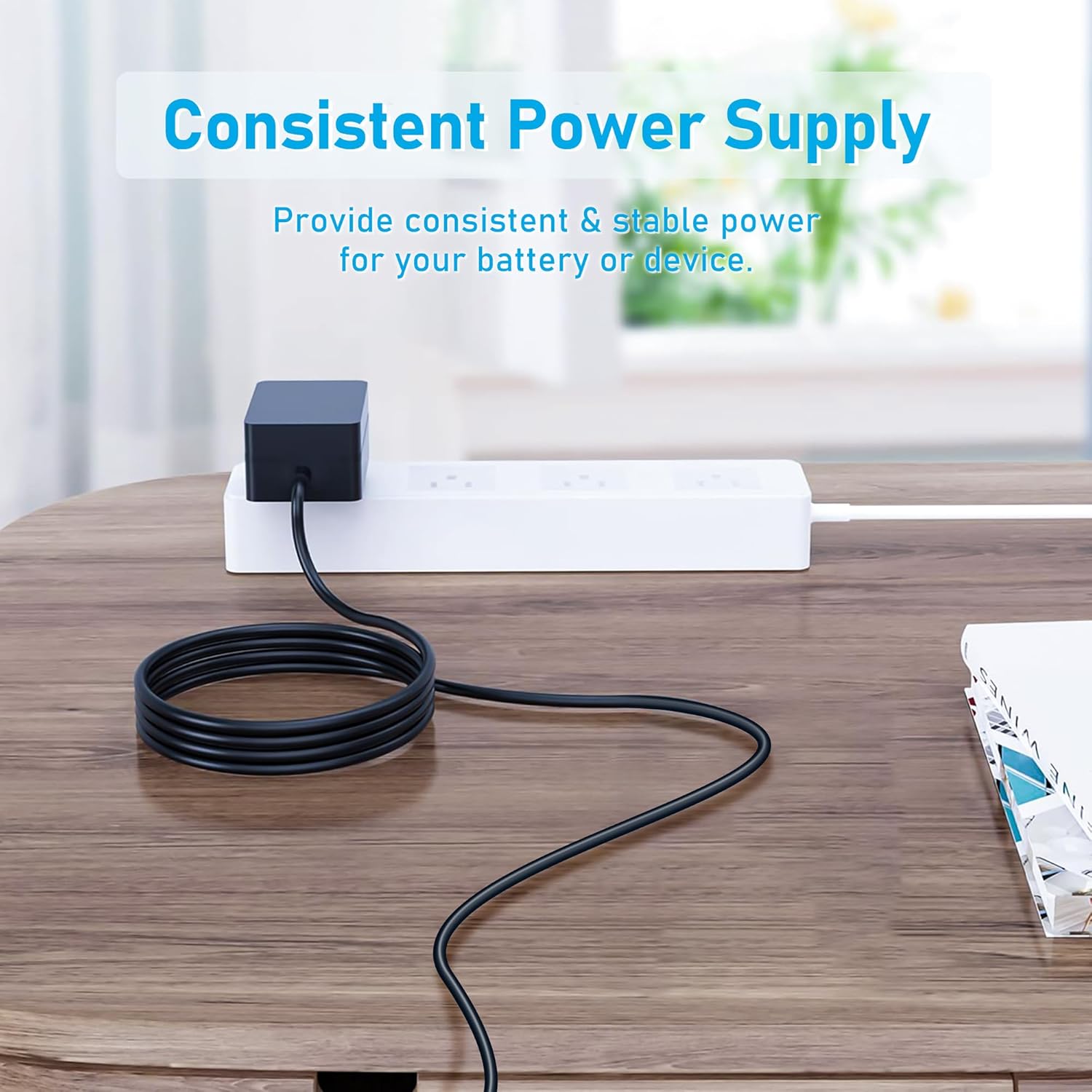
Abbildung 5: The CJP-Geek 12V Power Adapter connected to a power strip, demonstrating its ability to provide consistent and stable power to a device (not shown) on a desk.
Installationsanweisungen
- Kompatibilität überprüfen: Ensure your device requires a 12V DC input and has a compatible round tip power port. Refer to your device's manual for power specifications.
- Mit Gerät verbinden: Insert the round tip DC connector of the CJP-Geek power adapter firmly into the power input port of your mini PC or compatible device.
- An die Steckdose anschließen: Plug the 2-prong AC plug of the power adapter into a standard 100-240V AC wall outlet or power strip.
- Einschalten: Once connected, your device should receive power. Follow your device's instructions to power it on.
Bedienungsanleitung
The CJP-Geek 12V Power Adapter operates automatically once connected to a power source and a compatible device. It provides a continuous and stable power supply. No user intervention is required for its basic operation.
- Um eine Überhitzung zu vermeiden, sollte der Adapter an einem gut belüfteten Ort aufgestellt werden.
- Trennen Sie den Adapter von der Steckdose, wenn er längere Zeit nicht benutzt wird.
Wartung
Proper maintenance ensures the longevity and reliable performance of your power adapter:
- Reinigung: Disconnect the adapter from all power sources before cleaning. Use a soft, dry cloth to wipe the exterior. Do not use liquid cleaners or abrasive materials.
- Lagerung: Bewahren Sie den Adapter bei Nichtgebrauch an einem kühlen, trockenen Ort fern von direkter Sonneneinstrahlung und extremen Temperaturen auf.
- Kabelinspektion: Periodically inspect the power cord and connectors for any signs of damage, fraying, or loose connections. If damage is found, discontinue use.
Fehlerbehebung
If you encounter issues with your power adapter, refer to the following common solutions:
- Gerät wird nicht mit Strom versorgt:
- Ensure the adapter is securely plugged into a working wall outlet.
- Verify that the DC connector is fully inserted into your device's power port.
- Testen Sie die Wandsteckdose mit einem anderen Gerät, um sicherzustellen, dass sie funktionsfähig ist.
- Check for any visible damage to the adapter or cable.
- Überhitzung des Adapters:
- Stellen Sie sicher, dass sich der Adapter in einem gut belüfteten Bereich befindet und nicht abgedeckt ist.
- Confirm that your device's power requirements do not exceed the adapter's specifications.
- Device Not Charging/Powering On:
- Confirm that the adapter's output voltage (12V) and connector type are compatible with your device.
- If the issue persists, consult your device's manual or contact customer support.
Technische Daten
| Besonderheit | Spezifikation |
|---|---|
| Modellnummer | PSCJQ918WPR-248 |
| Eingangslautstärketage | 100-240V AC |
| Eingangsfrequenz | 50/60 Hz |
| Ausgangsvolumentage | 12 V Gleichstrom |
| Steckertyp | Runde Spitze |
| Steckertyp | 2-Prong US Standard |
| Farbe | Schwarz |
| Artikelgewicht | 3 Unzen (ca. 85 Gramm) |
| Sicherheitsfunktionen | Über Voltage Protection, Over Current Protection, Short Circuit Protection, Input Protection, Over Temperature Protection, Overcharge Protection, Overpower Protection |
| Kompatible Geräte | AWOW AK-41, AK34-J, NYi3, Beelink T4 Mini PC Desk Computer, and other devices requiring 12V DC with a compatible round tip connector. |
Garantie und Support
For warranty information or technical support, please refer to the product packaging or contact CJP-Geek customer service through their official channels. Keep your purchase receipt as proof of purchase.