
WisFox 2.4GHz Full-Size Silent Wireless Keyboard and Mouse Combo (White)
WisFox 2.4-GHz-Funktastatur- und Maus-Kombination – Benutzerhandbuch
Model: Full-Size Silent Wireless Keyboard and Mouse Combo (White)
1. Einleitung
Thank you for choosing the WisFox 2.4GHz Wireless Keyboard and Mouse Combo. This product is designed to provide a comfortable, efficient, and quiet wireless computing experience. This manual will guide you through the setup, operation, and maintenance of your new device.

Figure 1: WisFox Wireless Keyboard and Mouse Combo (White) with USB receiver.
2. Sicherheitshinweise
- Halten Sie das Gerät von Wasser, Feuer und hohen Temperaturen fern.
- Versuchen Sie nicht, das Gerät selbst zu zerlegen oder zu reparieren. Wenden Sie sich an qualifiziertes Servicepersonal.
- Batterien sind gemäß den örtlichen Vorschriften zu entsorgen. Alte und neue Batterien dürfen nicht zusammen verwendet werden.
- Lassen Sie das Gerät nicht fallen und setzen Sie es keinen starken Stößen aus.
3. Packungsinhalt
Bitte überprüfen Sie den Packungsinhalt nach dem Öffnen:
- 1 x WisFox Wireless Keyboard
- 1 x WisFox Wireless Mouse
- 1 x USB-Empfänger (im Batteriefach der Maus aufbewahrt)
- 1 x Benutzerhandbuch (dieses Dokument)
Notiz: Appropriate batteries are not included and must be purchased separately.
4. Installationsanleitung
4.1. Einlegen der Batterien
- Für die Maus: Open the battery compartment cover on the bottom of the mouse. Insert the appropriate battery (not included), ensuring correct polarity (+/-). Close the cover.
- Für die Tastatur: Open the battery compartment cover on the back of the keyboard. Insert the appropriate batteries (not included), ensuring correct polarity (+/-). Close the cover.

Figure 2: Location of battery compartment and USB receiver storage on the mouse.
4.2. Anschließen des USB-Empfängers
- Locate the USB receiver, which is conveniently stored in the battery compartment of the mouse. Gently pull it out.
- Stecken Sie den USB-Empfänger in einen freien USB-Anschluss Ihres Computers, Laptops oder kompatiblen Geräts.
- Your operating system should automatically detect and install the necessary drivers. This is a Plug and Play device, requiring no additional software installation.

Figure 3: USB receiver connected to a device, enabling 2.4GHz wireless communication.
4.3. Einschalten
- Für die Maus: Locate the ON/OFF switch on the bottom of the mouse (near the battery compartment) and slide it to the "ON" position.
- Für die Tastatur: The keyboard typically powers on automatically once batteries are inserted and the USB receiver is connected. Some models may have an ON/OFF switch on the back or side.
Ihre Tastatur und Maus sind jetzt einsatzbereit.
5. Bedienungsanleitung
5.1. Allgemeine Nutzung
The WisFox Wireless Keyboard and Mouse Combo provides a seamless and responsive experience for daily computing tasks. The 2.4GHz wireless connection ensures a stable link up to 33 feet (10 meters) with minimal delays or dropouts.
5.2. Ergonomisches Design und Komfort
- Keyboard Tilt: The keyboard features an 8° foldable stand on the back, allowing you to adjust the typing angle for optimal comfort and to reduce wrist fatigue during long periods of use.
- Layout in voller Größe: The keyboard includes a full-size F-keys row, a dedicated numeric keypad, and arrow keys for enhanced productivity.

Figure 4: Keyboard with 8° foldable tilt and ergonomic mouse design.
5.3. Geräuscharmer Betrieb
- Leise Maus: The mouse is designed for 100% silent clicking, ensuring a quiet working environment.
- Quiet Keyboard: The keyboard's keys are engineered to be over 90% quieter than standard keyboards, minimizing typing noise.
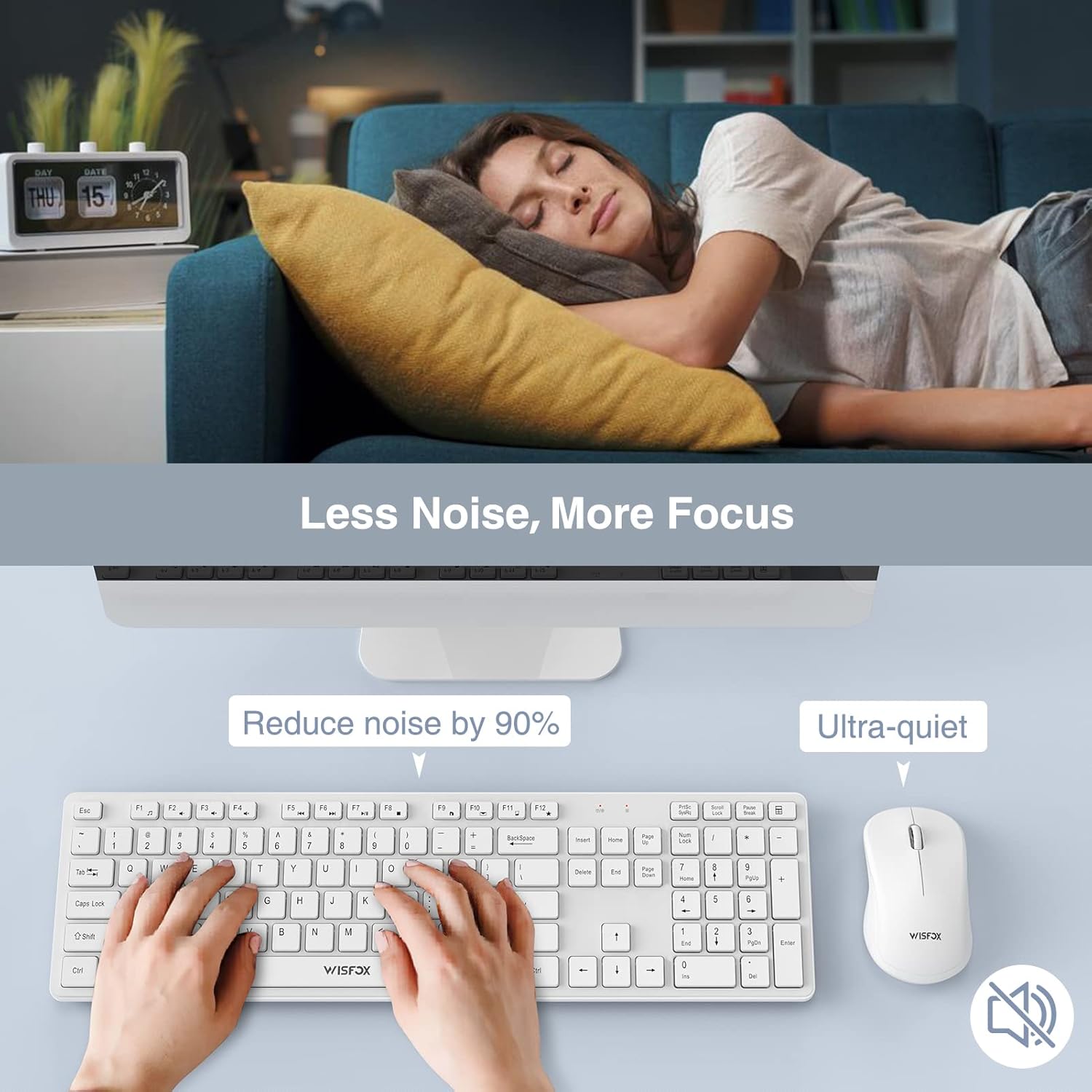
Figure 5: The quiet design of the combo promotes a peaceful work environment.
5.4. Energiesparfunktionen
To conserve battery life, both the keyboard and mouse feature intelligent power-saving modes:
- The mouse will enter sleep mode after 1 minute of inactivity.
- Nach 8 Minuten Inaktivität wechselt die Tastatur in den Ruhemodus.
- To wake the devices, simply press any key on the keyboard or click/move the mouse.
- Both devices also have ON/OFF switches to manually power them down for extended storage or travel, further prolonging battery life up to 365 days.
5.5. Multimedia Keys (Fn+ Keys)
The keyboard includes 12 multimedia keys accessible by pressing the Fn key in combination with the F1-F12 keys. These provide quick access to functions such as volume control, media playback, and more.

Figure 6: The combo's features, including multimedia keys, enhance efficiency.
5.6. Breite Kompatibilität
This keyboard and mouse combo is compatible with a broad range of operating systems and devices, including:
- All Windows system versions (e.g., Windows 2000/Vista/XP/7/8/10/Visa)
- Linux
- Chrome OS
- Mac OS
It works well with desktops, Chromebooks, PCs, laptops, computers, and even Smart TVs and HTPCs.
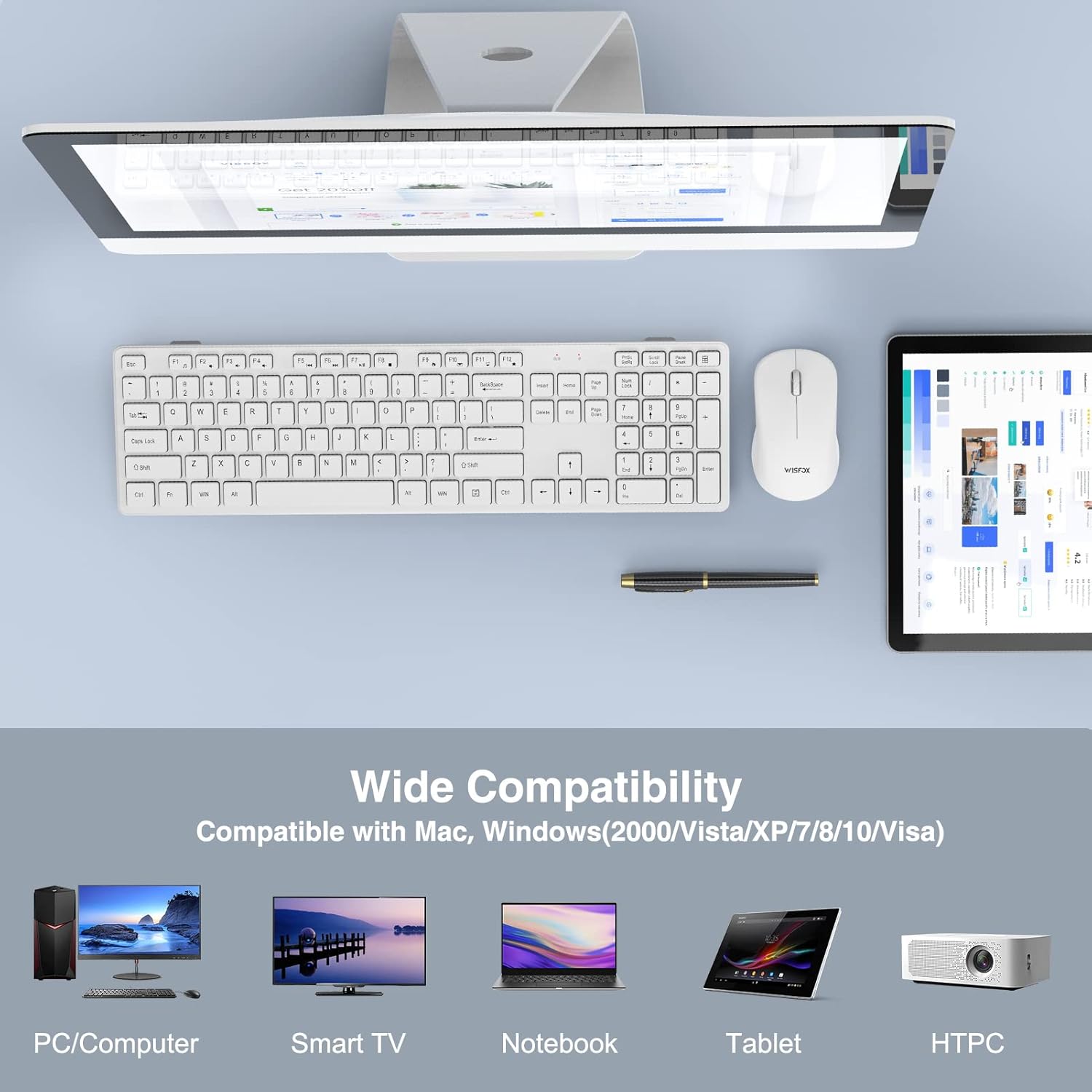
Abbildung 7: Breite Kompatibilität mit verschiedenen Geräten und Betriebssystemen.
6. Wartung
- Reinigung: Reinigen Sie die Oberflächen von Tastatur und Maus mit einem weichen, trockenen Tuch. Bei hartnäckigem Schmutz kann ein leicht feuchtes Tuch hilfreich sein.amp Ein Tuch kann verwendet werden, achten Sie jedoch darauf, dass keine Flüssigkeit in das Gerät gelangt. Verwenden Sie keine scharfen Chemikalien oder Scheuermittel.
- Batteriewechsel: When the devices stop responding or show signs of low power, replace the batteries with new ones, ensuring correct polarity.
- Lagerung: If storing the devices for an extended period, remove the batteries to prevent leakage and turn off the power switches.
7. Fehlerbehebung
| Problem | Mögliche Ursache | Lösung |
|---|---|---|
| Tastatur/Maus reagiert nicht |
|
|
| Verzögerung oder intermittierende Verbindung |
|
|
| Der Mauszeiger bewegt sich unregelmäßig oder nicht flüssig. |
|
|
8. Spezifikationen
| Besonderheit | Detail |
|---|---|
| Marke | WisFox |
| Modell | 2.4GHz Full-Size Silent Wireless Keyboard and Mouse Combo |
| Farbe | Weiß |
| Konnektivitätstechnologie | 2.4 GHz kabellos (USB-Empfänger) |
| Drahtlose Reichweite | Bis zu 33 Fuß (10 Meter) |
| Tastaturlayout | Full-Size with Numeric Keypad and F-keys |
| Tastatur-Sonderfunktionen | 8° Foldable Tilt, 12 Multimedia Keys, Quiet Operation |
| Besondere Merkmale der Maus | 100% Silent Click, Optical Sensor |
| Energiesparen | Auto-sleep mode, ON/OFF switches |
| Akkulaufzeit (Standby) | Bis zu 365 Tage |
| Kompatible Geräte | Personal Computer (Desktops, Laptops, Chromebooks, Smart TVs, HTPCs) |
| Betriebssystemkompatibilität | Windows (alle Versionen), Linux, Chrome OS, Mac OS |
| Tastaturabmessungen | 16.93 x 4.72 x 0.7 Zoll (43 x 12 x 1.8 cm) |
| Abmessungen der Maus | 4.16 x 2.4 x 1.45 Zoll (10.6 x 6.1 x 3.7 cm) |
| Artikelgewicht | 1.54 Pfund (0.7 kg) |
| Hersteller | WisFox |
| Ursprungsland | China |
9. Garantie und Support
For warranty information or technical support, please refer to the product packaging or contact WisFox customer service directly. You can typically find contact details on the manufacturer's official weboder über Ihre Verkaufsstelle.
Für aktuelle Informationen und Unterstützung besuchen Sie bitte die WisFox Store on Amazon.
Ask a question about this manual
Ask about setup, troubleshooting, compatibility, parts, safety, or missing instructions. Manuals+ will review the question and use this page’s manual context to help answer it.