
1. Einleitung
The TOALLIN WL568 Wireless PTZ Conference Camera is designed for high-quality video conferencing, live streaming, and online teaching. It features 10X optical zoom, 1080P Full HD resolution, and 5.8Ghz wireless connectivity, offering flexibility and clear visuals for various professional and educational environments.
2. Produktüberschreitungview
Familiarize yourself with the components and ports of your TOALLIN WL568 camera.
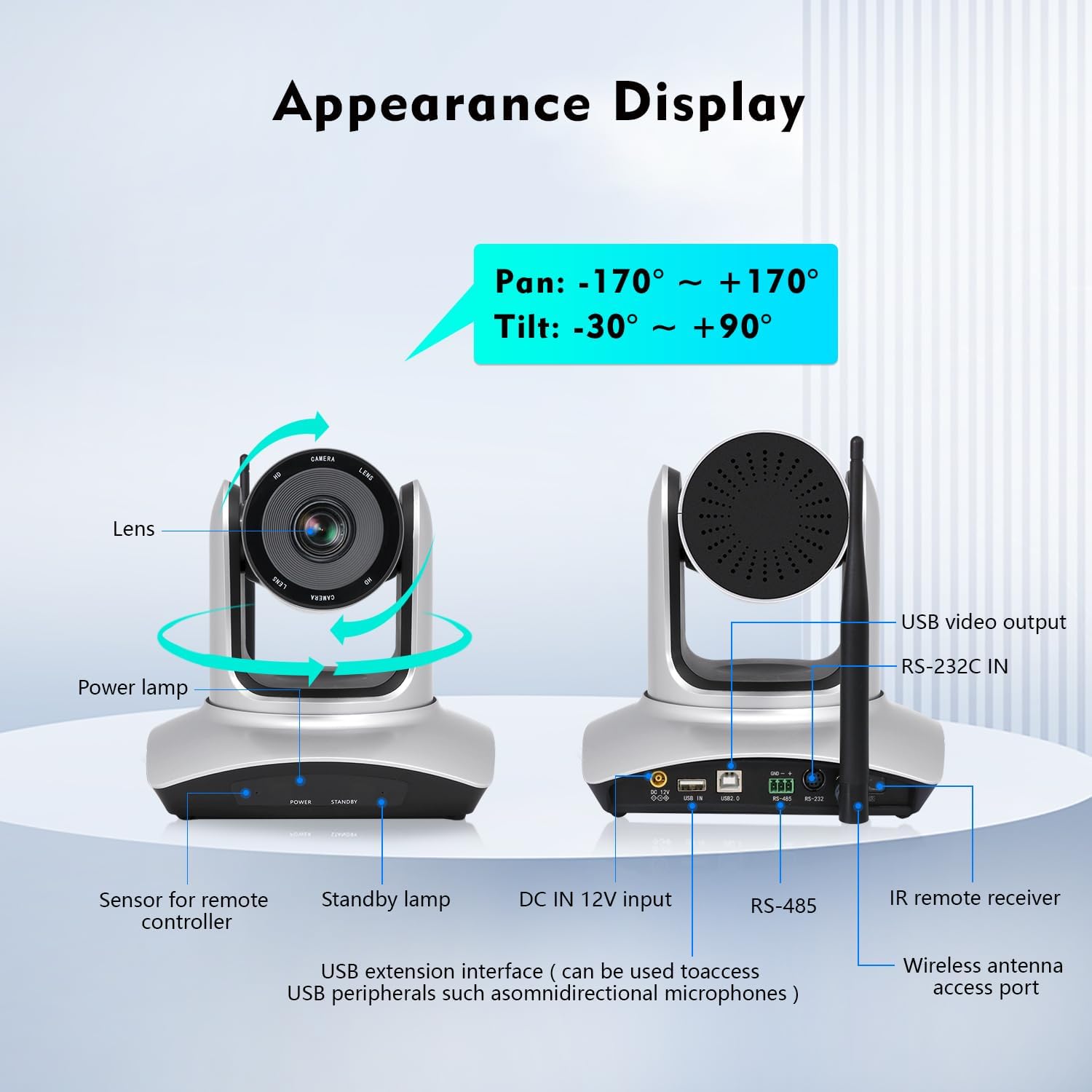
Image: TOALLIN WL568 Camera Appearance Display with labeled ports and features.
- Linse: Erfasst Videostream.
- Leistung Lamp: Zeigt den Stromstatus an.
- Sensor for Remote Controller: Receives signals from the IR remote.
- Standby Lamp: Indicates standby status.
- DC IN 12V Input: Stromanschluss.
- USB Extension Interface: Can be used to connect USB peripherals like omnidirectional microphones.
- RS-485 / RS-232C IN: Control interfaces for advanced integration.
- Wireless Antenna Access Port: For connecting the wireless antenna.
- USB-Videoausgang: For wired connection to a computer.
3. Lieferumfang
Überprüfen Sie, ob alle Artikel im Paket vorhanden sind:
- Kameragehäuse
- IR-Fernbedienung
- Wireless Antenna (x2)
- USB-Empfänger
- Netzteil
4. Installationsanleitung
4.1 Drahtlose Verbindung
- Connect one wireless antenna to the camera body.
- Connect the second wireless antenna to the USB receiver.
- Stecken Sie den USB-Empfänger in einen freien USB-Port Ihres Computers.
- The camera and receiver will automatically pair. This process may take several seconds to complete before the video feed appears.

Image: Steps for wireless connection setup.
Notiz: For wired connection mode, turn off the wireless mode switch located at the bottom of the camera and connect via the provided USB cable.
4.2 Kameraplatzierung
The camera offers flexible placement options:
- Directly on a conference room desktop.
- Mounted on a tripod.
- Installed on a wall mount support.

Image: Various camera placement options.
4.3 Erstes Einschalten
Connect the power adapter to the camera and a power outlet. The power lamp will illuminate, indicating the camera is receiving power.
Video: Demonstrates the initial setup process, including connecting antennas and the USB receiver, and showing the camera's functionality with remote control.
5. Hauptmerkmale
- 5.8Ghz Wireless Connectivity: Offers stable transmission up to 15 meters indoors with low latency, allowing flexible camera placement without cables.
- Pan & Tilt & 10X Optical Zoom: Pan angle of ±170° and Tilt angle of -30° to +90°. The 10X optical zoom with auto-focus (manual focus optional) ensures clear visuals at any distance.
- FHD 1080P-Auflösung: Built-in 1/2.8" CMOS Sensor delivers 2 million pixels high-quality video.
- 71° Weitwinkel View: Ensures all participants are visible during meetings.
- Plug-and-Play-Einrichtung: No drivers or apps required for installation.
- Breite Kompatibilität: Compatible with Windows 7 or above, MacOS, Linux, Android, and major conferencing software like Zoom, Skype, Webex, GoToMeeting, and Microsoft Teams.
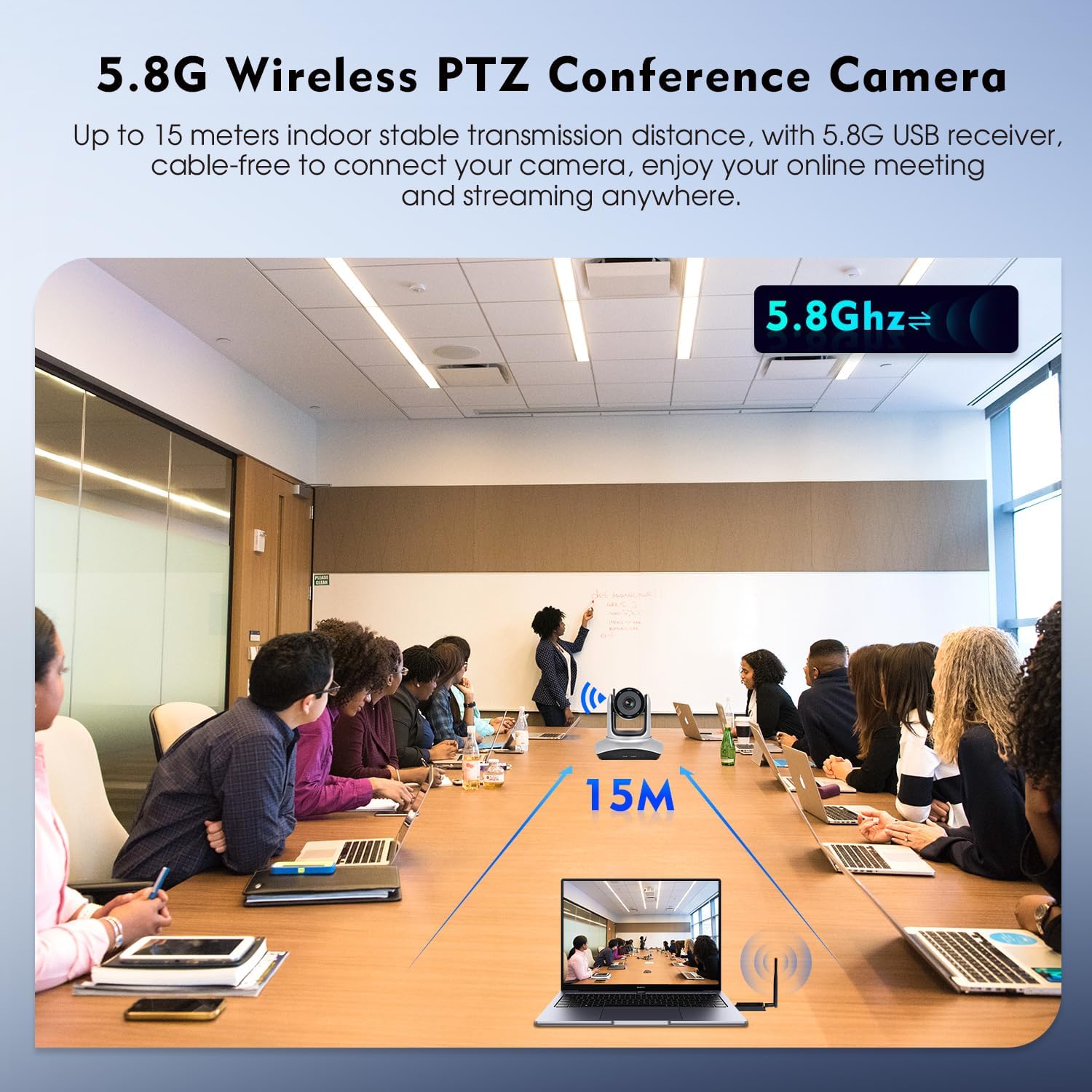
Image: 5.8G Wireless Connectivity in a conference setting.
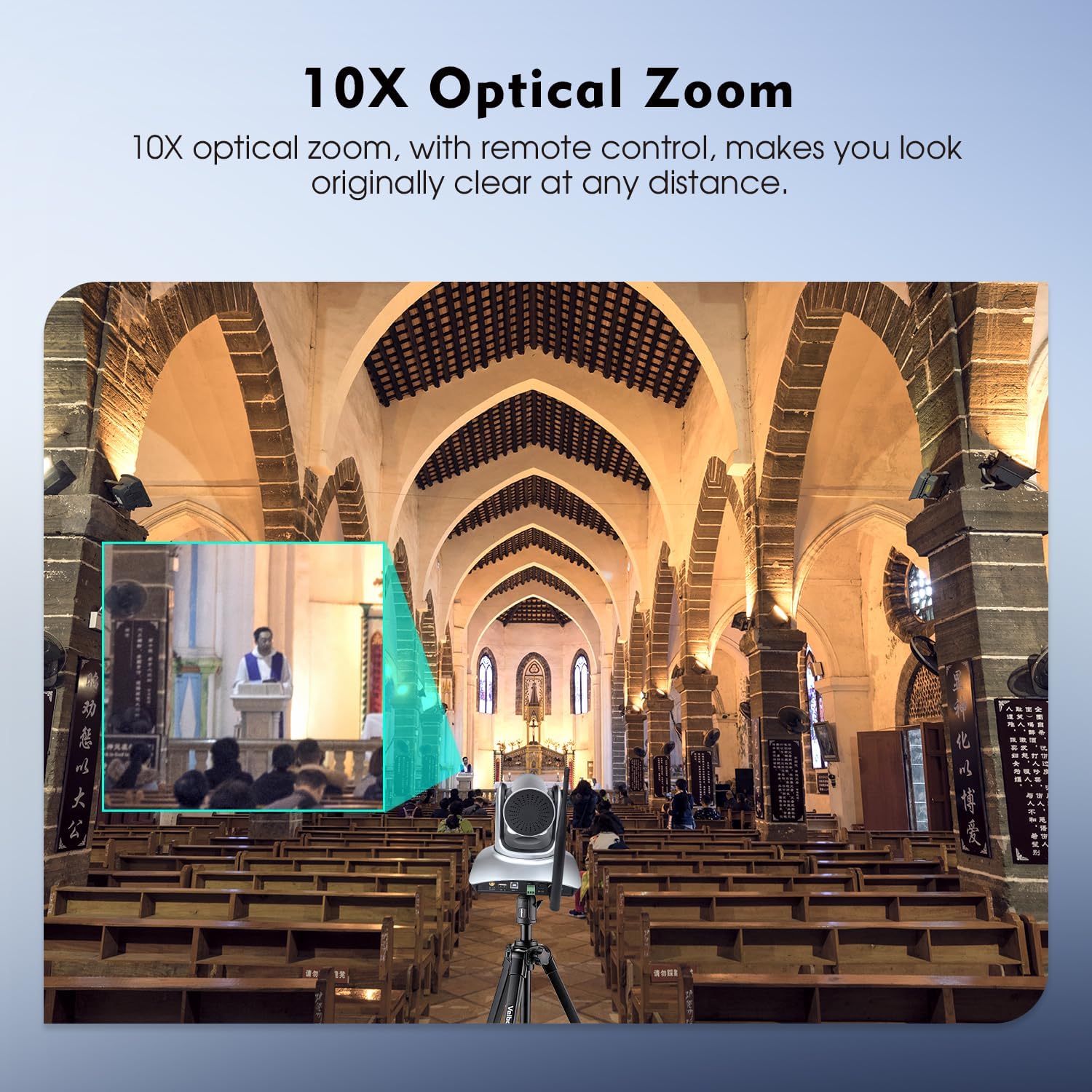
Image: 10X Optical Zoom in action.
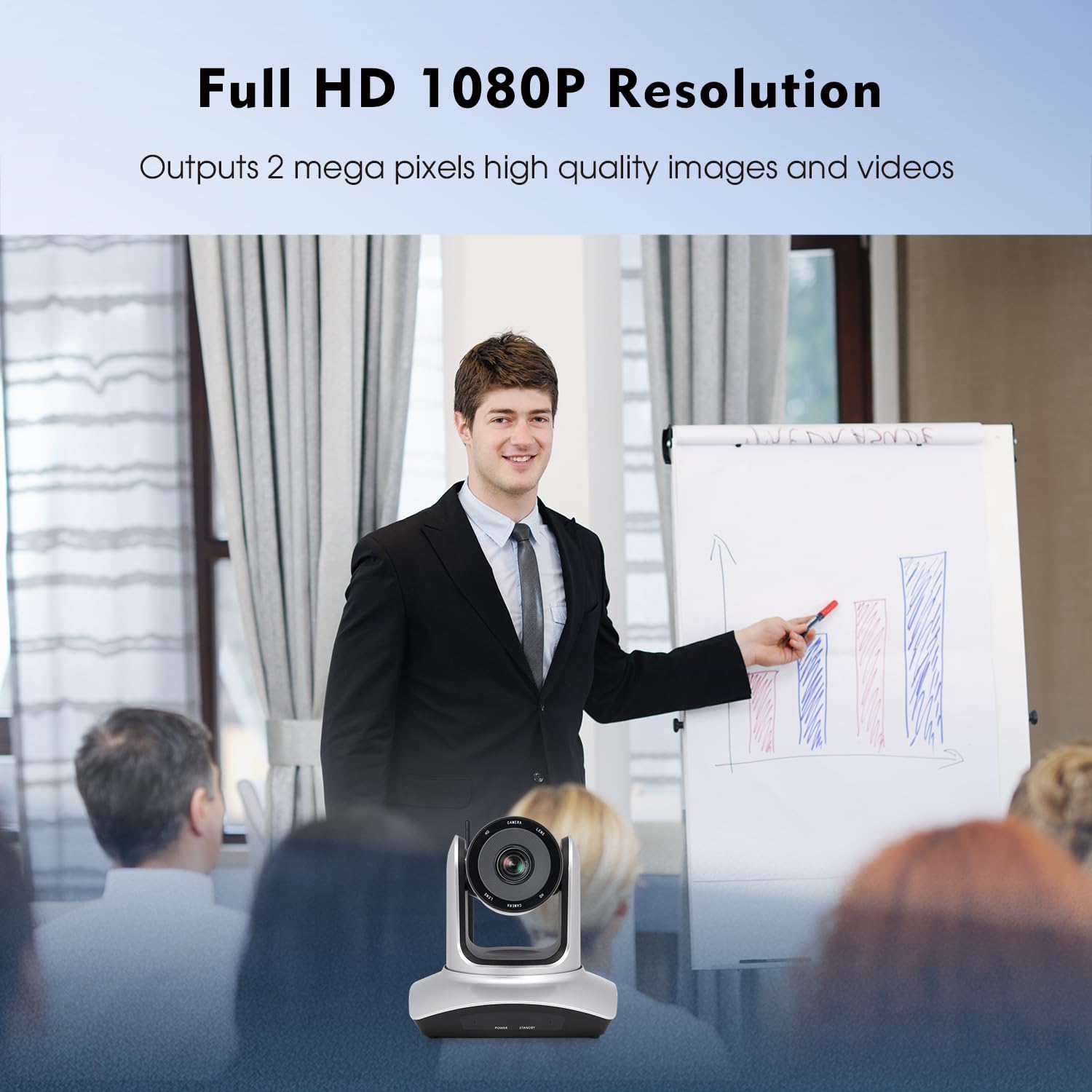
Image: Full HD 1080P Resolution output.
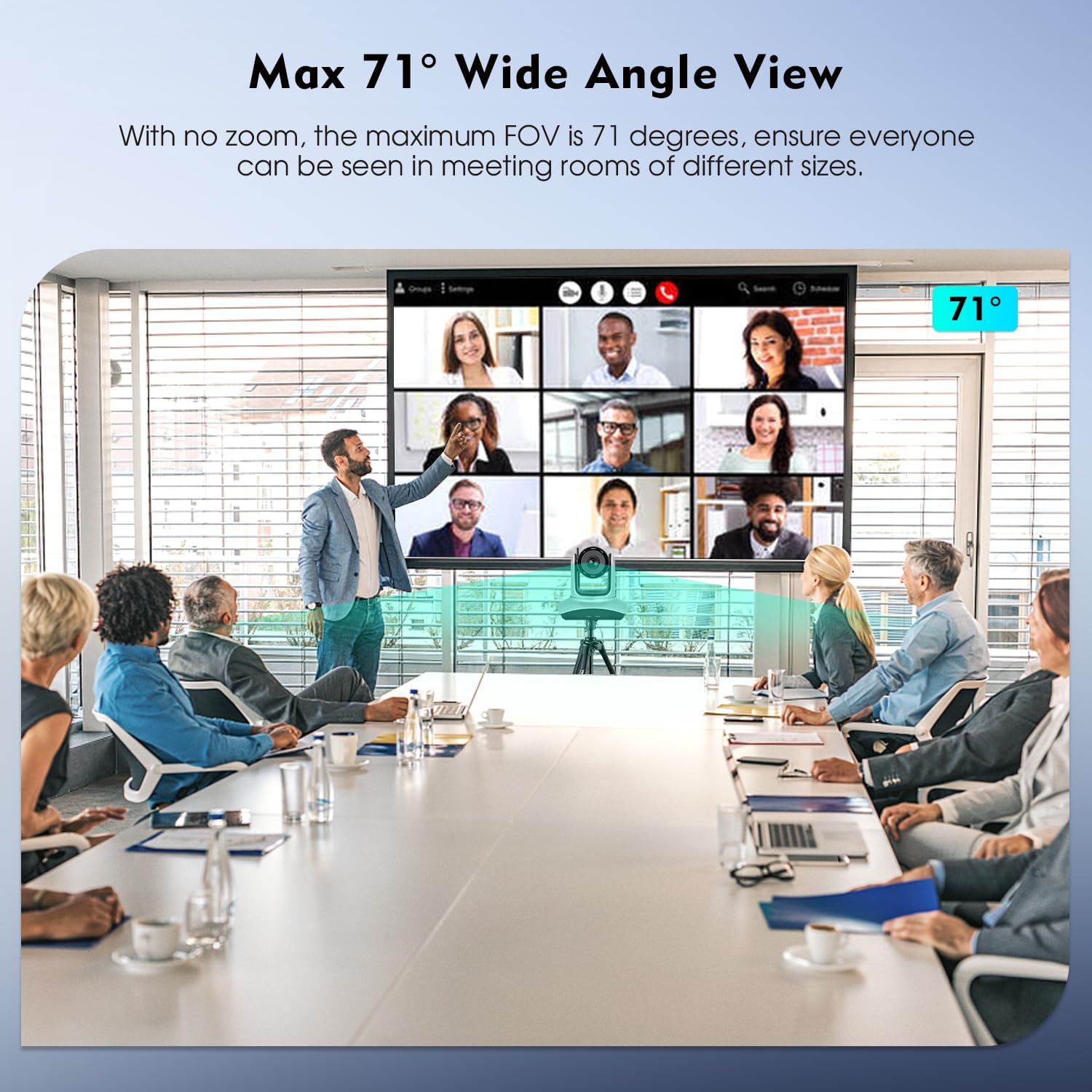
Image: Max 71° Wide Angle View.
6. Bedienung
6.1 Fernbedienungsfunktionen
The camera's Pan, Tilt, and Zoom (PTZ) functions are controlled using the included IR remote controller. Point the remote at the camera's IR receiver.

Image: IR Remote Control layout and functions.
Zu den wichtigsten Funktionen der Fernbedienung gehören:
- LEISTUNG: Schaltet die Kamera ein/aus.
- PAN-TILT RESET: Resets the camera's pan and tilt position.
- POSITION (1-9): Use to set and recall preset camera positions. Press VOREINSTELLUNG then a number (1-9) to save. Press a number (1-9) to recall.
- ZURÜCKSETZEN: Drücken ZURÜCKSETZEN then a number (1-9) to eliminate a preset position.
- SPEISEKARTE: Accesses the camera's on-screen menu.
- PAN-TILT: Moves the camera horizontally (pan) and vertically (tilt). HEIM returns the camera to its middle position.
- ZOOMEN: Adjusts the optical zoom (Telephoto for zoom in, Wide Angle for zoom out).
- FOKUS: Adjusts focus (auto or manual).
- F1: Press and hold for 3 seconds to quickly switch image normal and inversion.
- F2: Press and hold for 3 seconds to quickly restore factory settings.
- F3: Press and hold for 3 seconds to quickly switch image normal and mirror.
- HELLIGKEIT: Passt die Bildhelligkeit an.
- HINTERGRUNDBELEUCHTUNG: Controls backlight compensation.
6.2 Softwarekompatibilität
Once connected, the camera functions as a standard webcam and is compatible with most video conferencing and streaming software. Select "TOALLIN WL568 Camera" as your video input device within your chosen application settings.
7. Wartung
To ensure optimal performance and longevity of your TOALLIN WL568 camera:
- Keep the camera lens clean using a soft, dry, lint-free cloth. Avoid abrasive cleaners.
- Bewahren Sie die Kamera an einem kühlen, trockenen Ort fern von direkter Sonneneinstrahlung und extremen Temperaturen auf.
- Avoid exposing the camera to moisture or liquids.
- Versuchen Sie nicht, die Kamera selbst zu zerlegen oder zu reparieren, da dies zum Erlöschen der Garantie führt.
8. Fehlerbehebung
| Problem | Mögliche Ursache | Lösung |
|---|---|---|
| No video output after connection. |
|
|
| Fernbedienung reagiert nicht. |
|
|
| Die Videoqualität ist schlecht oder unscharf. |
|
|
9. Spezifikationen
| Besonderheit | Detail |
|---|---|
| Marke | TOALLIN |
| Modellnummer | WL568 |
| Konnektivitätstechnologie | Wi-Fi (5.8 GHz) |
| Auflösung der Videoaufnahme | 1080p Full HD |
| Effektive Standbildauflösung | 2 Megapixel |
| Fotosensor-Technologie | CMOS (1/2.8 Zoll) |
| Optischer Zoom | 10x |
| Schwenkwinkel | ±170° |
| Neigungswinkel | -30° bis +90° |
| Fachgebiet View (Sichtfeld) | 71° (max) |
| Fokustyp | Autofokus, manueller Fokus |
| Betriebssystemkompatibilität | Windows 7+, MacOS, Linux, Android |
| Formfaktor | Desk/Tabletop, Wall/Ceiling Mountable |
| Artikelgewicht | 2.6 Kilogramm |
10. Garantie und Support
The TOALLIN WL568 Wireless PTZ Conference Camera comes with a 1 Jahr Garantie ab Kaufdatum.
For any product-related issues, technical assistance, or warranty claims, please contact TOALLIN customer support. We provide 7*24-hours customer support to assist you.
You can find contact information on the official TOALLIN webWebsite oder über Ihre Einkaufsplattform.