
1. Einleitung
This manual provides detailed instructions for the setup, operation, and maintenance of your TMY Native 1080P Mini Projector. Please read this manual thoroughly before using the projector to ensure proper function and longevity.
2. Lieferumfang
- TMY Native 1080P Mini Projector
- Fernbedienung
- Netzkabel
- HDMI-Kabel
- Bedienungsanleitung
- Reinigungsset
3. Produktüberschreitungview
The TMY Native 1080P Mini Projector is designed for versatile home entertainment, offering native 1080P resolution and various connectivity options in a compact form factor.

3.1 Anschlussmöglichkeiten
Der Projektor verfügt über mehrere Anschlüsse zum Verbinden verschiedener Geräte:

- HDMI-Anschluss: For connecting devices such as TV sticks, PCs, gaming consoles, and DVD players.
- USB-Anschluss: Zum Anschließen von USB-Laufwerken zur Medienwiedergabe files.
- 3.5-mm-Audiobuchse: Zum Anschluss externer kabelgebundener Lautsprecher oder Kopfhörer.
- Leistungsaufnahme: Zum Anschließen des Netzkabels.
4. Einrichtung
4.1 Platzierung
Position the projector on a stable, flat surface. The projection distance can range from 1.5 meters to 5 meters, producing a screen size from 40 inches to 200 inches. Ensure there are no obstructions between the projector and the projection surface.
4.2 Stromanschluss
- Schließen Sie das Netzkabel an den Stromeingang des Projektors an.
- Stecken Sie das andere Ende des Netzkabels in eine Steckdose.
4.3 Erstes Einschalten
Drücken Sie den Netzschalter am Projektor oder auf der Fernbedienung, um das Gerät einzuschalten. Die Kontrollleuchte leuchtet auf.
4.4 Fokus- und Trapezkorrektur
To achieve a clear and rectangular image, adjust the focus ring and keystone correction dial located on the projector. The projector supports ±15° vertical keystone correction.

5. Bedienungsanleitung
5.1 Geräte anschließen
Der Projektor bietet vielfältige Möglichkeiten zum Anschluss Ihrer Geräte:

5.1.1 HDMI-Anschluss
Connect your device (e.g., TV Stick, PC, gaming console) to the projector's HDMI port using an HDMI cable. Select the corresponding HDMI input source from the projector's menu.
5.1.2 USB-Anschluss
Insert a USB drive into the USB port. Navigate to the media player function in the projector's menu to browse and play files.
5.1.3 WLAN-Verbindung (Bildschirmspiegelung)
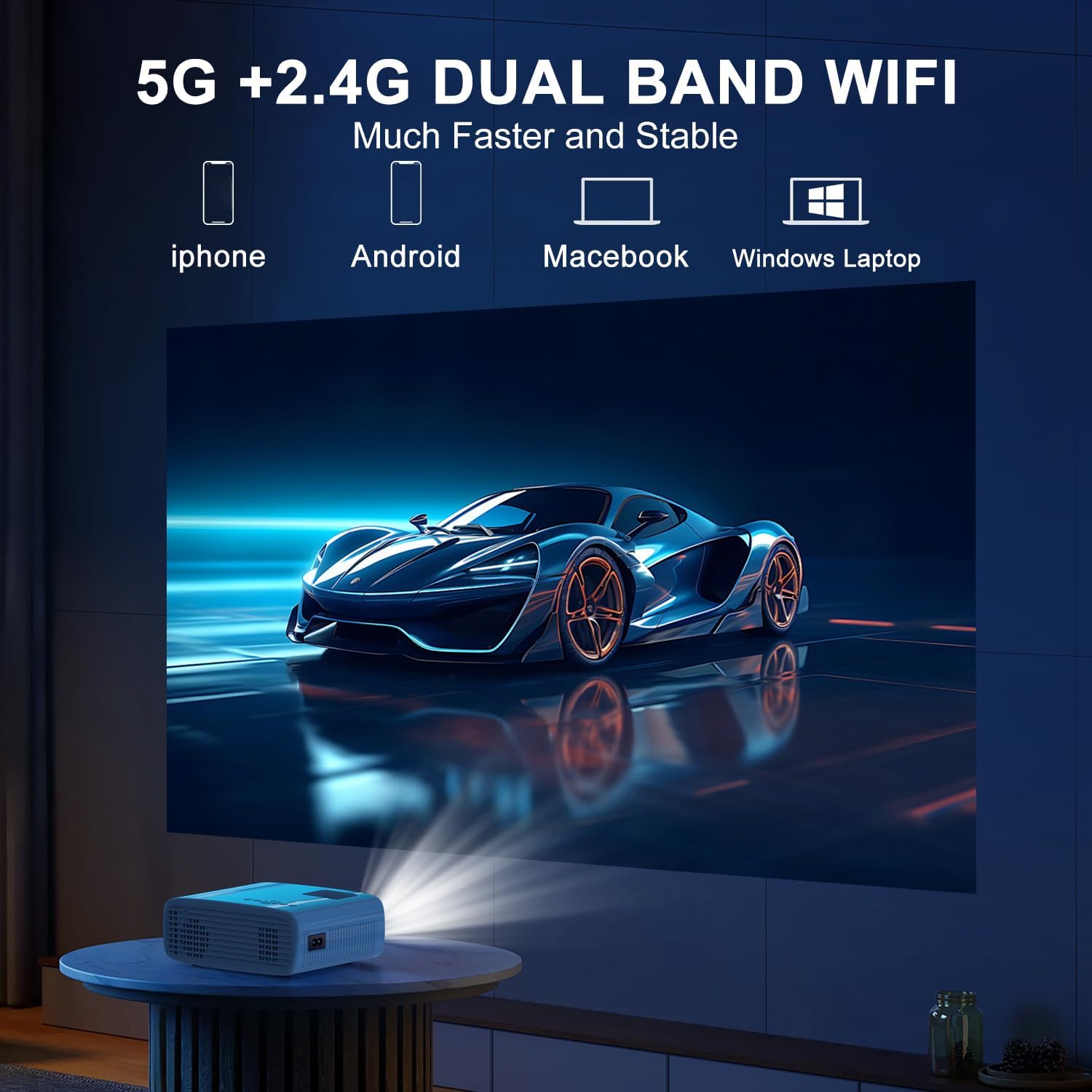
The projector supports 5G/2.4G dual-band WiFi for wireless screen mirroring from compatible smartphones, tablets, and laptops. Access the WiFi settings in the projector's menu to connect to your home network and initiate screen mirroring.

5.1.4 Bluetooth-Verbindung
The projector features two-way Bluetooth 5.2 technology. It can connect to external Bluetooth speakers or headphones for audio output. Additionally, it can function as a Bluetooth speaker itself, allowing you to connect your smartphone or tablet to play audio through the projector's built-in speakers.
Notiz:
- Bluetooth does not support screen mirroring with your phone.
- When connecting to external Bluetooth speakers, ensure the speaker is in pairing mode.
5.2 Zoomfunktion
The projector includes a 100% to 50% zoom function, allowing you to adjust the screen size digitally without physically moving the projector. This feature is accessible through the projector's menu settings.
5.3 Menünavigation
Use the remote control to navigate through the projector's on-screen menu. The menu allows you to select input sources, adjust picture settings (brightness, contrast, color), sound settings, and other system configurations.
6. Wartung
6.1 Reinigung
- Linse: Use the provided cleaning cloth or a soft, lint-free cloth to gently wipe the projector lens. Avoid abrasive materials.
- Exterieur: Reinigen Sie das Gehäuse des Projektors mit einem weichen, trockenen Tuch. Verwenden Sie keine flüssigen Reinigungs- oder Lösungsmittel.
- Belüftungsöffnungen: Die Lüftungsschlitze sollten regelmäßig überprüft und gereinigt werden, um einen ordnungsgemäßen Luftstrom zu gewährleisten und eine Überhitzung zu vermeiden.
6.2 Speicherung
Bewahren Sie den Projektor bei Nichtgebrauch an einem kühlen, trockenen Ort, geschützt vor direkter Sonneneinstrahlung und extremen Temperaturen, auf. Verwenden Sie die Originalverpackung oder eine Schutzhülle, um Staubansammlungen und Beschädigungen zu vermeiden.
7. Fehlerbehebung
- Kein Strom: Vergewissern Sie sich, dass das Netzkabel fest mit dem Projektor und der Steckdose verbunden ist. Prüfen Sie, ob die Steckdose funktioniert.
- Kein Bild: Verify that the correct input source is selected in the projector's menu. Check all cable connections (HDMI, USB).
- Verschwommenes Bild: Adjust the focus ring on the projector until the image is clear. Ensure the projection distance is within the recommended range.
- Bild nicht rechteckig: Use the keystone correction dial to adjust the image until it appears rectangular.
- Kein Ton: Überprüfen Sie die Lautstärkeeinstellungen sowohl am Projektor als auch am angeschlossenen Gerät. Falls Sie externe Lautsprecher verwenden, stellen Sie sicher, dass diese ordnungsgemäß angeschlossen und eingeschaltet sind.
- Sound/Video Lag: For screen mirroring, ensure a stable WiFi connection. For wired connections, try a different cable or port. Note that Bluetooth does not support screen mirroring and may introduce slight audio delay with external speakers.
- Überhitzung: Ensure the projector's air vents are not blocked. Operate the projector in a well-ventilated area.
8. Spezifikationen
| Besonderheit | Spezifikation |
|---|---|
| Marke | TMY |
| Modell | B0DMW2G124 |
| Bildschirmauflösung | Native Auflösung 1920 x 1080 (1080p) |
| Konnektivitätstechnologie | 3.5-mm-Klinkenanschluss, Bluetooth 5.2, HDMI, USB, WLAN (5 GHz/2.4 GHz) |
| Besondere Merkmale | 50%-100% Zoom, Built-In Cooling System, Two-way Bluetooth, Wi-Fi Ready |
| Empfohlene Verwendung | Gaming, Heimkino |
| Artikelgewicht | 2.51 Pfund |
| Verpackungsabmessungen | 9.09 x 8.7 x 4.17 Zoll |
| Farbe | Weiß+Schwarz |
9. Garantie und Support
For warranty information or technical support, please refer to the warranty card included in your product packaging or contact TMY customer service directly. Contact details can typically be found on the official TMY webWebsite oder über Ihre Einkaufsplattform.