
Einführung
Welcome to the user manual for your Noise Buds VS501 True Wireless Earbuds. This guide provides essential information to help you set up, operate, maintain, and troubleshoot your earbuds, ensuring an optimal audio experience. Please read this manual thoroughly before using the product.
Lieferumfang
Upon unboxing your Noise Buds VS501, you should find the following items:
- 1N Bluetooth-Kopfhörer (Ohrhörer)
- 1N Ladeetui
- 1N Charging Cable (Type-C)
- 1N Benutzerhandbuch
- 1N Garantieregistrierungskarte
Produkt überview
The Noise Buds VS501 are designed for a seamless audio experience with advanced features. Familiarize yourself with the components:
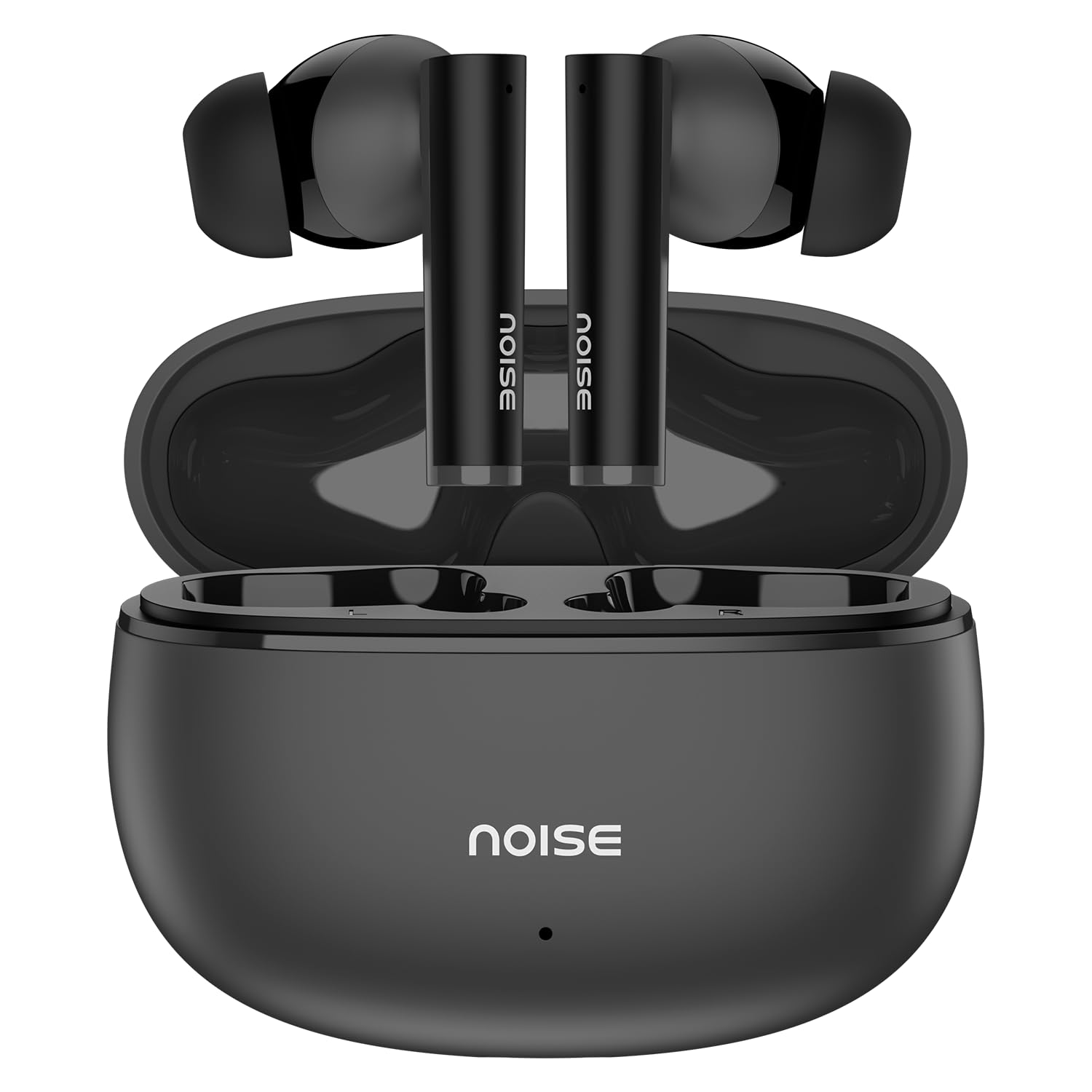
Image: Noise Buds VS501 True Wireless Earbuds, showcasing ihr elegantes Design.
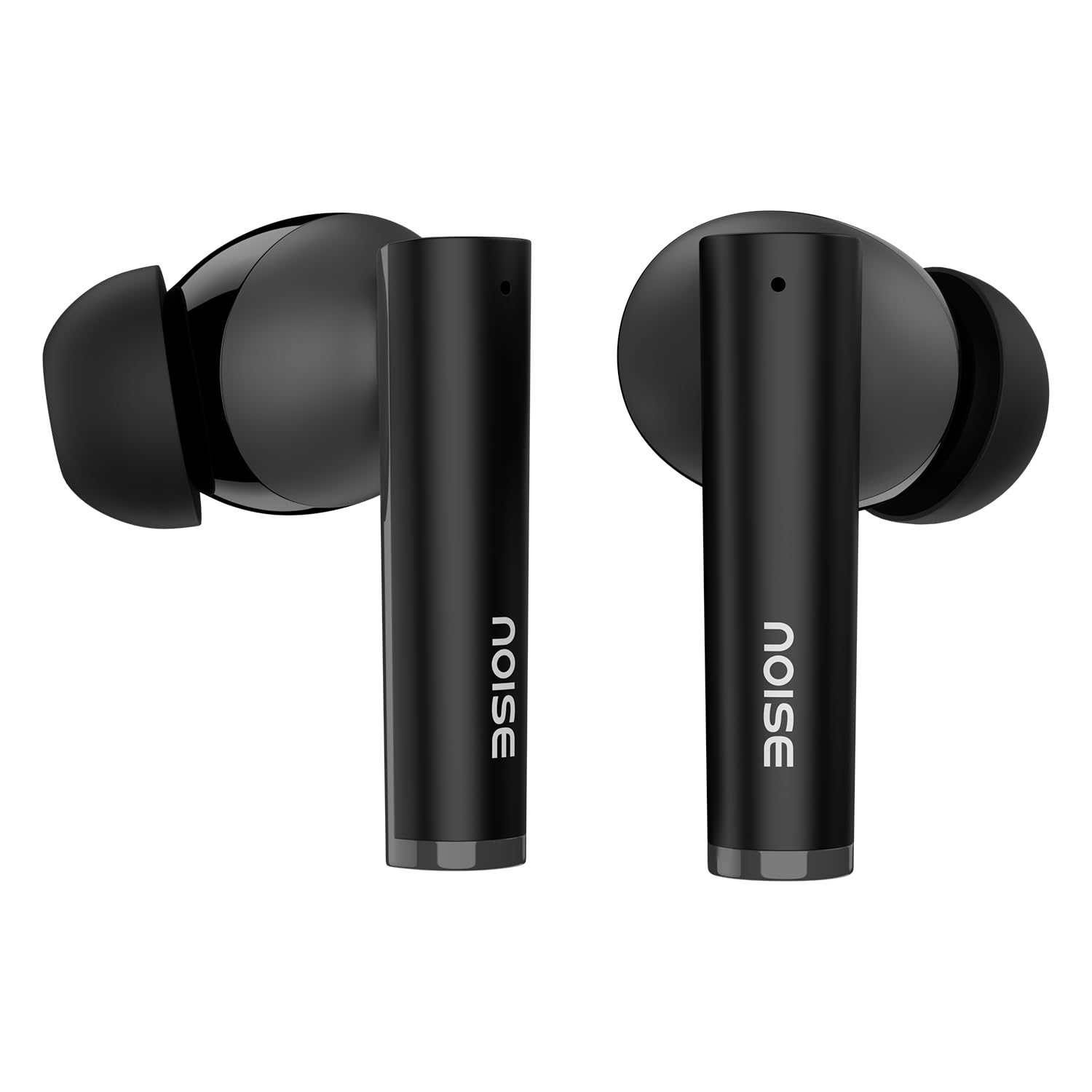
Bild: Ein überview of key features including Bluetooth 5.3, 50 hours playtime, IPX5 water resistance, dual-device pairing, Quad Mic ENC, Trubass, dual color tones, and 10mm drivers.
The earbuds feature a 10 mm dynamischer Treiber for rich sound and Vierfach-Mikrofon mit Umgebungsgeräuschunterdrückung (ENC) for clear calls. The charging case provides extended battery life, offering up to 50 Stunden Gesamtspielzeit.
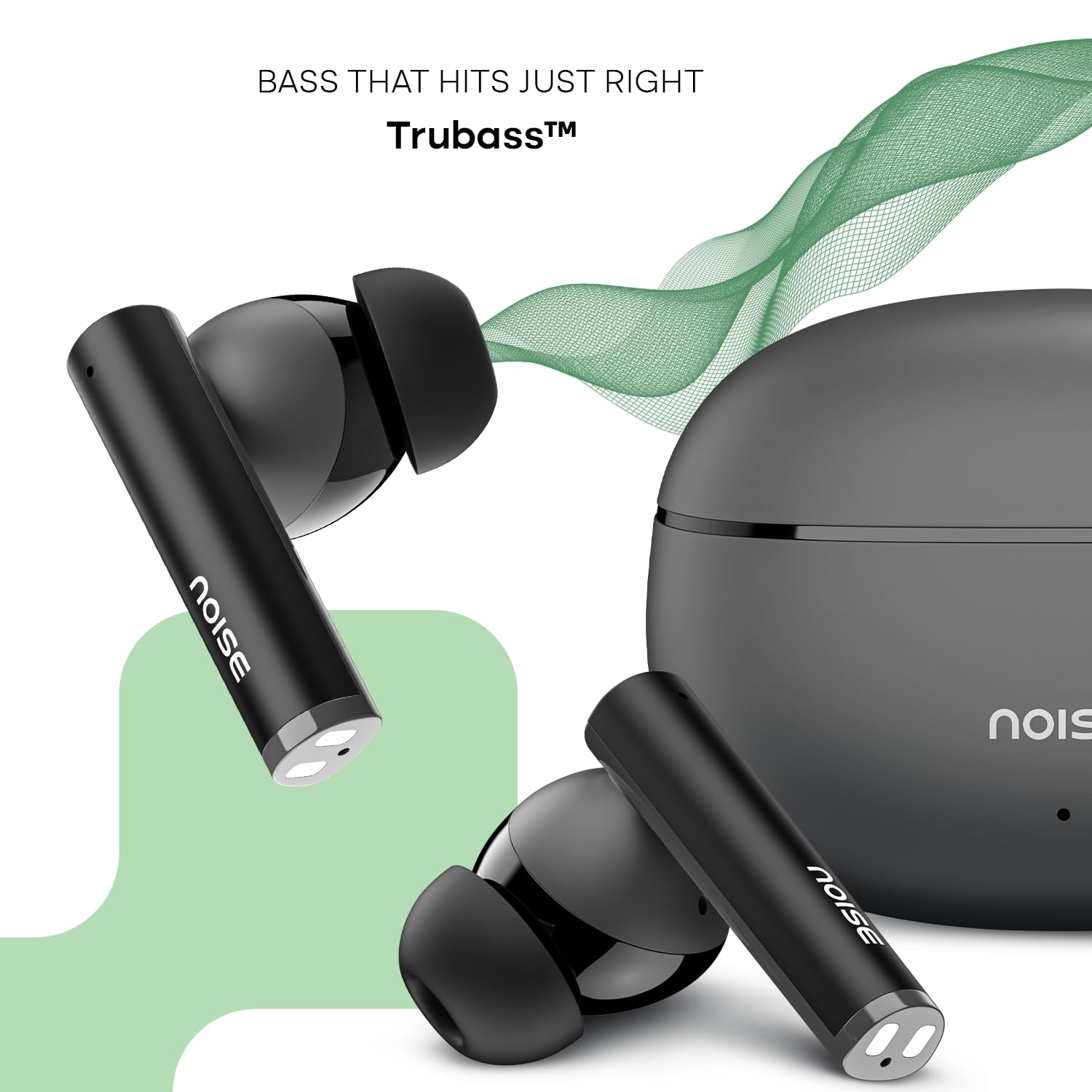
Image: Close-up of a single Noise Buds VS501 earbud, highlighting the 10mm driver for amplimitiertes Audio.
Aufstellen
Aufladen der Ohrhörer und des Gehäuses
Vor dem ersten Gebrauch die Ohrhörer und das Ladecase vollständig aufladen.
- Legen Sie die Ohrhörer in das Ladecase. Achten Sie darauf, dass sie richtig sitzen.
- Connect the Type-C charging cable to the charging port on the case and the other end to a power source.
- The indicator light on the charging case will show the charging status. Once fully charged, the indicator may change or turn off.
The charging case provides multiple charges for the earbuds, extending the total listening time.
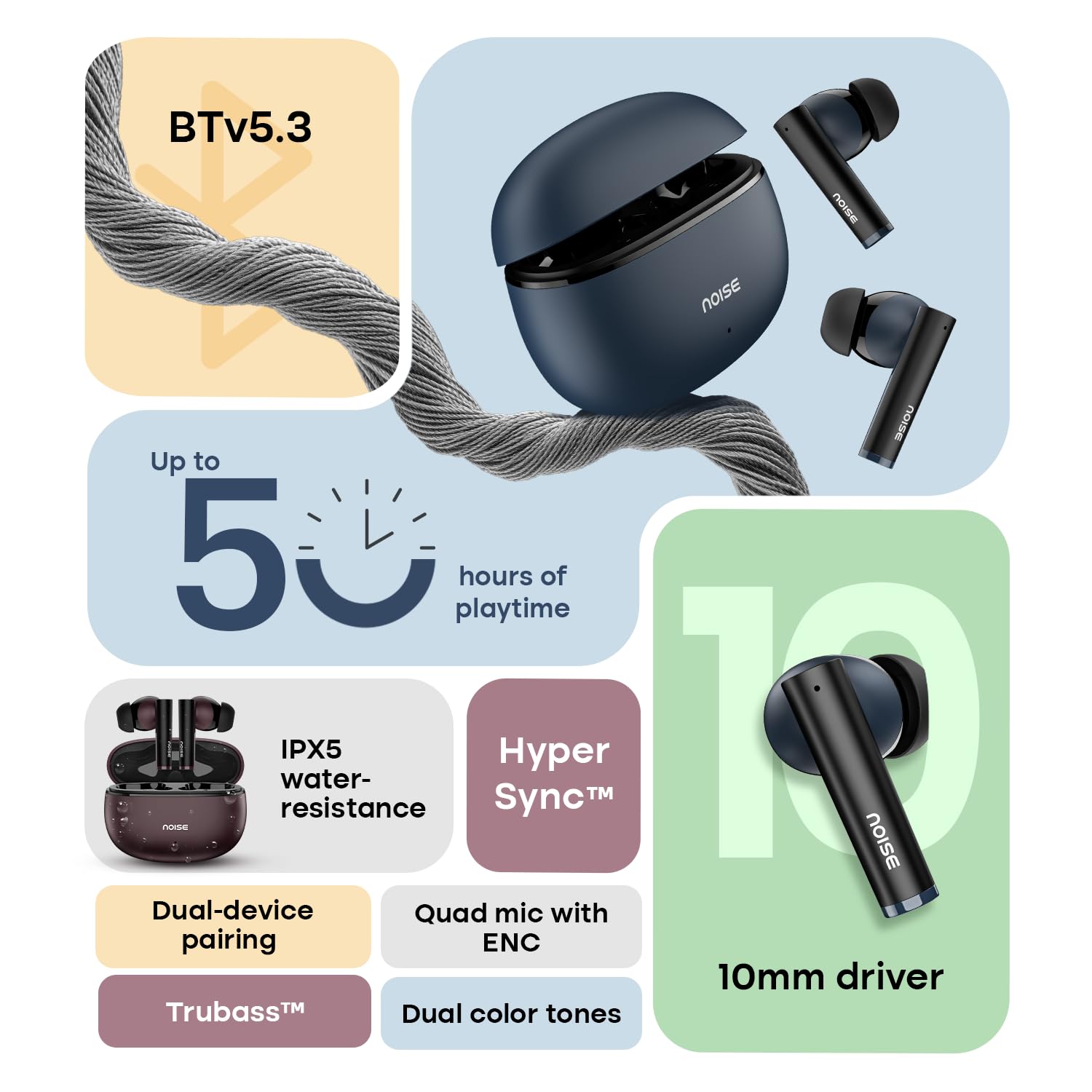
Image: The Noise Buds VS501 charging case, emphasizing its capability for up to 50 hours of playtime.
Koppeln mit Ihrem Gerät
The Noise Buds VS501 feature HyperSync™ for quick pairing.
- Öffnen Sie das Ladeetui. Die Ohrhörer wechseln automatisch in den Kopplungsmodus.
- Aktivieren Sie Bluetooth auf Ihrem Gerät (Smartphone, Tablet, Laptop).
- Suchen nach available Bluetooth devices and select "Noise Buds VS501" from the list.
- Sobald die Verbindung hergestellt ist, hören Sie eine akustische Benachrichtigung, und die Ohrhörer sind einsatzbereit.
Bei der nächsten Verwendung verbinden sich die Ohrhörer beim Herausnehmen aus dem Ladecase automatisch mit dem zuletzt gekoppelten Gerät.
Betrieb
Touch-Bedienelemente
The earbuds are equipped with touch-sensitive controls for various functions:
- Abspielen/Pause: Tippen Sie einmal auf einen der Ohrhörer.
- Nächster Titel: Doppeltippen Sie auf den rechten Ohrhörer.
- Vorheriges Lied: Doppeltippen Sie auf den linken Ohrhörer.
- Anruf annehmen/beenden: Tippen Sie einmal auf einen der Ohrhörer.
- Anruf ablehnen: Halten Sie einen der Ohrhörer 2 Sekunden lang gedrückt.
- Sprachassistent aktivieren (Siri/Google Assistant): Dreimaliges Tippen auf einen der Ohrhörer.
Kopplung von zwei Geräten
The Noise Buds VS501 support dual device pairing, allowing seamless switching between two connected devices.
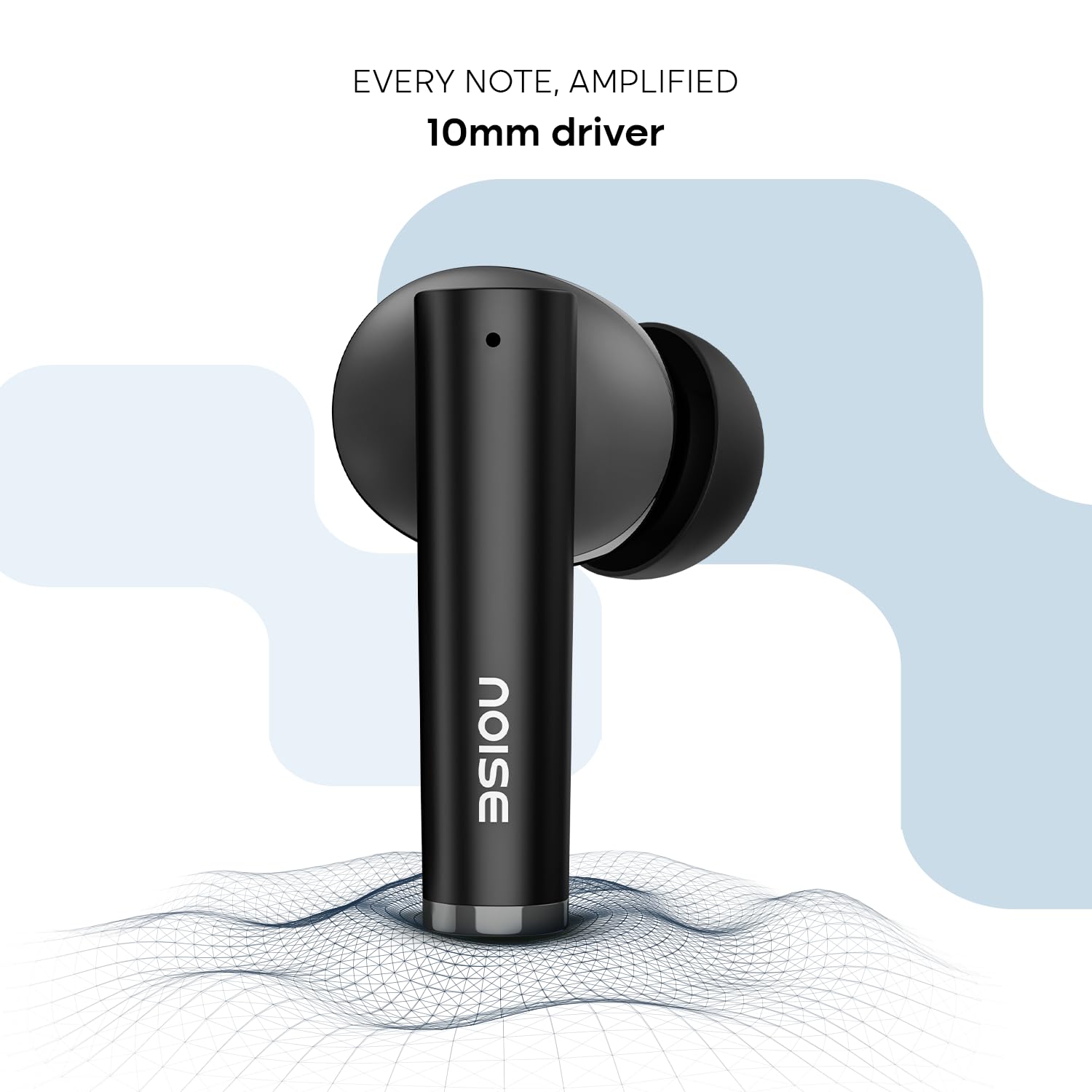
Image: Noise Buds VS501 connected to both a smartphone and a tablet, illustrating the dual-device pairing feature.
So verwenden Sie diese Funktion:
- Koppeln Sie die Ohrhörer mit Ihrem ersten Gerät (z. B. Smartphone).
- Disconnect the earbuds from the first device's Bluetooth settings. The earbuds will re-enter pairing mode.
- Koppeln Sie die Ohrhörer mit Ihrem zweiten Gerät (z. B. Laptop).
- Now, the earbuds are paired with both devices. To switch, simply play audio or answer a call on the desired device, and the earbuds will automatically connect.
Anrufen
Der Quad Mic with ENC (Environmental Noise Cancellation) ensures clear voice transmission during calls, even in noisy environments.
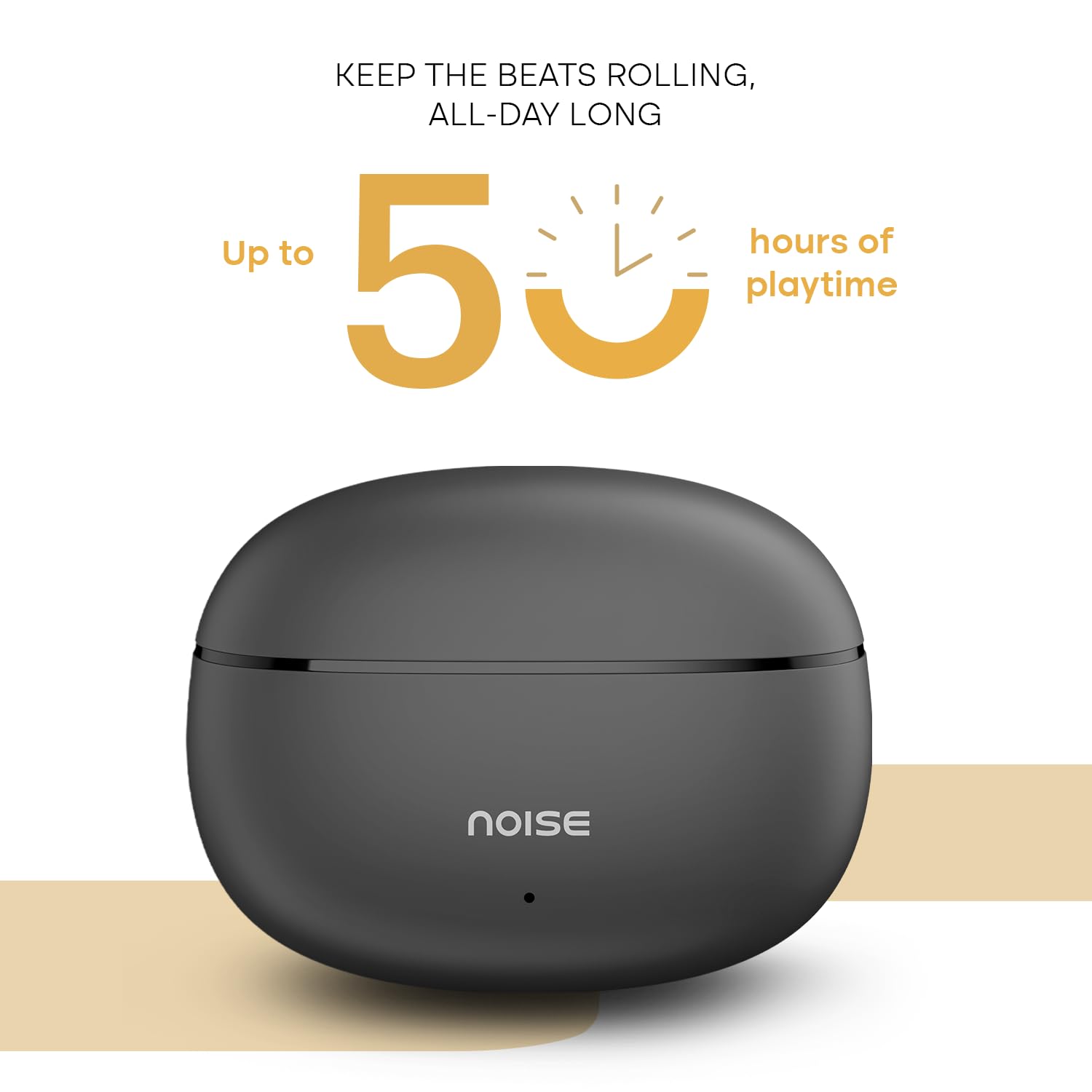
Image: A person wearing a Noise Buds VS501 earbud, illustrating the Quad Mic with ENC feature for clear conversations.
Wartung
Proper maintenance ensures the longevity and optimal performance of your Noise Buds VS501.
- Reinigung: Reinigen Sie die Ohrhörer und das Ladecase regelmäßig mit einem weichen, trockenen und fusselfreien Tuch. Verwenden Sie keine scharfen Chemikalien oder Scheuermittel.
- Wasserbeständigkeit: Die Ohrhörer sind IPX5 wasserdicht, meaning they can withstand splashes and sweat. Do not submerge them in water or expose them to heavy rain.
- Lagerung: Bewahren Sie die Ohrhörer bei Nichtgebrauch im Ladecase auf, um sie zu schützen und geladen zu halten. Lagern Sie sie an einem kühlen, trockenen Ort und schützen Sie sie vor extremen Temperaturen.
- Ladeanschluss: Halten Sie den USB-C-Ladeanschluss frei von Staub und Schmutz.
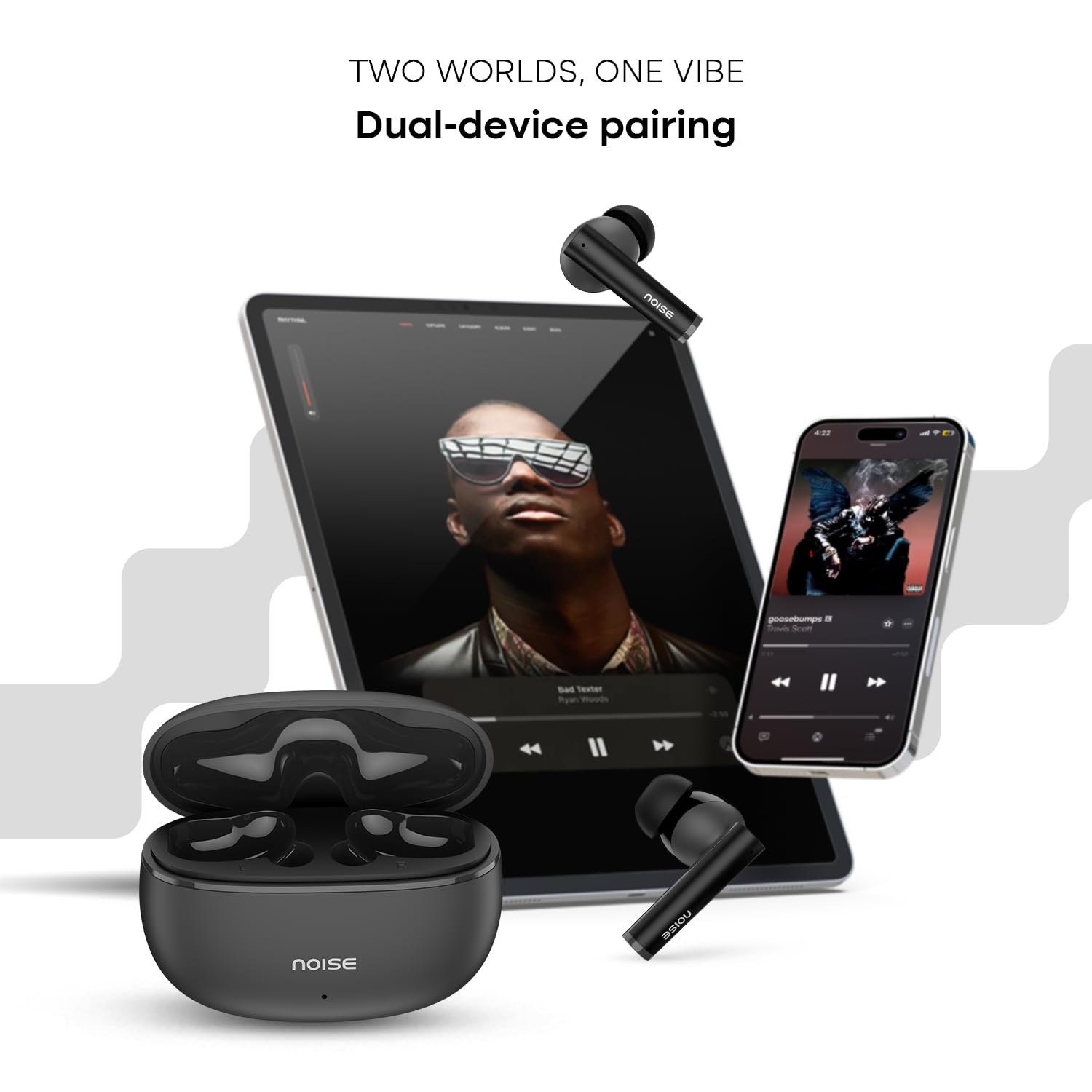
Image: Visual representation of HyperSync, Bluetooth v5.3, and IPX5 water resistance features of the Noise Buds VS501.
Fehlerbehebung
If you encounter issues with your Noise Buds VS501, refer to the following common solutions:
- Ohrhörer verbinden sich nicht:
- Stellen Sie sicher, dass beide Ohrhörer aufgeladen sind.
- Schalten Sie Bluetooth auf Ihrem Gerät aus und wieder ein.
- Forget "Noise Buds VS501" from your device's Bluetooth list and try pairing again.
- Perform a factory reset (refer to the manufacturer's website or contact support for specific instructions).
- Nur ein Ohrhörer funktioniert:
- Legen Sie beide Ohrhörer zurück in das Ladecase, schließen Sie den Deckel, warten Sie einige Sekunden und öffnen Sie ihn dann wieder.
- Stellen Sie sicher, dass beide Ohrhörer aufgeladen sind.
- Reinigen Sie die Ladekontakte an beiden Ohrhörern und im Ladecase.
- Führen Sie einen Werksreset durch.
- Probleme beim Aufladen:
- Stellen Sie sicher, dass das Ladekabel sowohl mit dem Gehäuse als auch mit der Stromquelle fest verbunden ist.
- Versuchen Sie es mit einem anderen USB-C-Ladekabel und Netzteil.
- Reinigen Sie den Ladeanschluss am Gehäuse.
- Geringe Lautstärke oder schlechte Tonqualität:
- Stellen Sie die Lautstärke auf Ihrem verbundenen Gerät ein.
- Stellen Sie sicher, dass die Ohrhörer richtig in Ihren Ohren sitzen.
- Entfernen Sie Ohrenschmalz oder Ablagerungen von den Ohrstöpseldüsen.
Technische Daten
| Marke | Lärm |
| Modellname | Knospen VS501 |
| Modellnummer | AUD-HDPHN-BUDSVS501-BLK |
| Platzierung des Ohrs | Im Ohr |
| Formfaktor | Echtes Wireless |
| Bluetooth-Version | 5.3 |
| Bluetooth-Reichweite | 10 Meter |
| Durchschnittliche Batterielebensdauer | 50 Hours (Total Playtime with Case) |
| Größe des Audiotreibers | 10 Millimeter |
| Produkteigenschaften | Noise Cancellation (ENC), Dual Device Pairing |
| Wasserbeständigkeit | IPX5 Wasserbeständig |
| Kopfhöreranschluss | USB-C-Schnellladebuchse |
| Kontrollmethode | Stimme, Berührung |
| Controllertyp | Google Assistant, Siri |
| Artikelgewicht | 50 Gramm |
| Material | Polycarbonat (PC) |
Garantie und Support
Garantieinformationen
Your Noise Buds VS501 come with a 1 Jahr Garantie Die Garantie wird vom Hersteller ab Kaufdatum gewährt. Bitte bewahren Sie Ihren Kaufbeleg für Garantieansprüche auf.
Kundenservice
For any technical assistance, warranty claims, or product-related inquiries, please contact Noise customer support:
- Hersteller: Nexxbase Marketing Pvt. Ltd
- Adresse: Khasra Nr. 146/25/2/1, Jail Road Badshahpur, Gurugram Haryana-122101
- Kontaktnummer: 8882-132-132