
Einführung
Welcome to the EDYELL A1 Wireless Earbuds user manual. These earbuds are designed to provide a high-quality audio experience with advanced features such as Active Noise Cancellation (ANC), powerful dynamic drivers, and convenient Type-C fast charging. This manual will guide you through the setup, operation, and maintenance of your new earbuds.
Lieferumfang
Bitte überprüfen Sie den Inhalt Ihres Pakets. Sollten Artikel fehlen oder beschädigt sein, kontaktieren Sie bitte unseren Kundenservice.
- 1 Pair of EDYELL A1 Wireless Earbuds
- 1 Ladekoffer
- 1 Typ-C-Ladekabel
- 2 Pairs of Earplugs (different sizes)
- 1 Benutzerhandbuch

Image: EDYELL A1 Wireless Earbuds, showing both earbuds and the charging case.
Produkteigenschaften
- Aktive Geräuschunterdrückung (ANC): Up to 35dB noise reduction for an immersive audio experience.
- Dynamische Treiber: Equipped with 13mm Titanized Diaphragm Drivers for deep bass and clear treble.
- Kristallklare Anrufe: Four built-in microphones per earbud with CVC8.0 and anti-wind algorithms for enhanced call clarity.
- Touch-Steuerung: Intuitive touch controls for managing music, calls, and ANC modes.
- Lange Akkulaufzeit: Up to 48 hours of music playback with the charging case.
- Schnelles Laden: Type-C port for quick and efficient charging.
- Wasserfest: Designed to be water resistant for durability.
- Bluetooth 5.3: Advanced Bluetooth connectivity for stable and seamless wireless pairing.

Image: Infographic highlighting key features of the EDYELL A1 earbuds, such as 35dB ANC, 100 hours playtime (total with case), Bluetooth 5.3, touch control, IPX5 water resistance, comfort fit, noise-canceling technology, and 13mm dynamic drivers.

Image: Detailed diagram illustrating the 4-microphone system with CVC8.0 technology for clear calls, highlighting anti-wind noise design, feedback microphone, and talk microphone, which contribute to 90% background noise reduction.

Bild: Eine explodierte view of the 13mm dynamic driver, showcasing its components and emphasizing its capability to deliver HIFI stereo sound with dynamic treble and deep bass.
Installationshandbuch
1. Aufladen der Ohrhörer und des Ladecase
Vor dem ersten Gebrauch die Ohrhörer und das Ladecase vollständig aufladen.
- Legen Sie die Ohrhörer in das Ladeetui.
- Verbinden Sie das Typ-C-Ladekabel mit dem Ladeanschluss am Gehäuse und mit einer USB-Stromquelle.
- Die Kontrollleuchten am Gehäuse zeigen den Ladestatus an. Sobald der Ladevorgang abgeschlossen ist, leuchten die Leuchten entweder auf oder erlöschen.
Notiz: A full charge provides up to 48 hours of music playback with the charging case. The earbuds themselves offer 5-6 hours of music time per charge, and the case can provide multiple recharges.
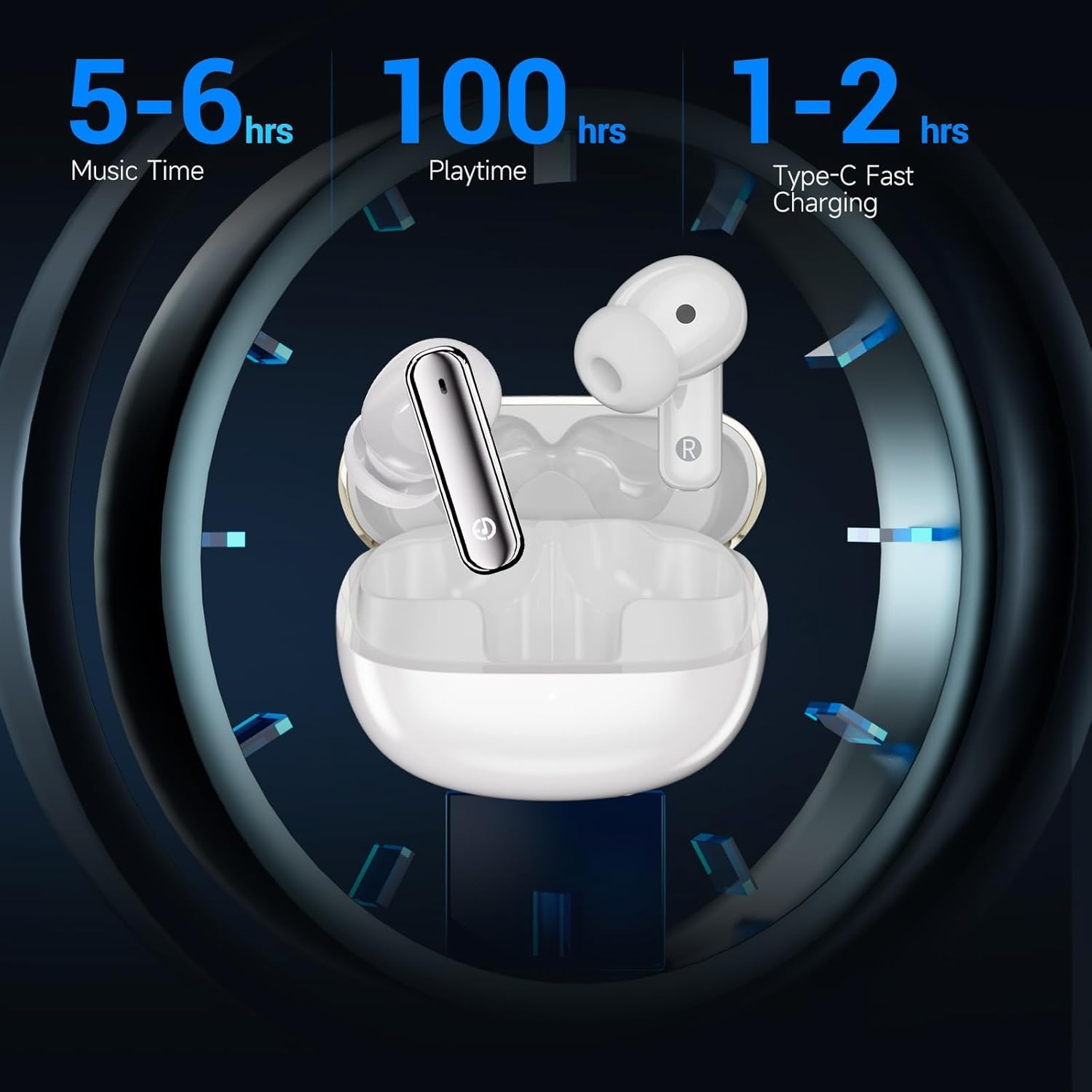
Image: Visual representation of the EDYELL A1 earbuds in their charging case, illustrating battery performance with 5-6 hours of music time per earbud charge, up to 100 hours total playtime with the charging case, and 1-2 hours for Type-C fast charging of the case.
2. Koppeln mit Ihrem Gerät
- Öffnen Sie das Ladeetui. Die Ohrhörer wechseln automatisch in den Kopplungsmodus.
- Gehen Sie auf Ihrem Gerät (Smartphone, Tablet, Laptop) zu den Bluetooth-Einstellungen.
- Suchen nach available devices and select "EDYELL A1" from the list.
- Sobald die Verbindung hergestellt ist, hören Sie einen Bestätigungston, und die Ohrhörer sind einsatzbereit.
The earbuds feature Bluetooth 5.3 for a stable and efficient connection with various Bluetooth-enabled devices.
Bedienungsanleitung
Touch-Bedienelemente
The EDYELL A1 earbuds feature intuitive touch controls on each earbud. The specific functions may vary slightly, but common controls include:
| Aktion | Funktion |
|---|---|
| Einmaliges Tippen (Links/Rechts) | Musik abspielen/pausieren, Anruf annehmen/beenden |
| Doppeltippen (rechts) | Nächster Titel |
| Doppeltippen (links) | Vorheriger Titel |
| Dreifachtippen (Links/Rechts) | Sprachassistent aktivieren |
| Langes Drücken (Links/Rechts) | Toggle ANC/Transparency Mode (approx. 2 seconds) |
| Langes Drücken (bei eingehendem Anruf) | Anruf ablehnen |
Aktive Geräuschunterdrückung (ANC)
The EDYELL A1 earbuds feature Active Noise Cancellation to reduce ambient noise. To switch between ANC mode, Transparency mode, and Normal mode, long-press the touch sensor on either earbud for approximately 2 seconds. A voice prompt will confirm the mode change.
- ANC-Modus: Reduziert Außengeräusche für ein intensives Hörerlebnis.
- Transparenzmodus: Ermöglicht es Ihnen, Ihre Umgebung wahrzunehmen, während Sie Audioinhalte hören, wodurch Ihre Wahrnehmung geschärft wird.
- Normalmodus: Standard-Audiowiedergabe ohne Rauschunterdrückung oder Transparenzmodus.
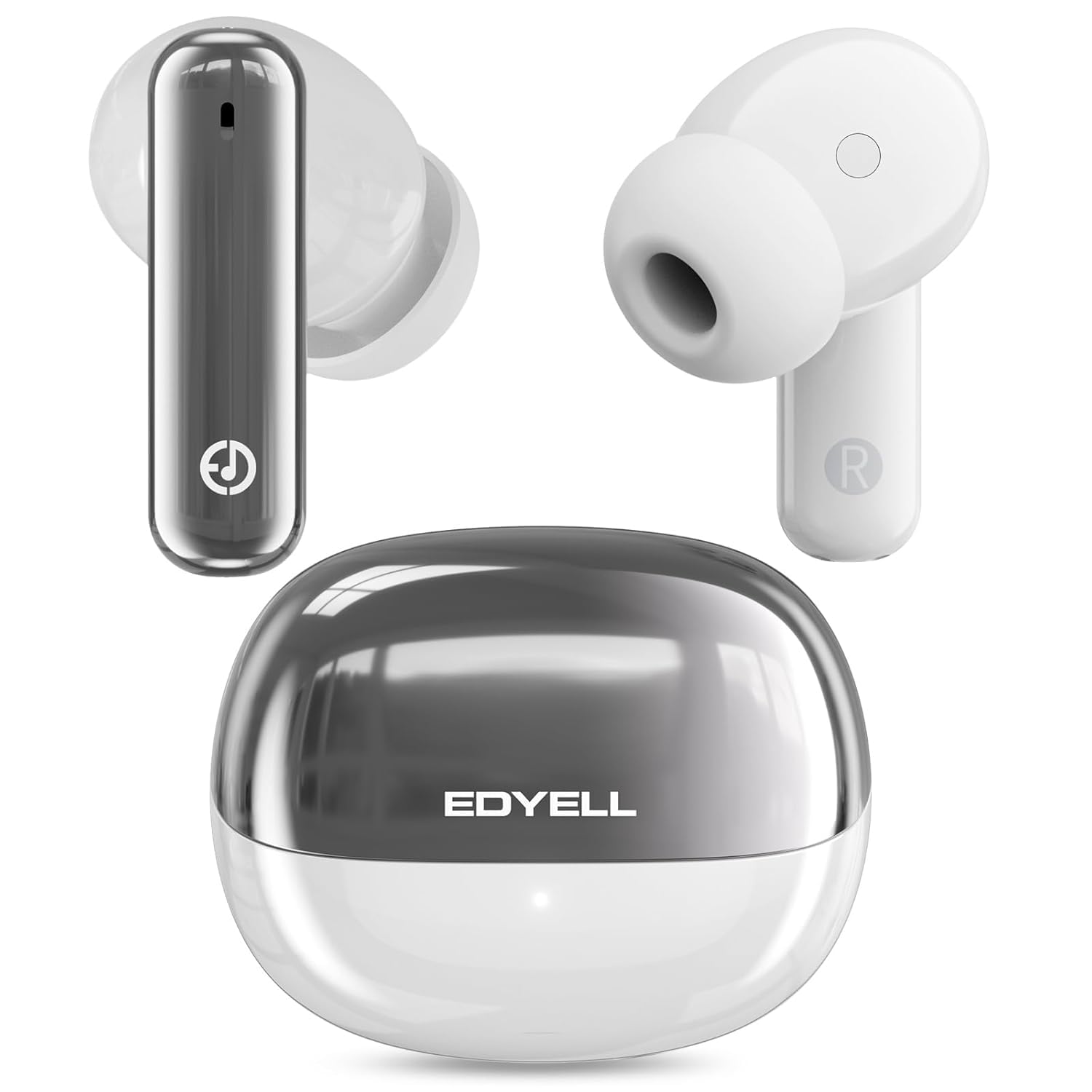
Image: A visual representation of the 35dB Active Noise Cancellation feature of the EDYELL A1 earbuds, depicting sound waves being eliminated for a quieter listening experience.
Wartung und Pflege
- Reinigung: Reinigen Sie die Ohrhörer und das Ladecase regelmäßig mit einem weichen, trockenen Tuch. Verwenden Sie keine scharfen Chemikalien oder scheuernden Materialien.
- Wasserbeständigkeit: The earbuds are water resistant. Avoid submerging them in water or exposing them to excessive moisture for prolonged periods. Dry them thoroughly if they get wet.
- Lagerung: Bewahren Sie die Ohrhörer bei Nichtgebrauch in ihrem Ladeetui auf, um sie zu schützen und geladen zu halten.
- Temperatur: Setzen Sie die Ohrhörer keinen extremen Temperaturen (Hitze oder Kälte) aus, da dies die Lebensdauer und Leistung der Batterie beeinträchtigen kann.
Fehlerbehebung
| Problem | Lösung |
|---|---|
| Ohrhörer lassen sich nicht koppeln | Ensure earbuds are charged. Turn off and on Bluetooth on your device. Forget "EDYELL A1" from your device's Bluetooth list and re-pair. |
| Nur ein Ohrhörer funktioniert | Legen Sie beide Ohrhörer zurück in das Ladecase, schließen Sie es und öffnen Sie es anschließend wieder. Stellen Sie sicher, dass beide Ohrhörer geladen sind. Koppeln Sie die Ohrhörer erneut mit Ihrem Gerät. |
| Geringe Lautstärke oder schlechte Klangqualität | Adjust volume on your device. Ensure earbuds are clean and free of debris. Try different earplug sizes for a better seal. |
| Ohrhörer werden nicht aufgeladen | Überprüfen Sie das Ladekabel und die Stromquelle. Stellen Sie sicher, dass die Ladekontakte an den Ohrhörern und am Ladecase sauber sind. |
| ANC nicht effektiv | Ensure earbuds are properly seated in your ears for a good seal. Toggle ANC mode to ensure it's active. |
Technische Daten
| Besonderheit | Detail |
|---|---|
| Modellname | FM-Earbuds-A1 |
| Bluetooth-Version | 5.3 |
| Lärmschutz | Aktive Geräuschunterdrückung (bis zu 35 dB) |
| Größe des Audiotreibers | 13 mm dynamische Treiber |
| Mikrofone | 4-built-in microphones with CVC8.0 |
| Akkulaufzeit (Ohrhörer) | 5-6 hours music time |
| Gesamtspielzeit (mit Hülle) | Bis zu 48 Stunden |
| Ladeanschluss | Typ C |
| Wasserbeständigkeit | Wasserdicht (IPX5) |
| Steuerungstyp | Touch-Steuerung |
| Kompatible Geräte | Smartphones, Tablets, Laptops, Bluetooth-fähige Geräte |
| Artikelgewicht | 100 Gramm |
Garantie und Support
Garantie: The EDYELL A1 Wireless Earbuds come with a 12-month EDYELL India Warranty. The warranty is valid for 15 months from the date of purchase.
Kundendienst: For any quality problems or warranty-related inquiries, please contact EDYELL India customer care:
- E-Mail: support@fenman.in
- Telefon: +91 8882786235
- You can also contact us via Amazon.
Produktvideo überview
Video: Ein Beamter überview of the EDYELL A1 Wireless Earbuds, highlighting key features, battery life, design, and device compatibility.