
Einführung
This manual provides comprehensive instructions for the assembly, operation, maintenance, and troubleshooting of your FLEXISPOT One-Piece Electric Standing Desk. Please read this manual thoroughly before assembly and use to ensure proper function and safety. Keep this manual for future reference.

Image: The FLEXISPOT One-Piece Electric Standing Desk, featuring a black desktop and black frame, set up with a laptop and monitor.
Einrichtung und Montage
Your FLEXISPOT Electric Standing Desk is designed for straightforward assembly. The desk ships in two separate packages, which may arrive at different times. Please ensure all components are present before beginning assembly.
Erforderliche Werkzeuge (nicht im Lieferumfang enthalten):
- Electric drill (recommended for faster assembly)
Montageschritte:
- Packen Sie alle Bauteile aus und überprüfen Sie sie anhand der Teileliste in der separaten Montageanleitung.
- Attach the desk legs to the desktop frame. The main bracket and motor are pre-attached for convenience.
- Secure the desktop to the frame. The desktop is a single, seamless piece, 1 inch thick, providing enhanced stability.
- Connect the control panel and power cables according to the wiring diagram in the assembly guide.
- Install any optional accessories, such as the headphone hooks, if desired.
Wichtig: Always follow the detailed assembly instructions included in your product packaging. Ensure all screws are tightened securely to prevent instability. Do not exceed the maximum weight recommendation of 132 pounds.

Bild: Eine Nahaufnahme view highlighting the seamless, one-piece desktop with rounded edges, emphasizing its solid construction.
Bedienungsanleitung
The FLEXISPOT Electric Standing Desk features an intuitive control panel for easy height adjustment and memory presets.
Höhenverstellung:
- Verwenden Sie die Up Und Runter arrow buttons on the control panel to adjust the desk height.
- Der Schreibtisch lässt sich von einer minimalen Höhe von 28.1 Zoll bis zu einer maximalen Höhe von 45.7 Zoll verstellen.
- The motor operates quietly, under 50 dB, ensuring minimal disruption to your workspace.
Speichervoreinstellungen:
The desk includes four programmable memory height presets, allowing you to save and recall your preferred sitting and standing positions instantly.
- Stellen Sie den Schreibtisch mithilfe der Auf-/Ab-Tasten auf die gewünschte Höhe ein.
- Drücken Sie die 'M' button (or similar memory set button, refer to your control panel diagram).
- Drücken Sie sofort eine der nummerierten voreingestellten Tasten (1, 2, 3 oder 4) um die aktuelle Höhe an dieser Position zu speichern.
- Um eine gespeicherte Höhe abzurufen, drücken Sie einfach die entsprechende nummerierte Voreinstellungstaste. Der Schreibtisch fährt automatisch in die gespeicherte Position.

Bild: Eine detaillierte view of the smart control panel, showing the LED display for height, up/down buttons, and four memory preset buttons.

Image: A visual representation of the desk's height adjustment range, indicating minimum (28.1 inches) and maximum (45.7 inches) heights.
Wartung
Regelmäßige Wartung gewährleistet die Langlebigkeit und optimale Leistung Ihres Stehtisches.
- Reinigung: Wischen Sie die Tischplatte und den Rahmen mit einem weichen, fusselfreien Tuch ab.amp Verwenden Sie kein scheuerndes Reinigungsmittel oder aggressive Chemikalien, die die Oberfläche beschädigen könnten.
- Kabelmanagement: Die Kabel sollten regelmäßig überprüft und geordnet werden, um ein Verheddern zu vermeiden und einen reibungslosen Betrieb bei Höhenverstellungen zu gewährleisten.
- Gewichtsbeschränkung: Do not exceed the maximum weight capacity of 132 pounds. Overloading can strain the motor and frame.
- Umgebungsbedingungen: Keep the desk away from direct heat sources and excessive moisture.
- Überprüfung der Befestigungselemente: Überprüfen Sie gelegentlich alle Schrauben und Befestigungselemente, um sicherzustellen, dass sie fest sitzen. Ziehen Sie sie gegebenenfalls nach.
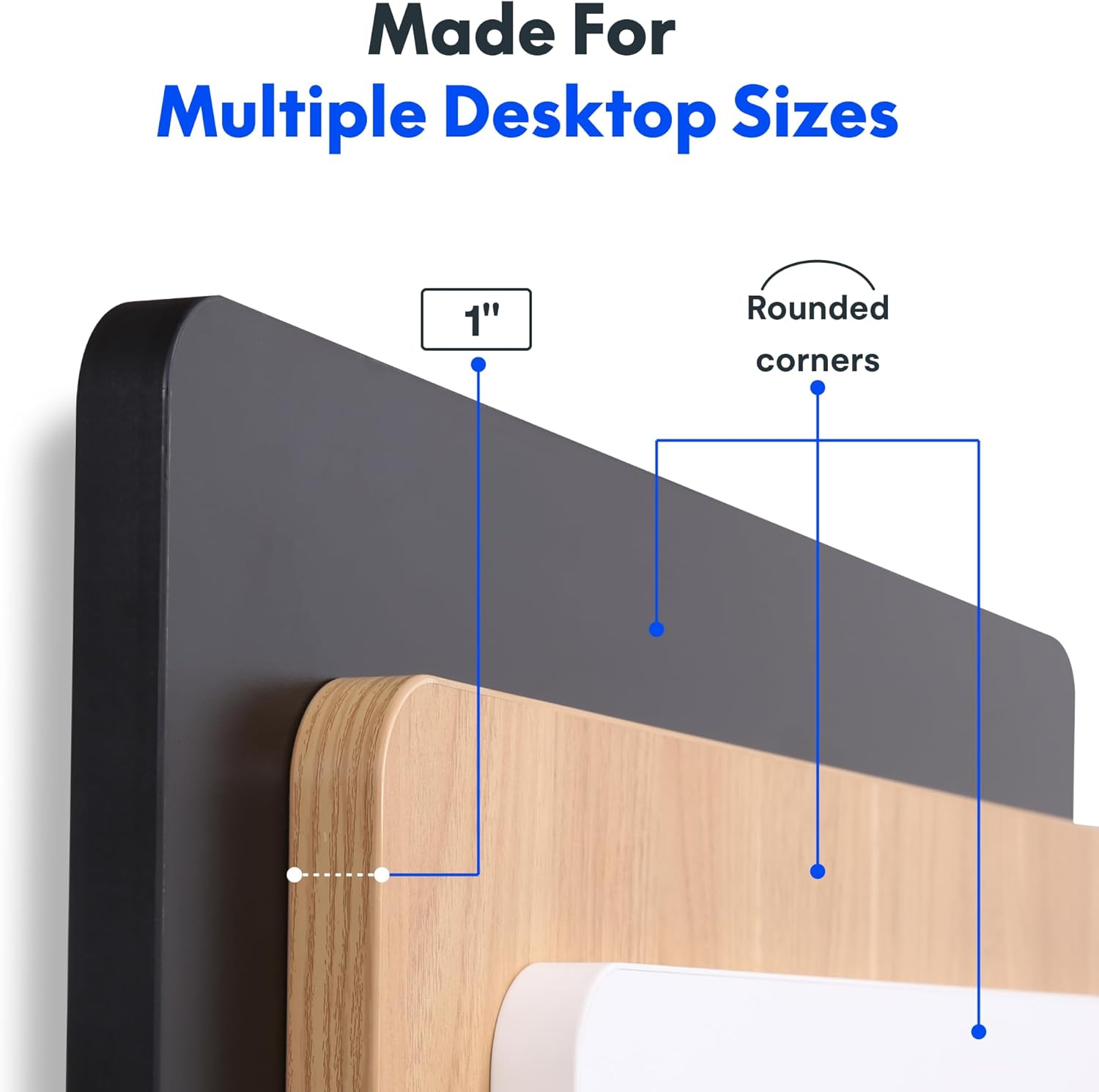
Image: The desk in operation, illustrating its smooth and quiet movement, ideal for maintaining concentration.
Fehlerbehebung
If you encounter issues with your FLEXISPOT Electric Standing Desk, refer to the following common problems and solutions.
Desk Not Adjusting Height:
- Stromanschluss: Stellen Sie sicher, dass das Netzkabel sowohl am Schreibtisch als auch an einer funktionierenden Steckdose fest angeschlossen ist.
- Kabelverbindungen: Check all cables connecting the control panel to the motor and power supply for secure connections.
- Überlast: Verify that the weight on the desk does not exceed the maximum capacity of 132 pounds. Remove excess weight and try again.
- Vorgehensweise zum Zurücksetzen: Consult your specific assembly guide for any factory reset procedures for the control panel.
Unusual Noises During Adjustment:
- Klickgeräusch: A clicking sound, particularly when lowering, may indicate an issue with the motor or leg mechanism. Ensure the desk is not overloaded. If the issue persists, contact customer support.
- Wackeln: Ensure all assembly screws are tightly secured. Check that the desk is on a level surface.
Sollten diese Schritte das Problem nicht beheben, konsultieren Sie bitte den Abschnitt über Garantie und Support für weitere Hilfe.
Technische Daten
Detailed specifications for the FLEXISPOT One-Piece Electric Standing Desk (48x24 inch model).

Image: A diagram illustrating the key dimensions of the desk: 48 inches in width, 24 inches in depth, and a 1-inch desktop thickness.
| Besonderheit | Detail |
|---|---|
| Marke | FLEXISPOT |
| Modell | One-Piece Electric Standing Desk 48x24 |
| Abmessungen der Tischplatte (B x T) | 48 Zoll x 24 Zoll |
| Desktop-Dicke | 1 Zoll |
| Höhenverstellbereich | 28.1 Zoll (min.) bis 45.7 Zoll (max.) |
| Motorgeräuschpegel | Unter 50 dB |
| Speichervoreinstellungen | 4 |
| Maximale Gewichtskapazität | 132 Pfund |
| Rahmenmaterial | Legierter Stahl |
| Desktop-Material | Holzwerkstoff |
| Farbe | Schwarzes Oberteil + schwarzer Rahmen |
| Besondere Merkmale | One-Piece Desktop, Headphone Hook |
| Montage erforderlich | Ja |

Bild: Eine Nahaufnahme view of the desk's underside, highlighting the two convenient headphone hooks for storage.
Garantieinformationen
FLEXISPOT provides the following warranty for your Electric Standing Desk:
- Frame, Motor, and Mechanical Parts: 5 Jahre eingeschränkte Garantie.
- Elektronische Bauteile: 2 Jahre eingeschränkte Garantie.
This warranty covers defects in materials and workmanship under normal use. Please retain your proof of purchase for warranty claims. For specific terms and conditions, refer to the warranty documentation included with your product or visit the official FLEXISPOT webWebsite.
Kundenservice
For further assistance, technical support, or warranty claims, please contact FLEXISPOT customer service. You can typically find contact information on the official FLEXISPOT weboder über den Händler, bei dem Sie das Produkt gekauft haben.
Wenn Sie den Support kontaktieren, halten Sie bitte die folgenden Informationen bereit:
- Product Model: One-Piece Electric Standing Desk 48x24
- ASIN: B0DRFZWN7X
- Kaufdatum
- Eine detaillierte Beschreibung des Problems
Besuchen Sie die FLEXISPOT Store auf Amazon Für weitere Produktinformationen und Support-Ressourcen.