
1. Produktüberschreitungview
The Garmin tactix 8 47mm AMOLED GPS Smartwatch is engineered for tactical and outdoor use, offering a robust design with advanced features. It includes a vibrant 1.4-inch AMOLED display, a durable titanium bezel, and a scratch-resistant sapphire lens. This smartwatch is designed to provide reliable performance in various demanding environments, supporting a wide range of activities from daily fitness tracking to specialized tactical operations.

Image: The Garmin tactix 8 47mm AMOLED GPS Smartwatch, showcasing sein schlankes Design und sein klares Display.
2. Lieferumfang
- tactix 8 smartwatch – 47 mm, AMOLED with black/pebble gray silicone watch band
- Ladekabel
- Dokumentation
3. Ersteinrichtung
3.1 Aufladen des Geräts
Before initial use, fully charge your tactix 8 smartwatch using the provided charging cable. Connect the cable to a USB power source and align the charging pins with the contacts on the back of the watch.
3.2 Einschalten und Sprachauswahl
Um das Gerät einzuschalten, halten Sie die LICHT button. Follow the on-screen prompts to select your preferred language. The watch will then guide you through the initial setup process.
3.3 Koppeln mit Ihrem Smartphone
To unlock the full potential of your tactix 8, pair it with the Garmin Connect mobile app on your compatible smartphone. Download the Garmin Connect app from your device's app store, create an account, and follow the in-app instructions to pair your watch. This enables smart notifications, data synchronization, and access to additional features.
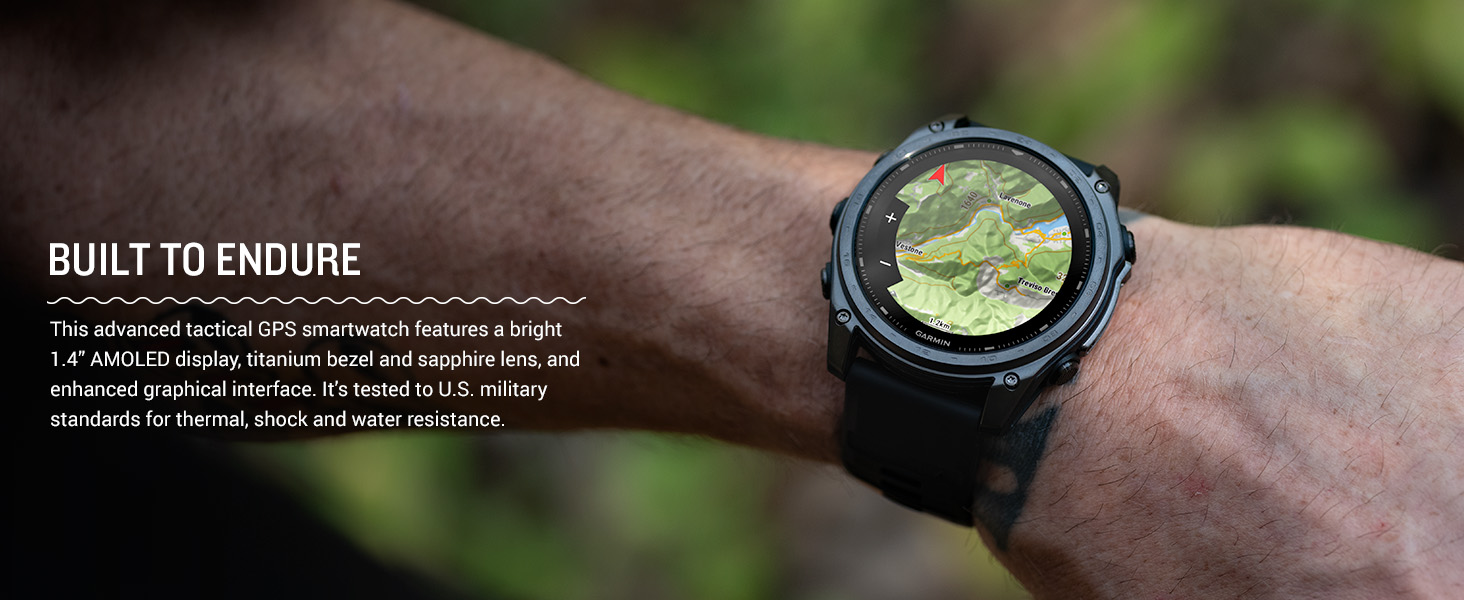
Image: The Garmin Connect app interface displayed on a smartphone and a laptop, illustrating connectivity.
4. Bedienungsanleitung
4.1 Grundlegende Navigation
The tactix 8 features both a responsive touchscreen and physical buttons for navigation. Swipe the touchscreen to scroll through widgets and menus. Use the UP Und RUNTER buttons to navigate lists, the START/STOP button to select options or start activities, and the RÜCKEN/RUNDE Taste, um zum vorherigen Bildschirm zurückzukehren.

Abbildung: Seite view of the Garmin tactix 8 smartwatch, highlighting the physical control buttons for navigation.
4.2 Intelligente Funktionen
- Intelligente Benachrichtigung: Receive emails, texts, and alerts directly on your smartwatch when paired with your compatible smartphone.
- On-Wrist Calling: Utilize the built-in speaker and microphone to make and take phone calls from your watch.
- Garmin Pay: Bezahlen Sie kontaktlos direkt mit Ihrer Smartwatch.
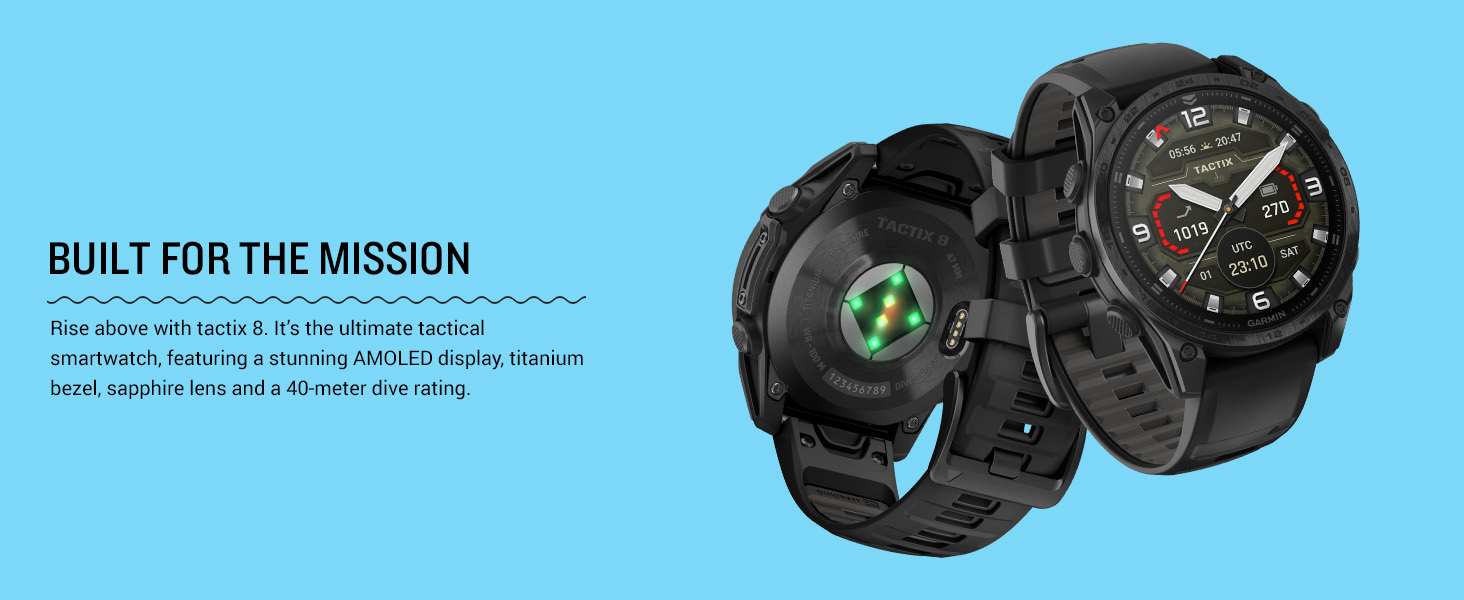
Image: The Garmin tactix 8 display showing smart notifications, Garmin Pay contactless payment, and an incoming call interface.
5. Hauptmerkmale
5.1 Tactical Functionality
- Applied Ballistics Solver: Preloaded solver provides aiming solutions for long-range shooting.
- Stealth-Modus: Disables GPS and wireless connectivity to prevent location sharing and communication.
- Not-Aus-Schalter: Wipes all user data from the device for security.
- Jumpmaster Activity: Assists with calculating high-altitude release points according to military guidelines.
- Waypoint Projection & Dual-Position GPS: Project new waypoints and view your location in both universal transverse mercator (UTM) and military grid reference system (MGRS) on one screen.
- Night Vision Compatibility: Switch between daytime view und Nachtsicht view with a screen that can be read by night vision goggles.
- Rucking Activity: Ein engagierter Profifile to track rucking with pack weight input.
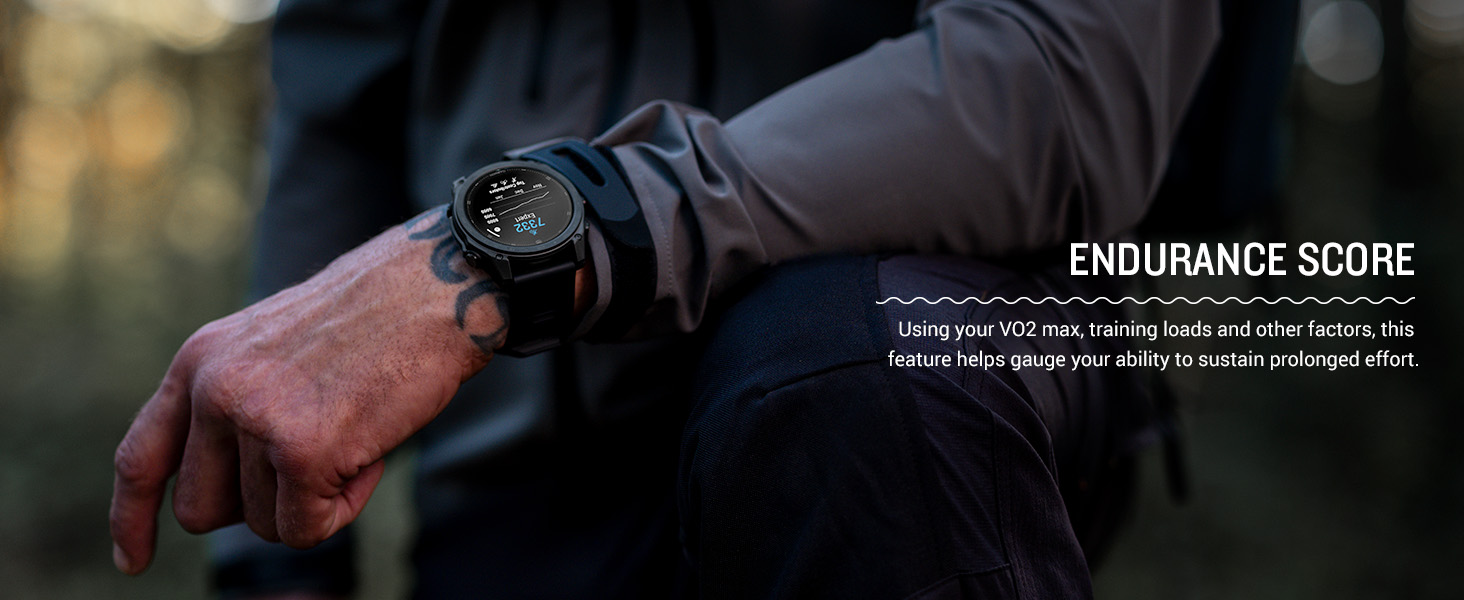
Image: The Garmin tactix 8 display in night vision mode, demonstrating its compatibility with night vision goggles.
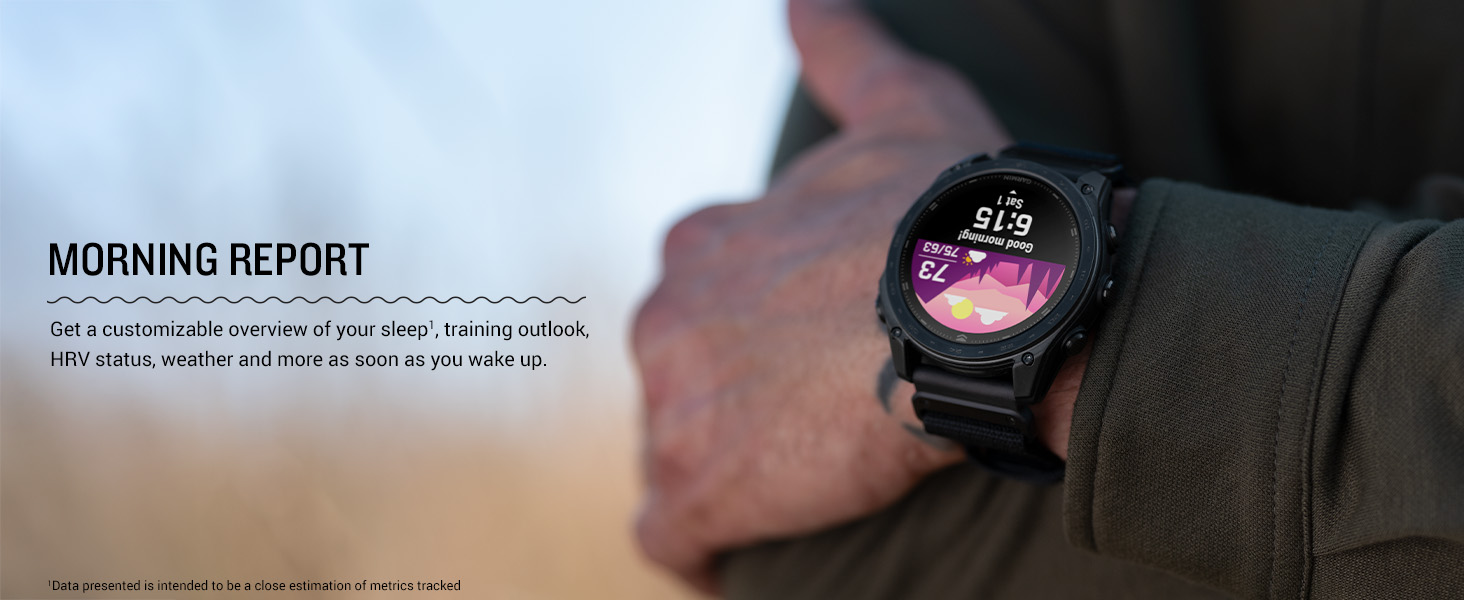
Image: The Garmin tactix 8 display showing the rucking activity interface, including pack weight tracking.
5.2 Advanced Navigation
- Multi-band GPS with SatIQ: Provides superior positioning accuracy in challenging environments.
- Eingebaute Sensoren: Includes a 3-axis compass, gyroscope, and barometric altimeter for comprehensive environmental data.
- TopoActive Maps: Preloaded maps with relief shading and access to additional downloadable maps worldwide.
- Outdoor Maps+: Subscription for premium mapping content, including satellite imagery and enhanced topographic maps.
- Aviation Navigation: Fully functional system with worldwide dynamic moving map, GPS navigation, NEXRAD, weather display, and airport information.
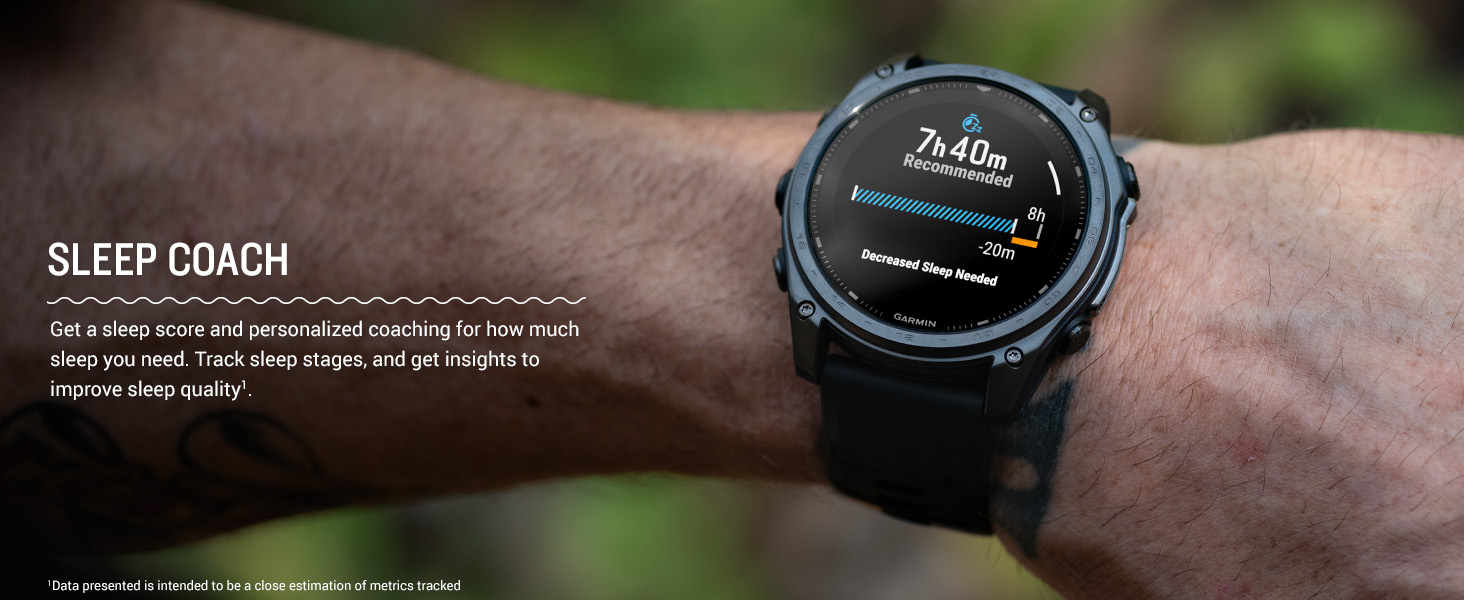
Image: The Garmin tactix 8 smartwatch displaying detailed TopoActive maps, useful for outdoor navigation.
5.3 Gesundheits- und Fitness-Tracking
- Herzfrequenzmessung am Handgelenk: Kontinuierlich samples your heart rate to gauge workout intensity and overall health.
- Erweiterte Schlafüberwachung: Tracks Schlaf stages and provides insights to improve sleep quality.
- Respiration Tracking & Pulse Ox: Monitors breathing and blood oxygen saturation levels.
- EKG-App: Records heart rhythm and checks for signs of atrial fibrillation (available in select regions for users 22+).
- Training Plans & Workouts: Targeted strength training plans, real-time stamina tracking, and sport-specific workouts.
- Endurance Score & Morning Report: Gauge your ability to sustain prolonged effort and get a customizable overview of your sleep, training outlook, and HRV status.
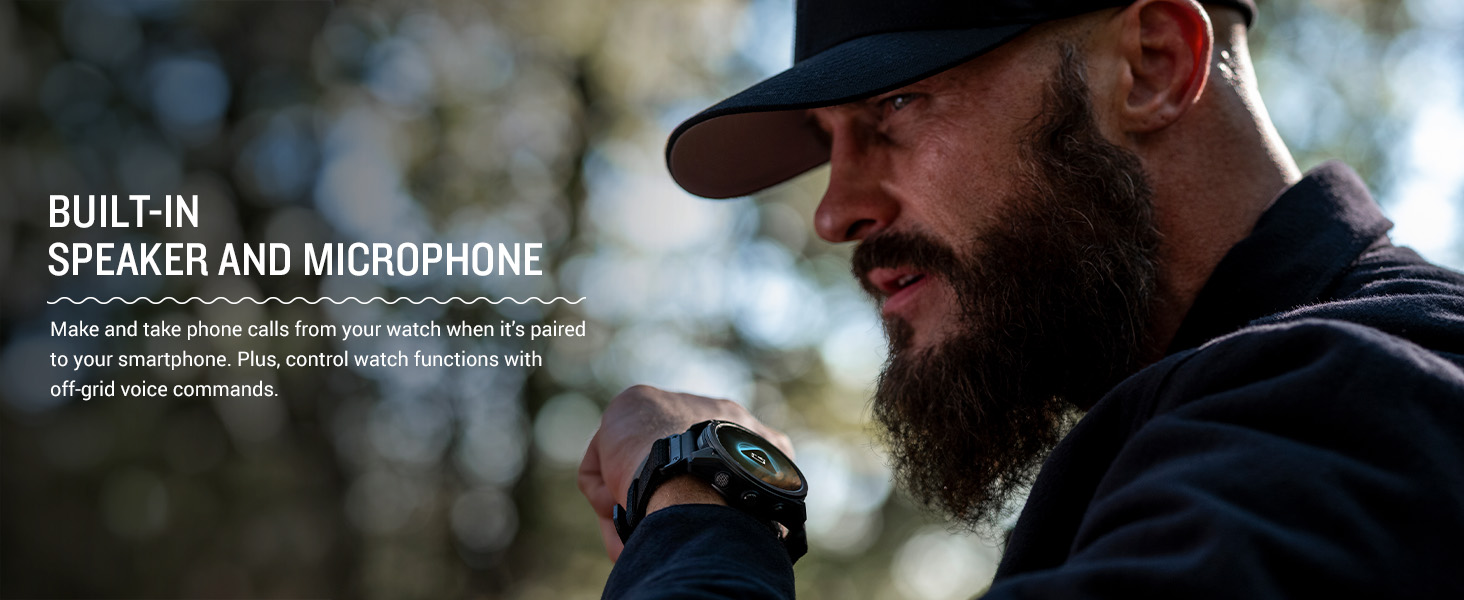
Image: The Garmin tactix 8 display showing various training metrics, including reps, time, and calories burned.
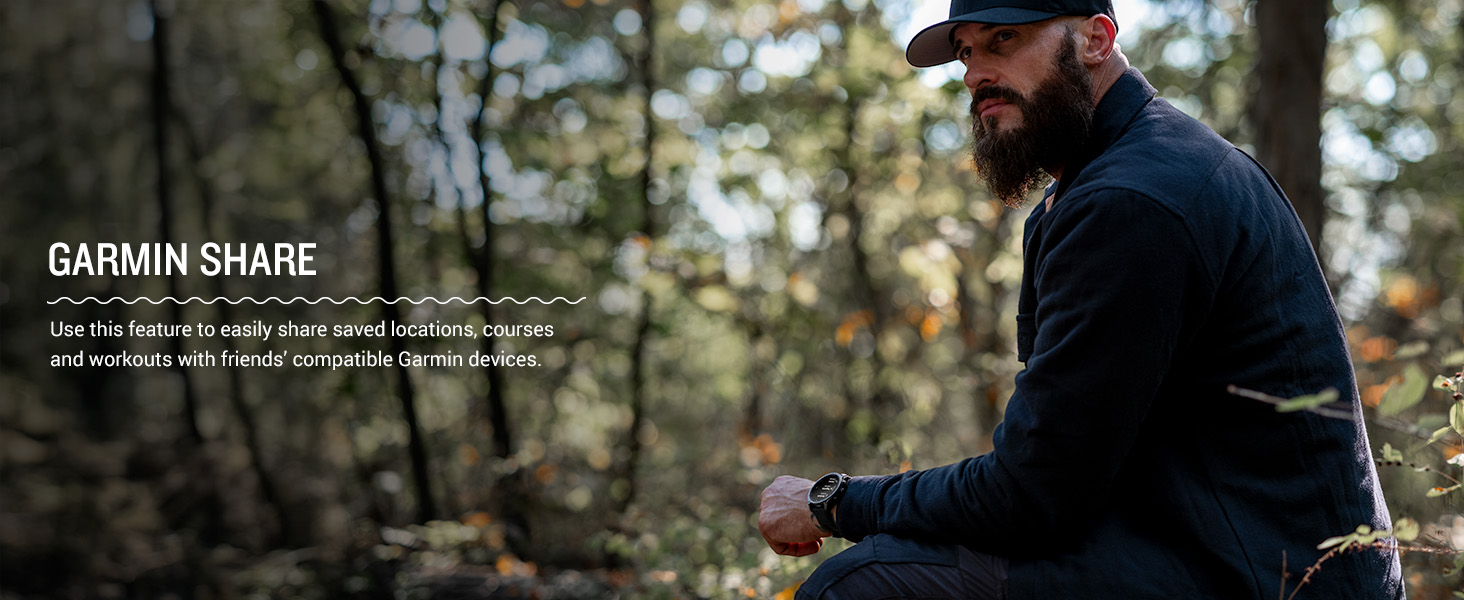
Image: The Garmin tactix 8 display showing a morning report with sleep score, training outlook, and weather information.
5.4 Eingebaute LED-Taschenlampe
The tactix 8 includes a built-in multicolor LED flashlight, providing quick access to a bright, steady beam in either green or white light. In night vision (NVG) mode, white light is disabled, and the green flashlight becomes dimmable for stealthy operation.
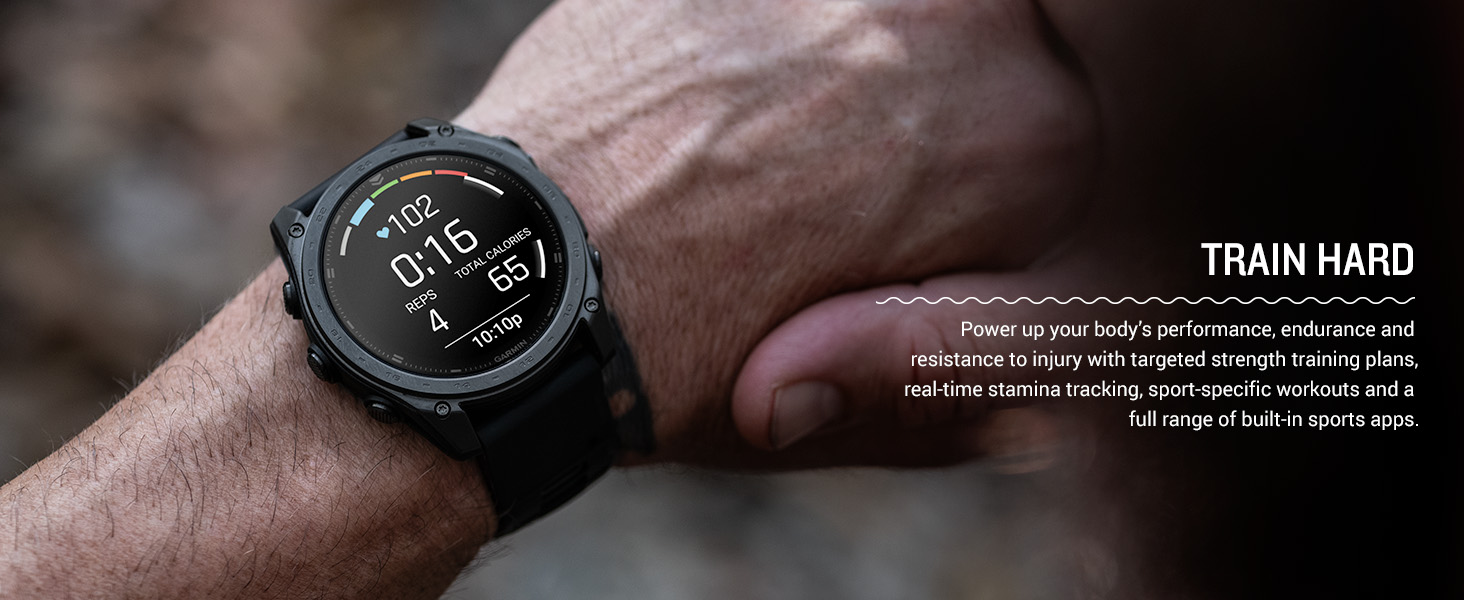
Image: The Garmin tactix 8 smartwatch with its built-in LED flashlight activated, illuminating a dark environment.
5.5 Dive Rating
With a 40-meter dive rating, the tactix 8 supports scuba and apnea dive activities, allowing you to track your underwater adventures.
Image: The Garmin tactix 8 smartwatch on a diver's wrist, displaying dive metrics while submerged in water.
5.6 Offizielles Produktvideo
Video: An official product video from Garmin International showcasing the features and capabilities of the tactix 8 series smartwatches.
6. Wartung
6.1 Gerät reinigen
Regularly clean your smartwatch to maintain its performance and appearance. Wipe the device with a soft, damp Verwenden Sie kein Tuch. Vermeiden Sie die Verwendung von scharfen Chemikalien oder scheuernden Materialien, die das Display oder den Computer beschädigen könnten.asing. Rinse the watch with fresh water after exposure to chlorine, saltwater, sunscreen, cosmetics, alcohol, or other harsh chemicals.
6.2 Bewährte Verfahren beim Laden
To prolong battery life, avoid exposing the device to extreme temperatures. Charge the device fully before long periods of inactivity. Use only the charging cable provided by Garmin.
6.3 Wasserbeständigkeit
The tactix 8 has a 40-meter dive rating. While it is water-resistant, ensure the charging port is dry before charging to prevent corrosion. Avoid pressing buttons underwater unless specified for dive activities.
7. Fehlerbehebung
7.1 Gerät reagiert nicht
If your device is unresponsive, try restarting it. Press and hold the LICHT button for 15 seconds until the screen turns off. Release the button, then press it again briefly to power the device back on.
7.2 Verbindungsprobleme
If you experience issues with Bluetooth or GPS connectivity:
- Stellen Sie sicher, dass Bluetooth auf Ihrem Smartphone aktiviert ist und sich die Uhr in Reichweite befindet.
- Starten Sie sowohl Ihre Uhr als auch Ihr Smartphone neu.
- Check for any available software updates for both the watch and the Garmin Connect app.
- For GPS, ensure you have a clear view des Himmels.
7.3 Ungenaue Messwerte
For heart rate, Pulse Ox, or other sensor data inaccuracies:
- Achten Sie darauf, dass die Uhr eng, aber bequem am Handgelenk, oberhalb des Handgelenkknochens, sitzt.
- Reinigen Sie den Sensor auf der Rückseite der Uhr.
- Umweltfaktoren und Bewegungen können die Messwerte beeinflussen.
7.4 Werksreset
Sollten die Probleme weiterhin bestehen, müssen Sie möglicherweise einen Werksreset durchführen. Warnung: This will erase all user data and settings. Refer to the device's on-screen menu or the full documentation for instructions on how to perform a factory reset.
8. Spezifikationen
| Besonderheit | Spezifikation |
|---|---|
| Modellname | tactix® 8 – 47 mm, AMOLED |
| Modellnummer | 010-03405-00 |
| Anzeigetyp | AMOLED |
| Bildschirmgröße | 1.4 Zoll |
| Auflösung | 260 x 260 Pixel |
| Maximum Display Brightness | 1000 Nit |
| Betriebssystem | Garmin OS |
| Speicherkapazität | 32 GB |
| Batteriekapazität | 440 Milliamp Std |
| Durchschnittliche Batterielebensdauer | Up to 16 days (smartwatch mode) |
| Konnektivitätstechnologie | Bluetooth, USB, WLAN |
| GPS | Built-in GPS (GLONASS, Galileo, QZSS supported) |
| Gehäusematerialart | Titan |
| Armbandmaterialtyp | Silikon |
| Wasserbeständigkeit | Water Resistant (40 Meters) |
| Artikelgewicht | 73 Gramm |
| Artikelabmessungen (T x B x H) | 1.85"T x 0.54"B x 1.85"H |
9. Garantie und Support
9.1 Eingeschränkte Garantie
The Garmin tactix 8 smartwatch comes with a 1-year limited warranty from the date of purchase. This warranty covers defects in materials and workmanship under normal use. For full details regarding warranty coverage, limitations, and how to make a claim, please refer to the official documentation included in your product packaging or visit the Garmin support webWebsite.
9.2 Kundendienst
For additional assistance, technical support, or to access frequently asked questions and software updates, please visit the official Garmin support webAuf der Website finden Sie auch die Kontaktdaten des Kundendienstes in Ihrer Region. webWebsite.