
1. Einleitung
The Delton S22 Vertical Wireless Mouse is designed to provide a comfortable and efficient computing experience. Its ergonomic vertical design aims to reduce wrist strain and promote a natural hand posture, making it suitable for extended use. This manual provides instructions for setting up, operating, maintaining, and troubleshooting your Delton S22 mouse.

This image illustrates the ergonomic benefits of the Delton S22 Vertical Wireless Mouse. It compares the unnatural wrist position required by a traditional mouse with the natural, handshake-like grip promoted by the vertical mouse, highlighting how it reduces strain and is recommended by rheumatologists.
2. Produktüberschreitungview und Komponenten
Familiarize yourself with the various parts of your Delton S22 Vertical Wireless Mouse:

Dieses Diagramm bietet eine detaillierte view of the Delton S22 mouse, pointing out its key components: Left Button, Scroll Wheel, Right Button, DPI Switch, Detachable Wrist Pad, Optical Sensor, USB Receiver Compartment, Back Cover, 2*AA Battery Slot, Glide Pads, Forward Button, Back Button, and Power On/Off switch.
- Linke Taste: Standardmäßige Linksklick-Funktion.
- Rechter Knopf: Standardmäßige Rechtsklick-Funktion.
- Scrollrad: Für vertikales Scrollen und Mittelklick-Funktion.
- Vorwärts-Taste: Navigiert vorwärts in web Browser bzw file Entdecker.
- Zurück-Schaltfläche: Navigiert rückwärts in web Browser bzw file Entdecker.
- DPI-Schalter: Passt die Cursorempfindlichkeit an (800/1600/2400 DPI).
- Ein-/Ausschalter: Conserves battery life when the mouse is not in use.
- Optischer Sensor: Erfasst Mausbewegungen.
- USB-Empfängerfach: Stores the 2.4G USB dongle.
- Batteriefach: Bietet Platz für zwei AA-Batterien (nicht im Lieferumfang enthalten).
- Detachable Wrist Pad: Provides additional wrist support and reduces friction.
3. Einrichtung
- Batterien installieren: Open the battery compartment on the underside of the mouse. Insert two AA batteries, ensuring correct polarity. Close the compartment.
- USB-Dongle anschließen: Locate the USB receiver (dongle) stored in its compartment on the underside of the mouse. Plug the USB dongle into an available USB-A port on your computer (PC, laptop, or tablet PC).
- Einschalten: Flip the Power On/Off switch on the underside of the mouse to the "On" position.
- Automatische Kopplung: The mouse should automatically pair with the USB dongle. Your computer's operating system will typically install the necessary drivers automatically.
- Attach Wrist Pad (Optional): If desired, attach the detachable wrist pad to the base of the mouse for enhanced comfort.
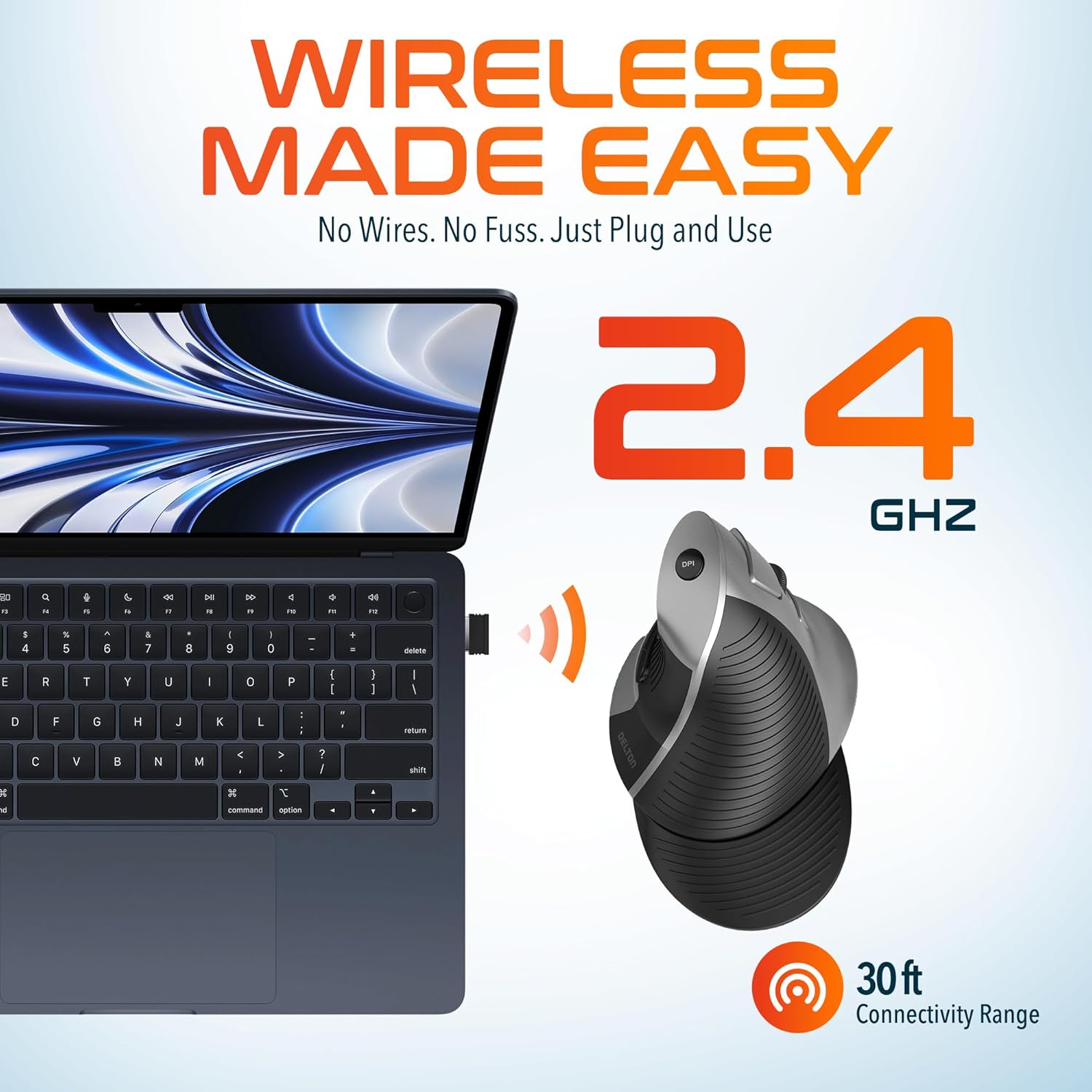
This image demonstrates the wireless connectivity of the Delton S22 mouse. It shows the mouse operating wirelessly with a laptop, emphasizing the 2.4 GHz connection and a 30 ft connectivity range, indicating a simple plug-and-use setup.
4. Bedienungsanleitung
Tastenfunktionen
The Delton S22 mouse features 6 buttons for enhanced functionality:
- Links Klick: Primäre Selektion und Aktivierung.
- Rechtsklick: Greift auf Kontextmenüs zu.
- Scrollrad: Scrollt vertikal durch Dokumente und web pages. Pressing it acts as a middle-click.
- Vorwärts-Taste: Navigates to the next page in supported applications.
- Zurück-Schaltfläche: Navigates to the previous page in supported applications.
- DPI-Schalter: Durchläuft die DPI-Einstellungen.
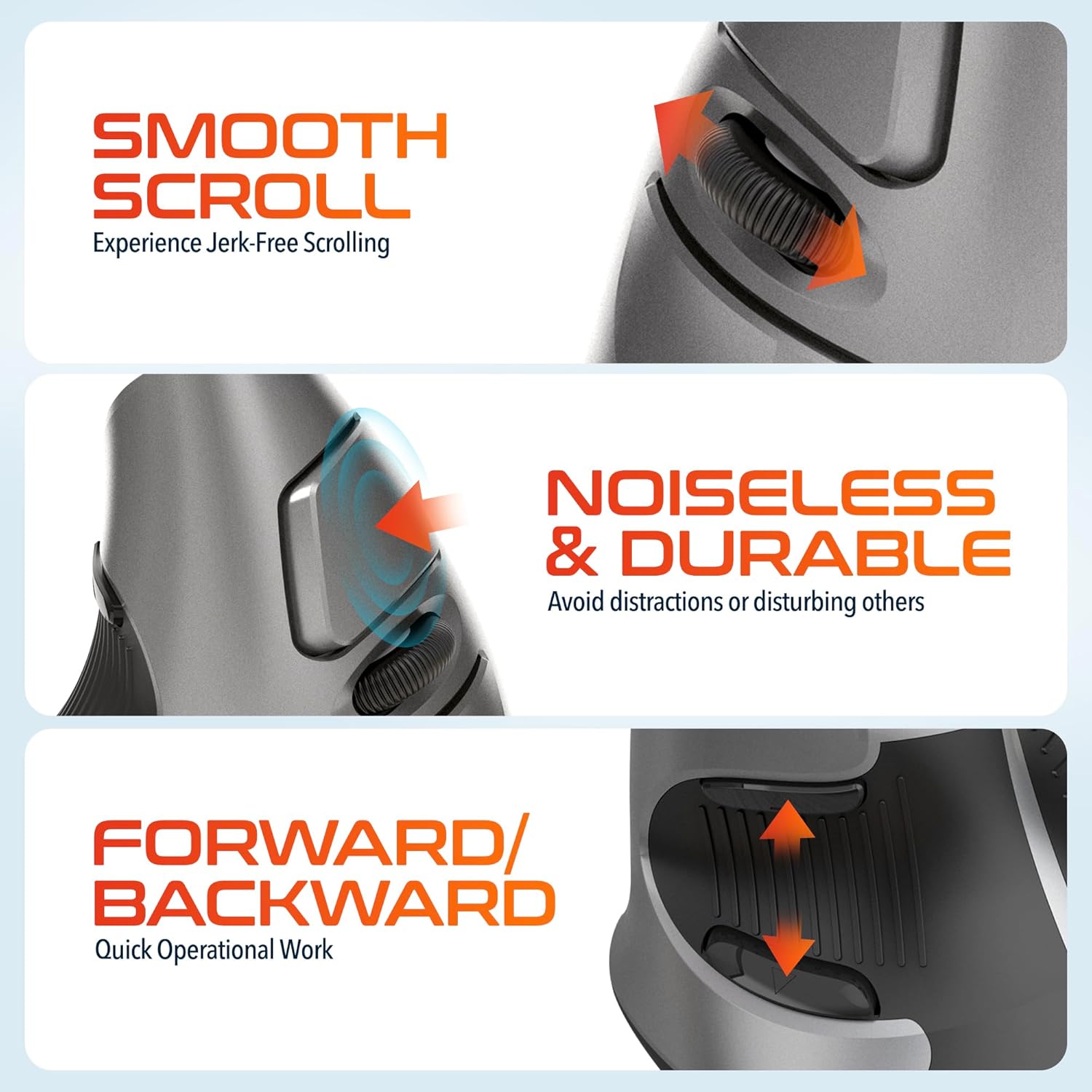
This composite image highlights three key operational features: the smooth, jerk-free scrolling experience, the noiseless and durable buttons designed to prevent distractions, and the convenient forward/backward buttons for quick navigation.
DPI-Anpassung
The DPI (Dots Per Inch) switch allows you to adjust the cursor sensitivity to match your preference or task requirements. Press the DPI button located on the top of the mouse to cycle through the following settings:
- 800 DPI: Geringere Empfindlichkeit bei präzisen Aufgaben.
- 1600 DPI: Medium sensitivity for general use.
- 2400 DPI: Höhere Empfindlichkeit für schnellere Cursorbewegungen.

This image focuses on the high precision control offered by the Delton S22 mouse. It shows the DPI switch button and how it allows users to toggle between 800, 1600, and 2400 DPI settings for customized cursor sensitivity.
Energieverwaltung
To conserve battery life, switch the mouse to the "Off" position using the power switch on the underside when not in use for extended periods.
5. Kompatibilität
The Delton S22 Vertical Wireless Mouse is designed for broad compatibility with various operating systems and devices:
- Betriebssysteme: Windows, macOS, iOS, Android, Chrome OS, Linux.
- Kompatible Geräte: Laptop, Personal Computer, Tablet.
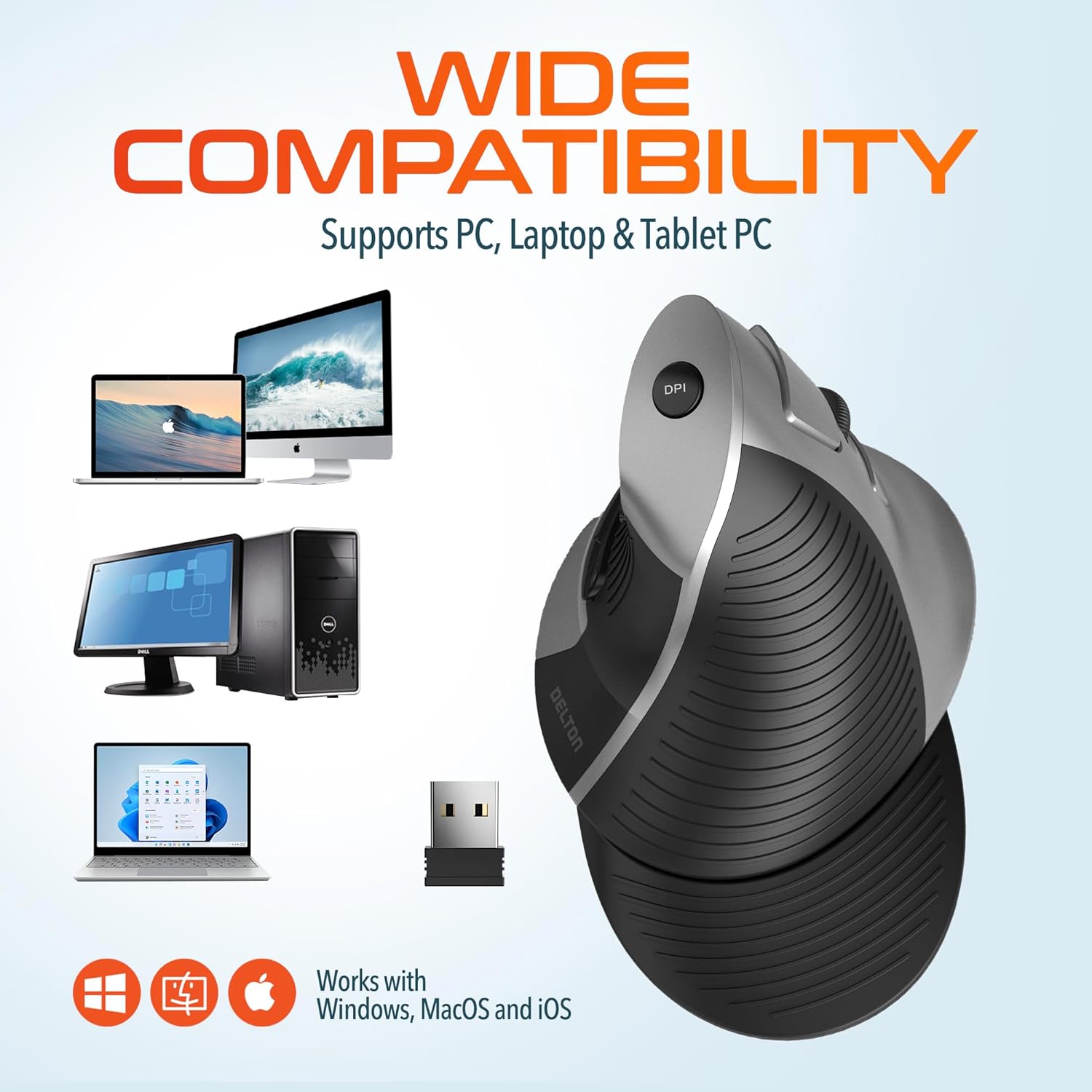
This image illustrates the wide compatibility of the Delton S22 mouse, showing it works seamlessly with PCs, laptops, and tablet PCs across Windows, macOS, and iOS operating systems. The USB dongle is also depicted as the connection method.
6. Wartung
- Reinigung: Reinigen Sie die Maus mit einem weichen, trockenen Tuch. Bei hartnäckigem Schmutz leicht andrücken.ampBefeuchten Sie das Tuch mit Wasser oder einer milden Reinigungslösung. Vermeiden Sie scharfe Chemikalien oder scheuernde Materialien.
- Batteriewechsel: When the mouse performance degrades or it stops responding, replace the two AA batteries. Ensure the power switch is off before replacing batteries.
- Lagerung: When transporting or storing the mouse, ensure the USB dongle is securely placed in its dedicated compartment to prevent loss.
7. Fehlerbehebung
| Problem | Mögliche Lösung |
|---|---|
| Maus reagiert nicht. |
|
| Die Cursorbewegung ist unregelmäßig oder sprunghaft. |
|
| DPI setting is not changing. |
|
| Forward/Back buttons not working. |
|
8. Spezifikationen
| Besonderheit | Detail |
|---|---|
| Marke | Delton |
| Modellnummer | Staffel 22 |
| Konnektivitätstechnologie | 2.4G Wireless (USB Dongle) |
| Besonderheit | Vertical, Ergonomic Design, Wireless |
| Bewegungserkennungstechnologie | Optisch |
| Anzahl der Tasten | 6 |
| Handausrichtung | Rechts |
| Kompatible Geräte | Laptop, Personalcomputer, Tablet |
| Betriebssystemkompatibilität | Windows, macOS, iOS, Android, Chrome OS, Linux |
| Stromquelle | Batteriebetrieben (2 x AA-Batterien, nicht im Lieferumfang enthalten) |
| DPI-Stufen | 800, 1600, 2400 |
| Drahtlose Reichweite | Bis zu 30 Fuß |
| Farbe | Schwarz |
| Artikelabmessungen (L x B) | 5.3 Zoll L x 3.7 Zoll B |
| UPC | 802029086375 |
9. Garantie und Support
The Delton S22 Vertical Wireless Mouse comes with a 1 Jahr Herstellergarantie. Diese Garantie deckt Material- und Verarbeitungsfehler bei normalem Gebrauch ab.
For warranty claims, technical support, or any questions regarding your product, please refer to the contact information provided with your purchase or visit the official Delton webSite für Supportressourcen.
Online-Ressourcen: For additional information, FAQs, or driver downloads (if applicable), please visit the Delton Store on Amazon.