
MEIZE D126
MEIZE Android 14 Tablet User Manual
Modell: D126
1. Einleitung
Welcome to the user manual for your new MEIZE Android 14 Tablet. This guide provides detailed instructions on how to set up, operate, and maintain your device, ensuring you get the most out of its advanced features. Please read this manual thoroughly before using your tablet.
2. Lieferumfang
Upon opening your MEIZE Android 14 Tablet package, you should find the following items:
- MEIZE Android 14 Tablet
- Bluetooth-Tastatur
- Drahtlose Maus
- Berühren Sie Stift
- Schutzhülle
- Ladekabel (Typ-C)
- Netzteil

Image: The MEIZE Android 14 Tablet displayed with its full set of accessories, including the keyboard, mouse, stylus, and protective case.
3. Installationsanleitung
3.1 Erstaufladung
Laden Sie Ihr Tablet vor der ersten Benutzung vollständig mit dem mitgelieferten USB-C-Kabel und Netzteil auf. Der Ladestatus wird auf dem Bildschirm angezeigt.
3.2 Ein-/Ausschalten
- So schalten Sie das Gerät ein: Press and hold the Power button located on the side of the tablet until the MEIZE logo appears.
- So schalten Sie das Gerät aus: Halten Sie die Ein-/Aus-Taste gedrückt und wählen Sie dann in den angezeigten Optionen die Option „Ausschalten“.
3.3 Erstkonfiguration
Folgen Sie den Anweisungen auf dem Bildschirm, um die Ersteinrichtung abzuschließen, einschließlich Sprachauswahl, WLAN-Verbindung, Anmeldung beim Google-Konto und Sicherheitseinstellungen.
3.4 SIM Card Installation (for 4G Cellular Models)
Your tablet supports dual SIM cards for 4G cellular connectivity. To install SIM cards:
- Suchen Sie den SIM-Karten-Einschub an der Seite des Tablets.
- Use the SIM ejector tool (not included, typically a paperclip) to open the tray.
- Legen Sie Ihre Nano-SIM-Karten vorsichtig in die dafür vorgesehenen Steckplätze ein.
- Setzen Sie die Schale wieder in das Tablet ein, bis sie einrastet.
Note: This tablet does not come with a SIM card. You will need to prepare your own. Ensure your SIM cards support the following frequency bands for 4G calling function: 2G GSM full band, WCDMA: B1\/B2\/B4\/B5\/B8, 4G full band: B1\/B2\/B3\/B4\/B5\/B7\/B8\/B12\/B17\/B19\/B20\/B28A\/B28B\/B66\/B38\/B39\/B40\/B41.
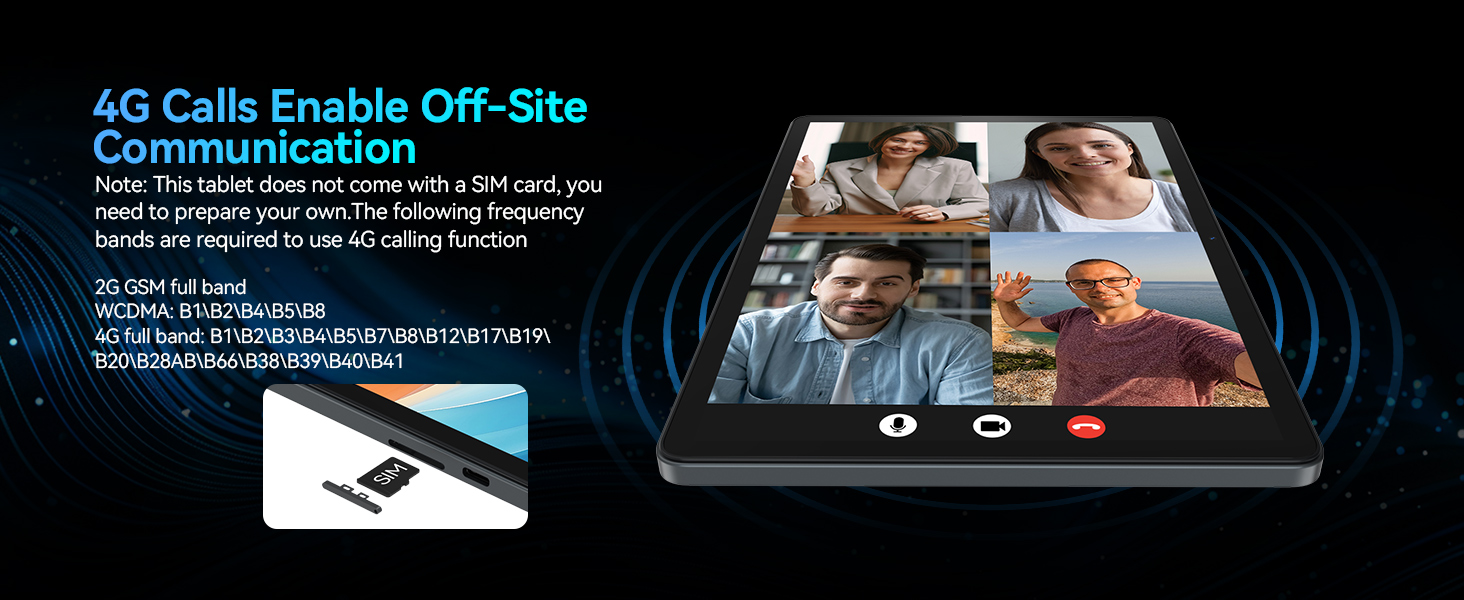
Image: A visual representation of the tablet's 4G calling function, showing a multi-person video conference on the screen.
4. Bedienung Ihres Tablets
4.1 Android 14 Systemfunktionen
Your MEIZE tablet runs on the latest Android 14 operating system, offering an enhanced user interface and improved functionality. Key features include:
- Split-Screen-Funktion: Ermöglicht Ihnen das Ausführen und view two applications simultaneously, greatly improving multitasking efficiency.
- Five-Finger Touch: Provides advanced gesture control for intuitive navigation and interaction.
- Optimized User Interface: A streamlined and user-friendly interface for smooth operation.
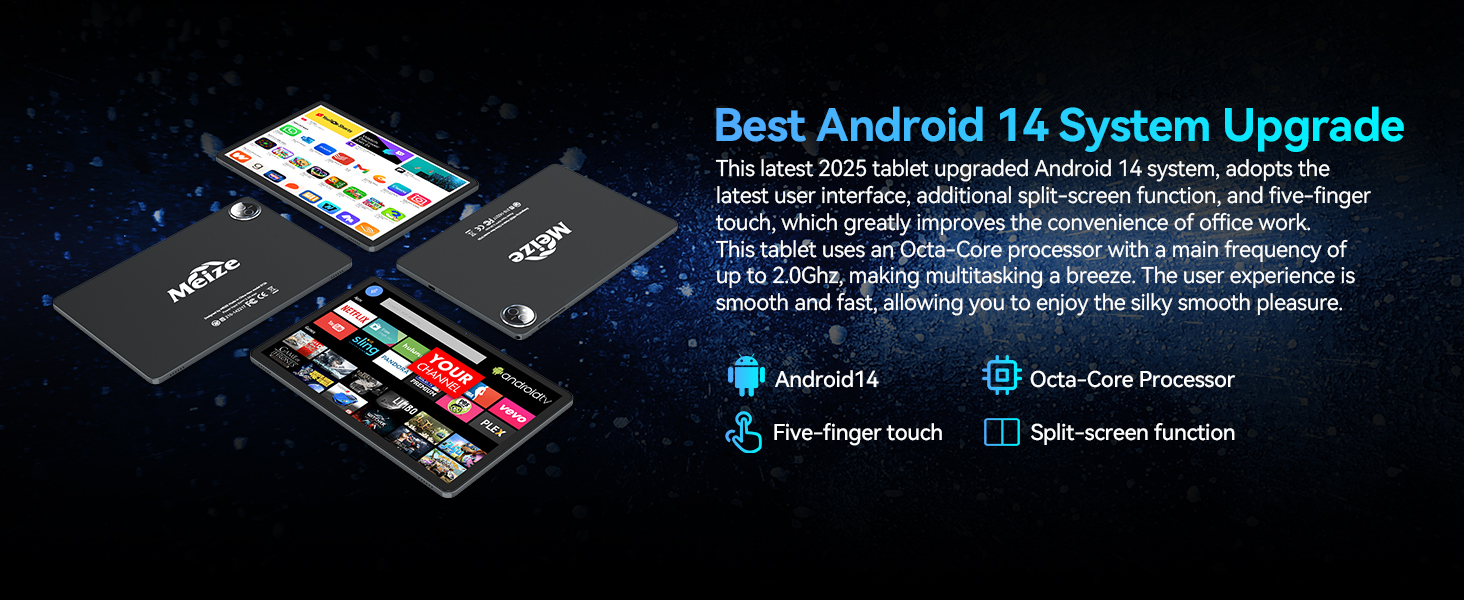
Image: A graphic highlighting the key features of the Android 14 system, including the Octa-Core processor, five-finger touch, and split-screen function.
4.2 Leistung und Speicherung
Equipped with an Octa-Core processor (up to 2.0Ghz), 16GB RAM (8GB physical + 8GB expandable), and 128GB internal storage (expandable up to 512GB via microSD card, not included), your tablet delivers excellent performance for various tasks.
- Run multiple applications simultaneously without lag.
- Store a large volume of games, movies, videos, music, and work software.
- Experience smooth and fast user interaction for all your needs.

Abbildung: Der Bildschirm des Tablets zeigtasing its large memory capacity, with text emphasizing 128GB ROM and 16GB RAM, and 512GB additional expansion.
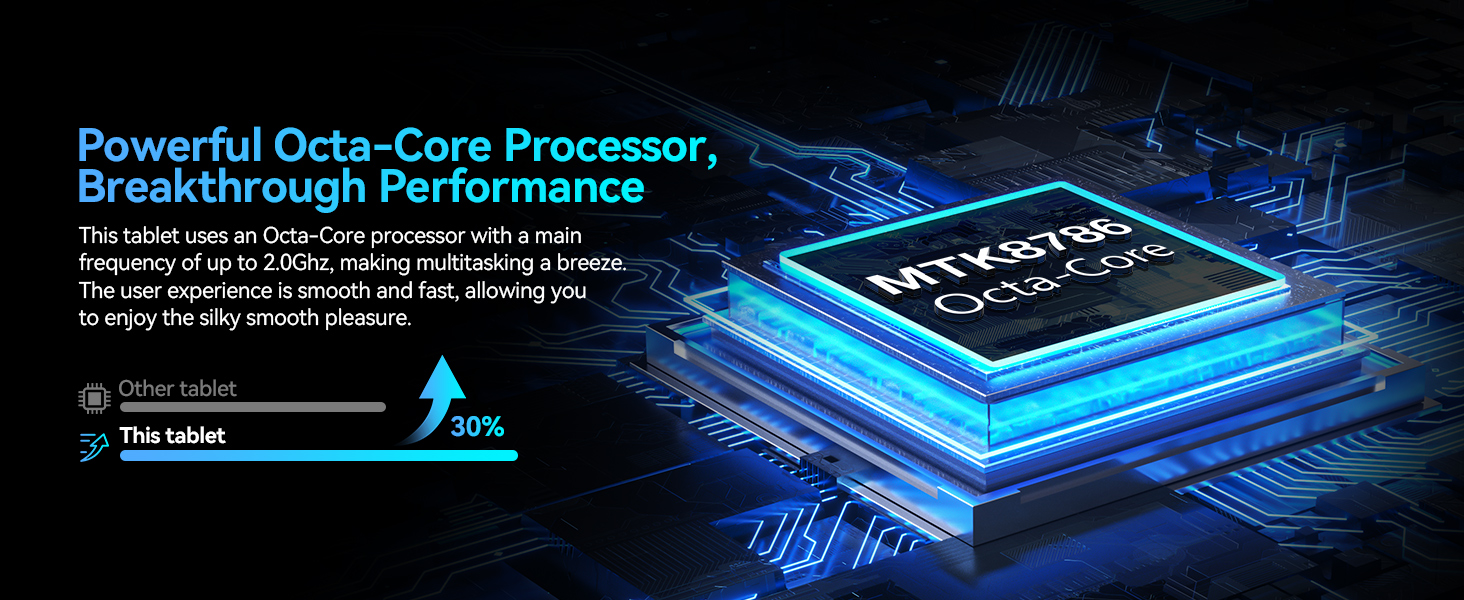
Image: A visual representation of the powerful Octa-Core processor, highlighting its breakthrough performance compared to other tablets.
4.3 Visual Design and Display
The 11-inch ultra-clear LCD screen provides a rich visual experience with vibrant colors and clear details. Its soft light curtain design helps reduce eye strain during extended use.
- Ideal for watching movies, playing games, and browsing photos.
- Offers clearer portrait capture and delicate details.
- Reduces visual pressure and fatigue for comfortable viewing.
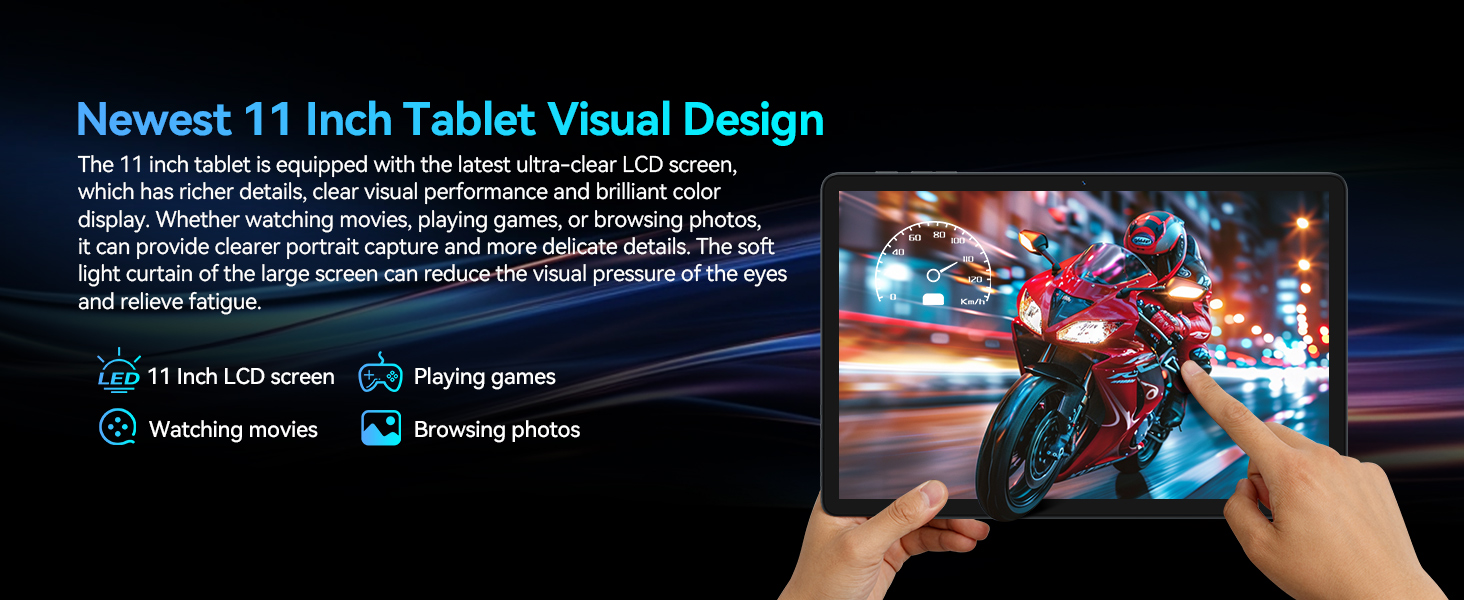
Abbildung: Der Bildschirm des Tablets zeigtasing its ultra-clear display with a dynamic image, illustrating its visual quality for movies, games, and photos.
4.4 Konnektivität
Your tablet features advanced connectivity options for seamless communication and internet access:
- Dual 4G Cellular: Supports dual SIM cards for reliable network access and calling functions.
- 5G-WLAN-Modul: Provides faster transmission speeds and a more stable connection for internet browsing and streaming.
- Bluetooth 5.0 Module: Ensures stable and efficient wireless connections with compatible devices like headphones, keyboards, and mice.

Image: A graphic illustrating the tablet's support for dual 4G cellular and 5G WiFi, emphasizing stable network connection and smooth internet speed.
4.5 Akkulaufzeit
The tablet is equipped with an 8000mAh lithium polymer battery, offering extended usage times:
- Bis zu 24 Stunden Standby-Zeit.
- Bis zu 6 Stunden Spielspaß.
- Bis zu 8 Stunden Videowiedergabe.
- Bis zu 10 Stunden Musikwiedergabe.
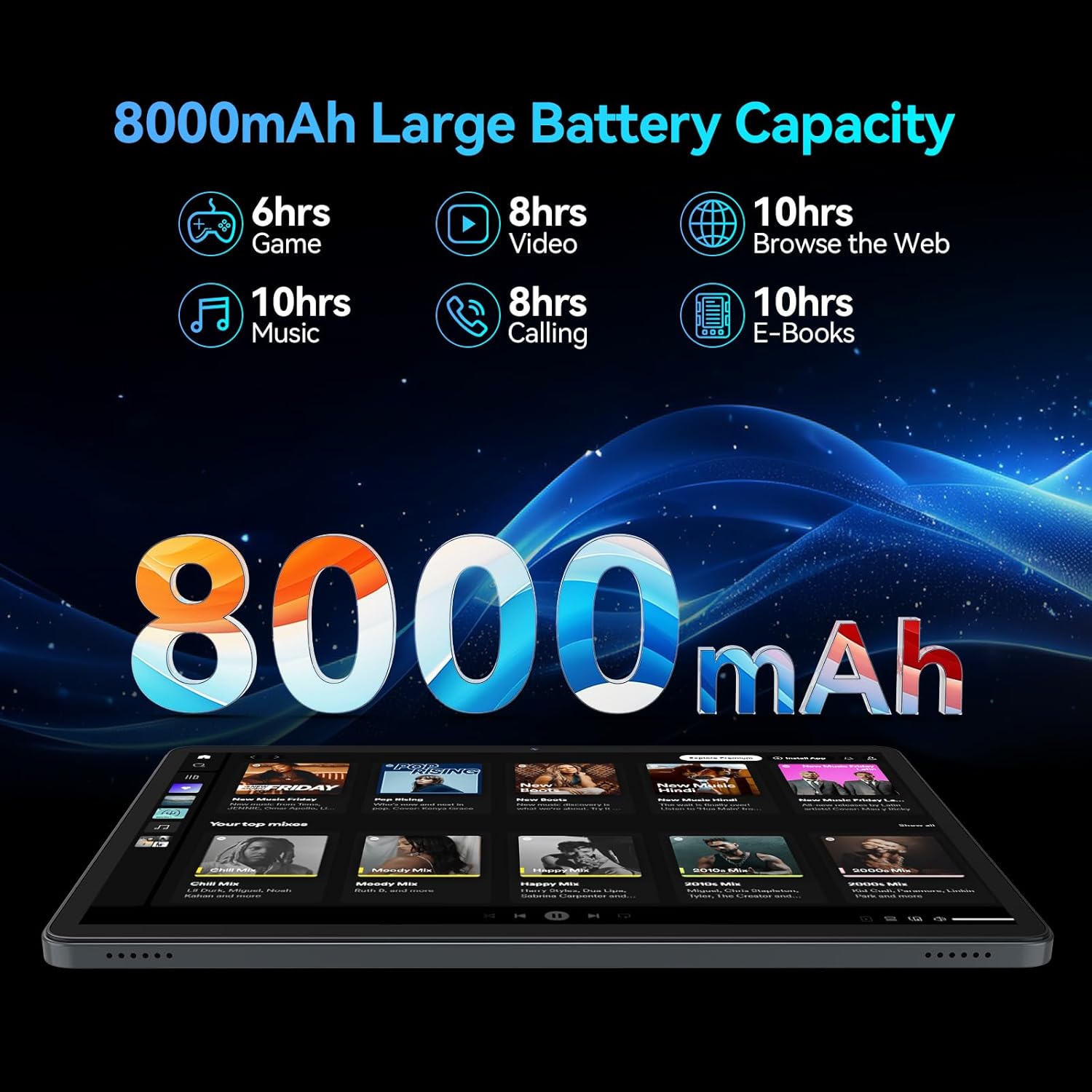
Image: A visual breakdown of the 8000mAh battery's performance, showing estimated hours for gaming, video, web browsing, music, calling, and e-books.
4.6 Kamera
Capture moments with the tablet's dual HD cameras:
- Rückfahrkamera: 13 MP für klare Fotos und Videos.
- Frontkamera: 8MP for high-quality video calls and selfies.
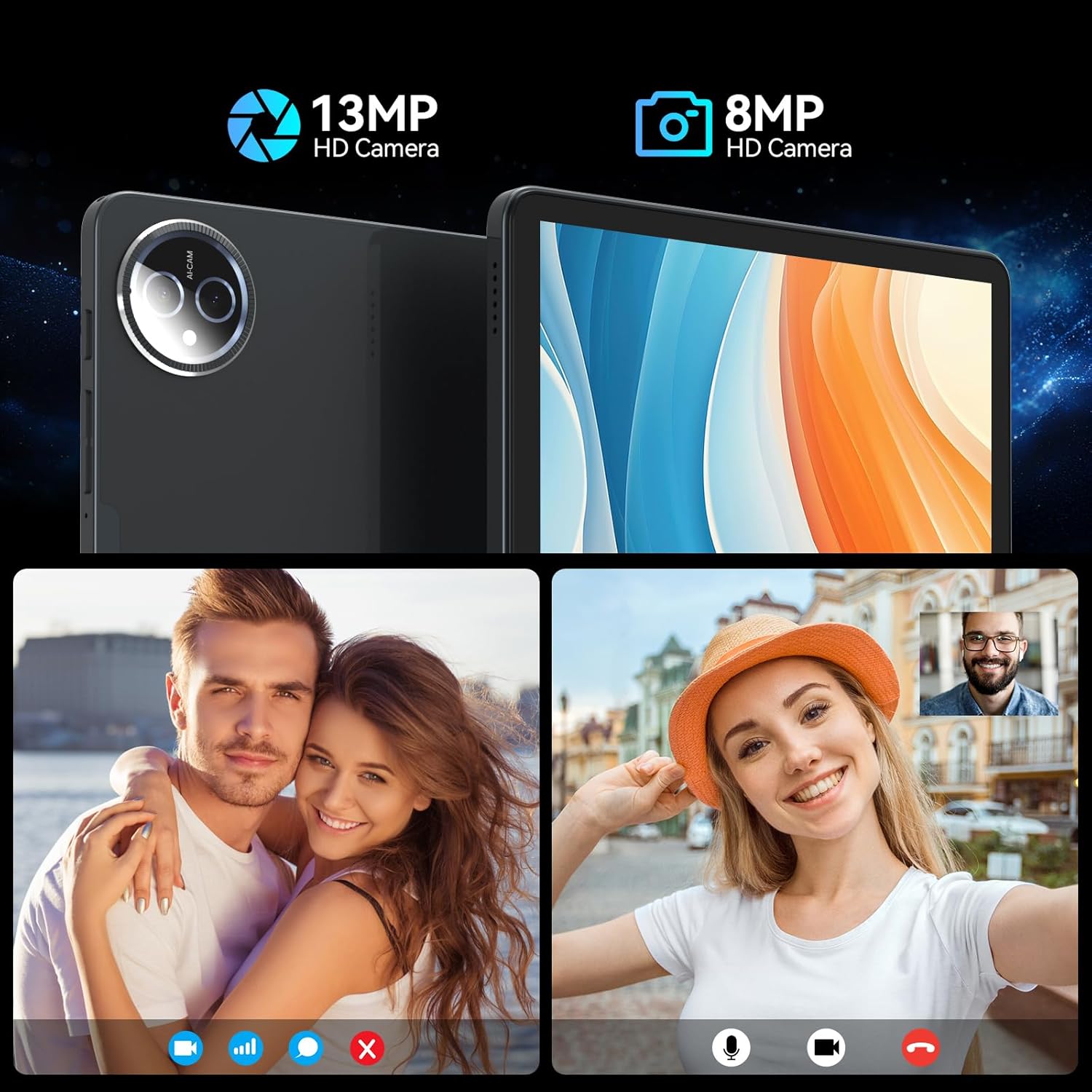
Image: A split image demonstrating the tablet's 13MP rear camera and 8MP front camera capabilities, showing a couple and a woman taking a selfie.
4.7 Accessories and Working Mode
The MEIZE tablet is designed for versatility, easily converting into a portable laptop with its included accessories:
- Connect the Bluetooth keyboard and wireless mouse for a traditional computing experience.
- Utilize the touch pen for precise input, drawing, or note-taking.
- Die Schutzhülle dient gleichzeitig als Ständer und ermöglicht so einen bequemen Stand. viewDreh- und Schreibwinkel.
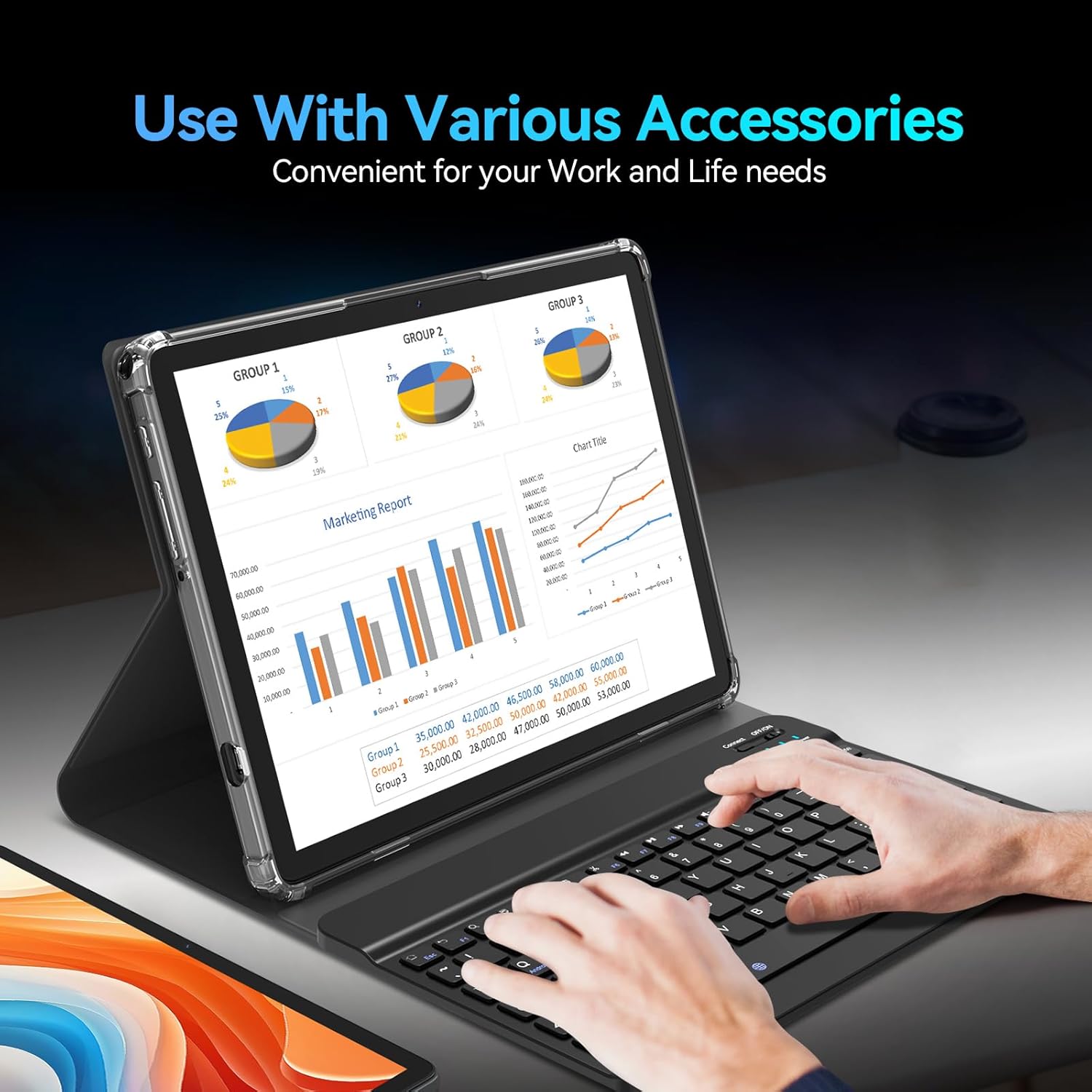
Image: The tablet being used with its accessories, including the keyboard, mouse, and stylus, demonstrating its versatility for work and life needs.
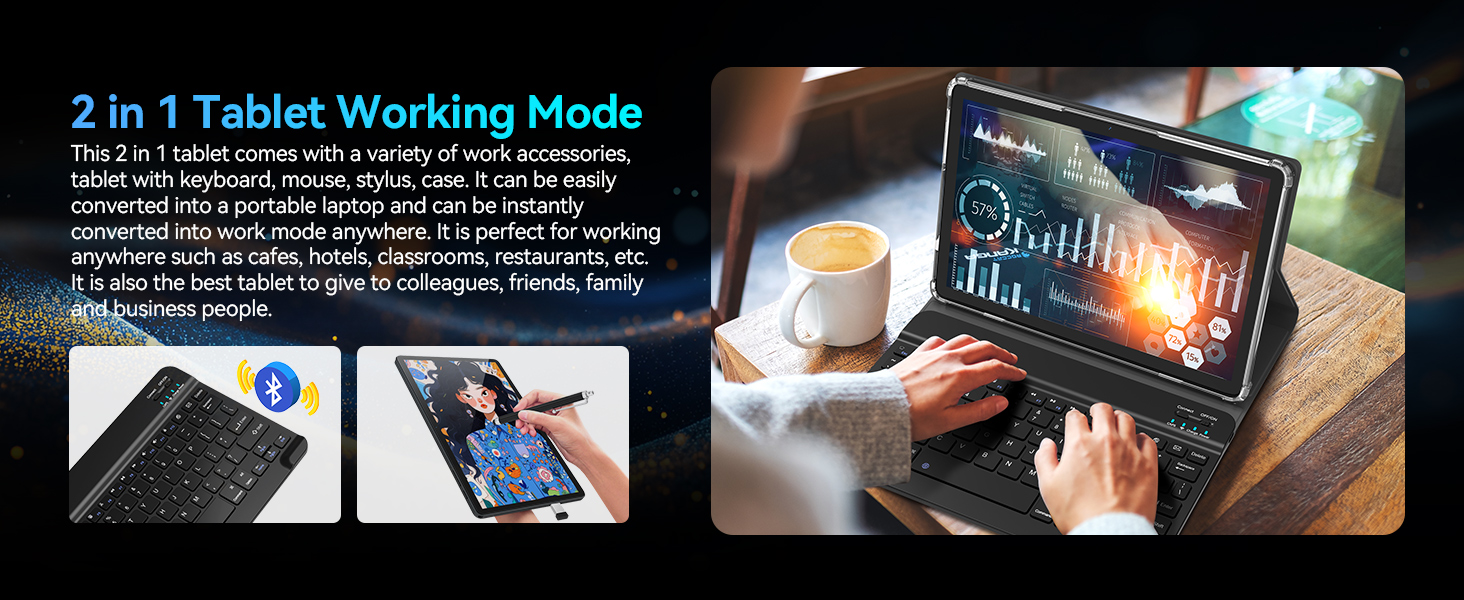
Image: A user operating the tablet in '2 in 1' working mode with the attached keyboard, illustrating its functionality as a portable laptop.
5. Anwendungsszenarien
The MEIZE Android 14 Tablet is designed for a wide range of uses, making it suitable for various environments and activities:
- Arbeiten: Perfect for office tasks, presentations, and remote work in cafes, hotels, or classrooms.
- Studie: Ideal for reading e-books, taking notes, and online learning.
- Unterhaltung: Enjoy gaming, watching movies, and browsing social media.
- Kommunikation: Stay connected with friends and family through video calls and messaging.

Image: Four distinct scenarios demonstrating the tablet's versatility: playing games, reading, being given as a gift, and being used for work.
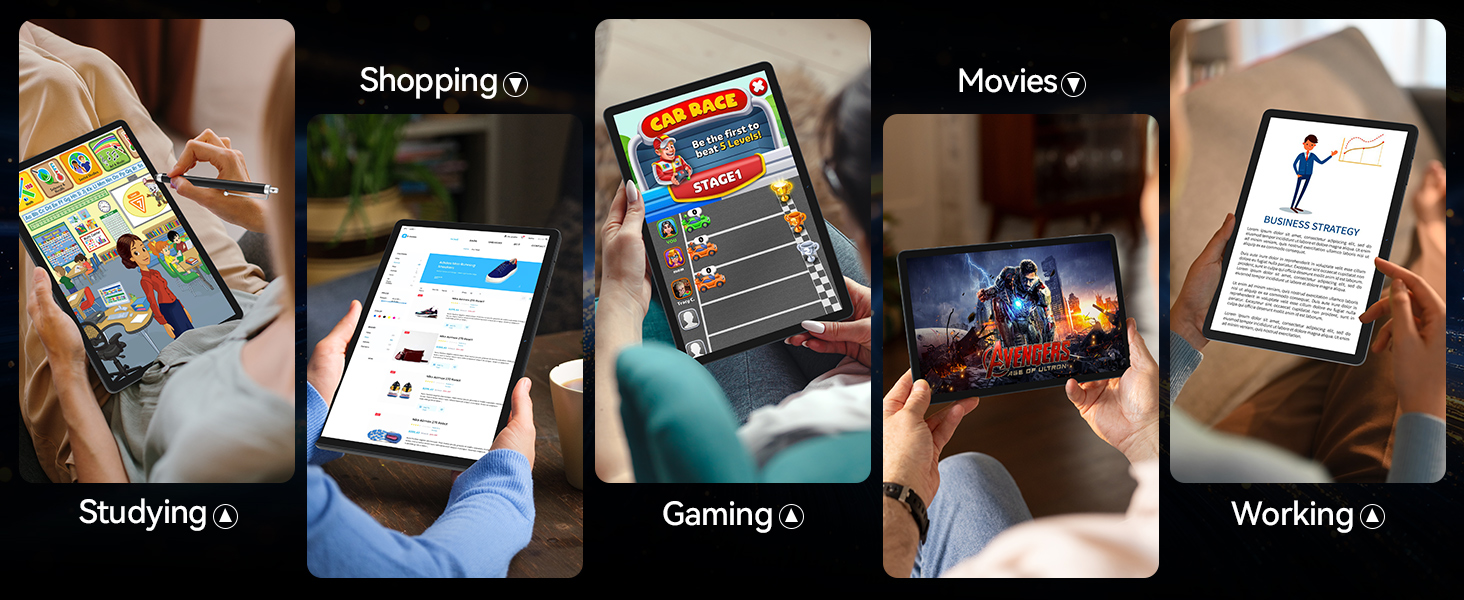
Image: A collage of images depicting various uses of the tablet, including studying, shopping, gaming, watching movies, and working.
6. Spezifikationen
| Besonderheit | Spezifikation |
|---|---|
| Marke | MEIZ |
| Modellname | Latest 11 Inch Tablet |
| Artikelmodellnummer | T126 - Die wunderbare Welt der Träume |
| Betriebssystem | Android 14 |
| Bildschirmgröße | 11 Zoll |
| Maximale Bildschirmauflösung | 1280 x 800 HD Pixels |
| Prozessor | Achtkernprozessor, 2 GHz |
| Flash-Speichergröße (ROM) | 128 GB |
| RAM | 16 GB (8 GB physischer Speicher + 8 GB erweiterbar) |
| Hinteren Webcam Auflösung | 13 Megapixel |
| Front Webcam Auflösung | 8 Megapixel |
| Kabelloser Typ | 802.11ac, 802.11ax (5G WiFi), Bluetooth 5.0 |
| Batteriekapazität | 8000 mAh Lithium-Polymer |
| Durchschnittliche Akkulaufzeit | 6 Stunden (nutzungsabhängig) |
| Artikelgewicht | 1.2 Pfund |
| Produktabmessungen (L x B x H) | 11 x 7 x 0.3 Zoll |
| Farbe | Grau |
7. Fehlerbehebung
If you encounter any issues with your MEIZE tablet, please refer to the following common troubleshooting steps:
- Das Tablet reagiert nicht/ist eingefroren: Um einen Neustart zu erzwingen, halten Sie den Netzschalter etwa 10-15 Sekunden lang gedrückt.
- Apps are lagging or crashing: Close unnecessary background applications. Clear app cache in Settings > Apps > [App Name] > Storage > Clear Cache. Ensure you have sufficient storage space.
- Probleme mit der WLAN-Verbindung: Turn Wi-Fi off and on again. Restart your router. Forget the network in tablet settings and reconnect.
- Schlechte Akkulaufzeit: Reduzieren Sie die Bildschirmhelligkeit. Schließen Sie nicht benötigte Apps. Deaktivieren Sie WLAN/Bluetooth, wenn Sie diese nicht benötigen. Überprüfen Sie den Akkuverbrauch in den Einstellungen, um stromfressende Apps zu identifizieren.
- Tablet is not charging: Ensure the charging cable and adapter are securely connected. Try a different power outlet. Inspect the charging port for any debris.
- Tastatur/Maus verbindet sich nicht: Ensure Bluetooth is enabled on the tablet. Make sure the accessories are charged and in pairing mode. Re-pair the devices in Bluetooth settings.
- General Bugginess: Some users have reported occasional bugs. Ensure your tablet's software is up to date via Settings > System > System update. A factory reset (Settings > System > Reset options > Erase all data) can resolve persistent software issues, but will delete all your data, so back up first.
Bei komplexeren Problemen konsultieren Sie bitte den Supportbereich oder wenden Sie sich an den Kundendienst.
8. Wartung
To ensure the longevity and optimal performance of your MEIZE tablet, follow these maintenance guidelines:
- Reinigung: Reinigen Sie Bildschirm und Gehäuse mit einem weichen, fusselfreien Tuch. Vermeiden Sie Scheuermittel und Lösungsmittel.
- Lagerung: Lagern Sie die Tablette an einem kühlen, trockenen Ort, geschützt vor direkter Sonneneinstrahlung und extremen Temperaturen.
- Software-Updates: Prüfen Sie regelmäßig, ob Systemaktualisierungen verfügbar sind, und installieren Sie diese, um sicherzustellen, dass Ihr Tablet über die neuesten Funktionen und Sicherheitspatches verfügt.
- Batteriepflege: Vermeiden Sie häufiges vollständiges Entladen des Akkus. Laden Sie den Akku für die Langzeitlagerung auf etwa 50–60 % auf.
- Schutz: Always use the provided protective case to guard against drops and scratches.
9. Garantie und Support
MEIZE is committed to providing excellent customer service. If you encounter any problems with your product, please do not hesitate to contact our professional support team.
- Kundendienst: For assistance, please reach out to the MEIZE customer service team through the platform where you purchased the product or visit the official MEIZE webWebsite für Kontaktinformationen.
- Garantieinformationen: Details regarding your product's warranty period and coverage can typically be found on the product packaging or the official MEIZE webBitte bewahren Sie Ihren Kaufbeleg für Garantieansprüche auf.
Ask a question about this manual
Ask about setup, troubleshooting, compatibility, parts, safety, or missing instructions. Manuals+ will review the question and use this page’s manual context to help answer it.