
Einführung
Welcome to the user manual for your new DIALN X65 Unlocked Smartphone. This guide provides essential information to help you set up, operate, maintain, and troubleshoot your device. Please read this manual carefully to ensure optimal performance and longevity of your smartphone.
The DIALN X65 features a 6.5-inch display, runs on Android 13, and offers 32GB of internal storage, expandable via microSD. It is equipped with a 13MP camera and a 4500mAh battery.
Lieferumfang
Upon unboxing your DIALN X65, verify that all items are present:
- DIALN X65 Smartphone
- Ladekabel
- Benutzerhandbuch (dieses Dokument)
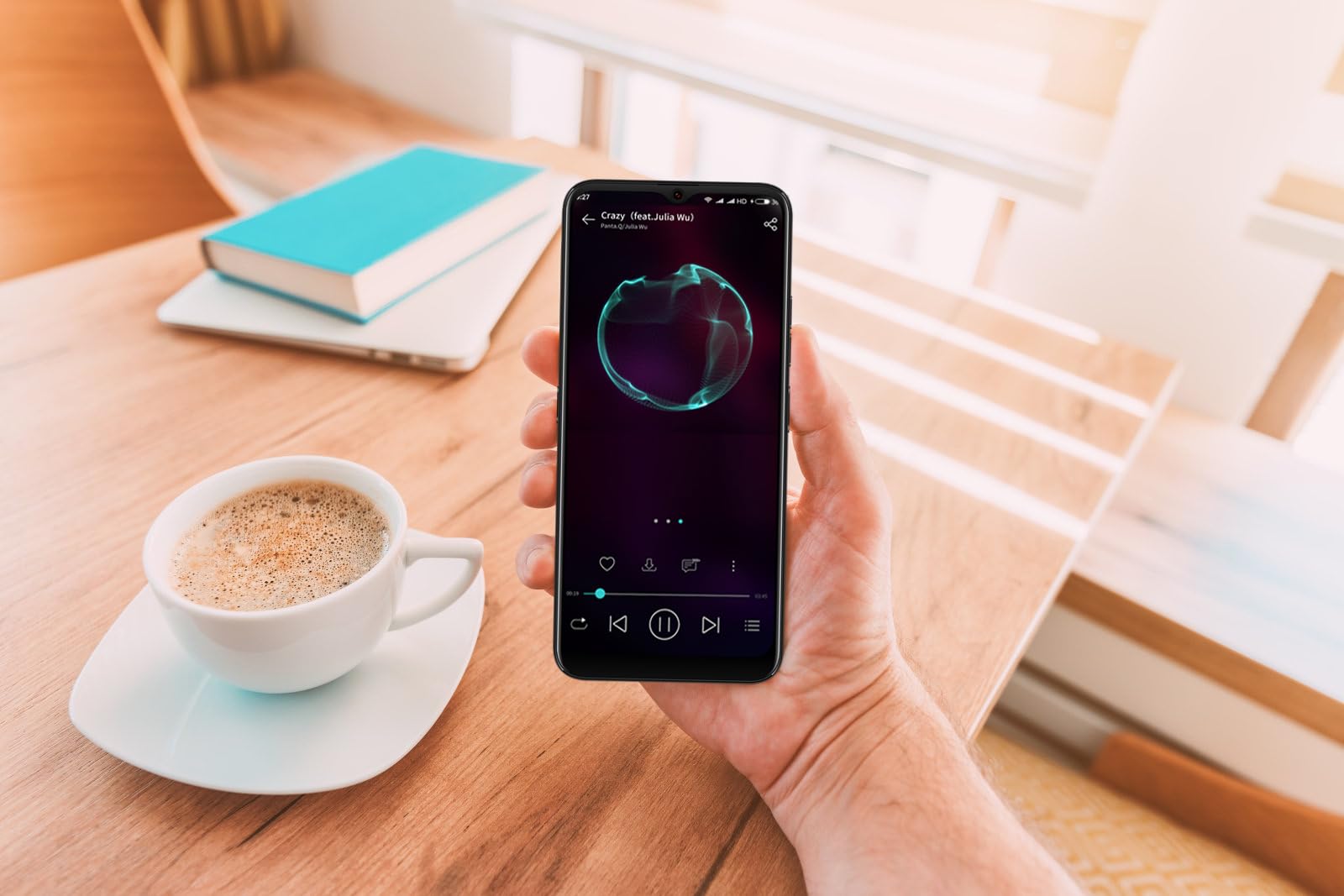
Image: The DIALN X65 smartphone displayed with its charging cable and user manual, as typically found in the product packaging.
Aufstellen
1. Insert SIM Card and MicroSD Card (Optional)
- Suchen Sie den SIM-Karten-Einschub an der Seite Ihres Telefons.
- Insert the SIM ejector tool (not included, a paperclip can be used) into the small hole on the tray to open it.
- Legen Sie Ihre Nano-SIM-Karte(n) und/oder microSD-Karte mit den goldenen Kontakten nach unten in den Kartenhalter ein und achten Sie dabei auf die richtige Ausrichtung.
- Drücken Sie die Ablage vorsichtig wieder in das Telefon, bis sie einrastet.
2. Erstes Aufladen
Before first use, it is recommended to fully charge your DIALN X65. Connect the charging cable to the phone's charging port and plug the other end into a power adapter (not included) or a USB port. The battery indicator on the screen will show charging progress. A full charge typically takes approximately 2 hours.
3. Ein-/Ausschalten
- So schalten Sie das Gerät ein: Press and hold the Power button (located on the right side) until the DIALN logo appears on the screen.
- So schalten Sie das Gerät aus: Halten Sie die Ein-/Aus-Taste gedrückt, bis das Menü mit den Energieoptionen erscheint. Tippen Sie auf „Ausschalten“ und bestätigen Sie.
- Neustarten: Press and hold the Power button until the power options menu appears. Tap 'Restart' and confirm.
4. Ersteinrichtungsassistent
The first time you power on your phone, you will be guided through an initial setup process. Follow the on-screen prompts to:
- Wählen Sie Ihre Sprache.
- Stellen Sie eine Verbindung zu einem Wi-Fi-Netzwerk her.
- Melden Sie sich mit Ihrem Google-Konto an oder erstellen Sie ein neues.
- Bildschirmsperre einrichten (PIN, Muster, Passwort oder Gesichtserkennung).
- Review und die Allgemeinen Geschäftsbedingungen akzeptieren.
Operating Your DIALN X65
1. Grundlegende Navigation
- Berühren: Tippen Sie auf ein Symbol, um eine App zu öffnen oder ein Element auszuwählen.
- Wischen: Ziehen Sie Ihren Finger über den Bildschirm, um zu scrollen oder zwischen Bildschirmen zu navigieren.
- Prise: Verwenden Sie zwei Finger, um Fotos zu vergrößern oder zu verkleinern. web Seiten.
- Startbildschirm: Die zentrale Anlaufstelle für Ihre Apps und Widgets. Wischen Sie nach links oder rechts, um auf weitere Startbildschirme zuzugreifen.
- Benachrichtigungsfeld: Durch Wischen vom oberen Bildschirmrand nach unten gelangen Sie zu Benachrichtigungen und Schnelleinstellungen.
2. Anrufe und Kontakte
- Einen Anruf tätigen: Öffnen Sie die App „Telefon“, geben Sie die Nummer ein und tippen Sie auf das Anrufsymbol.
- Anruf annehmen: Wischen Sie bei einem eingehenden Anruf auf dem grünen Telefonsymbol nach oben.
- Kontakte verwalten: Open the 'Contacts' app to add, edit, or delete contacts.
3. Nachrichten
Open the 'Messages' app to send and receive SMS/MMS messages. Tap the '+' icon to compose a new message, enter the recipient's number or select from contacts, and type your message.
4. Internet und Konnektivität
- W-lan: Gehen Sie zu Einstellungen > Netzwerk & Internet > WLAN. Aktivieren Sie WLAN und wählen Sie das gewünschte Netzwerk aus.
- Bluetooth: Gehen Sie zu Einstellungen > Verbundene Geräte > Verbindungseinstellungen > Bluetooth. Aktivieren Sie Bluetooth, um Geräte mit anderen Geräten zu koppeln.
- Mobile Daten: Gehen Sie zu Einstellungen > Netzwerk & Internet > Mobilfunknetz. Stellen Sie sicher, dass mobile Daten für den Internetzugang über Ihre SIM-Karte aktiviert sind.
5. Kamera
Open the 'Camera' app to capture photos and videos. Tap the shutter button to take a photo. Swipe left or right to switch between photo, video, and other modes. Use the front camera for selfies.
6. Gesichtsentsperrung
To set up Face Unlock, go to Settings > Security & privacy > Device unlock > Face unlock. Follow the on-screen instructions to register your face. Once set up, you can unlock your phone by looking at the front camera.
7. Speicherverwaltung
Your DIALN X65 comes with 32GB of internal storage. You can expand this up to 256GB using a microSD card. To check storage usage, go to Settings > Storage. Regularly clear unnecessary files und Apps, um eine optimale Leistung aufrechtzuerhalten.
Wartung
1. Reinigen Ihres Geräts
Use a soft, lint-free cloth to clean the screen and body of your phone. Avoid using harsh chemicals or abrasive materials, as these can damage the display and finish. Do not expose the phone to excessive moisture.
2. Software-Updates
Regularly check for and install software updates to ensure your phone has the latest features, security patches, and performance improvements. Go to Settings > System > System update to check for available updates.
3. Batteriepflege
- Vermeiden Sie extreme Temperaturen, da diese die Lebensdauer des Akkus beeinträchtigen können.
- Lassen Sie den Akku nicht häufig vollständig entladen.
- Use the provided charging cable or a compatible, certified charger.
- Sobald der Akku voll ist, ziehen Sie den Stecker des Ladegeräts, um ein Überladen zu verhindern.
4. Speicheroptimierung
To keep your phone running smoothly, regularly review and delete unused apps, old photos, videos, and downloaded files. Erwägen Sie, große Medien zu verschieben fileauf eine microSD-Karte oder in einen Cloud-Speicher.
Fehlerbehebung
Häufige Probleme und Lösungen:
- Telefon lässt sich nicht einschalten: Stellen Sie sicher, dass der Akku geladen ist. Schließen Sie das Gerät mindestens 15 Minuten lang an ein Ladegerät an und versuchen Sie dann erneut, es einzuschalten.
- Schlechter Empfang/Kein Netz: Check if your SIM card is properly inserted. Ensure mobile data is enabled in settings. Try restarting the phone. If issues persist, contact your network provider.
- Apps stürzen ab/frieren ein: Close and reopen the app. Clear the app's cache (Settings > Apps > [App Name] > Storage & cache > Clear cache). If the problem continues, uninstall and reinstall the app.
- Batterie entlädt sich schnell: Reduzieren Sie die Bildschirmhelligkeit, deaktivieren Sie nicht benötigte Funktionen wie Bluetooth oder GPS, schließen Sie Hintergrund-Apps und überprüfen Sie in den Akkueinstellungen, ob Apps übermäßig viel Strom verbrauchen.
- Touchscreen reagiert nicht: Restart the phone. If the issue persists, a factory reset might be necessary (see below).
Zurücksetzen auf Werkseinstellungen (Daten löschen)
Durch das Zurücksetzen auf Werkseinstellungen werden alle Daten von Ihrem Telefon gelöscht und es wird auf die ursprünglichen Werkseinstellungen zurückgesetzt. Sichern Sie alle wichtigen Daten, bevor Sie fortfahren.
- Gehen Sie zu Einstellungen > System > Optionen zurücksetzen.
- Tippen Sie auf „Alle Daten löschen (Werkseinstellungen zurücksetzen)“.
- Bestätigen Sie Ihre Entscheidung und geben Sie gegebenenfalls Ihre PIN/Ihr Entsperrmuster/Ihr Passwort ein.
- Das Telefon wird neu gestartet und der Reset-Vorgang beginnt.
Technische Daten
| Besonderheit | Spezifikation |
|---|---|
| Modellname | X65 |
| Betriebssystem | Android 13.0 |
| Anzeigegröße | 6.5 Zoll |
| Auflösung | 1280 x 720 |
| Prozessor | Quad Core 2.26GHz (MediaTek) |
| RAM | 3 GB |
| Interner Speicher | 32 GB (erweiterbar auf bis zu 256 GB per microSD) |
| Hauptkamera | 13 Megapixel |
| Batteriekapazität | 4500 mAh |
| Konnektivität | 4G LTE, WLAN, Bluetooth |
| Besondere Merkmale | Expandable Storage, Face Unlock, Built-in GPS |
| Maße | 6.5 x 3 x 6.5 Zoll |
| Gewicht | 6.5 Unzen |
Garantie und Support
Your DIALN X65 Smartphone is covered by a limited manufacturer's warranty. Please refer to the warranty card included with your product for specific terms and conditions, including warranty period and coverage details. For technical support, service, or further inquiries, please visit the official DIALN website or contact customer service through the contact information provided on the product packaging or official webWebsite.