
Einführung
Thank you for choosing the Spigen Active Noise Cancelling Headphones SA-HP P10. These headphones are designed to provide an immersive audio experience with advanced noise cancellation, powerful sound, and convenient features for various uses including commuting, gaming, and music listening. Please read this manual carefully to ensure proper use and optimal performance of your new headphones.
Packungsinhalt
Stellen Sie sicher, dass alle Artikel im Paket vorhanden sind:
- Spigen Active Noise Cancelling Headphones SA-HP P10
- USB-C-Ladekabel (50 cm)
- AUX Audio Cable (1.2m)
- Tragetasche
- Benutzerhandbuch (dieses Dokument)

Image: The Spigen SA-HP P10 headphones, a 50cm USB-C charging cable, and a 1.2m AUX audio cable, representing the complete package contents.
Produkt überview
Machen Sie sich mit den Komponenten und Bedienelementen des Kopfhörers vertraut.
Bedienelemente und Anschlüsse:
- Netzschalter: Zum Ein-/Ausschalten gedrückt halten. Kurzes Drücken zum Abspielen/Pausieren oder Annehmen/Beenden von Anrufen.
- Lautstärketasten (+/-): Short press to adjust volume. Long press to skip tracks.
- ANC-/Transparenzmodus-Schalter: Toggle to activate Active Noise Cancellation (ANC) or Transparency Mode.
- USB-C-Anschluss: Zum Aufladen der Kopfhörer.
- 3.5-mm-Audiobuchse: Für kabelgebundene Verbindungen über das AUX-Kabel.
- Mikrofone: Integrated 5-MIC system for clear calls and ANC.
Aufstellen
1. Aufladen der Kopfhörer:
- Connect the USB-C charging cable to the headphone's USB-C port and a power source.
- Die LED-Anzeige signalisiert den Ladestatus. Eine vollständige Ladung dauert etwa 2 Stunden.
- Stellen Sie sicher, dass die Kopfhörer vor dem ersten Gebrauch vollständig aufgeladen sind.
2. Ein-/Ausschalten:
- Zum Einschalten den Netzschalter gedrückt halten, bis die LED-Anzeige aufleuchtet.
- Zum Ausschalten den Netzschalter gedrückt halten, bis die LED-Anzeige erlischt.
3. Bluetooth-Kopplung:
- With the headphones powered off, press and hold the Power Button for 5 seconds until the LED indicator flashes blue and red, indicating pairing mode.
- On your device (smartphone, tablet, computer), enable Bluetooth and search for "Spigen SA-HP P10".
- Wählen Sie die zu verbindenden Kopfhörer aus. Die LED-Anzeige leuchtet dauerhaft blau, sobald die Kopplung erfolgreich war.
- The headphones support Bluetooth 5.4 for seamless pairing and multi-device connectivity.
4. Spigen Audio App:
- Download the "Spigen Audio" app from your device's app store.
- Connect your headphones to the app for customizable sound profiles, EQ settings, and firmware updates.
Image: The Spigen Audio App interface, displaying options for sound profiles (Default, Pop, Bass, Rock) and noise control modes (Multi-Mode ANC, Transparency, Normal, Indoor, Commuting, Noisy).
Bedienungsanleitung
1. Active Noise Cancellation (ANC) & Transparency Mode:
- Use the dedicated ANC/Transparency Mode switch on the headphones to toggle between modes.
- ANC-Modus: Reduces external noise by up to 43dB, ideal for focused listening.
- Transparenzmodus: Lässt Umgebungsgeräusche durch, sodass Sie Ihre Umgebung weiterhin wahrnehmen.
- Customize ANC levels and modes (Indoor, Commuting, Noisy) via the Spigen Audio App.
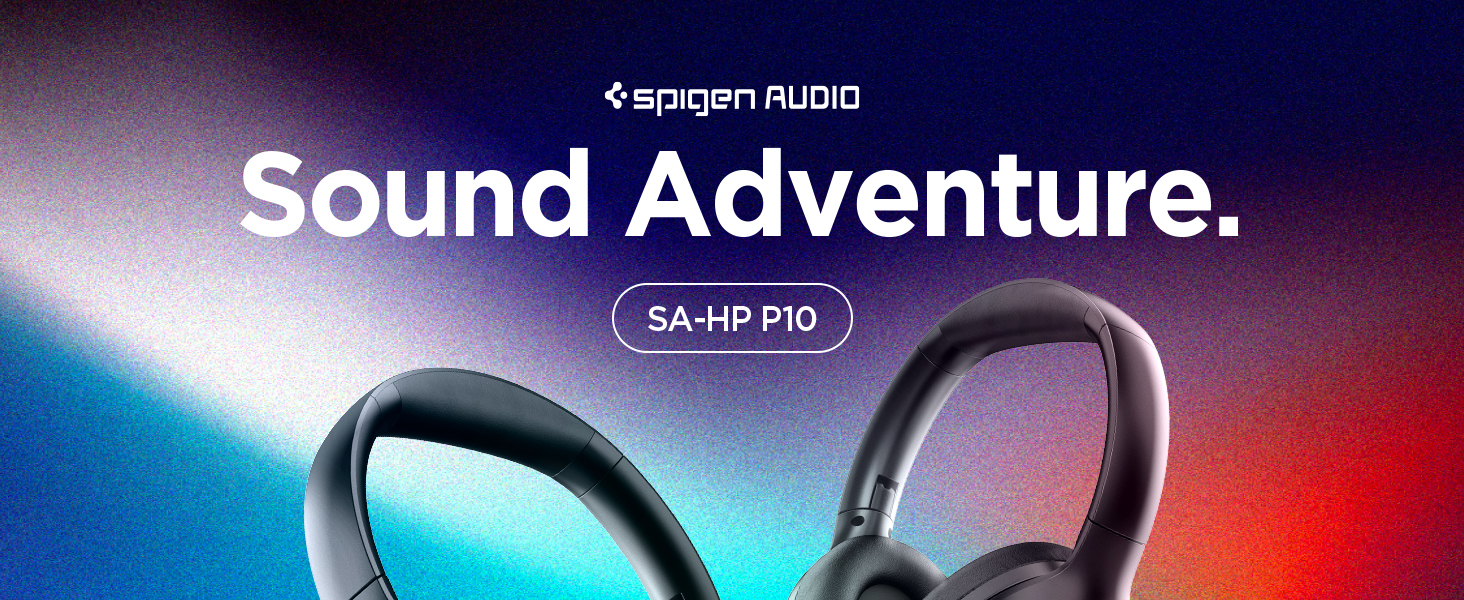
Image: The Spigen SA-HP P10 headphones with visual cues indicating 43dB Active Noise Cancelling, 5-Mode Hybrid Adaptive ANC, Transparency Mode, and Clear Calls with 5 MICs.
2. Spielemodus:
- Activate Gaming Mode via the Spigen Audio App for crystal-clear, low-latency audio transmission.
- This mode is optimized for an uninterrupted gaming experience.
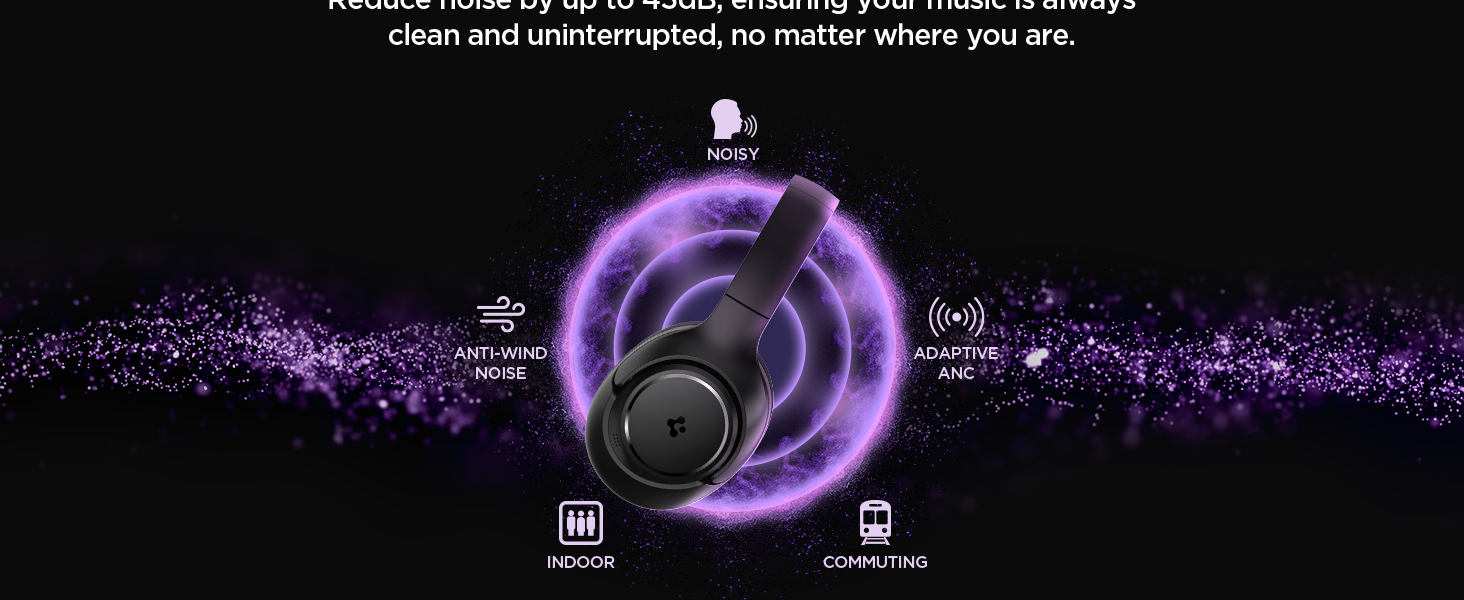
Image: Spigen SA-HP P10 headphones positioned next to a smartphone and a game controller, emphasizing the low-latency feature for an enhanced gaming experience.
3. Anrufe tätigen:
- Anruf annehmen/beenden: Drücken Sie kurz die Power-Taste.
- Anruf ablehnen: Drücken Sie lange auf den Netzschalter.
- The 5-MIC system ensures clear voice pickup and ambient noise reduction during calls.
Wartung
Cleaning EarPads:
- The ear pads are detachable for easy cleaning.
- Gently remove the ear pads from the headphones.
- Mit einem weichen,amp Mit einem Tuch und milder Seife reinigen. Vor dem Wiederanbringen vollständig an der Luft trocknen lassen.
- Verwenden Sie keine aggressiven Chemikalien oder scheuernden Materialien.

Image: Hands gently cleaning a detachable earpad of the Spigen SA-HP P10 headphones with a white cloth, demonstrating the ease of maintenance.
Fehlerbehebung
- Kein Strom: Stellen Sie sicher, dass die Kopfhörer vollständig aufgeladen sind.
- Kopplung fehlgeschlagen: Make sure headphones are in pairing mode (flashing blue/red LED). Turn off and on your device's Bluetooth.
- Tonprobleme: Check volume levels on both headphones and your device. Ensure headphones are within Bluetooth range. Try re-pairing.
- ANC funktioniert nicht: Ensure ANC mode is activated via the switch or app.
Technische Daten
| Modellname | SA-HP P10 |
| Bluetooth-Version | 5.4 |
| Akkulaufzeit | Bis zu 60 Stunden |
| Aktive Geräuschunterdrückung | Bis zu 43 dB |
| Treibergröße | 40 mm dynamische Treiber |
| Mikrofone | 5-MIC System |
| Kontrollmethode | App / On-device Buttons |
| Artikelgewicht | 273 Gramm (9.6 Unzen) |
| Technische Daten | 3.22 x 6.31 x 7.75 Zoll |
Garantie und Support
For warranty information or technical support, please visit the official Spigen website or contact Spigen customer service directly. Keep your purchase receipt for warranty claims.