
1. Einleitung
Thank you for choosing the Btootos A90 Pro Wireless Earbuds. These earbuds are designed to provide a superior audio experience with advanced features for convenience and performance. This manual will guide you through the setup, operation, and maintenance of your new earbuds.
Key features include Bluetooth 5.4 technology for stable connections, Environmental Noise Cancellation (ENC) for clear calls, an LED power display, extended battery life, IP7 waterproofing, and intuitive touch controls.
2. Lieferumfang
Bitte vergewissern Sie sich, dass alle Artikel im Paket vorhanden sind:
- A90 Pro Kabellose Ohrhörer (Links/Rechts)
- Tragbare Ladebox
- Silikon-Ohrstöpsel (Größen S / M / L)
- USB-C-Ladekabel
- Bedienungsanleitung
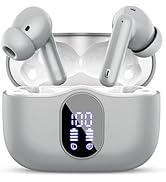
Image: Contents of the Btootos A90 Pro Wireless Earbuds box, showing the earbuds, charging case, USB-C cable, and various sizes of silicone earplugs.
3. Einrichtung
3.1. Aufladen der Ohrhörer und des Ladecase
Vor der ersten Benutzung sicherstellen, dass sowohl die Ohrhörer als auch das Ladecase vollständig aufgeladen sind.
- Legen Sie die Ohrhörer in das Ladecase. Achten Sie darauf, dass sie richtig sitzen.
- Connect the provided USB-C charging cable to the charging port on the case and plug the other end into a compatible USB power adapter (not included).
- Die LED-Anzeige am Ladecase zeigt den aktuellen Akkustand in Prozent an.tage. The earbuds will also show their individual charging status.
- A full charge for the charging case takes approximately 1.5 hours. Earbuds charge within the case.

Image: Btootos A90 Pro earbuds resting in their charging case, with the LED display showing battery levels for both the case and individual earbuds.
3.2. Koppeln mit Ihrem Gerät (Ein-Schritt-Kopplung)
The A90 Pro earbuds feature automatic pairing for a hassle-free connection.
- Öffnen Sie das Ladecase. Die Ohrhörer schalten sich automatisch ein und wechseln in den Kopplungsmodus.
- Gehen Sie auf Ihrem Gerät (Smartphone, Tablet, Laptop) zu den Bluetooth-Einstellungen und aktivieren Sie Bluetooth.
- Suchen nach Verfügbare Geräte und wählen Sie "A90 Pro" aus der Liste.
- Once connected, you will hear a voice prompt, and the earbuds will be ready for use.
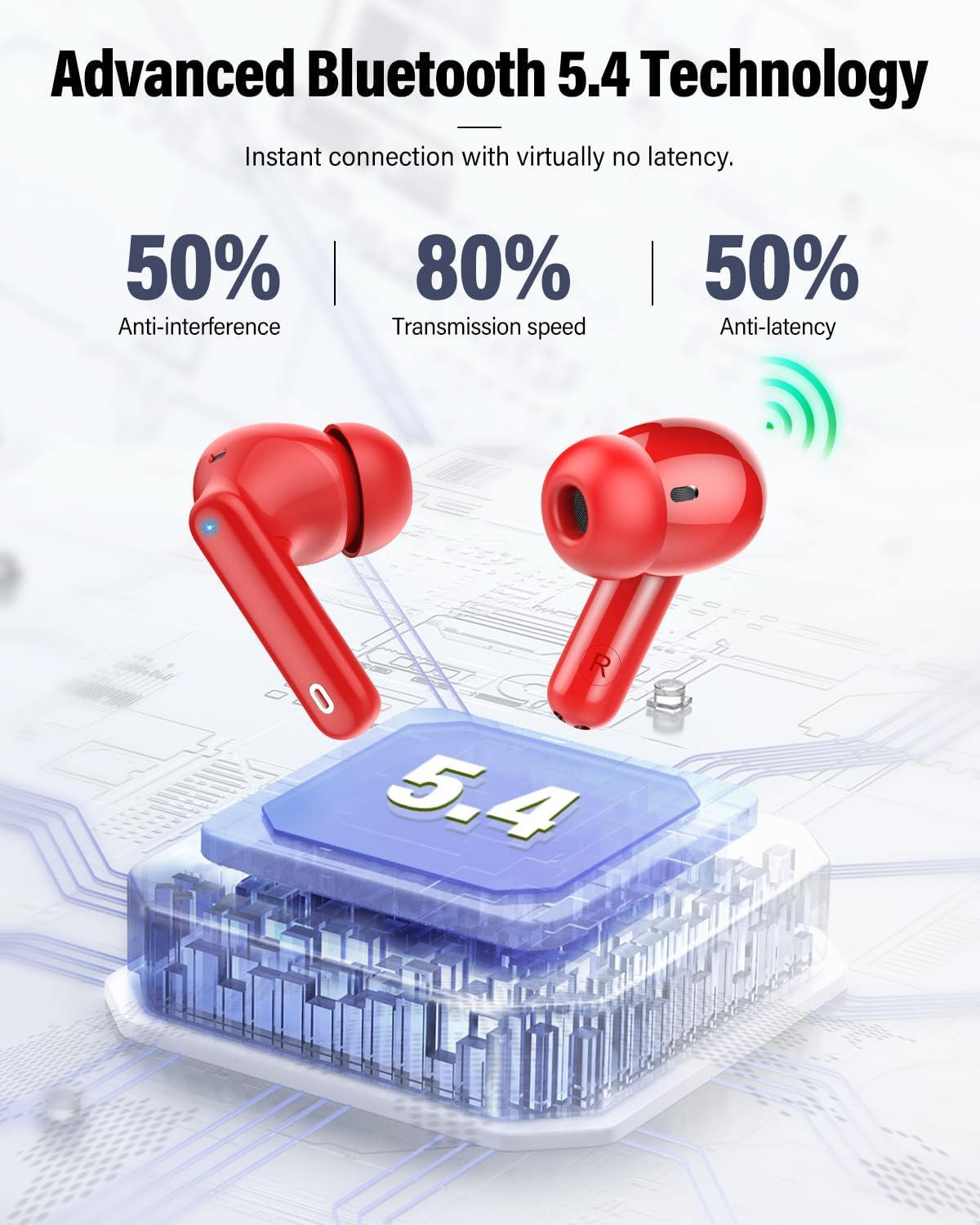
Image: A visual guide illustrating the one-step pairing process of the Btootos A90 Pro earbuds with a smartphone, showing the earbuds in the open case and the Bluetooth settings screen.
Video: This video demonstrates the Bluetooth pairing process and noise-cancelling features of the Btootos A90 Pro earbuds, highlighting their ease of connection and call clarity.
4. Bedienungsanleitung
4.1. Tippen Sie auf Steuerung
The A90 Pro earbuds feature intuitive touch controls on each earbud for easy management of music and calls.
| Funktion | Aktion |
|---|---|
| Abspielen/Pause | Tippen Sie einmal auf einen der Ohrhörer |
| Vorheriger Titel | Halten Sie den linken Ohrhörer 2 Sekunden lang gedrückt |
| Nächster Titel | Halten Sie den rechten Ohrhörer 2 Sekunden lang gedrückt |
| Anruf annehmen | Tippen Sie einmal auf einen der Ohrhörer |
| Anruf beenden | Tippen Sie einmal auf einen der Ohrhörer |
| Anruf ablehnen | Halten Sie einen der Ohrhörer 2 Sekunden lang gedrückt |
| Sprachassistent aktivieren | Dreimaliges Tippen auf einen der Ohrhörer |
| Lautstärke erhöhen | Tippen Sie einmal auf den rechten Ohrhörer |
| Lautstärke verringern | Tippen Sie einmal auf den linken Ohrhörer |

Image: A visual representation of the touch control functions available on the Btootos A90 Pro earbuds, showing icons for play/pause, answer calls, volume adjustment, and track navigation.
4.2. Tragen der Ohrhörer
Choose the silicone earplugs that best fit your ears for optimal comfort and sound quality. Insert the earbuds gently into your ear canal and rotate them slightly until they feel secure and comfortable.

Image: A person wearing the Btootos A90 Pro earbuds, demonstrating their comfortable in-ear fit. Below, different sizes (S, M, L) of silicone earplugs are shown.
5. Wartung
5.1. Reinigung
Regelmäßige Reinigung trägt zur Aufrechterhaltung optimaler Leistung und Hygiene bei.
- Wischen Sie die Ohrhörer und das Ladecase mit einem weichen, trockenen, fusselfreien Tuch ab.
- Gently remove any earwax or debris from the ear tips and speaker mesh using a clean, dry cotton swab or a small brush.
- Keine Scheuer- oder Lösungsmittel verwenden.
5.2. Speicherung
When not in use, store the earbuds in their charging case to protect them from damage and keep them charged. Store in a cool, dry place away from extreme temperatures.
5.3. Wasserdichtigkeitsklasse IP7
The A90 Pro earbuds are IP7 waterproof, meaning they are protected against sweat and rain. This makes them suitable for workouts and outdoor activities. However, they are not designed for submersion in water.

Image: Btootos A90 Pro earbuds with water droplets on their surface, emphasizing their IP7 waterproof and splash-resistant design.
6. Fehlerbehebung
Sollten Sie Probleme mit Ihren Ohrhörern haben, beachten Sie bitte die folgenden gängigen Lösungsansätze:
- Ohrhörer lassen sich nicht koppeln:
Ensure both earbuds are fully charged. Place them back in the charging case, close the lid, then open it again to re-enter pairing mode. On your device, forget the "A90 Pro" from your Bluetooth list and try pairing again. - Kein Ton oder nur zeitweise Ton:
Check the volume levels on both your device and the earbuds. Ensure the earbuds are within the 15-meter Bluetooth range of your device. Try reconnecting the earbuds to your device. - Probleme beim Aufladen:
Ensure the USB-C cable is securely connected to both the charging case and the power source. Check if the charging port is clean and free of debris. - Schlechte Anrufqualität:
Ensure the earbuds are properly seated in your ears. Move to a quieter environment if possible, as ENC works best to reduce ambient noise but cannot eliminate all background sounds.
7. Spezifikationen
| Besonderheit | Detail |
|---|---|
| Marke | Bootos |
| Modellname | A90 Pro |
| Bluetooth-Version | 5.4 |
| Bluetooth-Reichweite | Bis zu 15 Meter (ohne Hindernisse) |
| Wiedergabezeit der Ohrhörer | 6–8 Stunden mit einer einzigen Ladung |
| Gesamtspielzeit (mit Hülle) | Bis zu 36 Stunden |
| Ladezeit (Case) | 1.5 Stunden |
| Ladeanschluss | USB-C |
| Wasserbeständigkeit | IP7 Wasserdicht |
| Lärmschutz | ENC (Environmental Noise Cancellation) for calls, Passive Noise Cancellation, Sound Isolation |
| Größe des Audiotreibers | 14.2 mm |
| Steuerungstyp | Touch-Steuerung |
| Material | Acrylnitril-Butadien-Styrol (ABS) |
8. Garantie und Support
8.1. Garantieinformationen
The Btootos A90 Pro Wireless Earbuds come with a 2 Jahr Garantie Diese Garantie gilt ab Kaufdatum und deckt Herstellungsfehler ab. Sie gewährleistet, dass Ihr Produkt bei normalem Gebrauch frei von Material- und Verarbeitungsfehlern ist. Bitte bewahren Sie Ihren Kaufbeleg für Garantieansprüche auf.
8.2. Kundendienst
For further assistance, technical support, or warranty claims, please contact Btootos customer service through the retailer where you purchased the product or visit the official Btootos website. Our dedicated support team is ready to help you with any questions or concerns.
Besuchen Sie auch die Btootos Store on Amazon Für weitere Informationen und Produktaktualisierungen.