
SMALLRIG B0F3JKFHVL
SmallRig Product Instruction Manual
Model: B0F3JKFHVL
1. Einleitung
This manual provides detailed instructions for the safe and efficient use of your SmallRig LP-E6NH 4-Slot Charger, SmallRig 145W USB-C Charger, and SmallRig 240W USB C to C Cable. Please read this manual thoroughly before operation and retain it for future reference.

Abbildung 1: Überview of the SmallRig LP-E6NH 4-Slot Charger, 145W USB-C Charger, and 240W USB C to C Cable.
2. Sicherheitshinweise
Um einen sicheren Betrieb zu gewährleisten und Schäden zu vermeiden, beachten Sie bitte folgende Vorsichtsmaßnahmen:
- Die Geräte dürfen weder Wasser, Feuchtigkeit noch extremen Temperaturen ausgesetzt werden.
- Use only compatible batteries and cables as specified.
- Vermeiden Sie es, die Geräte fallen zu lassen oder starken Stößen auszusetzen.
- Versuchen Sie nicht, die Geräte zu zerlegen oder zu verändern. Überlassen Sie alle Wartungsarbeiten qualifiziertem Fachpersonal.
- Sorgen Sie während des Ladevorgangs für eine ausreichende Belüftung, um eine Überhitzung zu vermeiden.
- Außerhalb der Reichweite von Kindern aufbewahren.
3. Produktüberschreitungview
3.1 SmallRig LP-E6NH 4-Slot Charger
This charger is designed to simultaneously charge up to four LP-E6NH batteries. It features a 60W USB-C input for efficient power delivery and includes built-in safety protections.
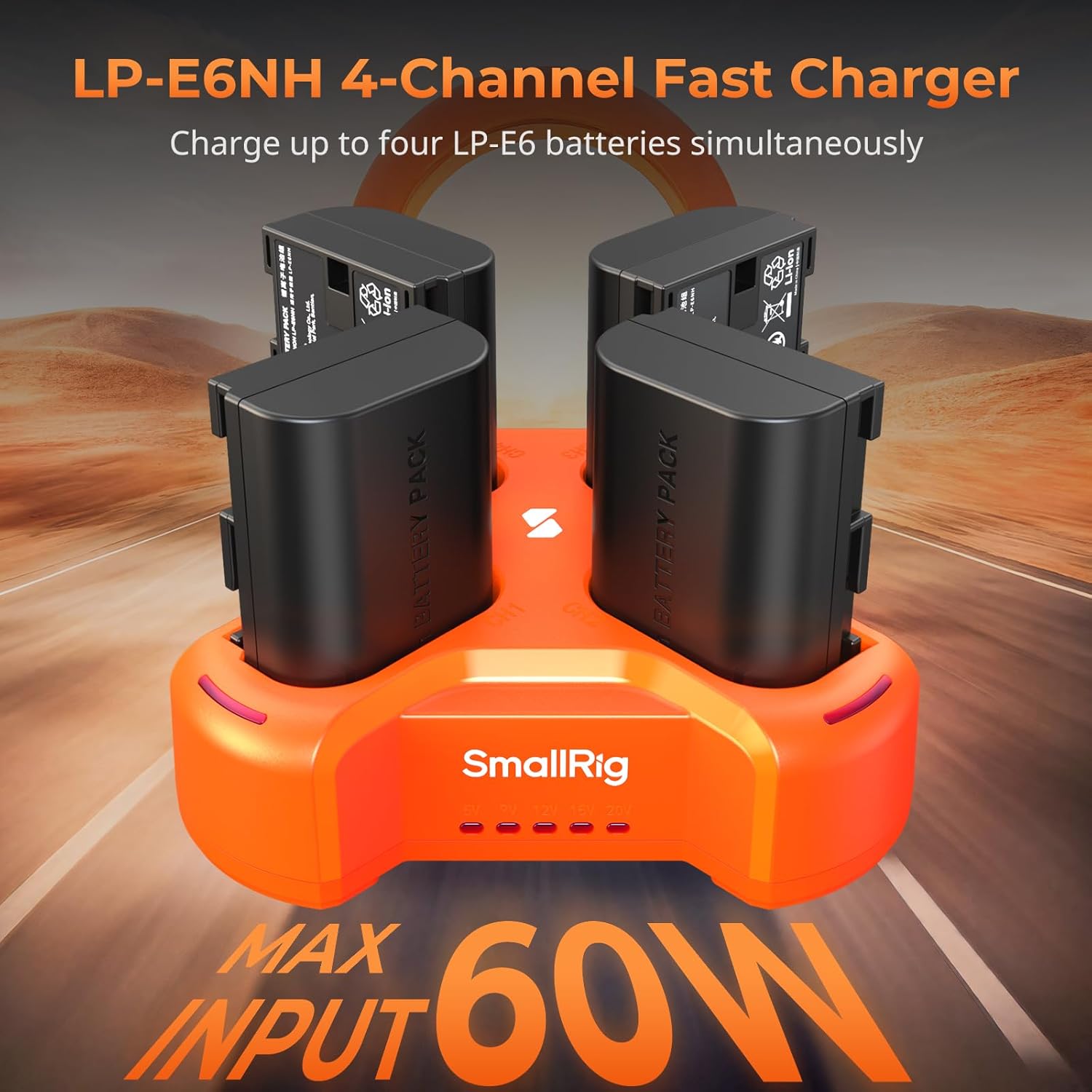
Figure 2: SmallRig LP-E6NH 4-Channel Fast Charger with batteries.
Hauptmerkmale:
- 4-Kanal-Ladefunktion: Charges four LP-E6NH batteries concurrently.
- Schnelles Laden: Achieves full charge for 2040mAh batteries in approximately 4.5 hours with a 60W USB-C input.
- Sicherheitsschutz: Equipped with short-circuit and overcurrent protection for each port.
- Kompaktes Design: Lightweight and portable for travel and daily use.

Figure 3: The compact and lightweight design of the 4-slot charger.
LED-Anzeigen: The charger features smart LED indicators to display charging status and voltage Informationen.

Figure 4: Smart LED Indicators on the 4-slot charger.
3.2 SmallRig 145W USB-C Charger
This powerful GaN charger provides a total output of 145W across four USB-C ports, supporting PD3.1 fast charging for a wide range of devices.

Figure 5: Multi-device charging capability of the 145W charger.
Portkonfiguration:
- USB-C1 / C2: Up to 140W maximum output each.
- USB-C3 / C4: Up to 45W maximum output each.
- Gesamtleistung: 145W.

Figure 6: Port specifications of the 145W USB-C Charger.
This charger is suitable for high-power devices such as V mount batteries, rechargeable camera batteries, NP-F batteries, smartphones, and laptops, significantly reducing charging downtime.
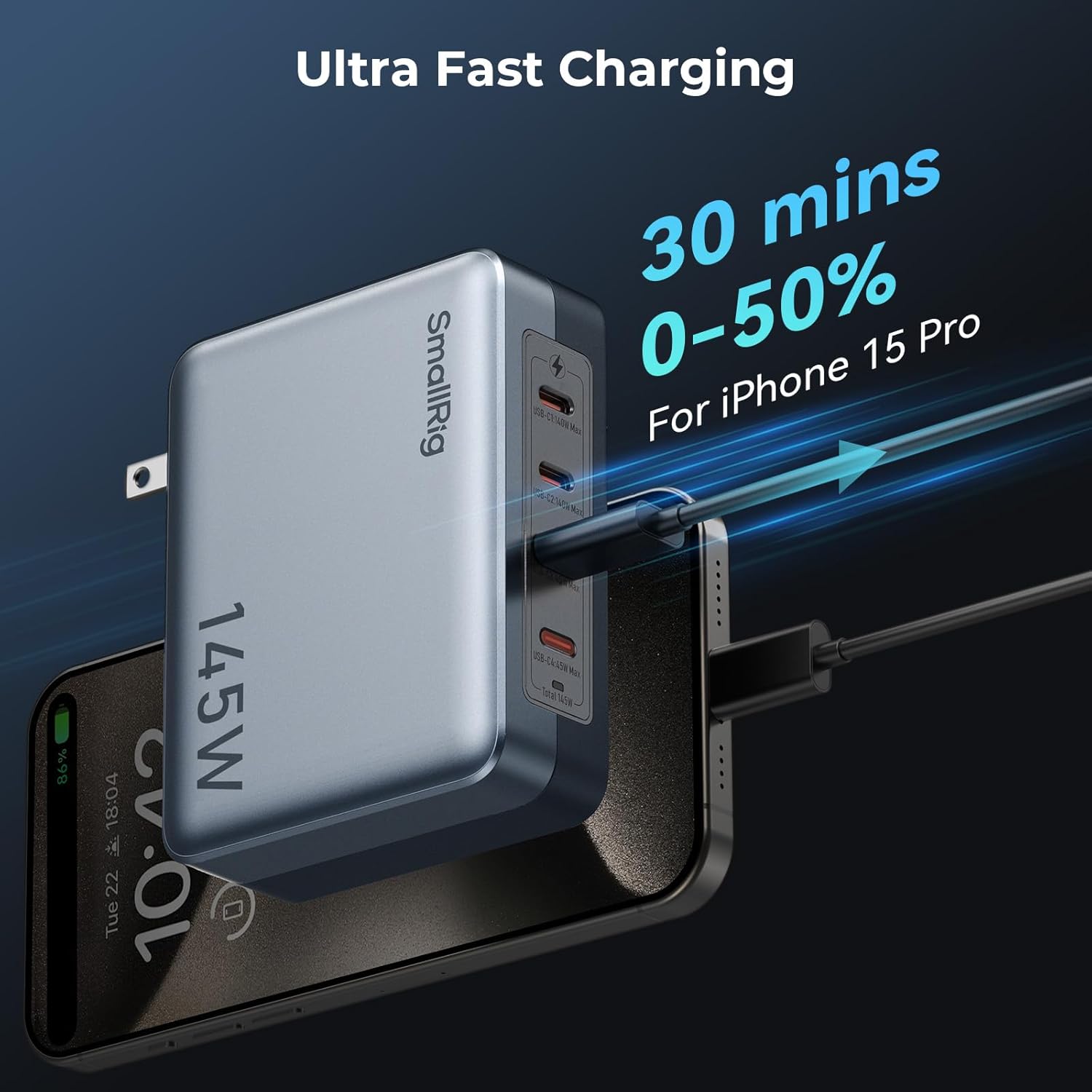
Abbildung 7: Bspample of rapid charging with the 145W USB-C Charger.
3.3 SmallRig 240W USB C to C Cable
This high-performance USB-C to USB-C cable supports the PD 3.1 protocol, enabling ultra-fast charging for compatible devices.

Figure 8: SmallRig 240W USB C to C Cable.
Merkmale:
- 240 W Stromversorgung: Supports high-power charging for devices like laptops and smartphones.
- Haltbarkeit: Constructed with metal connectors and braided wire for enhanced longevity.
- Notiz: This cable does not support screen mirroring.
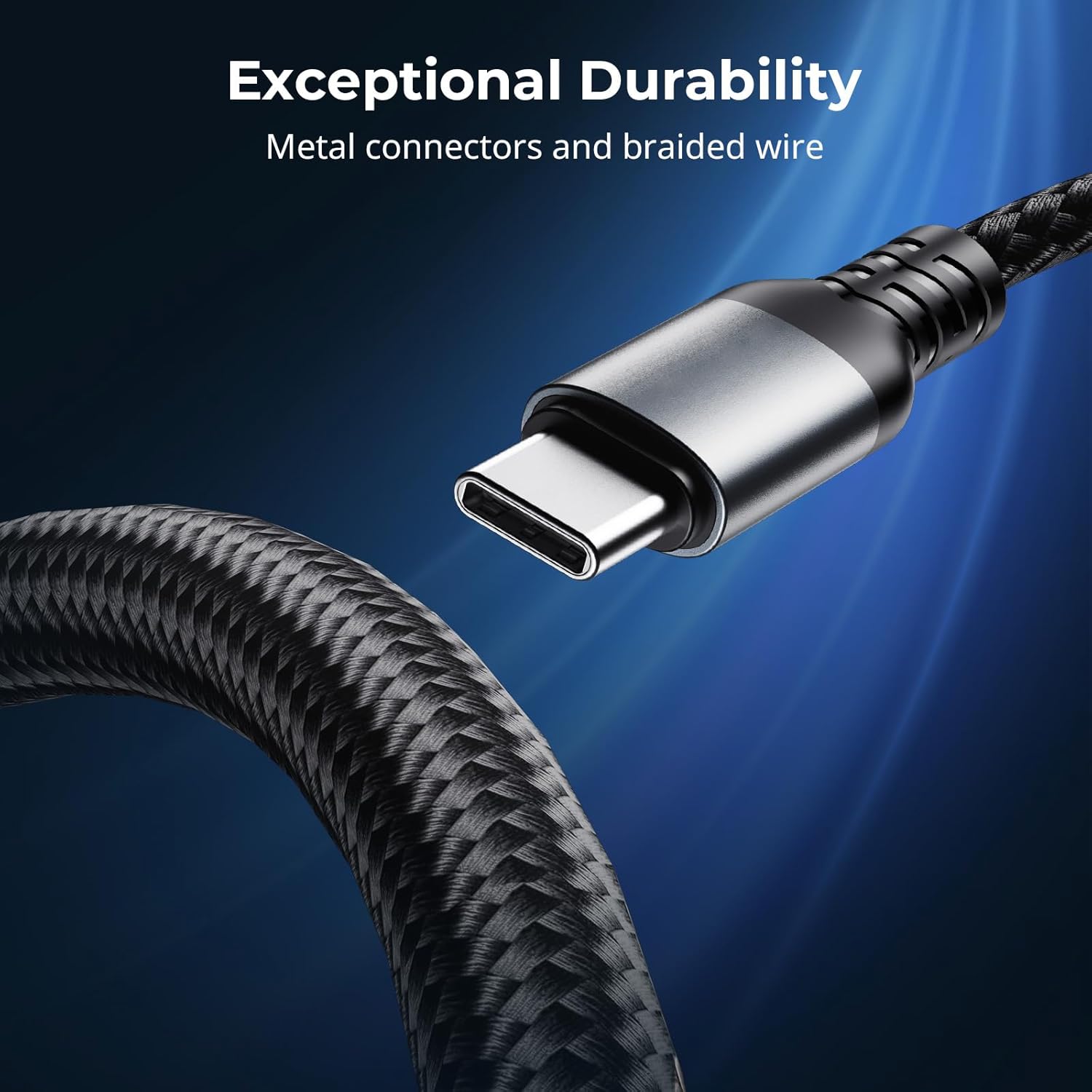
Figure 9: Exceptional durability of the 240W USB C to C Cable.
4. Einrichtung
4.1 Setting up the LP-E6NH 4-Slot Charger
- Connect the SmallRig LP-E6NH 4-Slot Charger to a power source using a USB-C cable. For optimal performance, use a USB-C adapter with a power output of 60W or above.
- If using a USB-A adapter, ensure it supports the QC 12V protocol; otherwise, the charger may not function correctly.
- Insert up to four compatible LP-E6NH batteries into the designated slots. Ensure the batteries are correctly oriented.
- The LED indicators will illuminate to show the charging status of each battery.
4.2 Setting up the 145W USB-C Charger
- Plug the SmallRig 145W USB-C Charger into a standard wall outlet.
- Connect your devices (e.g., laptops, smartphones, camera batteries) to any of the four USB-C ports using appropriate USB-C cables.
- For devices requiring high power, utilize USB-C1 or USB-C2 ports for up to 140W output.
- For other devices, USB-C3 or USB-C4 ports provide up to 45W output.
4.3 Using the 240W USB C to C Cable
- Connect one end of the 240W USB C to C Cable to a compatible power source (e.g., the SmallRig 145W USB-C Charger or another PD 3.1 compliant charger).
- Connect the other end of the cable to your device (e.g., laptop, smartphone) that supports USB-C power delivery.
- Ensure both the power source and the device support the required power delivery for optimal charging speed.
5. Bedienungsanleitung
5.1 Charging with the LP-E6NH 4-Slot Charger
Once batteries are inserted and the charger is connected to power, the charging process begins automatically. The LED indicators provide real-time feedback:
- Durchgängig rot: Ladevorgang läuft.
- Durchgängig grün: Ladevorgang abgeschlossen.
- Rot blinkend: Error (e.g., incompatible battery, short circuit). Remove the battery and reinsert. If the issue persists, discontinue use.
Die voltage indicators (5V / 9V / 12V / 20V) will light up to show the input voltage being supplied to the charger.
5.2 Charging with the 145W USB-C Charger
The 145W USB-C Charger automatically detects the connected device's power requirements and delivers the optimal charging current. No manual configuration is required.
- Connect your device to any available USB-C port.
- For maximum efficiency, distribute high-power devices across USB-C1/C2 and lower-power devices across USB-C3/C4.
- The charger's internal management system will balance power delivery across all active ports.
6. Wartung
- Reinigung: Use a soft, dry cloth to clean the surfaces of the charger and cable. Do not use liquid cleaners or solvents.
- Lagerung: Bewahren Sie die Geräte bei Nichtgebrauch an einem kühlen, trockenen Ort fern von direkter Sonneneinstrahlung und extremen Temperaturen auf.
- Kabelpflege: Avoid sharp bends or kinks in the 240W USB C to C Cable to prevent internal damage. Do not pull the cable by the cord; always grasp the connector.
- Inspektion: Periodically inspect the chargers and cable for any signs of damage, such as frayed wires, cracked casings, or bent connectors. Discontinue use if damage is found.
7. Fehlerbehebung
| Problem | Mögliche Ursache | Lösung |
|---|---|---|
| LP-E6NH Charger not charging batteries. |
|
|
| 145W Charger not providing power. |
|
|
| Langsame Ladegeschwindigkeit. |
|
|
| 240W Cable not supporting screen mirroring. |
|
|
8. Spezifikationen
8.1 SmallRig LP-E6NH 4-Slot Charger
- Eingang: USB-C, 60W (recommended)
- Kompatible Batterien: LP-E6NH
- Ladezeit: Approx. 4.5 hours for 4x 2040mAh batteries (with 60W input)
- Schutz: Short-circuit, Overcurrent
8.2 SmallRig 145W USB-C Charger
- Gesamtleistung: 145 W
- Häfen: 4 x USB-C
- USB-C1 / C2 Output: Max 140W each (PD3.1)
- USB-C3 / C4 Output: Max 45W each (PD3.1)
- Technologie: GaN
8.3 SmallRig 240W USB C to C Cable
- Stromversorgung: Up to 240W (PD 3.1 protocol)
- Anschlüsse: USB-C auf USB-C
- Material: Metal connectors, braided wire
- Videoausgang: Nicht unterstützt
9. Garantieinformationen
SmallRig products typically come with a limited warranty. Please refer to the warranty card included with your product or visit the official SmallRig webDie detaillierten Garantiebedingungen finden Sie auf der Website. Bewahren Sie Ihren Kaufbeleg für Garantieansprüche auf.
10. Kundendienst
For technical support, troubleshooting assistance, or product inquiries, please contact SmallRig customer service through their official webWebsite oder die auf der Produktverpackung angegebenen Kontaktinformationen.
SmallRig Official WebWebsite: www.smallrig.com
Ask a question about this manual
Ask about setup, troubleshooting, compatibility, parts, safety, or missing instructions. Manuals+ will review the question and use this page’s manual context to help answer it.