
1. Einleitung
Thank you for choosing the Hwagol Military Smartwatch. This device is designed to enhance your daily life with smart features, fitness tracking, and communication capabilities. This manual provides essential information for setting up, operating, and maintaining your smartwatch. Please read it carefully before use to ensure optimal performance and longevity of your device.
2. Sicherheitshinweise
- Versuchen Sie nicht, das Gerät zu zerlegen, zu reparieren oder zu verändern. Dies kann zu Schäden, Stromschlägen oder Bränden führen.
- Das Gerät sollte vor extremen Temperaturen, direkter Sonneneinstrahlung und hoher Luftfeuchtigkeit geschützt werden.
- Setzen Sie das Gerät keinen starken Stößen oder Stürzen aus.
- Use only the provided charging cable. Using unauthorized chargers may damage the device or cause safety hazards.
- This device is water-resistant, but not waterproof. Avoid prolonged submersion or use in hot water.
- Konsultieren Sie vor Beginn eines neuen Trainingsprogramms einen Arzt, insbesondere wenn Sie Vorerkrankungen haben. Die von der Uhr bereitgestellten Gesundheitsdaten dienen lediglich als Referenz und sollten nicht für medizinische Diagnosen oder Behandlungen verwendet werden.
3. Packungsinhalt
Bitte überprüfen Sie, ob alle folgenden Artikel in Ihrem Paket enthalten sind:
- Hwagol Militär-Smartwatch
- Silikonarmband
- Ladekabel
- Bedienungsanleitung
Falls Artikel fehlen oder beschädigt sind, wenden Sie sich bitte an den Kundendienst.
4. Produktüberschreitungview
The Hwagol Military Smartwatch features a robust design with a round digital display and intuitive controls.
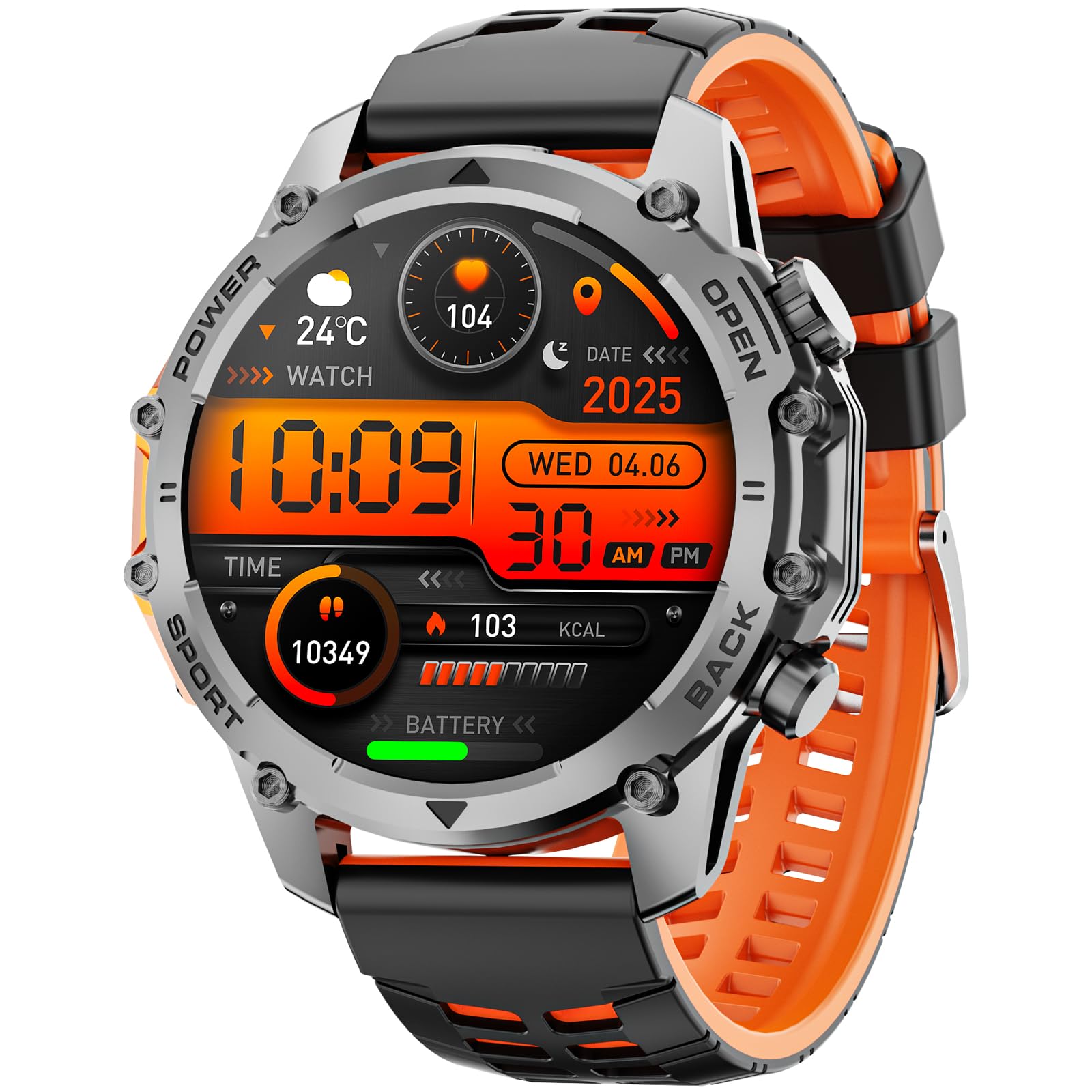
Bild: Vorderseite view of the Hwagol Military Smartwatch, showcasing sein rundes Display und seine robuste Bauweise.
4.1 Physikalische Komponenten
- Anzeige: Digital touchscreen for interactive control and information display.
- Tasten: Side buttons for power, menu navigation, and quick access to functions.
- Sensoren: Located on the back for heart rate monitoring and other health tracking.
- Ladeanschlüsse: Magnetic charging pins on the back of the watch.
- Gurt: Strapazierfähiges Silikonarmband für angenehmen Tragekomfort.
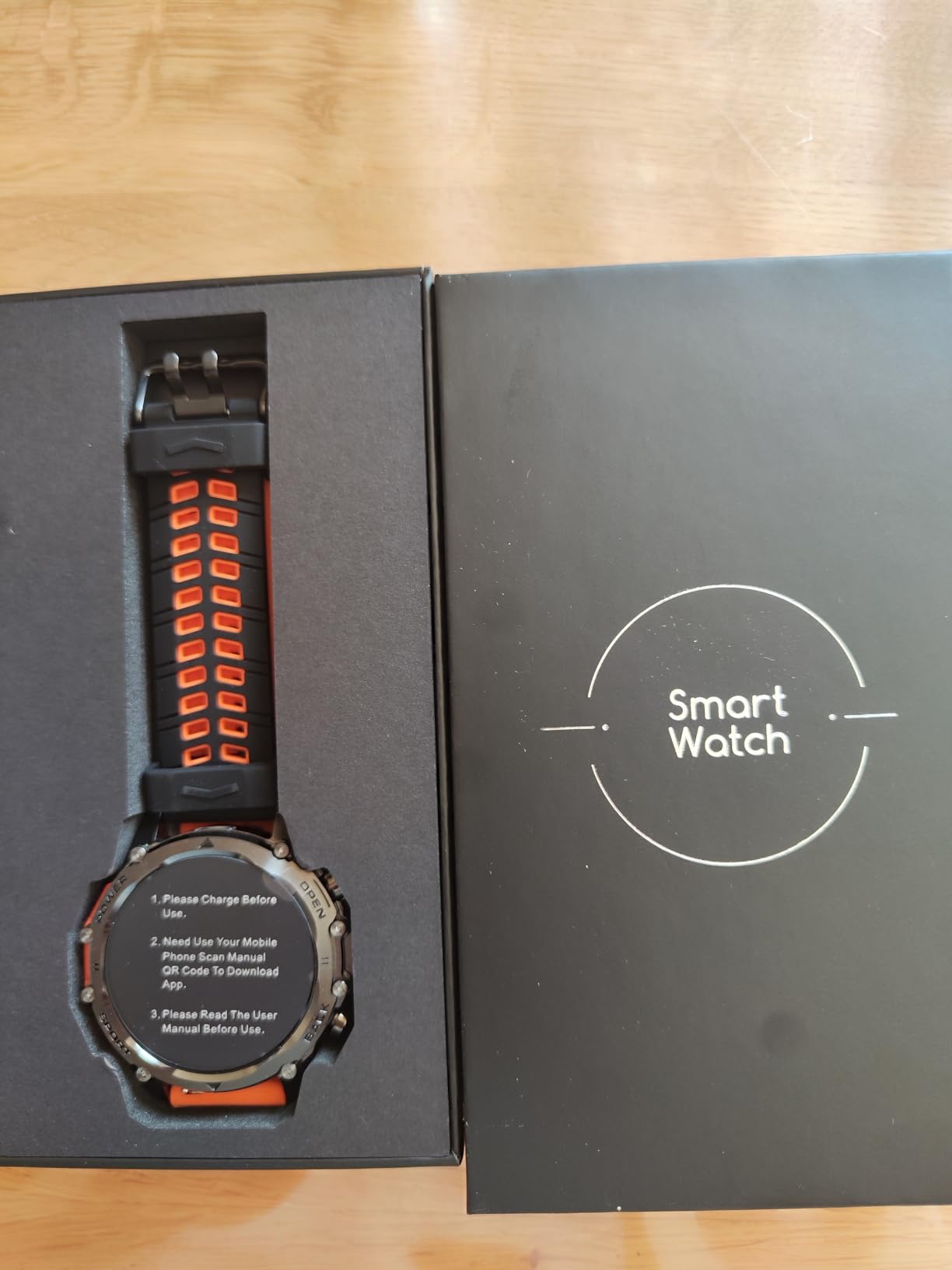
Abbildung: Rückseite view of the Hwagol Military Smartwatch, showing the heart rate sensors and charging contacts.
5. Einrichtung
5.1 Aufladen der Smartwatch
- Verbinden Sie das USB-Ende des Ladekabels mit einem Netzteil (5V/1A empfohlen) oder einem USB-Anschluss Ihres Computers.
- Align the magnetic pins of the charging cable with the charging contacts on the back of your smartwatch. The cable will snap into place.
- Auf dem Display der Uhr wird eine Ladeanzeige eingeblendet. Eine vollständige Aufladung dauert in der Regel etwa 2 Stunden.
- Sobald das Gerät vollständig aufgeladen ist, trennen Sie das Ladekabel.
A full charge provides approximately 5-7 days of typical use, depending on feature usage.
Image: The magnetic charging cable for the Hwagol Military Smartwatch.
5.2 Herunterladen und Installieren der App
Um den vollen Funktionsumfang Ihrer Smartwatch freizuschalten, müssen Sie die zugehörige Anwendung installieren. Fitcloudpro, auf Ihrem Smartphone.
- Scan the QR code provided in the user manual (if available) or search for "Fitcloudpro" in your smartphone's app store (Google Play Store for Android, Apple App Store for iOS).
- Download and install the "Fitcloudpro" application.
- Öffnen Sie die App und folgen Sie den Anweisungen auf dem Bildschirm, um ein Konto zu erstellen oder sich anzumelden.
5.3 Koppeln mit Ihrem Smartphone
Ensure your smartphone's Bluetooth is enabled before proceeding.
- Open the Fitcloudpro app on your smartphone.
- Navigieren Sie in der App zum Abschnitt „Gerät“ oder „Gerät hinzufügen“.
- The app will search for available devices. Select "Hwagol Smartwatch" or a similar device name from the list.
- Bestätigen Sie die Kopplungsanfrage gegebenenfalls sowohl auf Ihrem Smartphone als auch auf der Smartwatch.
- Once successfully paired, the app will synchronize data with your smartwatch.
6. Bedienungsanleitung
6.1 Grundlegende Navigation
- Ein-/Ausschalten: Press and hold the power button (usually the top right button) to turn the watch on or off.
- Bildschirm aktivieren: Heben Sie Ihr Handgelenk an oder drücken Sie eine beliebige Taste, um den Bildschirm zu aktivieren.
- Touchscreen-Gesten:
- Nach oben/unten wischen: Durch Menüs oder Benachrichtigungen scrollen.
- Nach links/rechts wischen: Access quick panels or different function screens.
- Klopfen: Wählen Sie ein Element aus oder bestätigen Sie eine Aktion.
- Tastenfunktionen: Buttons provide shortcuts to specific functions or return to the home screen. Refer to the watch's on-screen prompts for specific button assignments.
6.2 Kommunikationsmerkmale
- Anrufe tätigen/empfangen: Once paired via Bluetooth, you can make and receive calls directly from your smartwatch. The watch acts as a Bluetooth speaker and microphone for your phone.
- Benachrichtigungen: Receive notifications for calls, SMS messages, and various app alerts directly on your watch. Ensure notification permissions are enabled in the Fitcloudpro app.
- Meldungsanzeige: Short messages can be read directly on the watch screen.
6.3 Fitness- und Gesundheits-Tracking
The smartwatch tracks various health and fitness metrics:
- Schrittzähler (Pedometer): Zeichnet Ihre täglichen Schritte, die zurückgelegte Strecke und die verbrannten Kalorien auf.
- Herzfrequenz-Überwachung: Continuously or periodically measures your heart rate.
- Schlaf-Tracking: Überwacht Ihre Schlafmuster, einschließlich Tiefschlaf, Leichtschlaf und Wachzeiten.
- Sportmodi: Offers various sports modes to track specific activities. While the watch does not have built-in GPS, it can utilize your phone's GPS for route tracking during outdoor activities when connected.
- Weitere Funktionen: May include blood oxygen monitoring, breathing exercises, sedentary reminders, and more.
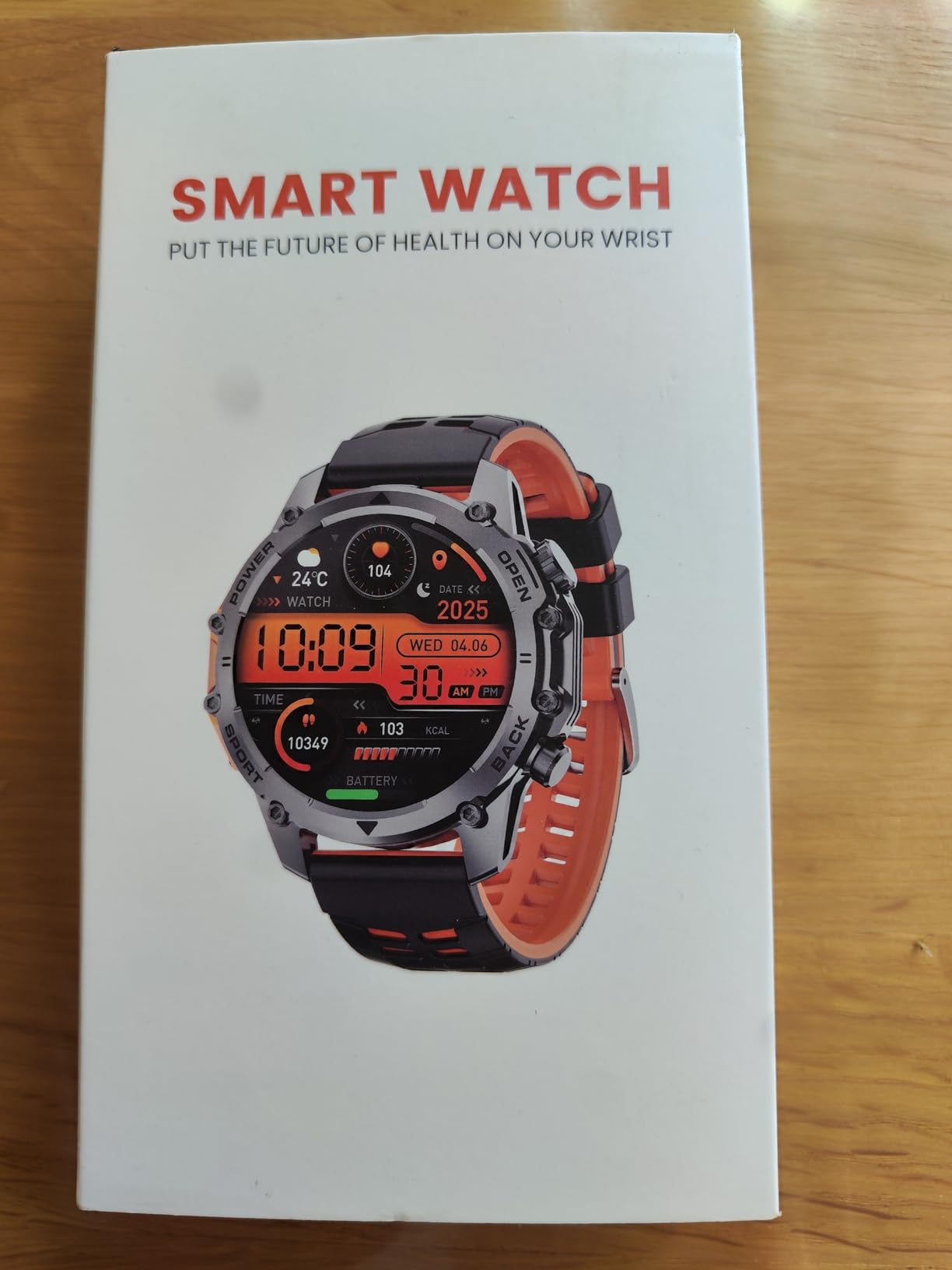
Image: The Hwagol Military Smartwatch worn on a wrist, showing a digital watch face.
6.4-Anpassung
- Gesichter ansehen: Customize your watch face through the Fitcloudpro app. You can choose from a variety of pre-installed faces or download new ones from the app's watch face library.
- Alarme: Set alarms via the app or directly on the watch.
- Helligkeit: Passen Sie die Bildschirmhelligkeit für optimale Sichtbarkeit an.
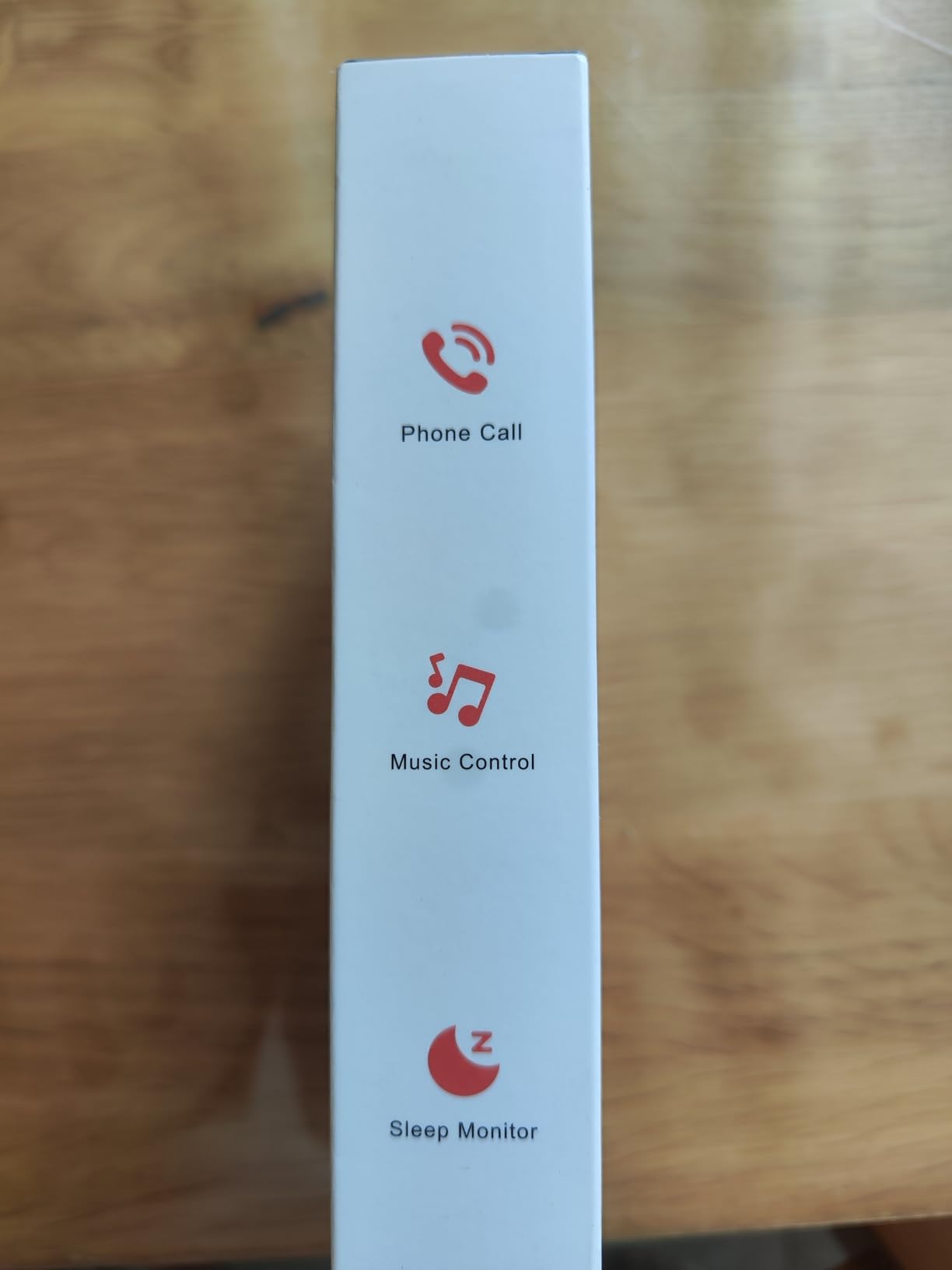
Image: The Hwagol Military Smartwatch displaying a customizable digital watch face.
7. Wartung
7.1 Gerät reinigen
- Reinigen Sie den Bildschirm und das Gehäuse der Uhr mit einem weichen, fusselfreien Tuch.
- Bei hartnäckigen Flecken, dampBefeuchten Sie das Tuch leicht mit Wasser. Verwenden Sie keine scharfen Chemikalien oder Scheuermittel.
- Reinigen Sie die Ladekontakte regelmäßig, um ein ordnungsgemäßes Laden zu gewährleisten.
7.2 Batteriepflege
- Vermeiden Sie häufiges vollständiges Entladen des Akkus.
- Um die Batterieleistung zu erhalten, laden Sie die Uhr regelmäßig auf, auch wenn sie über längere Zeiträume nicht benutzt wird.
- Bewahren Sie das Gerät bei Nichtgebrauch an einem kühlen, trockenen Ort auf.
8. Fehlerbehebung
| Problem | Mögliche Lösung |
|---|---|
| Die Uhr lässt sich nicht einschalten | Stellen Sie sicher, dass die Uhr vollständig aufgeladen ist. Halten Sie den Ein-/Ausschalter einige Sekunden lang gedrückt. |
| Kopplung mit Smartphone nicht möglich | Ensure Bluetooth is enabled on your phone. Restart both the watch and phone. Make sure the Fitcloudpro app is open and searching for devices. Ensure the watch is not already paired with another device. |
| Ungenaue Gesundheitsdaten | Ensure the watch is worn snugly on your wrist, not too tight or too loose. Clean the sensors on the back of the watch. Note that data is for reference and not medical grade. |
| Nicht erhaltene Benachrichtigungen | Check notification permissions in the Fitcloudpro app and your phone's settings. Ensure the watch is connected via Bluetooth. |
| Kurze Akkulaufzeit | Reduce screen brightness, limit continuous heart rate monitoring, and disable unnecessary features. Ensure background app usage is optimized on your phone. |
9. Spezifikationen
| Besonderheit | Spezifikation |
|---|---|
| Modellnummer | 607603238276 |
| Marke | Hwagol |
| Anzeigetyp | Digitales |
| Form | Runden |
| Armbandmaterial | Silikon |
| Batteriezusammensetzung | Lithium-Ionen |
| Ladezeit | Ca. 2 Stunden |
| Typische Akkulaufzeit | 5-7 Tage |
| Konnektivität | Bluetooth |
| GPS-Funktionalität | No built-in GPS (supports connected GPS via smartphone) |
| Wasserbeständigkeit | Wasserfest |
| Eingabemethode | Tasten, Touchscreen |
| Unterstützte Anwendung | Fitcloudpro (for time display, fitness tracking) |
| Kompatible Geräte | Smartphones (iOS und Android) |
| Gewicht | 100 Gramm |
10. Garantie und Support
Your Hwagol Military Smartwatch is covered by a standard manufacturer's warranty. Please refer to the warranty card included in your package or contact your retailer for specific warranty terms and conditions.
For technical support, troubleshooting assistance, or warranty claims, please contact Hwagol customer service through the contact information provided on the product packaging or the official Hwagol webWebsite.