
KOORUI S2721XO 27-Inch QD-OLED Gaming Monitor User Manual
Modell: S2721XO
1. Einleitung
This manual provides instructions for the setup, operation, maintenance, and troubleshooting of your KOORUI S2721XO 27-inch QD-OLED Gaming Monitor. Please read this manual thoroughly before using the product to ensure proper function and safety.
The KOORUI S2721XO monitor features a 27-inch QD-OLED panel with QHD (2560x1440) resolution, a 240Hz refresh rate, and a 0.03ms (GtG) response time. It supports HDR True Black 400 and AdaptiveSync technology for a smooth visual experience. Connectivity options include HDMI 2.1 and DisplayPort 1.4.
2. Sicherheitshinweise
- Stellen Sie sicher, dass der Monitor auf einer stabilen, ebenen Fläche steht, um ein versehentliches Herunterfallen zu verhindern.
- Um einen Stromschlag zu vermeiden, setzen Sie den Monitor weder Regen noch Feuchtigkeit aus.
- Halten Sie die Lüftungsöffnungen frei, um eine Überhitzung zu vermeiden.
- Verwenden Sie ausschließlich das mit dem Monitor gelieferte Netzteil.
- Vermeiden Sie das Berühren des Bildschirms mit scharfen Gegenständen.
- Disconnect the power cable from the outlet before cleaning or if the monitor will be unused for an extended period.
3. Einrichtung
3.1 Packungsinhalt
Überprüfen Sie, ob alle Komponenten im Paket vorhanden sind:
- KOORUI S2721XO Monitor
- Monitorständer (Fuß und Hals)
- Stromkabel
- DisplayPort-Kabel (1.8 m)
- Benutzerhandbuch (dieses Dokument)
3.2 Montage des Ständers
- Befestigen Sie den Stativhals am Monitorpanel. Achten Sie darauf, dass er hörbar einrastet.
- Attach the stand base to the stand neck. Tighten any screws as necessary.
Alternatively, the monitor supports VESA 100x100mm mounting for compatible wall mounts or monitor arms.
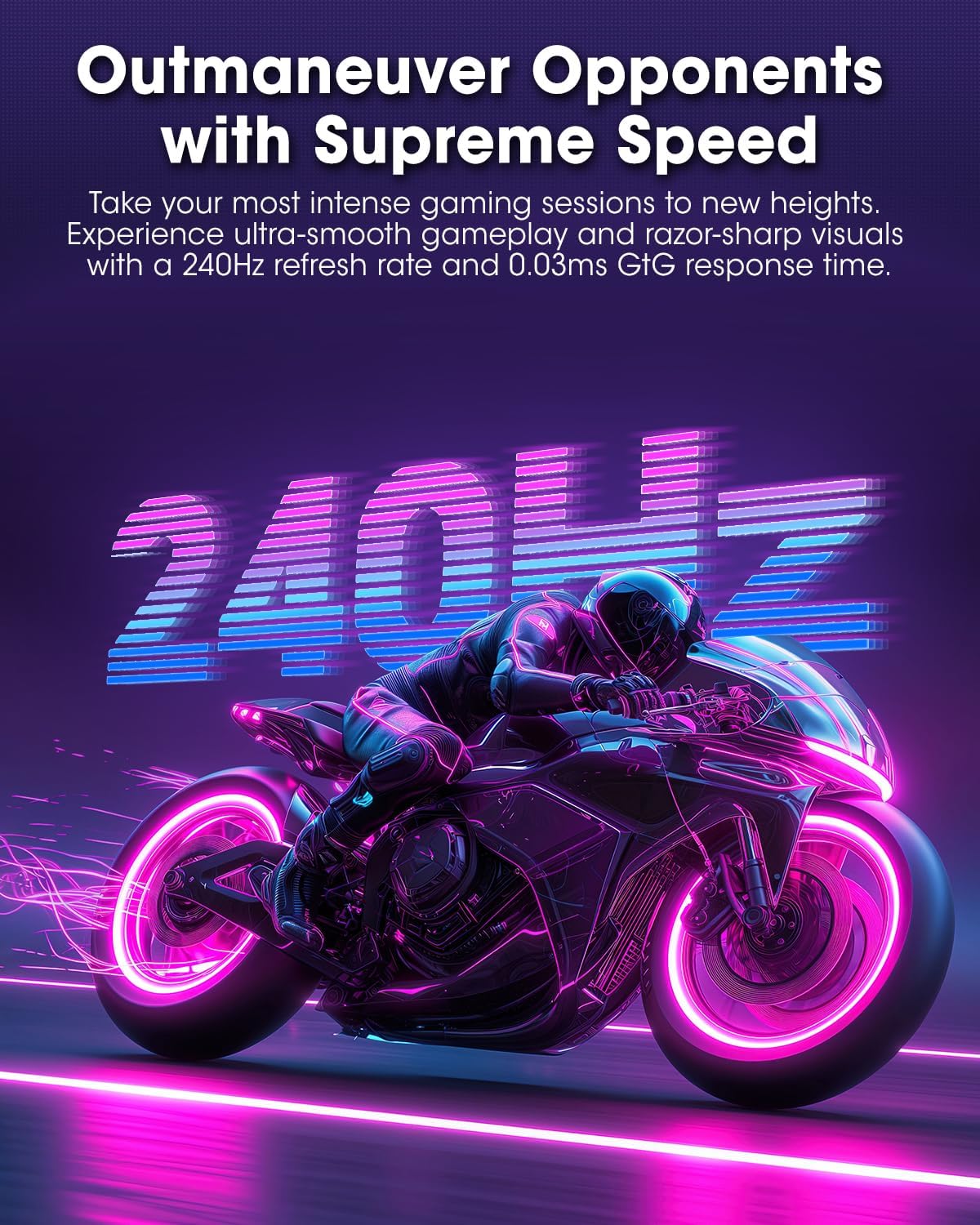
Abbildung 3.2.1: Rückseite view of the monitor with VESA mount and stand attachment.

Abbildung 3.2.2: Rückseite view des Monitors mit montiertem Ständer.
3.3 Mit einem Gerät verbinden
The monitor provides multiple input options:
- HDMI 2.1: Connect to a PC or gaming console using an HDMI 2.1 cable. The monitor has two HDMI 2.1 ports.
- DisplayPort 1.4: Connect to a PC using a DisplayPort 1.4 cable. A DisplayPort cable is included.
- Audioausgang: Schließen Sie externe Lautsprecher oder Kopfhörer an die 3.5-mm-Audiobuchse an.

Abbildung 3.3.1: Monitor-Eingangsports.
Nachdem Sie das Videokabel angeschlossen haben, verbinden Sie das Stromkabel mit dem Monitor und anschließend mit einer Steckdose.
4. Bedienung
4.1 Ein-/Ausschalten
Press the power button (usually located on the back or bottom of the monitor) to turn the monitor on or off. The power indicator light will illuminate when the monitor is on.
4.2 Bildschirmmenü (OSD)
The monitor features a joystick controller for navigating the OSD menu. This allows for easy adjustment of various settings.
- Drücken Sie den Joystick: Öffnet das OSD-Menü.
- Joystick nach oben/unten bewegen: Navigiert durch die Menüoptionen.
- Joystick nach links/rechts bewegen: Werte anpassen oder Untermenüs aufrufen.
- Nochmal drücken: Bestätigt die Auswahl oder verlässt ein Untermenü.
4.3 Anzeigeeinstellungen
Adjust the following settings via the OSD menu for optimal performance:
- Auflösung: Set to 2560x1440 (QHD) for the native display resolution.
- Aktualisierungsrate: Wählen Sie 240 Hz für eine besonders flüssige Bewegung.
- AdaptiveSync: Enable AdaptiveSync (FreeSync compatible) to eliminate screen tearing and stuttering during gaming.
- HDR True Black 400: Activate HDR for enhanced contrast and color depth in compatible content.
- Farbumfang: Adjust color settings, including DCI-P3 99% and sRGB 100% modes, for accurate color reproduction.
- Helligkeit Kontrast: Fine-tune display brightness (average 280 nits) and contrast levels.
- Bildspeicherung und Aktualisierung: This feature helps prevent burn-in on the OLED panel. It is recommended to keep this enabled.
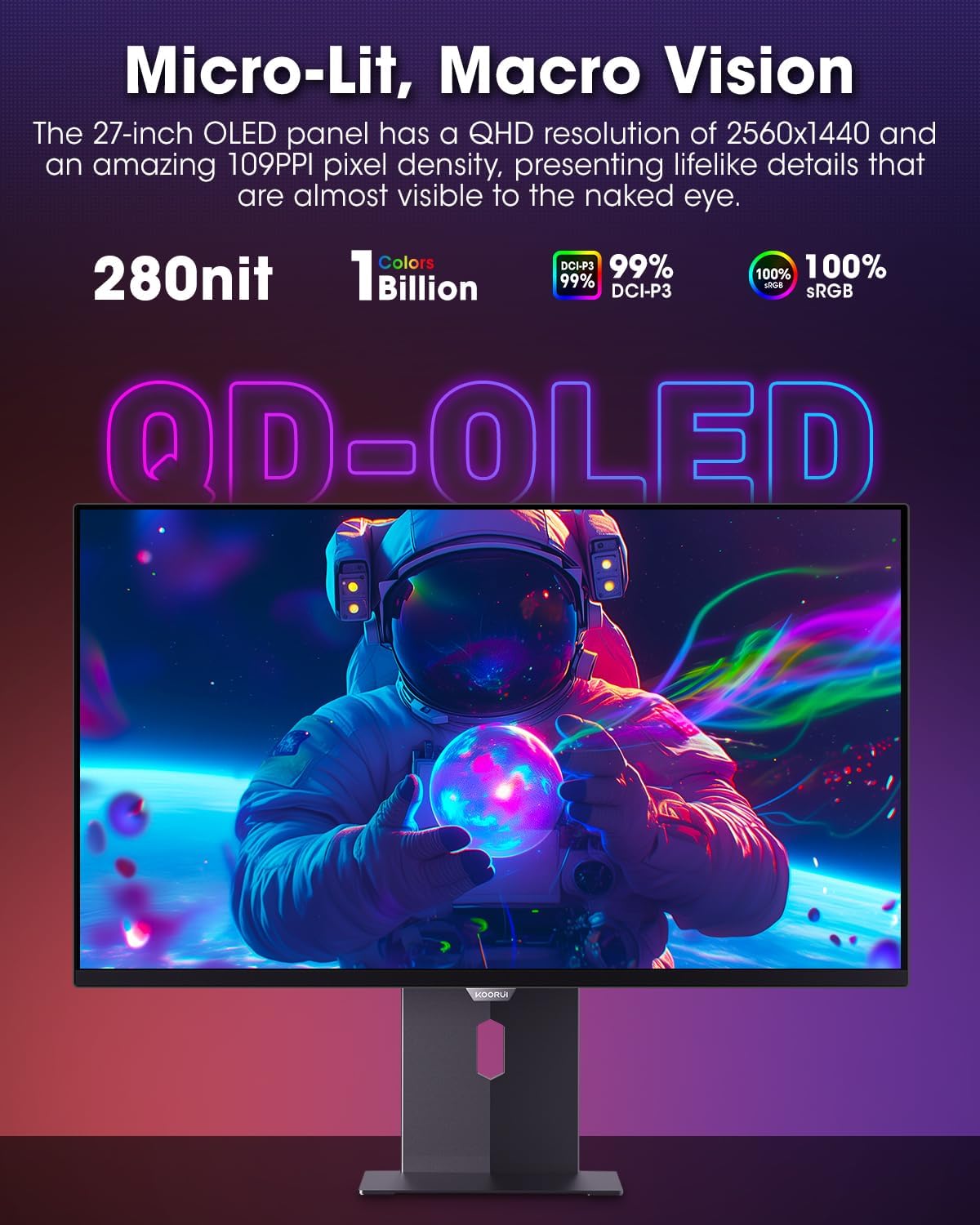
Figure 4.3.1: The QD-OLED panel delivers vivid colors and deep blacks.

Figure 4.3.2: High refresh rate and low response time for smooth gaming.
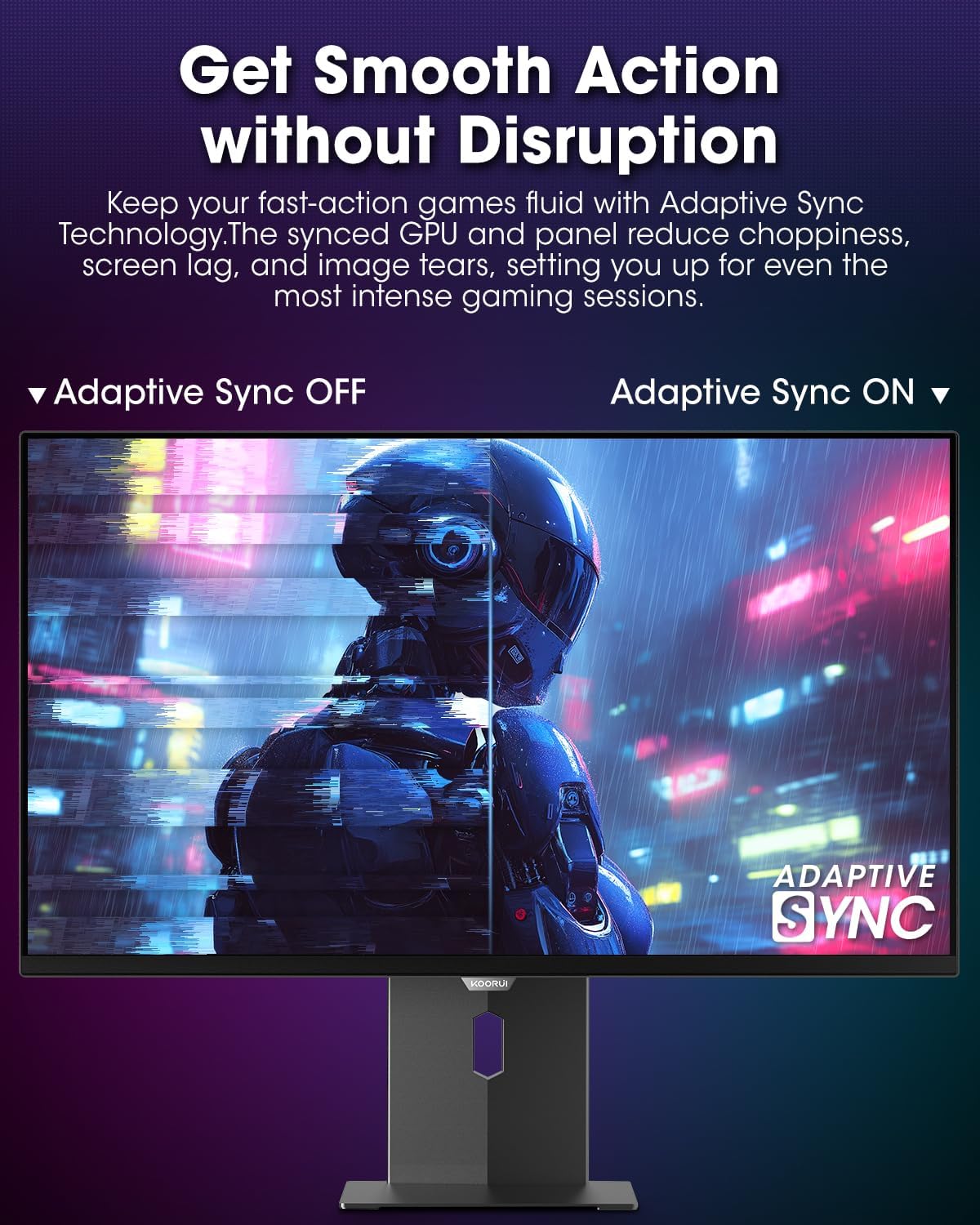
Figure 4.3.3: AdaptiveSync technology prevents screen tearing.
4.4 Ergonomische Anpassungen
The monitor stand allows for various adjustments to enhance viewKomfort:
- Höhenverstellung: Stellen Sie den Monitor auf Augenhöhe ein.
- Neigung: Stellen Sie den Bildschirmwinkel nach vorne oder hinten ein.
- Schwenken: Drehen Sie den Monitor horizontal.
- Drehpunkt: Drehen Sie den Monitor vertikal (Hochformat).

Abbildung 4.4.1: Neigungseinstellung des Monitors.

Figure 4.4.2: Monitor pivot adjustment to portrait mode.
5. Wartung
- Reinigen des Bildschirms: Benutzen Sie ein weiches, fusselfreies Tuch, dampMit Wasser oder einem Bildschirmreiniger abspülen. Reiniger nicht direkt auf den Bildschirm sprühen.
- Reinigung des Casing: Wischen Sie den Monitor ab.asinMit einem weichen, trockenen Tuch abwischen. Scheuermittel vermeiden.
- Belüftung: Ensure the monitor's ventilation holes are not blocked to prevent overheating.
- Ausschalten: Vor der Reinigung den Monitor immer ausschalten und vom Stromnetz trennen.
6. Fehlerbehebung
| Problem | Mögliche Ursache | Lösung |
|---|---|---|
| Kein Bild auf dem Bildschirm | Stromkabel nicht angeschlossen; Videokabel nicht angeschlossen; Falsche Eingangsquelle ausgewählt. | Überprüfen Sie die Strom- und Videokabelverbindungen; Wählen Sie die richtige Eingangsquelle über das OSD-Menü aus. |
| Bildflackern oder -risse | AdaptiveSync not enabled; Graphics card driver issues. | Enable AdaptiveSync in OSD menu; Update graphics card drivers. |
| Farben werden falsch angezeigt | Farbeinstellungen falsch konfiguriert; Videokabel defekt. | Reset color settings in OSD menu; Try a different video cable. |
| Der Monitor schaltet sich nicht ein. | Stromkabel nicht angeschlossen; Steckdose defekt. | Stellen Sie sicher, dass das Netzkabel fest angeschlossen ist; Testen Sie die Steckdose mit einem anderen Gerät. |
7. Spezifikationen
| Besonderheit | Detail |
|---|---|
| Marke | KOORUI |
| Modellnummer | S2721XO |
| Bildschirmgröße | 27 Zoll |
| Anzeigetyp | OLED-Displays |
| Auflösung | QHD Wide 1440p (2560 x 1440 Pixel) |
| Bildwiederholrate | 240 Hz |
| Ansprechzeit | 0.03 Milliseconds (GtG) |
| Kontrastverhältnis | 20,000,000:1 |
| Helligkeit | 350 candela_per_square_meter (average 280 nits) |
| Farbumfang | 99 % DCI-P3 |
| HDR-Unterstützung | HDR True Black 400 |
| Adaptive Synchronisierung | FreeSync-kompatibel |
| Konnektivität | 2x HDMI 2.1, 1x DisplayPort 1.4, 1x Audioausgang |
| Ergonomie | Tilt, Height, Swivel, Pivot Adjustment |
| VESA-Montierung | 100 x 100 mm |
| Technische Daten | 21.58 x 61 x 51.2 cm; 8.96 kg |

Abbildung 7.1: Monitorabmessungen.
8. Garantie und Support
8.1 Garantieinformationen
The KOORUI S2721XO monitor comes with a 1 Jahr eingeschränkte Garantie. Please retain your proof of purchase for warranty claims. For detailed warranty terms and conditions, refer to the official KOORUI webWebsite oder wenden Sie sich an den Kundendienst.
8.2 Kundendienst
For technical assistance, troubleshooting, or warranty inquiries, please contact KOORUI customer support. Refer to the contact information provided on the official KOORUI webWebsite oder Ihre Kaufdokumentation.
You can also find additional support resources and FAQs on the KOORUI brand store on Amazon: KOORUI Amazon Store
9. Produktvideos
KOORUI 4K OLED Gaming Monitor 240Hz (Seller Video)
Dieses Video bietet ein Overview of the KOORUI OLED Gaming Monitor, highlighting its key features such as high refresh rate and OLED display technology. While the title mentions "4K", the video content is generally applicable to high-performance OLED gaming monitors from KOORUI, including the S2721XO model's features like 240Hz refresh rate and fast response time.