
Einführung
This manual provides essential information for the assembly, operation, maintenance, and troubleshooting of your Deli Gaming Table E91511. Please read these instructions carefully before assembly and use to ensure proper function and longevity of your product.
Sicherheitswarnungen
- Bauen Sie den Schreibtisch stets gemäß der beiliegenden Anleitung zusammen.
- Ensure the desk is properly anchored to the floor to prevent tipping, especially when using heavy setups.
- Be cautious when moving the desk, as it may require two people due to its size and weight.
- Überlasten Sie den Schreibtisch nicht über die angegebene Tragfähigkeit hinaus.
- Halten Sie Kleinteile während der Montage von Kindern fern.
Packungsinhalt
Before beginning assembly, verify that all components are present and undamaged. Refer to the included assembly instructions for a detailed list of parts and hardware. Typically, the package includes:
- Desktop surface (Metal and Composite)
- Desk legs (K-type carbon steel frame)
- Crossbars and support beams
- Montagezubehör (Schrauben, Bolzen, Unterlegscheiben)
- Assembly tools (if included, otherwise standard tools like a screwdriver may be required)
- Bedienungsanleitung
Einrichtung und Montage
The Deli Gaming Table E91511 is designed for quick assembly with minimal tools. Follow the step-by-step instructions provided in the separate assembly guide included with your product. Ensure you have adequate space for assembly and consider having a second person assist with lifting and positioning larger components.
Schritte der Generalversammlung:
- Packen Sie alle Komponenten aus und legen Sie sie auf eine saubere, weiche Unterlage, um Kratzer zu vermeiden.
- Attach the K-shaped table legs to the main support frame using the provided hardware. Ensure all connections are secure.
- Carefully place the desktop surface onto the assembled leg frame. Align the pre-drilled holes.
- Secure the desktop to the frame using the remaining hardware. Do not overtighten.
- Verify all screws and bolts are tightened and the desk is stable before placing any equipment on it.

Image: Close-up of the K-shaped table legs, demonstrating the stable structure.
Bedienungsanleitung
The Deli Gaming Table E91511 offers a spacious and stable surface for various uses, including gaming, streaming, home office work, and student workstations.
- Wider Gaming Surface: The 120 cm width accommodates dual monitors or extra peripherals, providing ampwenig Platz für Ihr Setup.
- Ergonomisches Design: The desk is designed for comfortable use, allowing for extended periods of activity without discomfort.
- Kabelmanagement: Utilize the integrated 3D cable management box (if applicable) to keep your cables organized and your workspace tidy.
- Belastbarkeit: The desk is engineered for heavy setups and consistent use. Ensure weight is distributed evenly.
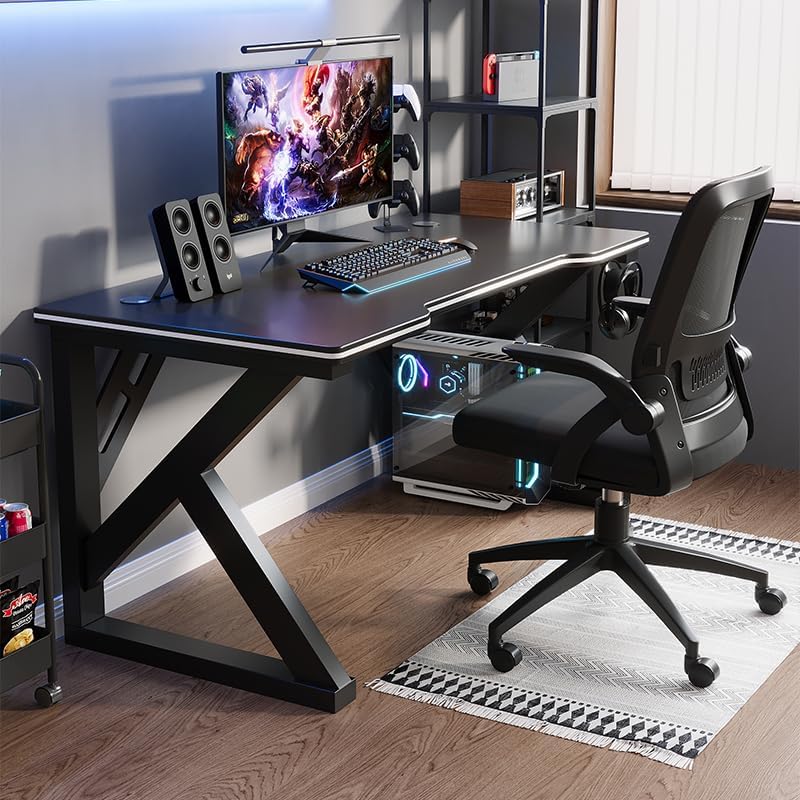
Image: A gaming setup on the Deli Gaming Table, illustrating its spacious surface.

Bild: Draufsicht view of a user at the Deli Gaming Table, highlighting ergonomic design.
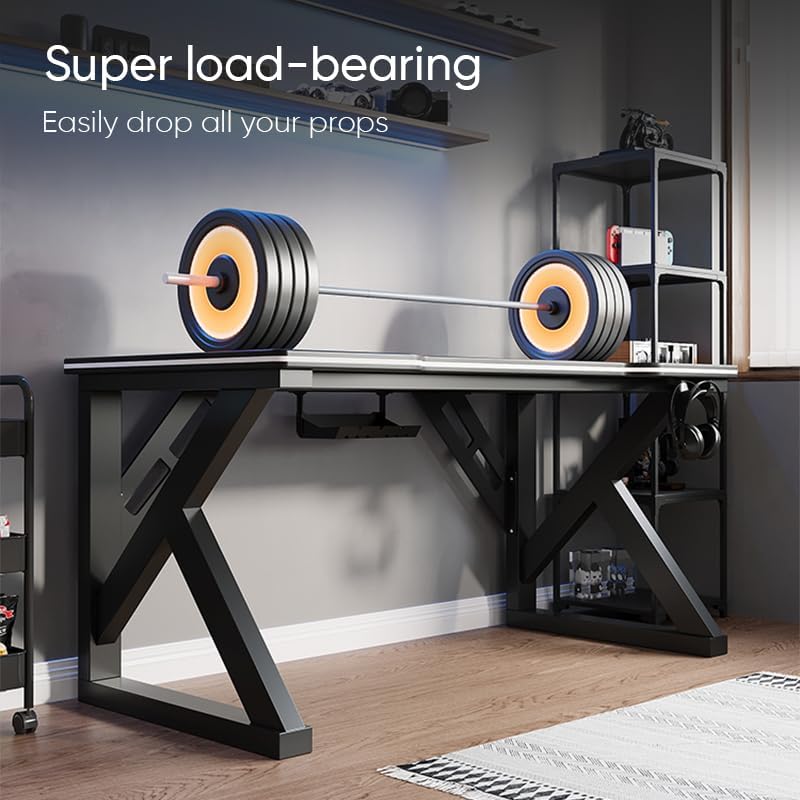
Image: The Deli Gaming Table demonstrating its load-bearing capability.
Wartung
Regular maintenance will help preserve the appearance and functionality of your Deli Gaming Table.
- Reinigung: Wischen Sie die Tischoberfläche und die Beine mit einem weichen, fusselfreien Tuch ab.amp cloth. Avoid abrasive cleaners or harsh chemicals that could damage the painted finish or material.
- Verschüttungen: Verschüttete Flüssigkeiten sollten sofort aufgewischt werden, um Fleckenbildung oder Beschädigungen der Oberfläche zu vermeiden.
- Hardwareprüfung: Überprüfen Sie regelmäßig alle Schrauben und Bolzen, um sicherzustellen, dass sie fest sitzen. Ziehen Sie sie gegebenenfalls nach, um die Stabilität zu gewährleisten.
- Rostschutz: While the desk is made of metal, prolonged exposure to moisture can lead to rust. Keep the desk in a dry environment and wipe away any moisture promptly.
Fehlerbehebung
Der Schreibtisch ist instabil oder wackelig:
- Stellen Sie sicher, dass alle Montageschrauben und -bolzen vollständig festgezogen sind.
- Check that the desk is on a level surface. Adjust floor glides if present.
- Verify that all parts are correctly assembled according to the instruction manual.
Teile fehlen oder sind beschädigt:
- Review the package contents list in your assembly manual.
- Contact customer support with your model number and a description of the missing or damaged part.
Schwierigkeiten beim Zusammenbau:
- Lesen Sie die Montageanleitung sorgfältig durch und achten Sie dabei besonders auf die Abbildungen.
- Stellen Sie sicher, dass Sie für jeden Schritt die richtige Hardware verwenden.
- If issues persist, consider seeking assistance from another person.
Technische Daten

Image: Dimensions of the Deli Gaming Table.
| Besonderheit | Detail |
|---|---|
| Modellnummer | E91511 |
| Abmessungen (B x T x H) | 120 cm x 60 cm x 75 cm |
| Farbe | Schwarz |
| Materialtyp | Metal and Composite (E1 grade material) |
| Rahmenmaterial | K-type Carbon Steel Frame |
| Ausführung | Lackiert |
| Artikelgewicht | 13000 Gramm |
| Montage erforderlich | Ja |
| Empfohlene Verwendung | Gaming, Streaming, Home Office, Student Workstation |
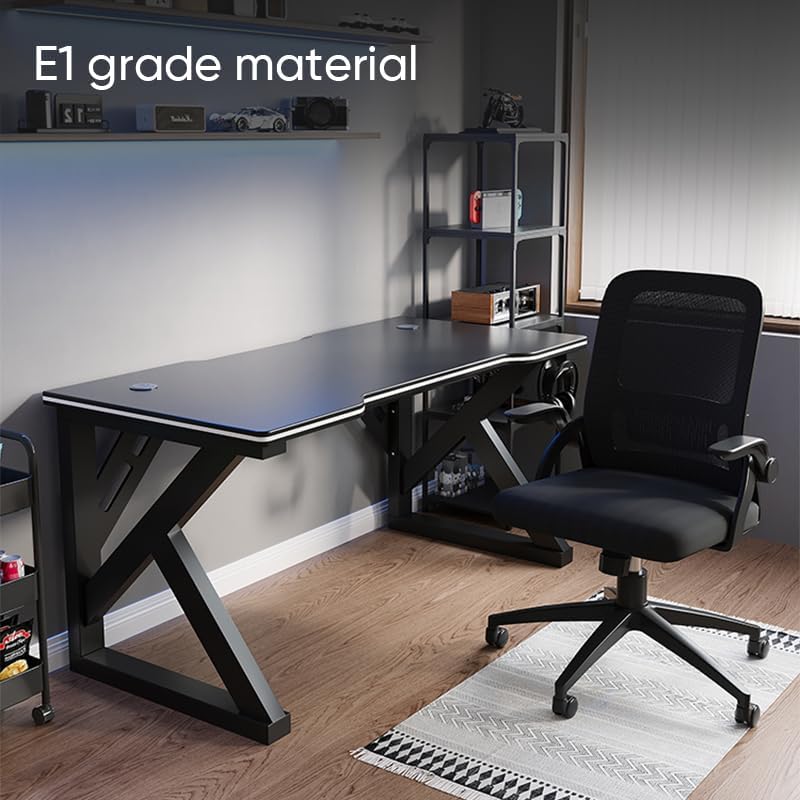
Image: The Deli Gaming Table highlighting E1 grade material.
Garantieinformationen
For specific warranty details regarding your Deli Gaming Table E91511, please refer to the warranty card included with your purchase or visit the official Deli webDie Garantiebedingungen decken in der Regel Herstellungsfehler bei normalem Gebrauch ab.
Kundenservice
If you have any questions, require assistance with assembly, or need to report a missing/damaged part, please contact Deli customer support through the following channels:
- WebWebsite: Visit the official Deli webWebsite mit Support-Ressourcen und Kontaktformularen.
- E-Mail: Refer to your purchase documentation for customer service email addresses.
- Telefon: Check the product packaging or official webWebseite mit Kundendienst-Telefonnummern.
Please have your model number (E91511) and proof of purchase ready when contacting support.