
1. Einleitung
This manual provides essential information for the safe and effective use of your RunStar Digital Bathroom Scale. Designed for accurate body weight measurement, this scale features high-precision sensors, a clear LED display, and a durable tempered glass platform. Please read this manual thoroughly before use and retain it for future reference.
2. Packungsinhalt
- 1x RunStar Digital Bathroom Scale (Model BG2403)
- 3x AAA-Batterien
- 1x Bedienungsanleitung
3. Einrichtung
3.1 Einlegen der Batterie
- Öffnen Sie das Batteriefach auf der Unterseite der Waage.
- Legen Sie die 3 AAA-Batterien ein und achten Sie dabei auf die richtige Polarität (+/-).
- Verschließen Sie das Batteriefach fest.
3.2 Platzierung der Waage
Place the scale on a hard, flat surface for accurate readings. Avoid carpets or uneven flooring, as this can affect precision.
3.3 Einheitenumrechnung
To switch between pounds (lb) and kilograms (kg), locate the unit conversion button on the underside of the scale. Press it to toggle between the desired units.

Image: Underside of the scale, highlighting the unit conversion switch and anti-slip foot pads.
4. Bedienung
4.1 Messung durchführen
- Step onto the scale with bare feet. The scale will automatically turn on.
- Stand still on the scale until your weight is displayed and stabilized.
- Die Waage schaltet sich nach einigen Sekunden der Inaktivität automatisch ab.

Image: The RunStar Digital Bathroom Scale with its LED display showing a weight reading.
4.2 Automatische Kalibrierung
The scale features auto-calibration. For the most accurate first reading or after moving the scale, step on it briefly to activate, then step off. Wait for the display to show "0.0" before taking your measurement.
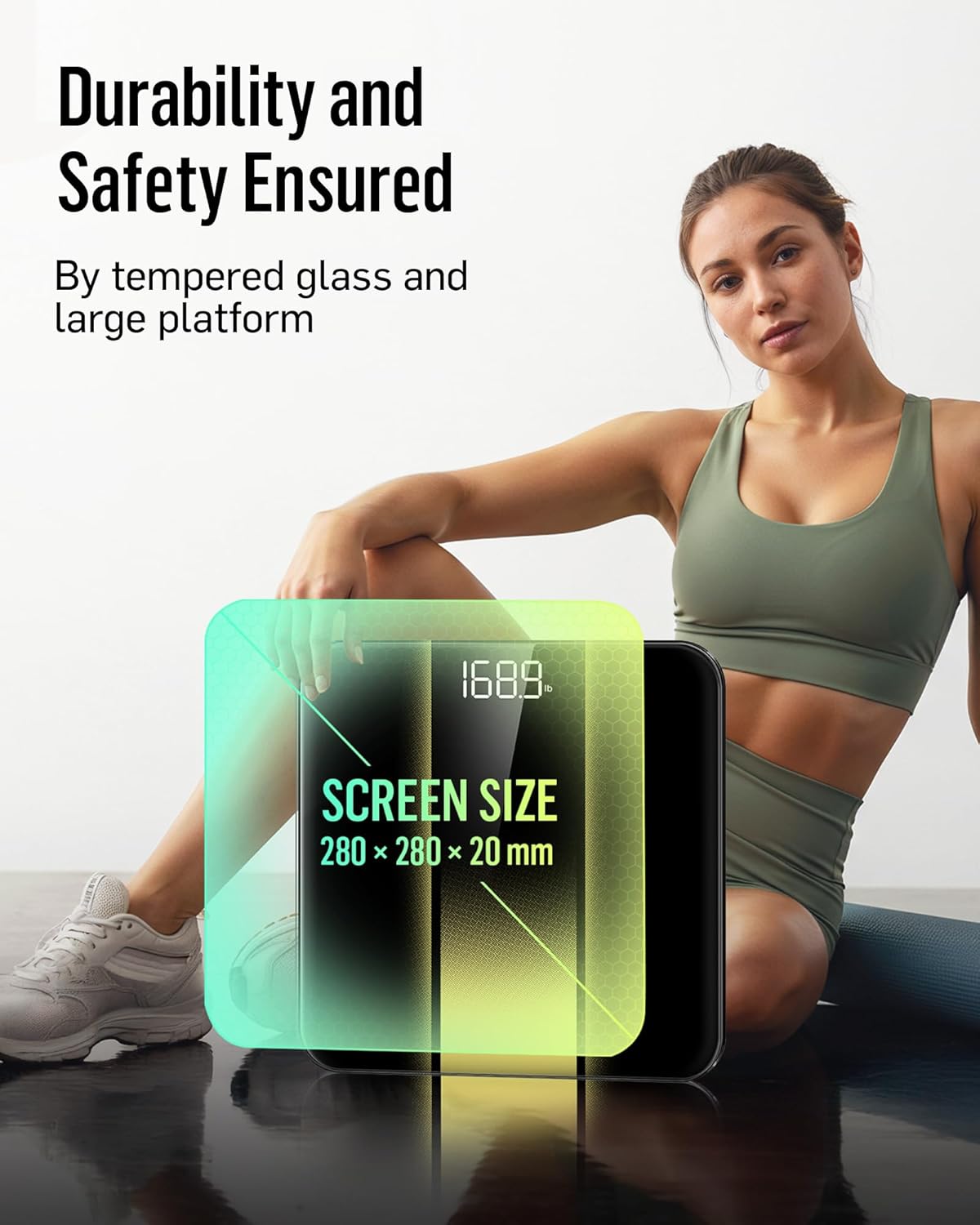
Image: Close-up of the scale's display, illustrating the auto-calibration and clear number visibility.
5. Wartung
5.1 Reinigung
Wischen Sie die Waage mit Werbung abamp Verwenden Sie ein Tuch und ein mildes Reinigungsmittel. Scheuermittel dürfen nicht verwendet werden und die Kalkablagerungen dürfen nicht in Wasser eingeweicht werden.
5.2 Speicherung
Bewahren Sie die Waage an einem kühlen, trockenen Ort auf. Vermeiden Sie extreme Temperaturen und direkte Sonneneinstrahlung.
5.3 Batteriewechsel
When the low battery indicator appears on the display, replace all three AAA batteries simultaneously to ensure optimal performance.
6. Fehlerbehebung
| Problem | Lösung |
|---|---|
| "Lo" angezeigt | Low battery. Replace all batteries. |
| "Fehler" angezeigt | Overload. The maximum weight capacity is 400 lb (180 kg). |
| Ungenaue Messwerte | Ensure the scale is on a hard, flat surface. Re-calibrate by stepping on and off the scale. Ensure feet are bare and centered. |
| Waage lässt sich nicht einschalten | Überprüfen Sie den Einbau der Batterien und stellen Sie sicher, dass die Batterien nicht entladen sind. |
7. Spezifikationen
| Besonderheit | Detail |
|---|---|
| Marke | RunStar |
| Modell | BG2403 |
| Maximale Kapazität | 400 kg |
| Messinkremente | 0.1 kg |
| Anzeigetyp | LED-Hintergrundbeleuchtung |
| Plattformmaterial | 6mm gehärtetes Glas |
| Stromquelle | 3x AAA-Batterien |
| Besondere Merkmale | High Precision Sensors, Auto-Calibration, Auto On/Off, Low Battery Indicator, Overload Indicator |
| Maße | Approximately 11 x 11 inches (platform size) |
8. Wichtige Sicherheitshinweise
- Die Waage darf nicht auf nassen oder rutschigen Oberflächen verwendet werden.
- Springen Sie nicht auf die Waage.
- Keep the scale away from water and heat sources.
- This scale is for household use only and not for medical diagnosis.
9. Garantie und Support
RunStar products are manufactured to high-quality standards. For warranty information or technical support, please refer to the contact details provided on the product packaging or visit the official RunStar webWebsite.
10. Produktüberschreitungview Video
Video: Ein überview of the RunStar Digital Bathroom Scale, demonstrating its features such as the interactive screen, high precision, and app synchronization capabilities.