
Einführung
The Skullcandy Crusher Evo Wireless Bluetooth Headphones deliver a powerful audio experience with patented Multi-Sensory Crusher Bass technology. Designed for comfort and extended use, these headphones feature up to 40 hours of battery life, Rapid Charge, and personalized sound tuning through the Skullcandy App. This manual provides essential information for setting up, operating, maintaining, and troubleshooting your Crusher Evo headphones.
Lieferumfang
Upon opening your Skullcandy Crusher Evo package, you should find the following items:
- Crusher® Evo Wireless Headphones
- USB-C-Ladekabel
- Zusätzliches Audiokabel
- Schutzhülle
- Quick Start & User Guides

Image: The Skullcandy Crusher Evo headphones, USB-C charging cable, auxiliary cable, protective case, and user guide are neatly arranged, illustrating the complete package contents.
Aufstellen
1. Aufladen Ihrer Kopfhörer
Before initial use, fully charge your Crusher Evo headphones. Connect the provided USB-C charging cable to the headphone's charging port and a compatible USB power source. A full charge provides up to 40 hours of listening time. The Rapid Charge feature allows for 4 hours of listening with just a 10-minute charge.
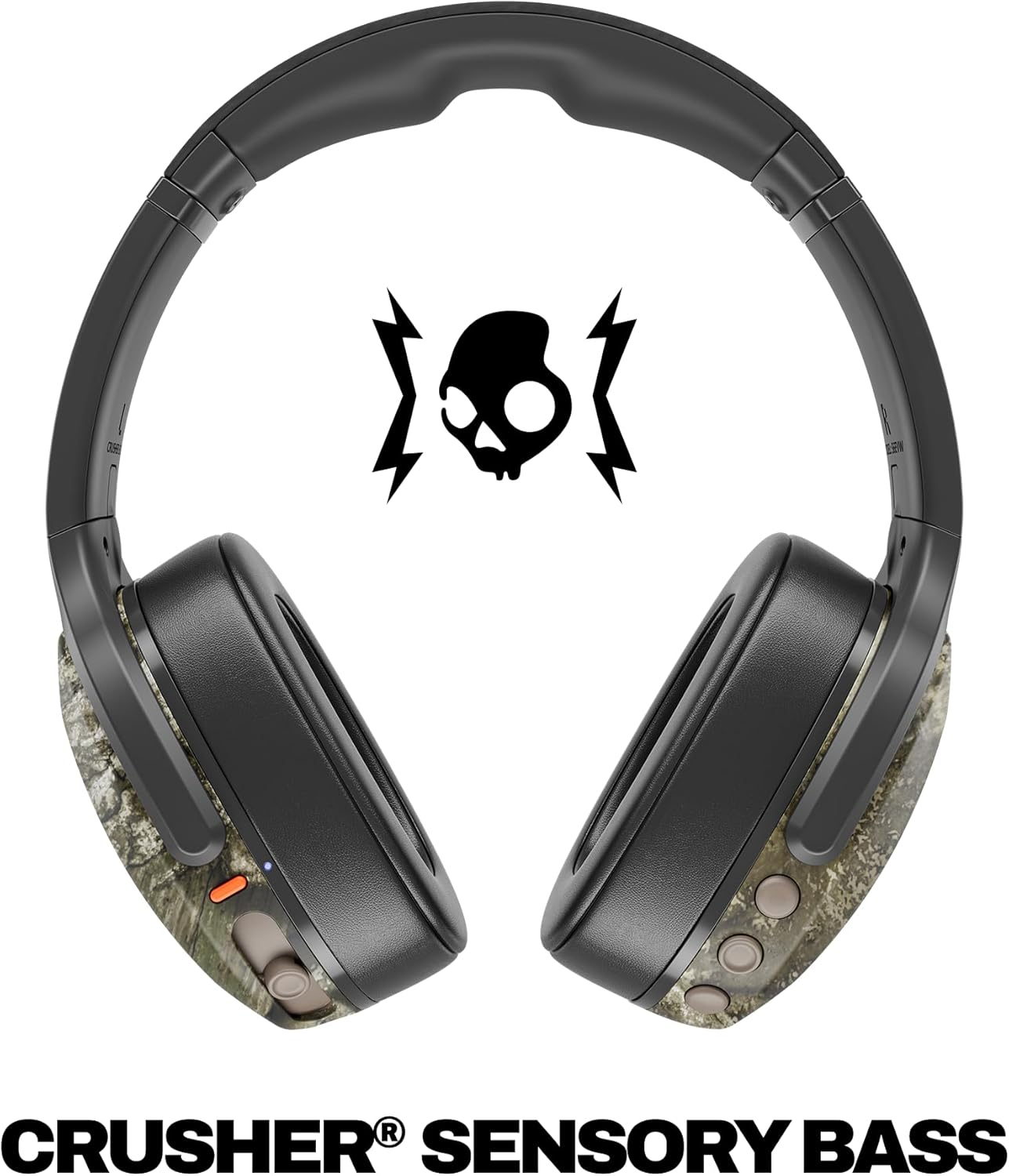
Image: A close-up of the Skullcandy Crusher Evo headphones showing the USB-C charging port and cable connected, indicating the charging process.
2. Bluetooth-Kopplung
- Stellen Sie sicher, dass Ihre Kopfhörer ausgeschaltet sind.
- Press and hold the main power button for 3-5 seconds until the LED indicator flashes blue and red, indicating pairing mode.
- Aktivieren Sie auf Ihrem Gerät (Smartphone, Tablet, Computer) Bluetooth und suchen Sie nach verfügbaren Geräten.
- Select "Crusher Evo" from the list of available devices.
- Sobald die Verbindung hergestellt ist, blinkt die LED-Anzeige periodisch blau.
3. Personal Sound Tuning (Skullcandy App)
Enhance your listening experience by downloading the Skullcandy App. The app features a Personal Sound analysis that customizes audio levels to your unique hearing profile, ensuring optimal sound quality.

Image: A woman wearing the headphones, illustrating the personalized sound feature. The accompanying text highlights the "Personal Sound tuned to you" capability via the Skullcandy app.
Bedienung Ihrer Kopfhörer
1. Grundlegende Steuerelemente
The Crusher Evo headphones feature intuitive button controls located on the earcups:
- Ein-/Ausschalten: Halten Sie den Hauptschalter gedrückt.
- Abspielen/Pause: Single press the main power button.
- Lautstärke erhöhen/verringern: Verwenden Sie die dafür vorgesehenen Lautstärketasten.
- Titel überspringen: Zweimal drücken für nächsten Titel, dreimal drücken für vorherigen Titel.
- Anruf annehmen/beenden: Single press the main power button during a call.
- Sprachassistenten aktivieren: Halten Sie die Haupt-Einschalttaste 2 Sekunden lang gedrückt.
2. Multi-Sensory Crusher Bass
Experience deep, adjustable bass that you can feel. Use the slider on the earcup to increase or decrease the intensity of the Crusher Bass. This feature provides a tactile feedback that enhances your audio experience.
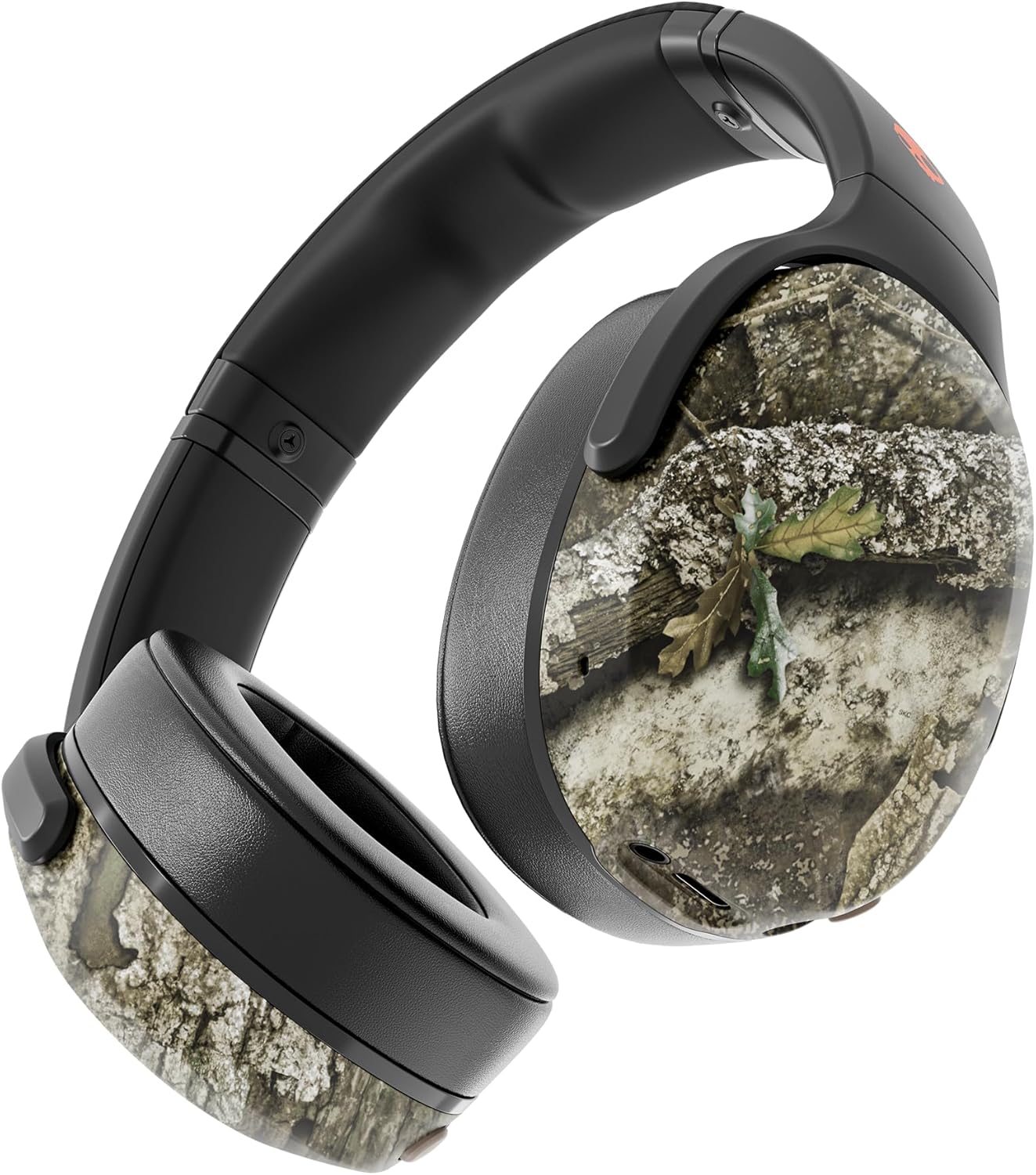
Image: The Skullcandy Crusher Evo headphones, highlighting the "Crusher Sensory Bass" feature, which allows users to feel the bass.
Video: This video demonstrates the multi-sensory bass feature of the Crusher Evo headphones by showing its effect on water, creating ripples. This illustrates how the bass can be physically felt.
Video: This video captures various individuals reacting to the Crusher Bass, showcasing the immersive and impactful experience provided by the headphones' unique bass technology.
3. Flat-Folding and Collapsible Design
The headphones are designed to fold flat and collapse for easy storage and portability. This compact design makes them convenient for travel and daily commutes.
Image: The Skullcandy Crusher Evo headphones are shown folded flat, demonstrating their compact design for easy storage and travel.
Wartung
- Reinigung: Reinigen Sie die Kopfhörer mit einem weichen, trockenen Tuch. Vermeiden Sie die Verwendung von scharfen Chemikalien oder scheuernden Materialien.
- Lagerung: When not in use, store the headphones in their protective case to prevent damage. Keep them in a cool, dry place away from extreme temperatures.
- Batteriepflege: Um die Akkulaufzeit zu verlängern, sollten Sie die Kopfhörer nicht häufig vollständig entladen. Laden Sie sie regelmäßig auf, auch wenn Sie sie längere Zeit nicht benutzen.
Fehlerbehebung
Kein Strom / Lädt nicht
- Ensure the USB-C charging cable is securely connected to both the headphones and a working power source.
- Versuchen Sie es mit einem anderen USB-C-Kabel und Netzteil.
- Überprüfen Sie den Ladeanschluss auf Schmutz oder Beschädigungen.
Probleme mit der Bluetooth-Verbindung
- Make sure the headphones are in pairing mode (flashing blue and red LED).
- Stellen Sie sicher, dass Bluetooth auf Ihrem Gerät aktiviert ist.
- Forget "Crusher Evo" from your device's Bluetooth settings and attempt to re-pair.
- Move the headphones closer to your device to ensure they are within range.
Kein Ton / geringe Lautstärke
- Überprüfen Sie die Lautstärke sowohl an den Kopfhörern als auch an Ihrem angeschlossenen Gerät.
- Stellen Sie sicher, dass die Kopfhörer ordnungsgemäß gekoppelt und angeschlossen sind.
- If using the auxiliary cable, ensure it is fully plugged into both the headphones and the audio source.
- Testen Sie es mit einer anderen Audioquelle oder einem anderen Gerät.
Technische Daten
| Marke | Schädelcandy |
| Modellname | Brecher Evo |
| Modellnummer | S6EVW-T991 |
| Konnektivitätstechnologie | Kabellos (Bluetooth 5.0) |
| Platzierung des Ohrs | Über dem Ohr |
| Akkulaufzeit | Bis zu 40 Stunden |
| Schnellladung | 10 Minuten Ladezeit für 4 Stunden Spielzeit |
| Impedanz | 32 Ohm |
| Frequenzgang | 20 Hz – 20,000 Hz |
| Empfindlichkeit | 100 dB |
| Lärmschutz | Schallisolierung |
| Gewicht | 0.01 Unzen (ca. 0.28 Gramm) |
Garantie und Support
The Skullcandy Crusher Evo headphones come with a 1 Jahr eingeschränkte Garantie in den USADiese Garantie deckt Herstellungsfehler ab und gewährleistet, dass Ihr Produkt bei normalem Gebrauch wie vorgesehen funktioniert.
Bei Garantieansprüchen, technischem Support oder weiterer Hilfe besuchen Sie bitte die offizielle Skullcandy-Supportseite. webBesuchen Sie die Website oder kontaktieren Sie den Kundenservice. Bewahren Sie Ihren Kaufbeleg zur Überprüfung der Garantie auf.