

1. Einleitung
Produkt überview
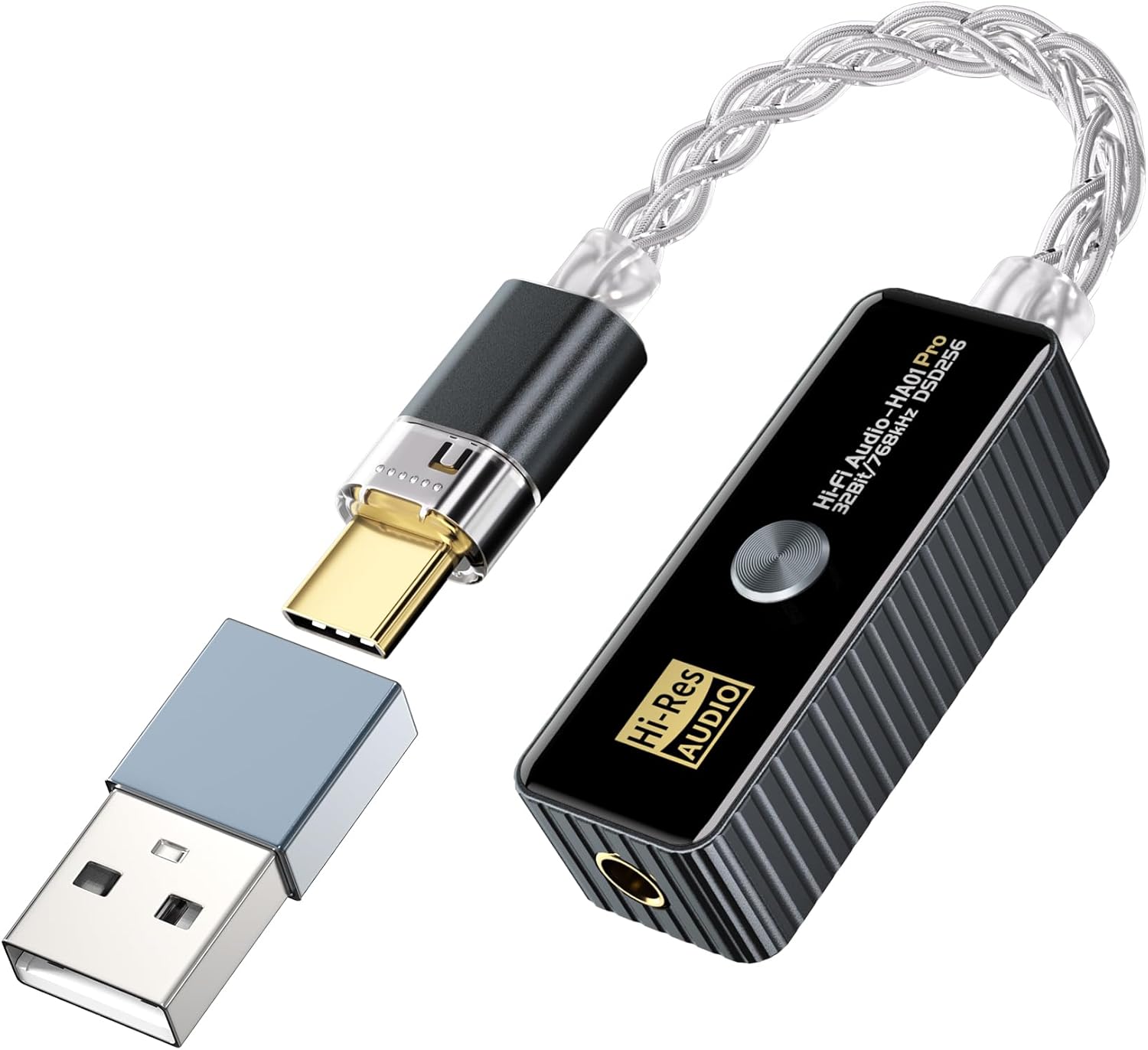
The Daakro HA01 Pro is a portable USB-C to 3.5mm HiFi audio adapter designed to enhance your audio experience across various devices. This compact DAC and headphone amplifier delivers high-resolution sound with support for up to 32bit/768kHz PCM and DSD256 decoding. It features advanced chip technology, multiple audio filter modes, and high/low gain switching to accommodate a wide range of headphones and listening preferences. Its plug-and-play design ensures ease of use with Android, iOS, Windows, and Mac systems, as well as gaming consoles like the Nintendo Switch.
Lieferumfang
- Kopfhörer Ampschwerer
2. Hauptmerkmale
Universelle Kompatibilität
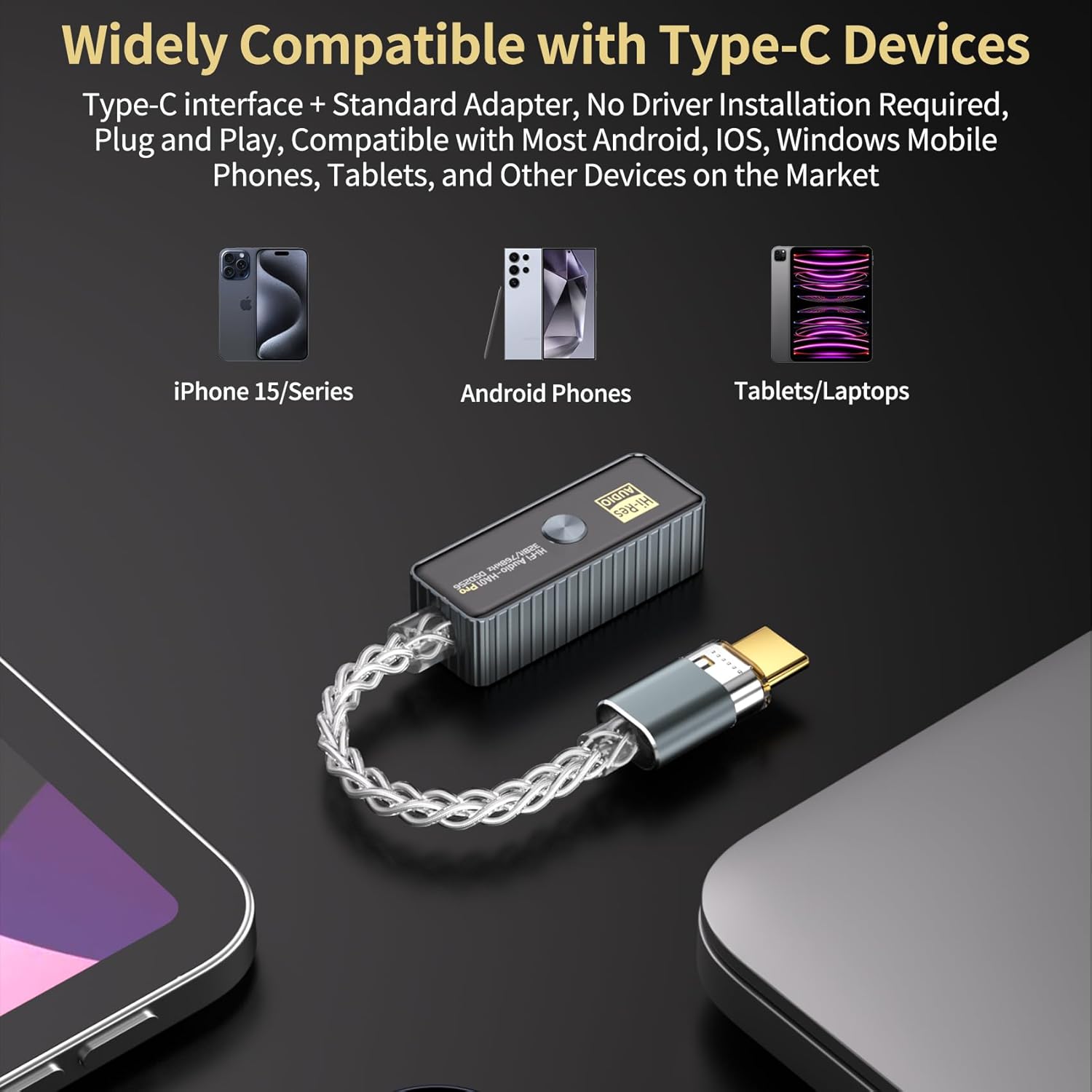
The HA01 Pro transforms USB-C ports into premium audio hubs. It is compatible with Android and iOS phones (iPhone 15+ natively; iPhone 14/older via OTG cable, not included), Windows/Mac PCs, tablets, Nintendo Switch, and other Type-C devices. It connects seamlessly to wired headphones and speakers, providing superior audio quality compared to built-in jacks.
Advanced Decoding Capabilities
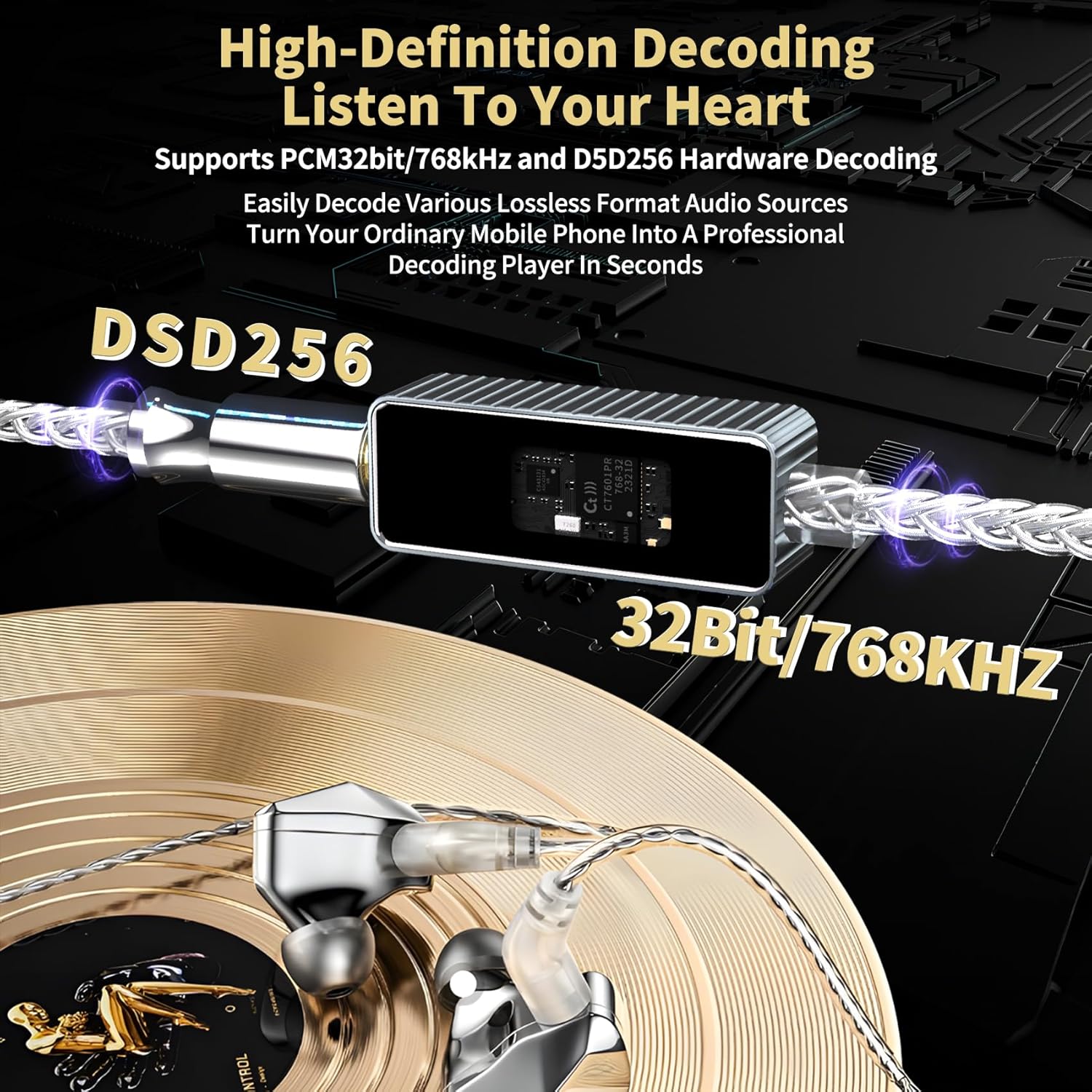
This upgraded version supports DSD256 and PCM 32-bit/768 kHz decoding, ensuring high-resolution sound reproduction. It delivers crisp vocals, deep bass, and zero distortion, making it ideal for music, gaming, and console audio.
Flagship DAC Chips
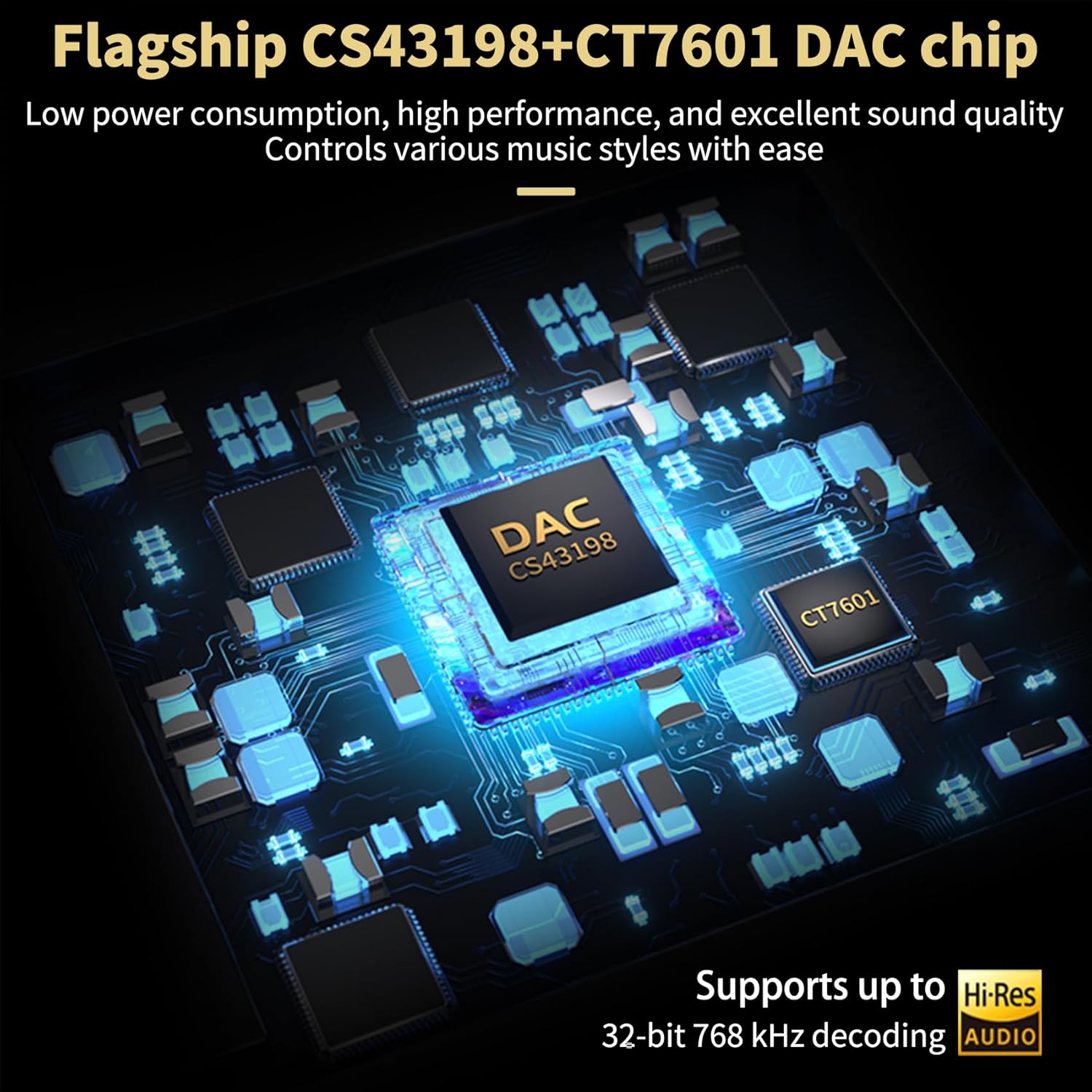
Equipped with Cirrus Logic's CS43198 and CT7601 DAC chips, the HA01 Pro offers exceptional system-level audio performance with minimal power consumption from mobile devices. It boasts an ultra-low noise floor of 1μV, a total harmonic distortion (THD) of 0.0001%, and a signal-to-noise ratio (SNR) of up to 132dB.
Powerful Output and Impedance Range
With a powerful drive of up to 60mW@16Ω/55mW@32Ω, it effortlessly powers both high- and low-impedance headphones via 3.5mm single-ended balanced connections. It supports an ultra-wide adaptive impedance range of 16-600Ω, ensuring pure, crystal-clear sound quality across various audio devices.
5 Filter Modes & High/Low Gain Switching
Der amplifier features 3 output levels (0.5V/1V/2V) and 5 filter modes, along with high/low gain switching. These options allow adaptation to all headphones, IEMs, and line-outs, tailoring soundstage depth and transient response for optimal listening.
Robustes und tragbares Design
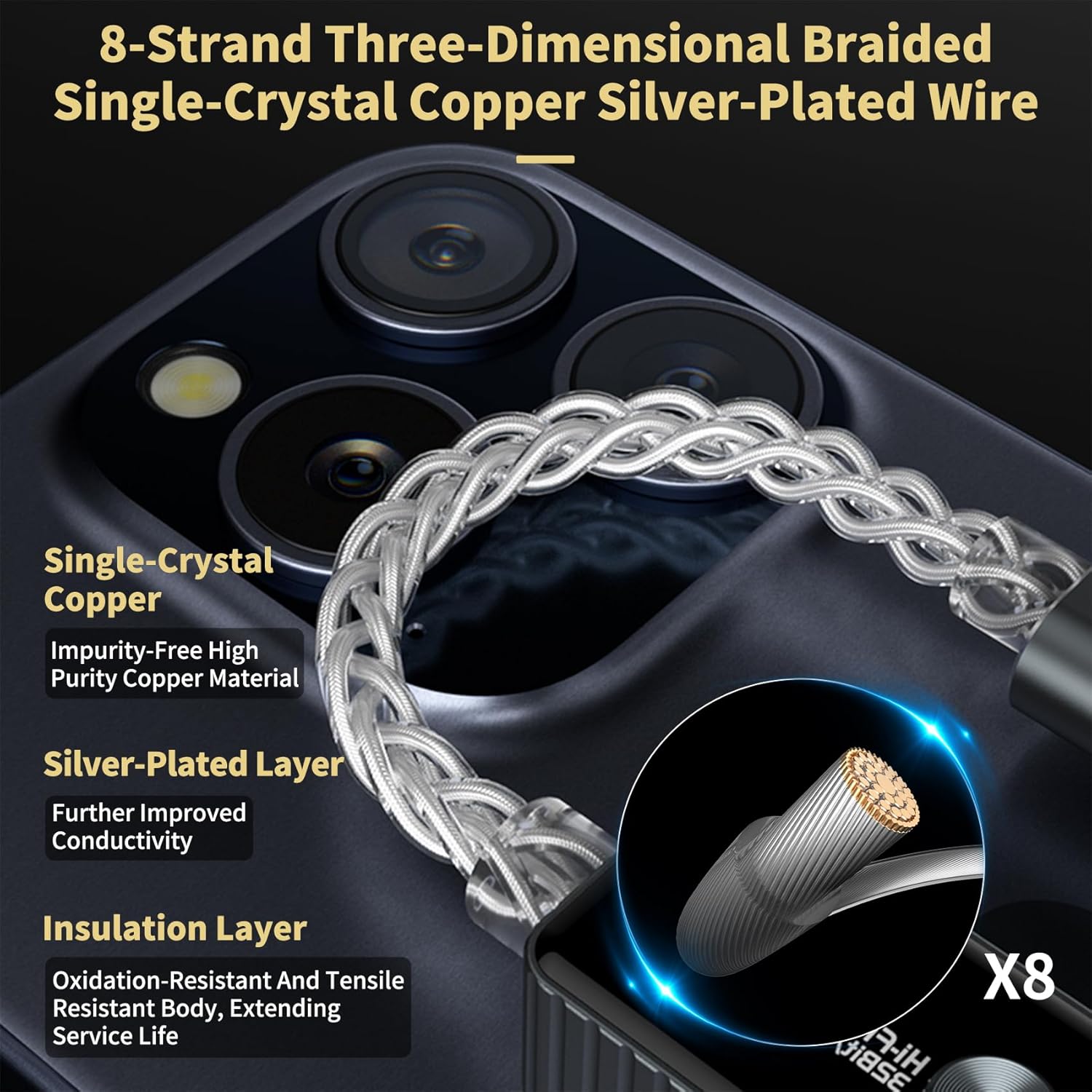
The HA01 Pro features a CNC integrated cutting aluminum alloy shell with a professional heat dissipation channel design to prevent heat accumulation. Its sleek, compact design weighs just 14 grams, ensuring exceptional portability and convenience. It also includes an 8-strand three-dimensional braided single-crystal copper silver-plated wire for enhanced conductivity and durability.

3. Installationsanleitung
Anschließen des Geräts
The Daakro HA01 Pro is designed for plug-and-play operation, requiring no driver installation for most compatible devices.
- Verbindung zum Quellgerät herstellen: Insert the USB-C connector of the HA01 Pro into the USB-C port of your smartphone, tablet, laptop, or gaming console (e.g., Nintendo Switch). For older iPhones (iPhone 14 and earlier), an OTG cable (not included) is required.
- Kopfhörer/Lautsprecher anschließen: Plug your 3.5mm wired headphones or speakers into the 3.5mm audio jack on the HA01 Pro.
- Auswahl der Audioausgabe: On some devices, you may need to manually select the HA01 Pro as the audio output device in your system's sound settings.
The device will automatically detect and begin processing audio. Note that the HA01 Pro does not support answering incoming calls.
4. Bedienungsanleitung
Filter Modes and Gain Switching
The HA01 Pro offers 5 filter modes and high/low gain switching to customize your listening experience. These settings allow you to fine-tune the sound profile to match your headphones and audio preferences.
| Modus | Filtername |
|---|---|
| Modus 1 (Standard) | Fast roll-off, Low-latency filter |
| Modus 2 | Fast roll-off, Phase-compensated filter |
| Modus 3 | Slow roll-off, Low-latency filter |
| Modus 4 | Slow roll-off, Phase-compensated filter |
| Modus 5 | Nicht über-sampLing-Filter |
Refer to the product's physical controls or accompanying quick start guide for instructions on how to switch between these modes and adjust gain settings.

UAC 1.0 Mode Activation
For specific compatibility, such as with Nintendo Switch or PS5, the HA01 Pro supports UAC 1.0 mode, which provides a low-latency gaming experience. To activate UAC 1.0 mode:
- Press and hold the power button during startup.
Notiz: You cannot switch the UAC mode while the device is operating.
5. Wartung
Reinigung und Pflege
- Halten Sie das Gerät sauber, indem Sie es mit einem weichen, trockenen Tuch abwischen.
- Vermeiden Sie die Verwendung aggressiver Chemikalien, Reinigungslösungsmittel oder starker Reinigungsmittel.
- Setzen Sie das Gerät keinen extremen Temperaturen, Feuchtigkeit oder direkter Sonneneinstrahlung aus.
- Bewahren Sie das Gerät bei Nichtgebrauch an einem kühlen, trockenen Ort auf.
6. Fehlerbehebung
Häufige Probleme und Lösungen
- Keine Tonausgabe:
- Ensure the HA01 Pro is securely connected to both the source device and your headphones/speakers.
- Check the volume levels on both your source device and any connected headphones.
- Verify that the HA01 Pro is selected as the audio output device in your operating system's sound settings.
- If using an iPhone 14 or older, confirm the OTG cable is properly connected and functional.
- Verzerrter oder minderwertiger Ton:
- Stellen Sie sicher, dass Ihr Audio files are of good quality (e.g., not highly compressed).
- Experiment with the 5 filter modes to find the optimal sound profile for your headphones and audio content.
- Adjust the high/low gain setting to match the impedance of your headphones.
- Überprüfen Sie, ob Störungen durch andere elektronische Geräte auftreten.
- Gerät nicht erkannt:
- Try disconnecting and reconnecting the HA01 Pro.
- Starten Sie Ihr Quellgerät neu.
- Ensure your source device's USB-C port is functioning correctly.
- If using UAC 1.0 mode, ensure it was activated correctly during startup.
7. Technische Daten
| Besonderheit | Detail |
|---|---|
| Marke | Daakro |
| Modellnummer | HA01 Pro |
| Konnektivitätstechnologie | Hilfs |
| Kompatible Geräte | PC, Tablet, Amplifier, Headphone, Smartphone |
| Steckertyp | USB Typ C, 3.5-mm-Buchse |
| Audioausgabemodus | Stereo |
| Farbe | Schwarz |
| Ausgangsleistung | 60 Milliwatts (at 16Ω), 55 Milliwatts (at 32Ω) |
| Wastage | 60 Milliwatt |
| Dekodierungsunterstützung | PCM 32-bit/768 kHz, DSD256 |
| DAC-Chips | Cirrus Logic CS43198, CT7601 |
| Grundrauschen | 1 μV |
| Gesamte harmonische Verzerrung (THD) | 0.0001 % |
| Signal-Rausch-Verhältnis (SNR) | Bis zu 132 dB |
| Adaptive Impedance Range | 16 bis 600 Ω |
| Ausgangspegel | 0.5V, 1V, 2V |
| Artikelgewicht | 2.08 Unzen |
| Verpackungsabmessungen | 6.93 x 3.39 x 1.22 Zoll |
| Ursprungsland | China |
| Datum der ersten Verfügbarkeit | 15. Juni 2025 |

8. Garantie und Kundendienst
Garantieinformationen
The Daakro HA01 Pro comes with a 30-day warranty from the date of purchase. Please retain your proof of purchase for warranty claims.
Kundenservice
For any questions, technical assistance, or warranty inquiries, please contact Daakro customer service. We offer 24-hour online customer service to ensure your satisfaction.
