
ByteUp C80
ByteUp C80 Portable Thermal Printer User Manual
Modell: C80
1. Einleitung
The ByteUp C80 Portable Thermal Printer is a compact and lightweight device designed for convenient printing on the go. It utilizes thermal printing technology, eliminating the need for ink cartridges, and supports various paper types including US Letter, A4 thermal, and tattoo transfer paper. This manual provides essential information for setting up, operating, maintaining, and troubleshooting your C80 printer.
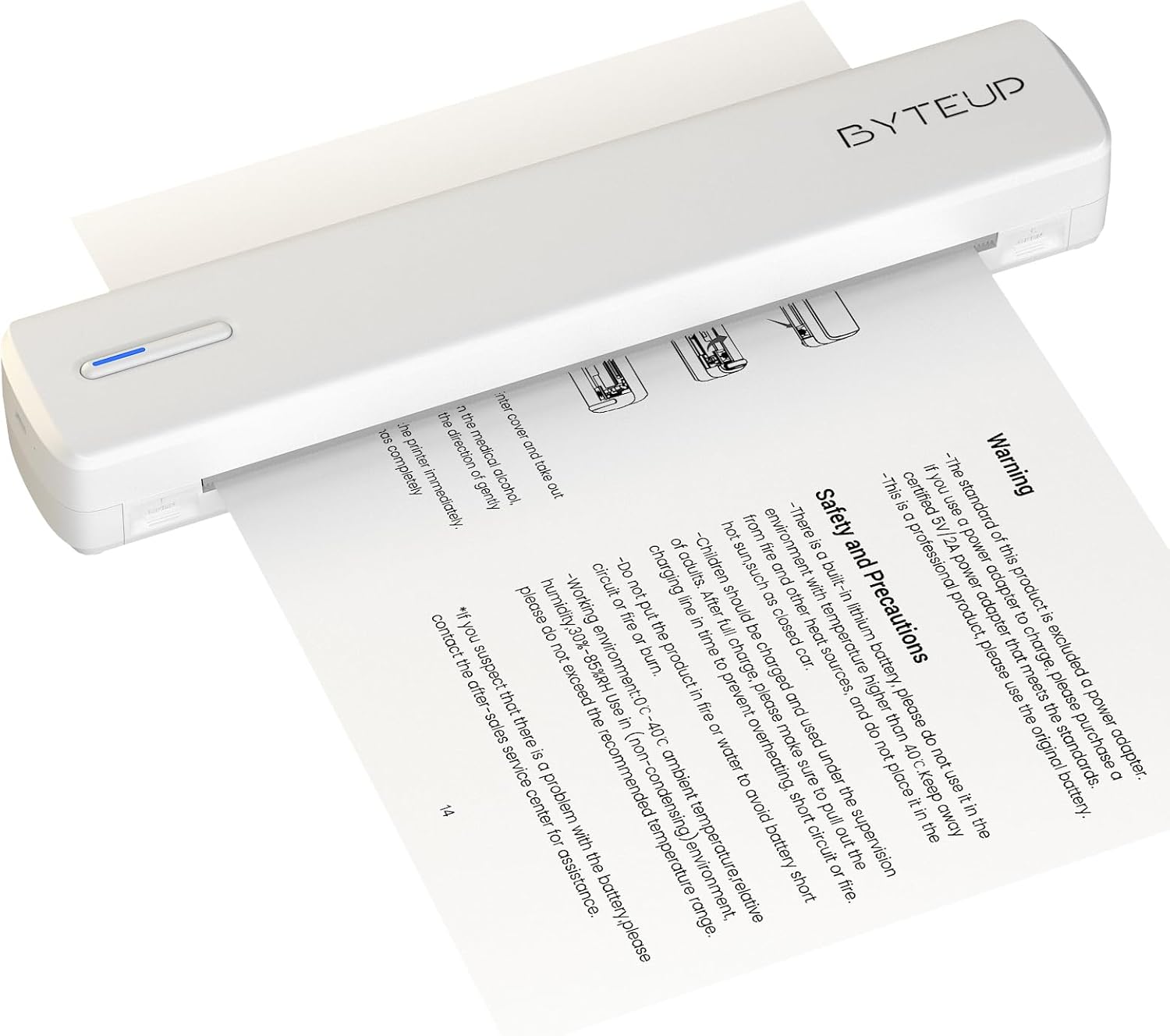
Image 1.1: The ByteUp C80 Portable Thermal Printer in operation, demonstrating paper feeding.
2. Sicherheitsvorkehrungen
To ensure safe and proper operation of your ByteUp C80 printer, please observe the following precautions:
- The standard product package does not include a power adapter. If a power adapter is required, please purchase a certified 5V/2A power adapter that meets safety standards.
- This device contains a built-in lithium battery. Do not use it in environments with temperatures exceeding 40°C (104°F) or near open flames and other heat sources.
- The battery should be charged and used under supervision. Do not leave children unattended during charging.
- Do not put the product in fire or water to avoid battery short circuit or fire.
- Operating environment: 0°C - 40°C (32°F - 104°F) ambient temperature, relative humidity 30%-85% (non-condensing).
- If you suspect a problem with the battery, please contact the after-sales service center for assistance.
3. Lieferumfang
Upon unpacking your ByteUp C80 Portable Thermal Printer, verify that all the following components are included:
- 1 x C80 Printer
- 20 x US Letter Size Thermal Paper sheets
- 1 x Benutzerhandbuch (dieses Dokument)
- 1 x Leitfadenkarte
- 1 x U disk (containing drivers and software)
4. Installationsanleitung
4.1 Aufladen des Druckers
Before first use, fully charge the printer using a compatible 5V/2A USB-C power adapter (not included). Connect the USB-C cable to the printer's charging port and the other end to the power adapter. The indicator light will show charging status.
4.2 Papier einlegen
The C80 printer uses thermal paper only. It does not support regular copy paper.
- Öffnen Sie die Papierzufuhrklappe.
- Insert the thermal paper with the printable side facing up. Ensure the paper is aligned correctly and smoothly.
- Close the paper input cover. The printer will automatically feed a small amount of paper to confirm loading.

Image 4.1: The ByteUp C80 printer supports various paper sizes including US Letter, A4 Thermal, and Tattoo Transfer Paper.
5. Bedienungsanleitung
5.1 Ein-/Ausschalten
- Zum Einschalten: Halten Sie den Netzschalter gedrückt, bis die Kontrollleuchte aufleuchtet.
- Zum Ausschalten: Halten Sie den Netzschalter gedrückt, bis die Kontrollleuchte erlischt.
5.2 Konnektivitätsoptionen
The ByteUp C80 printer offers both Bluetooth and USB-C connectivity for versatile use with various devices.

Image 5.1: The ByteUp C80 printer supports both USB and Bluetooth connections for printing from laptops, smartphones, and other devices.
5.2.1 Bluetooth Connection (for iOS, Android)
- Stellen Sie sicher, dass der Drucker eingeschaltet ist und sich in Reichweite Ihres Mobilgeräts befindet.
- Aktivieren Sie Bluetooth auf Ihrem Mobilgerät.
- Open the dedicated ByteUp printing application (refer to the U disk for software installation).
- Within the app, search for available Bluetooth devices and select "C80" to pair.
- Once paired, you can select documents (PDF, Word, Images, Web) from your phone to print.
5.2.2 USB-C Connection (for Laptop/PC)
- Connect the printer to your laptop or PC using the provided USB-C cable.
- Install the printer drivers from the included U disk. Follow the on-screen instructions for installation.
- Once drivers are installed, the printer will appear as an available printer in your system's print dialogue.
- Select the C80 printer and adjust print settings as needed before printing.
5.3 Dokumente drucken
Always remember to choose the correct paper size setting on your phone or PC to match the thermal paper you are using. The printer supports monochrome (black and white) printing only.

Image 5.2: The ByteUp C80 printer is capable of high-resolution monochrome printing, suitable for various documents including tattoo stencils.
6. Wartung
6.1 Reinigung des Druckkopfes
Die regelmäßige Reinigung des Druckkopfes gewährleistet eine optimale Druckqualität.
- Stellen Sie sicher, dass der Drucker ausgeschaltet und von jeglicher Stromquelle getrennt ist.
- Gently open the paper input cover.
- Benutzen Sie ein weiches, fusselfreies Tuch, dampened with isopropyl alcohol to wipe the print head surface.
- Lassen Sie den Druckkopf vollständig trocknen, bevor Sie die Abdeckung schließen und den Drucker einschalten.
6.2 Papieraufbewahrung
Store thermal paper in a cool, dry place away from direct sunlight and excessive heat to preserve its quality and print longevity.
7. Fehlerbehebung
| Problem | Mögliche Ursache | Lösung |
|---|---|---|
| Drucker lässt sich nicht einschalten | Schwache Batterie oder keine Ladung | Charge the printer fully using a 5V/2A USB-C adapter. |
| Schlechte Druckqualität / Verblasste Ausdrucke | Dirty print head; Low quality thermal paper; Paper loaded incorrectly | Clean the print head (refer to Section 6.1); Use high-quality thermal paper; Ensure paper is loaded correctly with printable side up. |
| Drucker verbindet sich nicht über Bluetooth | Bluetooth not enabled; Printer not in pairing mode; Interference | Ensure Bluetooth is enabled on your device; Restart printer and device; Move closer to the printer; Check app for pairing instructions. |
| Drucker wird vom PC über USB nicht erkannt. | Drivers not installed; Faulty USB cable/port | Install drivers from the U disk; Try a different USB-C cable or port. |
| Papierstau | Papier falsch eingelegt; Papier beschädigt | Power off the printer, gently remove jammed paper, reload new paper correctly. |
8. Produktspezifikationen
- Modellname: C80
- Marke: ByteUp
- Drucktechnologie: Thermal
- Konnektivitätstechnologie: Bluetooth, USB-C
- Druckerausgabe: Monochrom (Schwarzweiß)
- Maximale Schwarzweiß-Druckauflösung: 203 dpi (Dots Per Inch)
- Maximale Druckgeschwindigkeit Monochrom: 4 Seiten pro Minute (ppm)
- Maximale Mediengröße: 8.5x11 inches (US Letter)
- Supported Print Media: Thermal Paper (Roll paper, Fan-fold paper, Tattoo transfer paper)
- Maximale Blattkapazität: 20 Blatt
- Duplexdruck: Nein (nur Simplex)
- Hardware-Schnittstelle: USB Typ C
- Tintenfarbe: Black (Thermal printing, no ink required)
- Produktabmessungen: 12.99"T x 3.35"B x 3.15"H (33 x 8.5 x 8 cm)
- Artikelgewicht: 1.8 Pfund (0.82 kg)
- Batterien: 1 nicht standardmäßige Batterie (im Lieferumfang enthalten)
- Hersteller: shanyin
9. Garantie und Support
For warranty information and technical support, please refer to the contact details provided on the ByteUp official website or the guide card included in your product package. If you encounter any issues not covered in this manual, or require further assistance, please do not hesitate to contact our customer service team.
Ask a question about this manual
Ask about setup, troubleshooting, compatibility, parts, safety, or missing instructions. Manuals+ will review the question and use this page’s manual context to help answer it.