
1. Produktüberschreitungview
The QONBINK K62 Smart Watch is a versatile fitness tracker designed for both men and women, offering a wide range of features to support an active and healthy lifestyle. It includes Bluetooth calling capabilities, a voice assistant, comprehensive health monitoring, and various sport modes, all presented on a vibrant 1.85-inch HD display.

Image: QONBINK K62 Smart Watch in Pink, showcasing sein Display und Armband.
2. Lieferumfang
- QONBINK K62 Smartwatch
- Ladekabel
- Bedienungsanleitung
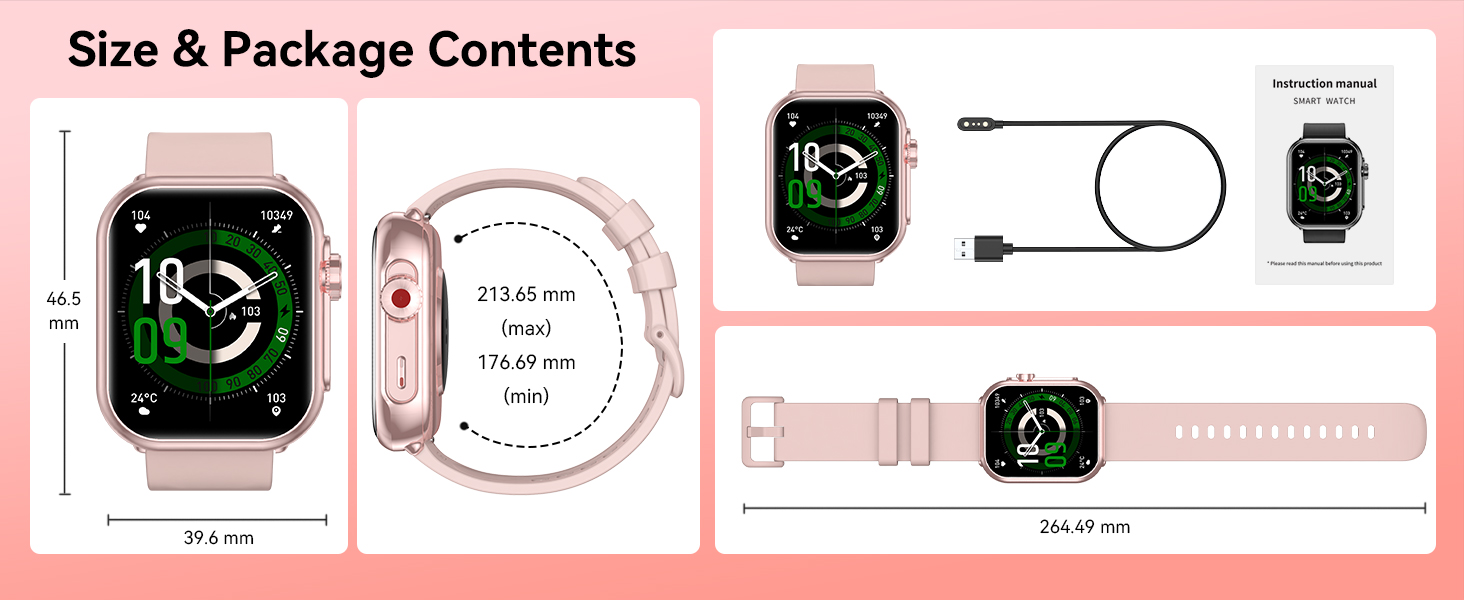
Image: Contents of the QONBINK K62 Smart Watch package, including the watch, charging cable, and user manual.
3. Installationsanleitung
3.1 Erstaufladung
Before first use, fully charge your QONBINK K62 Smart Watch. Connect the magnetic charging cable to the charging points on the back of the watch and plug the USB-A end into a compatible power adapter (not included) or a computer's USB port. A full charge typically takes approximately 2.5 hours.
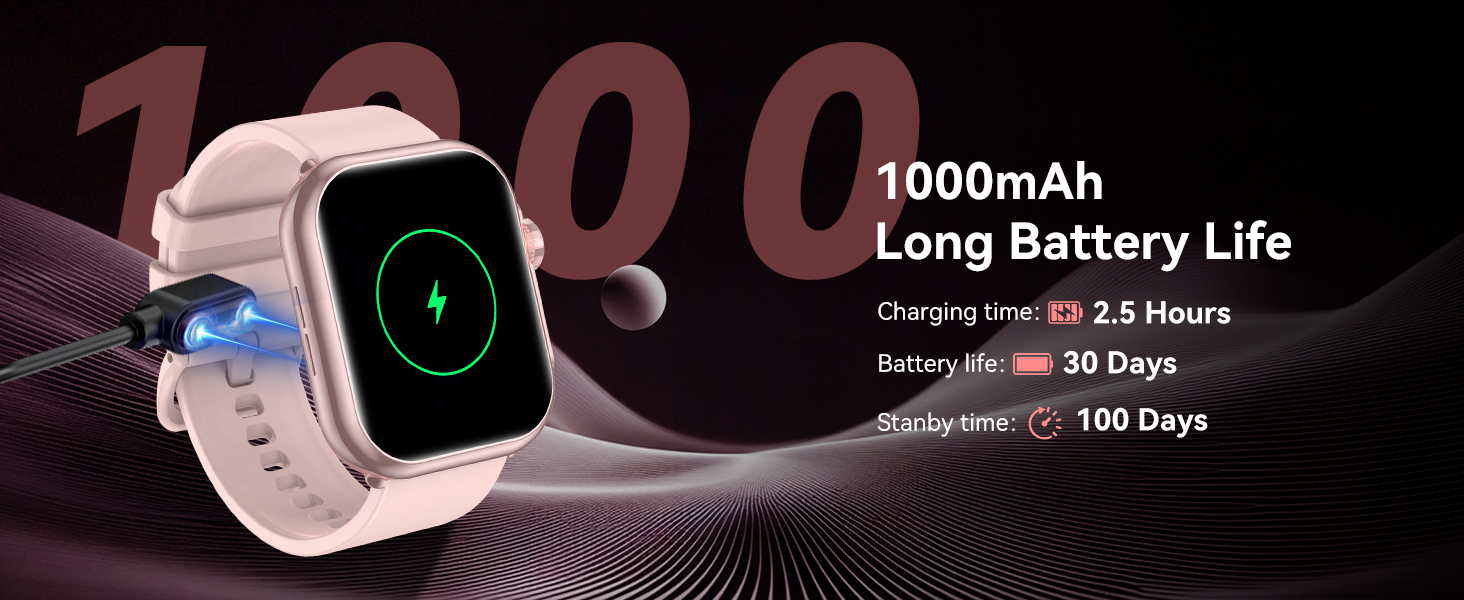
Image: The QONBINK K62 Smart Watch being charged with its magnetic cable.
3.2 Ein-/Ausschalten
- So schalten Sie das Gerät ein: Long press the side button until the screen illuminates.
- So schalten Sie das Gerät aus: Long press the side button, then select the power off option on the screen.
3.3 App-Download und Kopplung
The QONBINK K62 Smart Watch requires the 'FitCloudPro' application for full functionality and data synchronization. The app is compatible with Android 4.4+ and iOS 9.0+ devices.
- Download the 'FitCloudPro' app from your device's app store (Google Play Store for Android, Apple App Store for iOS).
- Stellen Sie sicher, dass Bluetooth auf Ihrem Smartphone aktiviert ist.
- Open the 'FitCloudPro' app and follow the on-screen instructions to create an account and set up your personal profile (gender, birth date, height, weight).
- Within the app, navigate to the device pairing section and search for 'K62' to connect your smartwatch.
- Bestätigen Sie die Kopplungsanfrage sowohl auf Ihrem Smartphone als auch auf der Smartwatch.
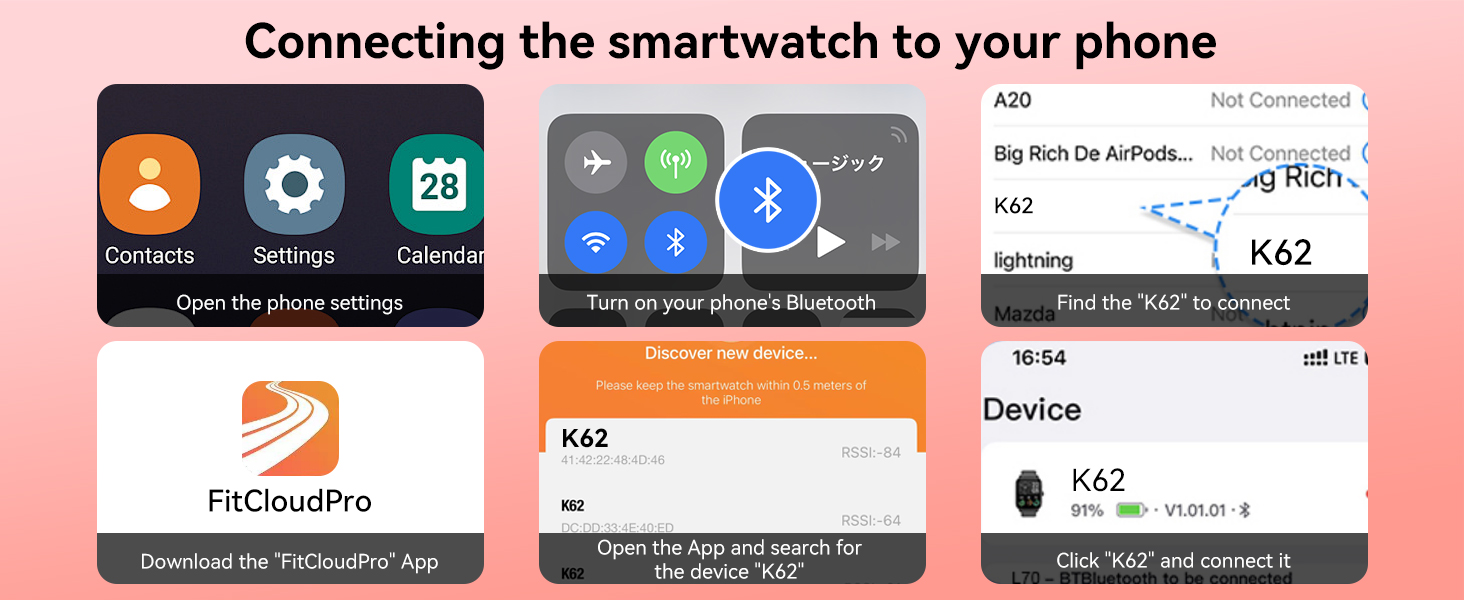
Image: Visual guide for connecting the smartwatch to a phone using the FitCloudPro app.
4. Merkmale und Funktionen
4.1 Bluetooth-Anrufe und Sprachassistent
The K62 Smart Watch features a built-in microphone and speaker, enabling direct Bluetooth calls from your wrist. You can answer, make calls, and access your call records and frequent contacts. Additionally, the integrated smart voice assistant allows for hands-free control, such as playing music or setting alarms, by simply speaking commands to your watch.
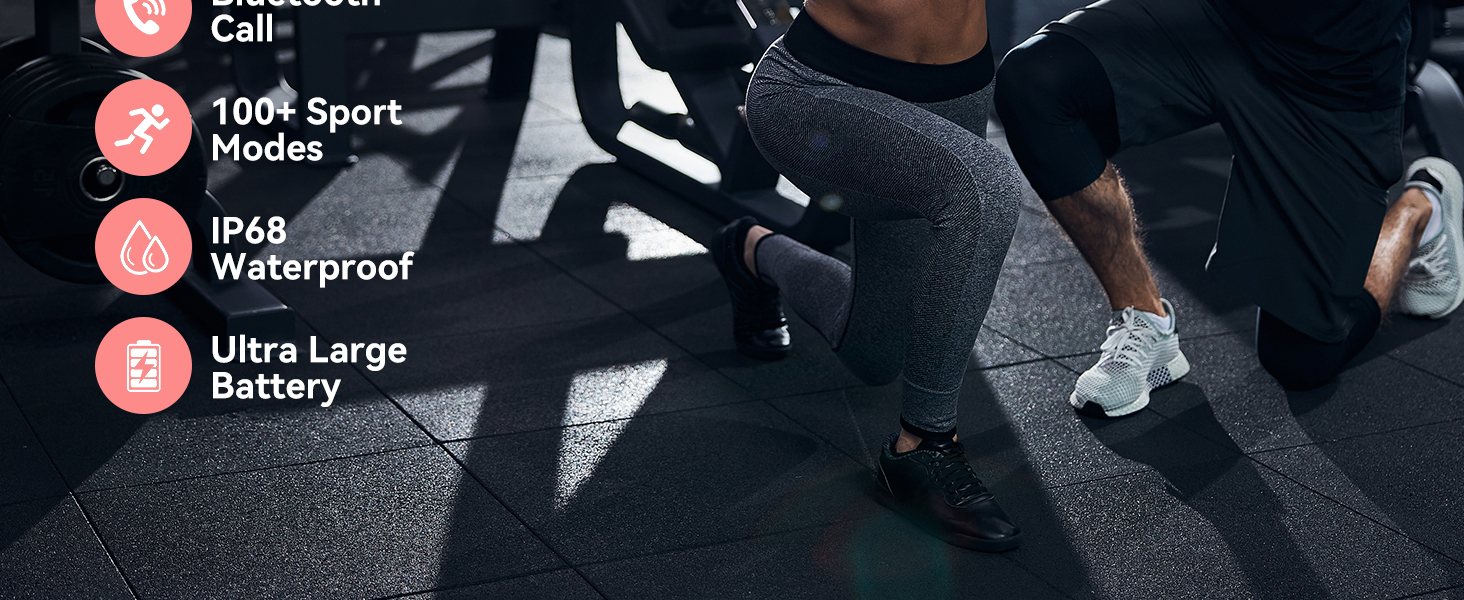
Image: The smartwatch displaying call functions and voice assistant prompts.
4.2 Smart Message Reminders
Stay informed with real-time notifications for SMS, social media messages, and app alerts directly on your watch. Ensure 'Message Push' and 'APP Alerts' are enabled in the 'FitCloudPro' app to receive these reminders. Please note that replying to messages directly from the watch is not supported.
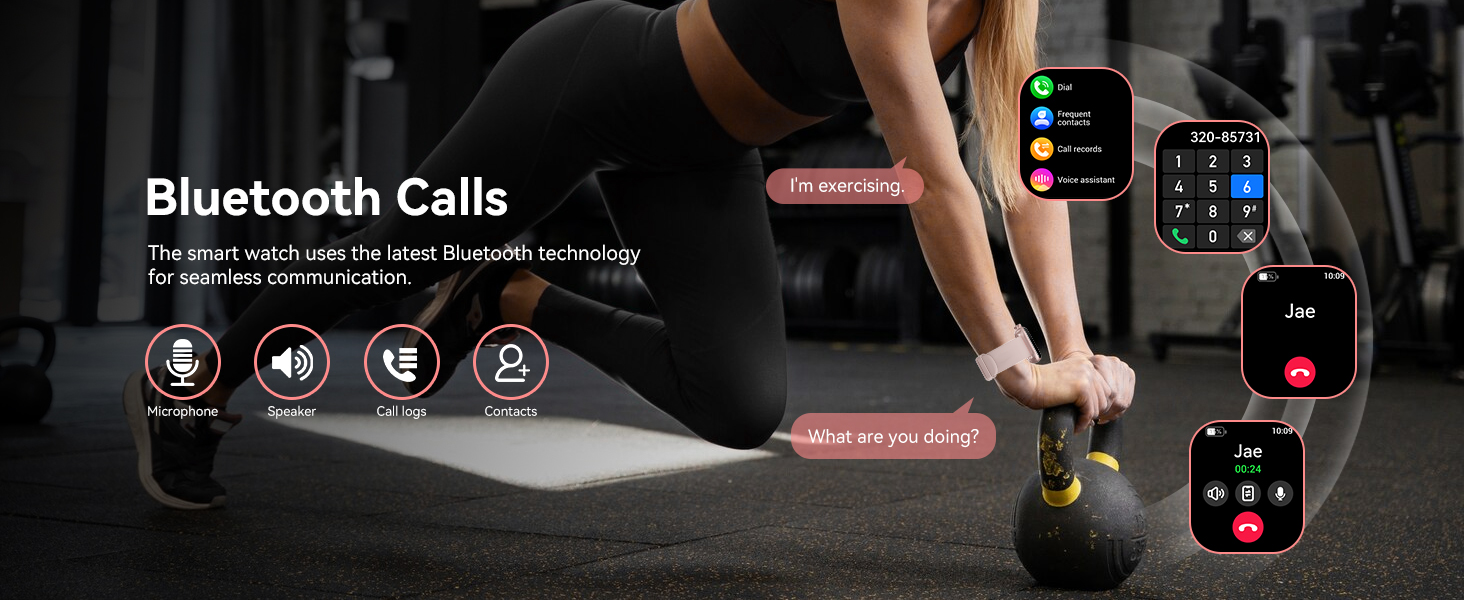
Image: The smartwatch showing notifications from different messaging and social media applications.
4.3 HD Display and Custom Dials
The watch features a 1.85-inch HD TFT color screen with high contrast and fast response. Personalize your watch face by choosing from over 100+ dials available in the 'FitCloudPro' app, or upload your favorite photo to create a custom wallpaper.
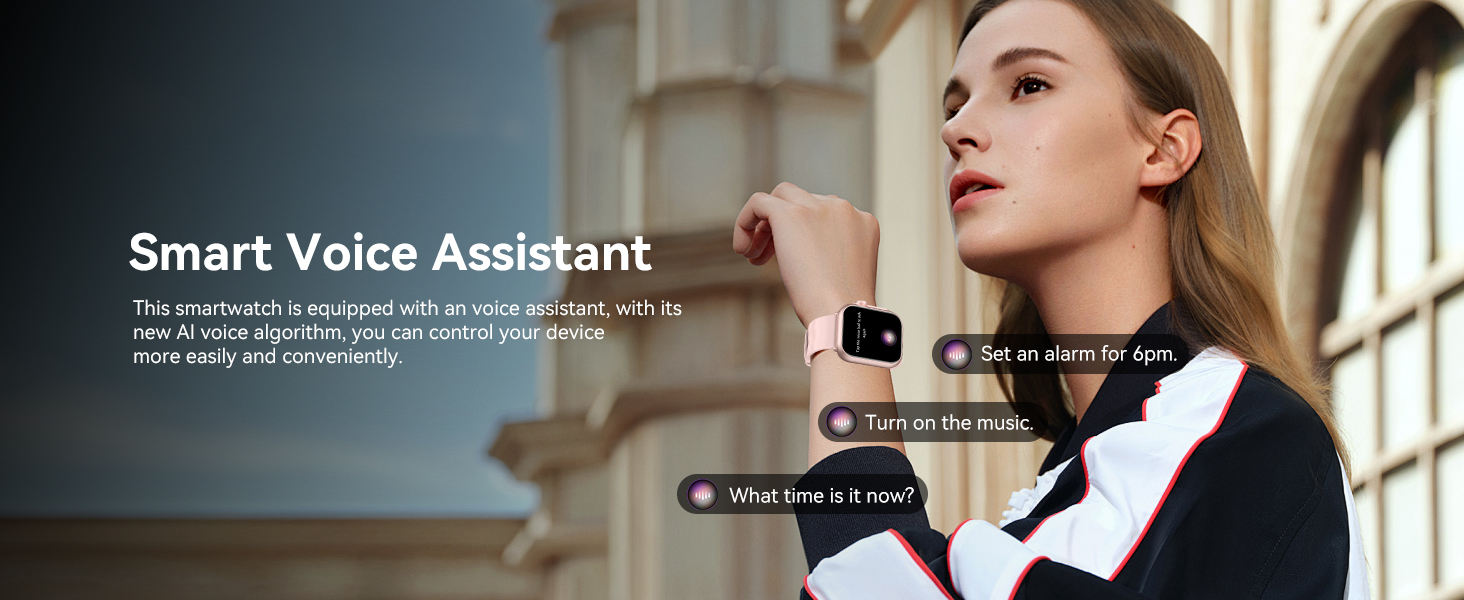
Image: The smartwatch display with multiple watch face options and a large, clear screen.
4.4 Continuous Health Monitoring
The K62 Smart Watch provides 24/7 monitoring of key health parameters:
- Herzfrequenzmesser: Tracks your heart rate in real-time, providing data on your cardiovascular health.
- Blutsauerstoffmonitor: Misst Ihren Blutsauerstoffsättigungsgrad.
- Schlafmonitor: Analyzes your sleep patterns, including different sleep stages, to help you understand and improve sleep quality.

Image: The smartwatch showing health data for blood oxygen, sleep time, and heart rate.
4.5 120+ Sport Modes and IP68 Waterproofing
With over 120 built-in sport modes, the fitness watch caters to a wide range of activities, from outdoor sports to indoor exercises. It precisely tracks performance metrics during your workouts. The smartwatch is rated IP68 waterproof, making it suitable for daily use and various water-related activities, though it is not recommended for diving or hot water exposure.
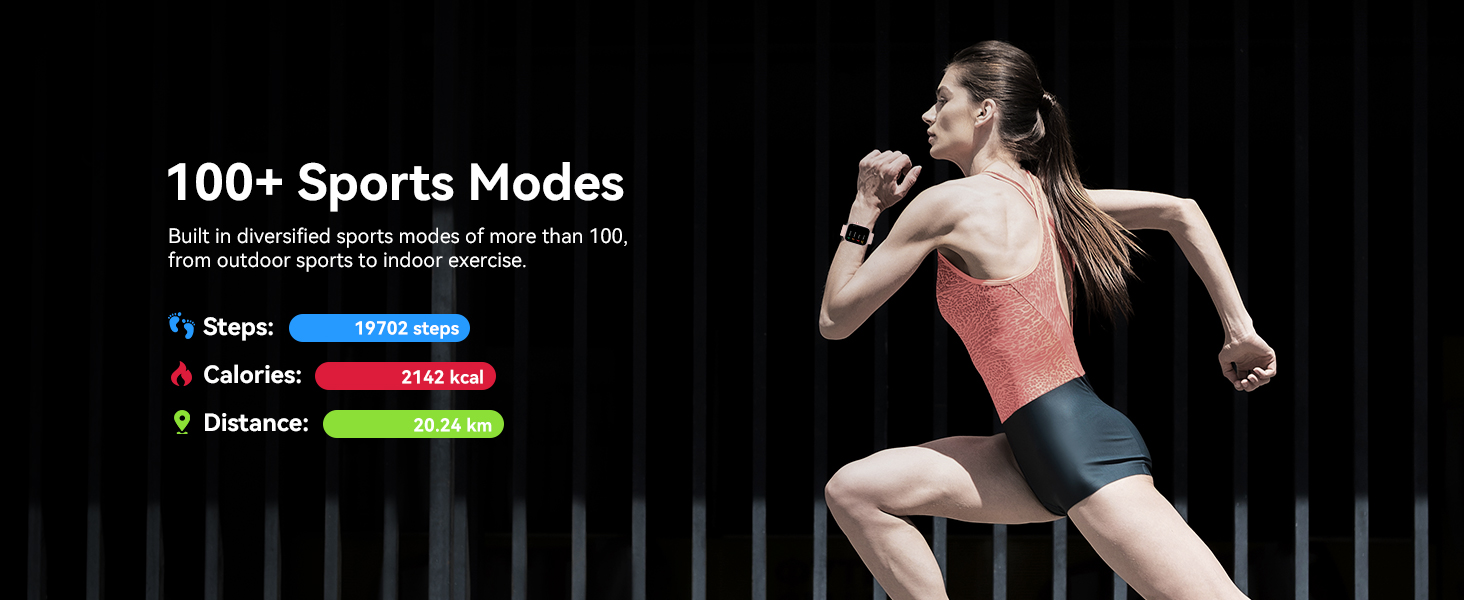
Image: The smartwatch showing tracked steps, calories, and distance during a workout.
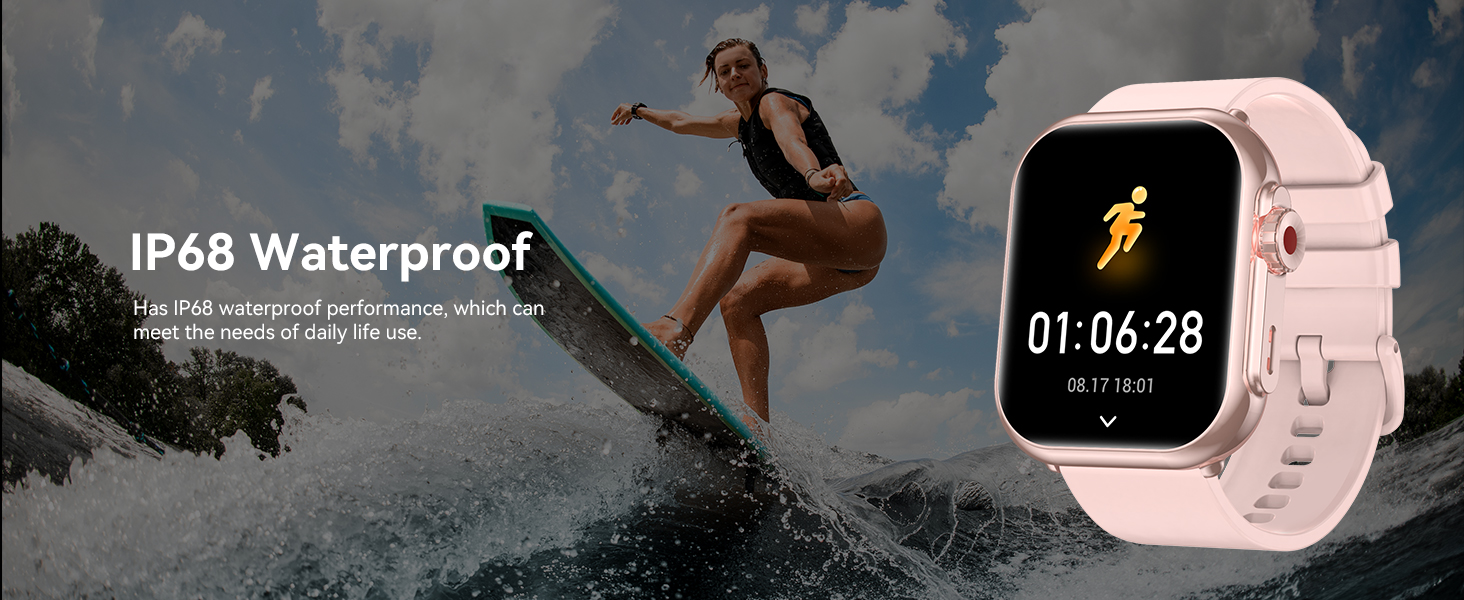
Image: The smartwatch highlighting its IP68 waterproof rating.
4.6 Lange Akkulaufzeit
Equipped with a 1000 mAh battery, the K62 Smart Watch offers extended usage. A single 2.5-hour charge can provide up to 30 days of typical use and an impressive 100 days of standby time, reducing the need for frequent recharging.
4.7 Multi-Functions and Practical Tools
The smartwatch integrates various useful tools for daily convenience, including:
- Wecker
- Musiksteuerung
- Kamerasteuerung
- Kalkulator
- Taschenlampe
- Stoppuhr
- Voice-Memo
- Trinkerinnerung
- Wettervorhersage
- Atemtraining
- Sitzende Erinnerung
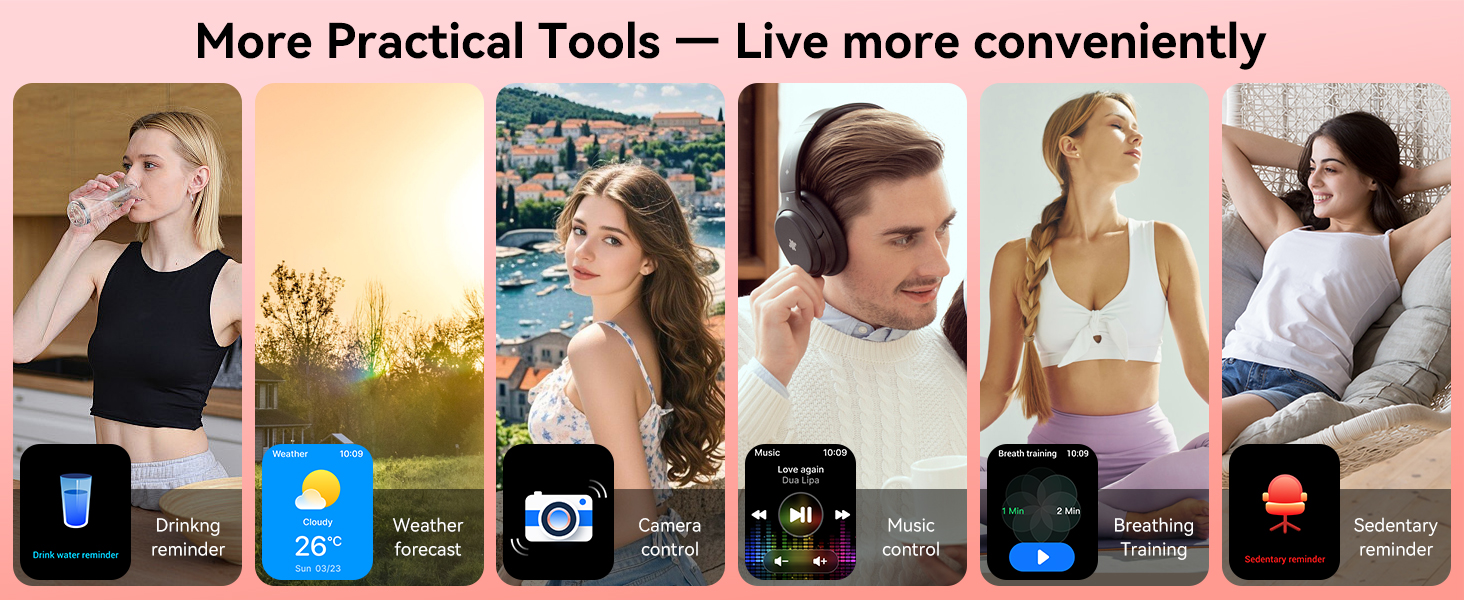
Image: The smartwatch interface showing a selection of its practical tools.
5. Bedienungsanleitung
5.1 Grundlegende Navigation
- Touch-Screen: Durch Wischen nach links, rechts, oben oder unten können Sie durch Menüs und Funktionen navigieren.
- Seitentaste: Drücken Sie diese Taste, um zum Startbildschirm zurückzukehren oder das Gerät zu aktivieren. Halten Sie die Taste gedrückt, um die Ein-/Ausschaltoptionen anzuzeigen.
5.2 Ändern der Zifferblätter
To change the watch face, long press on the current watch face on the screen. Swipe left or right to browse available faces. Tap to select your preferred watch face. More options are available in the 'FitCloudPro' app.
5.3 Accessing Settings and Features
From the home screen, swipe down to access quick settings (e.g., brightness, do not disturb). Swipe up to view notifications. Swipe left or right to access various features like activity tracking, heart rate, blood oxygen, and more.
6. Wartung
- Reinigung: Reinigen Sie das Uhrendisplay und das Armband regelmäßig mit einem weichen, trockenen Tuch. Bei hartnäckigem Schmutz kann ein leicht trocknendes Tuch hilfreich sein.amp Stoff kann verwendet werden. Vermeiden Sie aggressive Chemikalien.
- Laden: Verwenden Sie ausschließlich das mitgelieferte magnetische Ladekabel. Stellen Sie vor dem Ladevorgang sicher, dass die Ladekontakte an der Uhr und am Kabel sauber und trocken sind.
- Wasserbeständigkeit: While IP68 waterproof, avoid prolonged submersion, hot water, or steam, which can compromise the seal. Dry the watch thoroughly after exposure to water.
- Lagerung: Bewahren Sie die Uhr bei Nichtgebrauch an einem kühlen, trockenen Ort auf. Vermeiden Sie extreme Temperaturen.
7. Fehlerbehebung
- Uhr schaltet sich nicht ein: Stellen Sie sicher, dass die Uhr vollständig aufgeladen ist. Halten Sie die seitliche Taste einige Sekunden lang gedrückt.
- Kopplung mit dem Telefon nicht möglich: Make sure Bluetooth is enabled on your phone and the watch is within range. Restart both devices and try pairing again through the 'FitCloudPro' app.
- Benachrichtigungen nicht erhalten: Check that 'Message Push' and 'APP Alerts' are enabled in the 'FitCloudPro' app settings. Ensure the app is running in the background and your phone's notification permissions are granted to the app.
- Ungenaue Gesundheitsdaten: Ensure the watch is worn snugly on your wrist, not too tight or too loose. Clean the sensor on the back of the watch. For best results, remain still during measurements.
- Kurze Akkulaufzeit: Reduzieren Sie die Bildschirmhelligkeit, deaktivieren Sie unnötige Benachrichtigungen und schränken Sie die kontinuierliche Herzfrequenzmessung ein, wenn sie nicht erforderlich ist.
8. Spezifikationen
| Besonderheit | Spezifikation |
|---|---|
| Modellnummer | K62 |
| Anzeigegröße | 1.85 Zoll |
| Bildschirmauflösung | 240 x 286 |
| Batteriekapazität | 1000 mAh (Lithium-Polymer) |
| Akkulaufzeit (typische Nutzung) | Bis zu 30 Tage |
| Standby-Zeit | Bis zu 100 Tage |
| Ladezeit | Ca. 2.5 Stunden |
| Wasserdichtigkeit | IP68 |
| Konnektivität | Bluetooth |
| Betriebssystemkompatibilität | Android 4.4+, iOS 9.0+ |
| Besondere Merkmale | Bluetooth Call, Message Reminder, Custom Wallpaper, Health Monitoring, Fitness Tracker, 110+ Sports Modes, Voice Assistant |
| Artikelgewicht | 3.84 Unzen |
| Maße | 10.91 x 3.58 x 0.67 Zoll (Verpackung) |
9. Garantie und Support
QONBINK is committed to product quality and customer satisfaction. Your K62 Smart Watch comes with:
- 30-Tage-Rückgaberecht: For any reason, you may return the product within 30 days of purchase.
- 1 Jahr kostenloser Ersatz: Enjoy a 1-year free replacement warranty for manufacturing defects or functional issues.
For further assistance, technical support, or warranty claims, please contact QONBINK customer service through the contact information provided on your purchase platform or the official QONBINK webWebsite.