
1. Einleitung
Thank you for choosing the HTC N15 Wireless Clip-On Earbuds. These open-ear earphones are designed to provide audio while allowing you to remain aware of your surroundings. This manual provides detailed instructions for setup, operation, and maintenance to ensure optimal performance and longevity of your device.

Image 1.1: HTC N15 Wireless Clip-On Earbuds and Charging Case.
2. Packungsinhalt
Bitte überprüfen Sie den Packungsinhalt nach dem Auspacken. Sollten Artikel fehlen oder beschädigt sein, kontaktieren Sie bitte unseren Kundenservice.
- 1 Pair HTC N15 Clip-On Earbuds
- 1 Ladekoffer
- 1 USB-C-Ladekabel
- 1 Benutzerhandbuch (dieses Dokument)
Video 2.1: Unboxing the HTC N15 Wireless Clip-On Earbuds, showing the earbuds, charging case, and USB-C cable.
3. Produktüberschreitungview
3.1 Ohrhörer-Funktionen
- Offenes Ohr-Design: Ermöglicht die Wahrnehmung der Umgebung.
- Clip-On Fit: Secure and comfortable for various activities.
- Touch-Steuerung: Intuitive control for audio and calls.
- Eingebautes Mikrofon: Für eine klare Kommunikation.
- Leicht: Jeder Ohrhörer wiegt ungefähr 4.7 g.
- 13-mm-Treiber: Für eine verbesserte Klangqualität.
3.2 Funktionen des Ladecase
- USB-C-Ladeanschluss: Zum bequemen Aufladen.
- Batterieanzeige: LEDs show charging status and battery level.

Bild 3.1: Überview of HTC N15 earbuds and charging case, highlighting battery life and Type-C charging port.
4. Einrichtung
4.1 Aufladen der Ohrhörer und des Ladecase
Vor dem ersten Gebrauch die Ohrhörer und das Ladecase vollständig aufladen.
- Legen Sie die Ohrhörer in das Ladeetui.
- Verbinden Sie das USB-C-Ladekabel mit dem Ladeanschluss am Gehäuse und mit einer Stromquelle.
- The LED indicators on the case will illuminate to show charging status. A full charge for the case takes approximately 1.5 hours.
- The earbuds provide up to 8 hours of playback on a single charge, and the charging case extends total playtime to 22 hours.

Image 4.1: Visual representation of charging times and battery life for the HTC N15 earbuds and case.
4.2 Koppeln mit einem Gerät
The HTC N15 earbuds use Bluetooth 6.0 for fast and stable connections.
- Stellen Sie sicher, dass die Ohrhörer aufgeladen sind und sich im Ladecase befinden.
- Öffnen Sie das Ladecase. Die Ohrhörer wechseln automatisch in den Kopplungsmodus, was durch blinkende LED-Leuchten angezeigt wird.
- Gehen Sie auf Ihrem Gerät (Smartphone, Tablet, Laptop) zu den Bluetooth-Einstellungen und schalten Sie Bluetooth ein.
- Suchen nach Verfügbare Geräte und wählen Sie "HTC NE15" aus der Liste aus.
- Sobald die Verbindung hergestellt ist, hören die LEDs am Ohrhörer auf zu blinken und Sie hören einen Bestätigungston.
Die Ohrhörer verbinden sich beim Herausnehmen aus dem Ladecase automatisch wieder mit dem zuletzt gekoppelten Gerät, sofern Bluetooth auf dem Gerät aktiviert ist.

Image 4.2: The HTC N15 earbuds offer flexible connectivity with various devices including notebooks, TVs, desktops, watches, phones, and iPads.
5. Tragehinweise
Für optimalen Klang und Tragekomfort achten Sie bitte darauf, dass die Ohrhörer richtig sitzen.
- Identifizieren Sie den linken (L) und rechten (R) Ohrhörer.
- Confirm the direction of the earbud, ensuring the clip is oriented to hook over the top of your ear.
- Gently clip the earbud onto the thinnest part of your ear, sliding it down until it feels secure.
- Adjust the earbud tip to align with your ear canal for the best sound experience and comfort.

Image 5.1: Step-by-step guide on how to properly wear the HTC N15 Clip-On Earbuds for a secure and comfortable fit.

Image 5.2: Illustration of the ergonomic open-ear clip design and wearing tips for optimal sound alignment.
6. Bedienungsanleitung
The HTC N15 earbuds feature smart touch controls for easy management of audio and calls.

Image 6.1: Diagram illustrating the touch control functions for the HTC N15 earbuds.
6.1 Musiksteuerung
- Abspielen/Pause: Doppelklicken Sie auf einen der Ohrhörer.
- Nächstes Lied: Klicken Sie dreimal auf den rechten (R) Ohrhörer.
- Vorheriges Lied: Drücken Sie dreimal auf den linken (L) Ohrhörer.
- Lautstärke erhöhen: Click the Right (R) earbud.
- Lautstärke runter: Click the Left (L) earbud.
6.2 Anrufsteuerung
- Anruf annehmen/beenden: Click either earbud.
- Anruf ablehnen: Halten Sie einen der Ohrhörer 2 Sekunden lang gedrückt.
6.3 Voice Assistant & Game Mode
- Sprachassistenten aktivieren: Halten Sie den linken (L) Ohrhörer 2 Sekunden lang gedrückt.
- Spielmodus: Hold the Right (R) earbud for 2 seconds to activate low-latency mode.

Image 6.2: The HTC N15 earbuds feature a low-latency Game Mode, reducing audio delay to 40ms for an improved gaming experience.
7. Wartung
7.1 Reinigung
- Reinigen Sie die Ohrhörer und das Ladecase regelmäßig mit einem weichen, trockenen, fusselfreien Tuch.
- Verwenden Sie keine Scheuermittel, Alkohol oder chemische Lösungsmittel.
- Stellen Sie sicher, dass die Ladekontakte an beiden Ohrhörern und am Ladecase sauber und trocken sind.
7.2 Speicherung
- Bewahren Sie die Ohrhörer bei Nichtgebrauch im Ladeetui auf, um sie zu schützen und geladen zu halten.
- Vermeiden Sie die Lagerung bei extremen Temperaturen oder hoher Luftfeuchtigkeit.
7.3 Wasser- und Staubbeständigkeit
The HTC N15 earbuds are rated IP45 for water and dust resistance. This means they are protected against dust ingress and low-pressure water jets from any direction. They are suitable for workouts and light rain but should not be submerged in water.
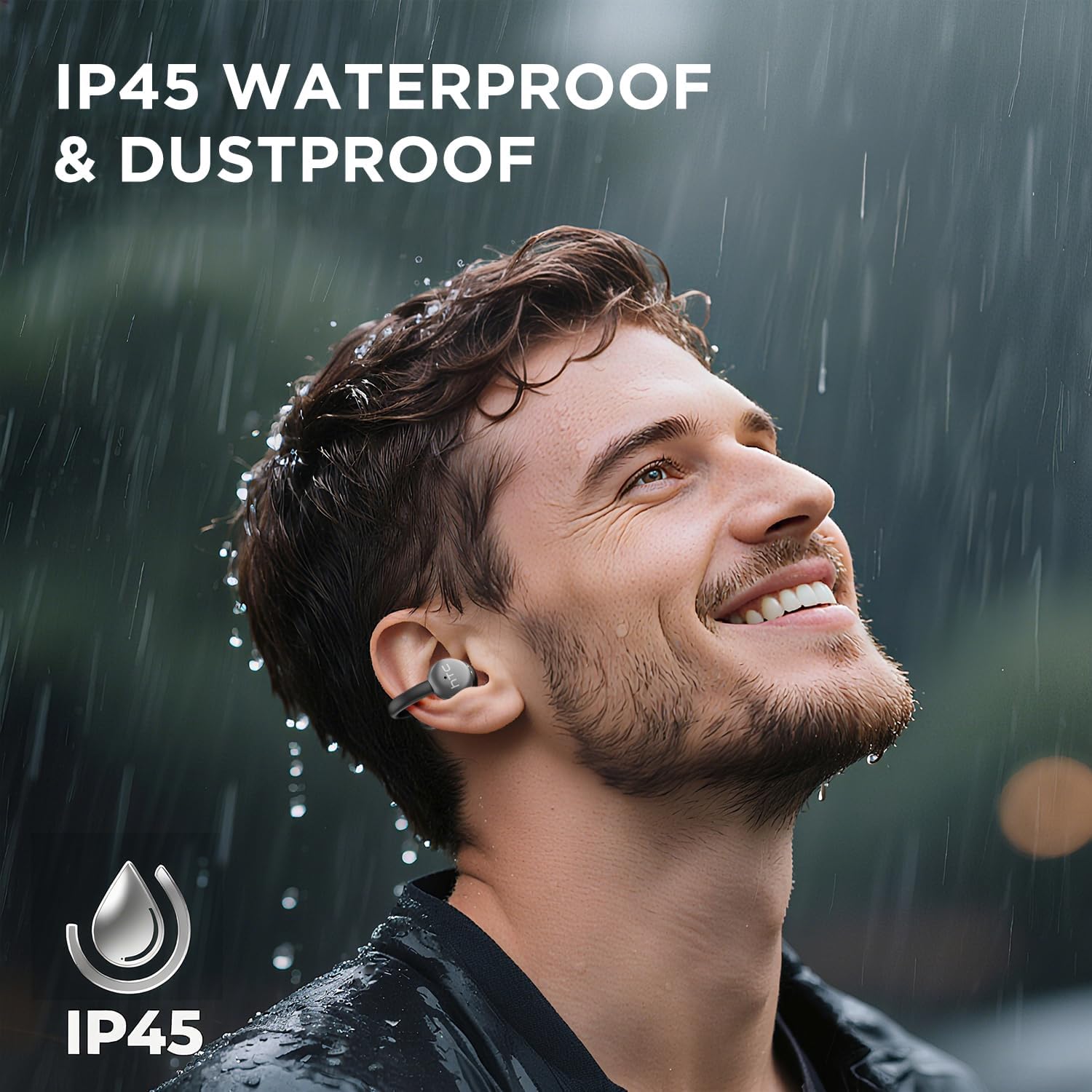
Image 7.1: The HTC N15 earbuds are IP45 rated, offering protection against dust and water splashes, making them suitable for outdoor activities.
8. Fehlerbehebung
| Problem | Mögliche Ursache | Lösung |
|---|---|---|
| Ohrhörer lassen sich nicht koppeln | Low battery; Bluetooth off on device; Earbuds not in pairing mode; Interference. | Charge earbuds and case. Ensure Bluetooth is enabled on your device. Place earbuds in case, close, then open to re-enter pairing mode. Move closer to your device. |
| Kein Ton oder schlechte Tonqualität | Volume too low; Earbuds not properly seated; Device not connected; Dirty earbuds. | Increase device volume. Adjust earbuds for a proper fit. Reconnect earbuds to your device. Clean earbuds as per maintenance section. |
| Ohrhörer werden nicht aufgeladen | Charging cable not connected properly; Dirty charging contacts; Faulty cable/adapter. | Ensure USB-C cable is securely connected. Clean charging contacts. Try a different USB-C cable or power adapter. |
| Touch-Bedienelemente reagieren nicht | Earbuds not active; Moisture on touch surface; Software glitch. | Ensure earbuds are active and connected. Wipe touch surface dry. Place earbuds back in case, close, then reopen to reset. |
9. Spezifikationen
| Besonderheit | Spezifikation |
|---|---|
| Modellname | HTC NE15 |
| Bluetooth-Version | 6.0 |
| Konnektivitätstechnologie | Kabellos (Bluetooth) |
| Ohrhörer-Typ | Clip-On, Open-Ear |
| Treibergröße | 13 mm |
| Kontrollmethode | Berühren |
| Mikrofon | Eingebaut |
| Spielzeit mit einer Ladung | Bis zu 8 Stunden |
| Gesamtspielzeit (mit Hülle) | Bis zu 22 Stunden |
| Case Fast Charging | Ca. 1.5 Stunden |
| Ladeanschluss | USB-C |
| Wasserbeständigkeit | IP45 (wasser- und staubdicht) |
| Ohrhörergewicht | Ca. 4.7 g (jeweils) |
| Kompatible Geräte | Smartphones, Tablets, Bluetooth-enabled Devices (iOS, Android) |
| UPC | 768649989642 |
10. Garantie und Support
HTC provides customer support for its products. If you encounter any issues or have questions not covered in this manual, please contact our support team.
- Kundendienst: 7*24 Live Chat Support is available. Refer to the product packaging or official HTC webWebsite für Kontaktdaten.
- Garantieinformationen: Please retain your proof of purchase for warranty claims. Specific warranty terms and conditions may vary by region. Refer to the warranty card included in your package or the official HTC webWebsite für detaillierte Informationen.