
1. Einleitung
Thank you for choosing the Diydeg 4G LTE Mobile Hotspot. This portable device provides high-speed 3G/4G internet access, allowing you to connect up to 10 devices simultaneously. Its compact design makes it ideal for travel, business, and home use. This manual will guide you through the setup, operation, and maintenance of your mobile hotspot.

Image: The Diydeg 4G LTE Mobile Hotspot providing internet connectivity to a user's laptop.
2. Produktüberschreitungview
2.1 Hauptmerkmale
- Hochgeschwindigkeits-4G-LTE-Konnektivität: Provides fast internet access for various online activities.
- Mehrbenutzerunterstützung: Connects up to 10 WiFi-enabled devices simultaneously.
- Langlebige Batterie: Equipped with a 2100mAh battery for extended standby time (up to 10 hours).
- Tragbares Design: Lightweight, thin, and compact for easy carrying.
- Breite Kompatibilität: Works with mobile phones, laptops, desktops, and tablets.
- LED-Smart-Display: Easy-to-read display for operational status.
2.2 Packungsinhalt
Bitte prüfen Sie das Paket auf folgende Artikel:
- Diydeg 4G LTE Mobile Hotspot Device
- Wiederaufladbarer Akku
- USB-Ladekabel
- Benutzerhandbuch (dieses Dokument)

Image: The Diydeg Mobile Hotspot device shown alongside its USB charging cable.
3. Einrichtungsanweisungen
3.1 Einlegen der SIM-Karte und des Akkus
- Carefully remove the back cover of the mobile hotspot device.
- Insert your micro SIM card into the designated SIM card slot. Ensure the card is oriented correctly according to the diagram inside the device.
- Take out the battery and locate the yellow insulation tape. Gently tear off this insulation tape from the battery terminals.
- Insert the battery into the battery compartment, ensuring the contacts align properly.
- Bringen Sie die Rückseite wieder an, bis sie sicher einrastet.

Image: A three-step visual guide showing how to remove the battery, peel off the insulation tape, and insert the battery into the device.
3.2 Einschalten des Geräts
Press and hold the power button (usually located on the side) for a few seconds until the LED display illuminates. The device will begin searching for a network signal.

Abbildung: Seite view of the Diydeg Mobile Hotspot, highlighting the power button location.
4. Bedienungsanleitung
4.1 Verbindung zum WLAN-Netzwerk herstellen
- Ensure your mobile hotspot is powered on and has established a network connection (indicated by the signal strength icon on the display).
- On your WiFi-enabled device (phone, laptop, tablet), open the WiFi settings.
- Look for the network name (SSID) displayed on your hotspot's screen or on a sticker inside the battery compartment.
- Wählen Sie die SSID des Hotspots aus der Liste der verfügbaren Netzwerke aus.
- Enter the WiFi password (Key) displayed on the hotspot's screen or sticker.
- Ihr Gerät sollte nun mit dem Internet verbunden sein.
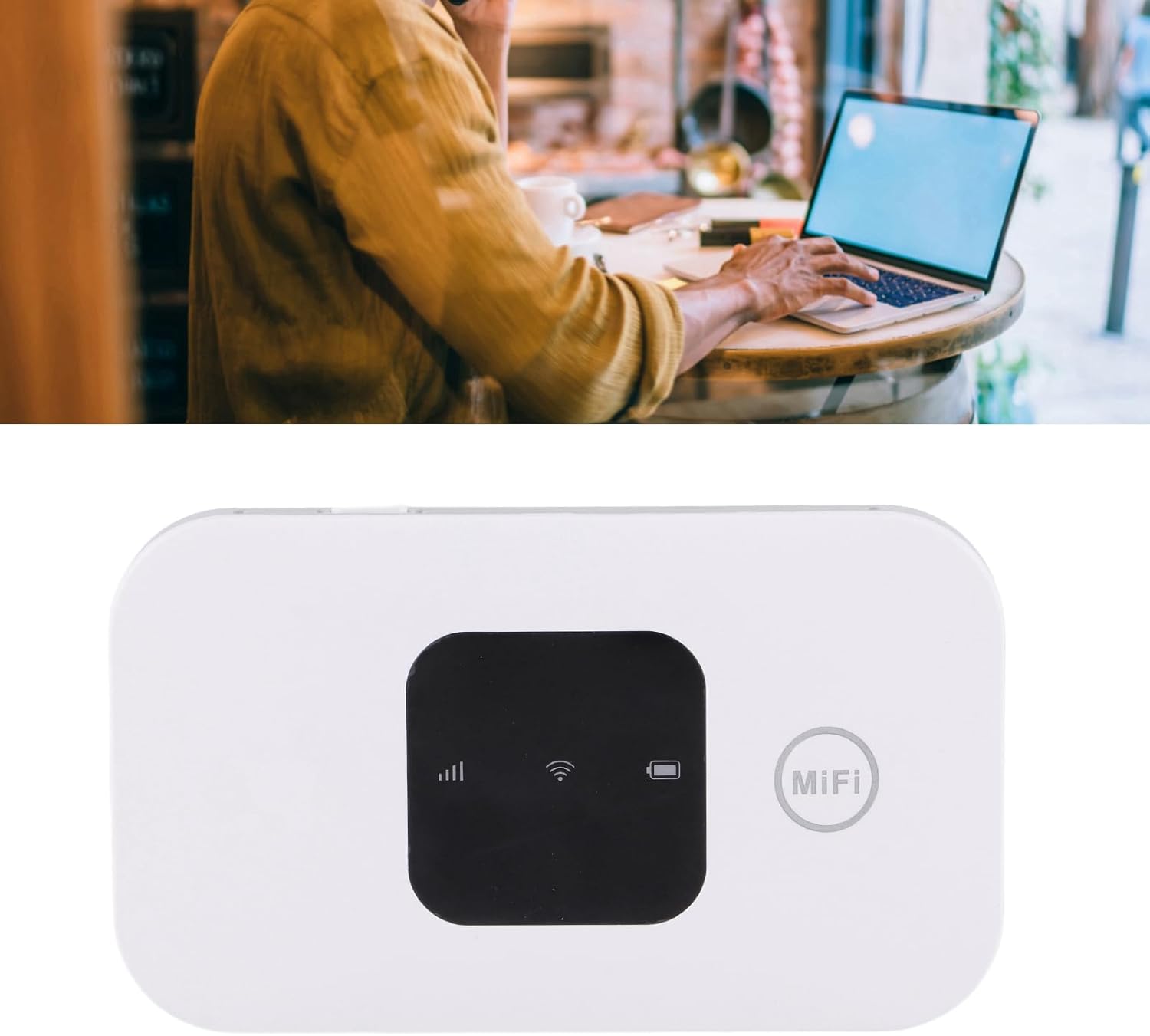
Image: A user working on a laptop, connected to the Diydeg Mobile Hotspot for internet access.
4.2 Aufladen des Geräts
Connect the provided USB charging cable to the hotspot's charging port and plug the other end into a USB power adapter or a computer's USB port. The battery indicator on the display will show charging status.
4.3 Ausschalten des Geräts
Press and hold the power button for a few seconds until the LED display turns off, indicating the device has shut down.
5. Wartung
- Halten Sie das Gerät trocken und fern von Feuchtigkeit.
- Vermeiden Sie extreme Temperaturen.
- Reinigen Sie das Gerät mit einem weichen, trockenen Tuch. Verwenden Sie keine flüssigen Reinigungsmittel.
- Versuchen Sie nicht, das Gerät selbst zu zerlegen oder zu reparieren.
- Um eine optimale Batterielebensdauer zu gewährleisten, vermeiden Sie häufiges vollständiges Entladen des Akkus.
6. Fehlerbehebung
6.1 Kein Netzwerksignal
- Stellen Sie sicher, dass die SIM-Karte korrekt eingesetzt und aktiviert ist.
- Check if you are in an area with 3G/4G network coverage.
- Starten Sie das Gerät neu.
- Verify that your SIM card plan supports data usage.
6.2 Keine WLAN-Verbindung möglich
- Confirm the WiFi password (Key) is entered correctly.
- Ensure the hotspot is powered on and broadcasting its WiFi signal.
- Check if too many devices are already connected (maximum 10).
- Starten Sie sowohl den Hotspot als auch das Gerät, mit dem Sie eine Verbindung herstellen möchten, neu.
6.3 Langsame Internetgeschwindigkeit
- Begeben Sie sich in ein Gebiet mit besserer Netzabdeckung.
- Verringern Sie die Anzahl der angeschlossenen Geräte.
- Check your data plan for any speed limitations or data caps.
- Starten Sie das Gerät neu.
7. Spezifikationen
| Besonderheit | Spezifikation |
|---|---|
| Modellnummer | Diydeghebi7gopvf |
| Batteriekapazität | 2100 mAh |
| Max WiFi Users | 10 |
| Wireless Connection Speed | Bis zu 150 Mbit/s |
| Artikelgewicht | 3.88 Unzen |
| Verpackungsabmessungen | 4.33 x 3.15 x 1.57 Zoll |
| Hersteller | Diydeg |
Hinweis: Spezifikationen können ohne vorherige Ankündigung geändert werden.
8. Garantie und Support
Diydeg is committed to providing quality products and customer satisfaction. This product comes with:
- 12-Stunden-Reaktionszeit: Unser Support-Team ist bestrebt, Anfragen innerhalb von 12 Stunden zu beantworten.
- 365 Tage eingeschränkte Garantie: Deckt Herstellungsfehler für ein Jahr ab Kaufdatum ab.
- Lifelong Unlimited Technical Support: Assistance with product usage and troubleshooting for the lifetime of the product.
For technical support or warranty claims, please contact Diydeg customer service through your purchase platform or visit our official webWebsite.