
1. Einleitung
Thank you for choosing the THOMSON COSMO 500W Wi-Fi Connected Fluid-Free Electric Towel Dryer. This appliance is designed to provide rapid and uniform heat, ensuring warm towels and a comfortable bathroom environment. Its elegant design and smart connectivity features offer both performance and convenience.
This manual provides essential information for the safe installation, operation, and maintenance of your new towel dryer. Please read it thoroughly before use and retain it for future reference.
2. Sicherheitshinweise
WARNUNG: Die Nichtbeachtung dieser Sicherheitshinweise kann zu Bränden, Stromschlägen oder Verletzungen führen.
- Lesen Sie alle Anweisungen, bevor Sie dieses Gerät installieren oder verwenden.
- Dieses Gerät ist ausschließlich für den Hausgebrauch bestimmt. Verwenden Sie es nicht für gewerbliche oder industrielle Zwecke.
- Stellen Sie sicher, dass die Stromversorgungslautstärketage entspricht dem Typenschild des Geräts.
- Do not operate the appliance with a damaged cord or plug, or if it has malfunctioned or been dropped.
- Halten Sie das Netzkabel von heißen Oberflächen fern.
- Tauchen Sie das Gerät, das Kabel oder den Stecker nicht in Wasser oder andere Flüssigkeiten.
- Trennen Sie das Gerät bei Nichtgebrauch und vor der Reinigung immer vom Stromnetz.
- Do not allow children to operate or play with the appliance. Close supervision is necessary when the appliance is used near children.
- Install the towel dryer in a location where it is not accessible to persons in the bath or shower.
- Ensure proper ventilation around the appliance. Do not cover the towel dryer.
- Dieses Gerät ist mit einem Überhitzungsschutz ausgestattet. Bei Überhitzung schaltet es sich automatisch ab.
- Die Installation muss von einem qualifizierten Elektriker gemäß den örtlichen Verdrahtungsvorschriften durchgeführt werden.
3. Produktüberschreitungview
The THOMSON COSMO towel dryer features a sleek design and advanced fluid-free heating technology for rapid and even heat distribution. It includes a digital control panel and Wi-Fi connectivity for remote management.
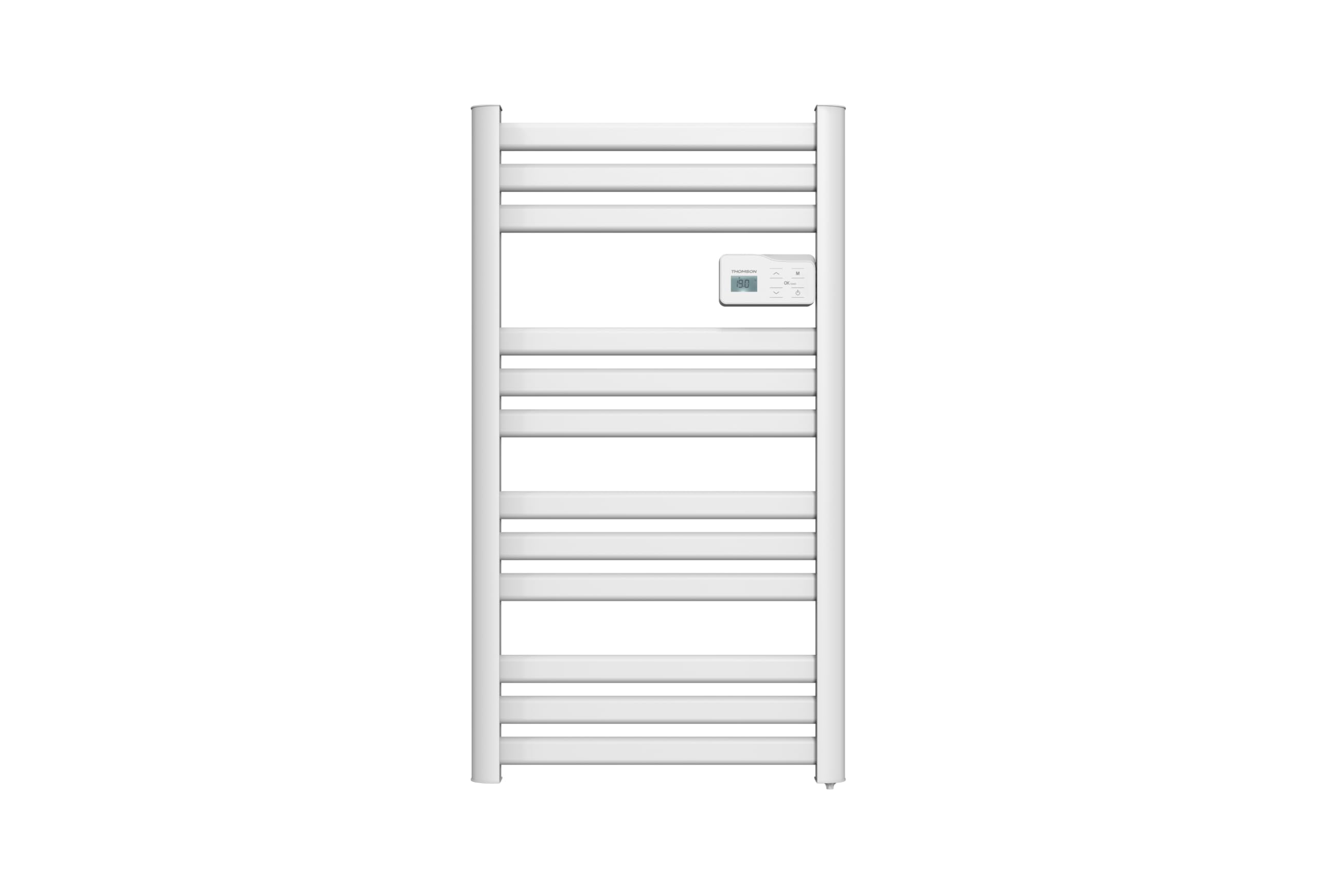
Bild: Front view of the THOMSON COSMO electric towel dryer, white, wall-mounted, showcasing its design in a bathroom.
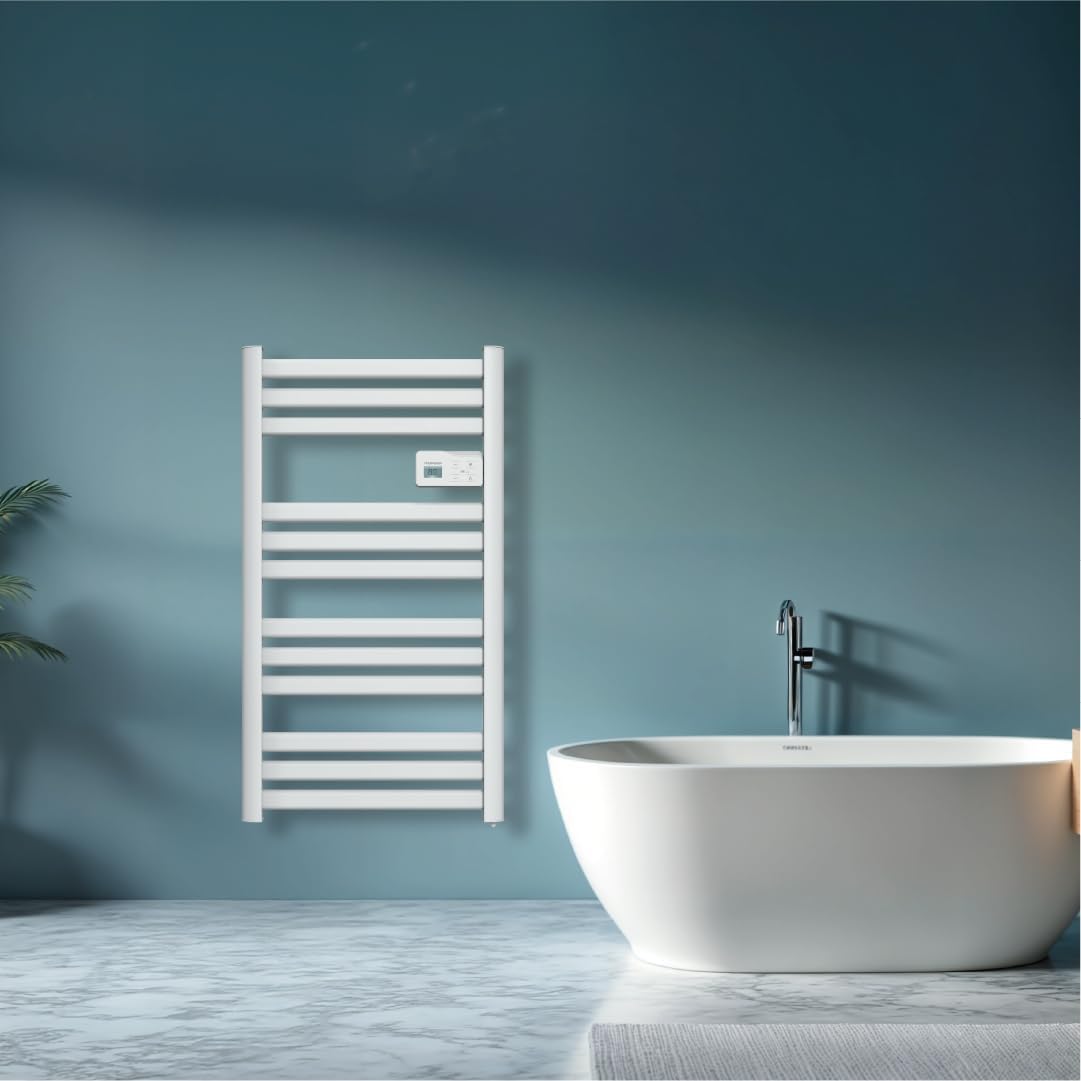
Bild: Diagram illustrating the internal fluid-free heating elements, highlighting rapid and homogeneous heat distribution and programmable thermostat.
Hauptmerkmale:
- 500 W Leistung: Efficient heating for towels and bathroom.
- Fluid-Free Technology: Ensures quick heat-up and uniform temperature across the surface.
- Wi-Fi-Konnektivität: Compatible with Tuya Smart and Smart Life applications for remote control.
- Digitales Bedienfeld: Intuitive LCD display for direct temperature and mode adjustments.
- Programmierbarer Thermostat: 7 daily pre-recorded and customizable programs.
- Fenster-Offen-Erkennung: Automatically cuts heating to save energy if a sudden temperature drop is detected.
- Kindersicherung: Verhindert unbeabsichtigte Änderungen an den Einstellungen.
4. Einrichtung und Installation
The THOMSON COSMO towel dryer is designed for wall-mounted installation. Professional installation is recommended.
4.1. Auspacken
- Carefully remove the towel dryer and all accessories from the packaging.
- Check for any damage during transit. If damaged, do not install and contact your retailer.
- Verpackung für späteren Transport oder Lagerung aufbewahren.
4.2. Montageort
- Choose a suitable wall in your bathroom, ensuring it is structurally sound to support the weight of the unit (approximately 3.9 kg).
- Ensure the location complies with local electrical safety regulations, especially regarding proximity to water sources (baths, showers, sinks).
- Maintain adequate clearance around the unit for air circulation and access.

Bild: Product dimensions and weight for installation planning.
4.3. Wandmontage
- Mark the drilling points on the wall using the provided mounting template or by measuring the bracket positions.
- Drill holes of appropriate size for the wall plugs (e.g., Molly anchors for plasterboard, as suggested by a user review).
- Insert the wall plugs and secure the mounting brackets to the wall.
- Hängen Sie den Handtuchtrockner vorsichtig an die befestigten Halterungen.
- Stellen Sie sicher, dass das Gerät waagerecht steht und fest an der Wand befestigt ist.
4.4. Elektrische Verbindung
- The appliance connects via an electrical cable. Ensure the power supply is switched off at the main circuit breaker before making any connections.
- Connect the towel dryer to a suitable electrical outlet or junction box according to local electrical codes.
- Once connected, switch on the power supply.
5. Bedienungsanleitung
The THOMSON COSMO towel dryer features an intuitive digital control panel for easy operation.
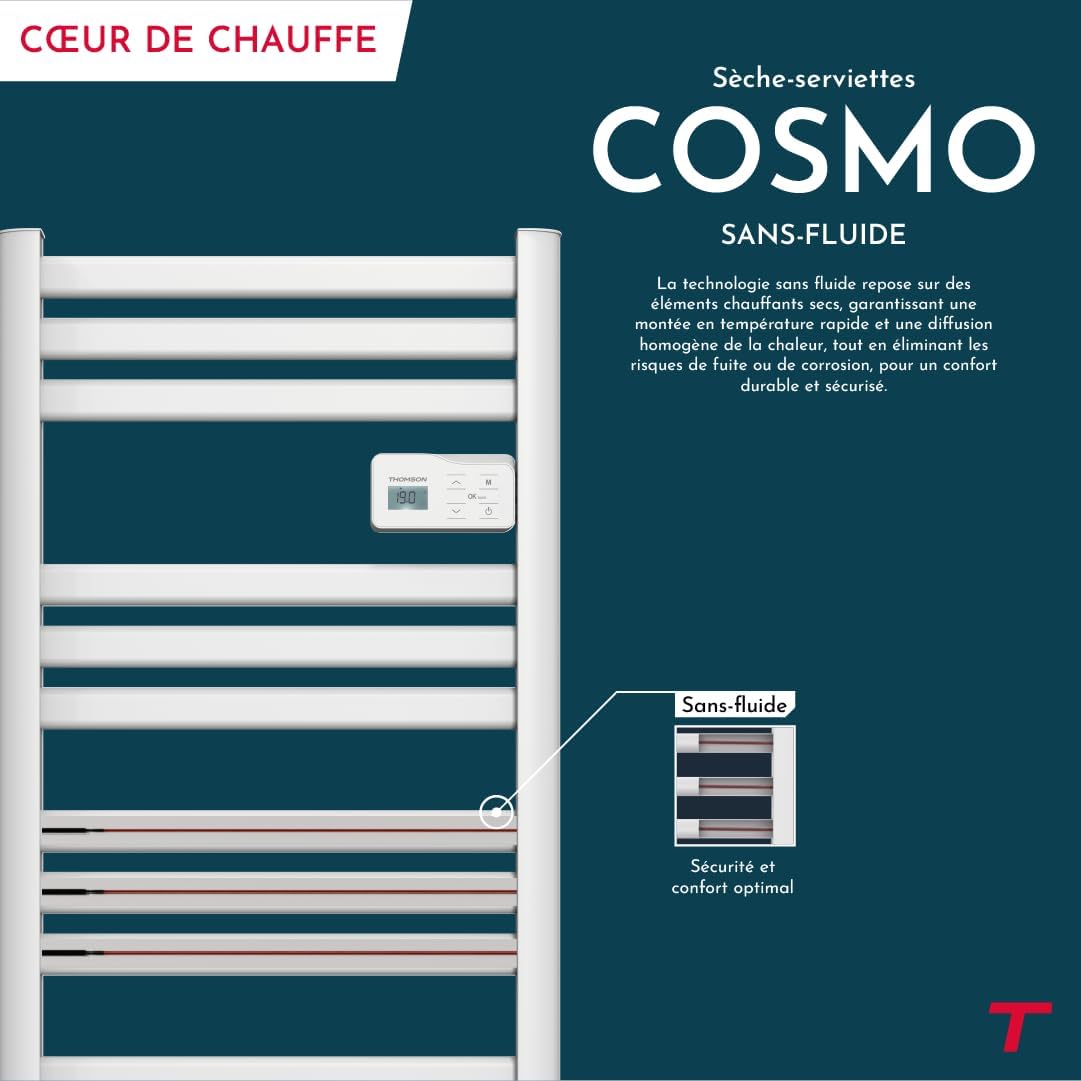
Bild: Digital control panel with LCD display and buttons for temperature adjustment and mode selection, shown with a hand pressing the power button.
5.1. Systemsteuerung überview
- LCD Anzeige: Zeigt die aktuelle Temperatur, den Modus und weitere Einstellungen an.
- Power-Taste (⏻): Schaltet das Gerät EIN/AUS.
- Auf-/Abwärtspfeile (⌃ / ⌄): Temperatureinstellungen anpassen oder in Menüs navigieren.
- Modus-Taste (M): Cycles through different operating modes (e.g., Comfort, Eco, Boost, Program).
- Menu/Confirm Button (≡): Accesses menu options or confirms selections.
5.2. Grundlegende Bedienung
- Ein-/Ausschalten: Drücke den Power Knopf (⏻) to turn the towel dryer on or off.
- Temperatur einstellen: When the unit is on, use the Up/Down arrows (⌃ / ⌄) to adjust the desired temperature. The display will show the set temperature.
- Änderungsmodus: Press the Mode button (M) to cycle through available operating modes. Refer to the full product manual for detailed descriptions of each mode (e.g., Comfort, Eco, Boost, Frost Protection).
5.3. Programmierung
The towel dryer offers 7 daily pre-recorded and customizable programs. Access the programming menu via the Menu/Confirm button (≡) and follow the on-screen instructions to set your desired heating schedules.
For a visual guide on programming, you can refer to the official video tutorial playlist:
Video: Official video tutorial playlist for THOMSON COSMO towel dryer programming and features. This playlist provides step-by-step instructions on how to set up and use various functions of your device.
6. Wi-Fi Connectivity & Smart Features
The THOMSON COSMO towel dryer can be controlled remotely via Wi-Fi using the Tuya Smart or Smart Life mobile applications.
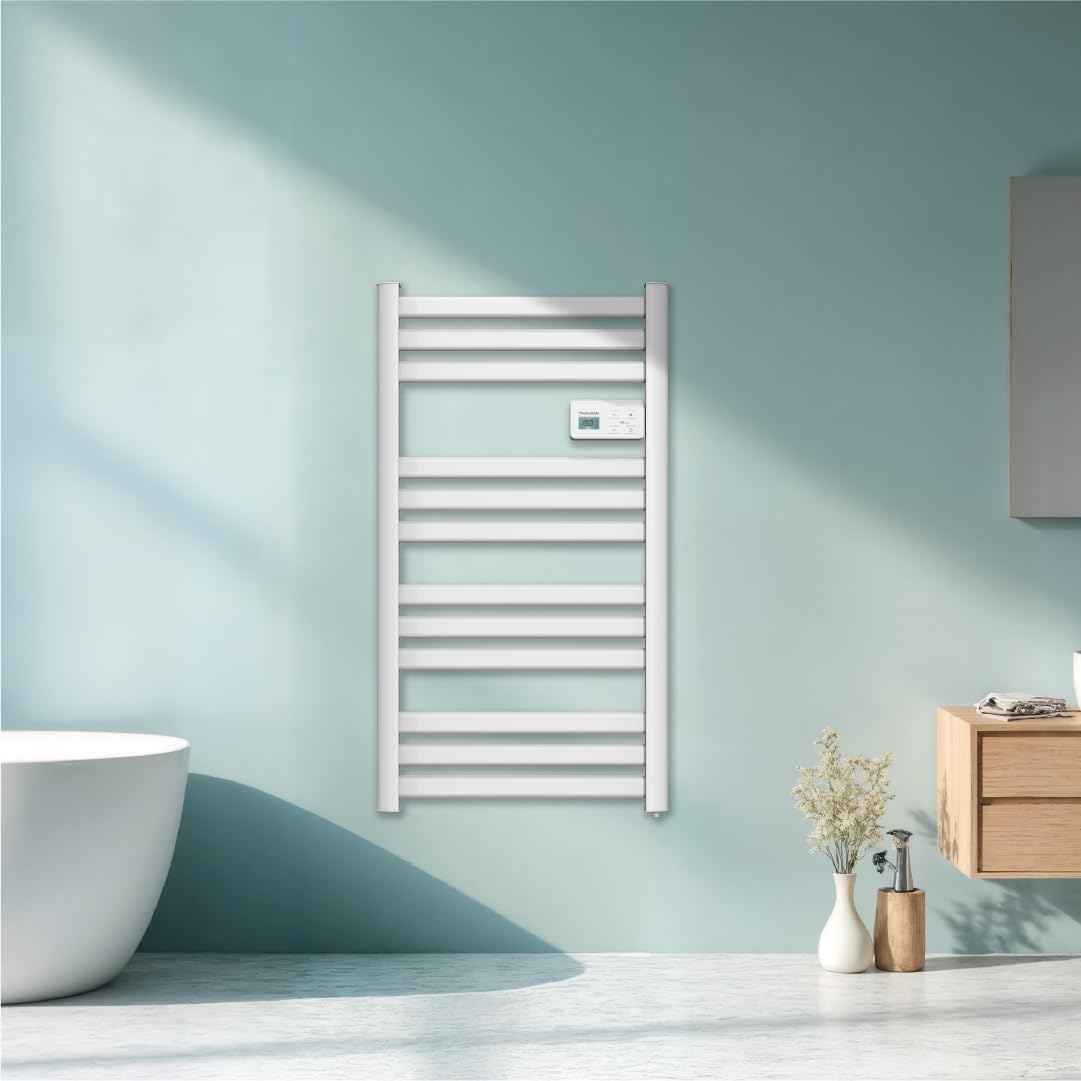
Bild: A graphic indicating the towel dryer's Wi-Fi connectivity and compatibility with the Tuya Smart application.
6.1. App-Installation und -Kopplung
- Download the "Tuya Smart" or "Smart Life" app from your smartphone's app store (Google Play Store for Android, Apple App Store for iOS).
- Registrieren Sie sich oder melden Sie sich in Ihrem Konto an.
- Ensure your towel dryer is powered on and your smartphone is connected to a 2.4 GHz Wi-Fi network.
- Tippen Sie in der App auf „Gerät hinzufügen“ oder auf das „+“-Symbol.
- Select the appropriate device category (e.g., "Heater" or "Towel Warmer").
- Follow the in-app instructions to put your towel dryer into pairing mode (usually by pressing and holding a button on the control panel until an indicator light flashes).
- Schließen Sie den Kopplungsvorgang innerhalb der App ab.
6.2. Remote Control Features
Sobald die Verbindung hergestellt ist, können Sie die App für Folgendes nutzen:
- Turn the towel dryer ON/OFF.
- Passen Sie die Temperatur an.
- Betriebsmodi ändern.
- Set and customize heating schedules.
- Monitor energy consumption (if supported by the app and device).

Bild: The Tuya Smart app interface demonstrating energy monitoring and scheduling features for connected devices.
6.3. Integration der Sprachsteuerung
The THOMSON COSMO towel dryer is compatible with voice assistants like Amazon Alexa and Google Home via the Tuya Smart/Smart Life app integration.

Bild: Logos of Amazon Alexa and Google Home, signifying that the towel dryer can be controlled using voice commands through these platforms.
- Enable the "Tuya Smart" or "Smart Life" skill/service in your Alexa or Google Home app.
- Verknüpfen Sie Ihr Tuya/Smart Life-Konto mit Ihrem Sprachassistenten-Konto.
- Discover devices. Your towel dryer should appear as a controllable device.
- Sie können nun Sprachbefehle wie die folgenden verwenden:
- "Alexa, turn on the bathroom heater."
- "Hey Google, set the bathroom heater to 22 degrees."
7. Wartung
Regular maintenance ensures the longevity and efficient operation of your THOMSON COSMO towel dryer.
7.1. Reinigung
- Trennen Sie das Gerät immer vom Stromnetz und lassen Sie es vollständig abkühlen, bevor Sie es reinigen.
- Wischen Sie die Außenflächen mit einem weichen, damp Mit einem Tuch abwischen. Verwenden Sie keine Scheuermittel, Lösungsmittel oder aggressive Chemikalien, da diese die Oberfläche beschädigen können.
- Stellen Sie sicher, dass kein Wasser in das Bedienfeld oder die elektrischen Bauteile eindringt.
- Do not use water jets or immerse the appliance in water.
7.2. Speicherung
If storing the towel dryer for an extended period, ensure it is clean and dry. Store it in a cool, dry place, preferably in its original packaging to protect it from dust and damage.
8. Fehlerbehebung
If you encounter issues with your THOMSON COSMO towel dryer, refer to the following common problems and solutions:
| Problem | Mögliche Ursache | Lösung |
|---|---|---|
| Gerät lässt sich nicht einschalten. | Keine Stromversorgung; Netzschalter nicht gedrückt; Überhitzungsschutz aktiviert. | Check power outlet and circuit breaker; Press the Power button; Unplug, let cool, then plug back in. |
| Appliance is not heating. | Temperature setting too low; Incorrect mode selected; Window open detection activated. | Increase temperature setting; Select Comfort or Boost mode; Close windows/doors. |
| Die WLAN-Verbindung schlägt fehl. | Incorrect Wi-Fi password; Not connected to 2.4 GHz network; Router too far; Device not in pairing mode. | Verify password; Connect to 2.4 GHz Wi-Fi; Move router closer or use extender; Re-enter pairing mode as per app instructions. |
| Sprachsteuerung funktioniert nicht. | App not linked to voice assistant; Device not discovered; Incorrect commands. | Ensure Tuya/Smart Life skill is enabled and linked; Re-discover devices in Alexa/Google Home app; Use correct voice commands. |
Wenn das Problem nach dem Ausprobieren dieser Lösungen weiterhin besteht, wenden Sie sich bitte an den Kundensupport.
9. Spezifikationen
| Besonderheit | Detail |
|---|---|
| Modell | COSMO |
| Marke | THOMSON (Bestherm) |
| Leistungsabgabe | 500 Watt |
| Heizmethode | Radiant, Fluid-Free Electric |
| Abmessungen (H x B x T) | 98 cm x 54 cm x 9.2 cm (38.6 Zoll x 21.3 Zoll x 3.6 Zoll) |
| Gewicht | 3.9 Kilogramm (8.6 Pfund) |
| Farbe | Weiß |
| Montagetyp | Wandmontage |
| Besondere Merkmale | Wi-Fi Compatible, Overheat Protection, Programmable Thermostat, Electronic Thermostat, Child Lock, Window Open Detection |
| Smart Home Kompatibilität | Tuya Smart, Smart Life, Amazon Alexa, Google Home |
| ASIN | B0FP2KJNLQ |
10. Garantie und Support
10.1. Garantieinformationen
Your THOMSON COSMO towel dryer comes with a manufacturer's warranty. Please refer to the warranty card included with your product for specific terms, conditions, and duration. Keep your proof of purchase for warranty claims.
10.2. Kundendienst
For technical assistance, troubleshooting beyond this manual, or warranty inquiries, please contact your retailer or the manufacturer's customer service. Contact details can typically be found on the product packaging or the manufacturer's official webWebsite.
Online-Ressourcen: For additional support and video tutorials, visit the official THOMSON website or the YouTube playlist provided in this manual.