
Bigme B6
Bigme B6 6-inch Color E-Paper E-Reader User Manual
Modell: B6
Einführung
This manual provides essential information for setting up, operating, and maintaining your Bigme B6 6-inch Color E-Paper E-Reader. The Bigme B6 is designed to offer a comfortable and versatile reading experience with its advanced E-Ink display and Android 14 operating system.

Image: Bigme B6 Color E-Reader with a nature scene on screen and a navy cover next to it, illustrating the device's color display capabilities.
Aufstellen
1. Packungsinhalt
Stellen Sie sicher, dass alle Artikel im Paket vorhanden sind:
- Bigme B6 E-Reader
- USB-C-Kabel
- Bedienungsanleitung
2. Erstes Einschalten
To power on your device for the first time, press and hold the power button located on the side of the device until the screen activates. The power button is a small, recessed button.
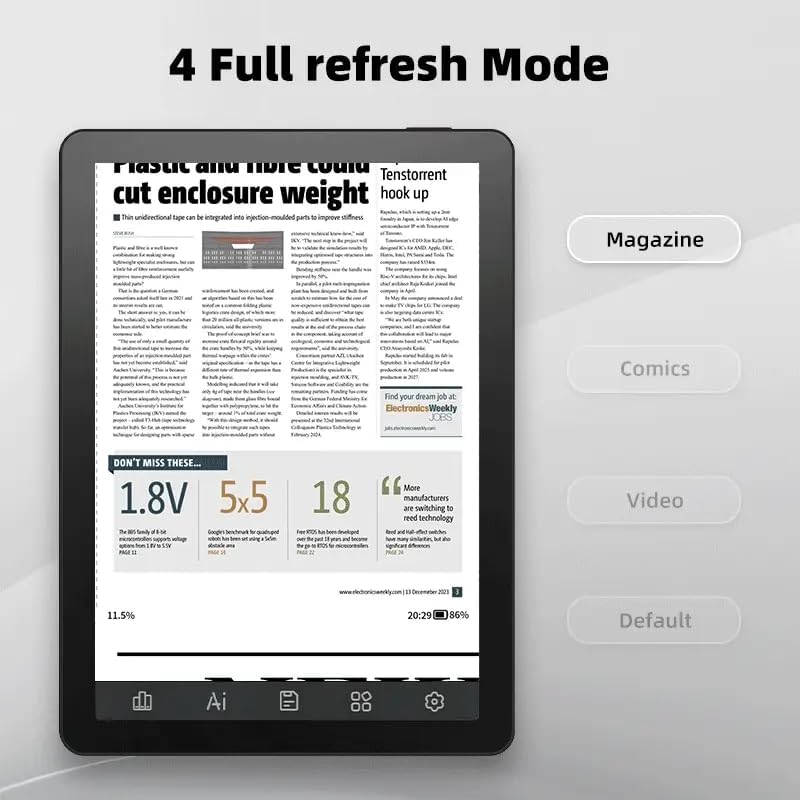
Bild: Eine Nahaufnahme view of the Bigme B6 E-Reader's side, highlighting the USB-C port for charging and data transfer, the built-in microphone, the microSD card slot for expandable storage, and the power button.
3. Grundkonfiguration
Follow the on-screen prompts to select your preferred language, connect to a Wi-Fi network, and complete the initial setup process. A stable Wi-Fi connection is recommended for software updates and content downloads.
Operating Your E-Reader
Anzeigefunktionen
The Bigme B6 features a 6.3-inch E-Ink display designed for eye comfort. It includes virtual buttons to maximize screen space, allowing for seamless navigation by touching, swiping, or pressing invisible areas.
- Verstellbares Frontlicht: Enjoy 36 levels of manually adjustable cold and warm light to suit any reading environment, reducing eye strain.
- Ghosting Elimination: The device incorporates Bigme's automatic ghosting elimination algorithm, which reduces power consumption during updates while enhancing the viewing experience for comics, web browsing, and video streaming.
- Eye-Friendly Reading: The display is flicker-free and reduces blue light, certified by TÜV Rheinland for fatigue-free reading.
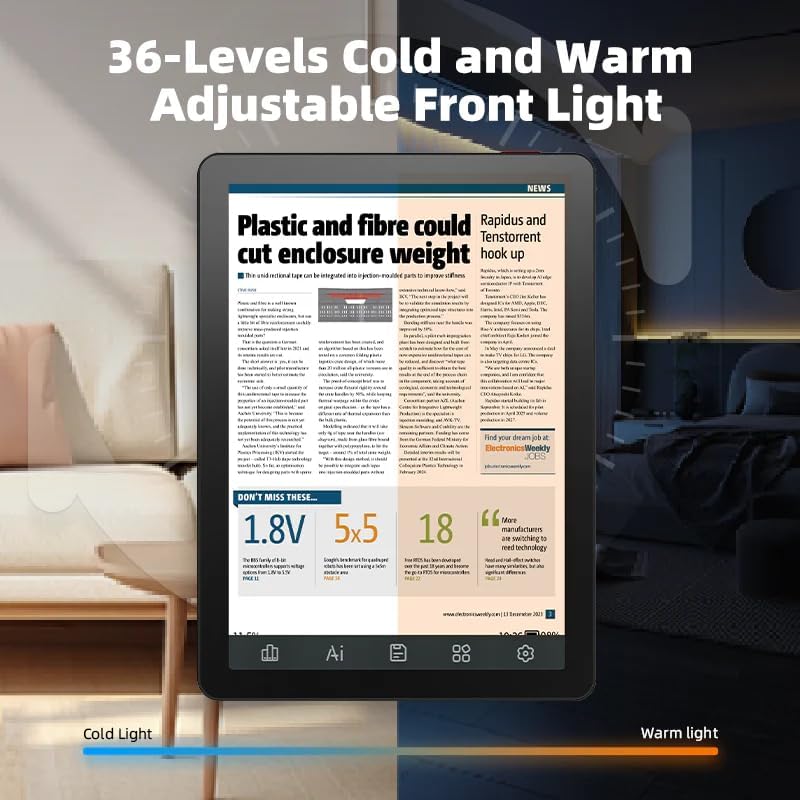
Image: The Bigme B6 E-Reader demonstrating its 36-level adjustable front light, with one side showing a cool light setting and the other a warm light setting for optimal reading comfort.

Image: A user holding the Bigme B6 E-Reader, emphasizing its eye-friendly features such as zero blue light, flicker-free display, and TÜV Rheinland certification for comfortable reading.
Navigation and Interaction
The device offers intuitive navigation through its touch screen and customizable touch buttons. The open Android 14 OS supports various third-party applications and features like OCR (Optical Character Recognition) to enhance usability.
- Customizable Touch Buttons: Virtual buttons provide more display area and less distraction, allowing you to customize their functions for quick access.
- Aktualisierungsmodi: Multiple refresh modes are available to optimize the display for different content types, including magazines, comics, and videos.
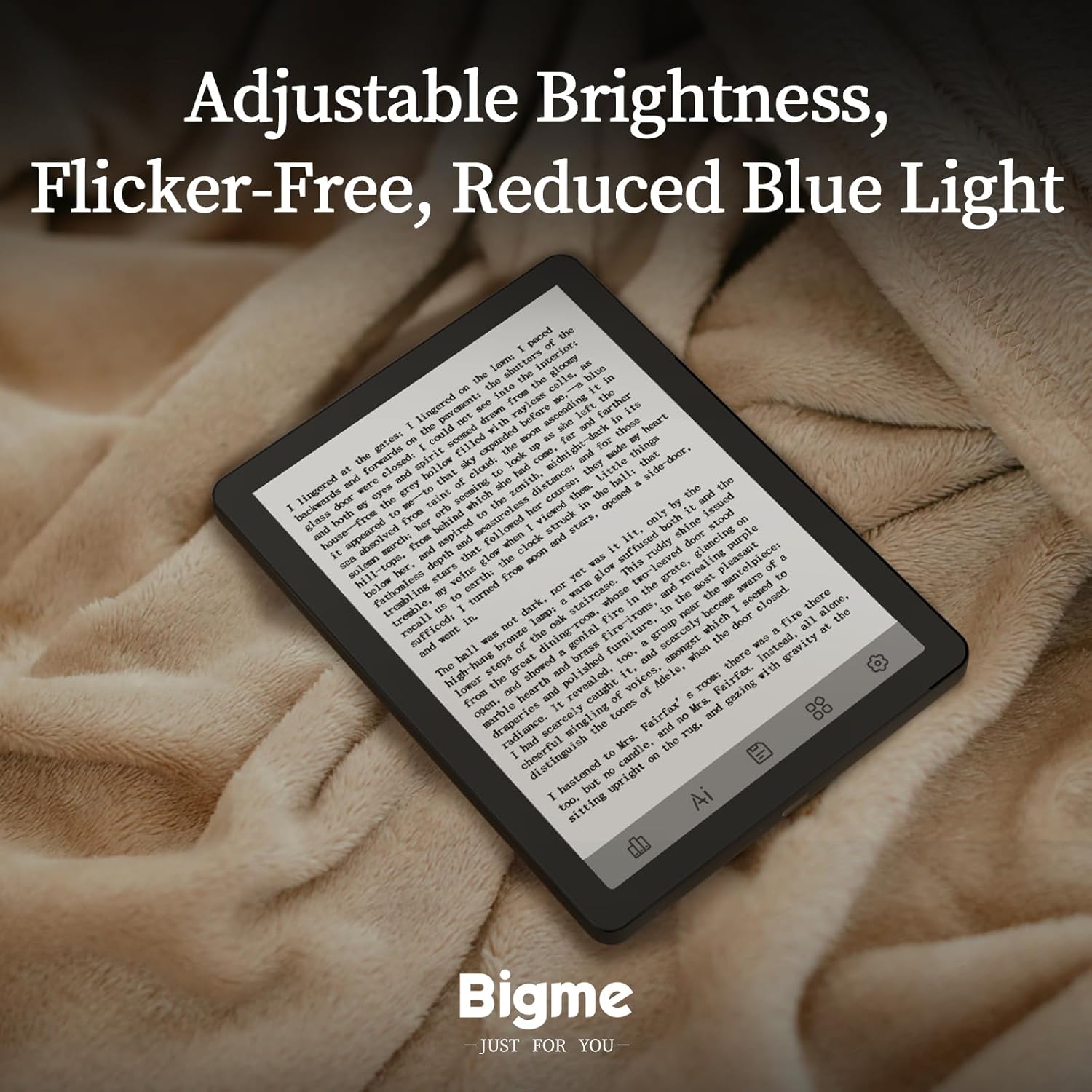
Image: The Bigme B6 E-Reader displaying its file management screen, illustrating the customizable virtual touch buttons at the bottom for enhanced user interaction and a less cluttered display.

Image: The Bigme B6 E-Reader displaying a news article, with a sidebar showing options for different refresh modes (Magazine, Comics, Video, Default) to optimize content viewing.
Reading and Media
The Bigme B6 supports a wide range of e-book formats, allowing you to expand your library without file conversion. It also offers features to enhance your reading and listening experience.
- Unterstützte Formate: PDF, TXT, EPUB, EPUB3, HTML, HTM, AZW3, FB2, OEB, CBR, RPC, RTF, DJVU, ZIP.
- Hervorhebung: Easily highlight and color-code book passages with a simple tap.
- Hörbücher: Connect via Bluetooth wireless technology to listen to audiobooks, freeing your hands for other activities.

Image: A user interacting with the Bigme B6 E-Reader, tapping the screen to highlight and color-code text passages within a book.

Image: The Bigme B6 E-Reader showing an audiobook playback interface, positioned next to white wireless earbuds, demonstrating its support for audiobooks via Bluetooth.
Wartung
Aufladen des Geräts
To charge your Bigme B6, connect the provided USB-C cable to the device's USB-C port and plug the other end into a compatible power adapter or computer. The device features a Lithium-ion battery.
Reinigen des Bildschirms
Use a soft, lint-free cloth to gently wipe the screen. Avoid using harsh chemicals or abrasive materials, as these can damage the E-Ink display.
Wasserbeständigkeit
The Bigme B6 is designed to be dust-resistant and water-resistant. While it can withstand splashes, avoid submerging the device in water for extended periods.
Fehlerbehebung
Gerät reagiert nicht
If the device is unresponsive, try performing a soft reset by pressing and holding the power button for approximately 10-15 seconds until the device restarts.
Bildschirm-Geisterbilder
While the Bigme B6 has an advanced ghosting elimination algorithm, minor ghosting may occasionally occur. This is normal for E-Ink displays. A full screen refresh (often triggered automatically or manually through settings) will typically resolve this.
Verbindungsprobleme
If you experience issues with Wi-Fi or Bluetooth connectivity, ensure the device is within range of the network/device and that the respective functions are enabled in the settings. Restarting the device or the router/Bluetooth accessory may also help.
Technische Daten
| Besonderheit | Detail |
|---|---|
| Marke | Bigme |
| Modellname | B6 |
| Display-Technologie | Elektronische Tinte |
| Bildschirmgröße | 6 inches (6.3" virtual display area) |
| Bildschirmauflösung | 1024 x 768 |
| Speicherkapazität | 64 GB |
| RAM | 4 GB |
| Betriebssystem | Android 14 Betriebssystem |
| Konnektivitätstechnologie | USB |
| Besondere Merkmale | Dust Resistant, Adjustable Front Light (36 levels cold/warm), OCR Function |
| Akku-Typ | Lithium-Ionen |
| Artikelabmessungen (L x B x H) | 15 x 0.7 x 11 cm |
| Artikelgewicht | 176 Gramm |
| Unterstützt File Formate | EPUB, MOBI, PDF, TXT, DOC/DOCX, HTML/HTM, AZW3, FB2, OEB, CBR, RPC, RTF, DJVU, ZIP |
Garantie und Support
Garantieinformationen
The Bigme B6 E-Reader comes with a 1 Jahr Garantie Diese Garantie gilt ab Kaufdatum und deckt Herstellungsfehler sowie Funktionsstörungen bei normalem Gebrauch ab. Bitte bewahren Sie Ihren Kaufbeleg für Garantieansprüche auf.
Kundenservice
For technical assistance, troubleshooting, or warranty inquiries, please refer to the contact information provided in your product packaging or visit the official Bigme webSite für Supportressourcen.
Ask a question about this manual
Ask about setup, troubleshooting, compatibility, parts, safety, or missing instructions. Manuals+ will review the question and use this page’s manual context to help answer it.