
1. Einleitung
The BSIDE HX2 is an advanced infrared thermal imaging camera designed for precise temperature measurement and fault detection. It features a 320x240 pixel resolution, a wide temperature measurement range, and a high frame rate for clear and accurate thermal analysis. This manual provides essential information for the safe and effective operation, setup, and maintenance of your device.
2. Produktüberschreitungview
The BSIDE HX2 camera integrates several features to enhance thermal imaging capabilities, including dual-light fusion, multiple color palettes, and data storage.

Figure 2.1: BSIDE HX2 Thermal Imaging Camera. This image illustrates the device's ability to visualize defects, offering clearer images and more accurate temperature measurements through infrared thermal imaging. Key features include dual-light fusion, 240x320 pixel heat map resolution, 15 pseudo-color modes, built-in 4GB memory, and data export support. Examples of applications like circuit board inspection, building floor heating, electrical equipment, and building pipeline analysis are shown.
Hauptmerkmale:
- Dual-light Fusion: Combines thermal imaging with visible light for enhanced detail.
- Hohe Auflösung: 320x240 IR resolution for detailed thermal maps.
- Großer Temperaturbereich: Messbereich: -4°F bis 1022°F (-20°C bis 550°C).
- Schnelle Bildrate: 25 Hz for smooth real-time temperature monitoring.
- Temperaturalarme: Configurable high/low temperature alarms.
- 15 Pseudo-Color Modes: Various color palettes for different visualization needs.
- Eingebauter Speicher: 4GB internal storage for up to 26,000 BMP image files.
- Datenexport: Connects via USB to a computer for data transfer.
- Weitwinkelobjektiv: 50°x50° lens for a broader field of view.
- Langlebiges Design: Sturdy, wear-resistant, and durable casing with IP54 protection and 1.5m drop resistance.
3. Einrichtung
3.1 Einlegen und Laden der Batterie
The BSIDE HX2 camera comes with a built-in Lithium-ion battery. Ensure the device is fully charged before first use. Connect the camera to a power source using the provided USB cable. The charging indicator will show the charging status.
3.2 Erstes Einschalten
Press and hold the power button (usually marked with a power symbol) until the screen illuminates. The device will perform a self-check before displaying the thermal image.
4. Bedienungsanleitung
4.1 Ein-/Ausschalten
- So schalten Sie das Gerät ein: Press and hold the power button until the display activates.
- So schalten Sie das Gerät aus: Press and hold the power button until the shutdown sequence initiates and the screen turns off.
4.2 Temperaturmessmodi
The camera offers multiple temperature measurement modes for real-time monitoring.

Figure 4.1: Cold and Hot Spot Tracking. This image demonstrates the camera's ability to track the lowest temperature point (cold spot), the highest temperature point (hotspot), and display the center point temperature, providing comprehensive real-time temperature monitoring.
- Center Point Measurement: Zeigt die Temperatur in der Mitte des Bildschirms an.
- Highest Temperature Point (Hotspot): Automatically identifies and displays the maximum temperature within the field of view.
- Lowest Temperature Point (Cold Spot): Automatically identifies and displays the minimum temperature within the field of view.
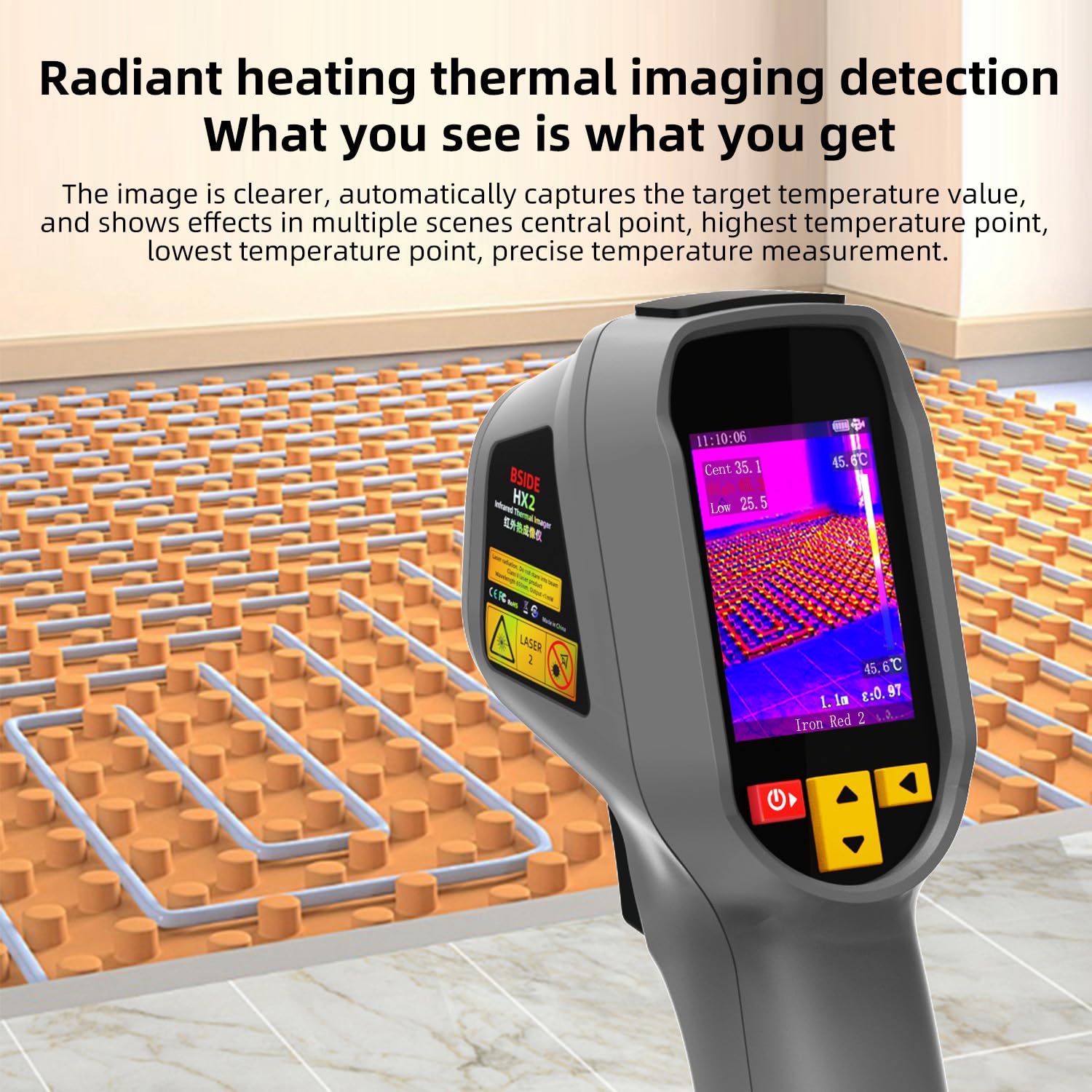
Figure 4.2: Radiant Heating Thermal Imaging Detection. This image illustrates how the camera provides clear images, automatically captures target temperature values, and shows effects in multiple scenes, including central point, highest temperature point, and lowest temperature point for precise temperature measurement.
4.3 Farbpaletten
The BSIDE HX2 offers 15 types of color palette patterns to visualize temperature differences effectively. These can be switched quickly using dedicated keys.

Figure 4.3: Color Palette Selection. This image displays the variety of 15 color palette patterns available, such as Fusion1, Black hot, White hot, Deep blue, Red hot, Green hot, Rain, Ice and fire, Colour1, Colour2, Dark brown, Iron red1, Iron red2, and Rainbow. It also shows the settings menu for selecting these palettes and other display options.
4.4 Datenexport
The camera includes a built-in 4GB memory card capable of storing approximately 26,000 BMP image files. Data can be exported to a computer via a USB connection.

Figure 4.4: Data Export via USB. This image shows the BSIDE HX2 connected to a laptop via USB, demonstrating the process of exporting images stored on the built-in 4GB memory card. The camera supports BMP image format.
4.5 Weitwinkelobjektiv
The 50°x50° wide-angle lens allows for a larger distance and a wider field of view, making it suitable for scanning larger areas efficiently.
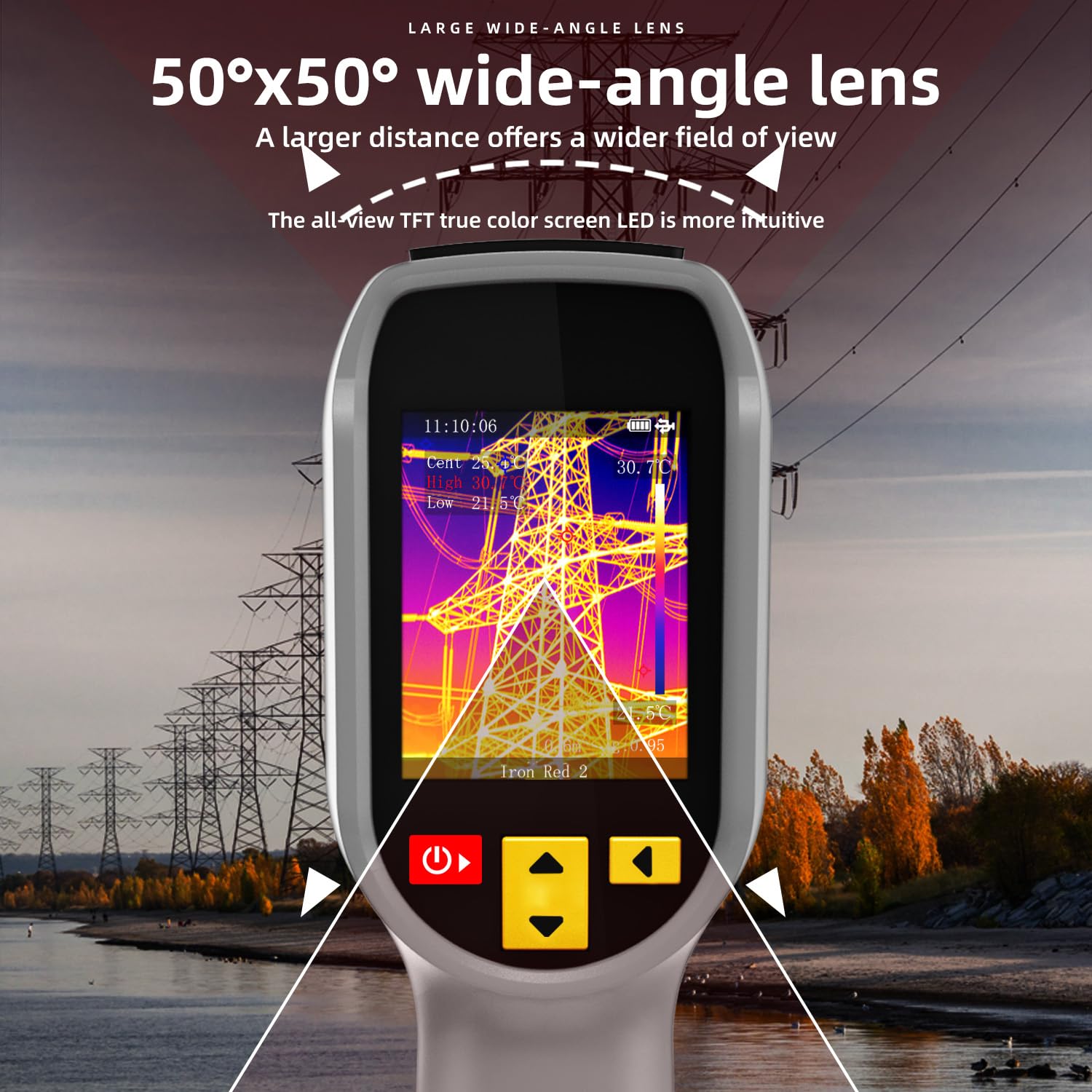
Figure 4.5: Wide-Angle Lens. This image illustrates the benefit of the 50°x50° wide-angle lens, providing a broader field of view for comprehensive thermal inspection, such as power lines.
5. Wartung
5.1 Gerät reinigen
Regularly clean the camera body with a soft, dry cloth. For the lens, use a specialized lens cleaning cloth and solution to avoid scratches. Do not use abrasive cleaners or solvents.
5.2 Speicherung
Bewahren Sie die Kamera an einem kühlen, trockenen Ort, geschützt vor direkter Sonneneinstrahlung und extremen Temperaturen, auf. Stellen Sie sicher, dass der Akku teilweise geladen ist, wenn Sie die Kamera längere Zeit lagern.
5.3 Haltbarkeit
The camera features a high-quality double injection molded casing, making it sturdy, wear-resistant, and durable. It has an IP54 protection level and is designed to withstand drops from up to 1.5 meters.
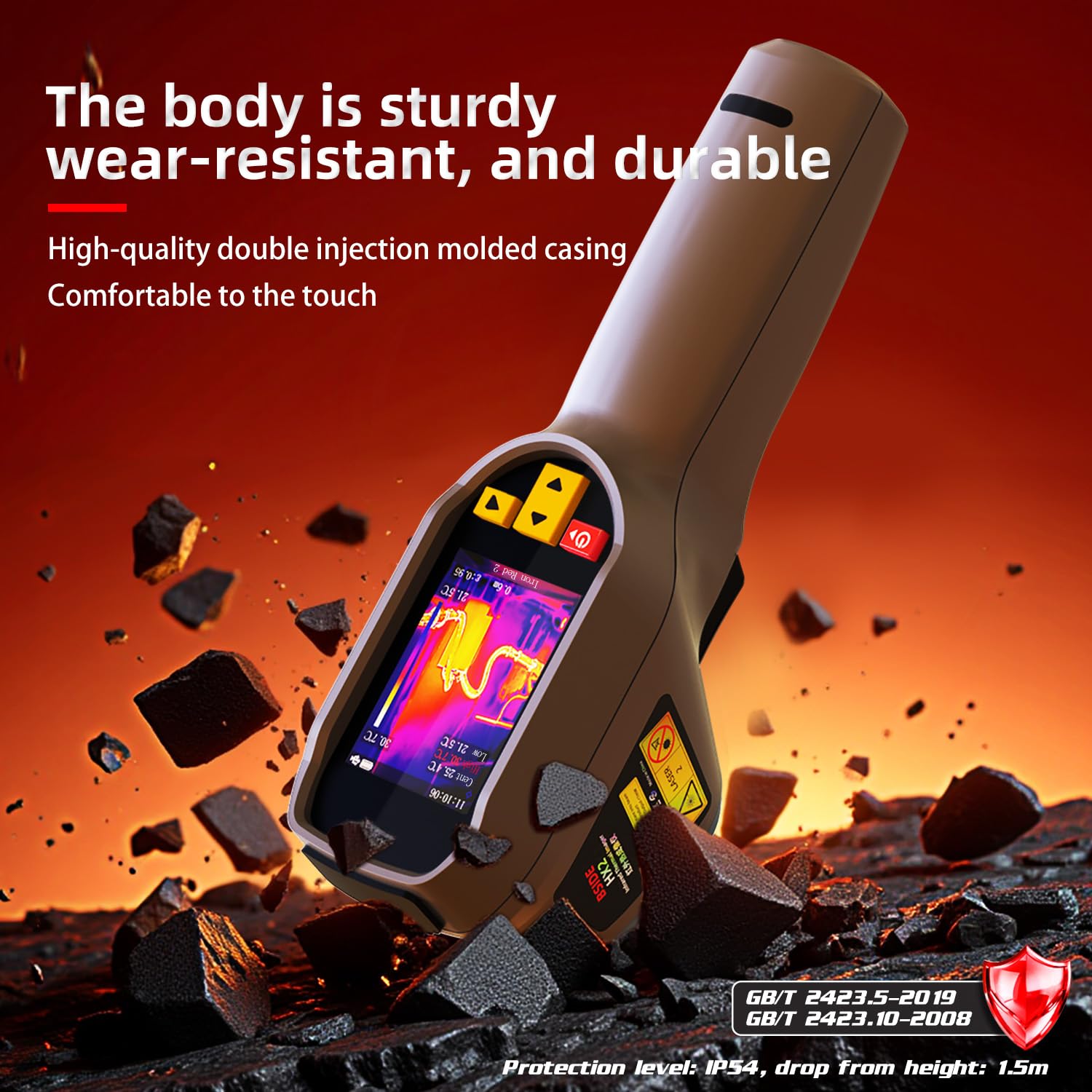
Figure 5.1: Durable Construction. This image highlights the sturdy, wear-resistant, and durable body of the BSIDE HX2, featuring a high-quality double injection molded casing for comfortable handling and enhanced protection, including IP54 rating and 1.5m drop resistance.
6. Fehlerbehebung
This section addresses common issues you might encounter with your BSIDE HX2 thermal imaging camera.
- Gerät lässt sich nicht einschalten: Stellen Sie sicher, dass der Akku geladen ist. Schließen Sie das Gerät an eine Stromquelle an und versuchen Sie es erneut. Sollte das Problem weiterhin bestehen, wenden Sie sich bitte an den Support.
- Das Bild erscheint verschwommen oder undeutlich: Clean the lens with a soft, lint-free cloth. Ensure the focus is adjusted correctly if your model supports manual focus.
- Ungenaue Temperaturmesswerte: Verify the emissivity setting is appropriate for the material being measured. Ensure the measurement distance is within the recommended range.
- Daten können nicht exportiert werden: Ensure the USB cable is securely connected to both the camera and the computer. Check if the camera is in data transfer mode (if applicable).
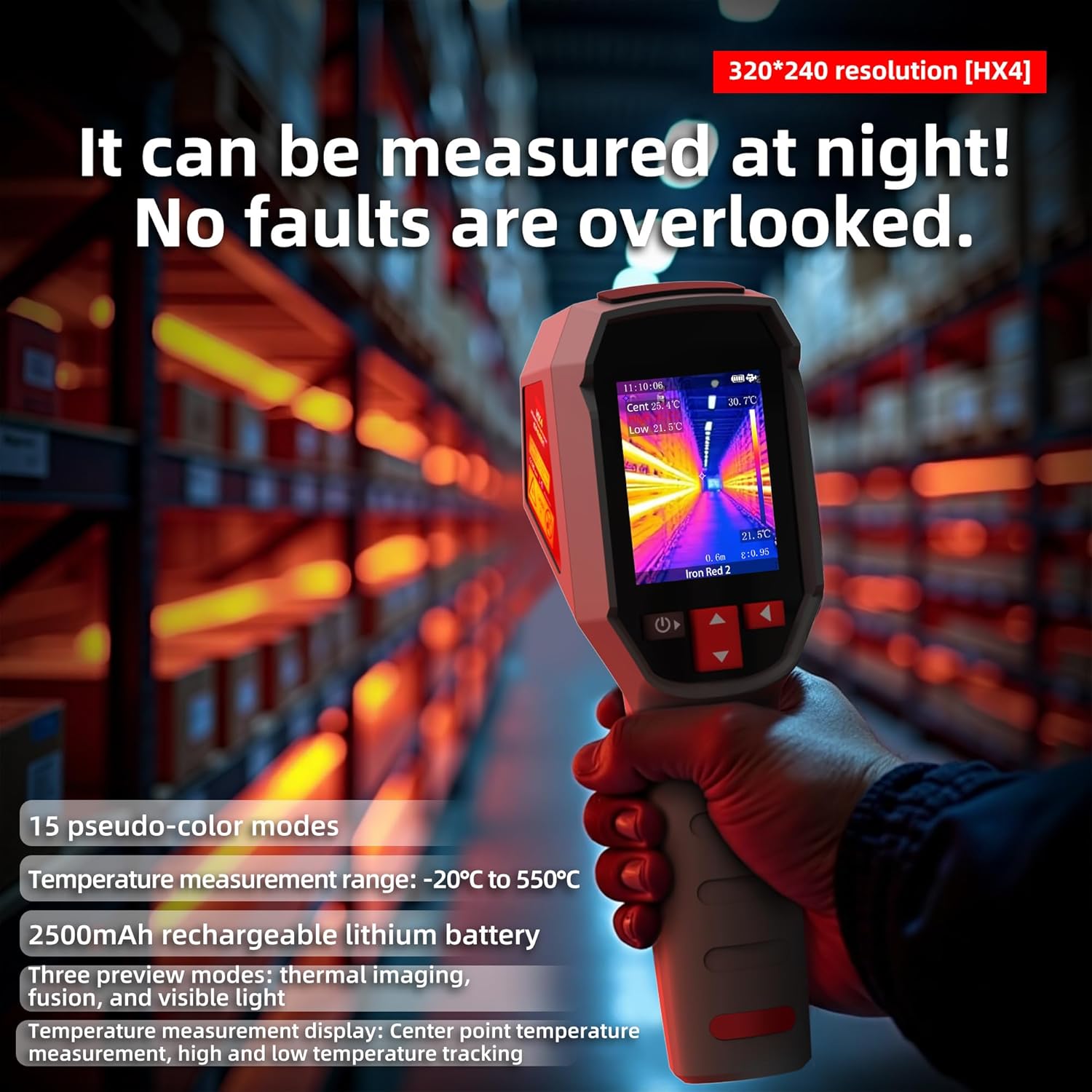
Figure 6.1: Night Measurement Capability. This image emphasizes the camera's ability to measure effectively at night, ensuring no faults are overlooked. It also highlights the 320*240 resolution, 15 pseudo-color modes, -20°C to 550°C temperature measurement range, 2500mAh rechargeable lithium battery, and three preview modes: thermal imaging, fusion, and visible light.
7. Spezifikationen
| Hersteller | BSIDE |
| Modellnummer | HX2 |
| Produktabmessungen (L x B x H) | 5.94 x 7.74 x 19.34 cm |
| Artikelgewicht | 280 Gramm |
| Akku-Typ | 1 Lithium-Ionen-Akku (im Lieferumfang enthalten) |
| Thermische Auflösung | 320 x 240 Pixel |
| Temperaturbereich | -4°F bis 1022°F (-20°C bis 550°C) |
| Bildfrequenz | 25 Hz |
| Erinnerung | Built-in 4GB (approx. 26,000 BMP images) |
| Schutzstufe | IP54 |
| Fallfestigkeit | 1.5 Meter |
8. Garantie und Support
Information regarding specific warranty terms and availability of spare parts is not provided in the product details. For technical support or service inquiries, please refer to the contact information provided with your purchase or visit the official BSIDE webWebsite.